Give a discount on an invoice
On this page
A client is granted 10 % off a file, or a round 3,500.00 off the fees of a month. Total Discount applies one discount to the whole invoice and writes it on every line, so the totals, the taxes and the accounting stay consistent. A discount can also be given on one line only.
Before you start
- You need the Invoicing access right on Accounting.
- The invoice is a draft: Total Discount is read-only once the invoice is confirmed.
A percentage off the whole invoice
- Open the draft invoice from . Total Discount sits under the lines, before the terms and the totals; Percentage is chosen by default.
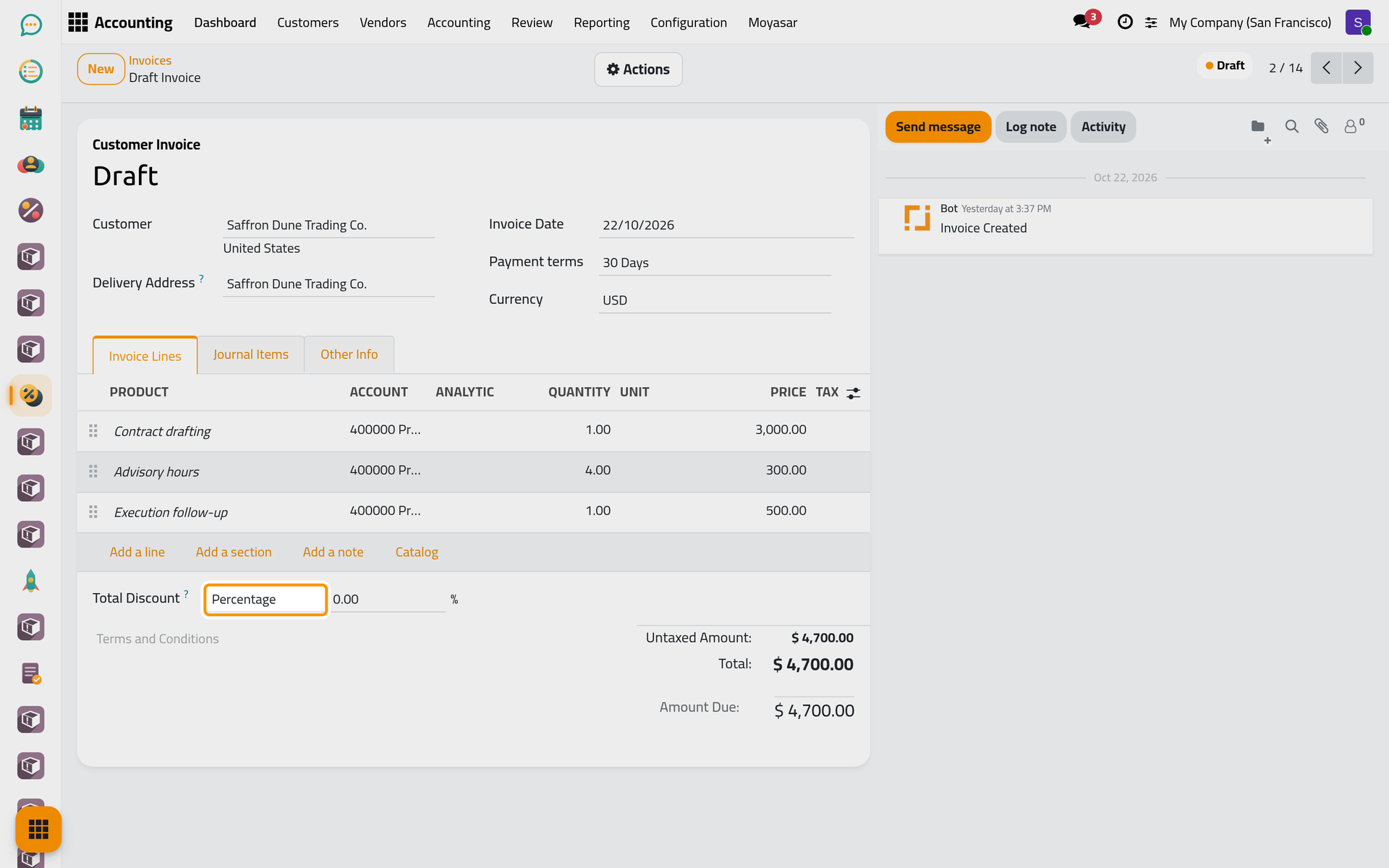
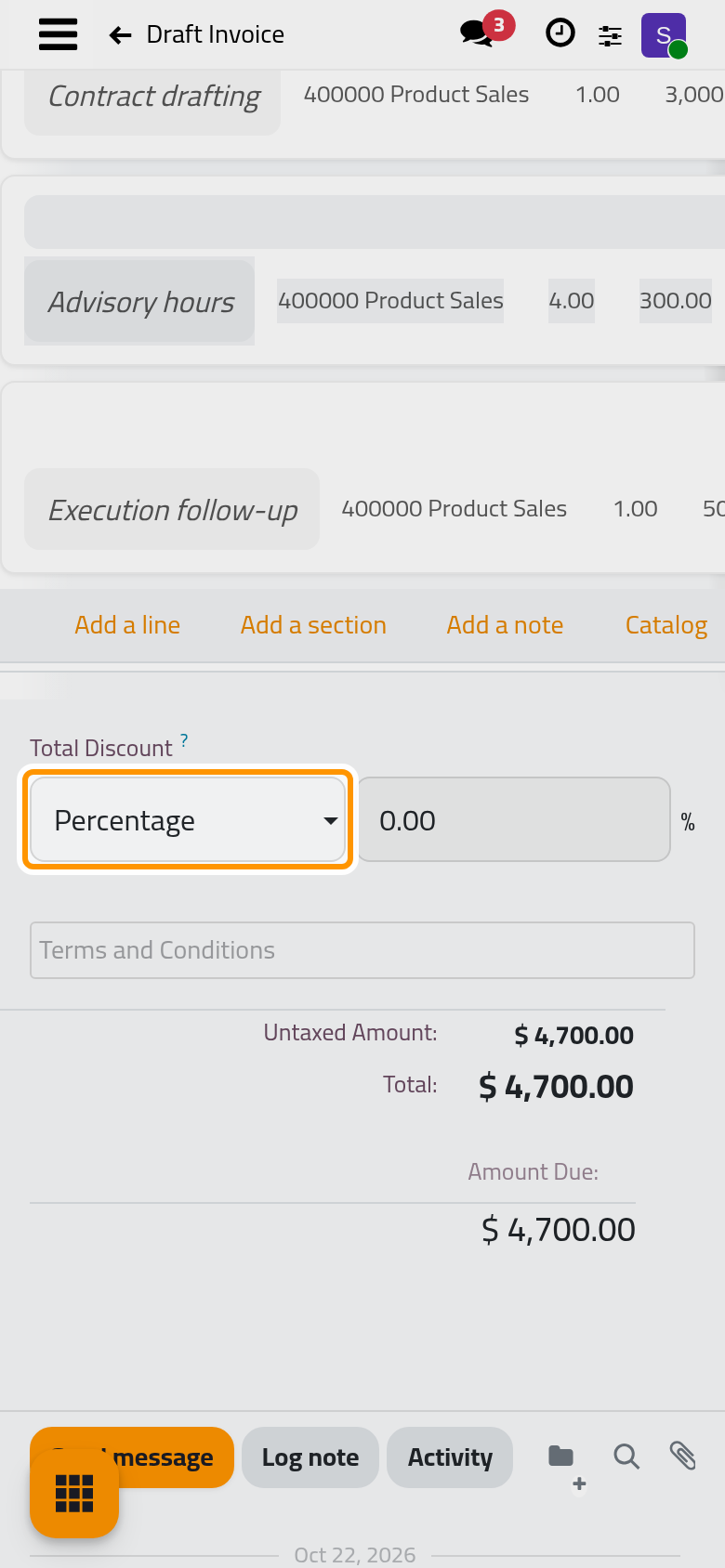
- Type the percentage in the box before the % sign, here 10, and press Enter. A yellow note appears: When a total discount is set, line-level discounts are managed automatically. The totals drop by 10 %.
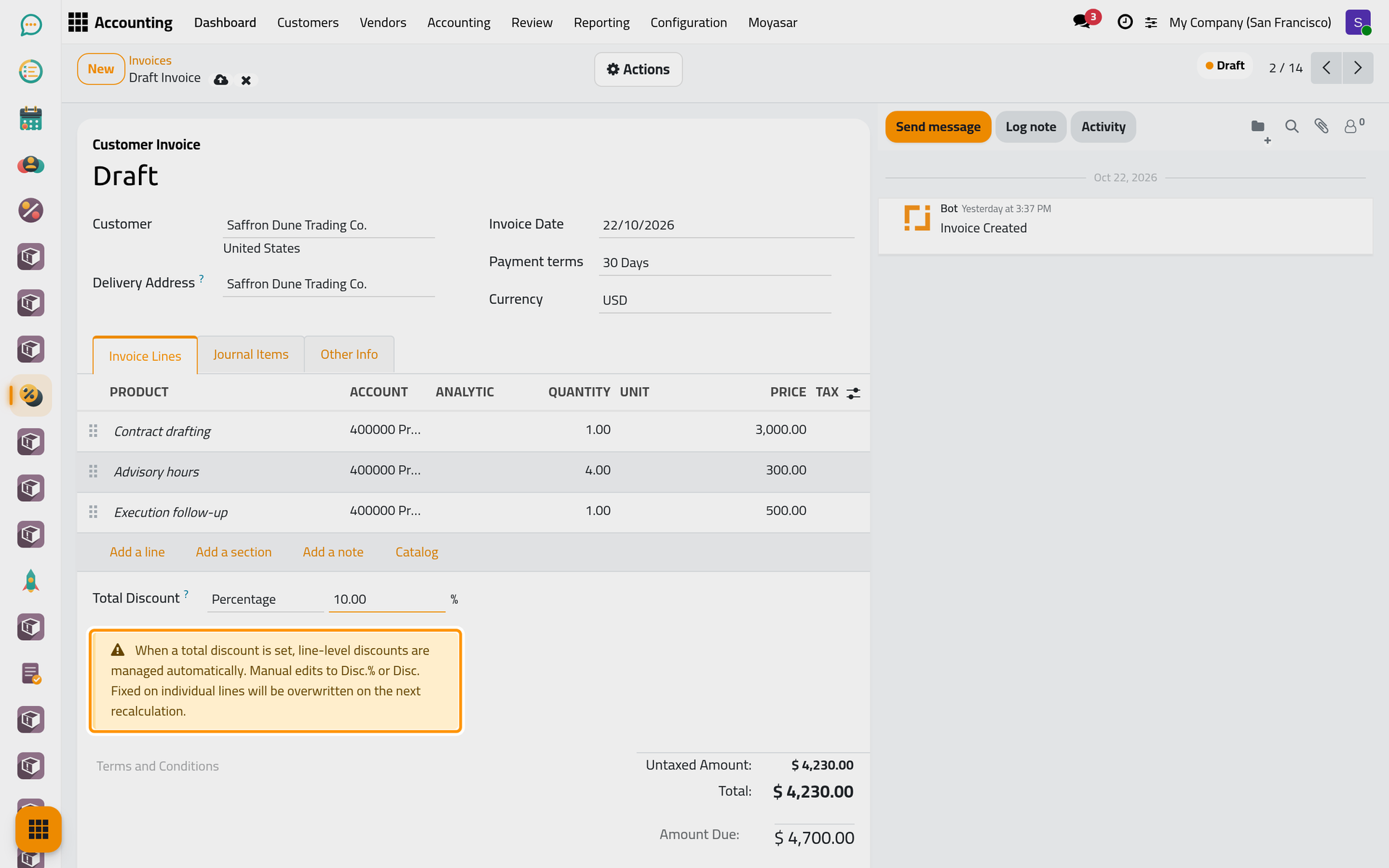
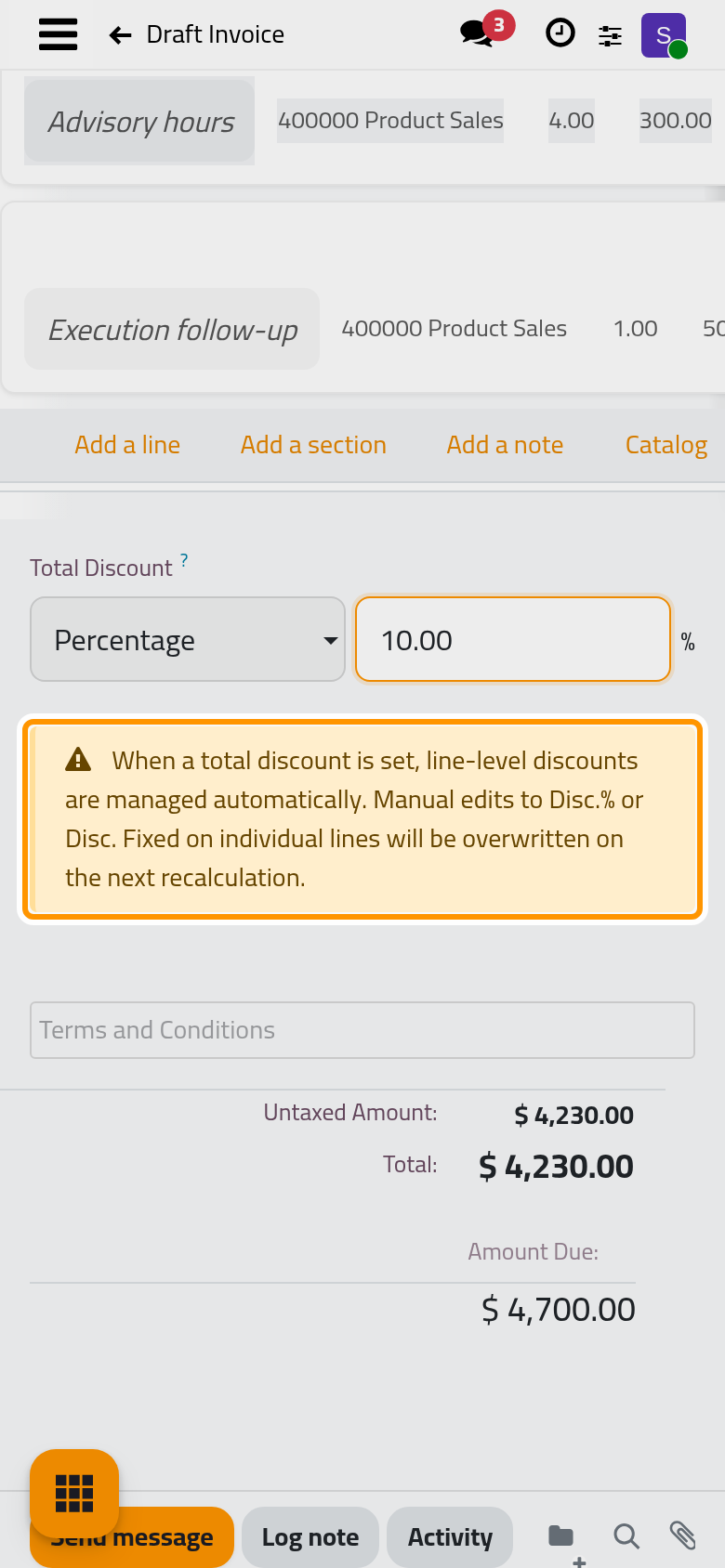
A percentage above 100 is brought back to 100.
See the discount on the lines
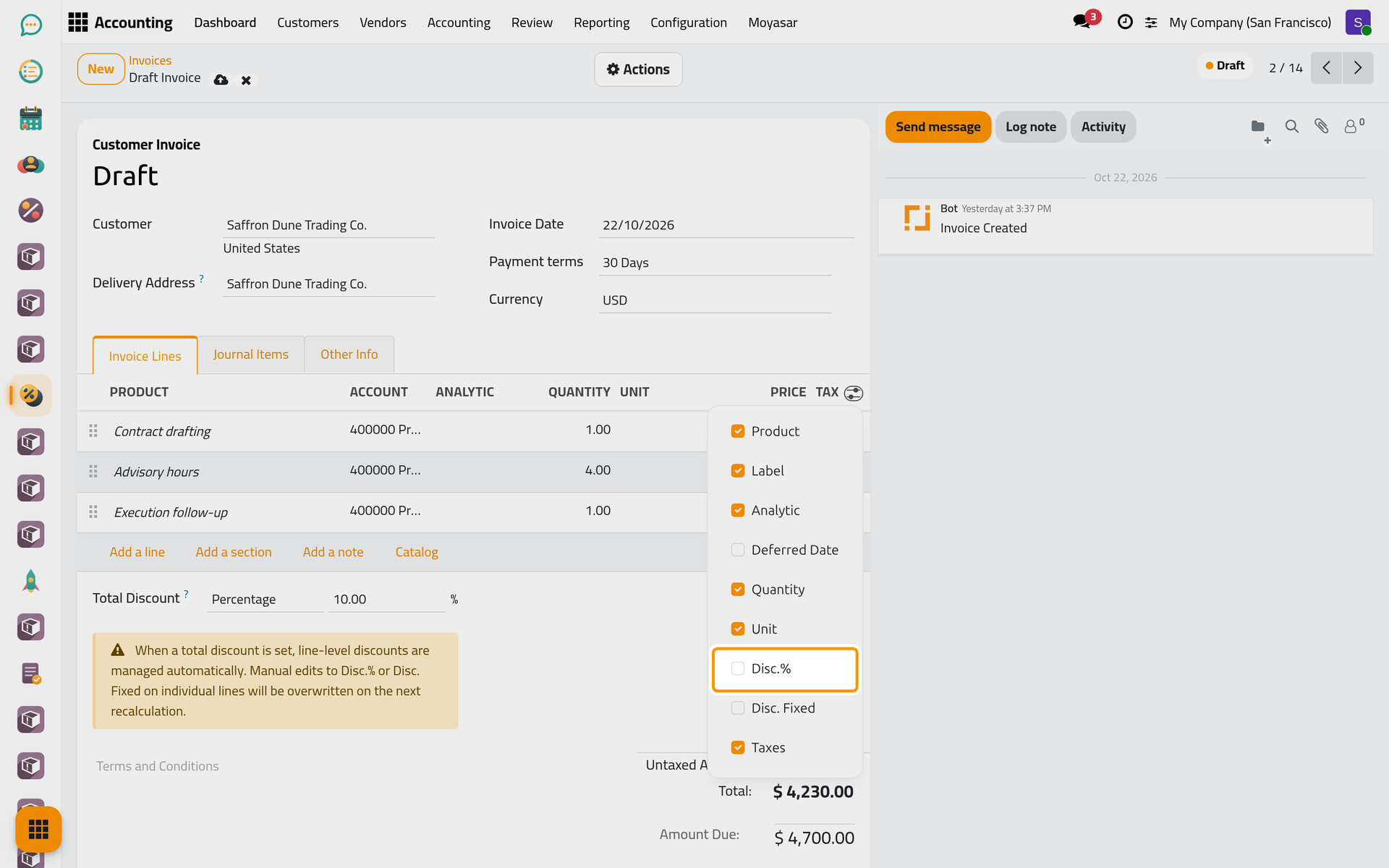
The discount columns of the lines are hidden at first. Click the column chooser at the right end of the lines header and tick Disc.% and Disc. Fixed. Unticking Analytic and Unit in the same list makes room for them on a narrow screen.
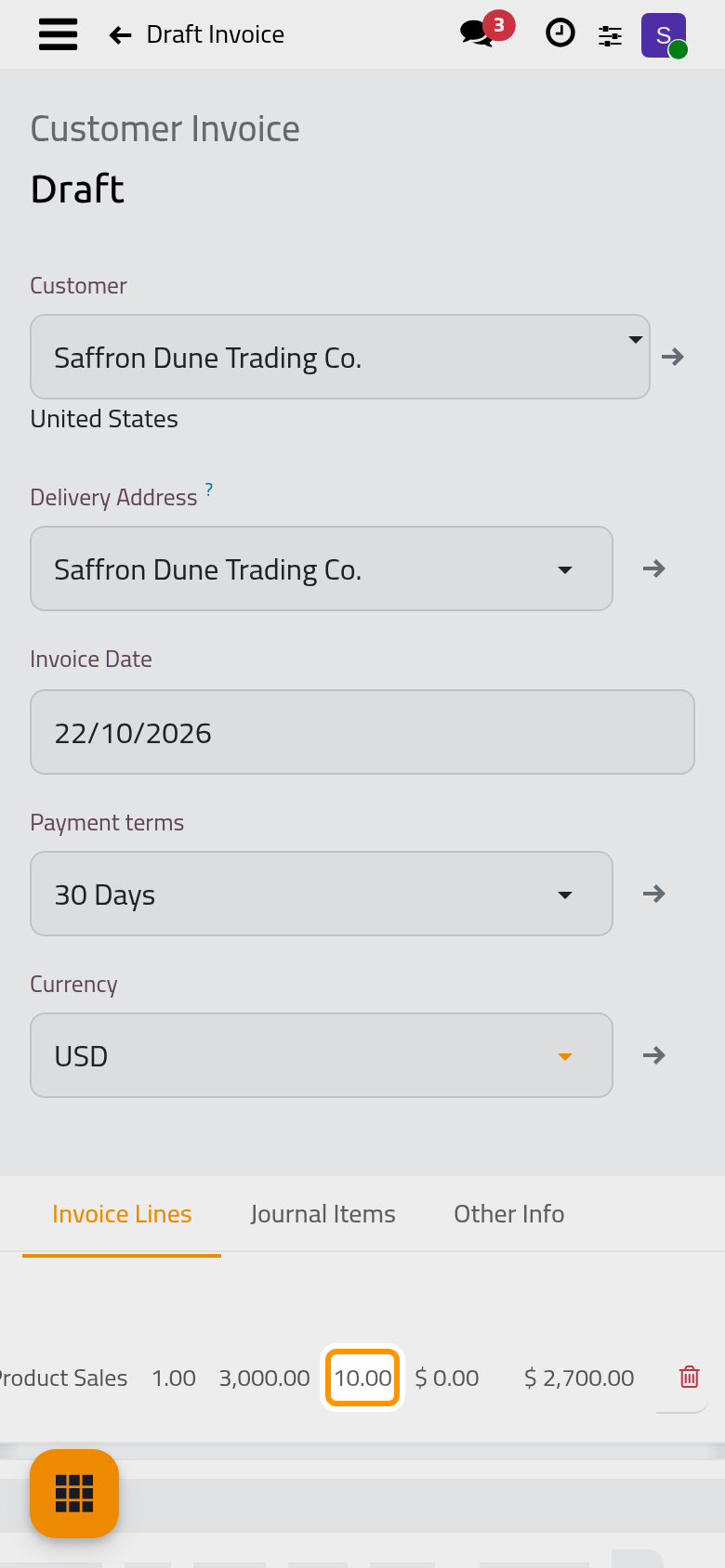
On a phone, the column chooser is not shown: open the invoice on a larger screen to see the discount columns. The chosen columns are remembered by the browser in which they were chosen.
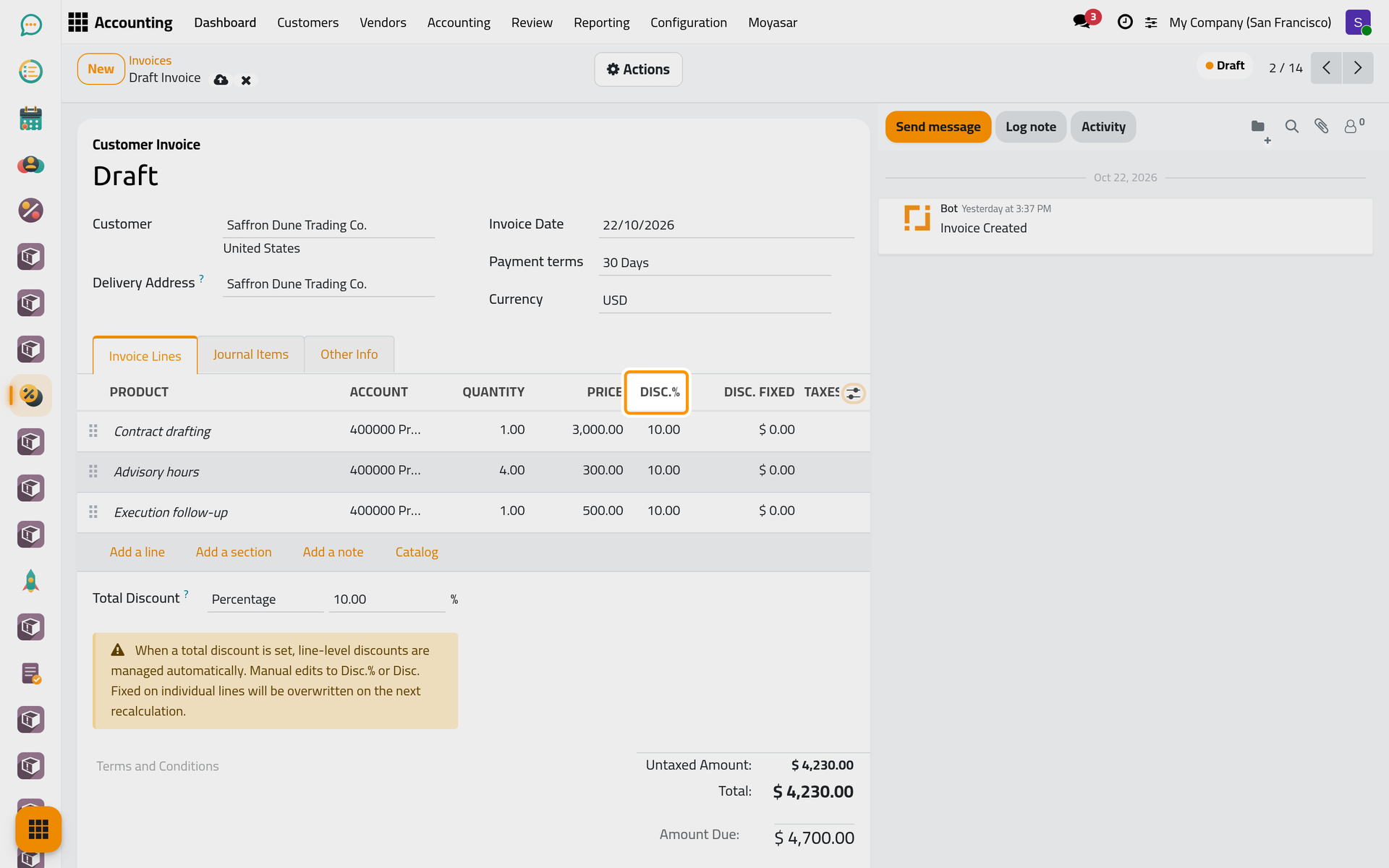
Every line now carries the same 10.00 in Disc.%, and its Amount is reduced accordingly.
A fixed amount off the whole invoice
- Choose Fixed in place of Percentage. The box now takes an amount in the invoice currency.
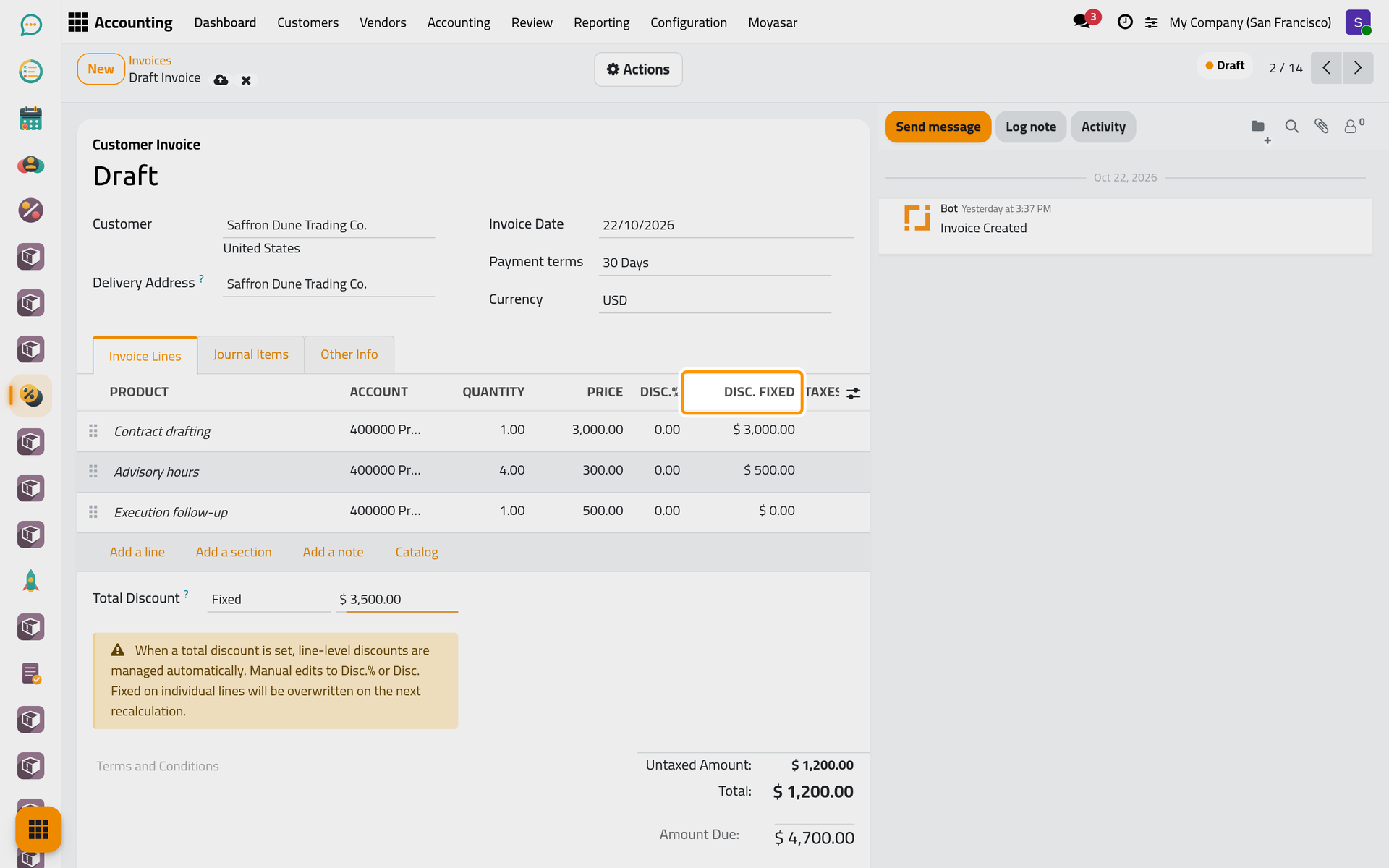
- Type the amount, here 3,500.00, and press Enter.
The amount is spread from the largest line down, the size of a line being its quantity times its price. The largest line is discounted up to its full amount, and the rest goes to the next line, and so on. In the example, the 3,000.00 contract drafting line is fully discounted and the 1,200.00 advisory line takes the remaining 500.00, in Disc. Fixed.
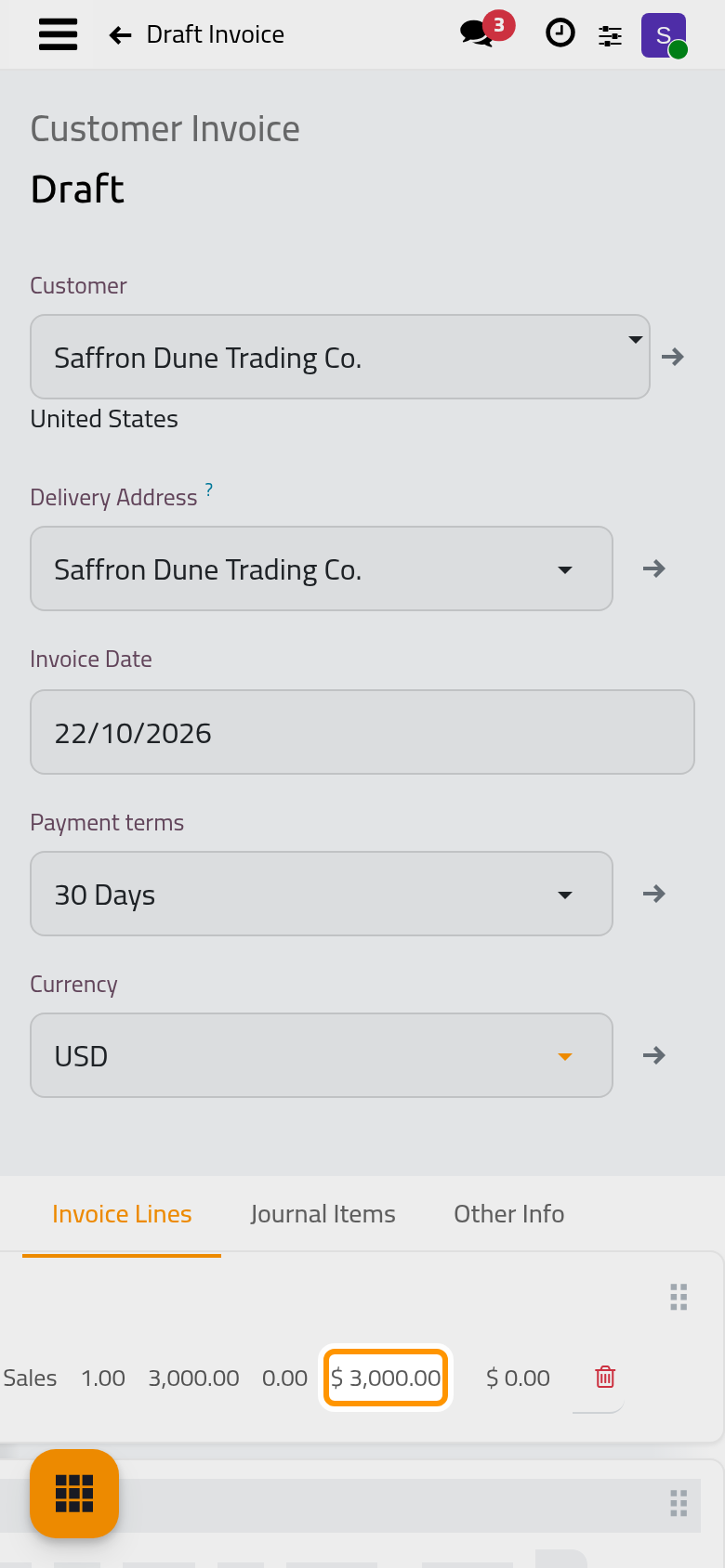
- Click the cloud icon Save manually. The Amount Due follows the new total once the invoice is saved. A fixed amount larger than the sum of the lines is refused when saving.
What the total discount manages
While Total Discount is above zero, it decides the discount of every line: a discount typed by hand on a line is replaced the next time the invoice recalculates, when a line, a quantity or a price changes. Setting the total back to 0 removes the discounts it had written. An invoice created from a sales order keeps the discounts copied from the order until a total discount is set; the total then replaces them (Quotations explain the discounts of an order).
The same Total Discount is on vendor bills (Vendor bills and expenses).
A discount on one line
Leave Total Discount at 0, show the discount columns as above, then click the line and type either Disc.% or Disc. Fixed. A line takes one kind only: typing one clears the other. A percentage cannot go above 100 %, and a fixed discount cannot exceed the line's amount (quantity times price).
FAQ
Where is the discount booked?
A percentage discount is booked on the Customer Invoices Discounts Account when one is set in Customer invoice settings; otherwise it simply lowers the income of the line. A fixed discount always lowers the income of its line.
Does the client see the discount on the invoice?
The printed invoice shows a discount column when at least one line has a Disc.%. A fixed discount is not shown as such: its line is printed with the lower amount.
Why is Total Discount greyed out?
The invoice is confirmed. Reset it to draft to change the discount, or issue a credit note for the amount to give back.
Was this page helpful?
Thank you for your feedback.