Customer invoice settings
On this page
- Before you start
- Customer Invoices
- Customer Addresses
- Cash Rounding
- Default Incoterm
- Sale Receipt
- Default Terms & Conditions
- Sales Credit Limit
- Total amount of invoice in letters
- Taxes in company currency
- Snailmail
- Customer Payments
- Online payment
- Invoice line discounts
- FAQ
- I do not see the Accounting settings.
- Do these options apply to vendor bills?
- Which tasks run by themselves?
The options that shape customer invoices sit in the Customer Invoices, Customer Payments and Default Accounts groups of . The package, the taxes, the fiscal year and the signature of invoices are explained in Accounting settings.
Before you start
- You need the Administrator role on your user; the Administrator access right on Accounting alone does not open the settings.
- The settings belong to the current company; switch company to change another one.
Customer Invoices
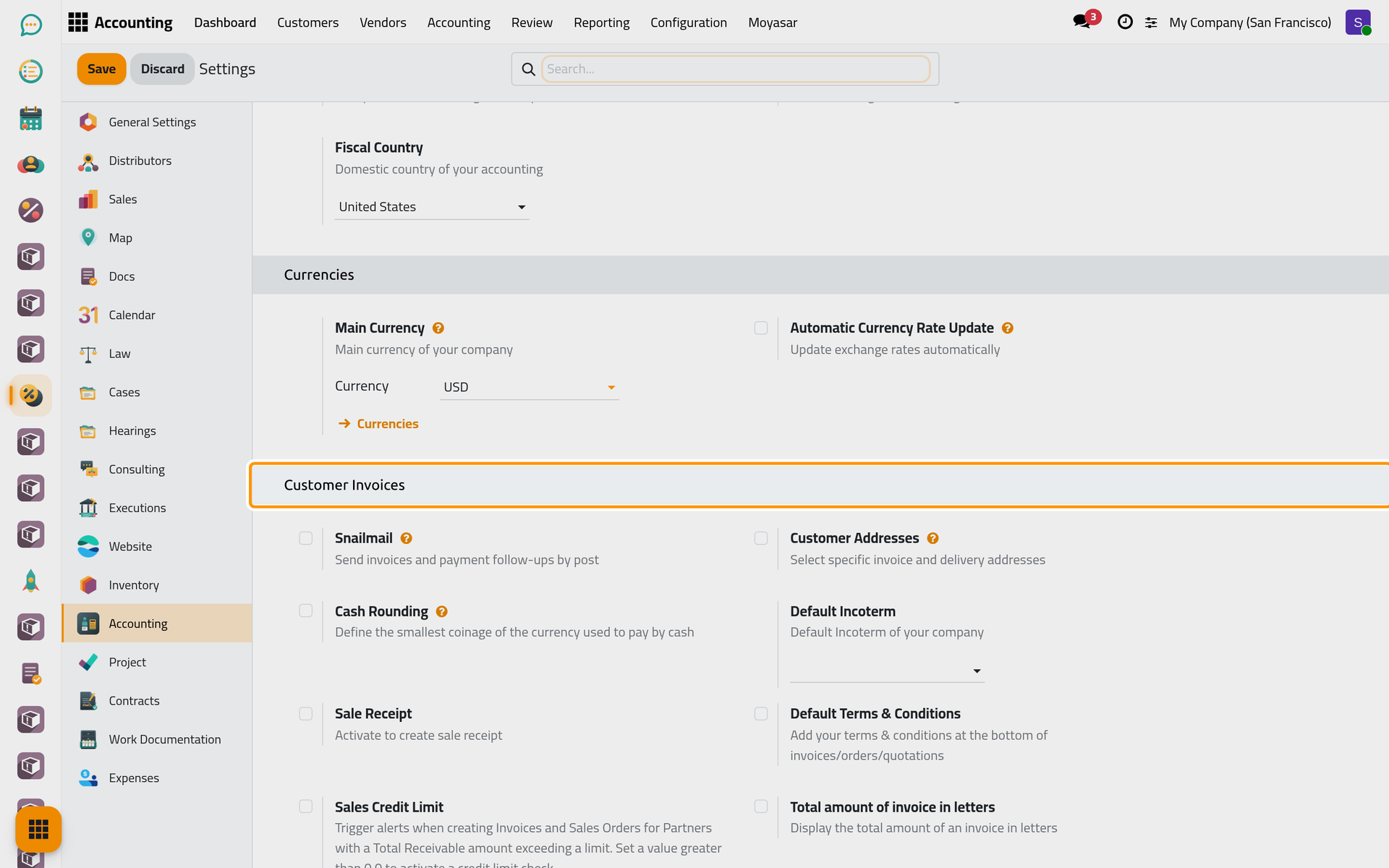
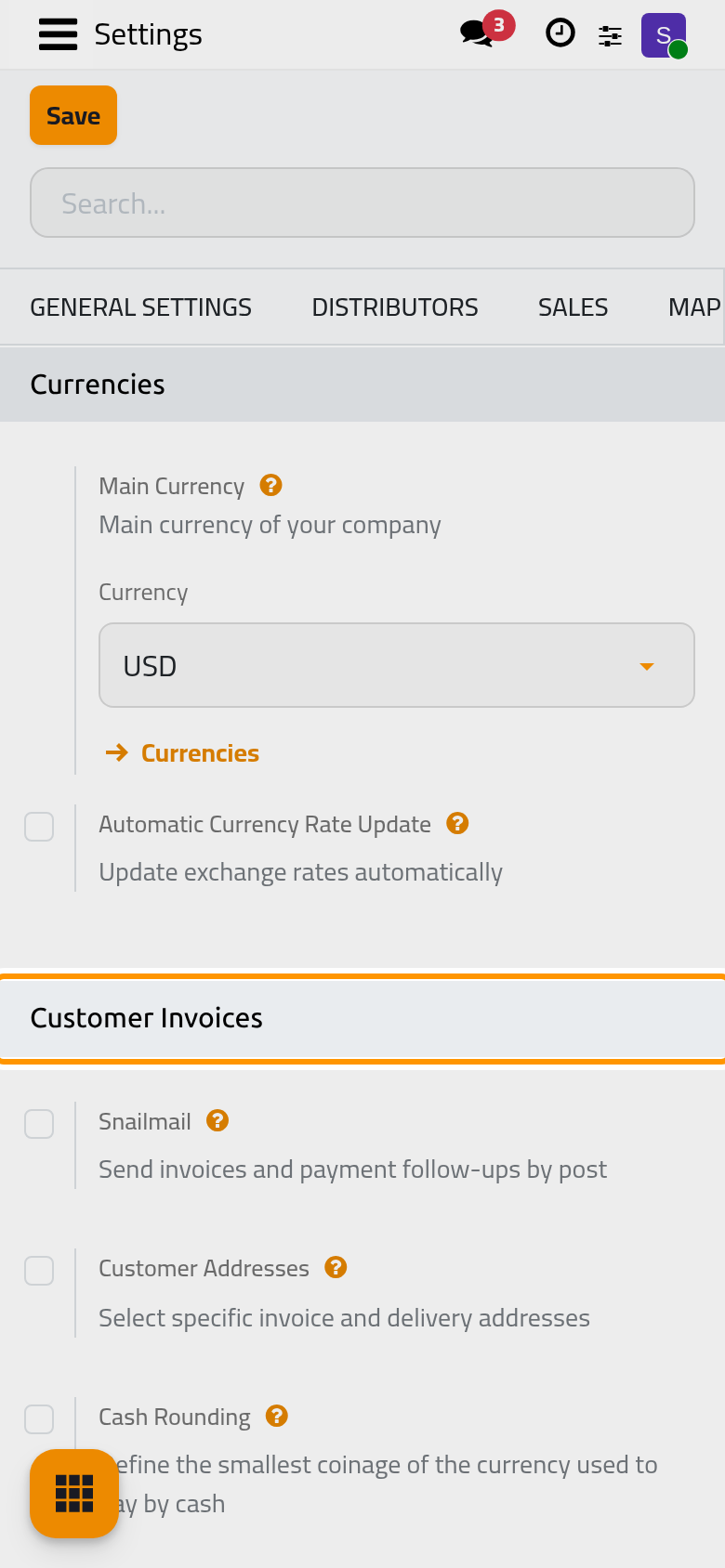
Customer Addresses
Off by default. On, invoices and sales orders get a Delivery Address next to the Customer, for a client served at another address.
Cash Rounding
Off by default. On, a Cash Roundings list in the configuration defines the smallest coin in use, and a draft invoice gets a Cash Rounding Method in Other Info to round a total paid in cash.
Default Incoterm
Empty by default. The trade term proposed in the Incoterm of new invoices; it concerns shipped goods, so a firm billing services leaves it empty.
Sale Receipt
Off by default. On, a new customer invoice can be switched to a Sales Receipt, for a sale paid on the spot.
Default Terms & Conditions
Off by default. On, terms close every invoice, order and quotation: Add a Note prints the text typed here, Add a link to a Web Page links to a terms page edited with Update Terms.
Sales Credit Limit
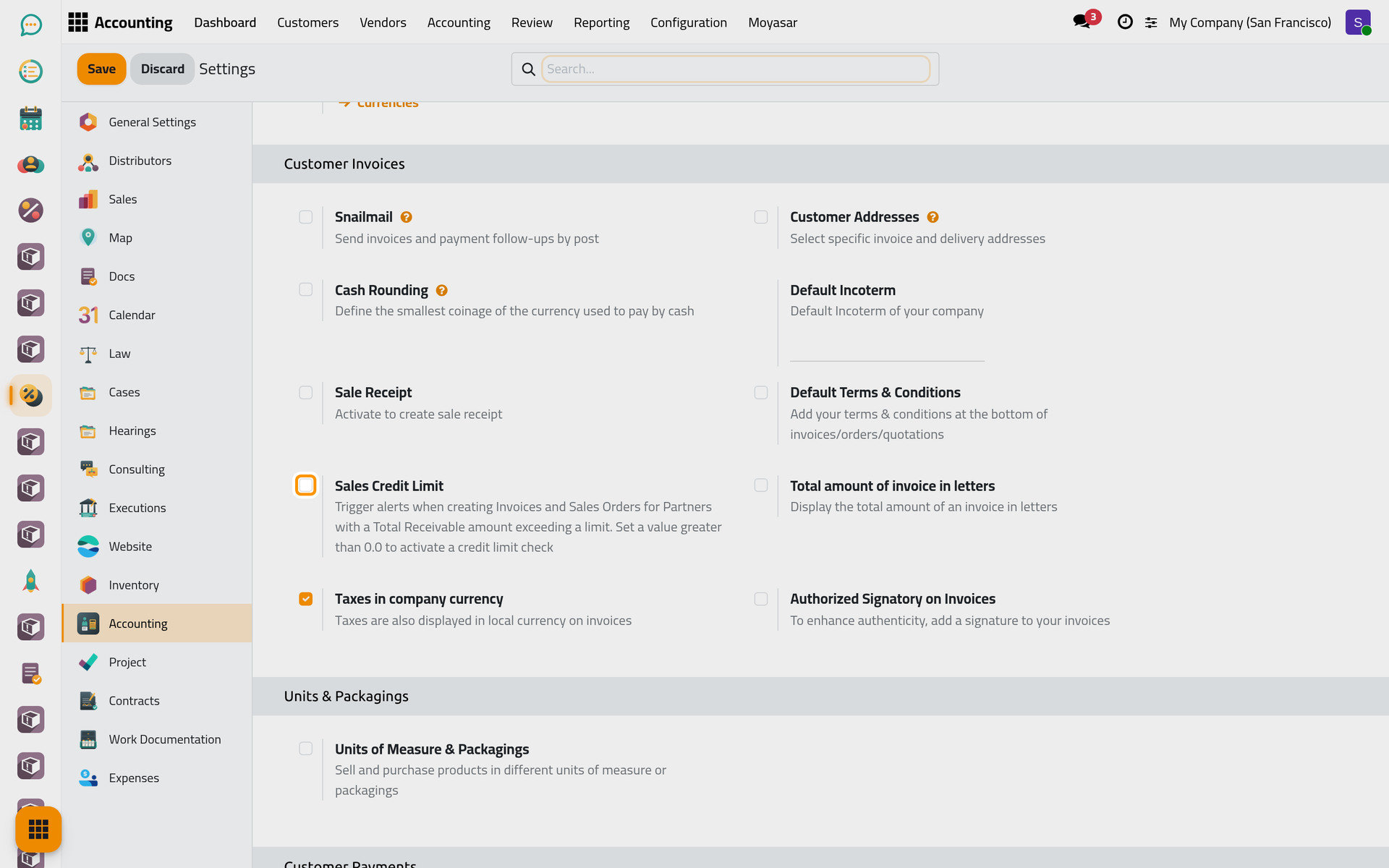
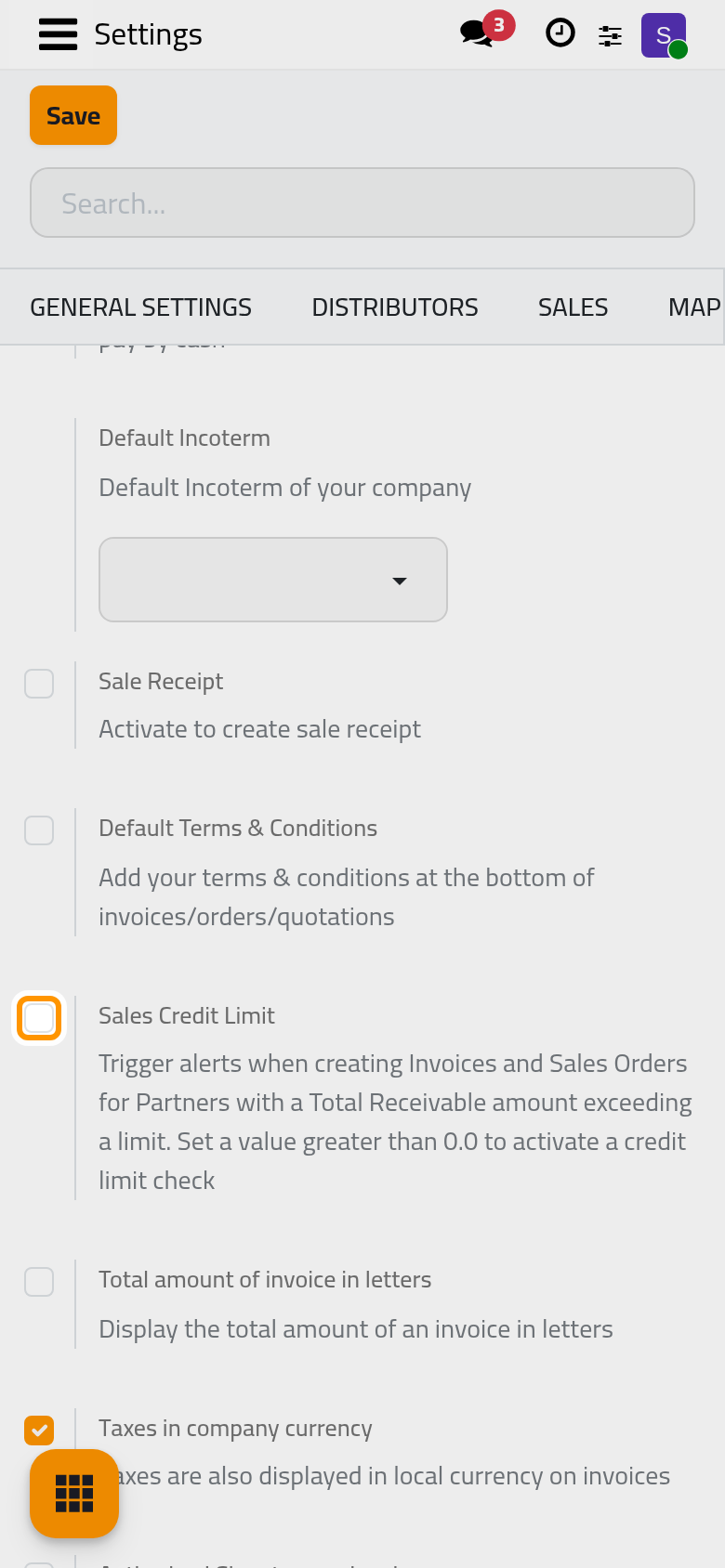
Off by default. On, Default Credit Limit sets what a client may owe, and each contact can carry its own limit. A draft invoice whose client would go over it shows a yellow warning; nothing is blocked.
Total amount of invoice in letters
Off by default. On, the printed invoice also gives its total in words.
Taxes in company currency
On by default. An invoice in a foreign currency also shows its taxes in the company's currency.
Snailmail
Off by default. It would send invoices by post through an outside postal service; leave it off.
Customer Payments
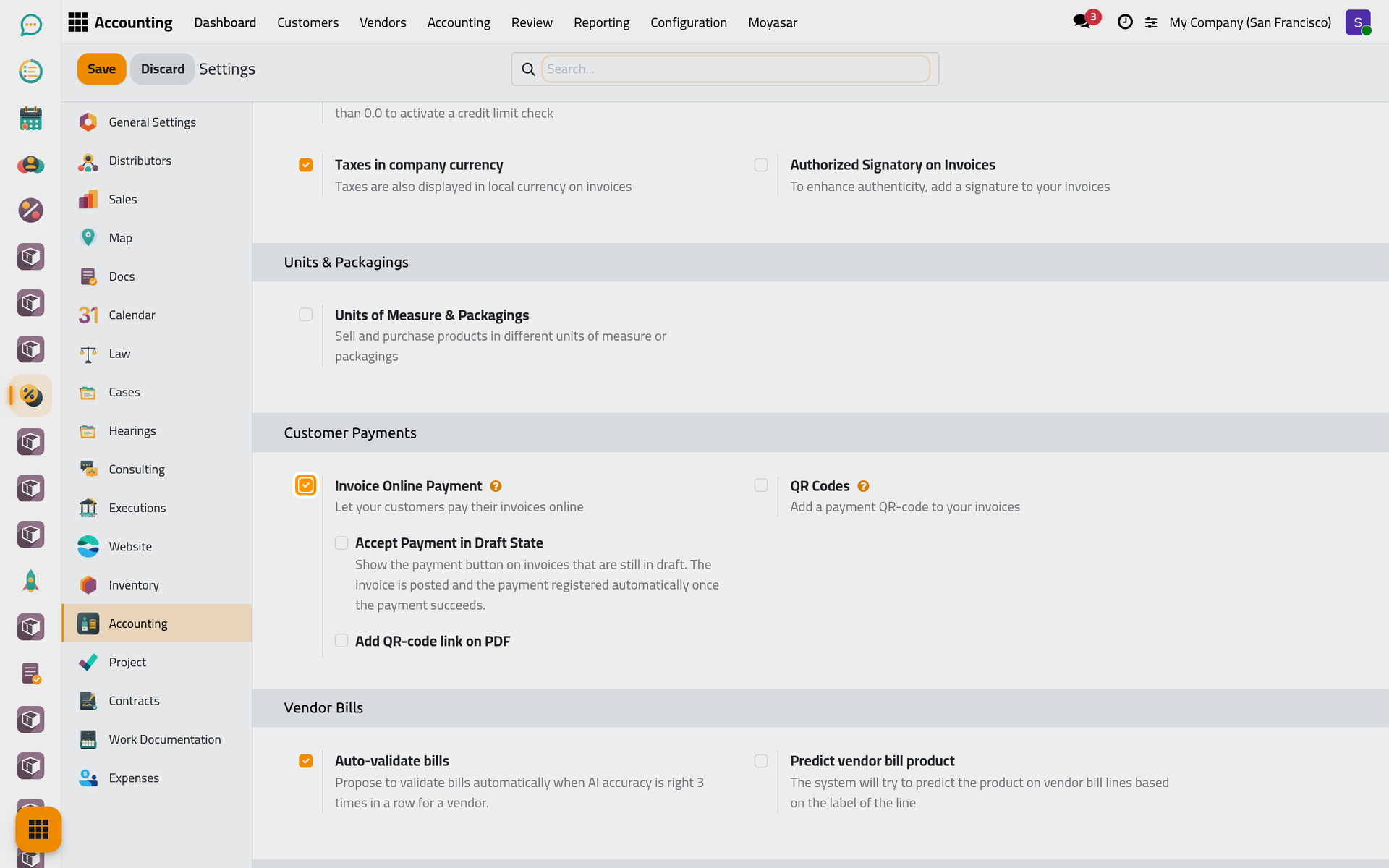
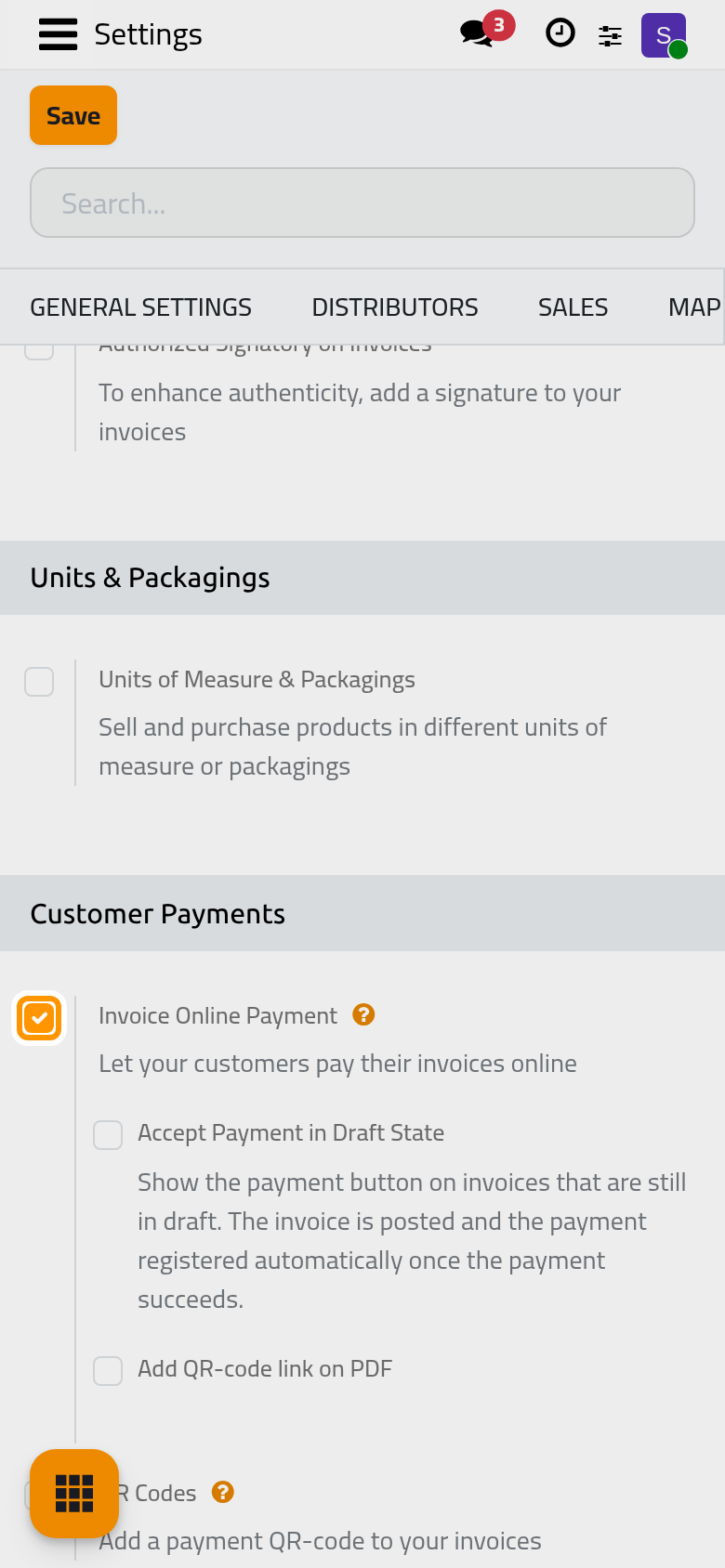
Online payment
Invoice Online Payment (on by default), Accept Payment in Draft State and Add QR-code link on PDF open invoices to online payment, including one payment link for several invoices; they are explained with the providers in Online payment settings.
Invoice line discounts
In Default Accounts, Invoice line discounts: says where discounts are booked.
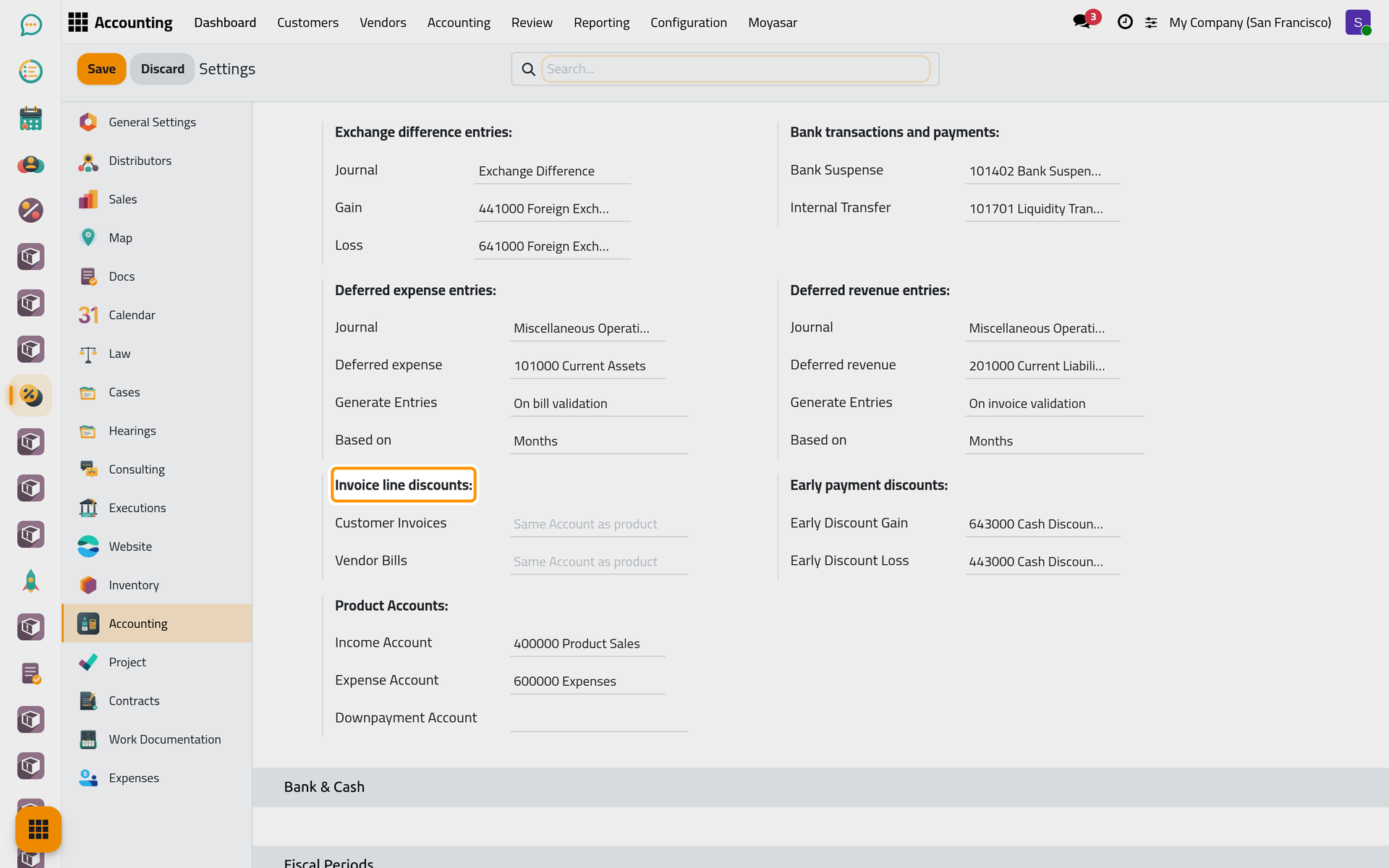
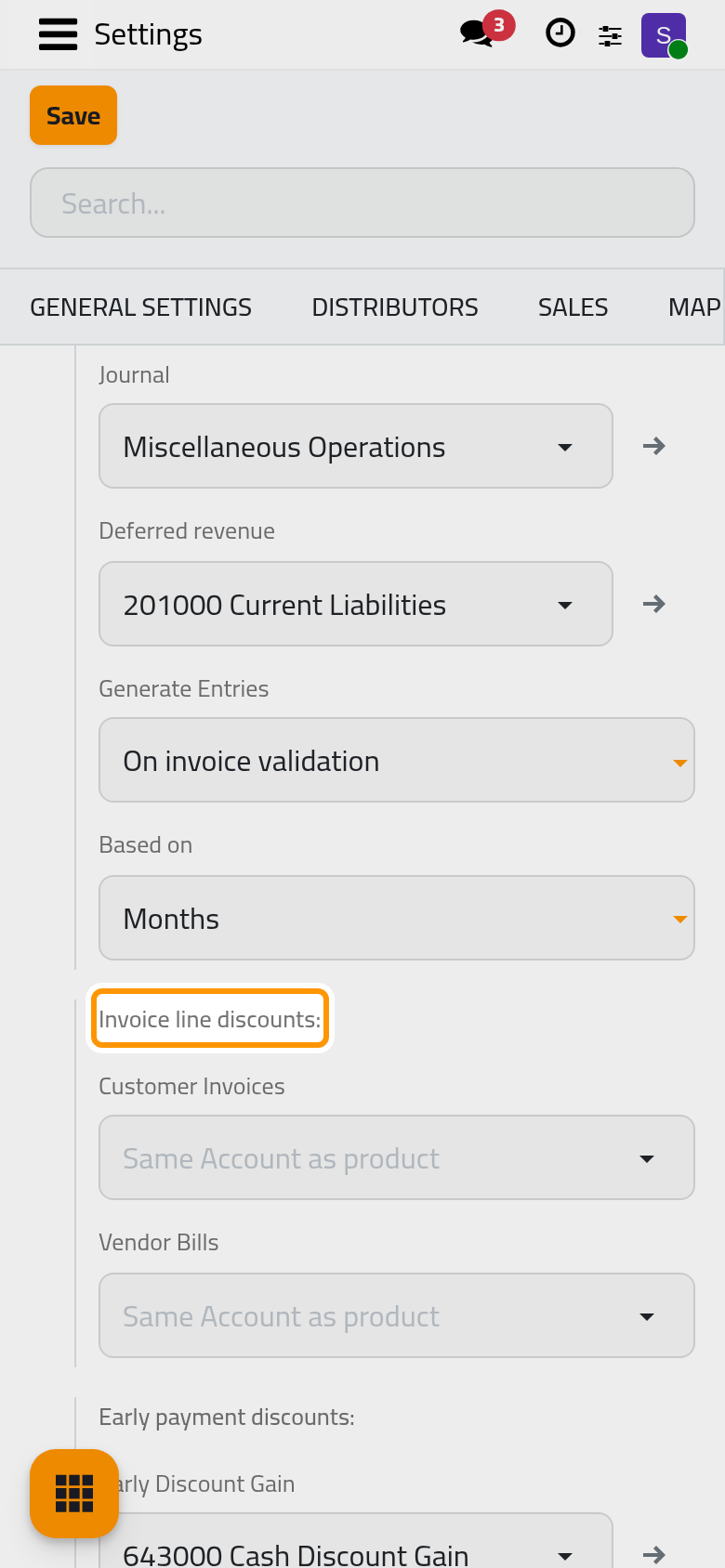
- Customer Invoices: empty by default (Same Account as product), so a discount lowers the income account of its line. With an account set, the amount taken off by a Disc.% is booked on it and the income keeps its full value. A Disc. Fixed is not moved there (Give a discount on an invoice).
- Vendor Bills: the same for the discounts received on bills (Vendor bills and expenses).
Early payment discounts: serves the payment terms that reward early payment, such as 2/7 Net 30 (2 % off within 7 days, otherwise due in 30). Early Discount Loss receives the discount granted on customer invoices, Early Discount Gain the one received on bills. The terms are in .
Click Save to apply your changes.
FAQ
I do not see the Accounting settings.
Only a user with the Administrator role sees them; the Administrator access right on Accounting is not enough.
Do these options apply to vendor bills?
Only the discount accounts have a vendor side. The options of bills are explained in Vendor bills and expenses.
Which tasks run by themselves?
The page Customer invoice automations lists the background sending of invoices and the e-mail templates.
Was this page helpful?
Thank you for your feedback.