Distributors settings
On this page
- Before you start
- Expense Defaults
- Expense Product
- Expense Officer
- Cash accounts
- Distributor Cash Default Account
- Branch Cash Default Account
- Closing
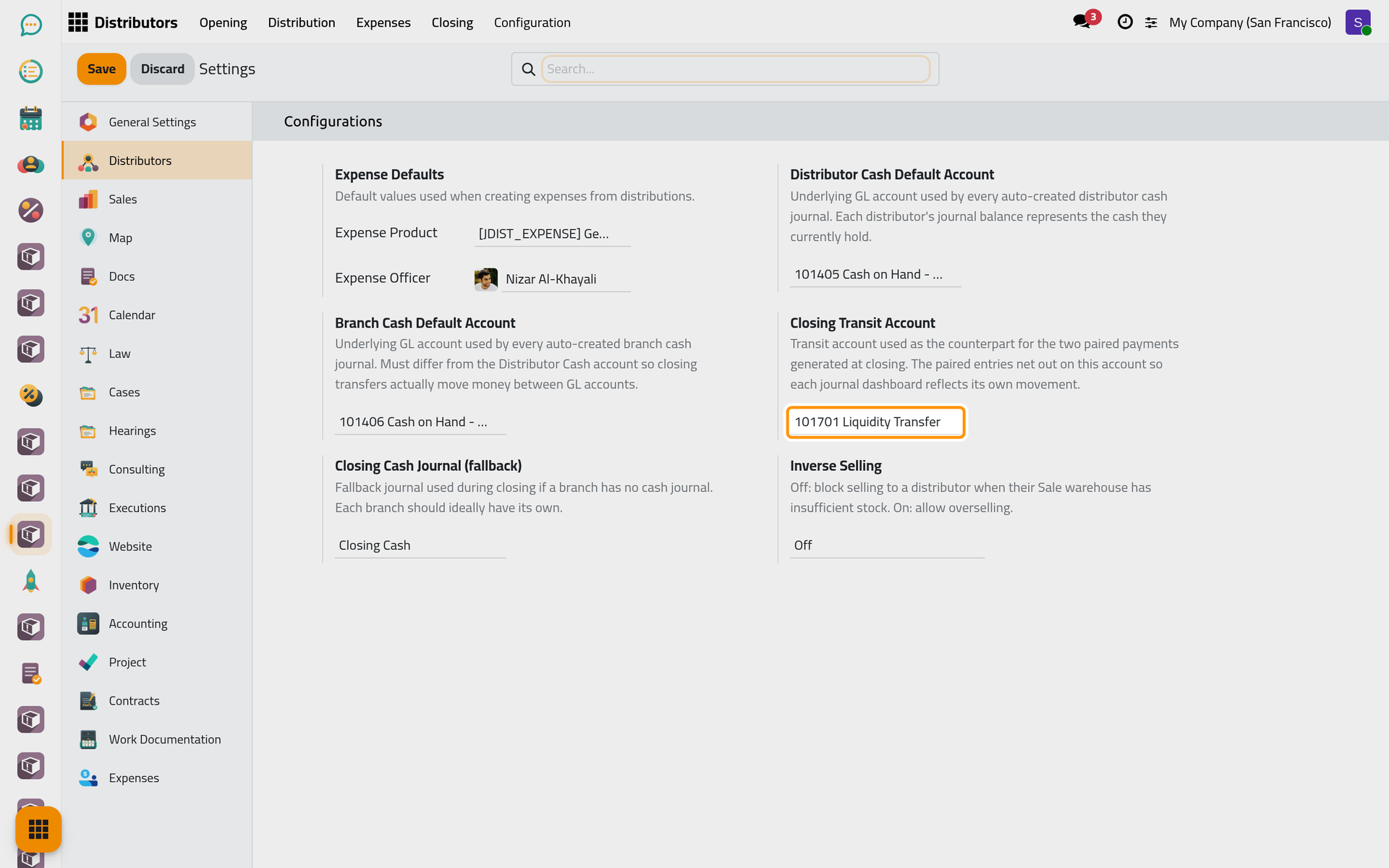
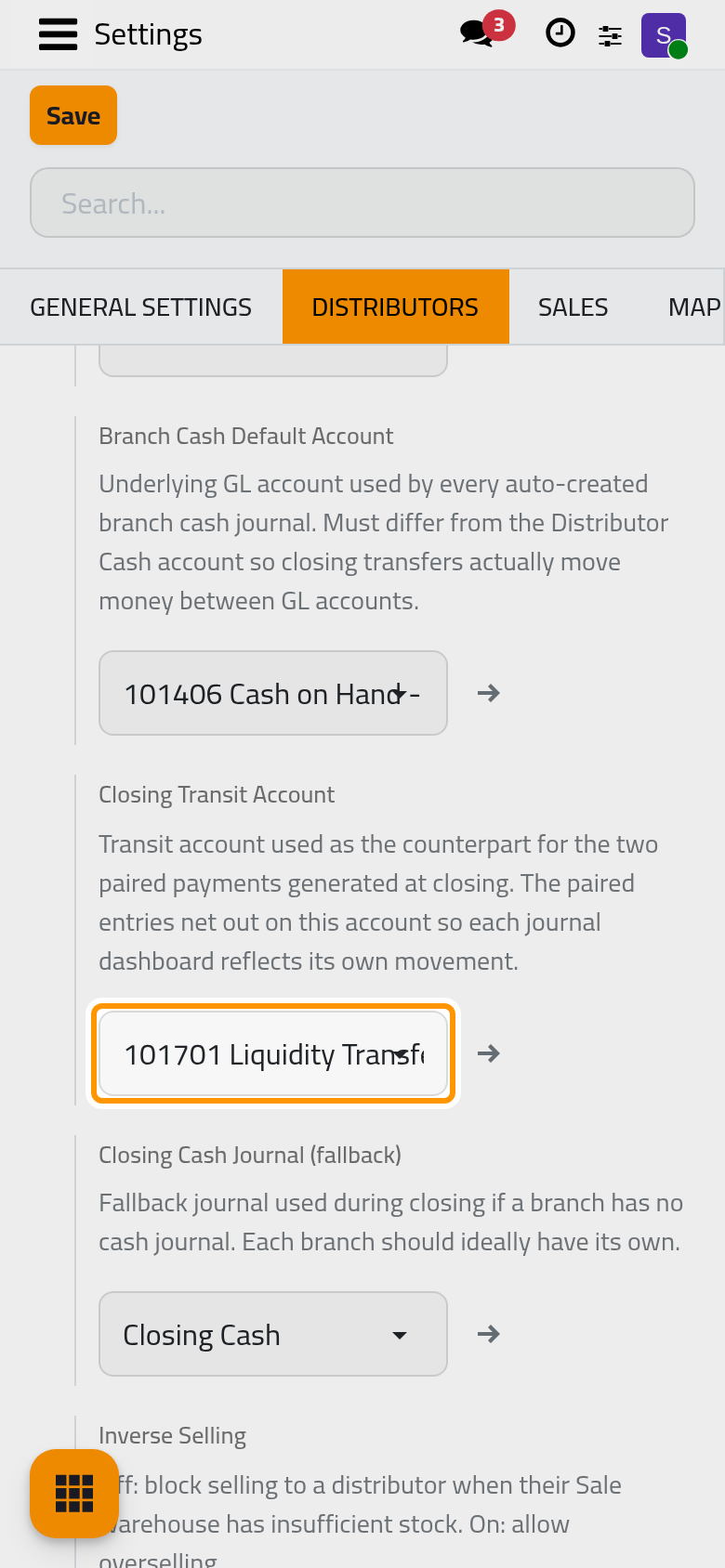
- Closing Transit Account
- Closing Cash Journal (fallback)
- Selling
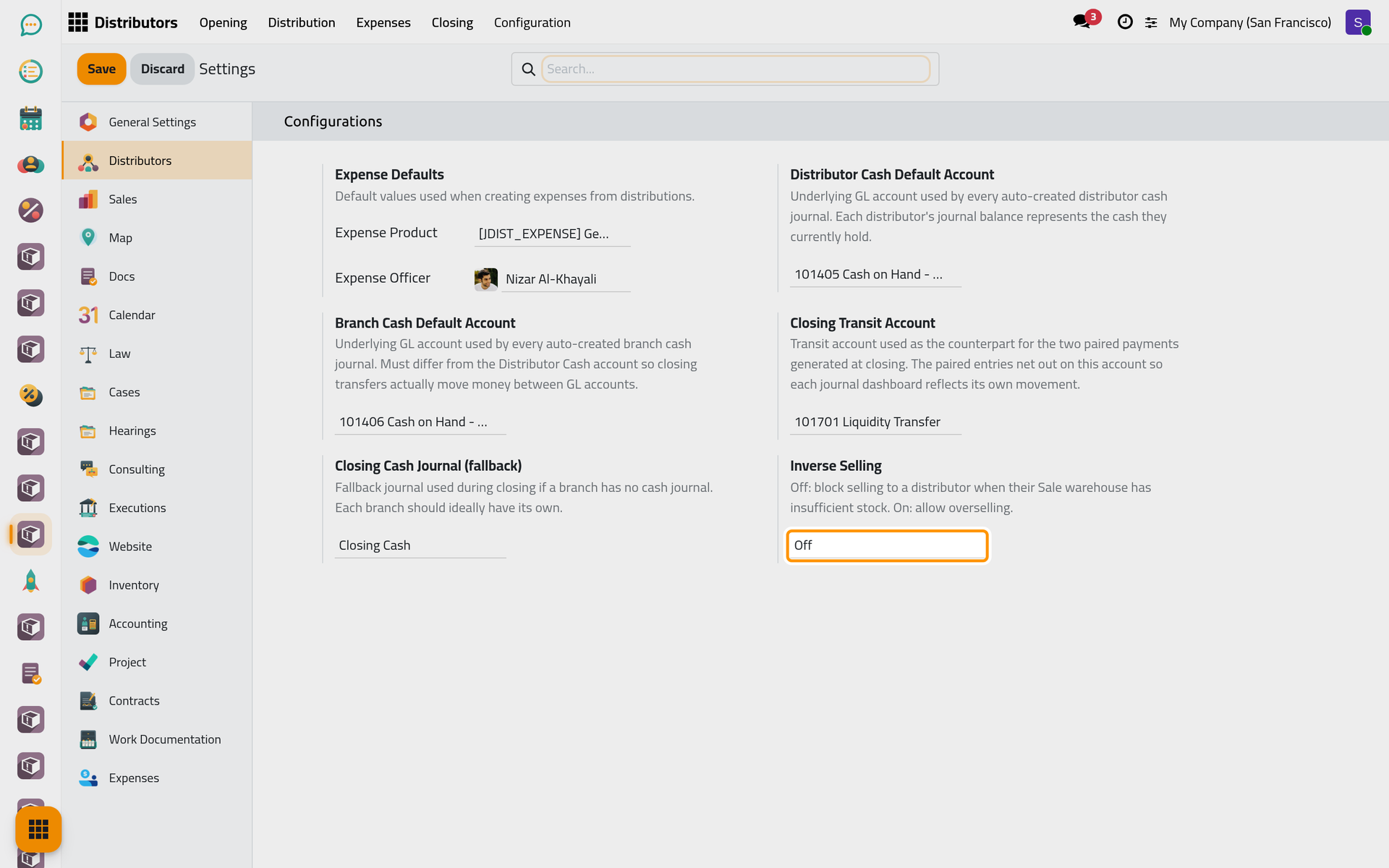
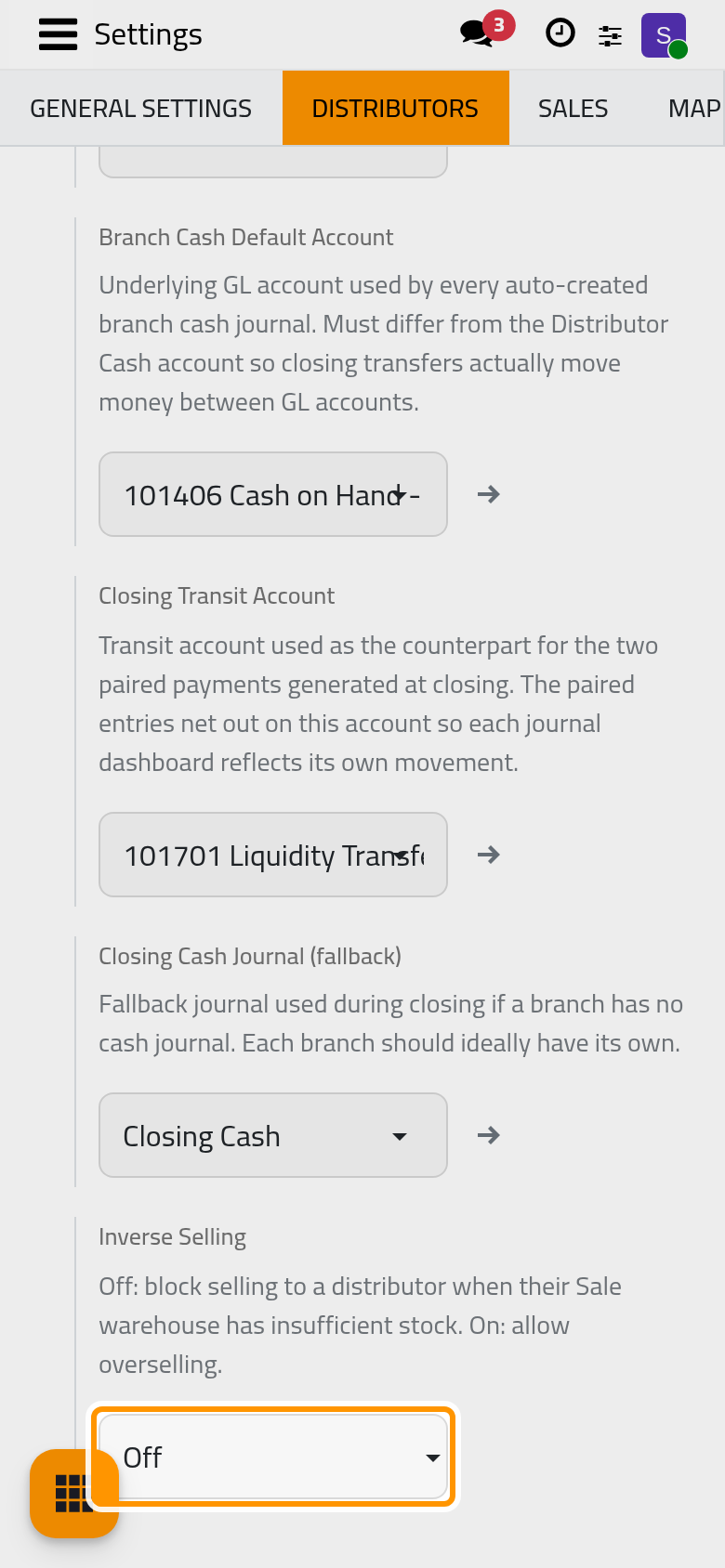
- Inverse Selling
- FAQ
- Does each company have its own settings?
- Saving a distributor stops on the cash account.
- Which tasks run by themselves?
Open . The Distributors section has one group, Configurations. Installation fills almost every option; the expense officer and inverse selling are the two to decide on first.
Before you start
- You need the Distributor Manager access right on Distributors to see the menu, and the right to open the settings of the platform.
- These options are stored once for the whole database, not per company. The accounts and the journal set at installation belong to the company that was current then.
Expense Defaults
Expense Product
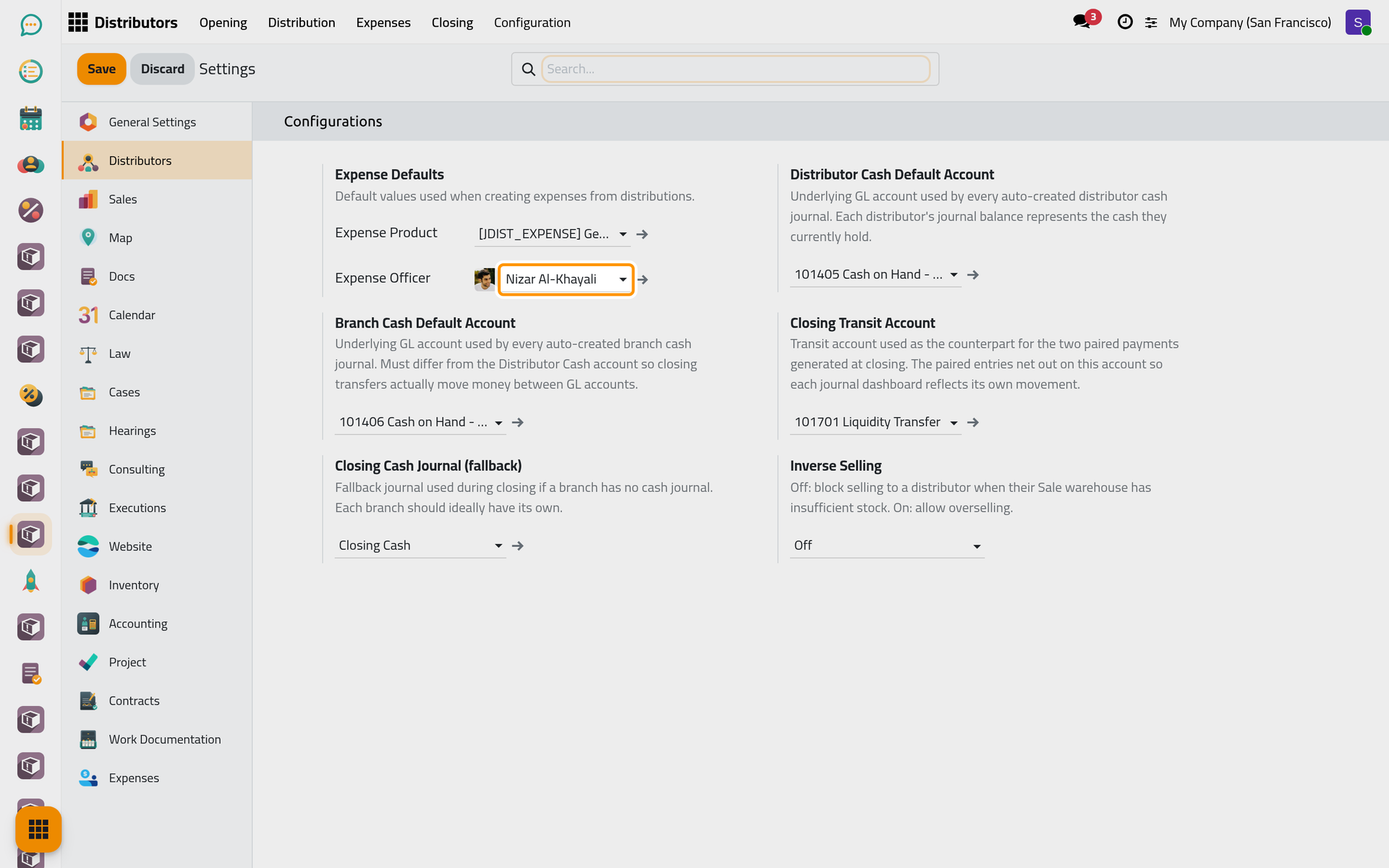
The product of the employee expense created when an expense without On Tax Declaration is approved. Installation sets Generic Distributor Expense, creating it when missing. The note under Expense Defaults speaks of expenses created from distributions; distributions create none.
Expense Officer
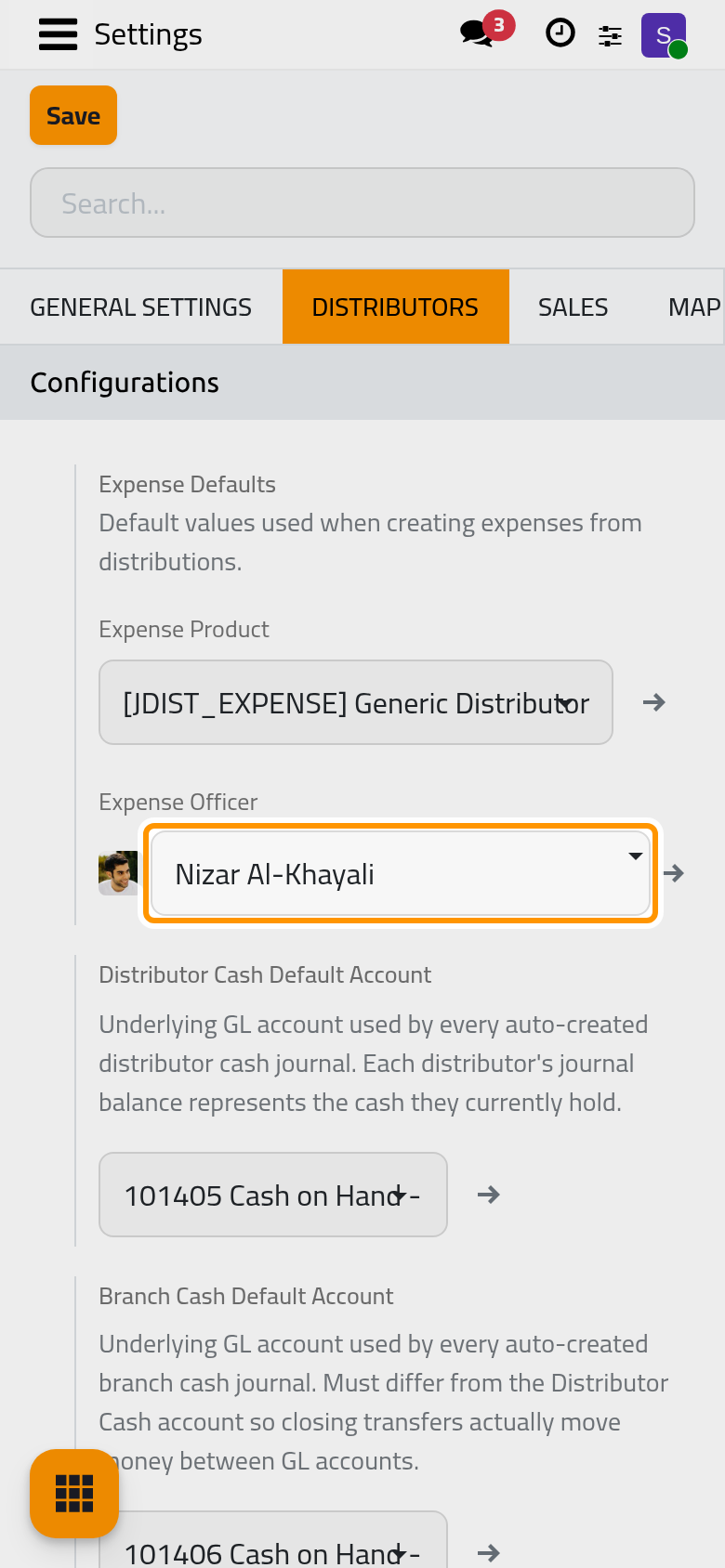
The user proposed as Expense Officer on every new distributor, and the officer of the branch expenses. Installation leaves it empty, and while it is empty Send stops on every expense, even when the distributor has his own officer. Set it before the first expense. See Submit and approve an expense.
Cash accounts
Distributor Cash Default Account
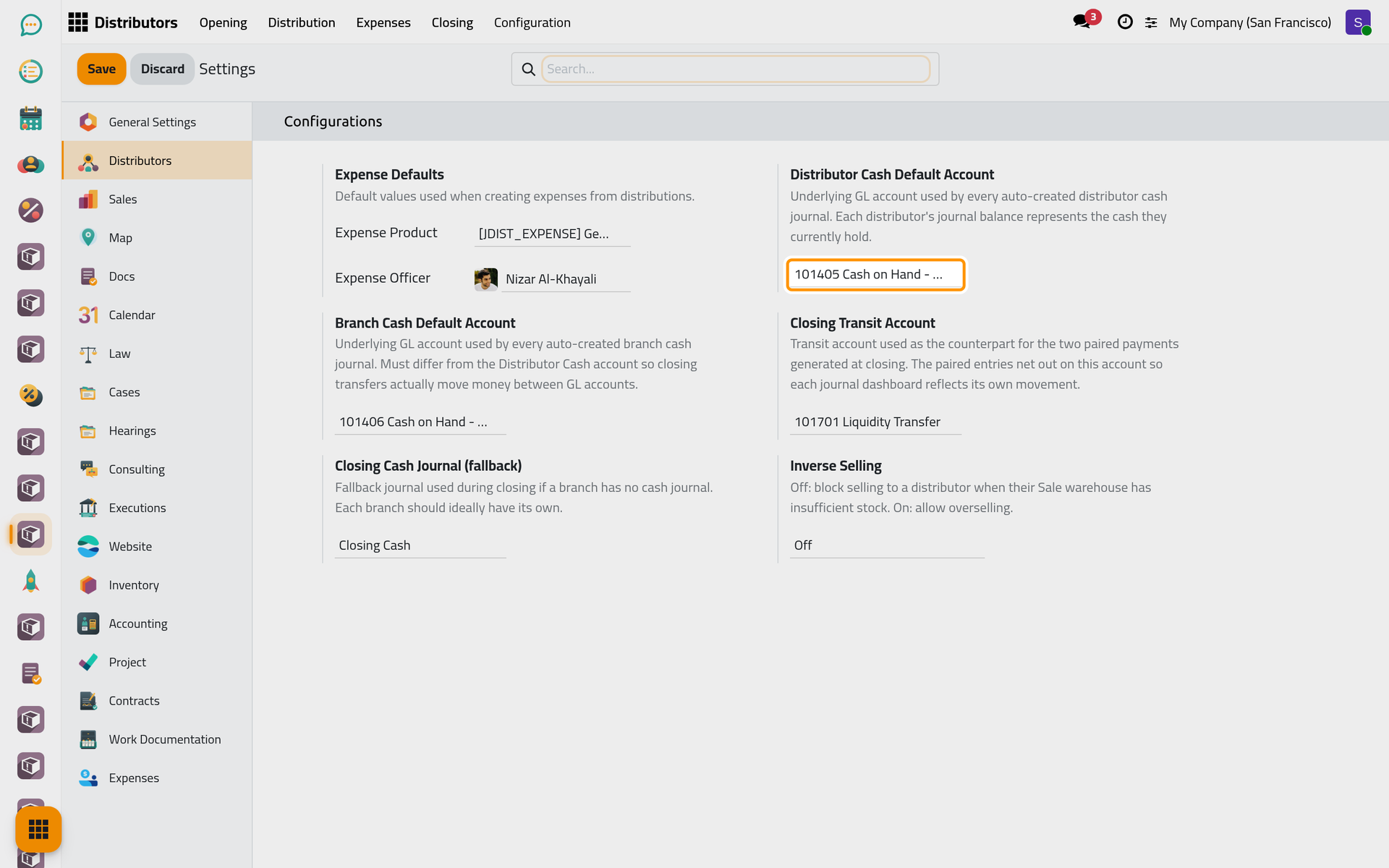
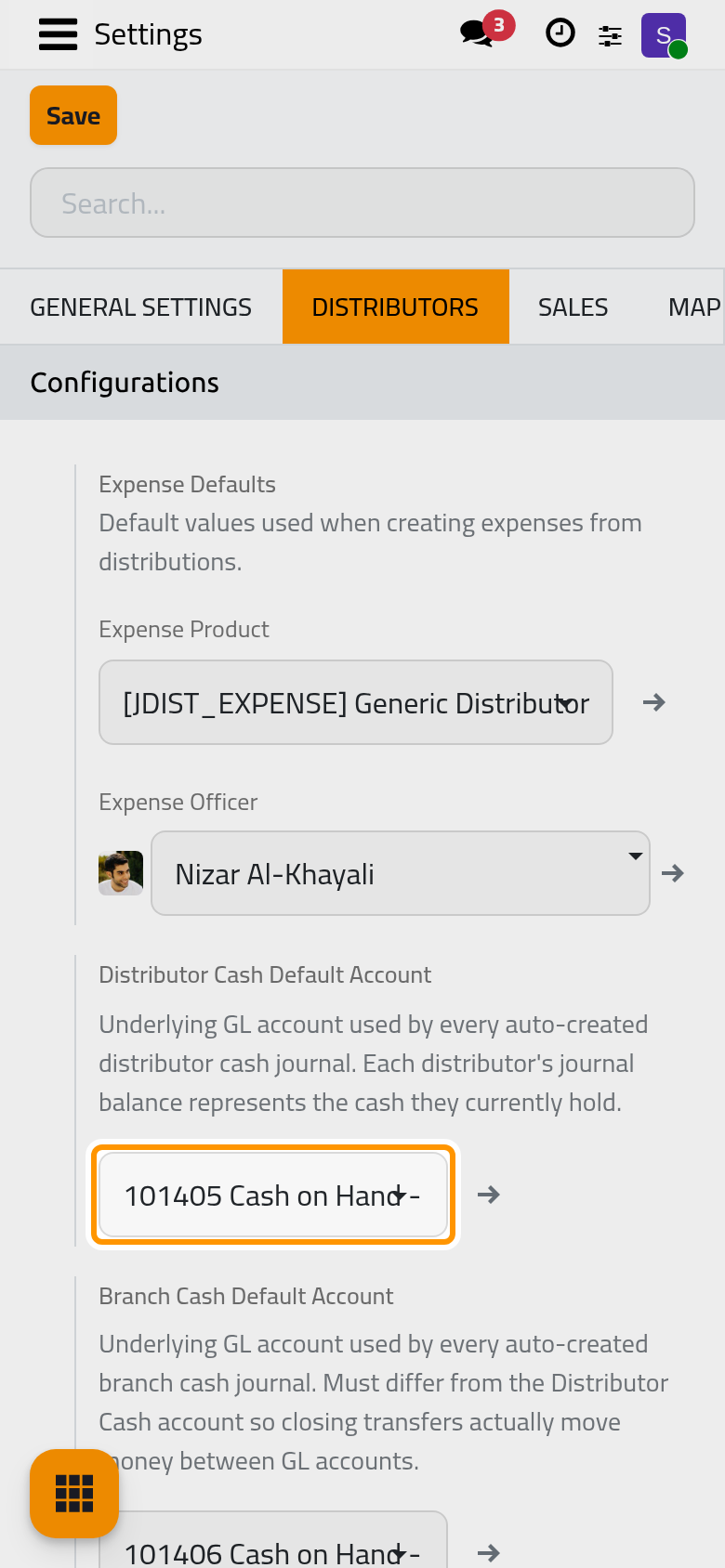
Each new distributor gets a cash account of his own, with the next free code after this one and the same type, and a cash journal on it: the balance of that journal is the cash he holds. A distributor cannot be saved while this option is empty. Installation sets Cash on Hand - Distributors, creating it when missing.
Branch Cash Default Account
The same for each new branch: its cash journal receives the cash handed in at closing. Choose an account other than the distributors' one, so that a closing moves money from one account to another. Installation sets Cash on Hand - Branches. A branch created while this option is empty gets no cash journal.
Changing either account concerns only the branches and distributors created afterwards.
Closing
Closing Transit Account
The account between the two payments of a closing: the payment out of the distributor's cash journal and the payment into the branch's both use it, so its balance comes back to zero. Installation sets the liquidity transfer account of the company, Liquidity Transfer on the demo database. When the option is empty, the closing uses the company's transfer account, and creates one when there is none.
Closing Cash Journal (fallback)
The journal that receives the closing cash when the branch has no cash journal of its own. Installation takes a cash journal of the company, and creates Closing Cash when there is none. When this option is empty as well, the closing takes the first cash or bank journal of the company.
Selling
Inverse Selling
Off, the default: confirming a distribution is refused when the distributor's Sale warehouse holds less than its lines ask for. On: the distribution is confirmed anyway and the Sale warehouse can go below zero. An opening still checks the Main warehouse of the branch either way.
Click Save to apply your changes.
FAQ
Does each company have its own settings?
No. One value of each option serves every company of the database; check that the accounts and journals chosen belong to the company that uses the app.
Saving a distributor stops on the cash account.
The Distributor Cash Default Account is empty, or the account it named was deleted. Choose an account, click Save, then save the distributor again.
Which tasks run by themselves?
No scheduled job. The page Distributors automations lists what the app does on its own when records are saved or buttons are pressed.
Was this page helpful?
Thank you for your feedback.