From opening to closing
On this page
Distributors runs sales from vans. A branch keeps the stock; a distributor takes part of it on the road, sells to shops, takes back what they return and comes back with cash and leftovers. This walk-through follows one round of the demo distributor Lina Al-Khayali, from the goods she takes to the cash she hands in.
Before you start
- You need the Distributor Manager access right on Distributors (in the Distributors section of your user). The Distributor access right shows only Distribution and Expenses, for the distributor's own records.
- The branch must hold stock, and the distributor must have no opening still waiting for its closing. In the demo, Cedar Branch holds stock and Lina has no opening yet. Add products and stock a branch shows how stock enters a branch.
Step 1: open the round
- Open and click New.
- Choose the Distributor. The Branch, the Source (the branch's Main warehouse) and the Destination (the distributor's Sale warehouse) fill in from her.
- In the Quantities tab, click Add a line for each product she takes: Spring Water 330 ml, 30, then Orange Juice 1 L, 10. In Stock shows how much of the product the Source holds.
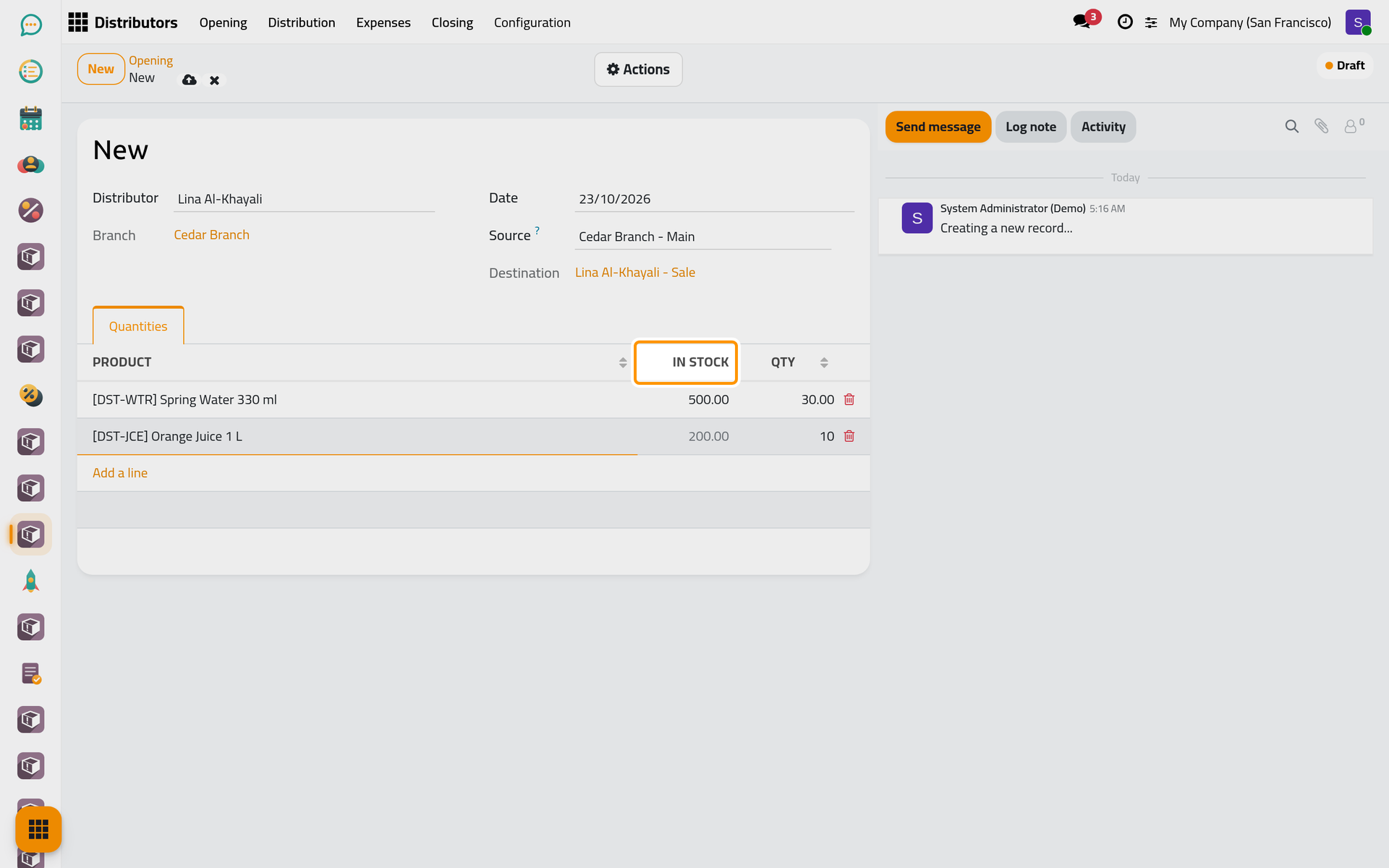
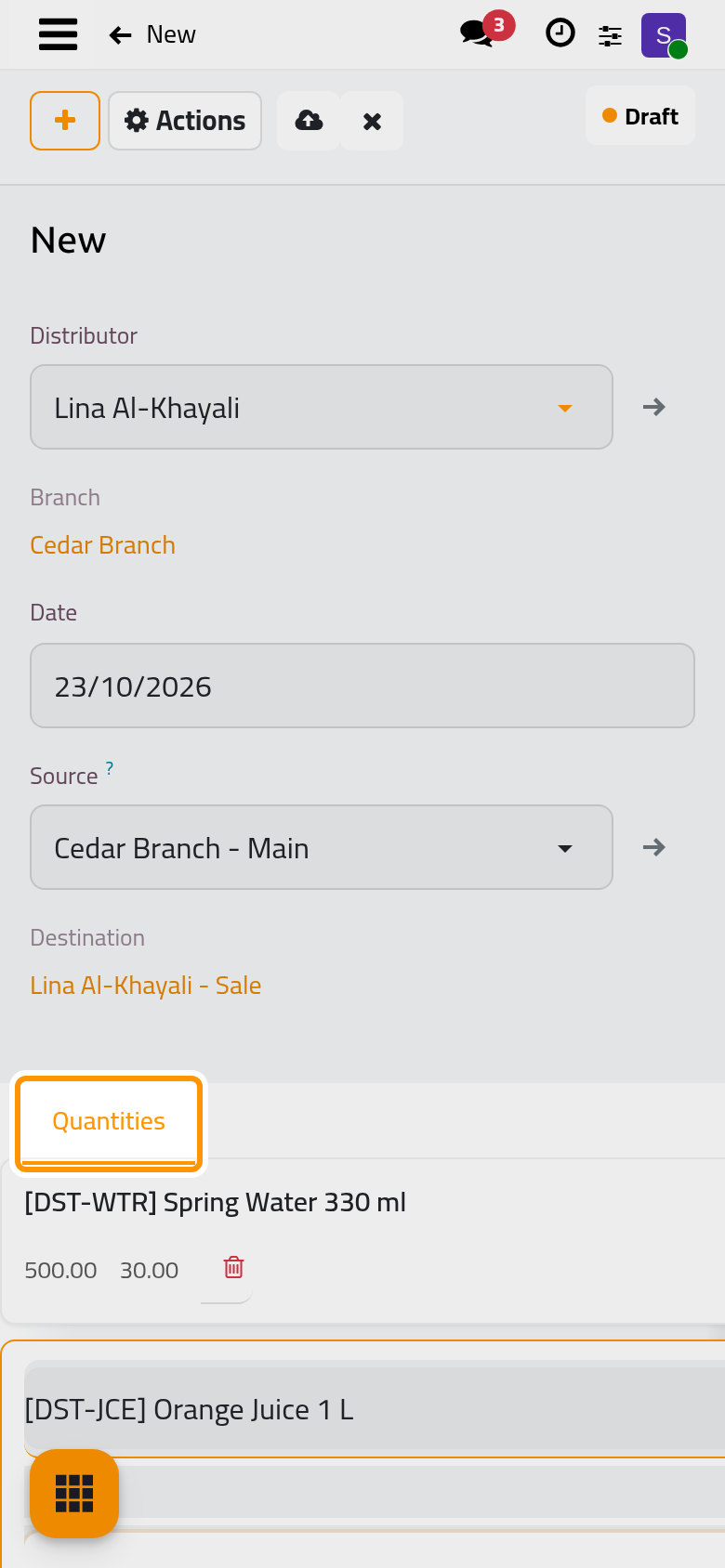
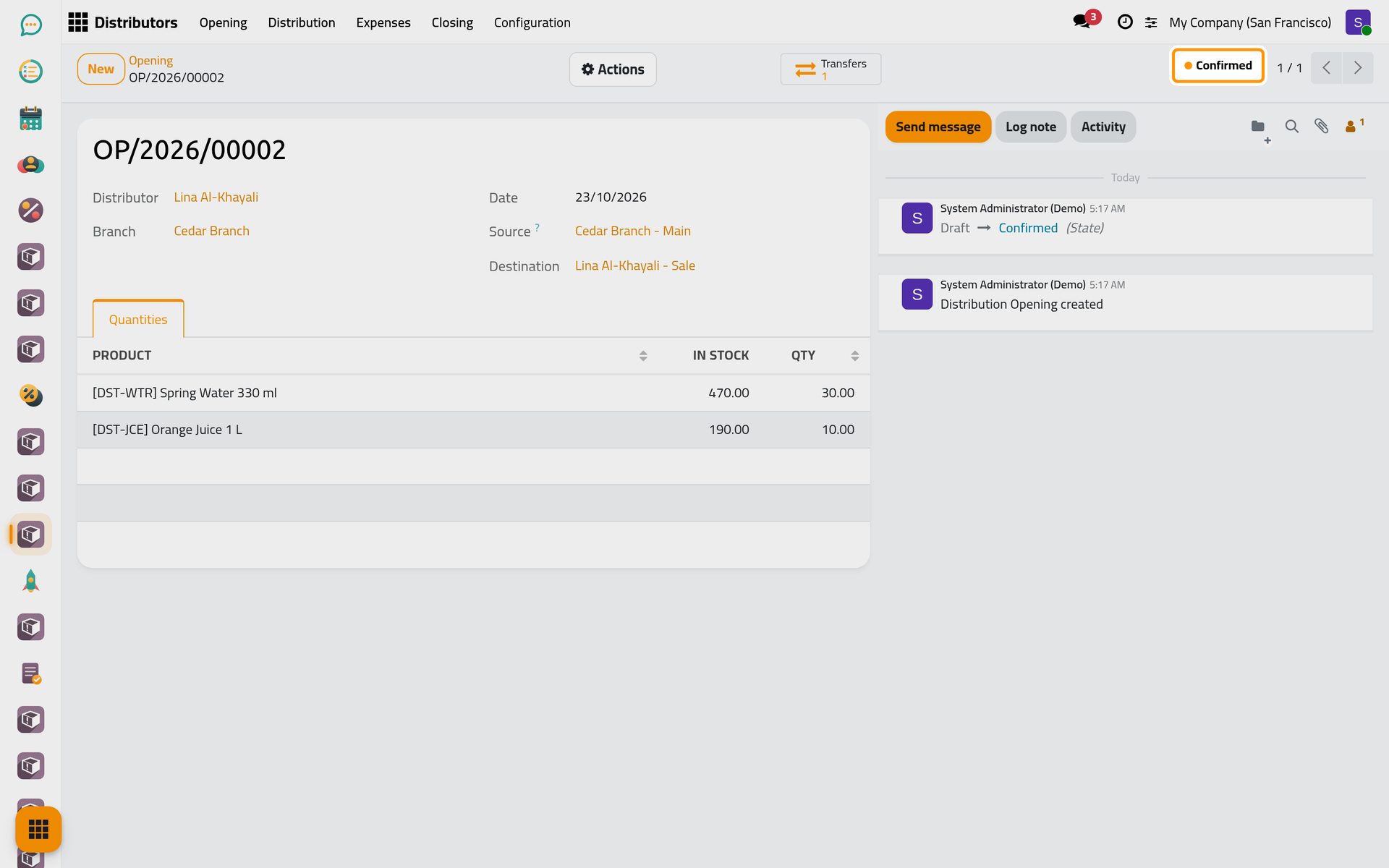
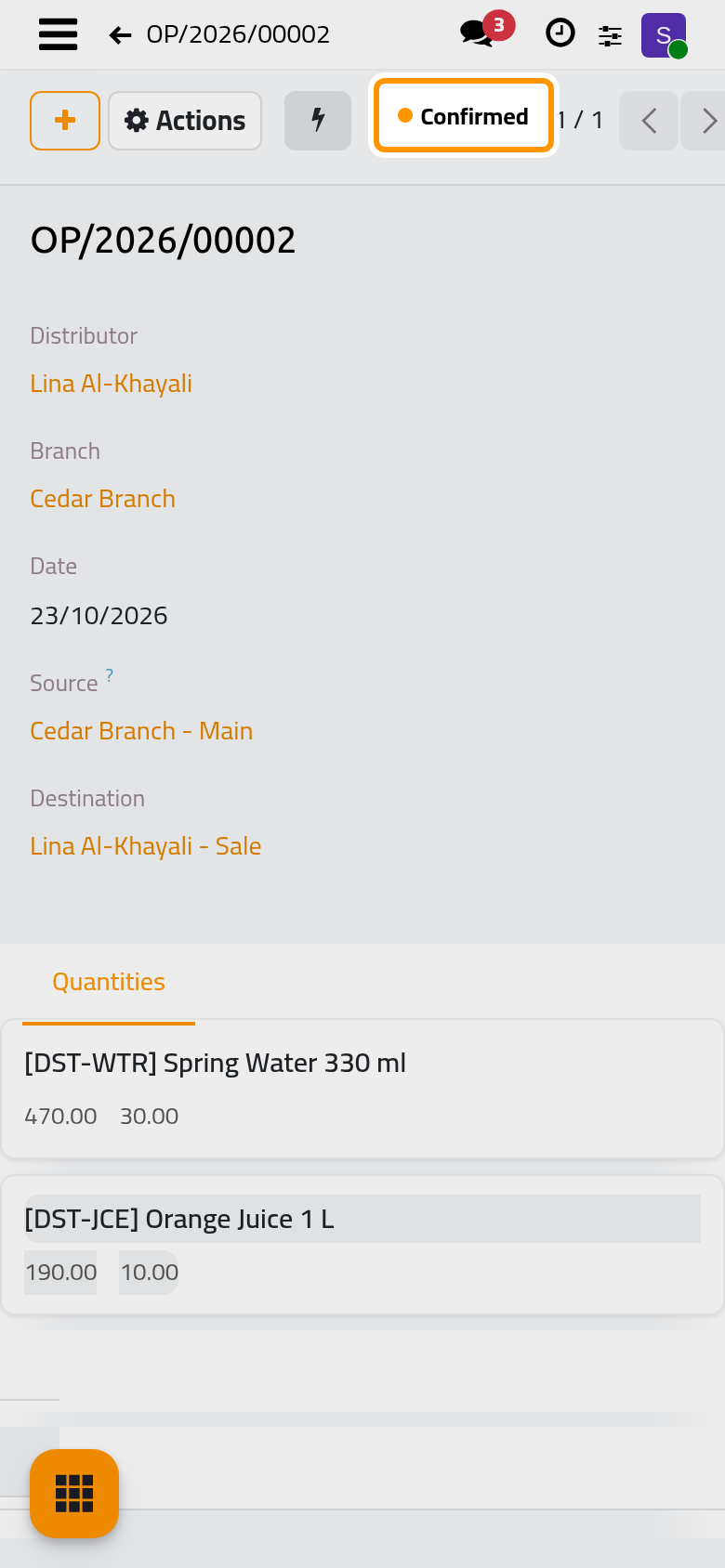
- Click the cloud icon Save manually, then open the Actions menu and choose Confirm. The quantities are checked against the Source and moved to her Sale warehouse in one internal transfer, done at once; the Transfers counter opens it. The opening is Confirmed and stays open until its closing.
Step 2: sell to a shop
- Open and click New.
- Choose the Customer, Sunrise Grocery, and the Distributor. Leave the Payment Type on Direct: the shop pays on delivery.
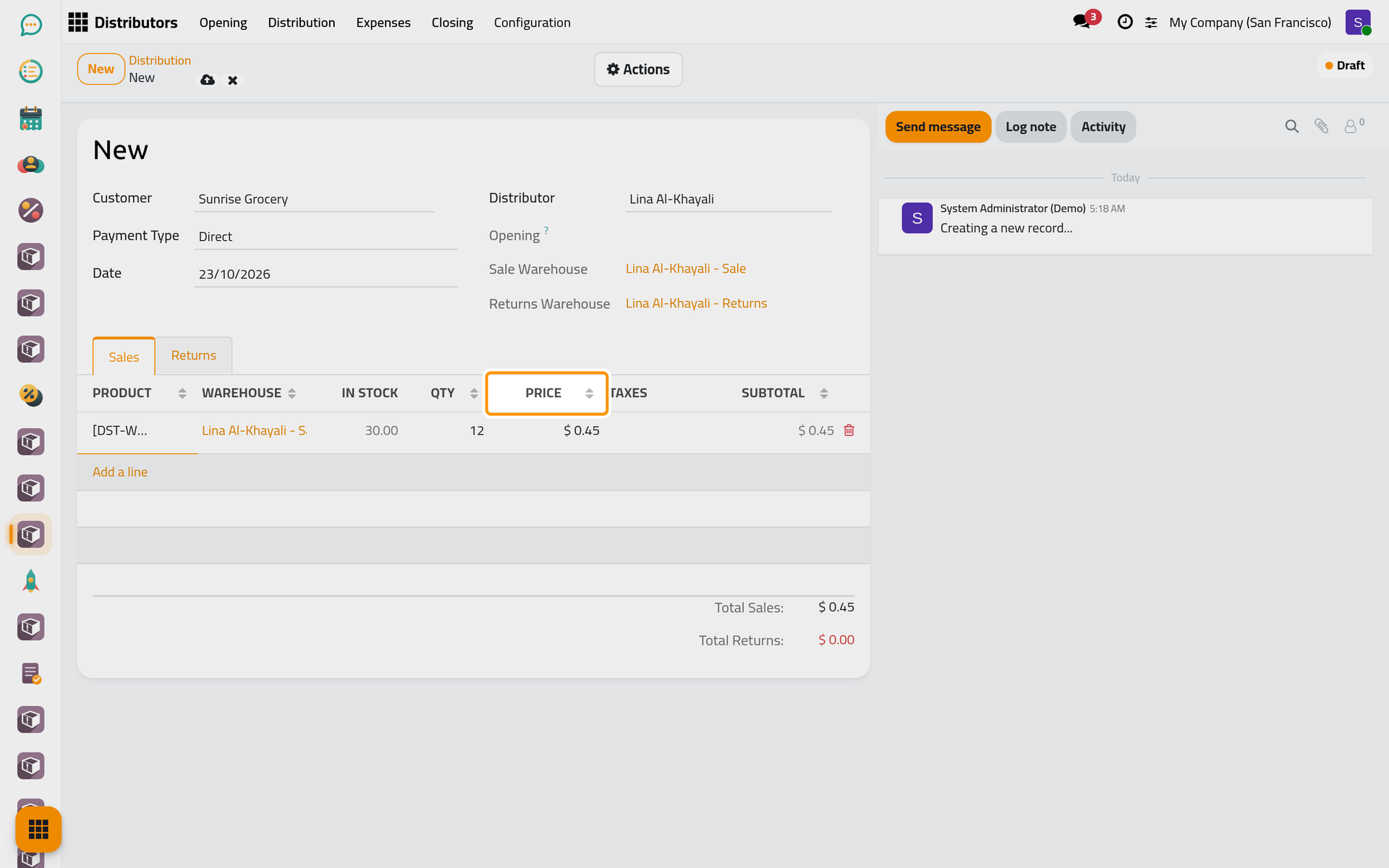
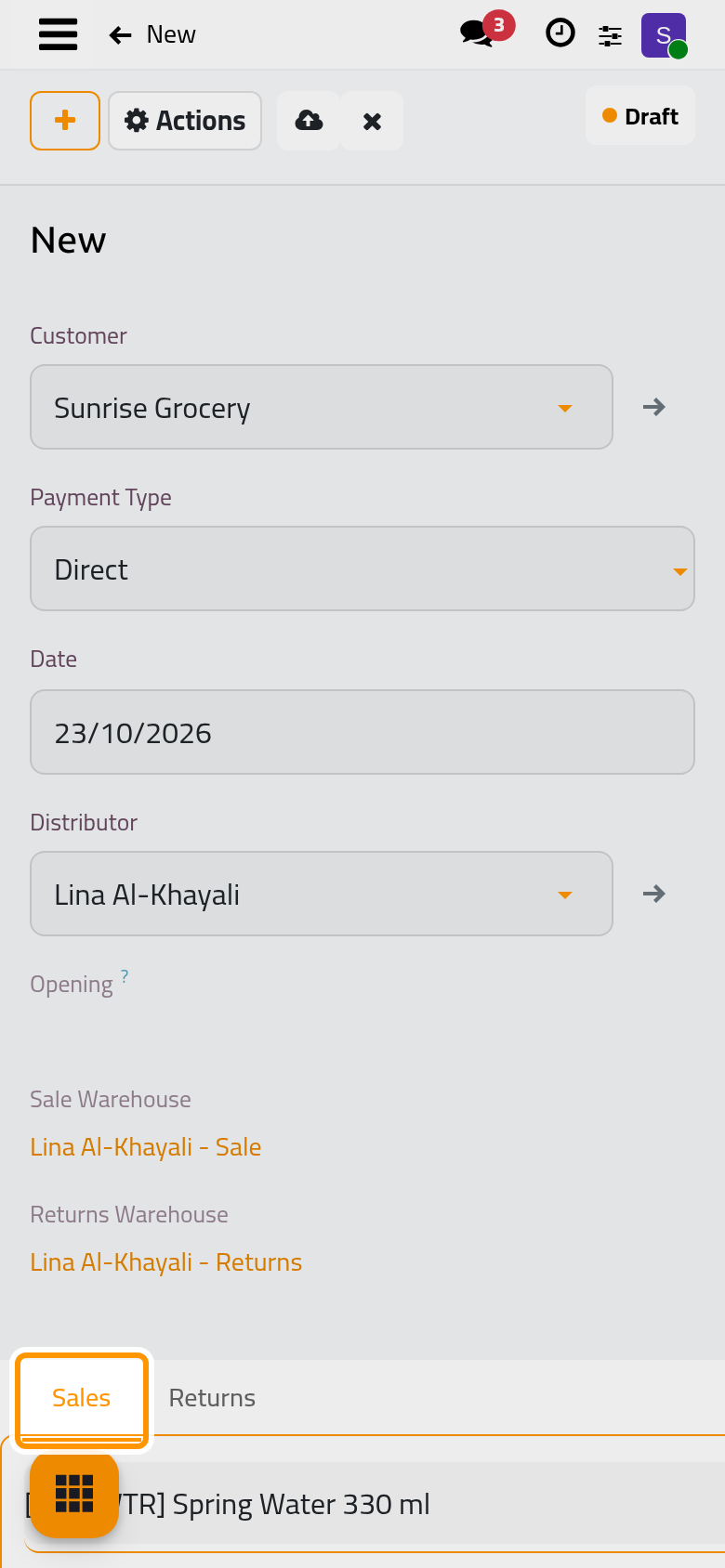
- In the Sales tab, add Spring Water 330 ml with a Qty of 12. The Price and the Taxes come from the customer's own distribution price when he has one, here 0.45, otherwise from the product.
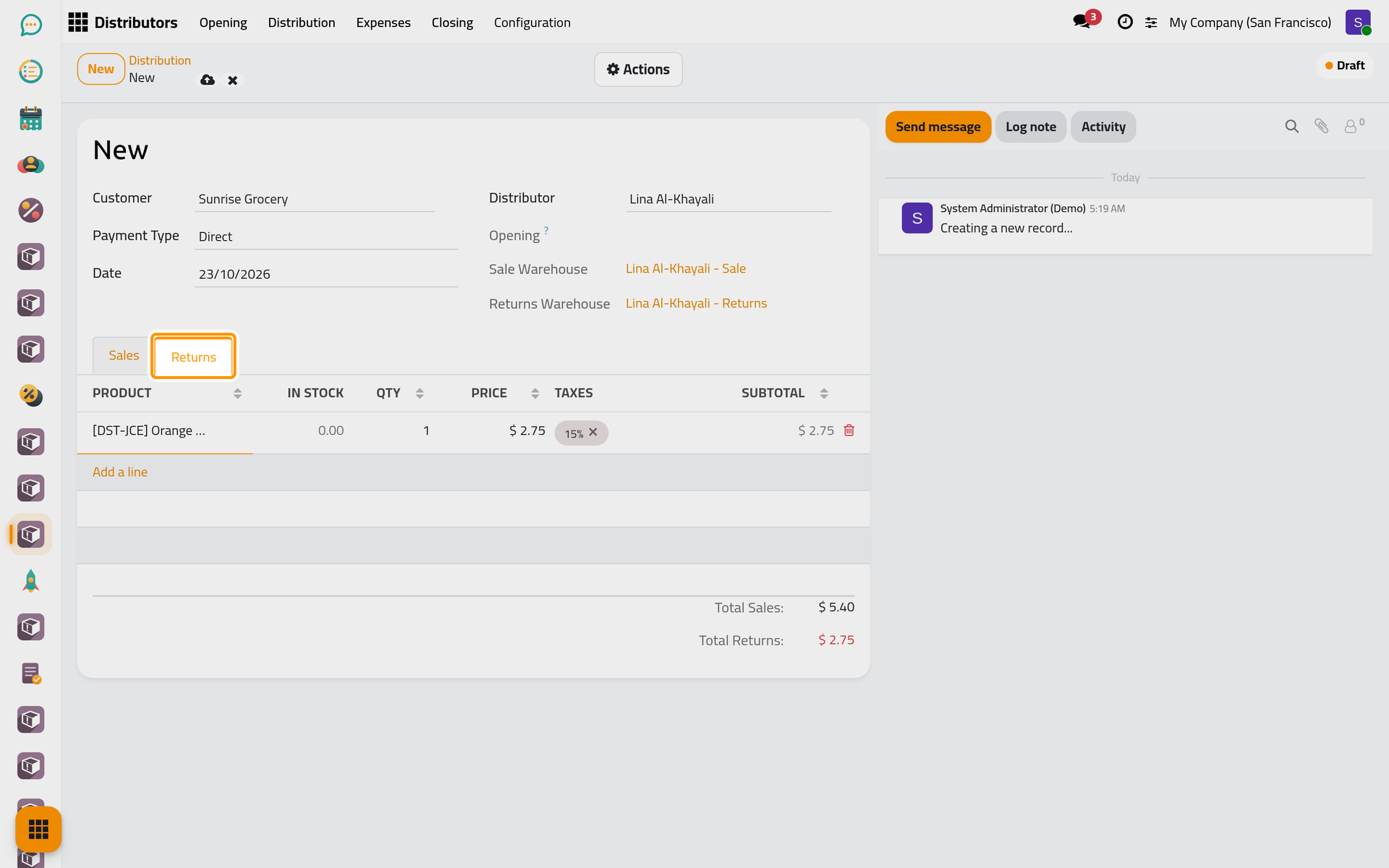
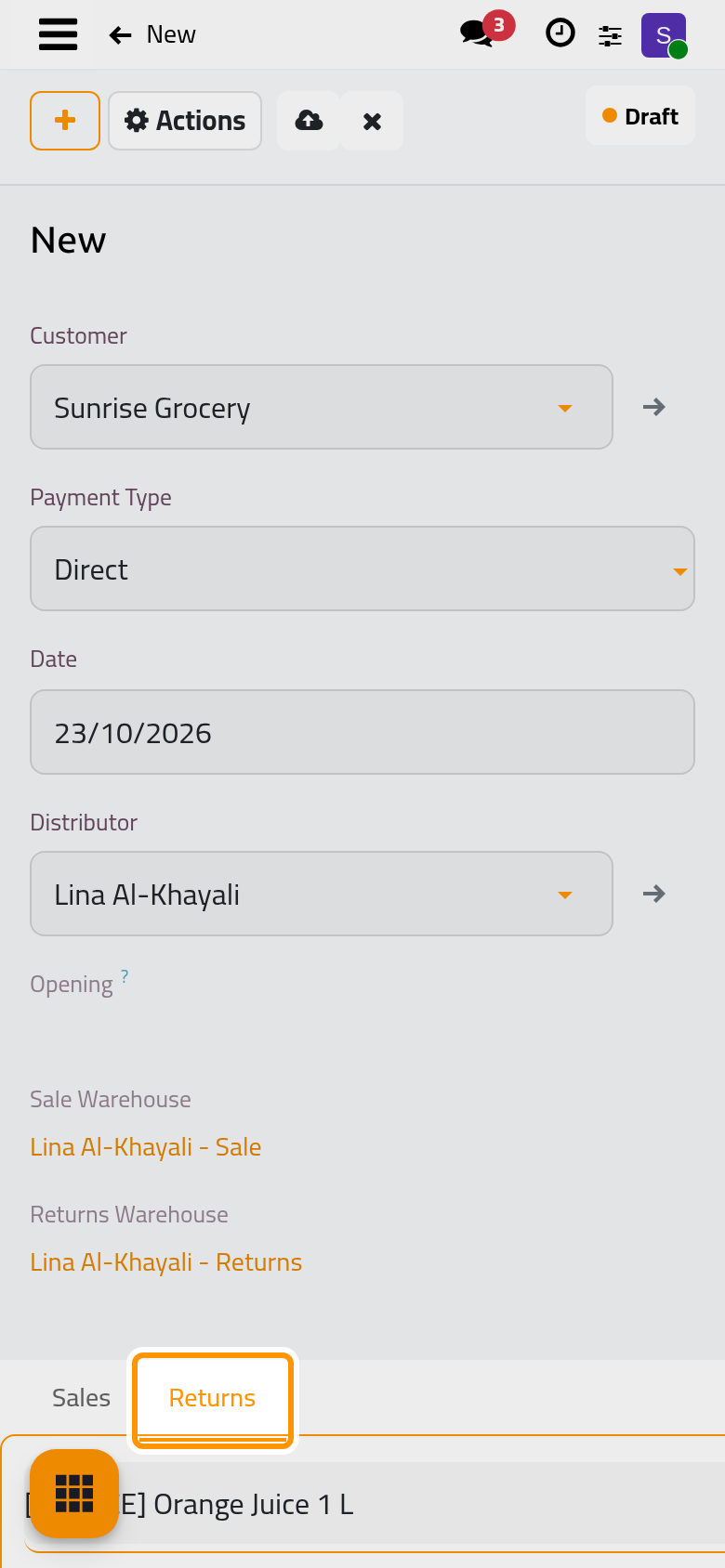
- In the Returns tab, add what the shop hands back: Orange Juice 1 L, 1.
- Click Save manually, then choose Confirm in the Actions menu. Saving links the distribution to her open opening. Confirming takes the goods out of her Sale warehouse, puts the returned bottle in her own Returns warehouse, and creates a draft invoice and a draft credit note.
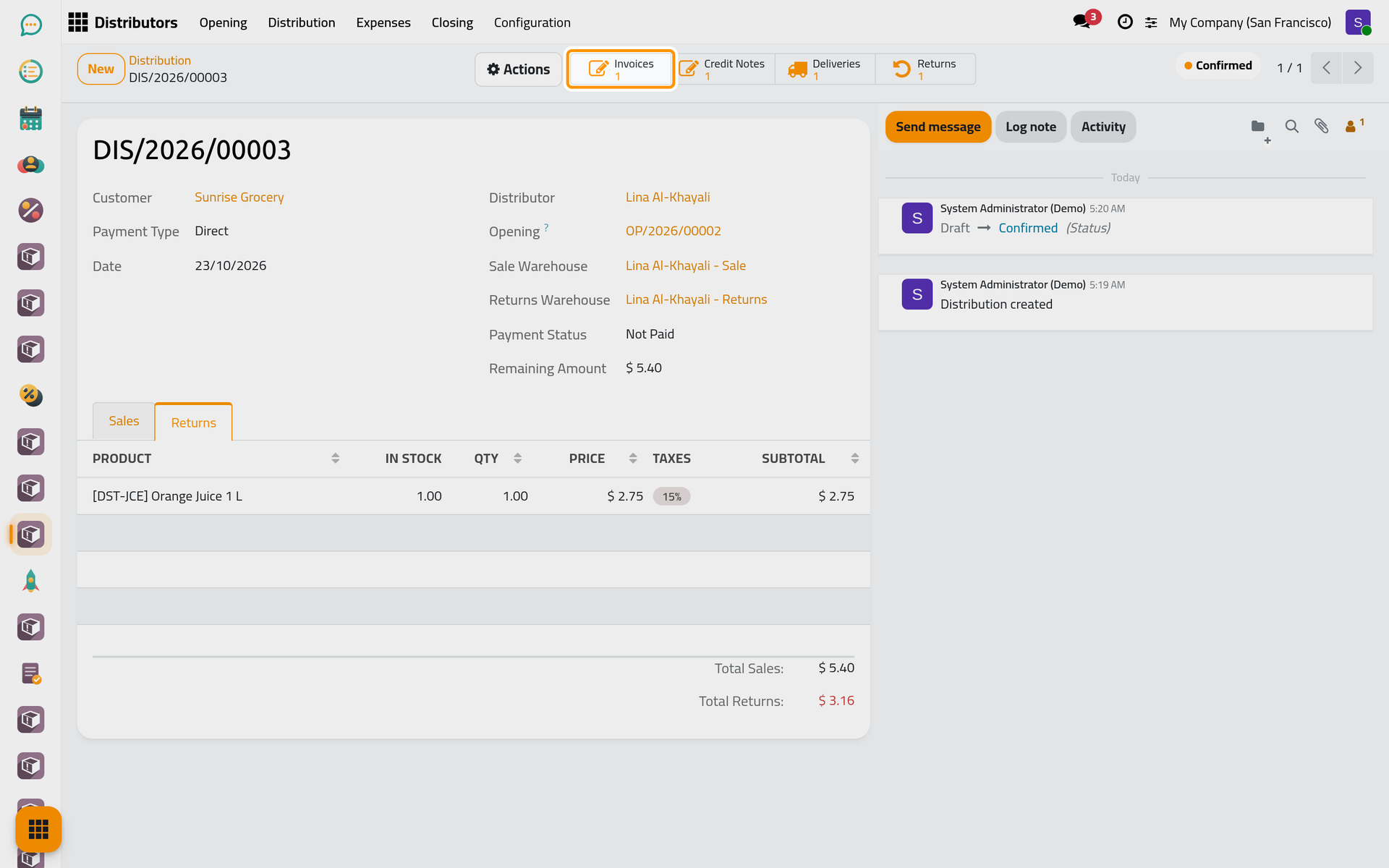
The counters Invoices, Credit Notes, Deliveries and Returns open each document. On a phone, they sit behind the lightning button of the form.
Step 3: collect the cash
- Choose Register Payment in the Actions menu. The Amount proposed is the sale minus the return, taxes included, and the Cash Journal is the distributor's own.
- Click Create Payment. The credit note and the invoice are posted and matched against each other, and the payment is recorded in her cash journal.
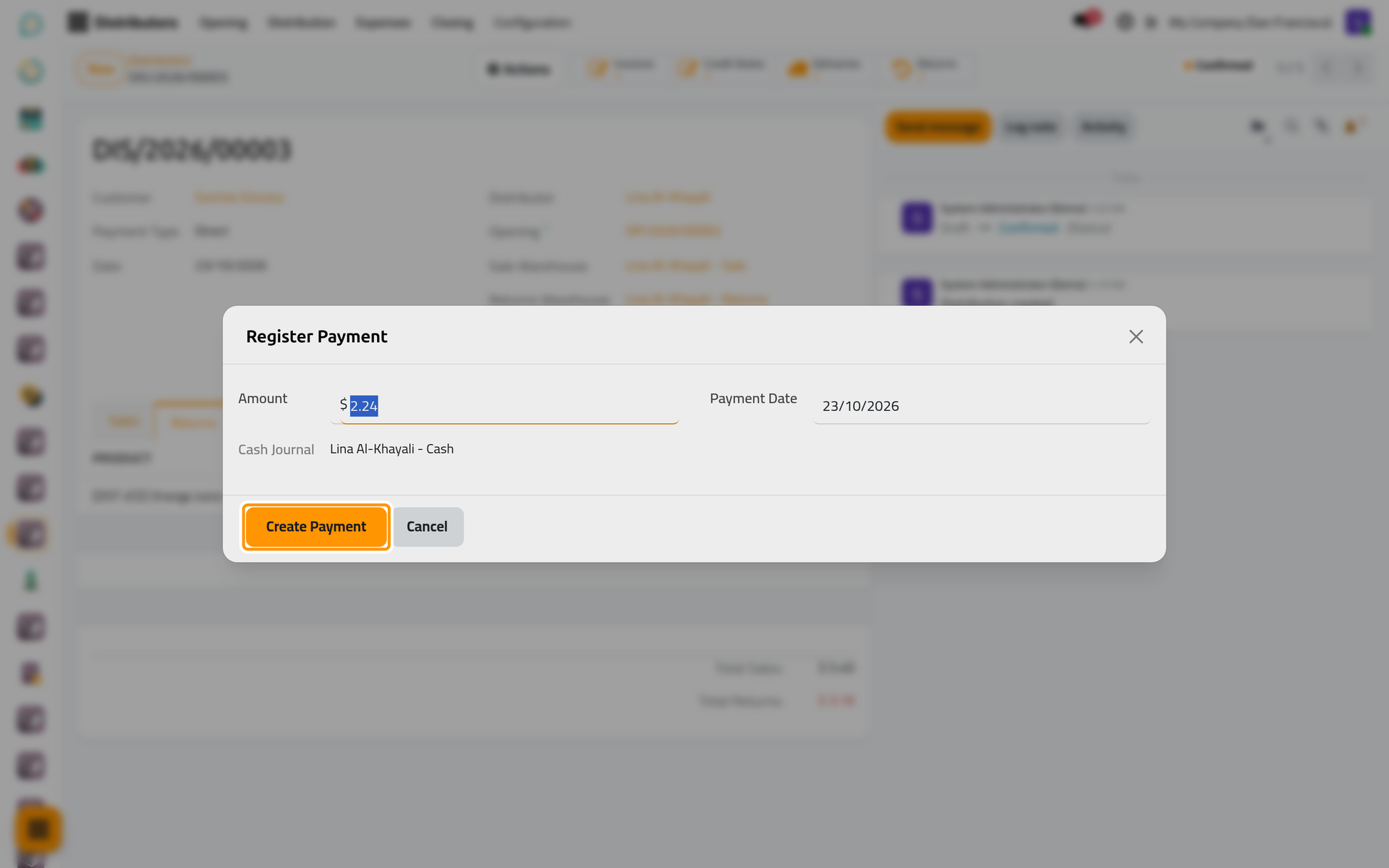
On a phone, the dialog opens full screen with the same fields and buttons.
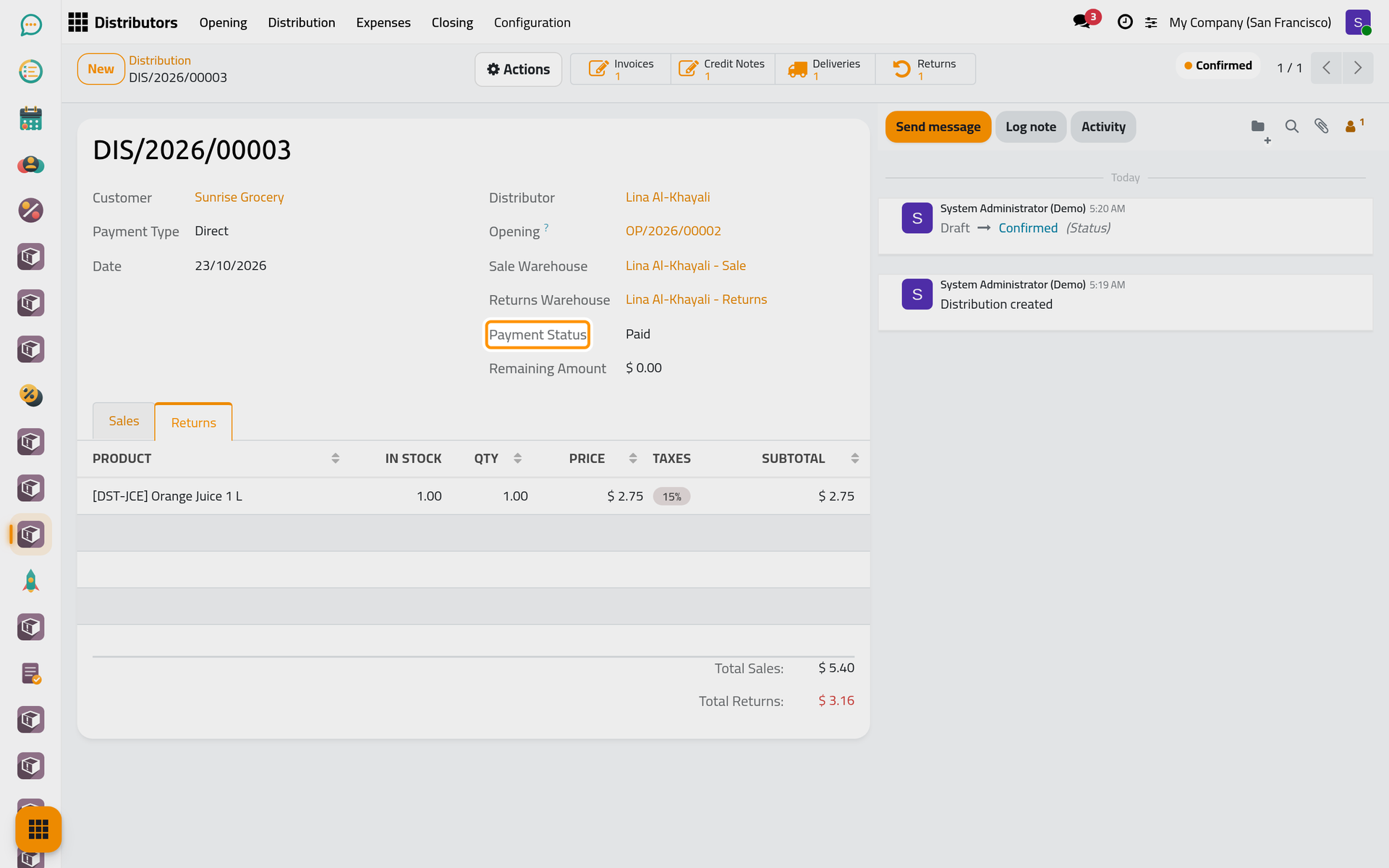
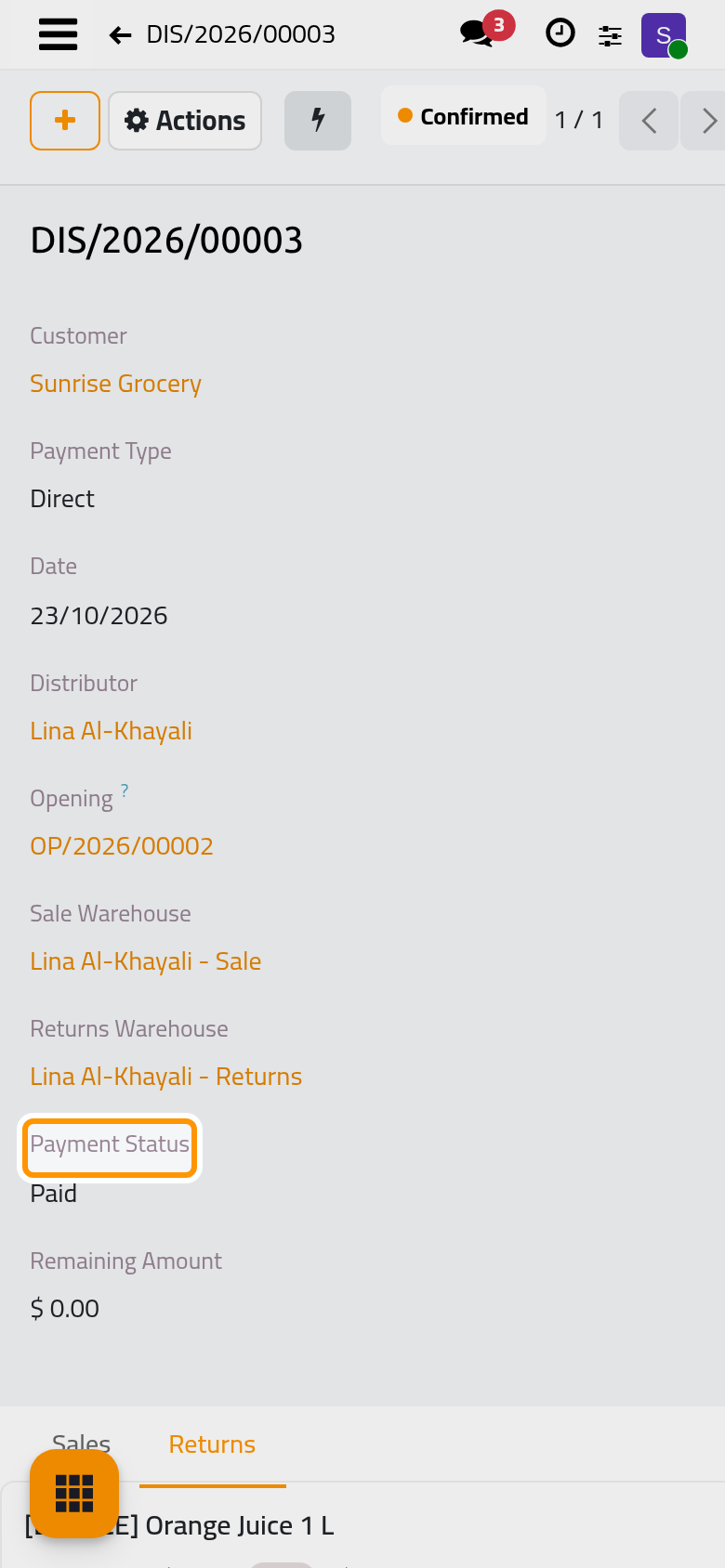
The Payment Status turns Paid and the Remaining Amount falls to zero.
Step 4: close the round
- Open , click New and choose the Distributor. Her open Opening fills in by itself. The Close action of a confirmed opening creates the same closing.
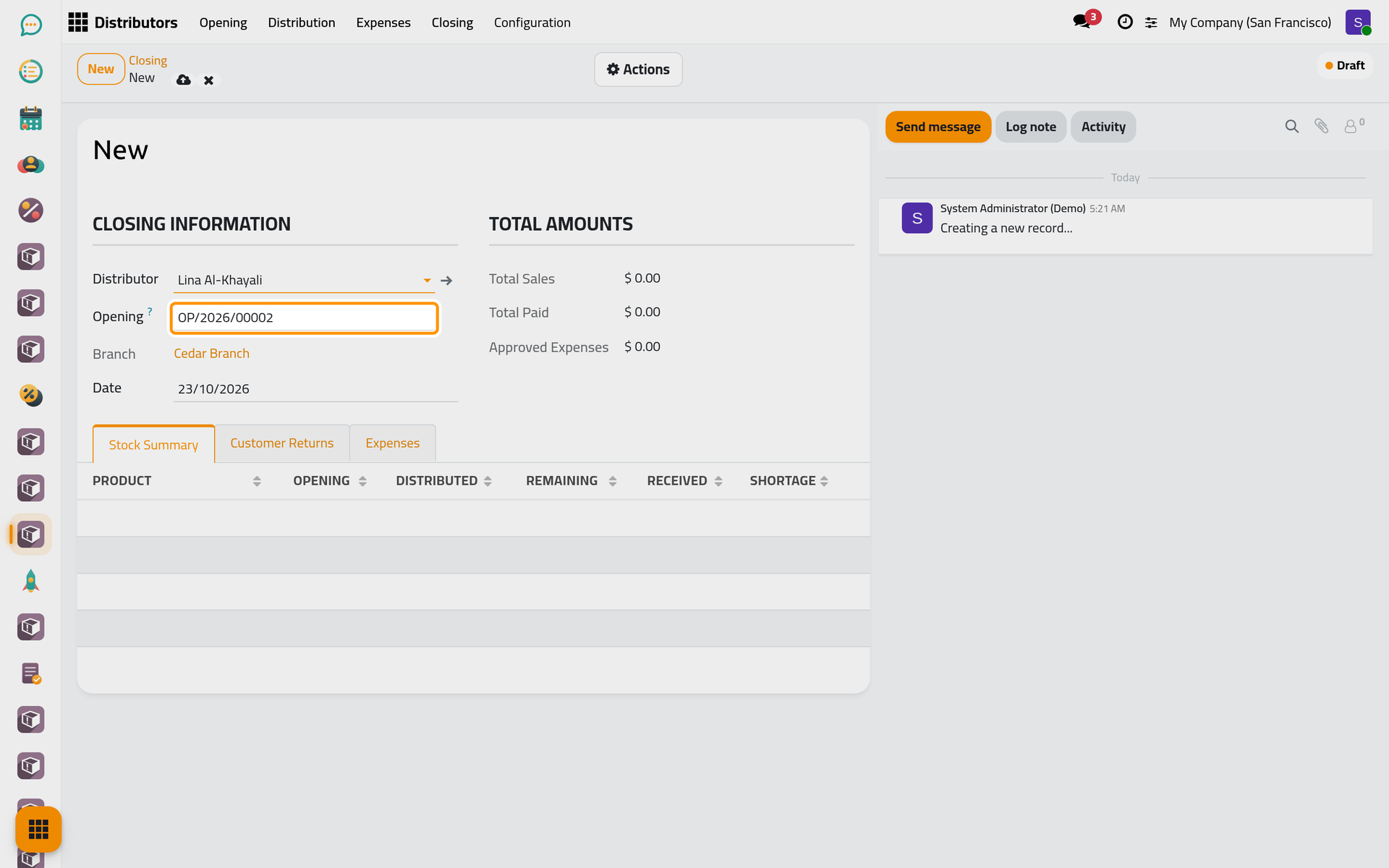
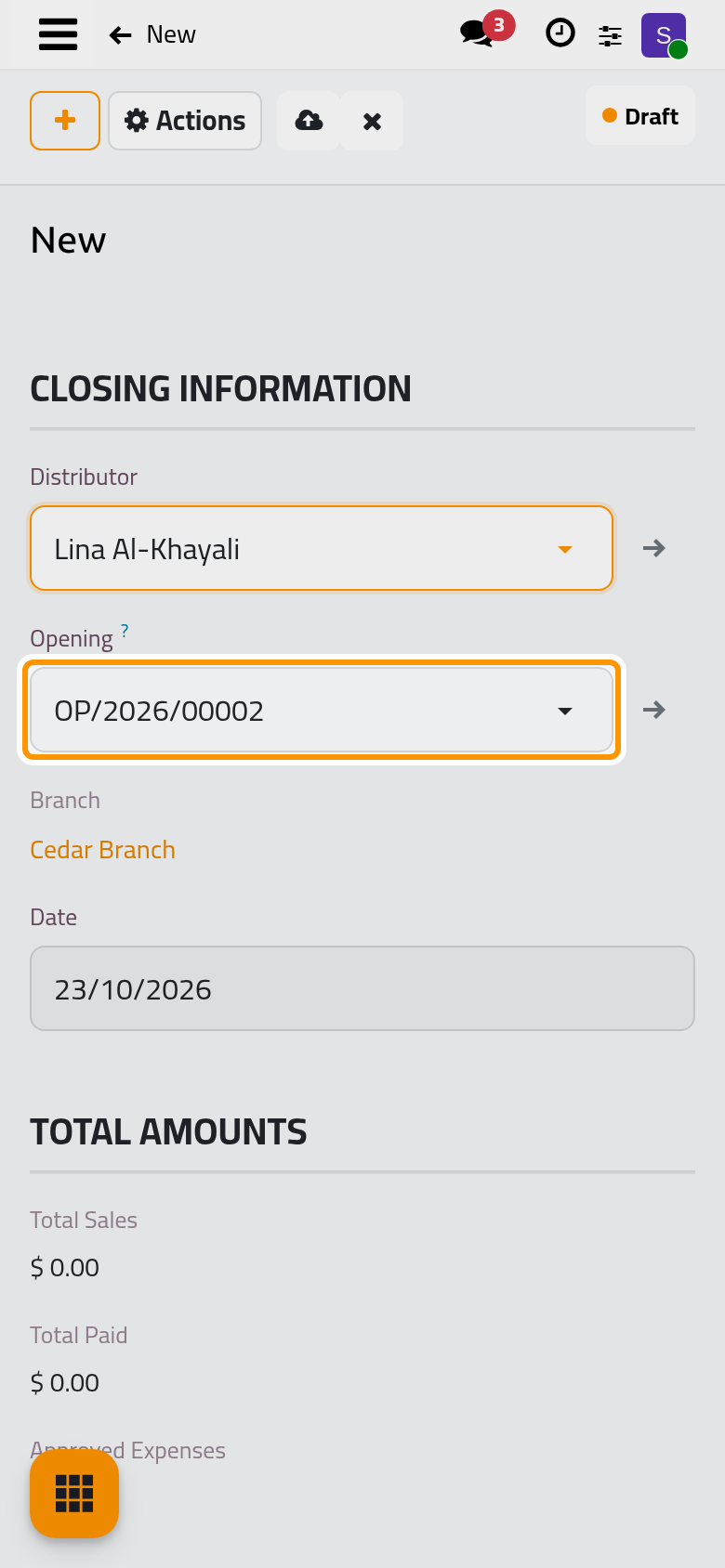
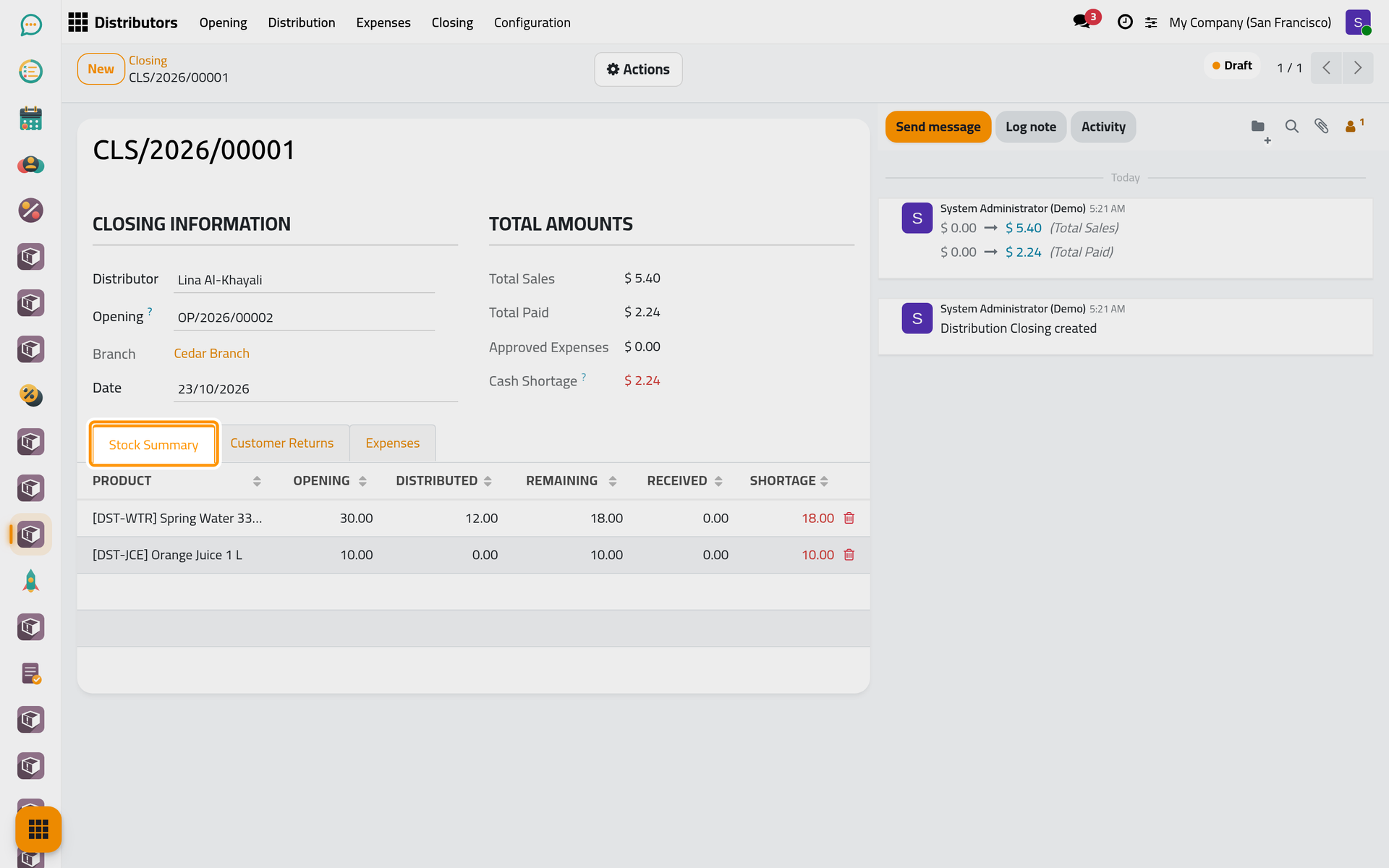
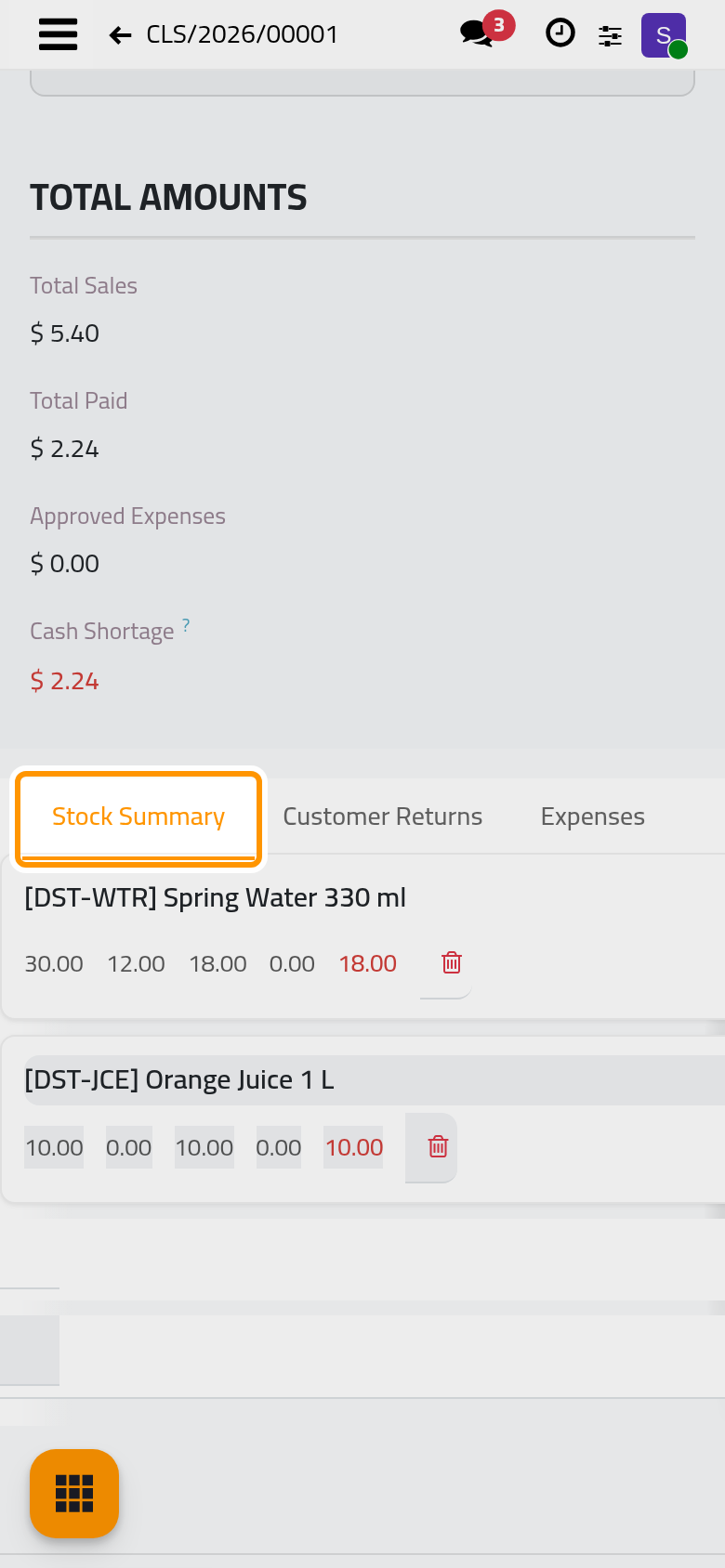
- Click Save manually, then choose Compute in the Actions menu. The Stock Summary tab lists, per product, what was opened, distributed and should remain; Customer Returns lists what the shops handed back. Total Sales and Total Paid give the money side, and Cash Shortage what she still has to hand in. A Direct distribution nobody paid would be paid here, from her cash journal.
- Choose Receive in the Actions menu. Step 1 asks for the quantities she hands back, the leftovers under Products and the shops' returns under Returns; Set All Expected fills every line with the quantity expected.
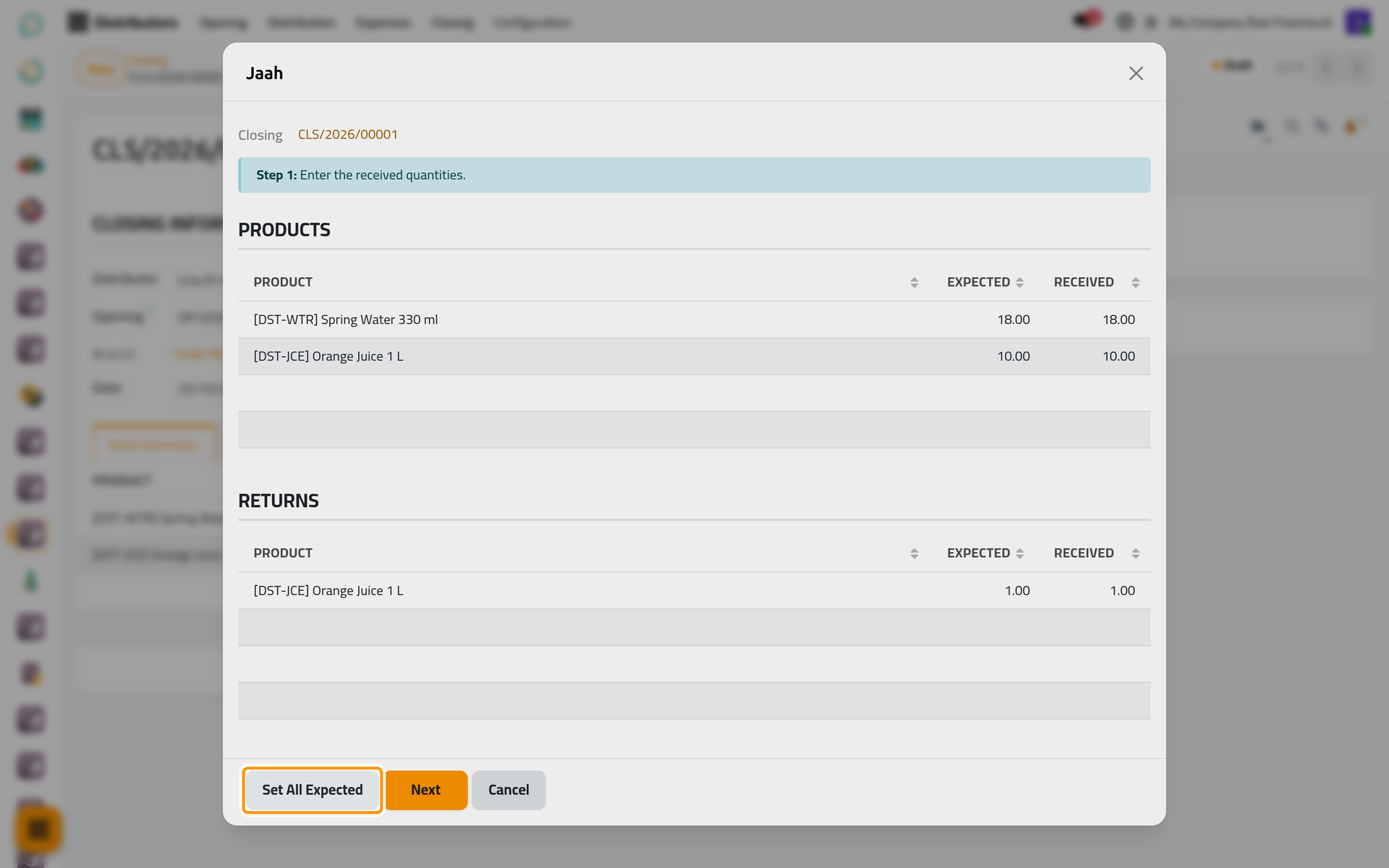
On a phone, the dialog opens full screen with the same fields and buttons.
- Click Next. Step 2 appears only when something is missing. Step 3 asks for the Amount Received, the cash she hands in.
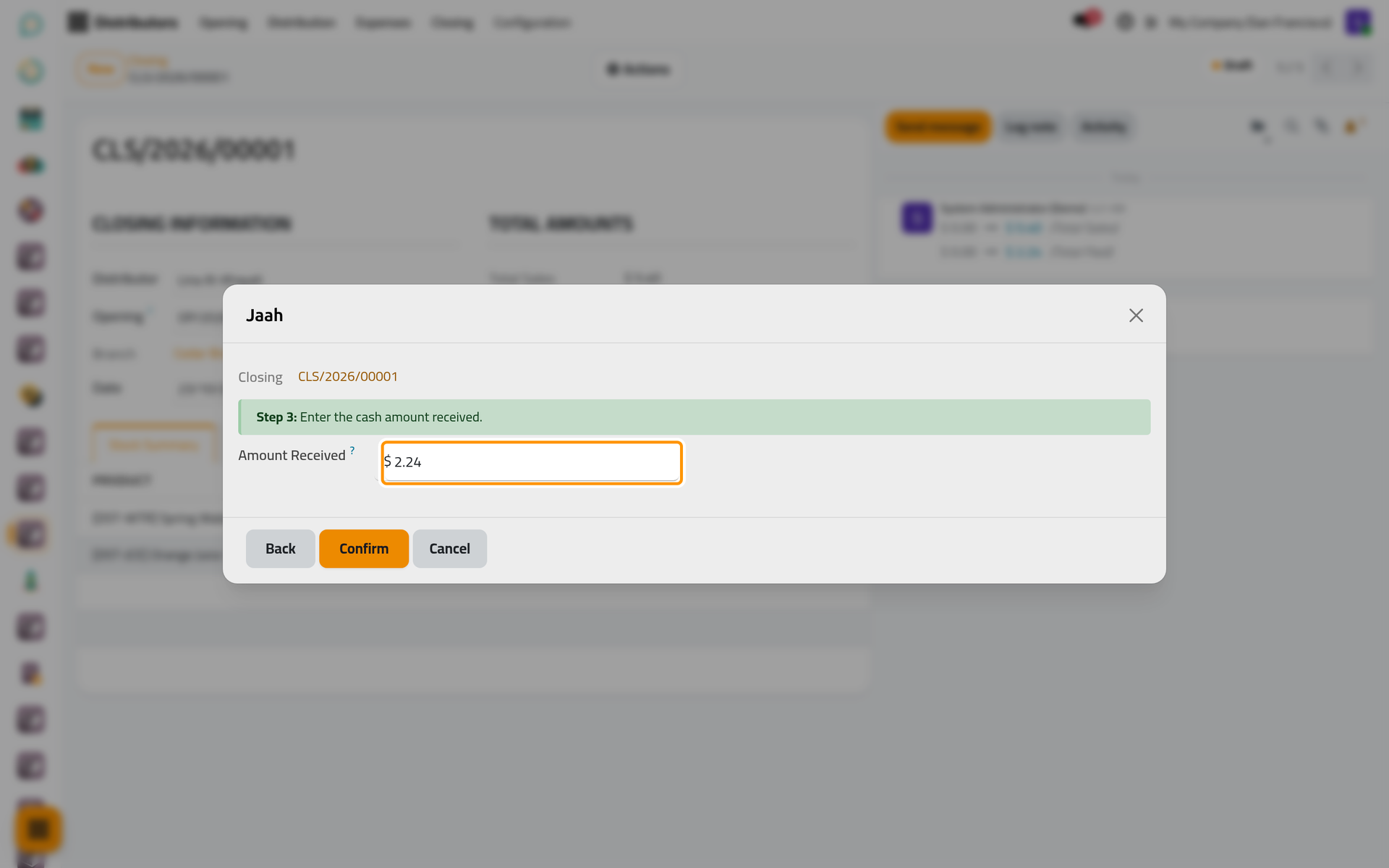
On a phone, the dialog opens full screen with the same fields and buttons.
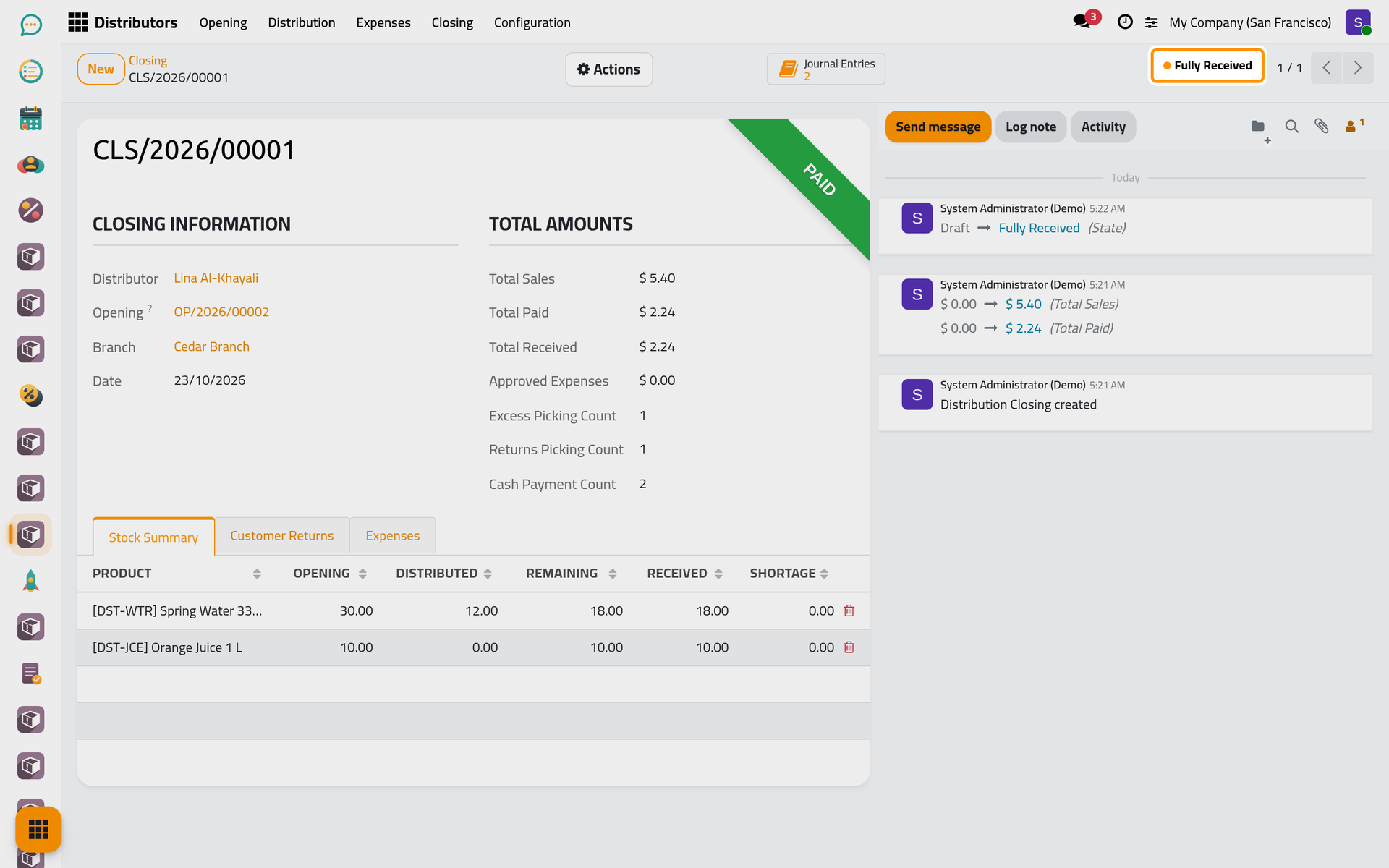
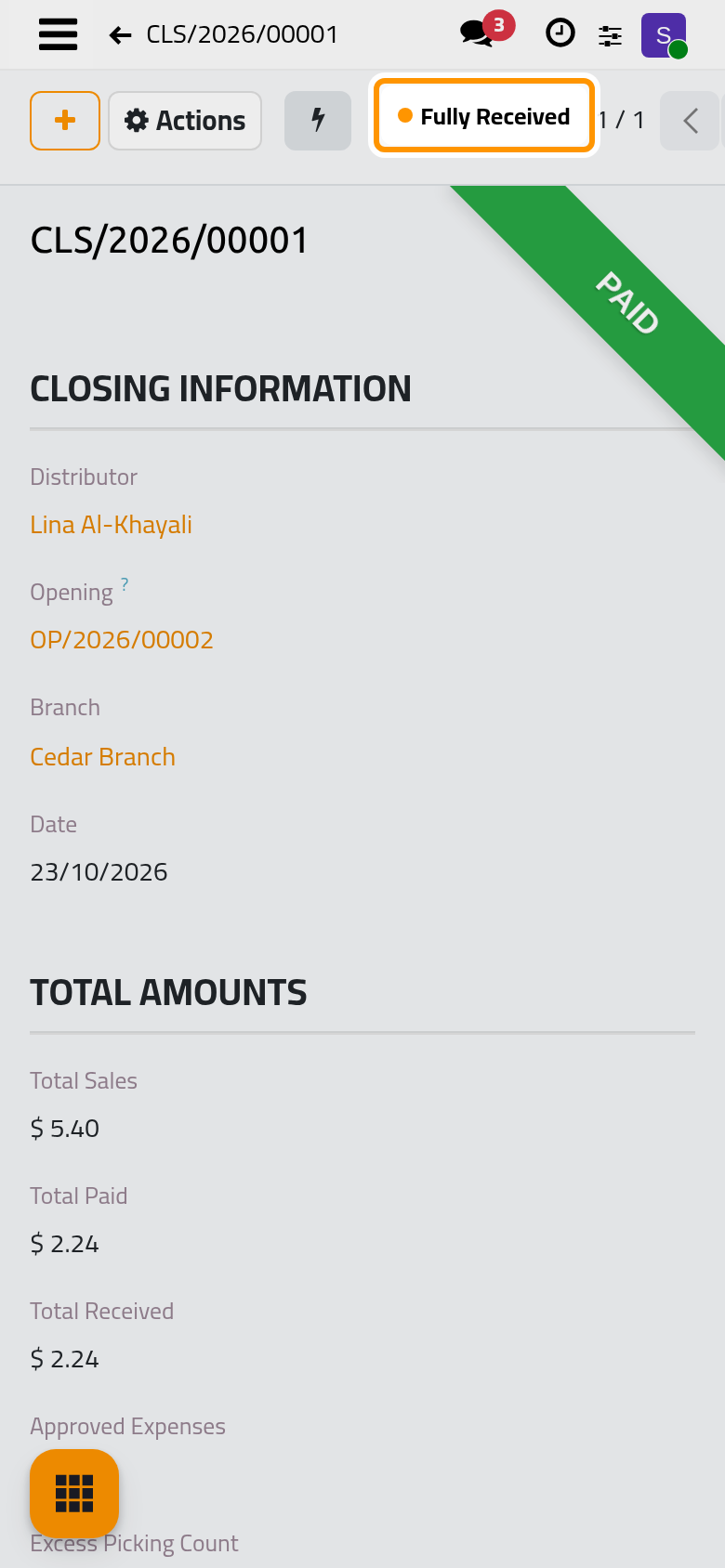
- Click Confirm. The leftovers and the returns move to the branch's Returns warehouse, the cash moves from her cash journal to the branch's, and the closing turns Fully Received. Its opening becomes Closed, and Lina can start a new round.
What you have done
One whole round: the stock left the branch with an opening, a shop bought and returned goods on one distribution with its invoice and credit note, the cash went into the distributor's cash journal, and the closing brought the goods and the cash back to the branch. The user guide takes each part further: Set up a branch and a distributor, Record a sale and collect payment and Submit and approve an expense. How stock and cash move explains the whole chain.
Was this page helpful?
Thank you for your feedback.