Set up a branch and a distributor
On this page
A branch is the place the stock leaves from and the cash comes back to; a distributor is the person who drives the goods to the shops. Both are created from the configuration menu, and each one creates on saving what it needs to work.
Before you start
- You need the Distributor Manager access right on Distributors.
- The cash accounts of Distributors settings must be set; installation fills them. A distributor cannot be saved while the Distributor Cash Default Account is empty.
Create the branch
- Open and click New.
- Type the branch Name and a Short Code, such as HRB. The short code is shown on the branches list and cards.
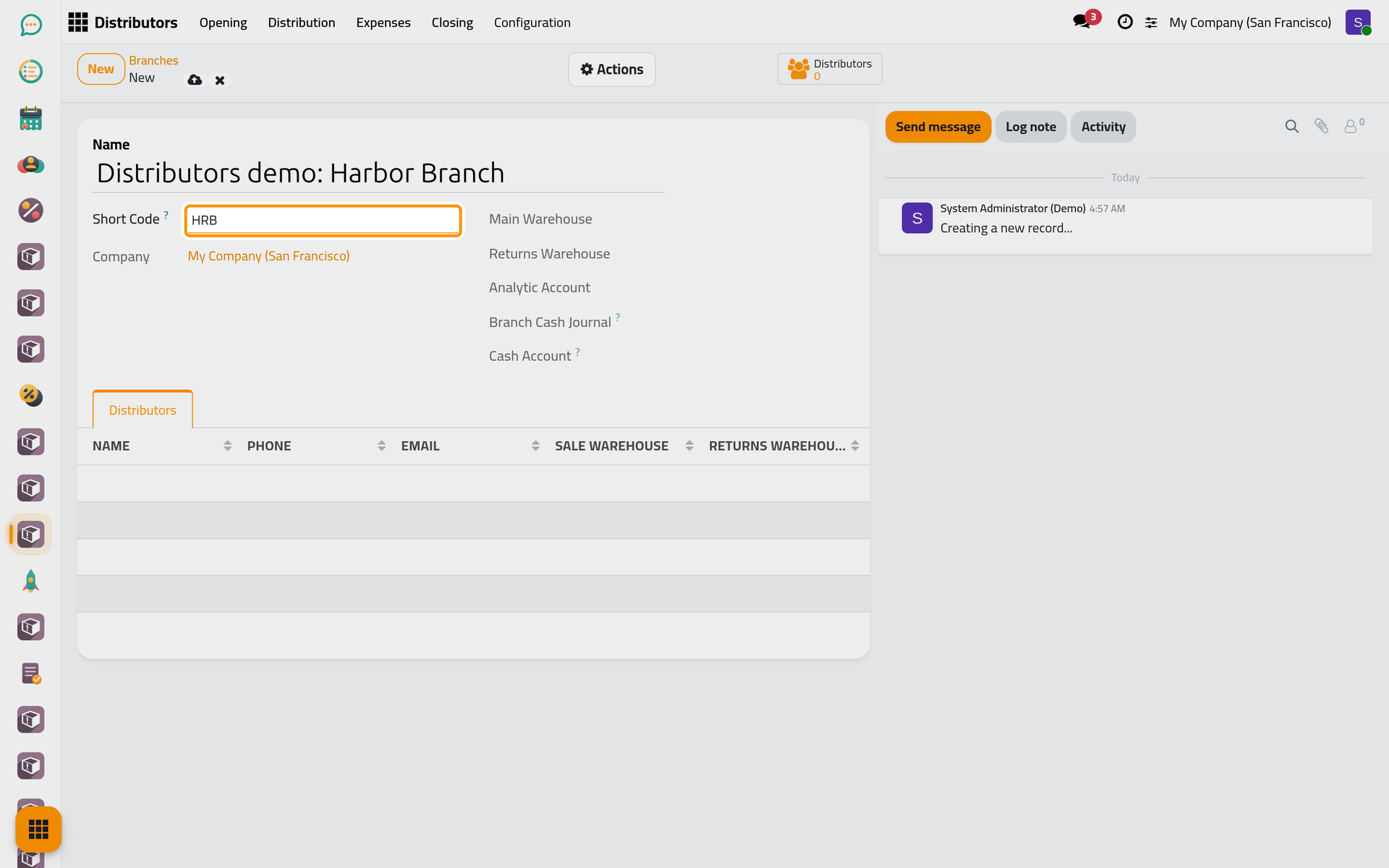
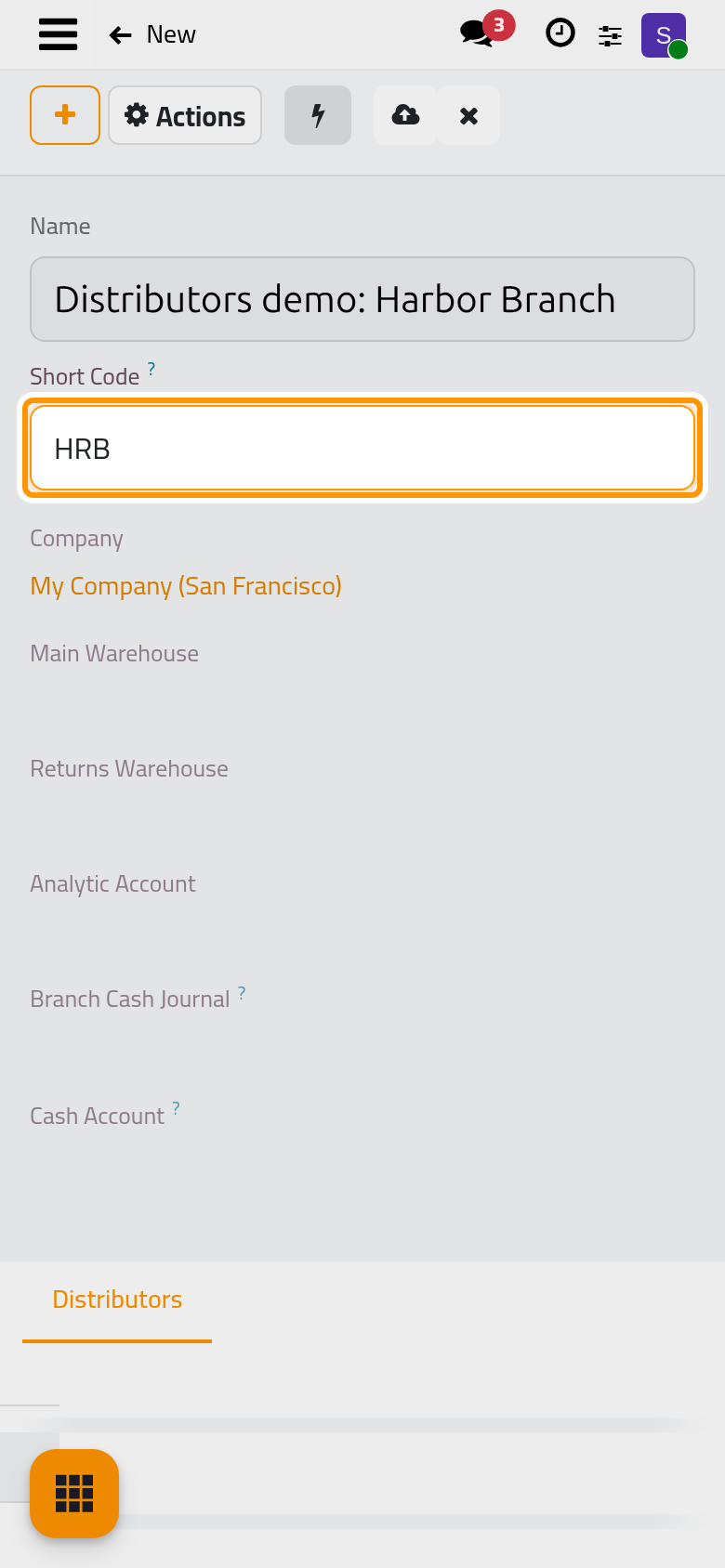
- Click Save manually. The branch gets at once:
- two warehouses named after it: "Main" for the stock to hand out and "Returns" for what comes back;
- an analytic account under the Branches plan;
- a Branch Cash Journal on a cash account of its own, numbered after the Branch Cash Default Account of the settings. It receives the cash of the closings.
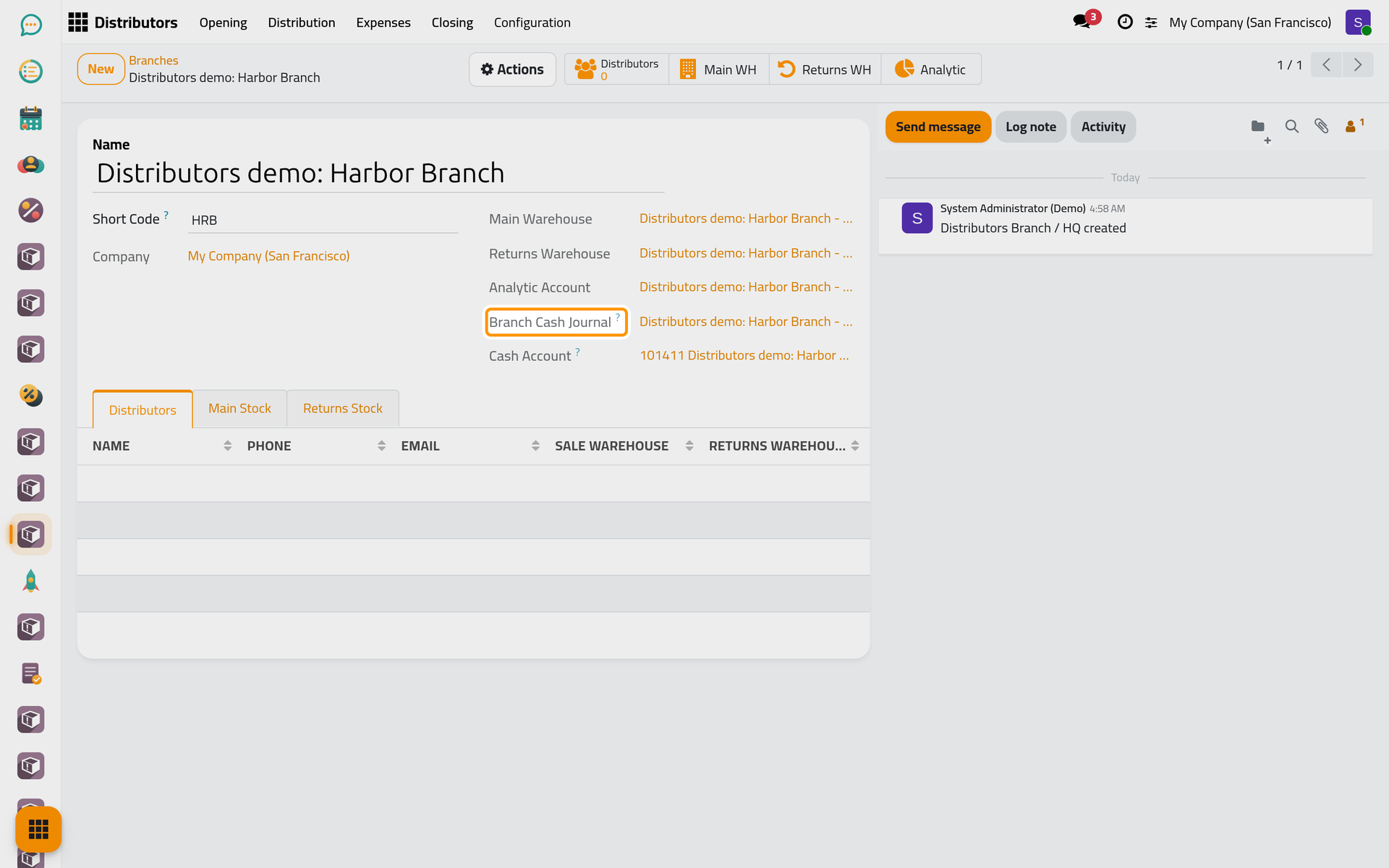
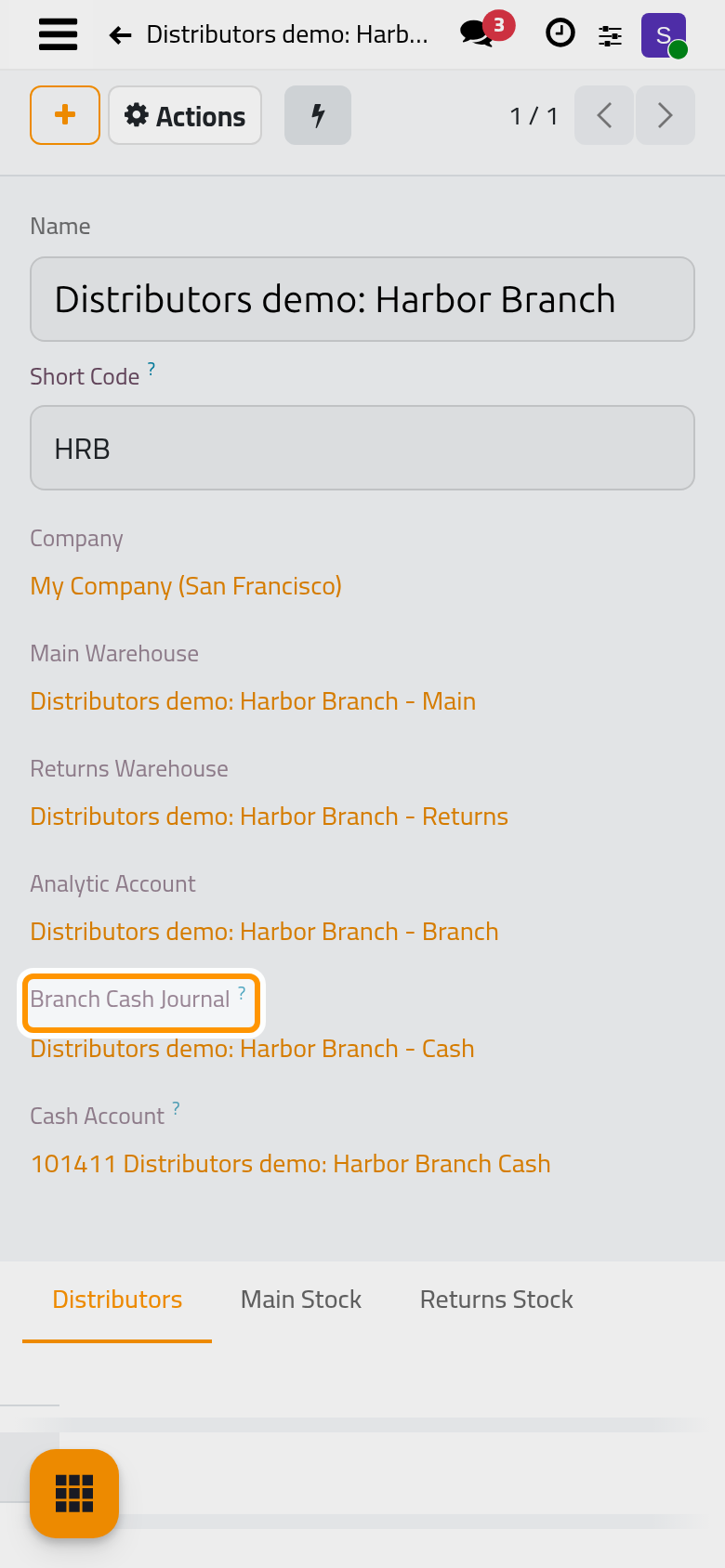
The buttons Main WH, Returns WH and Analytic open them. The Actions menu of the branch offers Record Production, Internal Transfer and Record Scrap; Add products and stock a branch uses the first one.
Create the distributor
- Open and click New.
- Type the Name, choose the Branch, and give the Phone and the Email. The phone is checked and written in international form for the Country. The email becomes the login of the distributor's user: saving without it stops with a message.
- The Expense Officer, who approves his expenses, comes from the settings; choose another user if someone else reviews them.
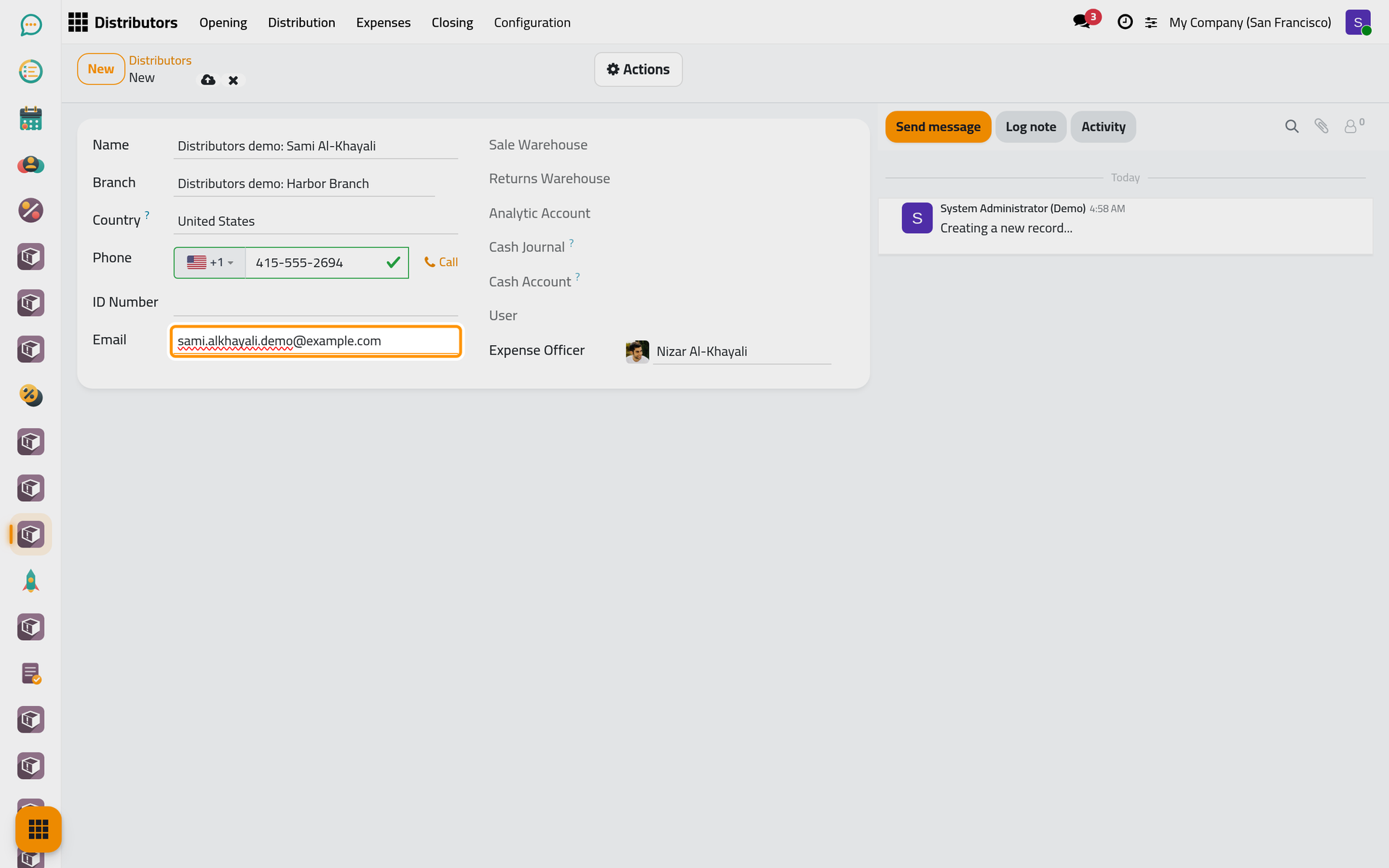
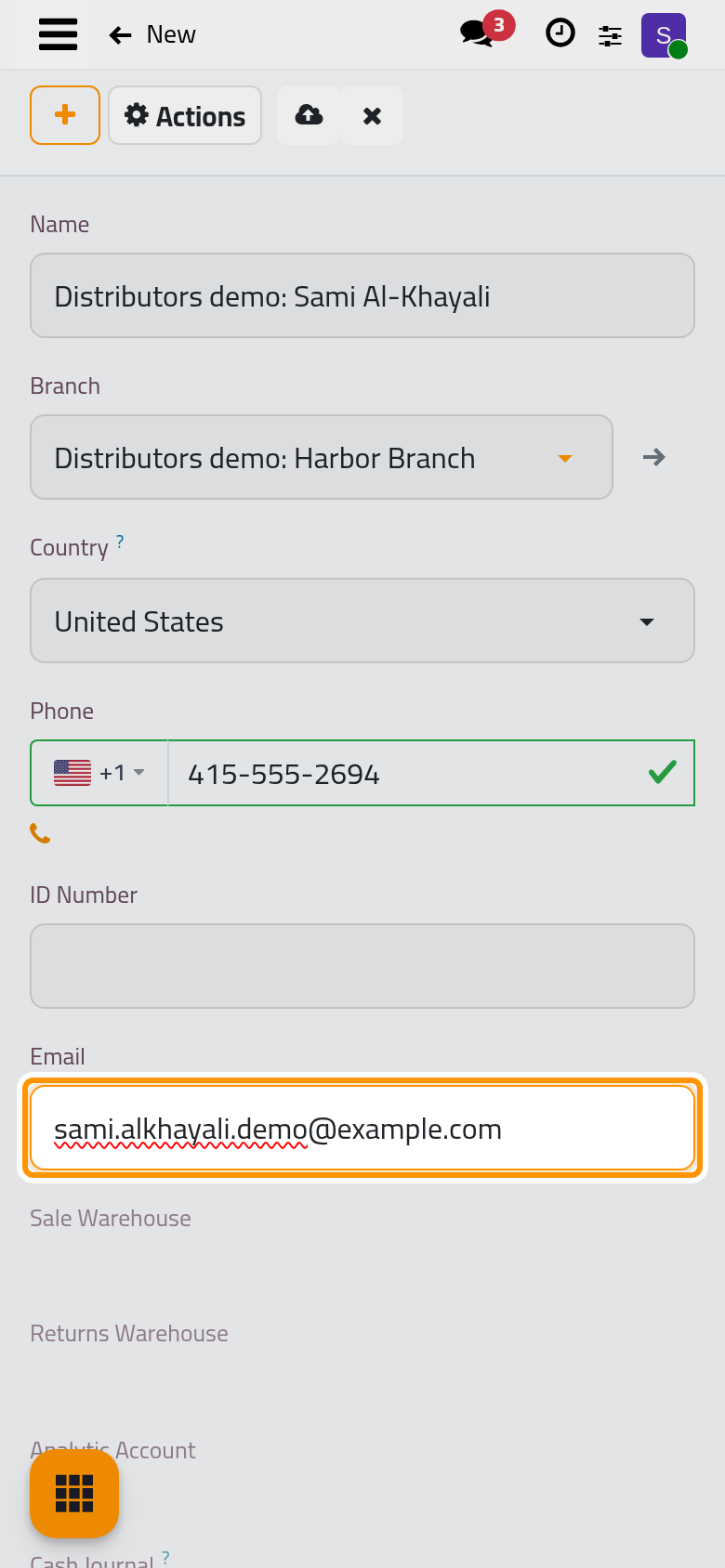
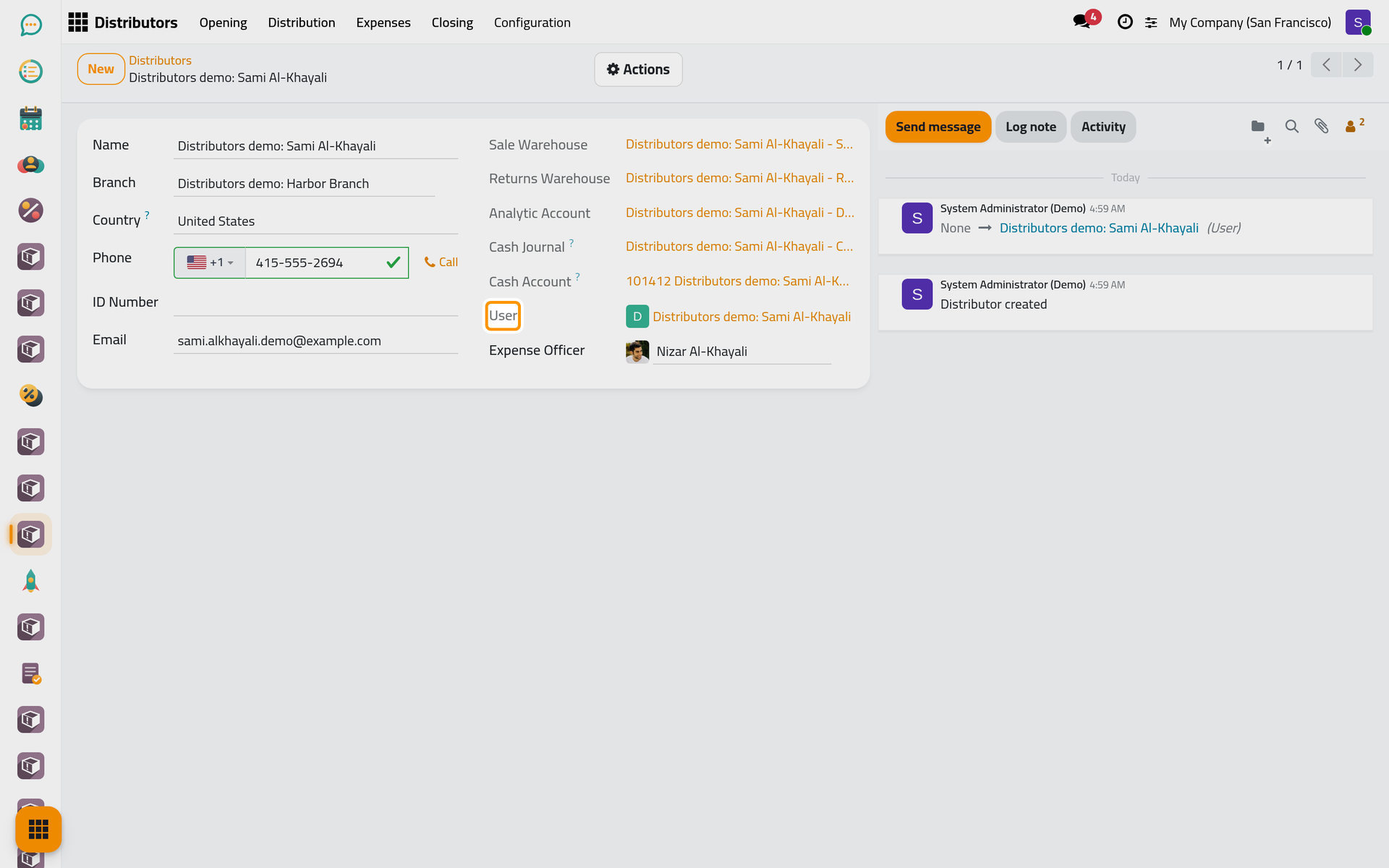
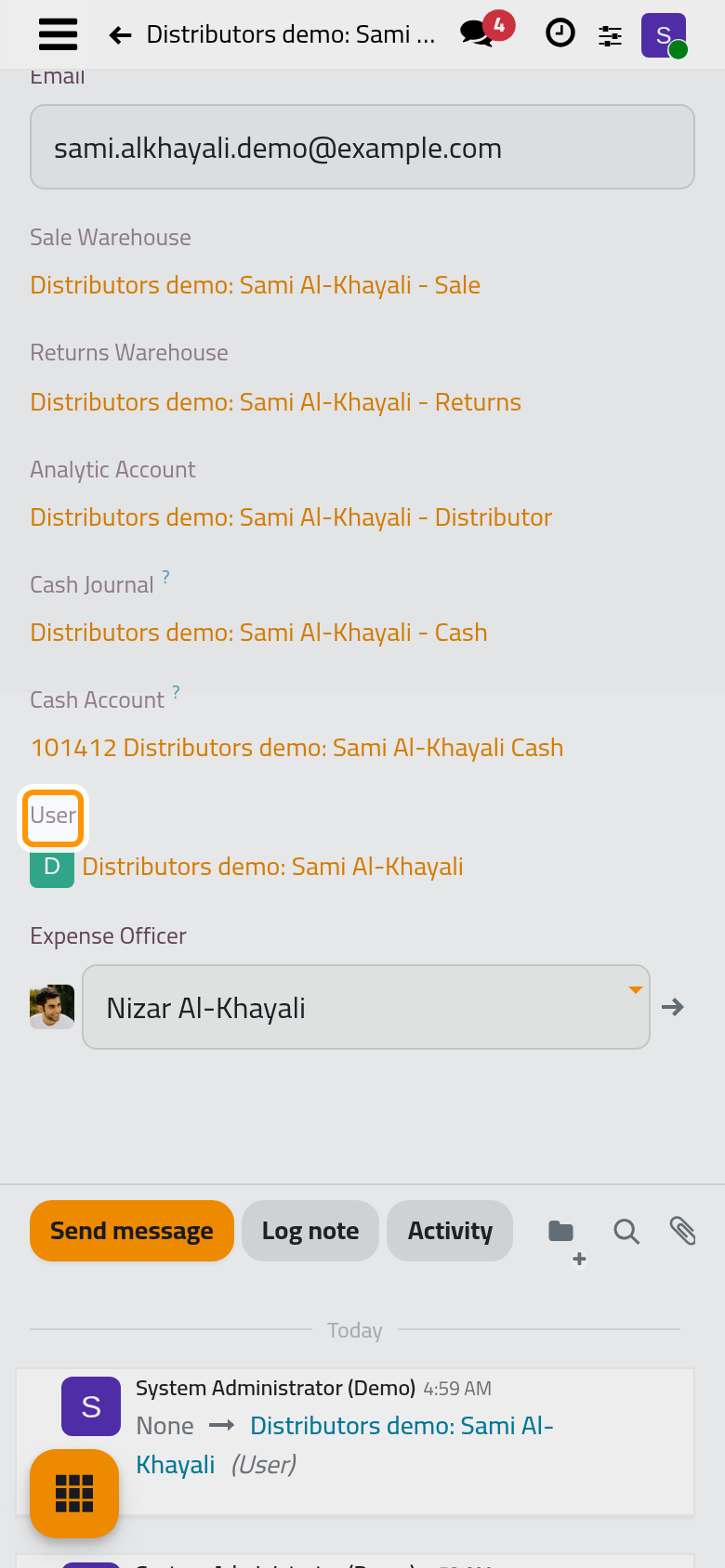
- Click Save manually. The distributor gets his own Sale and Returns warehouses, an analytic account under the Distributors plan, a Cash Journal on a cash account of his own (its balance is the cash he holds), and a User with the Distributor access right.
Set his password
- Open the Actions menu and choose Set Password.
- Type the New Password, the same again in Confirm Password (four characters at least), and click Set Password.
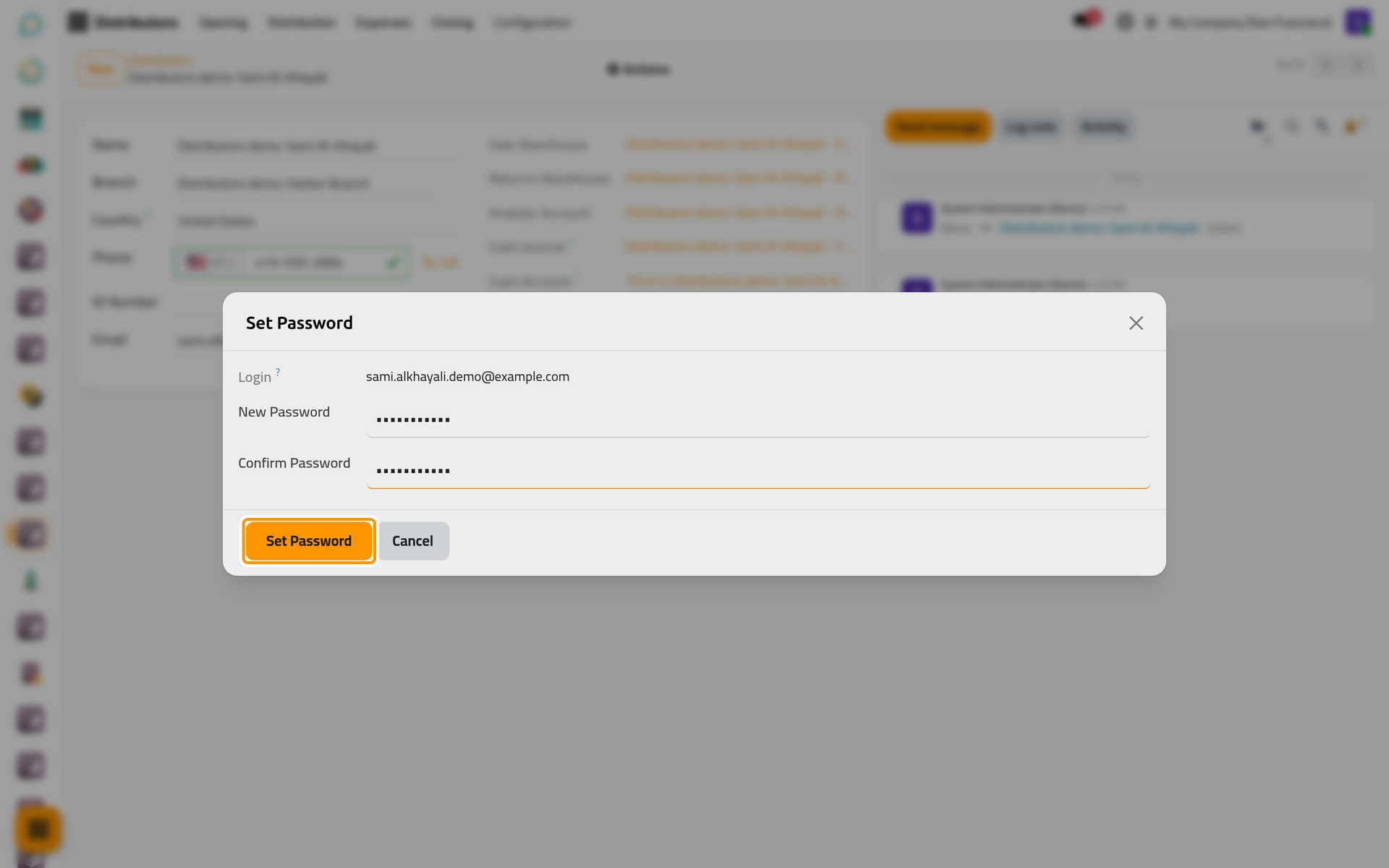
On a phone, the dialog opens full screen with the same fields and buttons.
The distributor signs in with his email and that password. He sees Distribution and Expenses only, and in them only his own records.
FAQ
Saving the distributor stops and asks for an email.
The distributor's user is created when he is saved, and the email is its login. Fill the Email; two distributors of the same company cannot share one.
What does renaming a branch or a distributor change?
Its warehouses, analytic account, cash journal and cash account take the new name, and so does a distributor's user.
Can I delete a branch or a distributor?
A branch with distributors or stock moves, or a distributor with openings, distributions, expenses, closings or stock moves, is archived instead; a distributor's warehouses are archived with him, a branch's stay active. One without any history is deleted with what was created for it, and a distributor's user is archived.
The distributor has no user.
When his user was not created, the Actions menu of the distributor offers Create User, which creates it from his email.
Was this page helpful?
Thank you for your feedback.