Create assets from a vendor bill
On this page
An asset usually arrives with a vendor bill. Instead of typing it twice, let the bill create it: tick Asset on the bill, give each line that is an asset a template, and confirm. The bill itself, its vendor, dates and payment, is explained in Vendor bills and expenses.
Before you start
- You need the Administrator access right on Accounting: the dialog that creates the assets needs Show Full Accounting Features, which comes with it.
- The templates you use must have their accounts and journal filled. See Fixed asset settings.
Prepare the bill
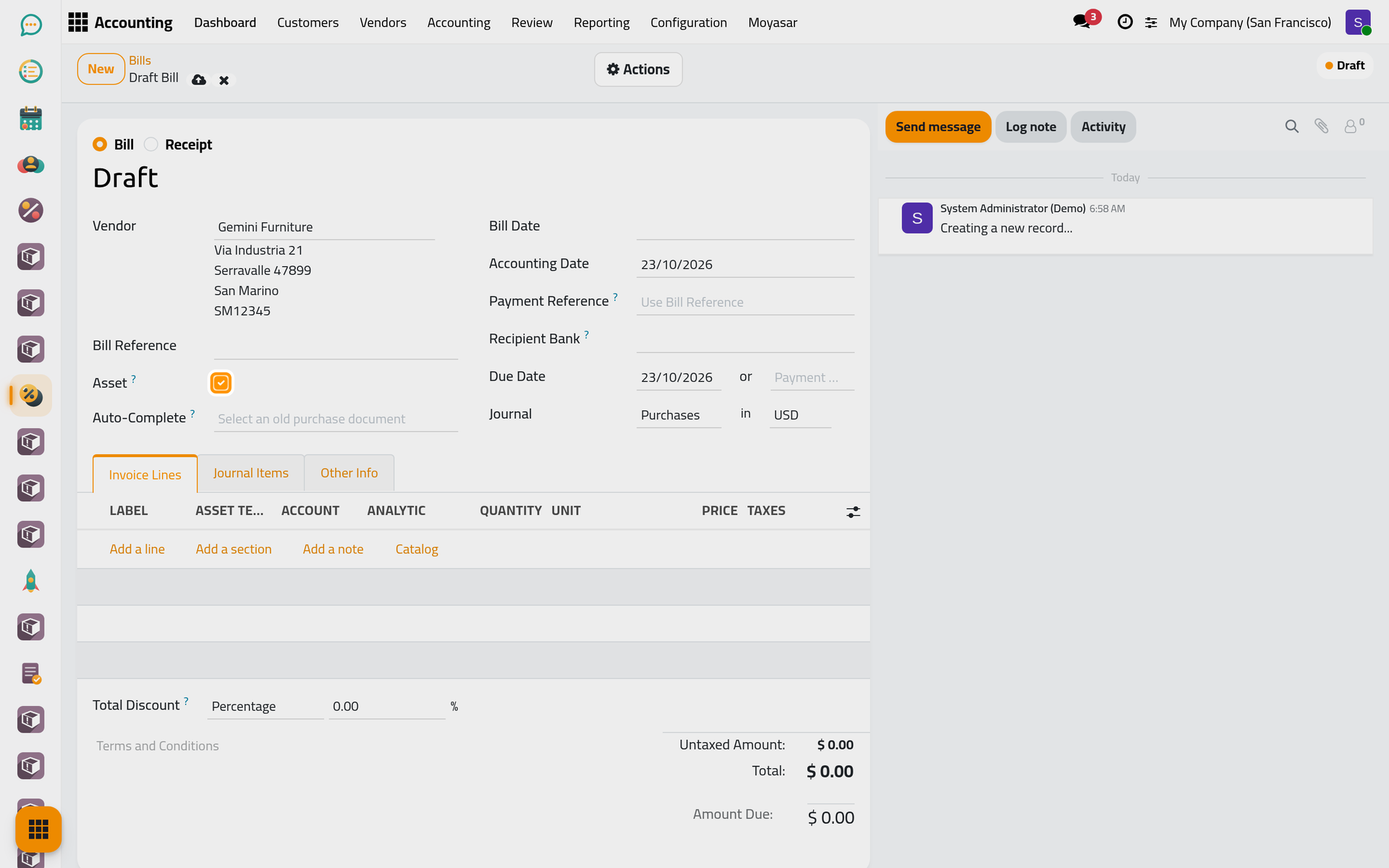
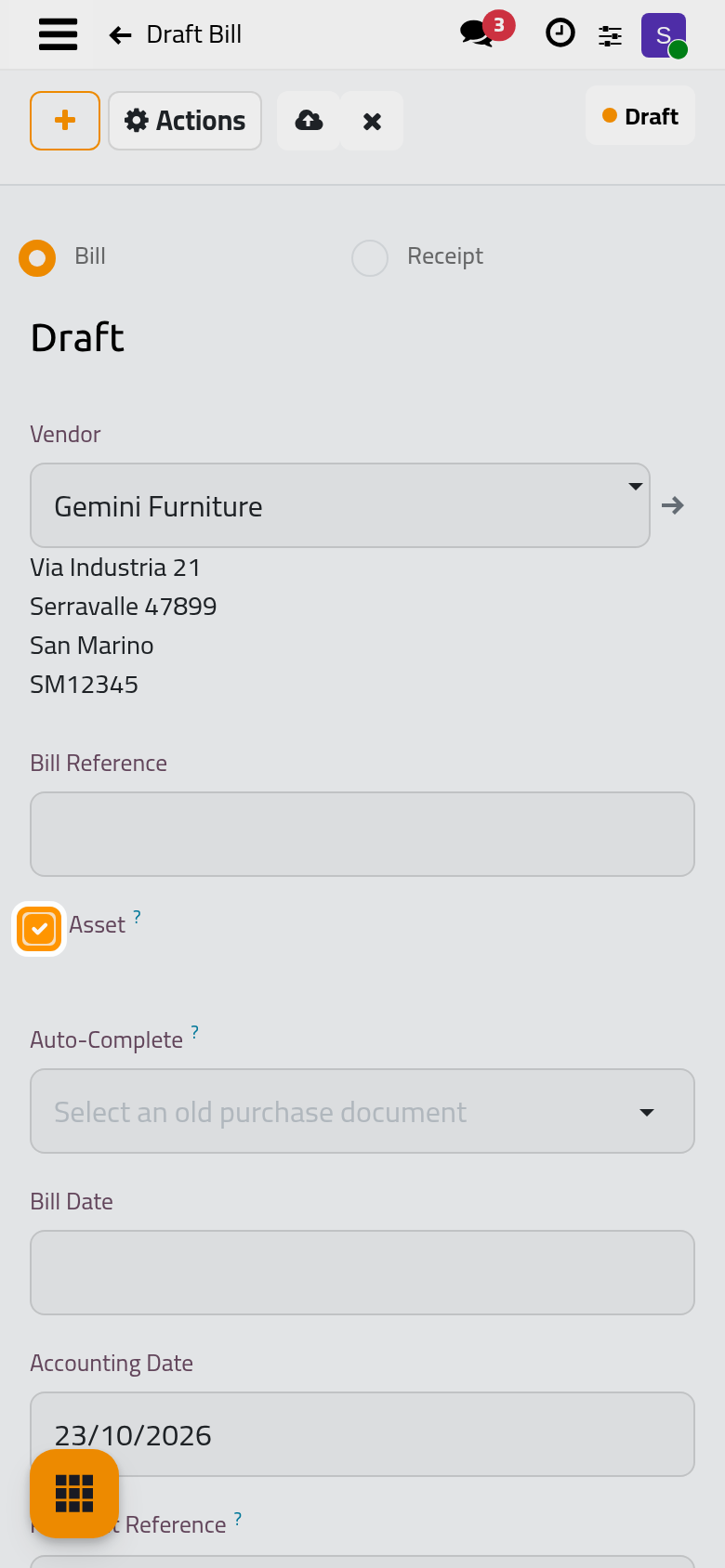
- Open , click New and choose the Vendor, Gemini Furniture in the example.
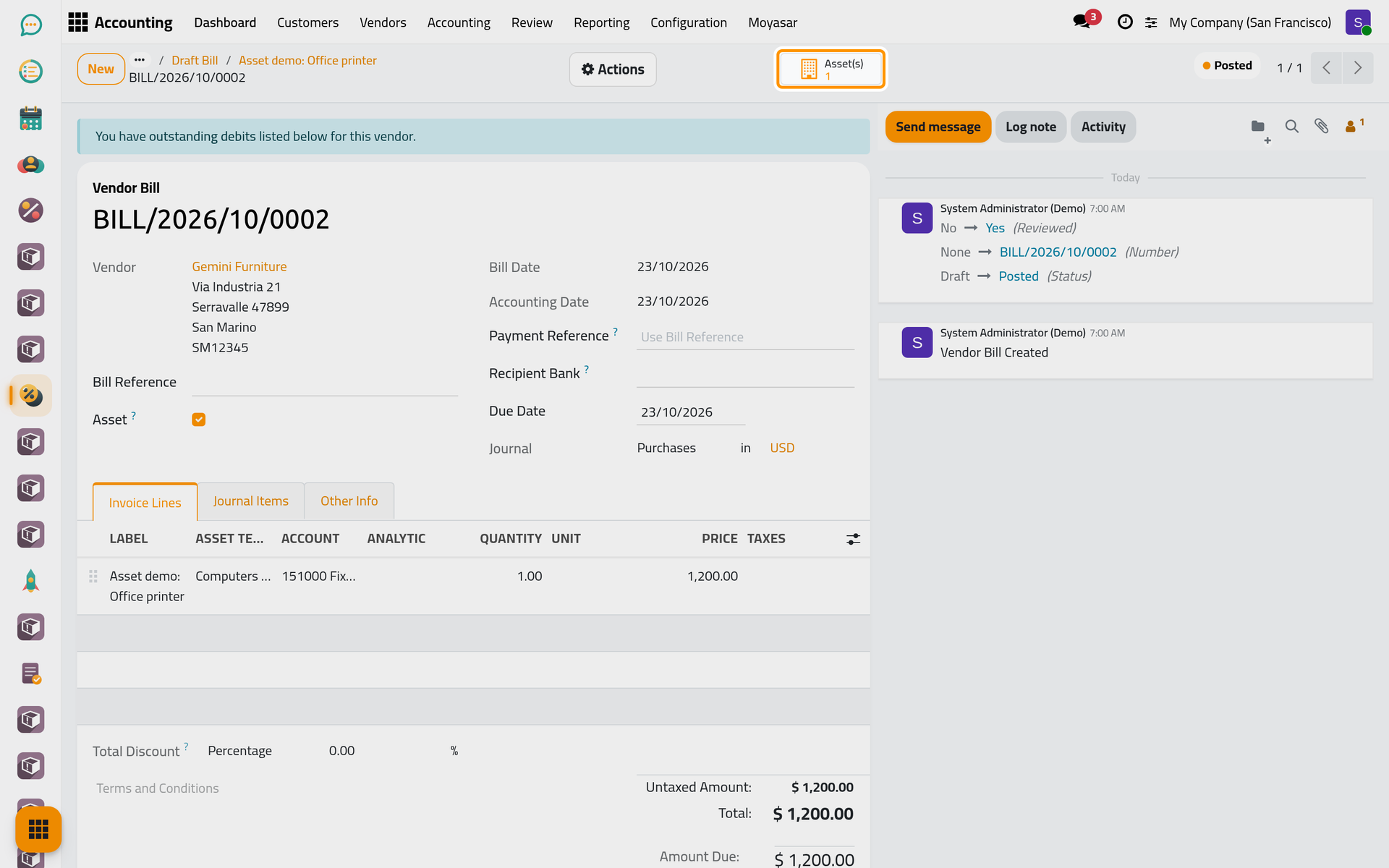
- Tick Asset, under Bill Reference. The box shows on vendor bills and receipts only.
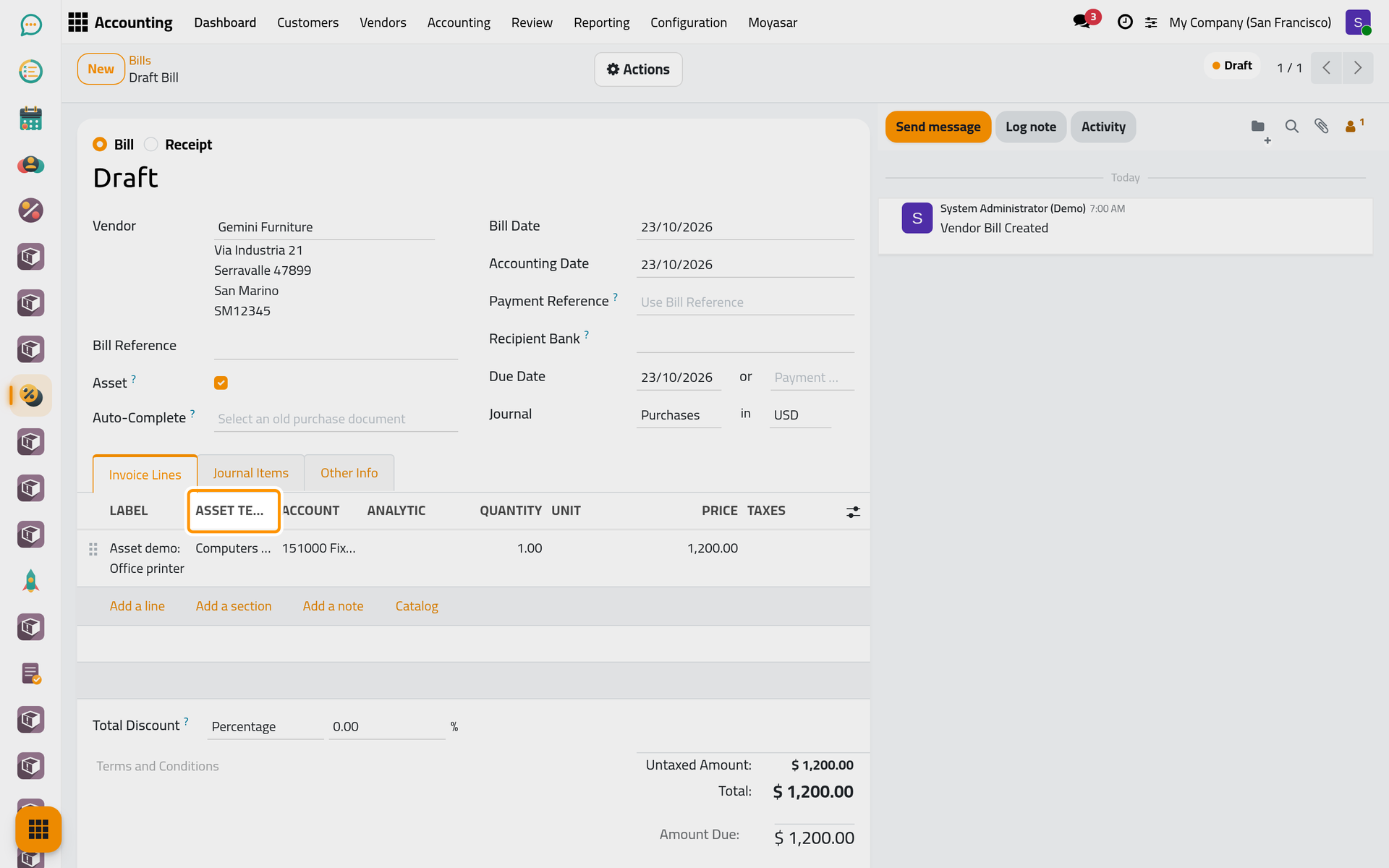
- Fill the Bill Date: a bill cannot be confirmed without it.
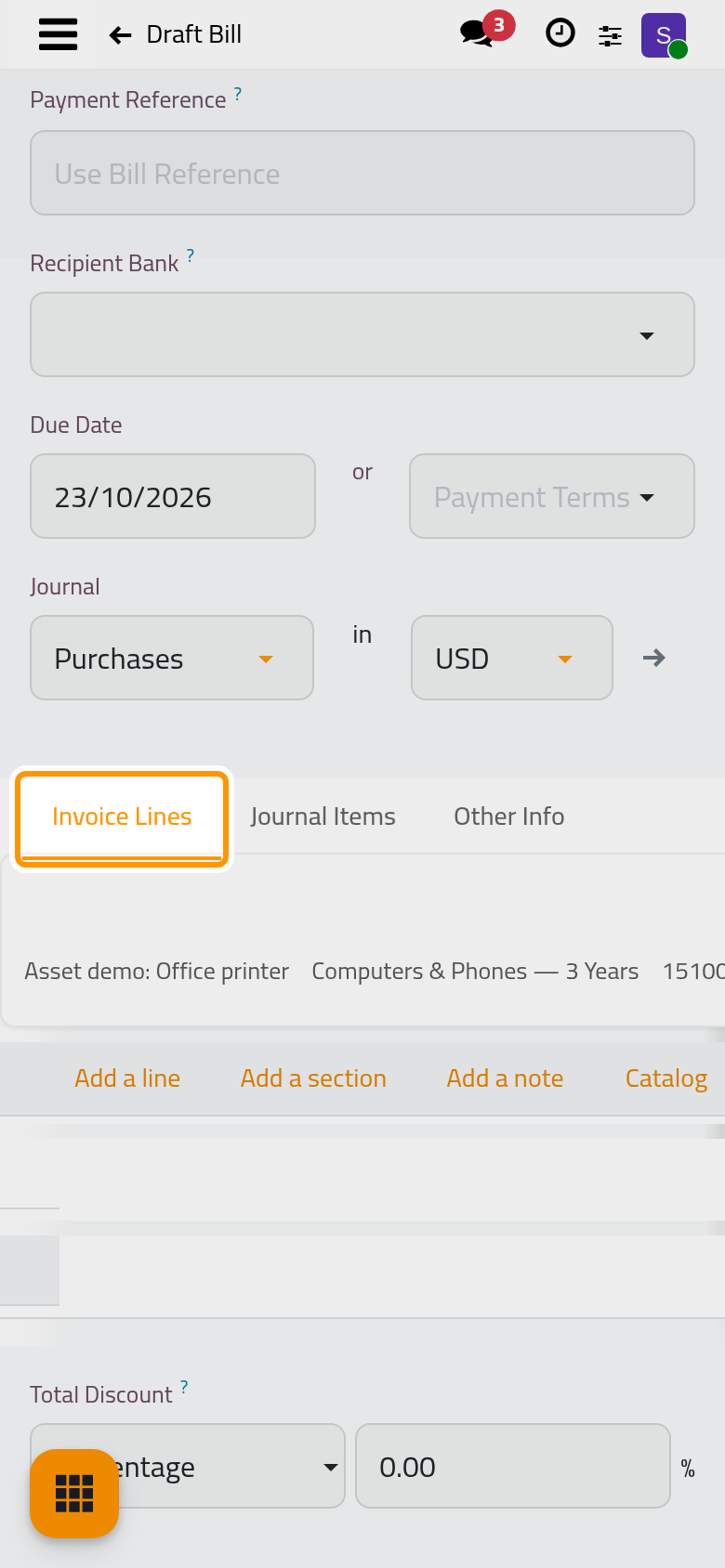
- Click Add a line and type the label, Asset demo: Office printer: it becomes the name of the asset. In the Asset Template column, choose the template, Computers & Phones here.
- Put the template's asset account in the Account column, 151000 Fixed Asset in the example. The bill line is what puts the cost on the books and the asset depreciates it from there: a line left on an expense account would charge the cost once with the bill and once more through the depreciation.
- Enter the Price, 1,200.00.
Confirm and create
- Open the Actions menu and choose Confirm. The bill is posted, and because Asset is ticked and at least one line has a template, the dialog Create Assets? counts the lines that carry one.
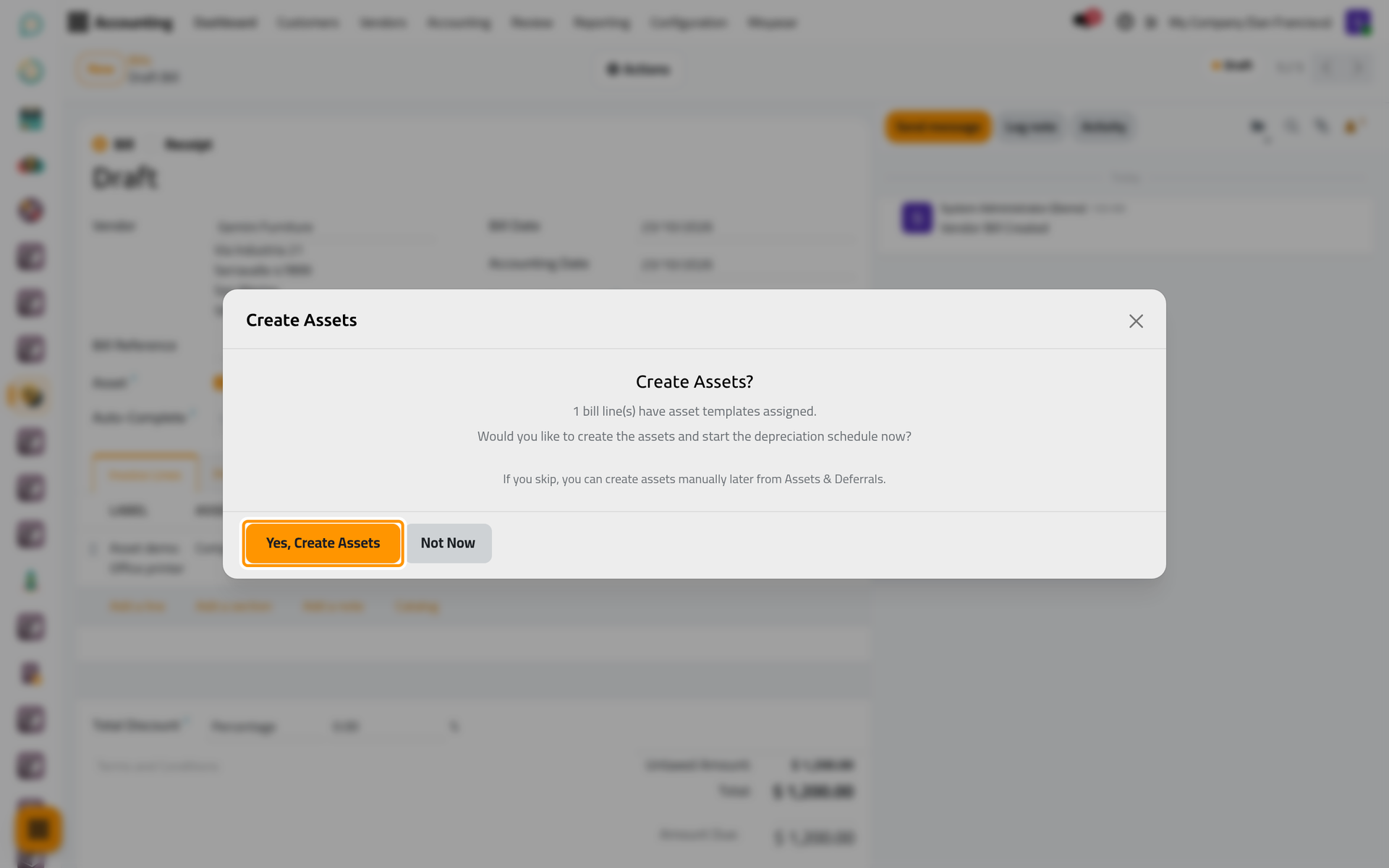
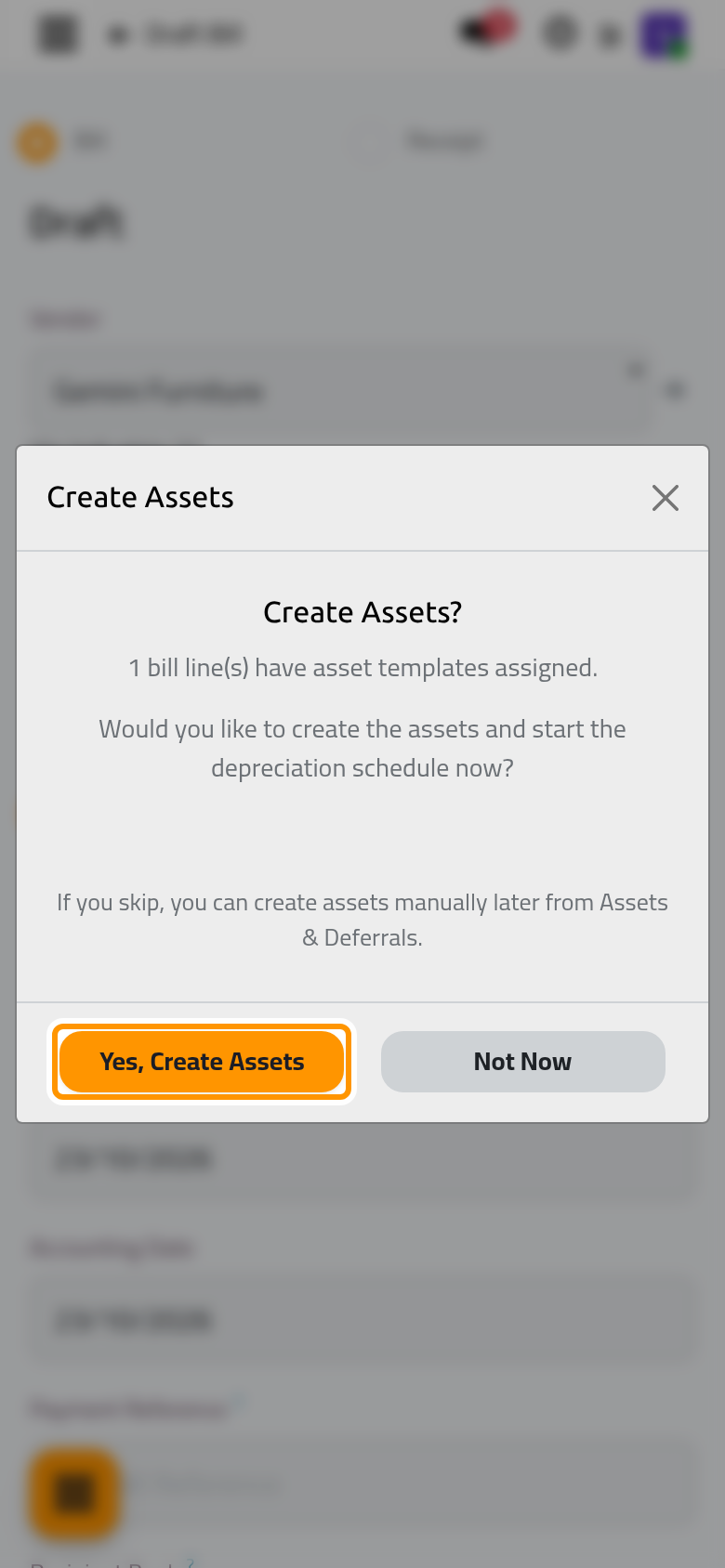
- Click Yes, Create Assets. One asset is made for each line with a template: the label gives the Asset Name, the line's amount without tax the Original Value, the accounting date of the bill the Acquisition Date, and the template the method, the accounts and the journal. Each asset is confirmed at once. With one asset, its form opens; with several, a list of the created assets opens.
- On the asset, Source Bill names the bill and the Source Bills tab shows the line it came from.
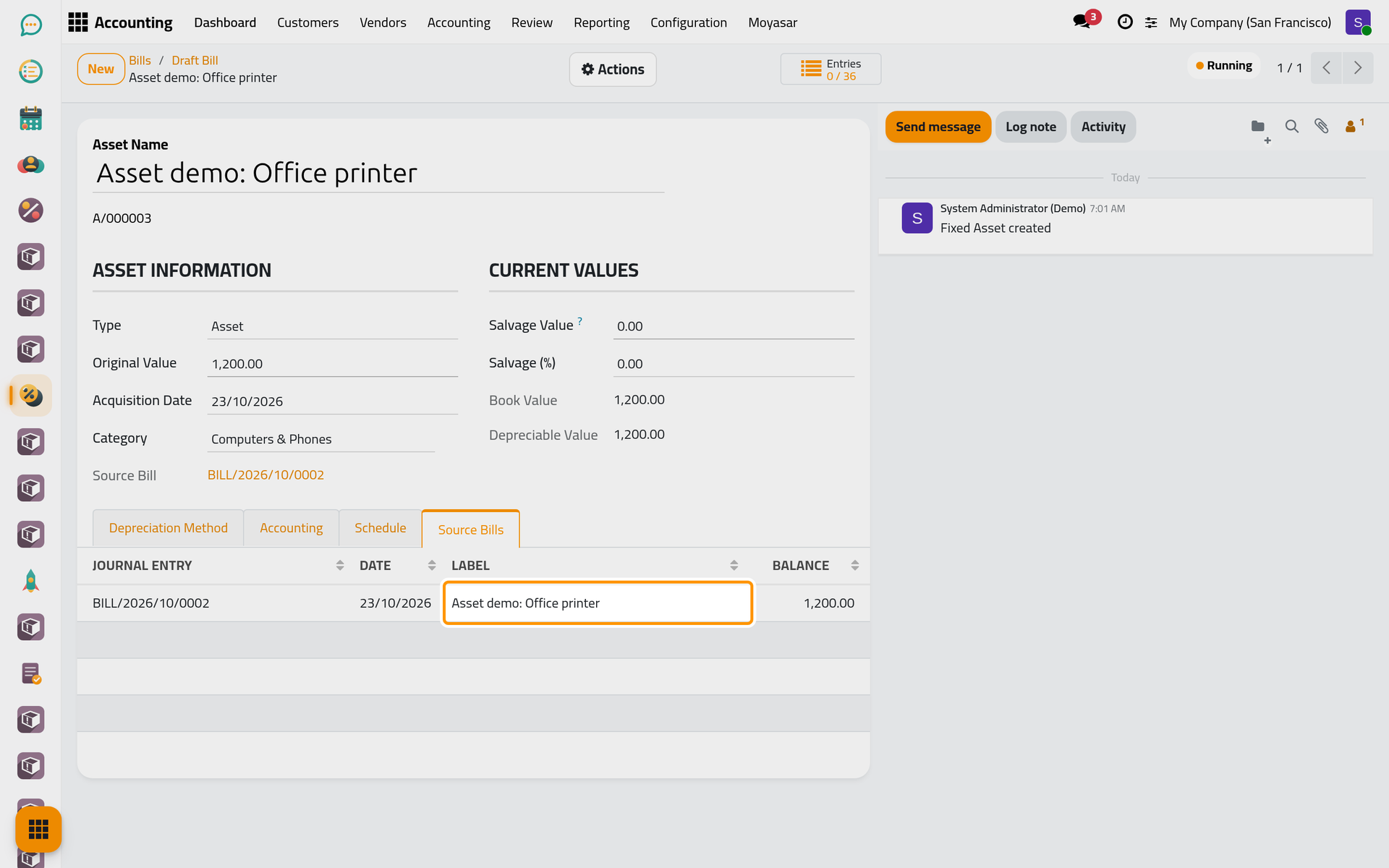
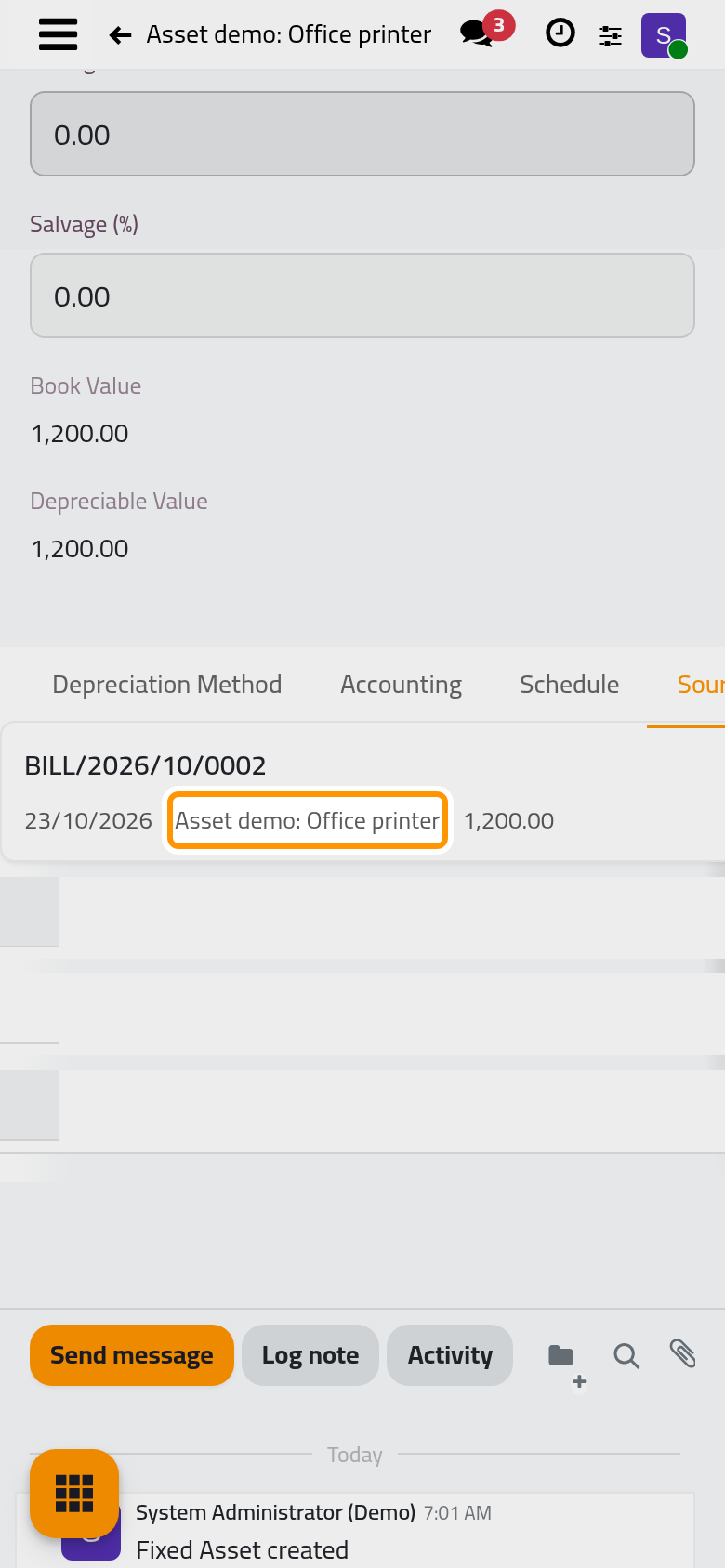
- Click the bill number in Source Bill to go back to the bill. Its Asset(s) button counts the assets made from it and opens them. On a phone, this button sits behind the lightning button at the top of the form.
Not Now closes the dialog: the bill stays posted and no asset is made. You can still record the assets by hand in Assets & Deferrals, as in Record a first asset; such an asset is not linked to the bill.
FAQ
The dialog did not appear when I confirmed the bill.
It appears only for a vendor bill or receipt with Asset ticked and at least one line with an Asset Template. A credit note never shows it.
The asset was created but stayed in Draft.
Yes, Create Assets confirms each asset; when the confirmation fails, for example because the template has an empty account or journal, the asset is kept as a draft without a message. Open it, fill what is missing on its Accounting tab and choose Confirm in the Actions menu.
Does the tax of the line go into the asset's value?
No. The Original Value is the line's amount without tax, in the company's currency.
Can one line become several assets, such as five laptops on one line?
No: one line gives one asset with the line's whole amount. Put each item that you want to follow separately on its own line.
Was this page helpful?
Thank you for your feedback.