Spread a prepaid cost or income
On this page
Some amounts belong to several months: a year of office rent paid in advance, a professional insurance premium, a research database licence, or an annual retainer billed to a client before the work is done. A deferral holds the amount on a balance sheet account and moves one share of it to expense or to revenue at the end of each month. It is recorded in the same list as the assets, with the Type that says which side it is on.
Before you start
- You need the Administrator access right on Accounting.
- The accounting app can also spread a single bill or invoice line that carries a start and an end date, through the deferred entries of Accounting settings. Use a deferral record here when you want a record of its own: a schedule you can read, pause or change, and an early write-off when the contract ends sooner.
Record a prepaid expense
- Open and click New.
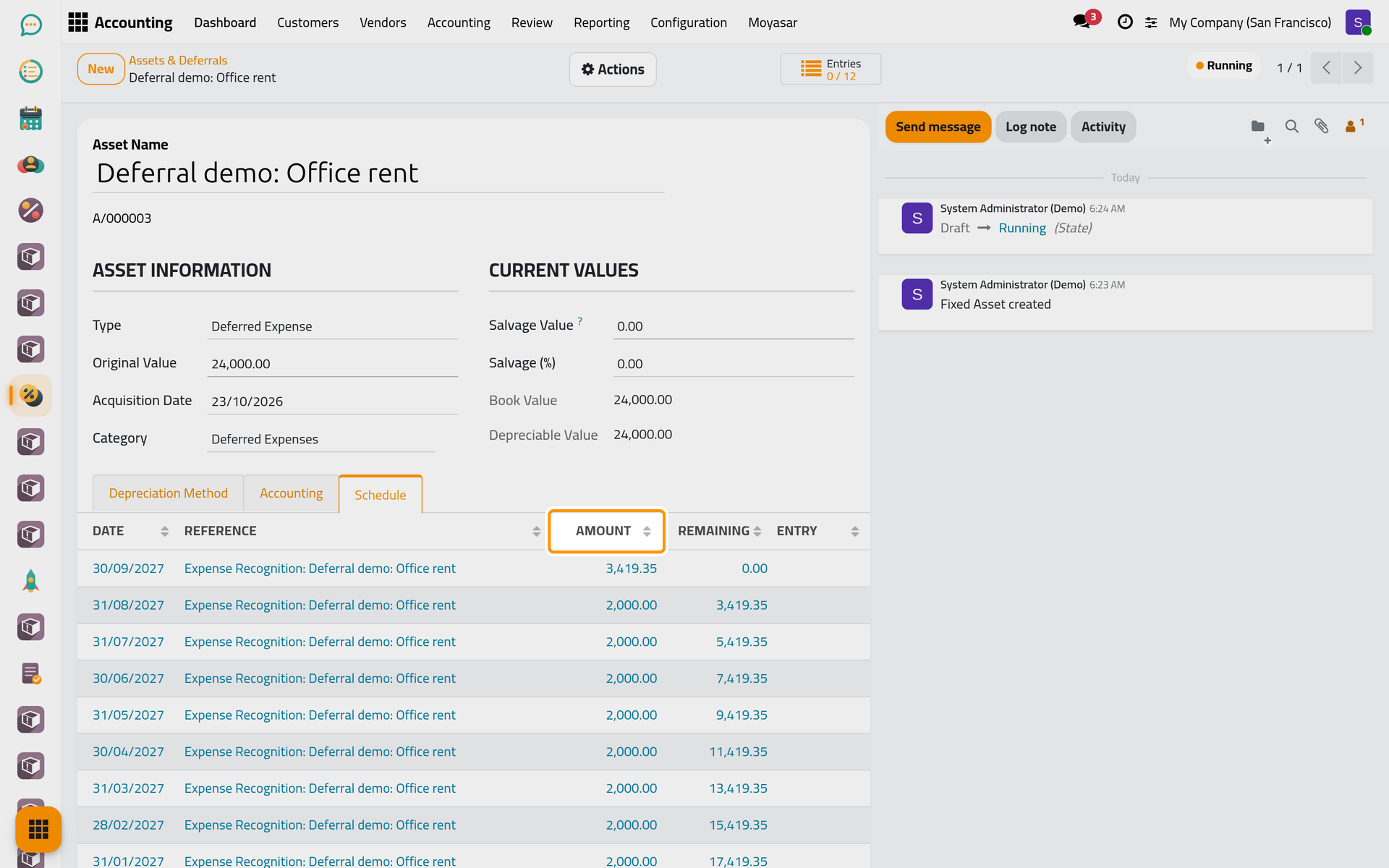
- Type the Asset Name, Deferral demo: Office rent in the example, and choose a template in the field Select a template to auto-fill settings...: type Prepaid Rent and choose the prepaid rent template (twelve months). The template sets the Type to Deferred Expense, the Category and the twelve monthly entries.
- Enter the Original Value, the amount paid: 24,000.00. Set the Acquisition Date to the first day the payment covers, since the entries follow the months from that date.
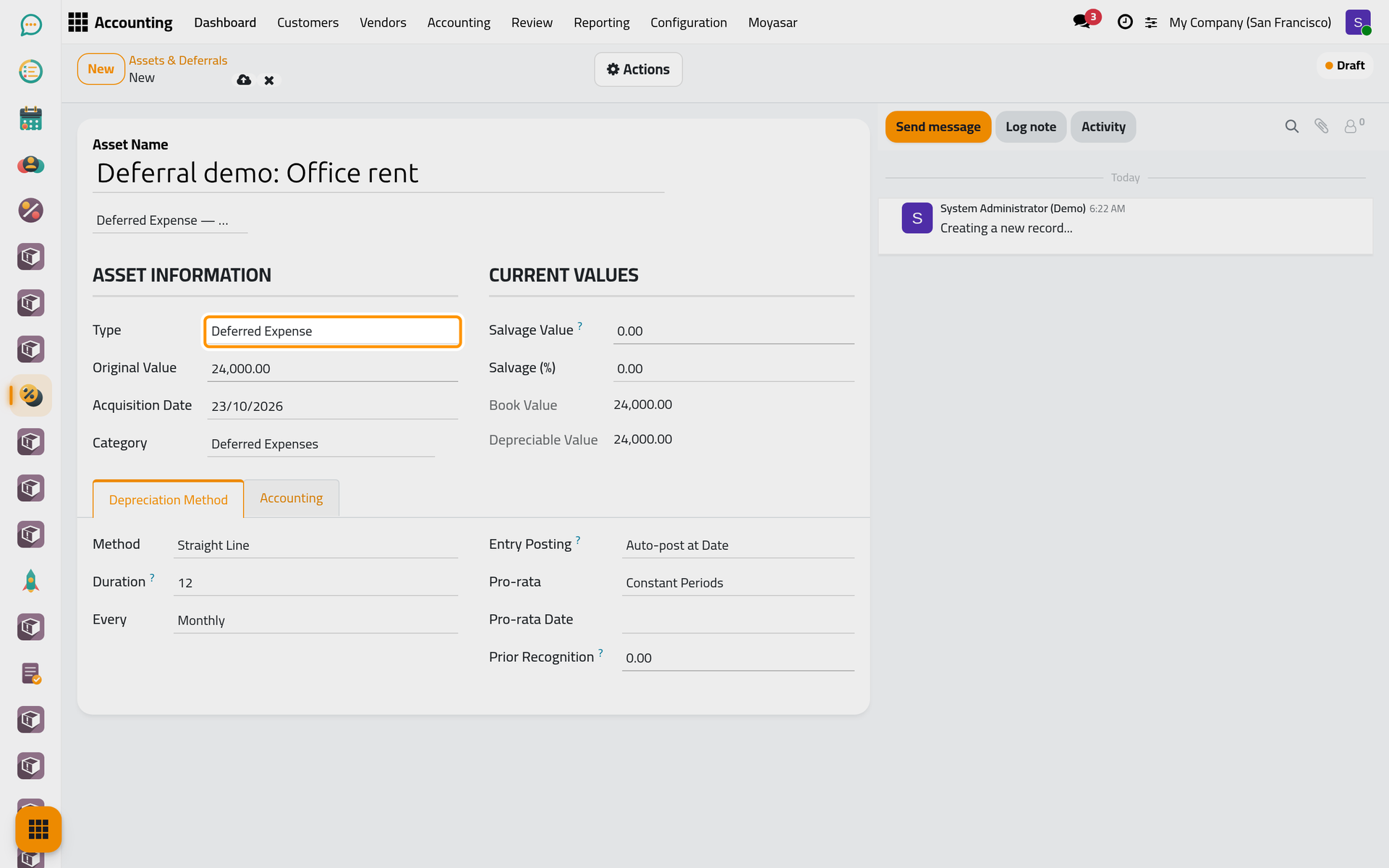
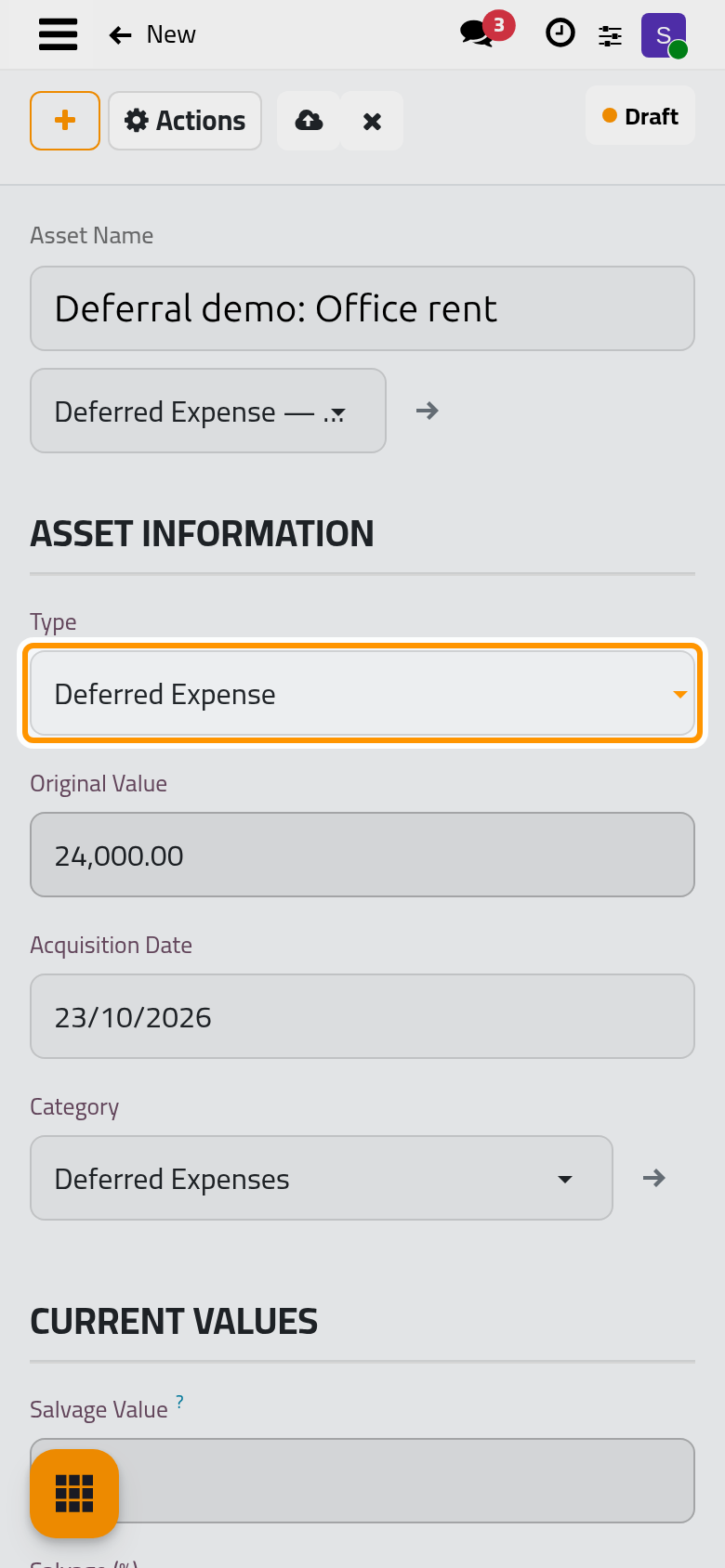
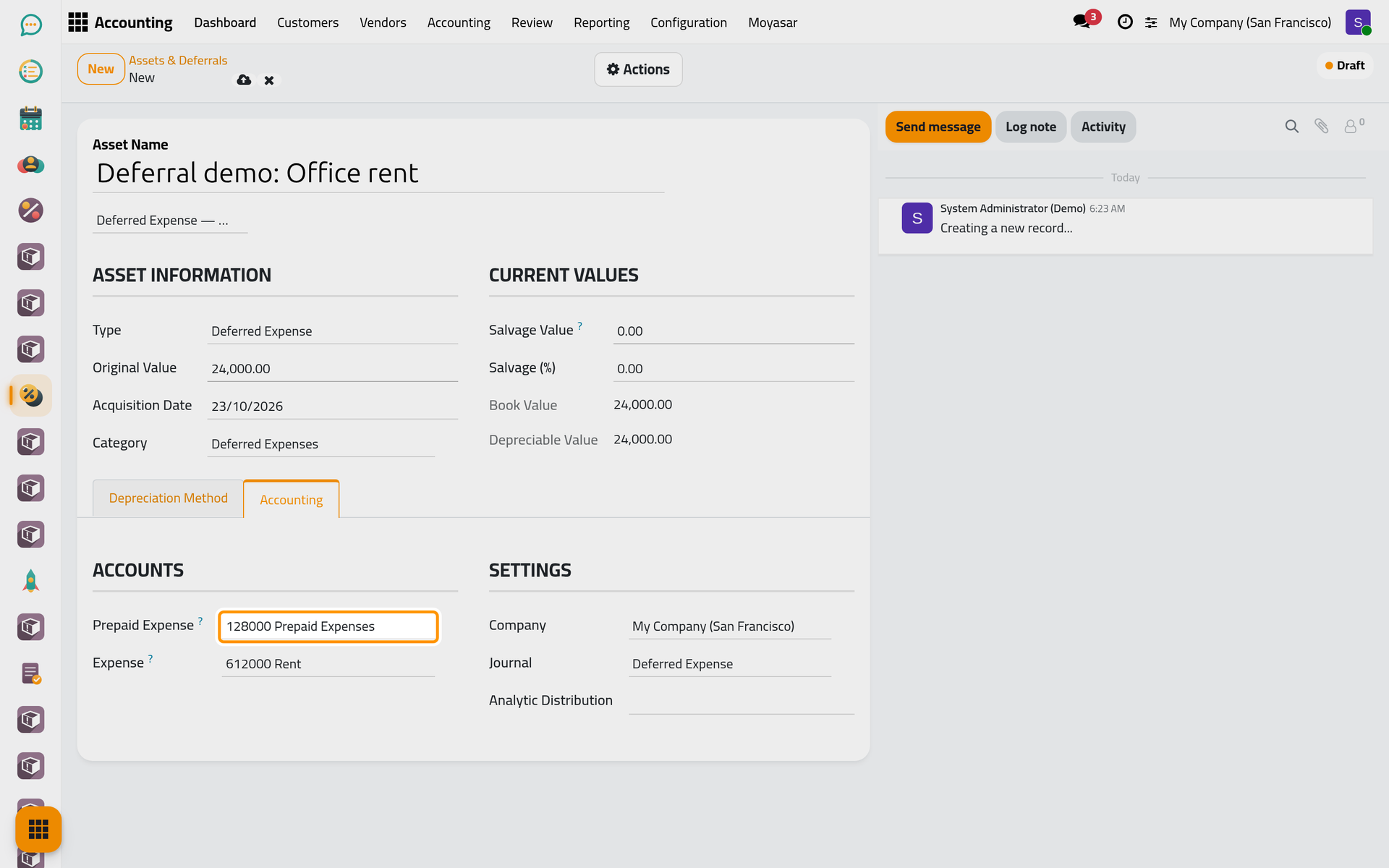
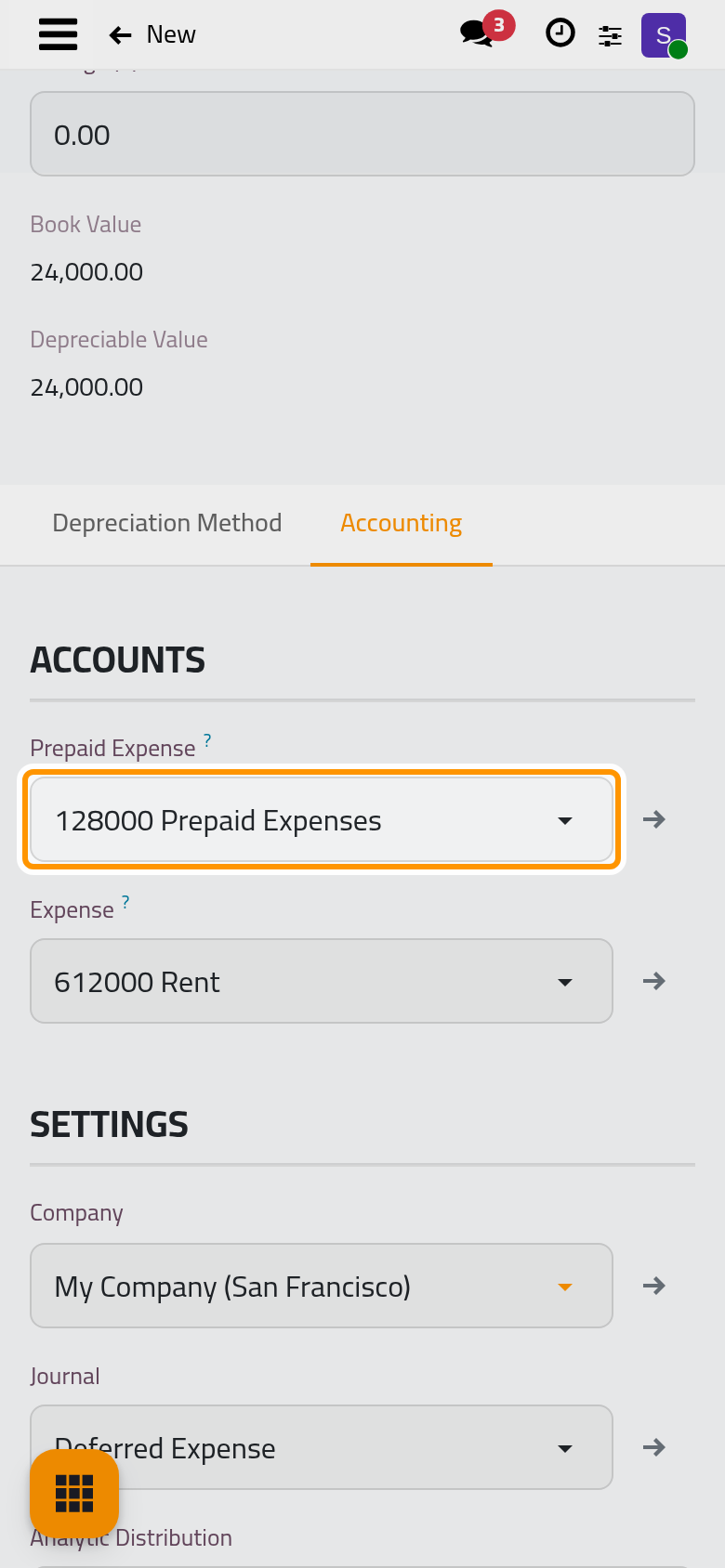
- Open the Accounting tab. For a deferred expense, Prepaid Expense is the asset account where the amount waits, and Expense the account each month charges; the Journal comes from the template.
- Click Save manually, then choose Confirm in the Actions menu. The record becomes Running.
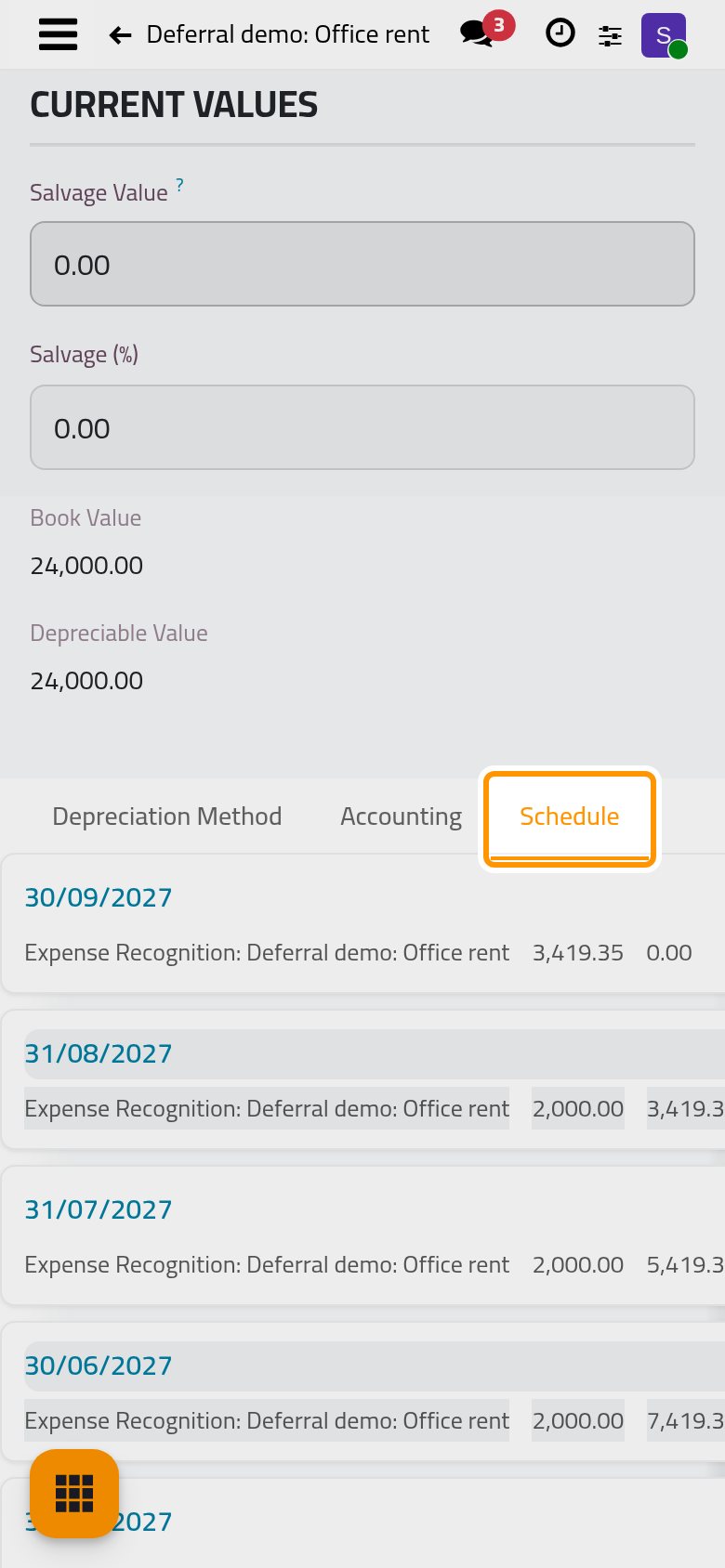
- Open the Schedule tab: twelve entries, 2,000.00 for each whole month, each dated the last day of a month, with the reference Expense Recognition: Deferral demo: Office rent. Each one debits Expense and credits Prepaid Expense. When the start date falls in the middle of a month, the first entry covers only the remaining days of that month and the last entry takes the rest.
Record income received in advance
Follow the same steps with a deferred revenue template, such as the service contract template (24 months), or set the Type to Deferred Revenue yourself. The Accounting tab then shows Deferred Revenue, a liability account that holds what is not yet earned, and Revenue, the income account each month credits. The entries carry the reference Revenue Recognition and debit Deferred Revenue.
A deferral uses no depreciation account; leave its Salvage Value at zero so that the whole amount is spread. Its Prior Recognition field, in the Depreciation Method tab, takes what was already recognised before the record was entered.
FAQ
Which journal does a deferral without a template use?
A new record starts with the Depreciation Journal, and changing its Type does not replace it: choose the journal yourself on the Accounting tab. The shipped deferral templates bring their own journals, Deferred Expense and Deferred Revenue.
The contract ended early. How do I recognise the rest at once?
Open the record and use Adjust with Sell / Dispose / Write-off: the whole remaining balance is recognised in one entry. See Sell or dispose of an asset.
The expense account of a template looks wrong.
The templates' accounts were guessed from the chart of accounts at installation. Change them on the record before you confirm it, and correct the template as shown in Fixed asset settings.
Was this page helpful?
Thank you for your feedback.