Record a first asset
On this page
An asset is something the firm buys to keep for several years: a laptop, a screen for the meeting room, the reception furniture. Assets & Deferrals records it once and spreads its cost over its useful life, one depreciation entry per period, so that each month carries its share instead of the month of the purchase carrying it all. This walk-through records a meeting room screen of 3,600.00, kept three years.
Before you start
- You need the Administrator access right on Accounting. It includes Show Full Accounting Features, which Confirm and the other actions of an asset need. The read-only access right opens the list and the records without changing them.
- The templates carry the accounts the entries use. Check them once in Fixed asset settings before relying on them.
Step 1: open the list
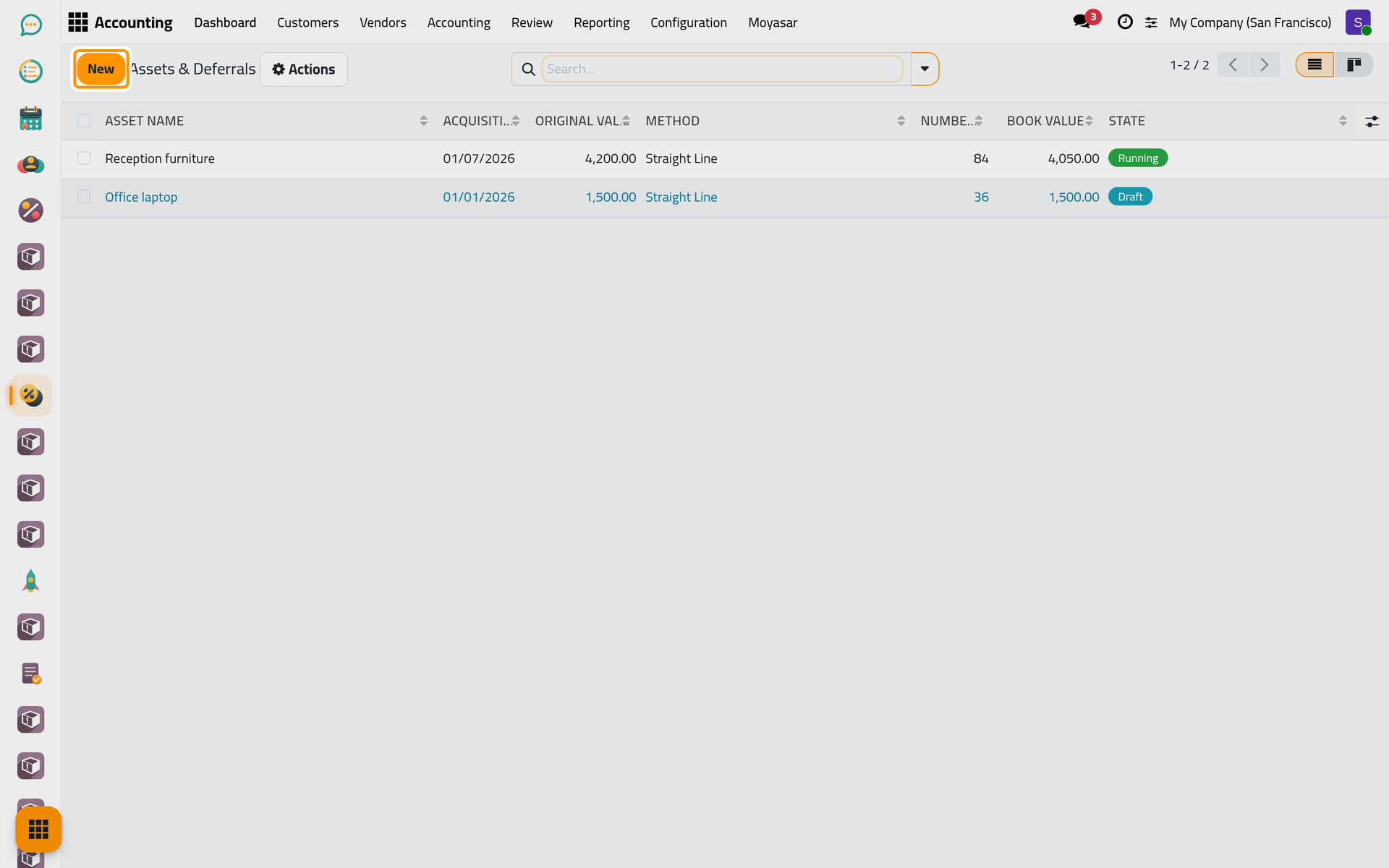
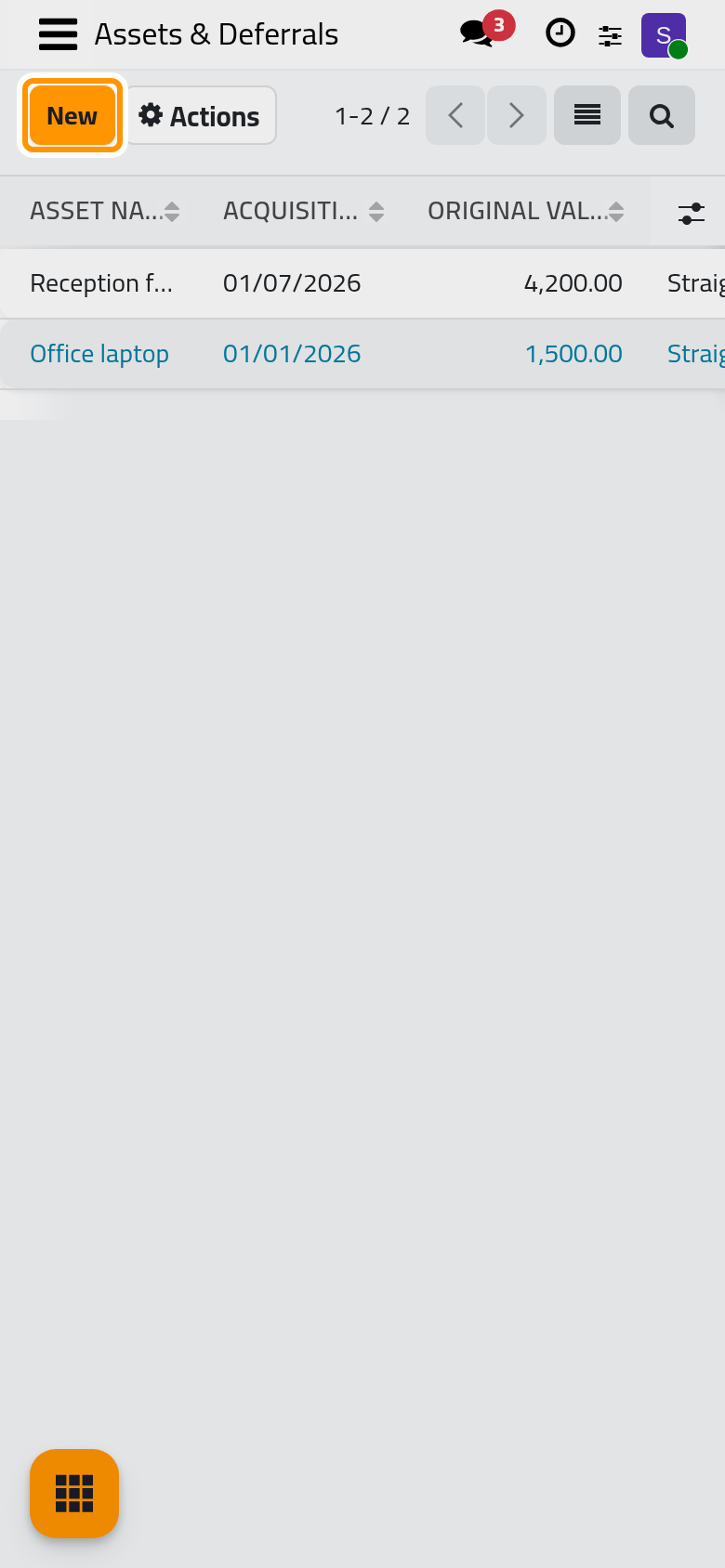
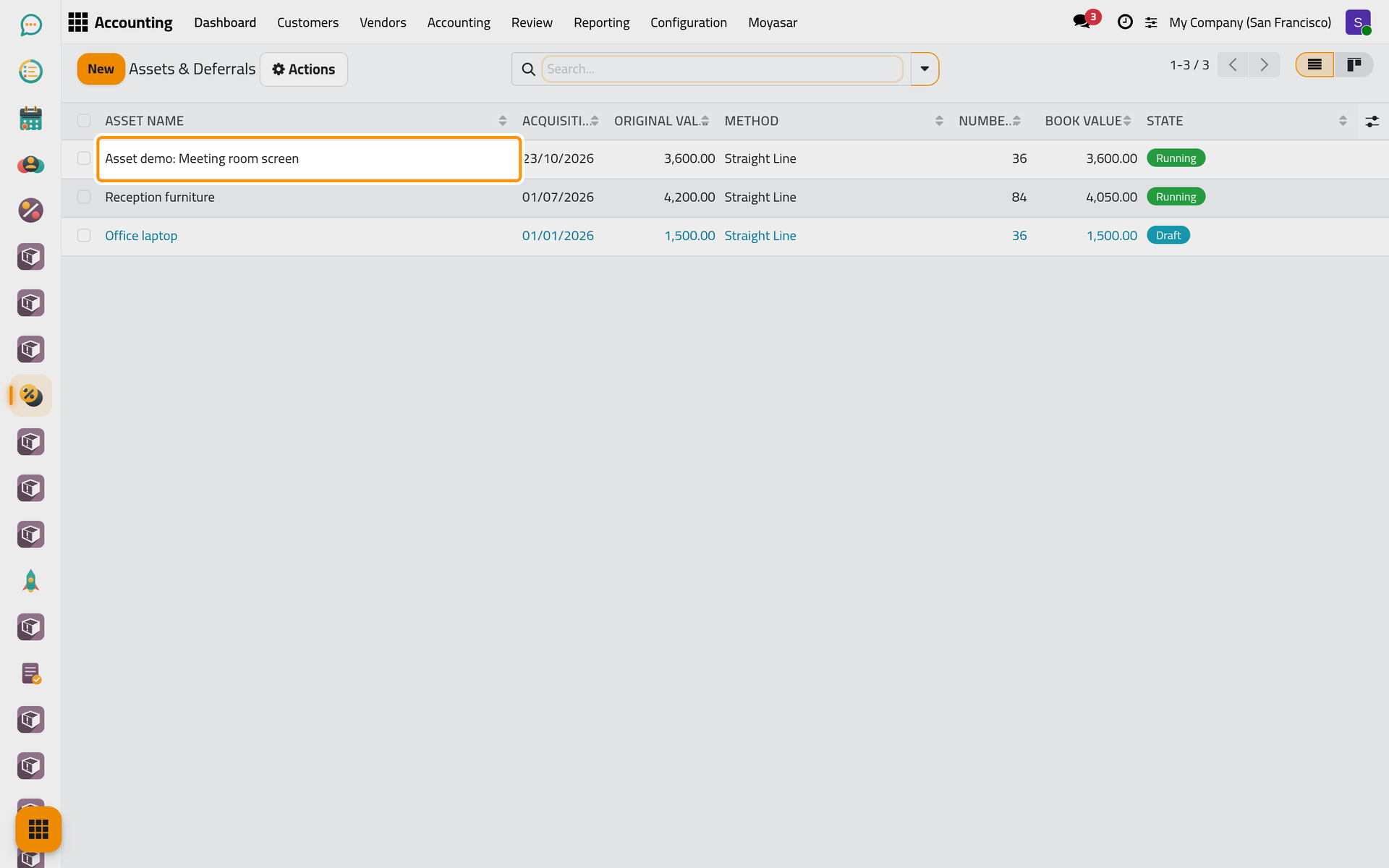
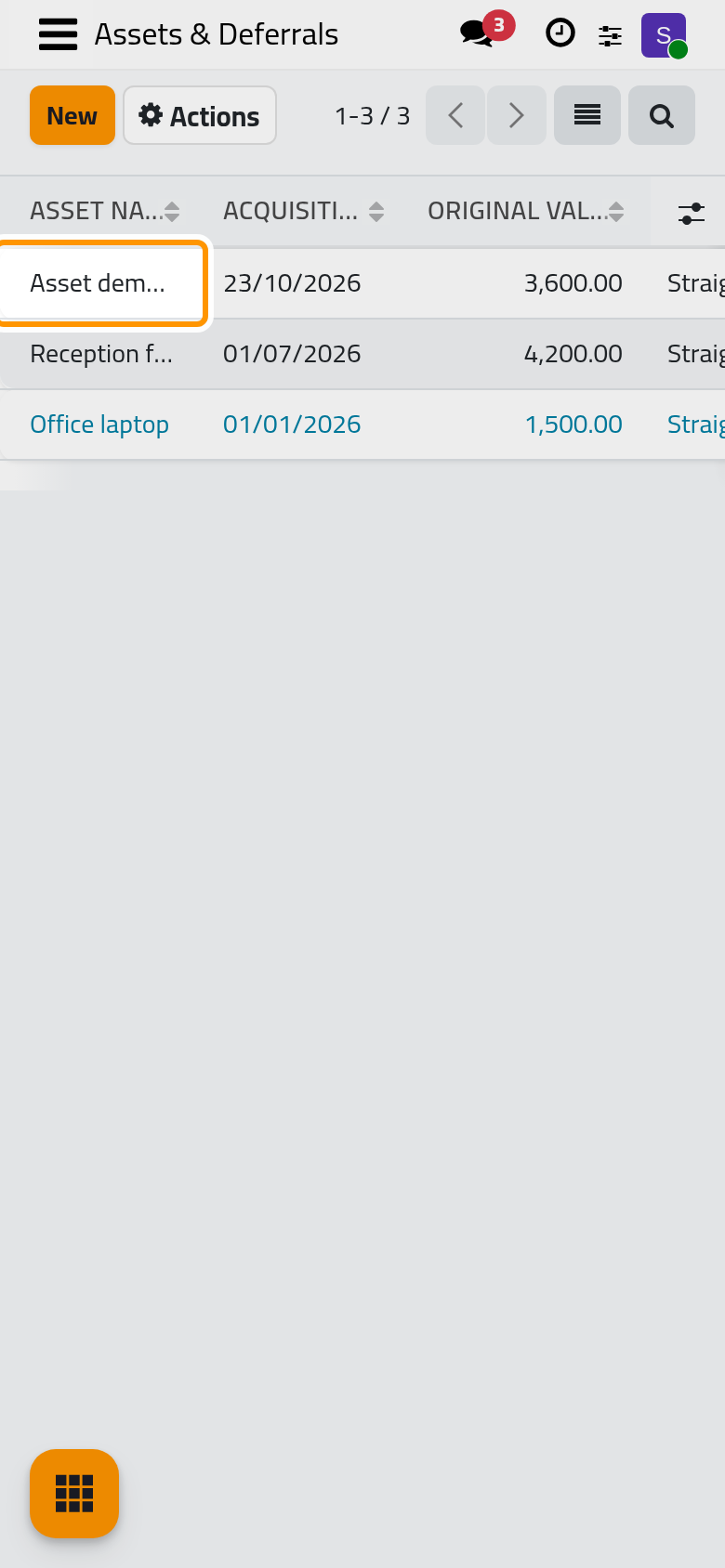
Open . The list holds every asset and deferral of the company with its Acquisition Date, Original Value, Method, Number of Periods, Book Value and State. Click New.
Step 2: name it and pick a template
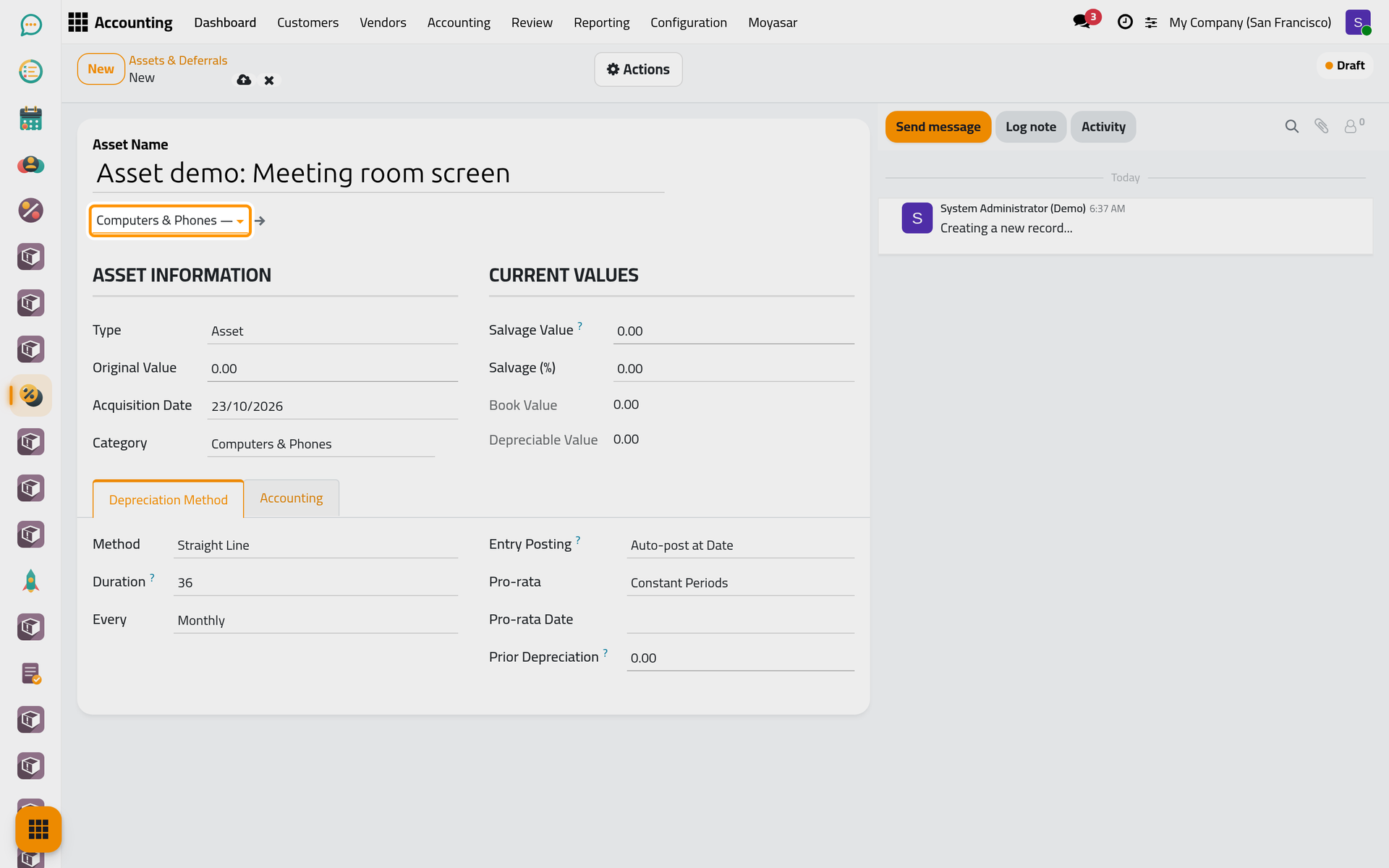
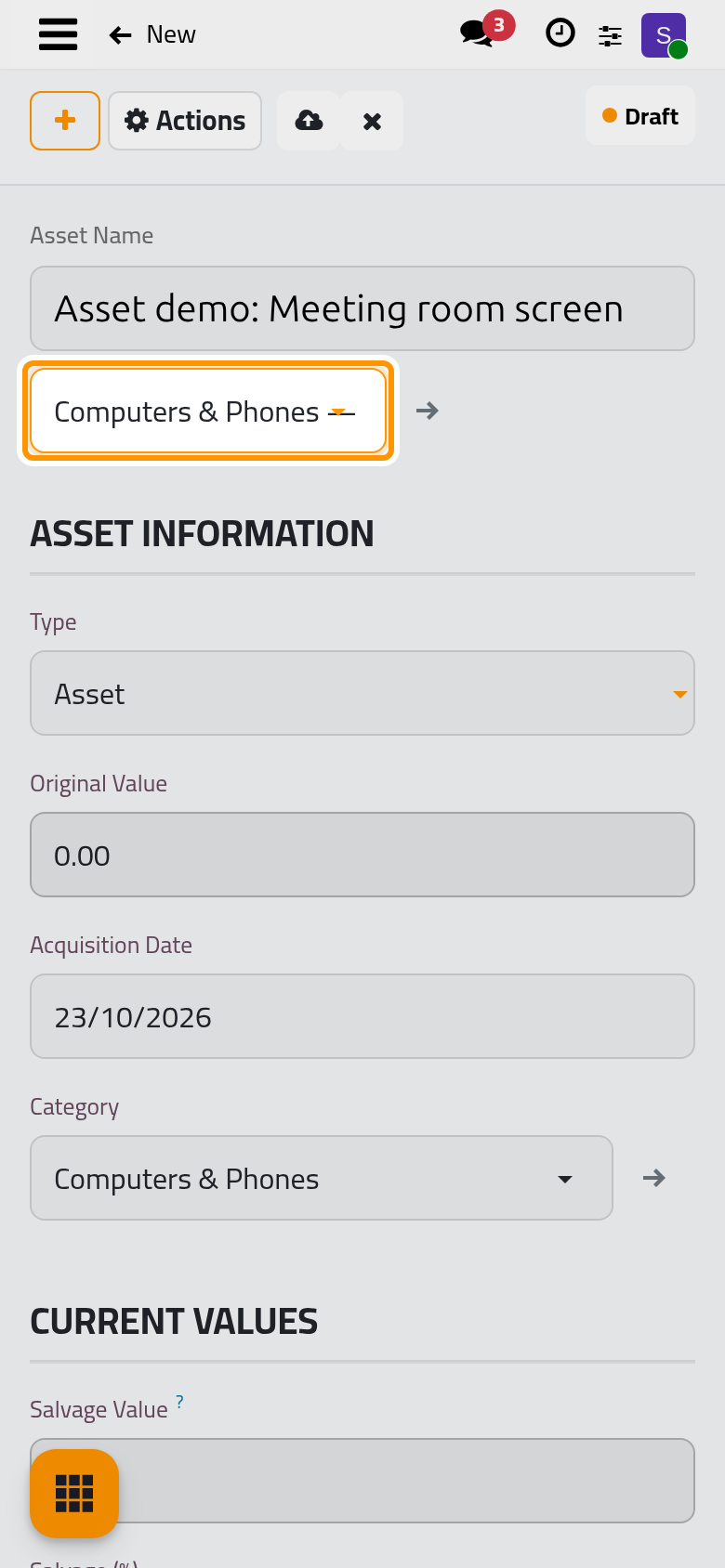
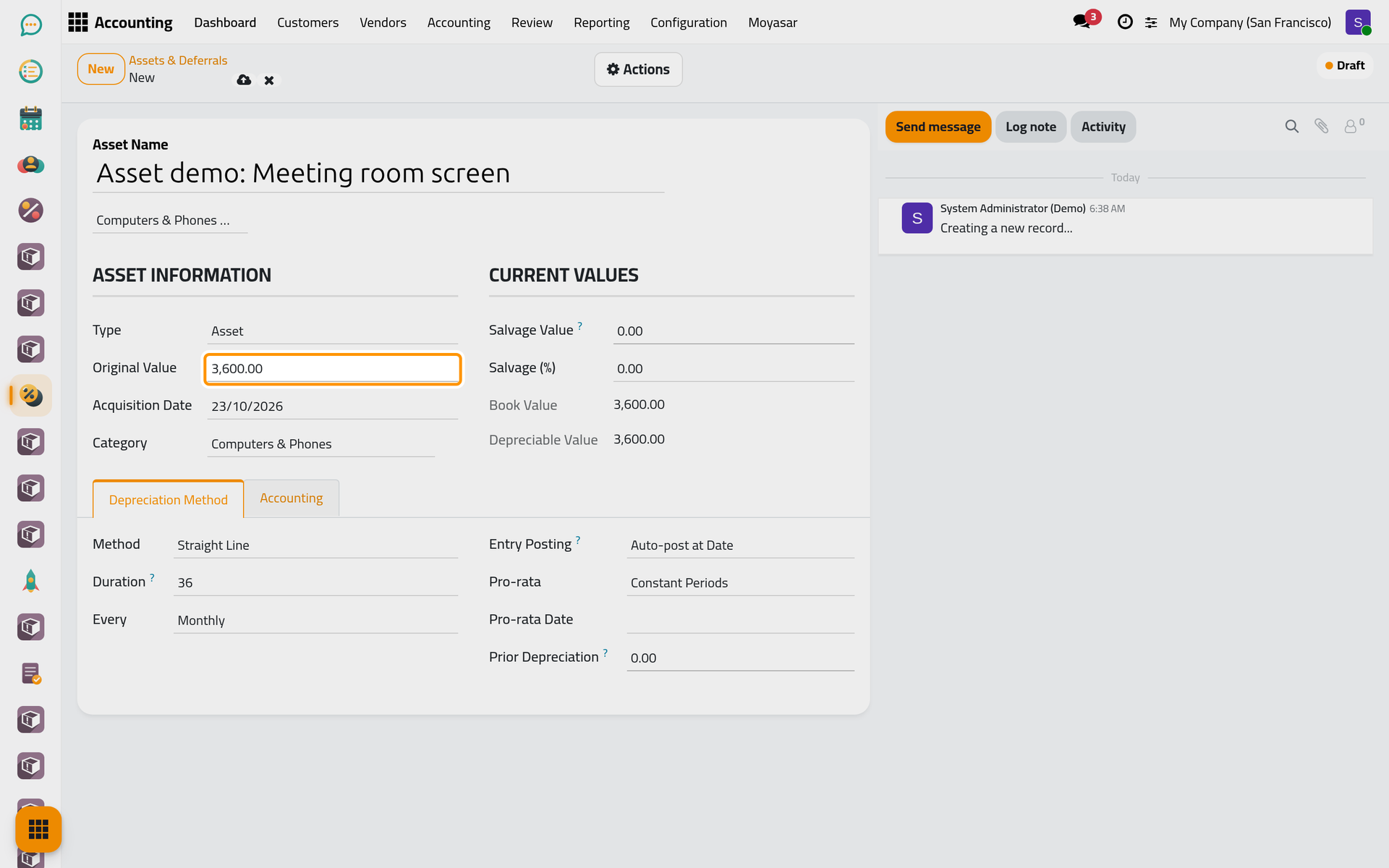
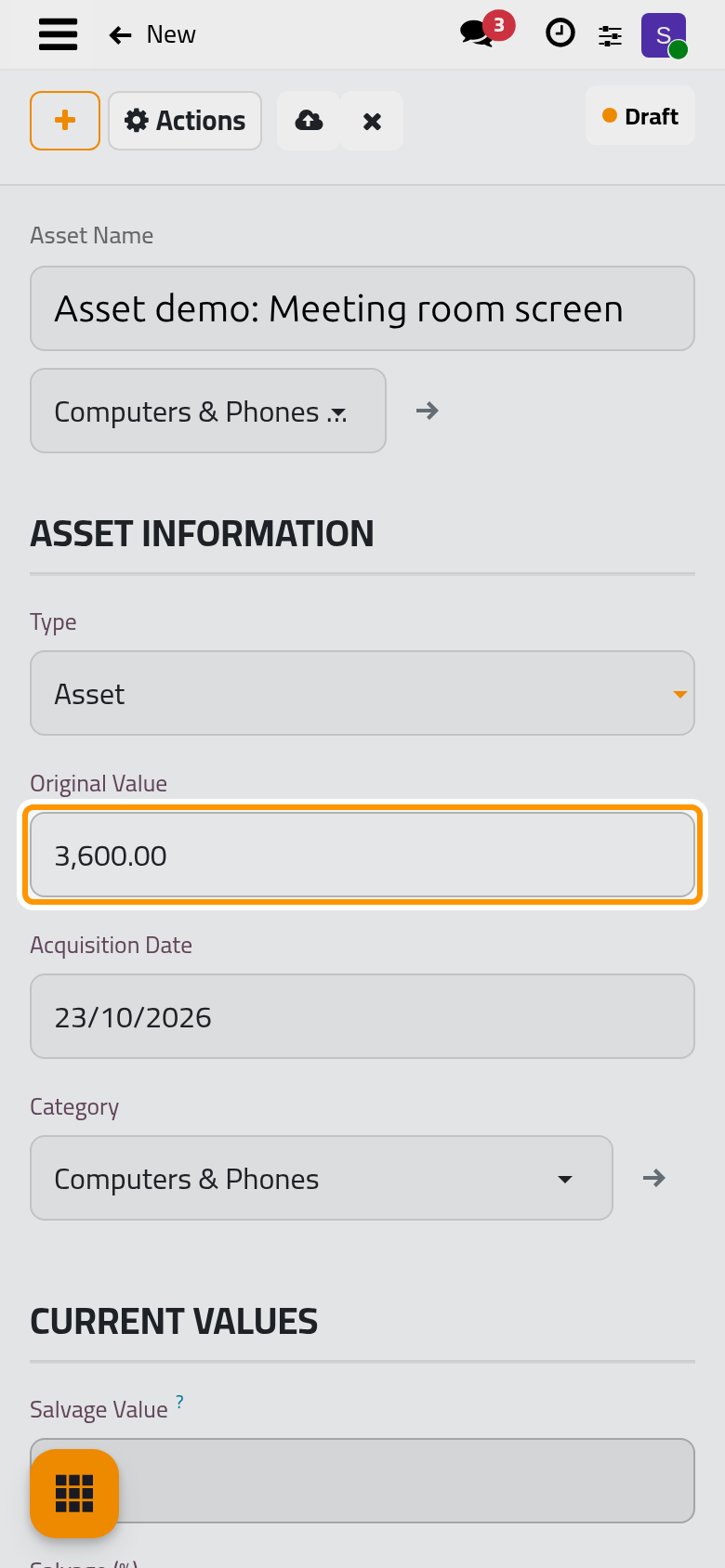
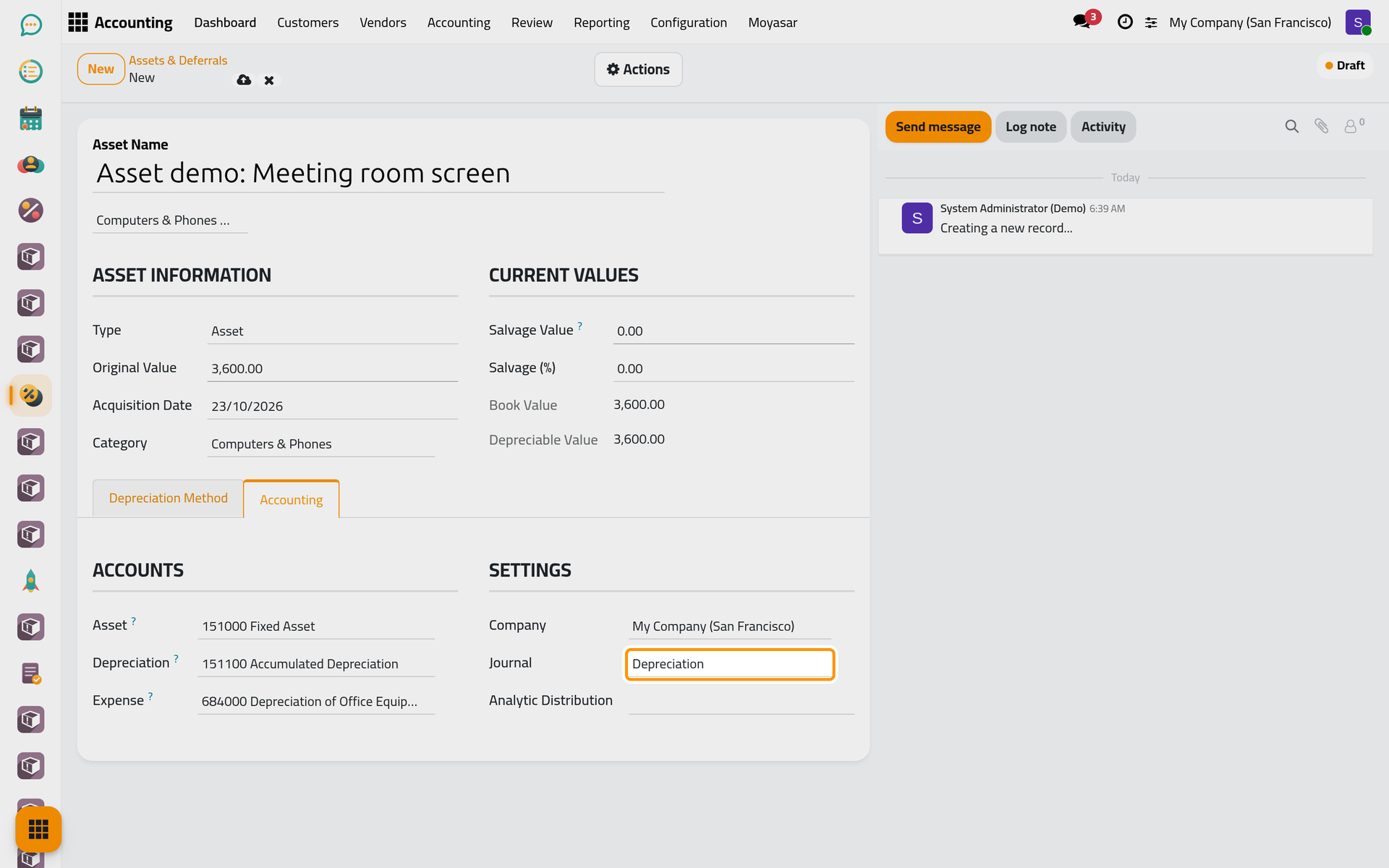
Type the Asset Name, here Asset demo: Meeting room screen. Under the name, the field without a label that reads Select a template to auto-fill settings... takes a template: type Computers and choose Computers & Phones (three years). The template fills the Type (Asset), the Category, the whole Depreciation Method tab and the accounts. The template field shows only while the record is a draft.
Step 3: the value and the date
Enter the Original Value, the price paid: 3,600.00. Book Value and Depreciable Value follow it at once. Acquisition Date is today; change it to the day the screen was bought or put to use, because the first entry falls at the end of that month.
Salvage Value is what you expect to get back at the end, from a resale for instance. It is never depreciated: with 600.00 of salvage, only 3,000.00 would be spread. Salvage (%) shows the same amount as a share of the original value.
Step 4: the method
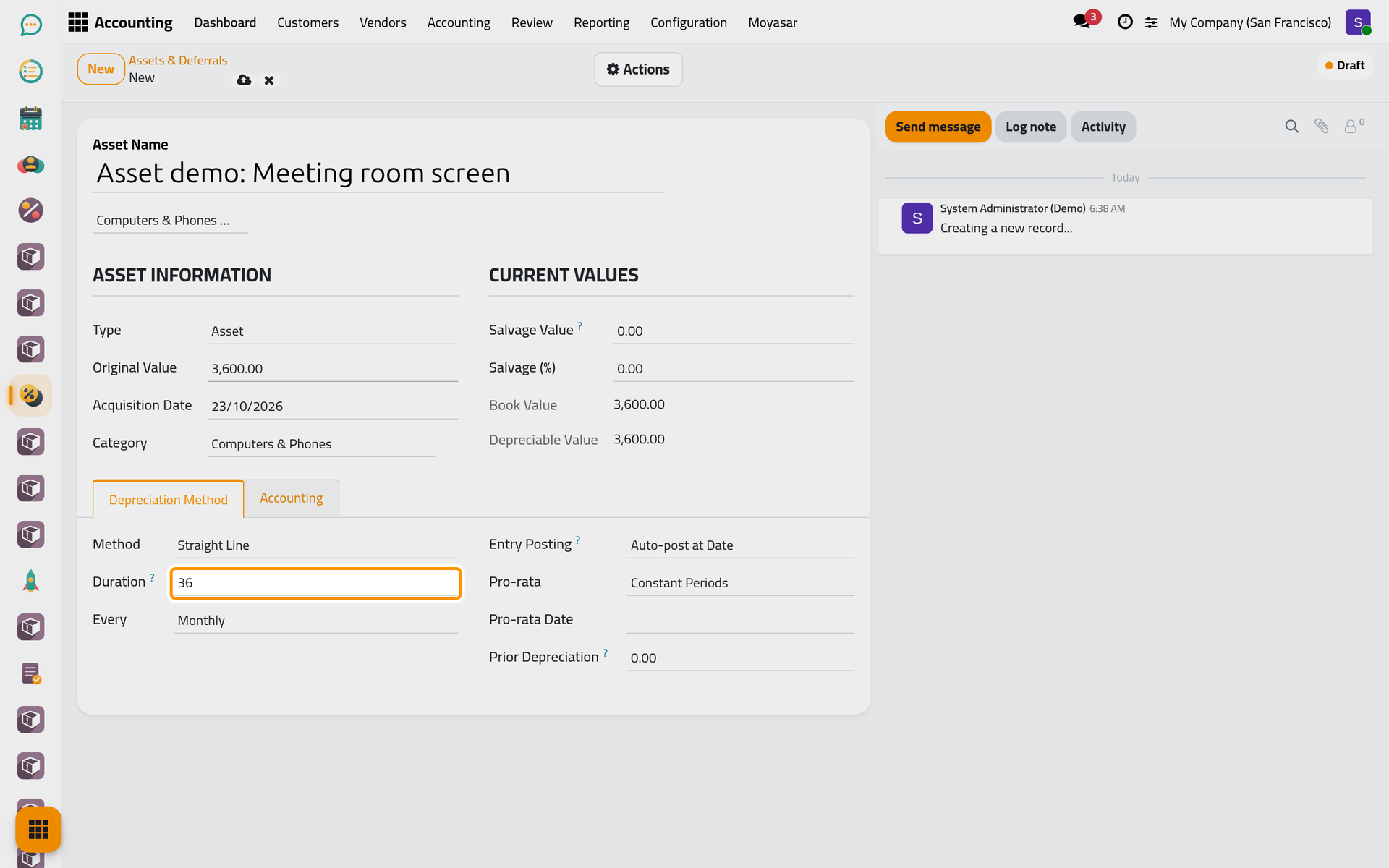
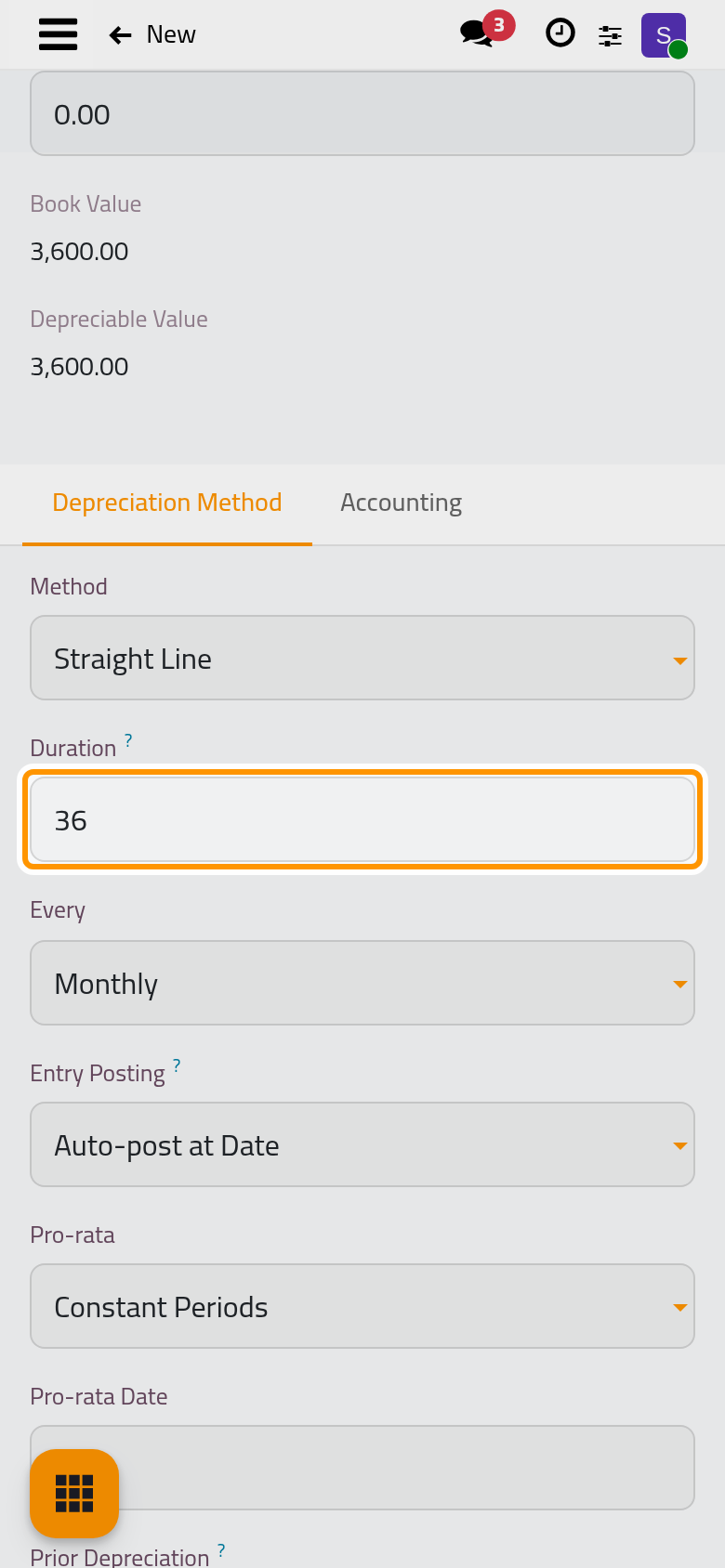
The Depreciation Method tab says how the cost is spread:
- Method: Straight Line gives equal amounts; the two declining methods charge more at the start (see How assets and deferrals work).
- Duration: the number of entries, 36 here, and Every: how often one falls, Monthly. Thirty-six monthly entries make three years.
- Entry Posting: with Auto-post at Date, each entry is posted by itself once its date has come; with Keep as Draft, the entries wait for someone to post them. Fixed asset automations explains the daily job behind it.
- Pro-rata: this template uses Constant Periods: the first entry counts only the days from the acquisition date to the end of its month, and the part it leaves out is added to the last entry.
Step 5: the accounts
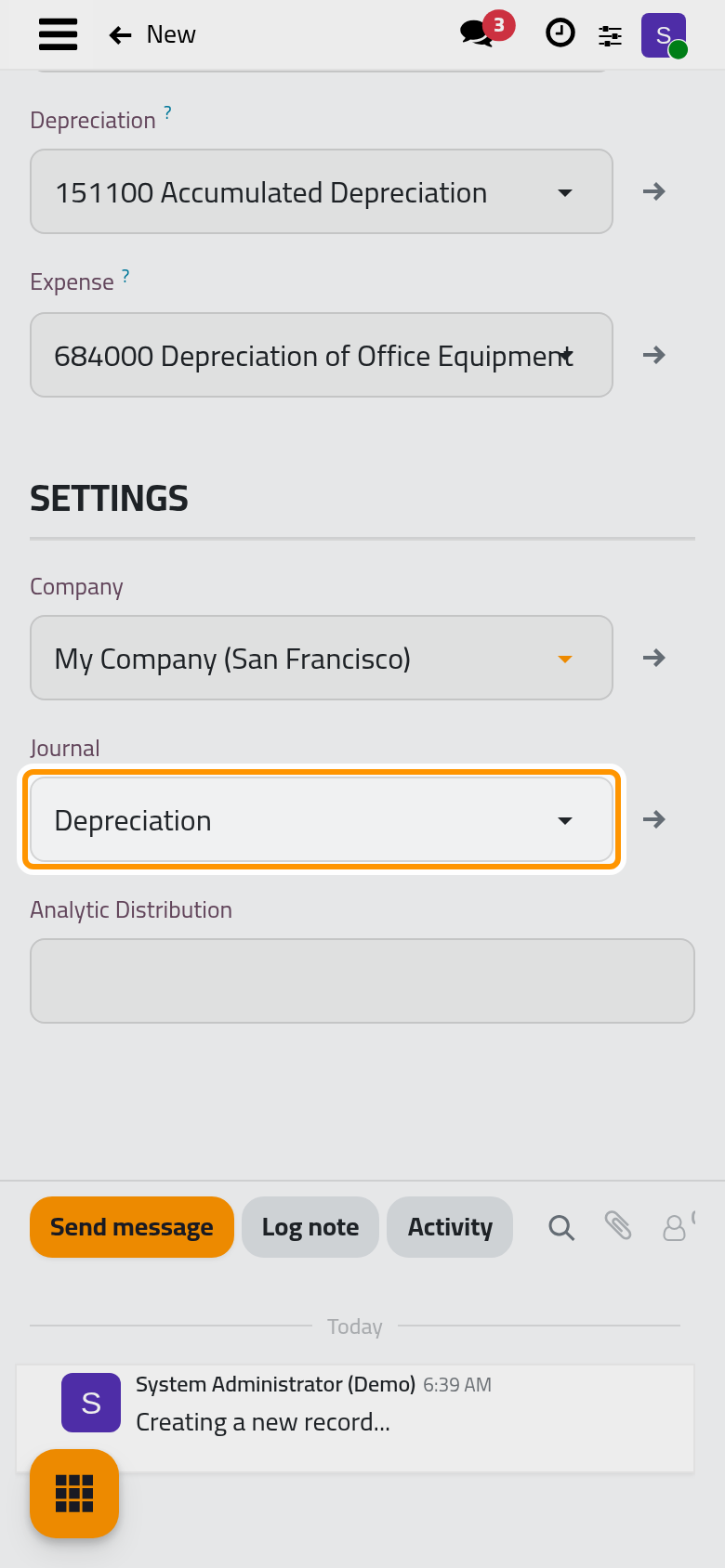
Open the Accounting tab. Asset is the account where the cost stays, Depreciation the account where the depreciation adds up, and Expense the account each entry charges. Every entry debits Expense and credits Depreciation; the Asset account keeps the original value until the asset leaves the books. Journal is the journal the entries are posted in, Depreciation here.
Step 6: save and confirm
Click the cloud icon Save manually, then open the Actions menu and choose Confirm. Confirm refuses while an account or the journal is empty and names the missing fields; it also checks that the Asset account is an asset account.
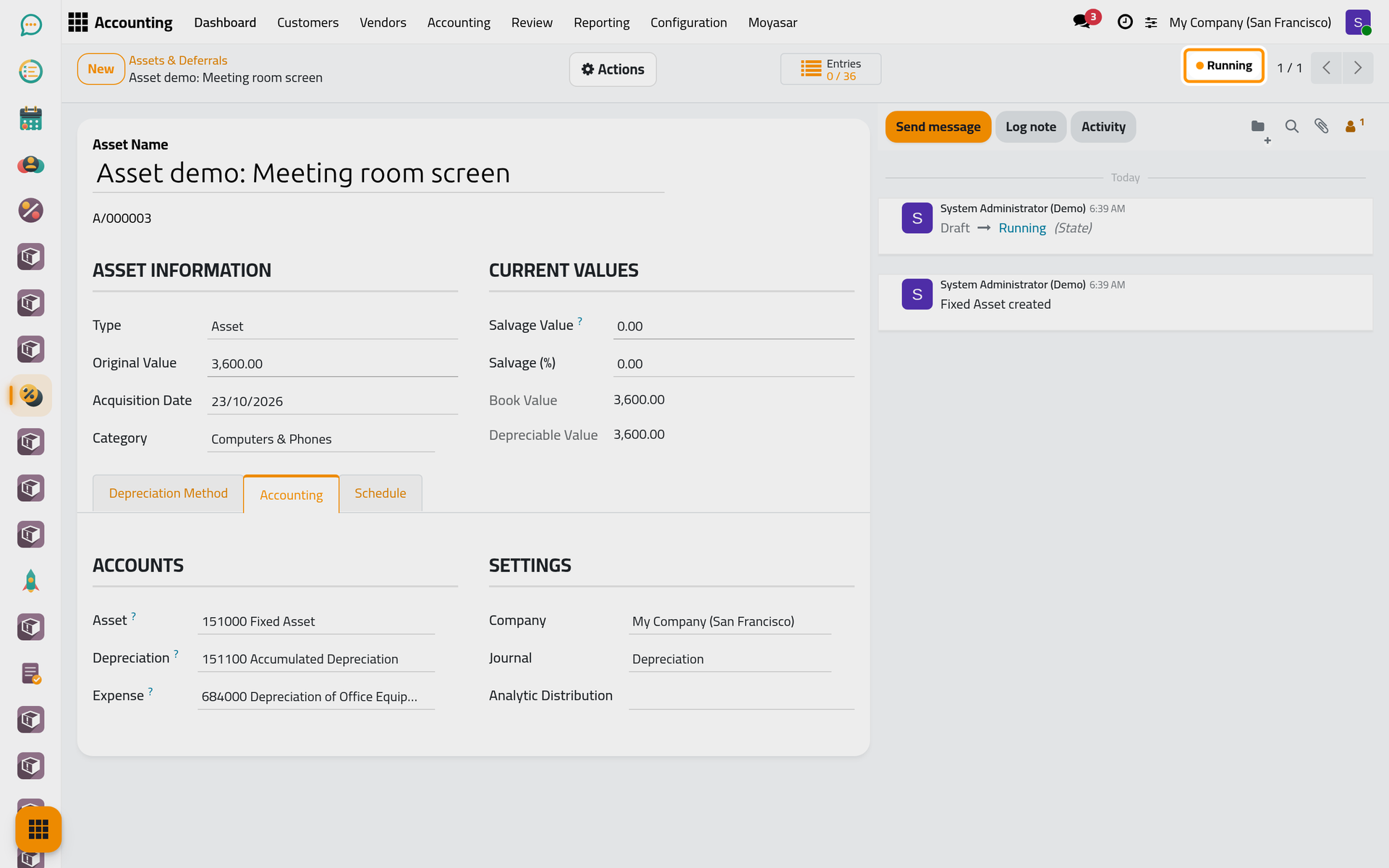
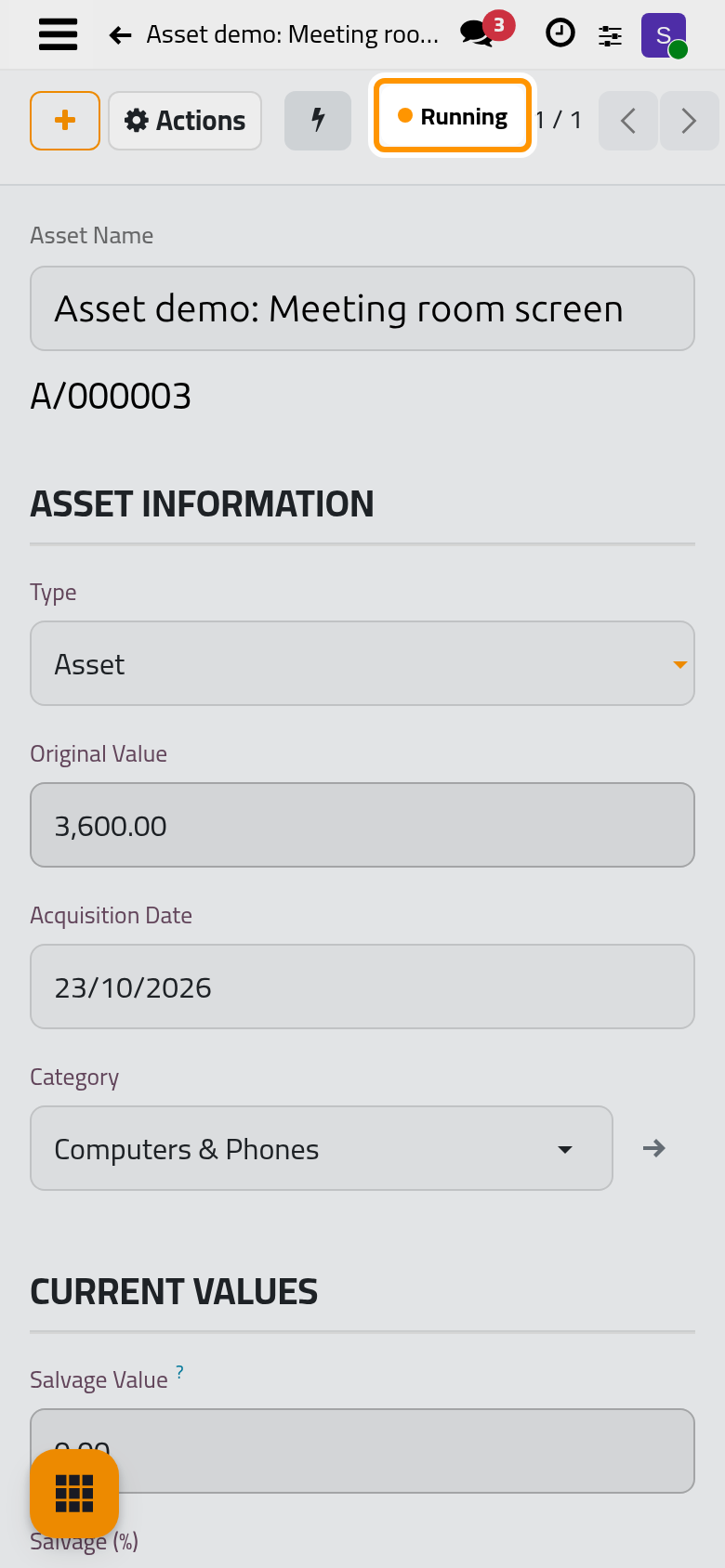
Once confirmed, the asset is Running. The Entries counter at the top shows how many entries are posted out of all those written, 0 / 36 for now; on a phone, it sits behind the lightning button at the top of the form.
Step 7: read the schedule
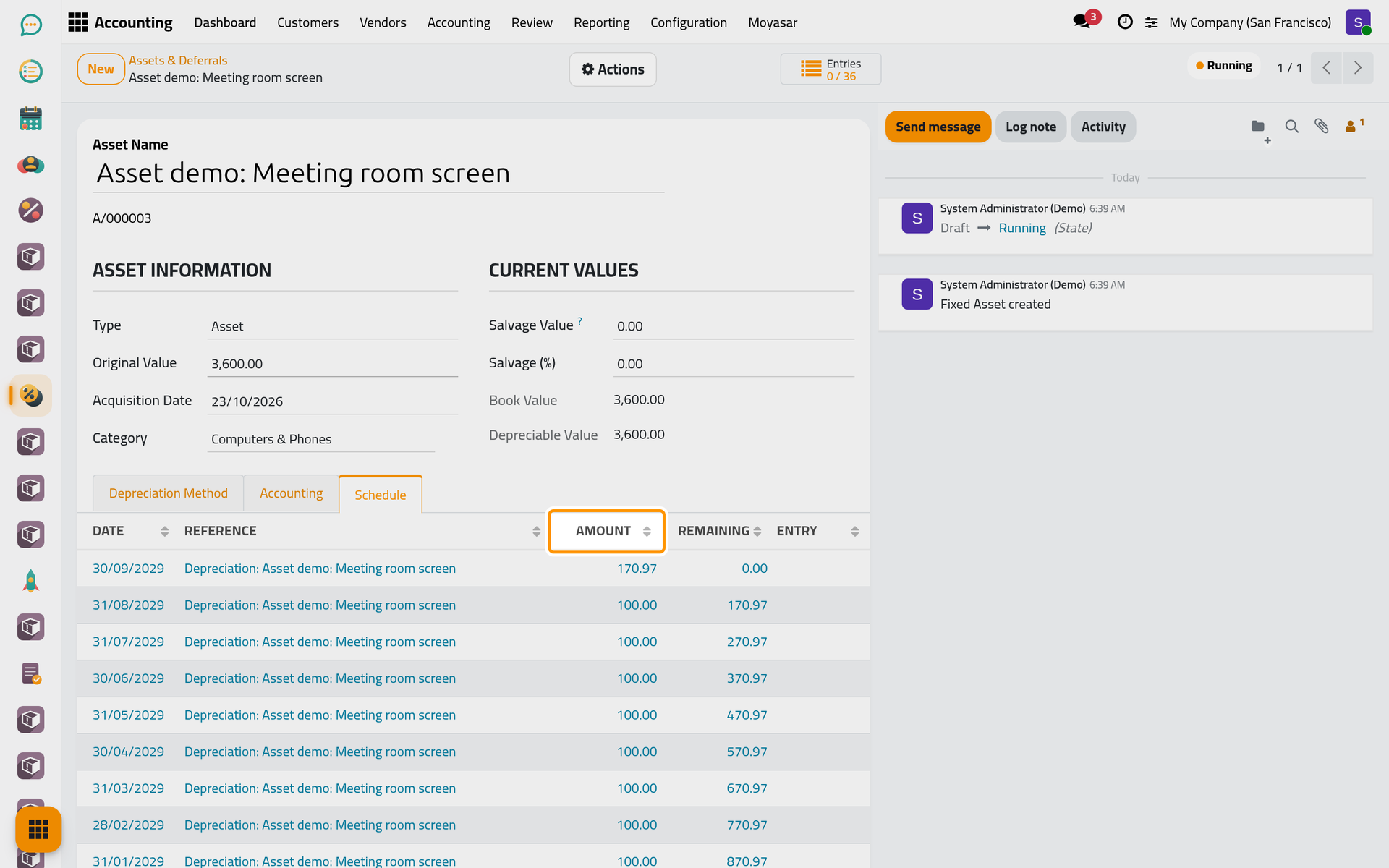
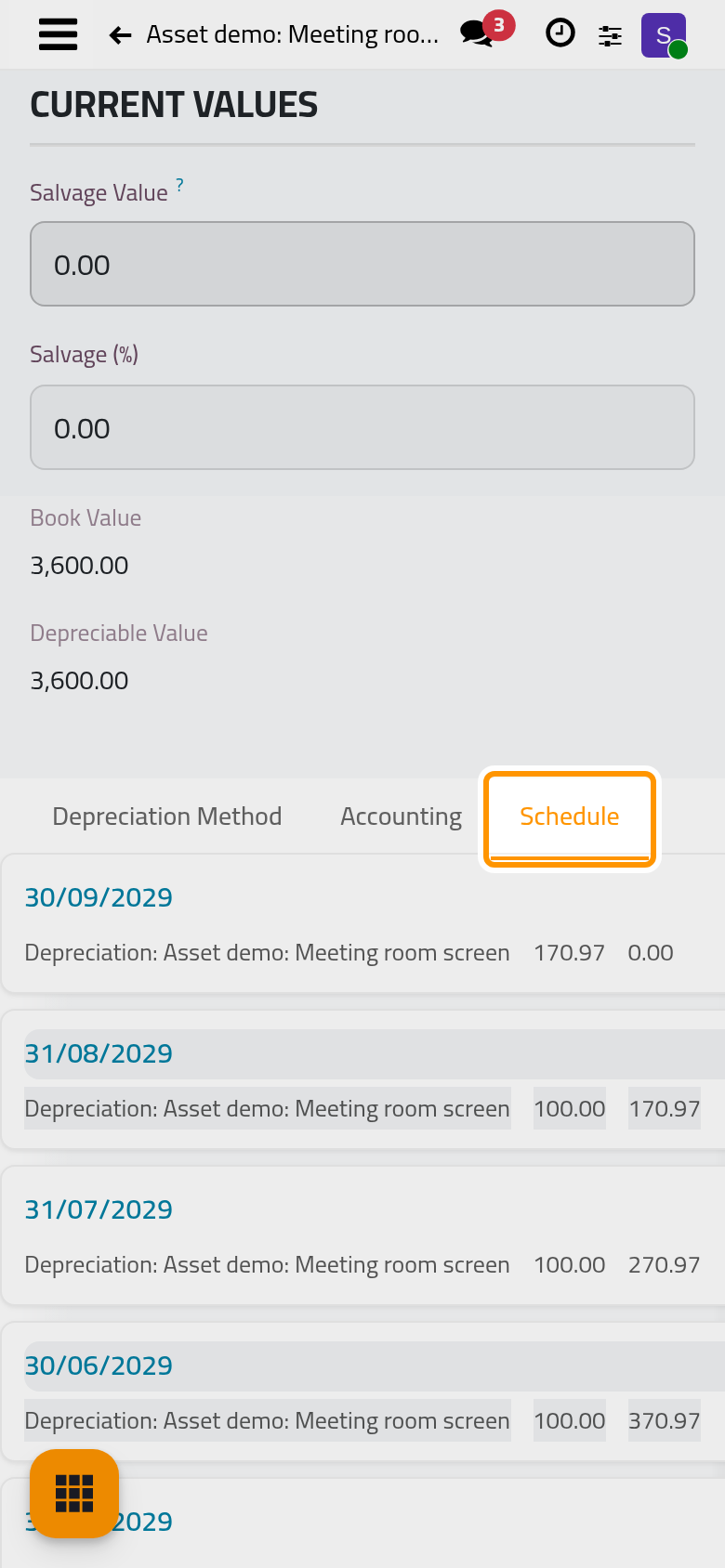
Open the Schedule tab. It lists the 36 entries, the latest date first: the Date, always the last day of a month, the Reference Depreciation: Asset demo: Meeting room screen, the Amount and what remains to depreciate after it (Remaining). With the acquisition in the middle of a month, the first entry is the smaller one, each following month carries 100.00 and the last one carries the rest. The entries stay drafts until their date.
Step 8: back in the list
Open again. The screen is Running with a Book Value of 3,600.00: the book value goes down only when an entry is posted.
What comes next
At the end of each month the entry of that month is posted and the book value drops by its amount. To stop or change the plan, see Pause or change an asset; when the screen is sold or thrown away, Sell or dispose of an asset. An asset can also come straight from a vendor bill: Create assets from a vendor bill. Costs paid in advance, such as a year of rent, follow the same path as a deferral: Spread a prepaid cost or income.
Was this page helpful?
Thank you for your feedback.