Fixed asset settings
On this page
Fixed assets add one group, Fixed Assets, at the end of the Accounting settings, and two lists under the configuration menu: the templates and the categories. The other accounting choices, journals, chart of accounts and deferred entries, are explained in Accounting settings.
Before you start
- You need the Administrator access right on Accounting.
- The settings belong to the current company; switch company before changing them for another one.
Fixed Assets
Open and scroll to the group Fixed Assets.
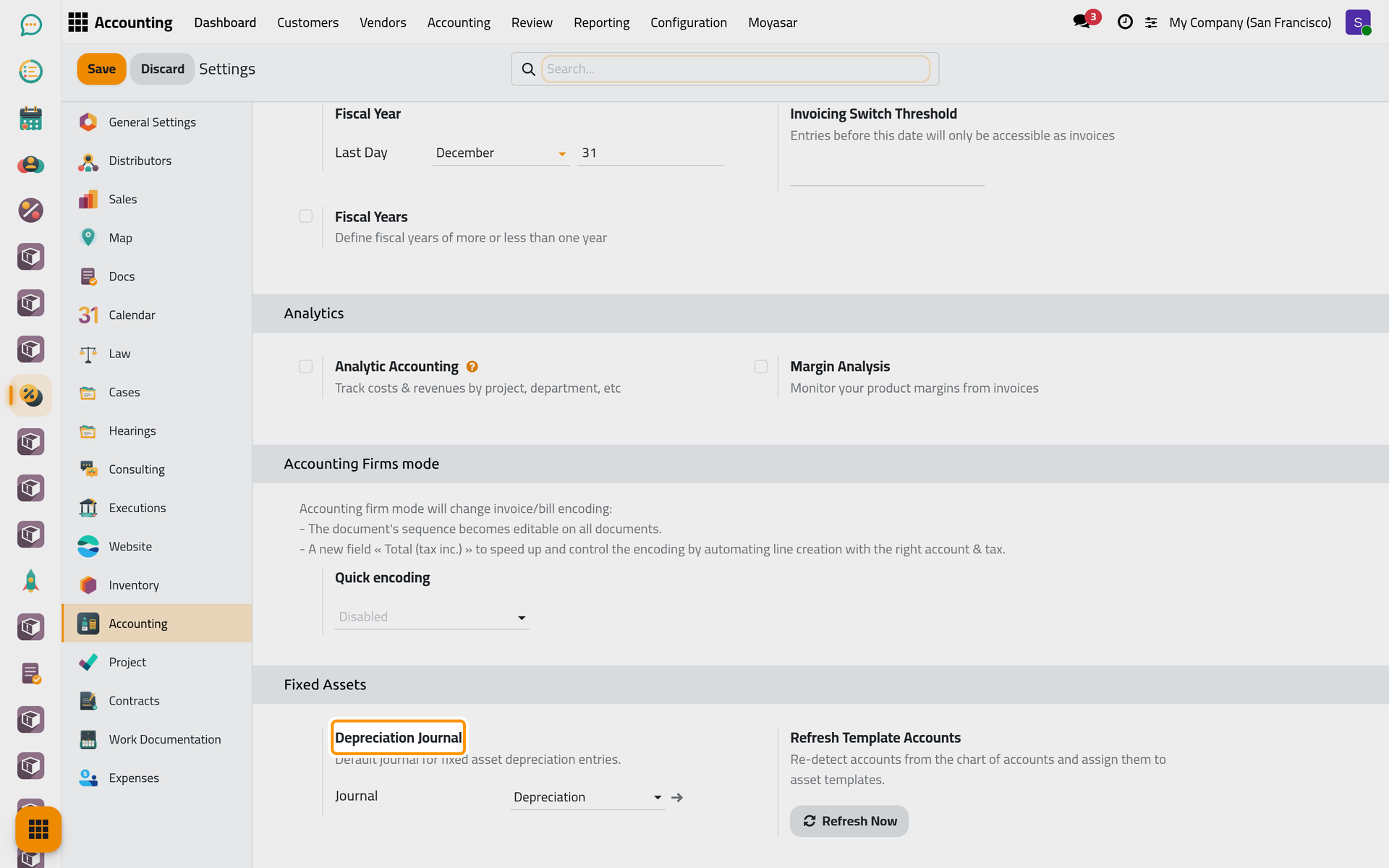
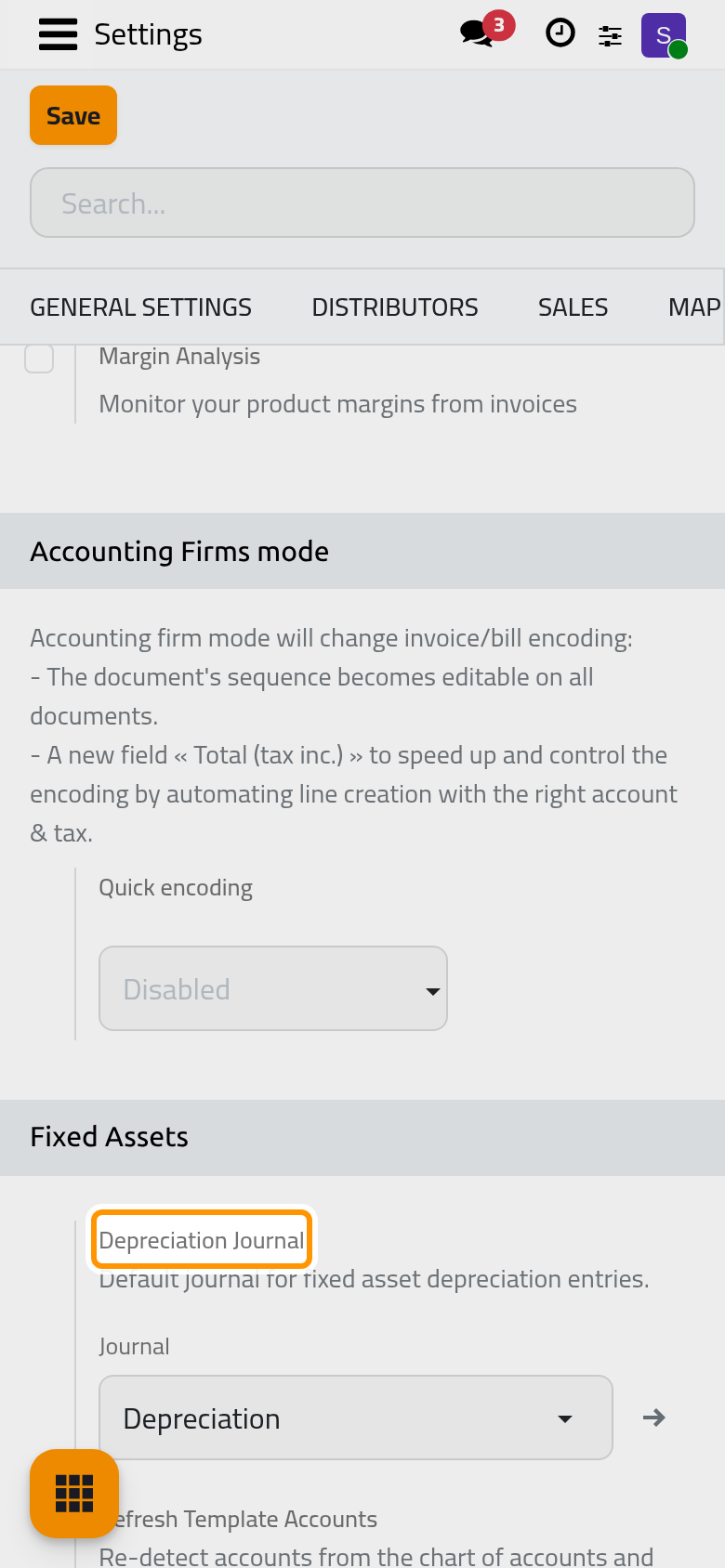
Depreciation Journal
Every new record starts with this journal; choosing a template replaces it with the template's own journal. Only miscellaneous journals are offered. At installation, the main company gets the journal Depreciation here; any other company starts empty, and its assets without a template have no journal until someone picks one, so choose one for each company that records assets. To add a journal of its own, see Create a journal.
A deferral created without a template keeps this journal even after its Type is changed: pick the deferral's journal yourself on its Accounting tab. Click Save to apply a change of journal.
Refresh Template Accounts
Refresh Now fills the accounts and journals that are still empty on the templates of the current company, guessing each one from the names of the accounts in the chart. It never replaces an account already set. For a company that has a chart of accounts but no templates yet, it first copies the templates to it. The page reloads when it is done.
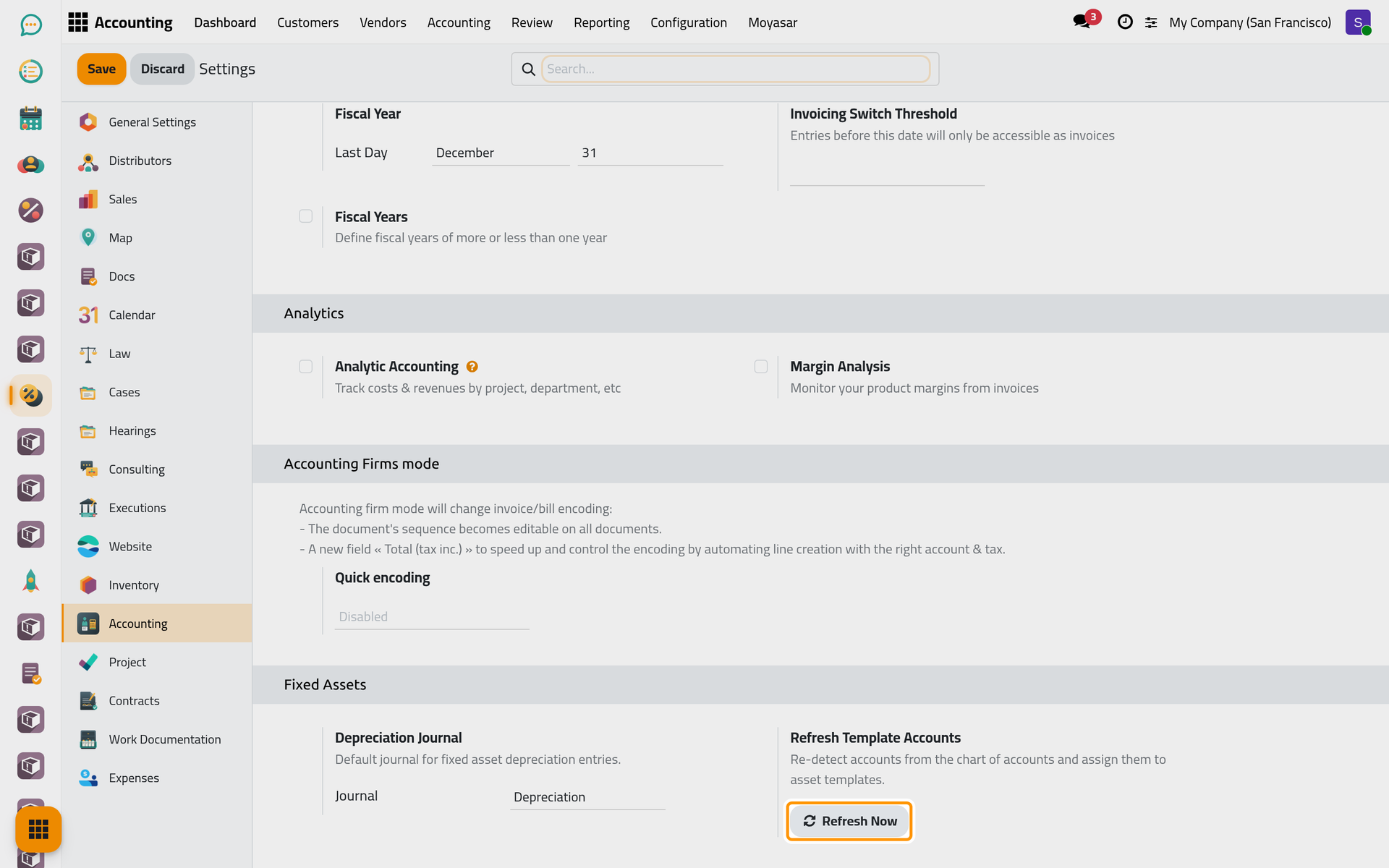
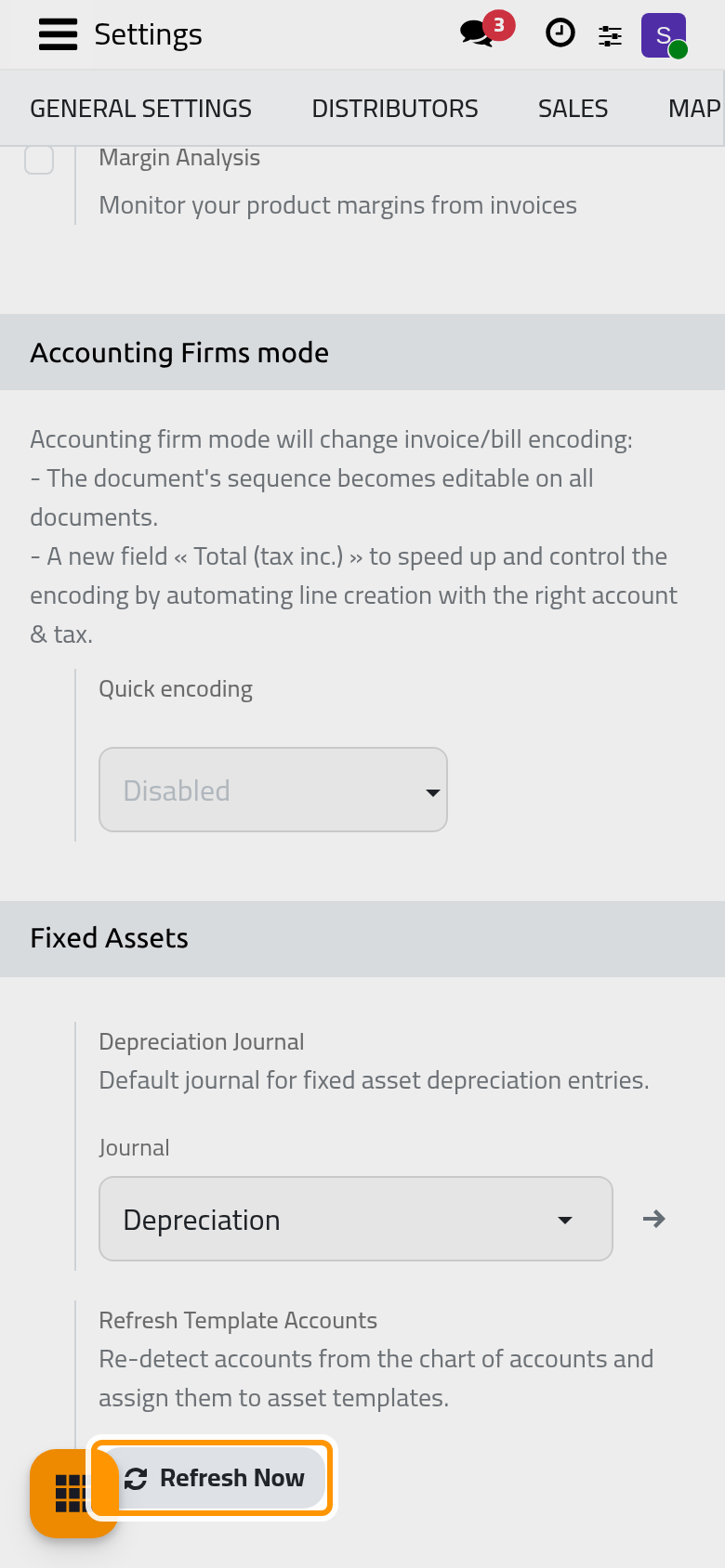
The guess takes the first account whose name matches, so check the result before relying on a template.
Asset templates
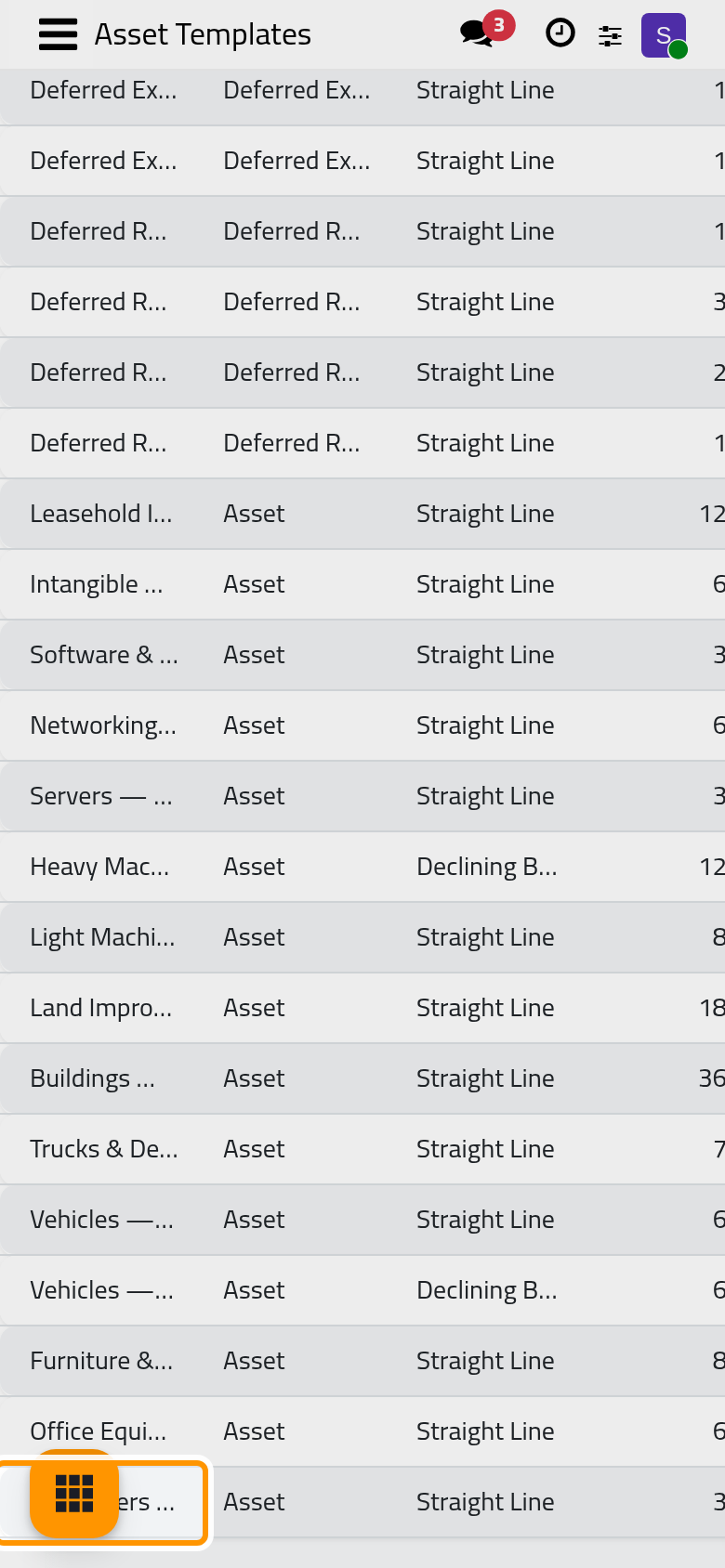
Open . The list shows each template's Type, Method, Number of Periods, Period Length, Asset Account, Recognition Account (the expense or revenue side) and Journal. Twenty-four templates are installed: fifteen for assets, from computers over three years to buildings over thirty, five for deferred expenses and four for deferred revenue.
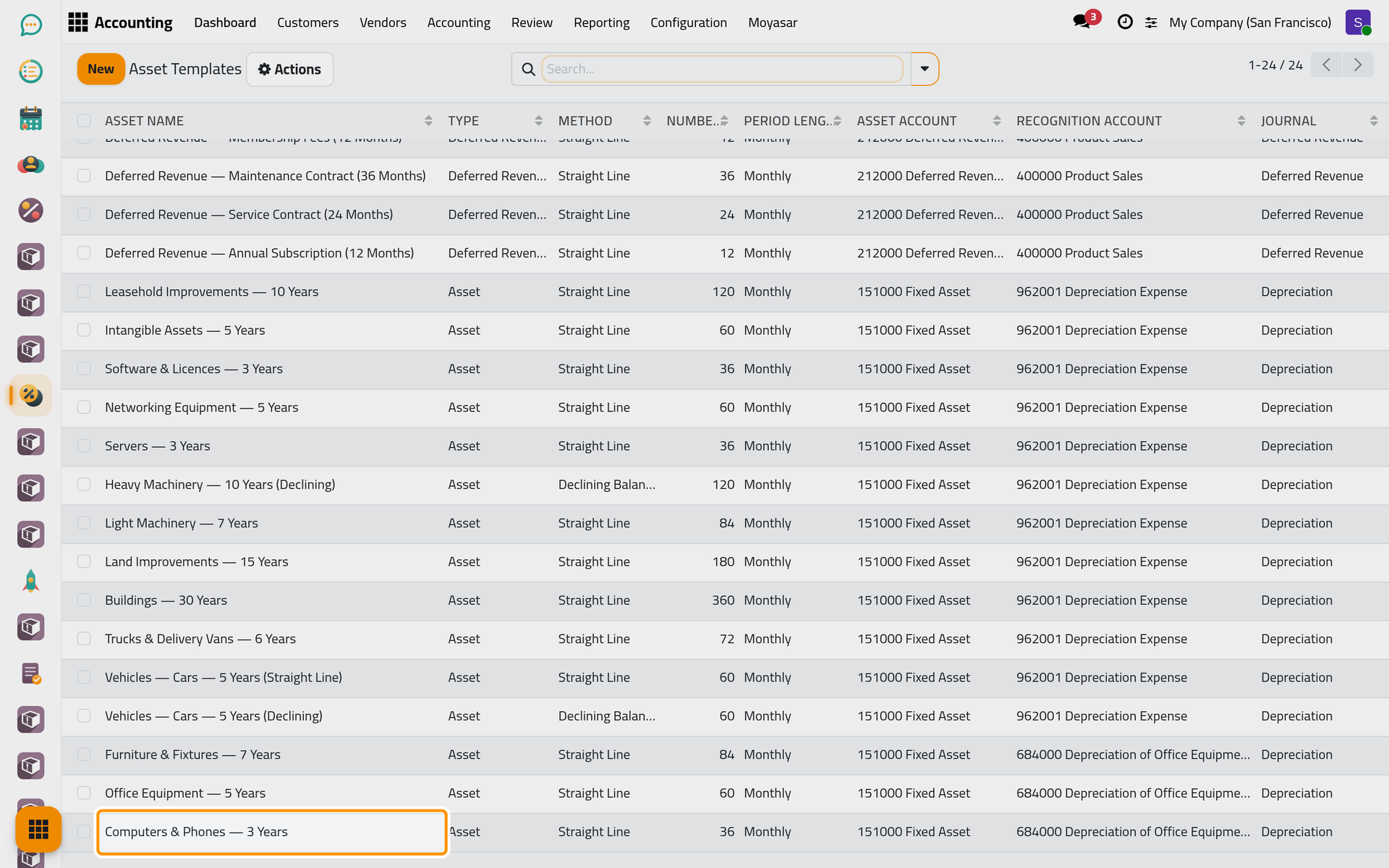
Open a template to see all its fields; it uses the same form as an asset. On the Accounting tab of an asset template, check that Depreciation is not the same account as Asset: the entries would then credit the account that holds the cost. Change what is wrong and save; the assets already created keep their own accounts.
Add a template with New in this list, or from a confirmed asset with Save as Template in its Actions menu, which copies its type, method, duration, accounts, journal and category into a new template named after it. Template names are kept as typed, in one language.
Asset categories
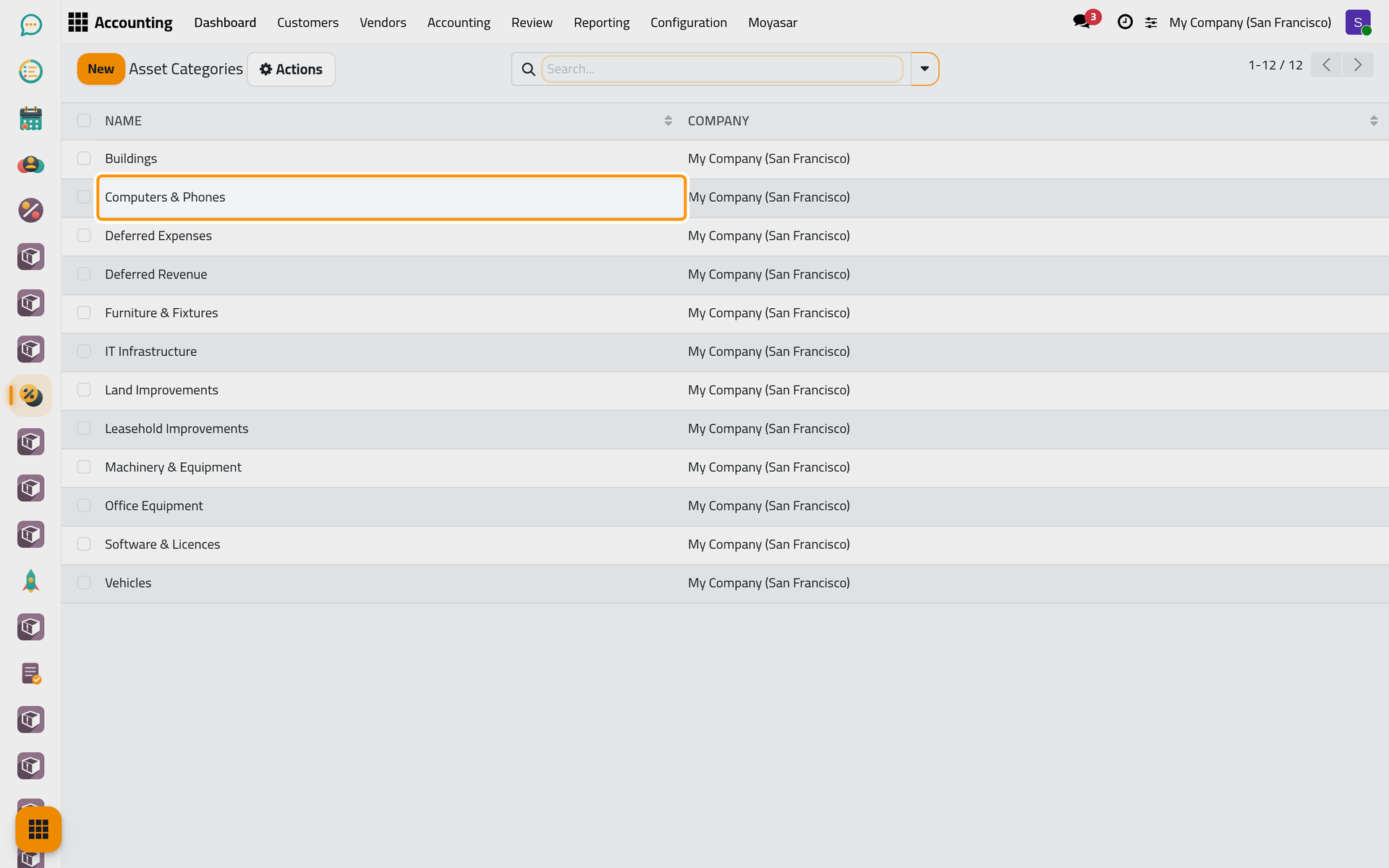
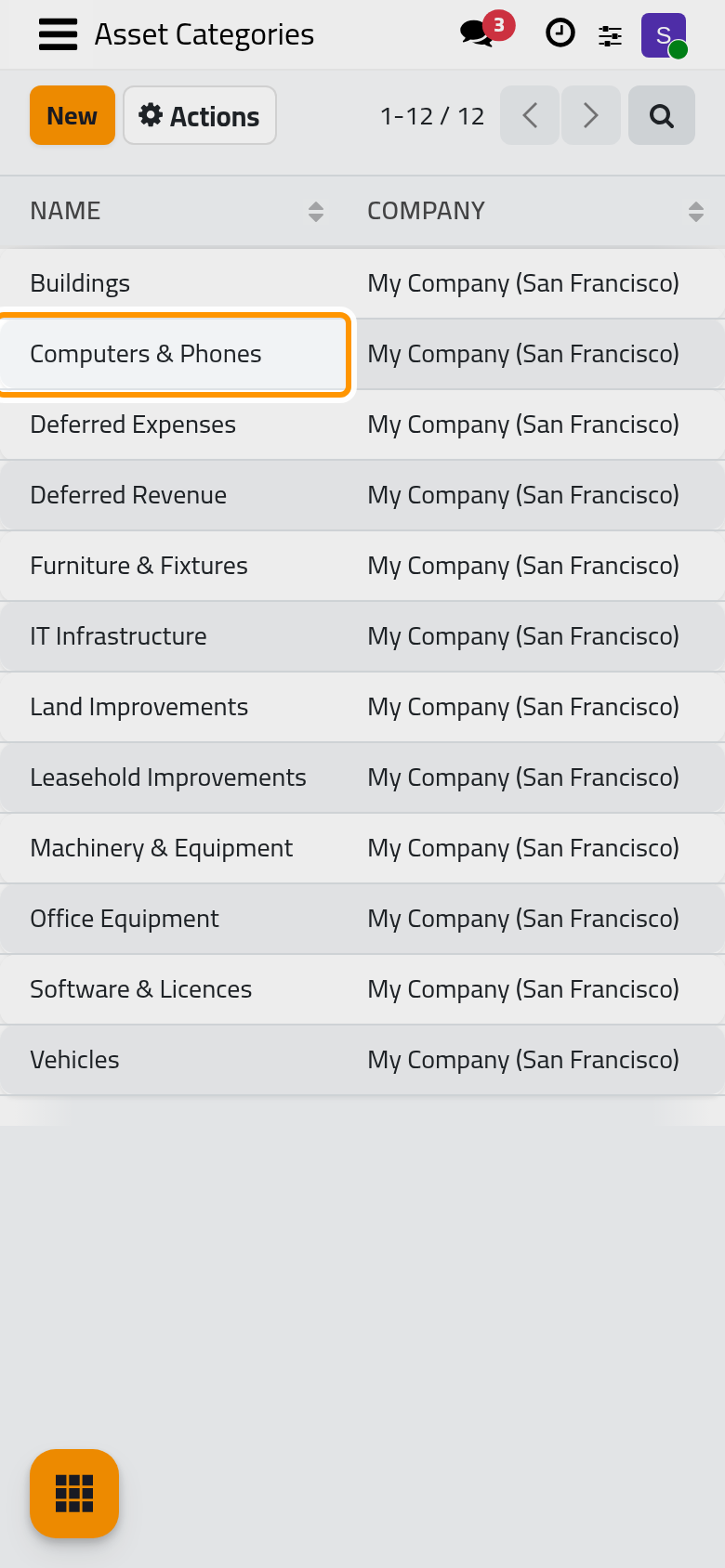
Open . Categories group assets and deferrals for searching and grouping; twelve are installed, from Computers & Phones to Deferred Expenses. Click New to add a line and type its name in place; a category shown without a company is shared by all companies.
FAQ
Which tasks run by themselves?
The posting of the entries on their dates and what is set at installation: see Fixed asset automations.
I changed a template. Do my running assets follow?
No. A template only fills a new record when it is chosen; later changes to the template do not reach the records made from it.
Where are the deferred expense and revenue journals set?
In the Deferred entries group of Accounting settings. They serve the deferred dates of bill and invoice lines; a deferral record of this app uses the journal on its own Accounting tab.
Was this page helpful?
Thank you for your feedback.