Set up Tamara
On this page
Tamara lets a client pay an invoice in instalments, next month or at once, while the firm is paid by Tamara. The money is first authorized by Tamara and taken when you capture it from the invoice. The fields shared with Moyasar (state, availability, journal, messages, publishing) are explained in Set up Moyasar.
Before you start
- You need the Administrator access right on Accounting and the Administrator role on your user.
- From Tamara's partner portal, keep at hand the API token, the notification token and, for an online shop, the public key.
State and tokens
- Open and click the Tamara card.
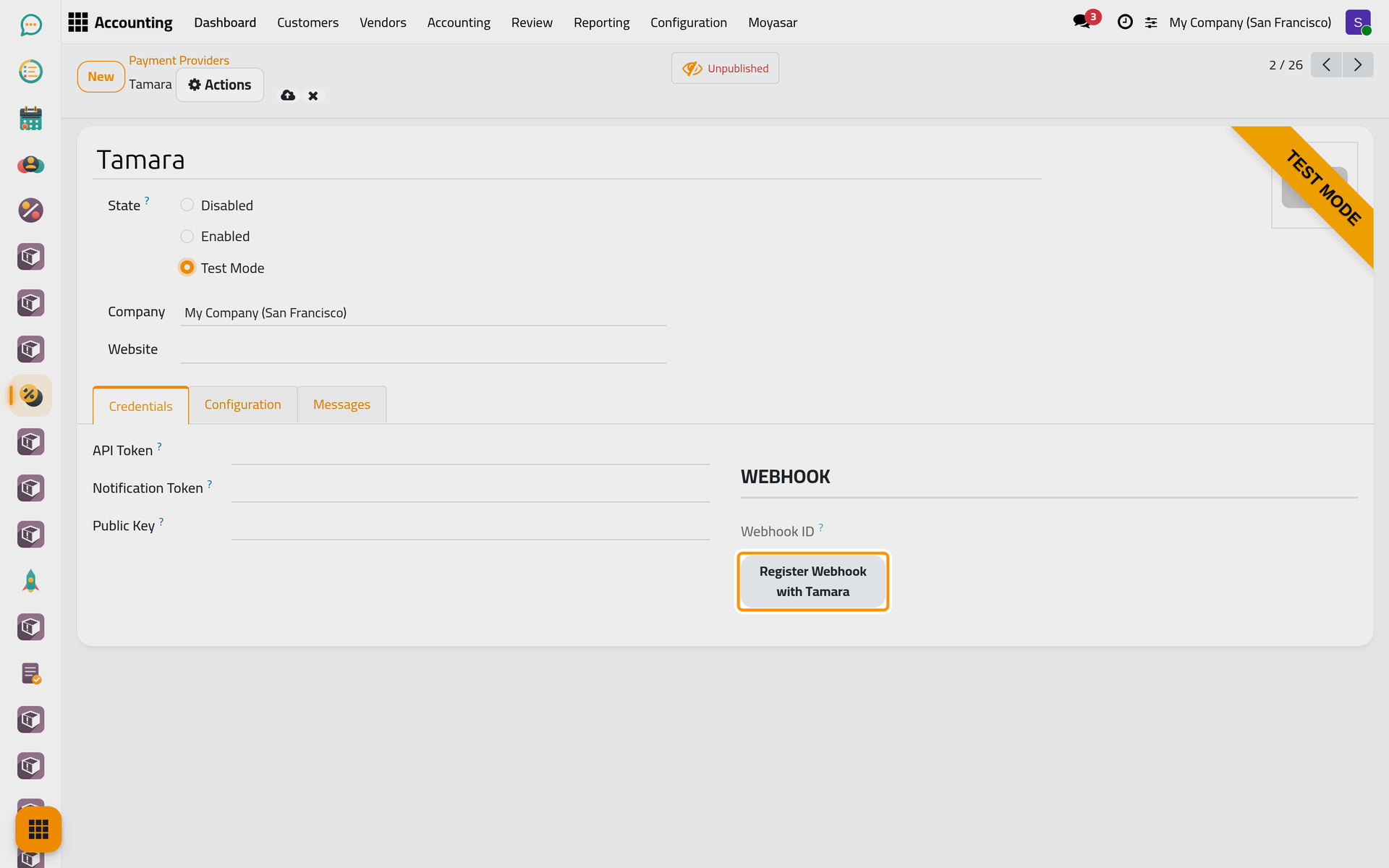
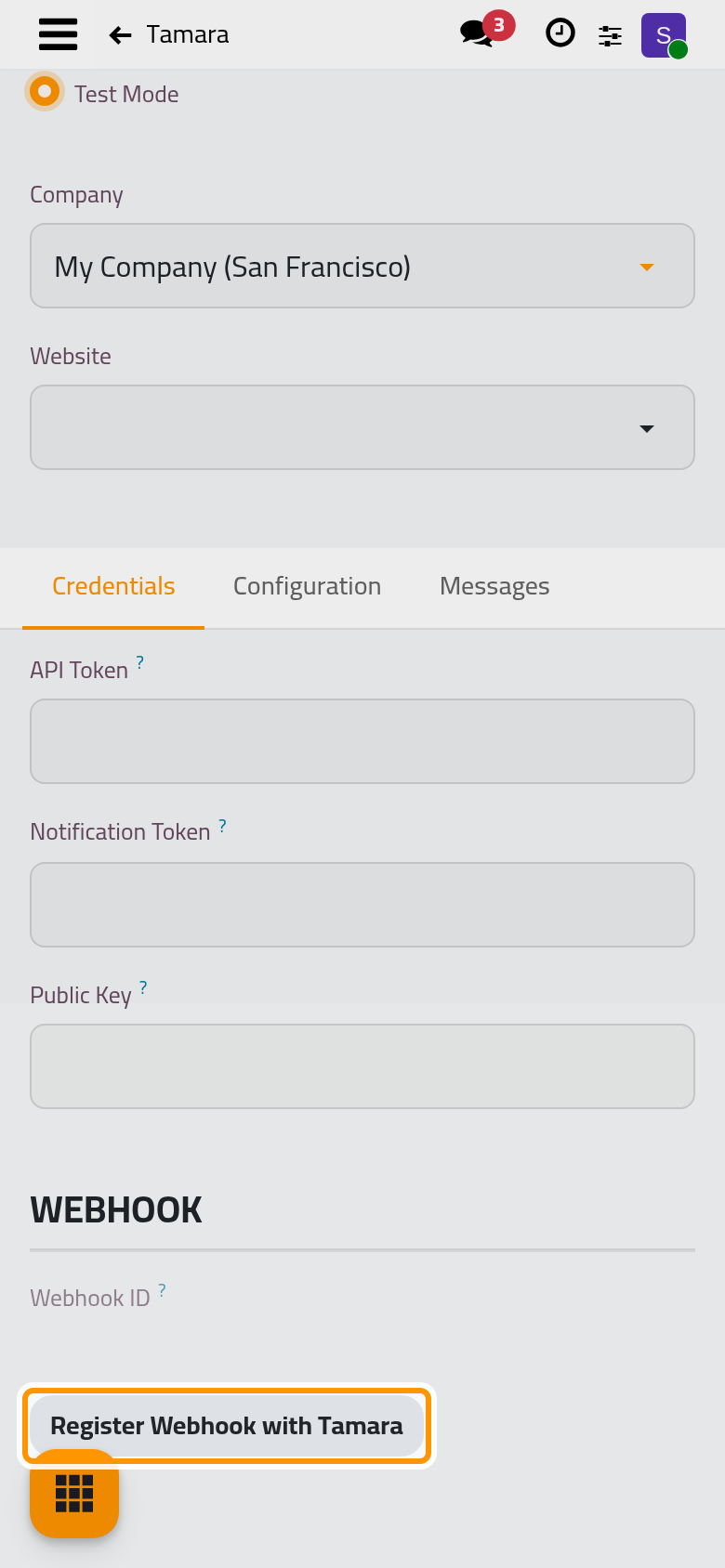
- Choose Test Mode. The Register Webhook with Tamara button appears in the Webhook group.
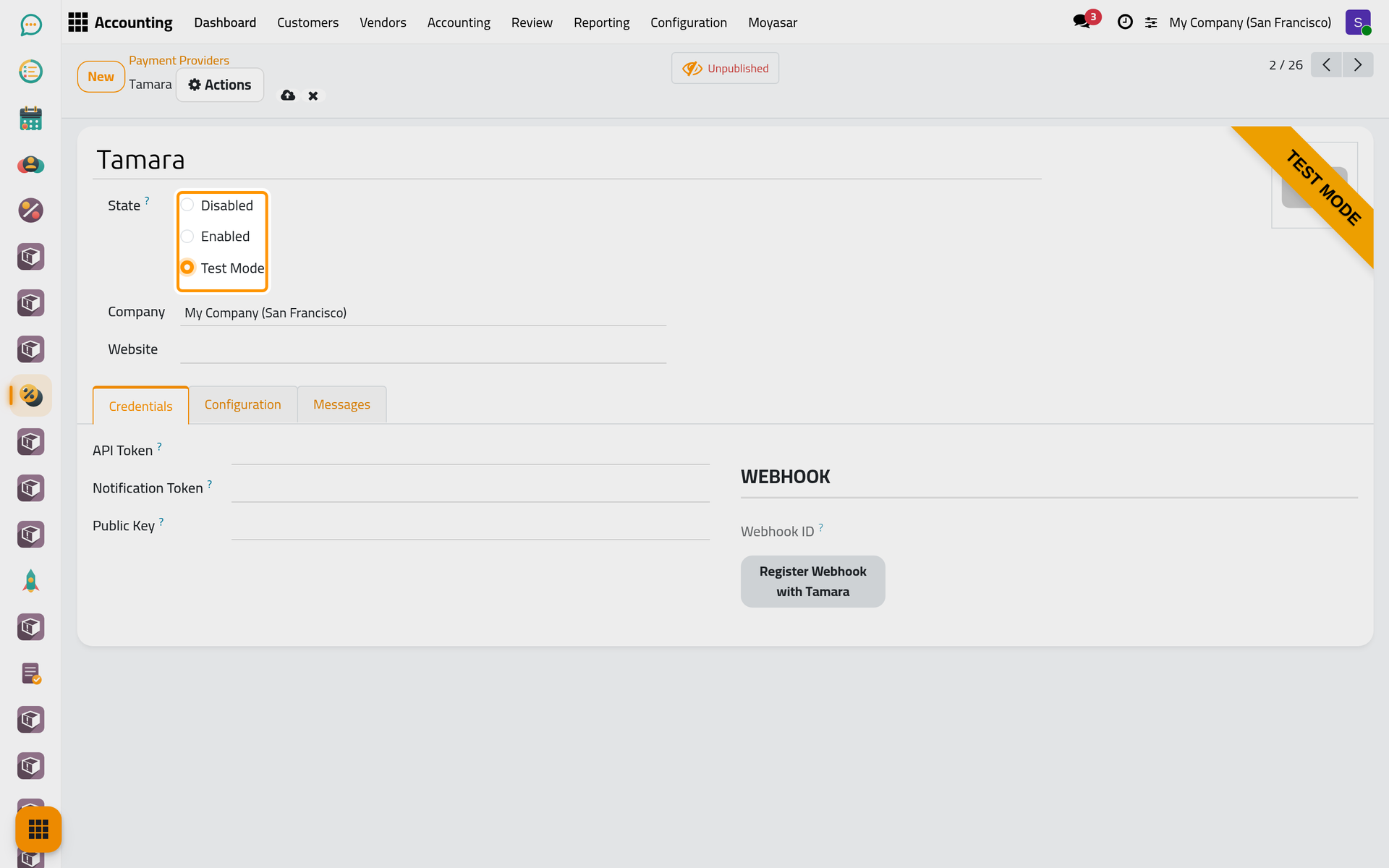
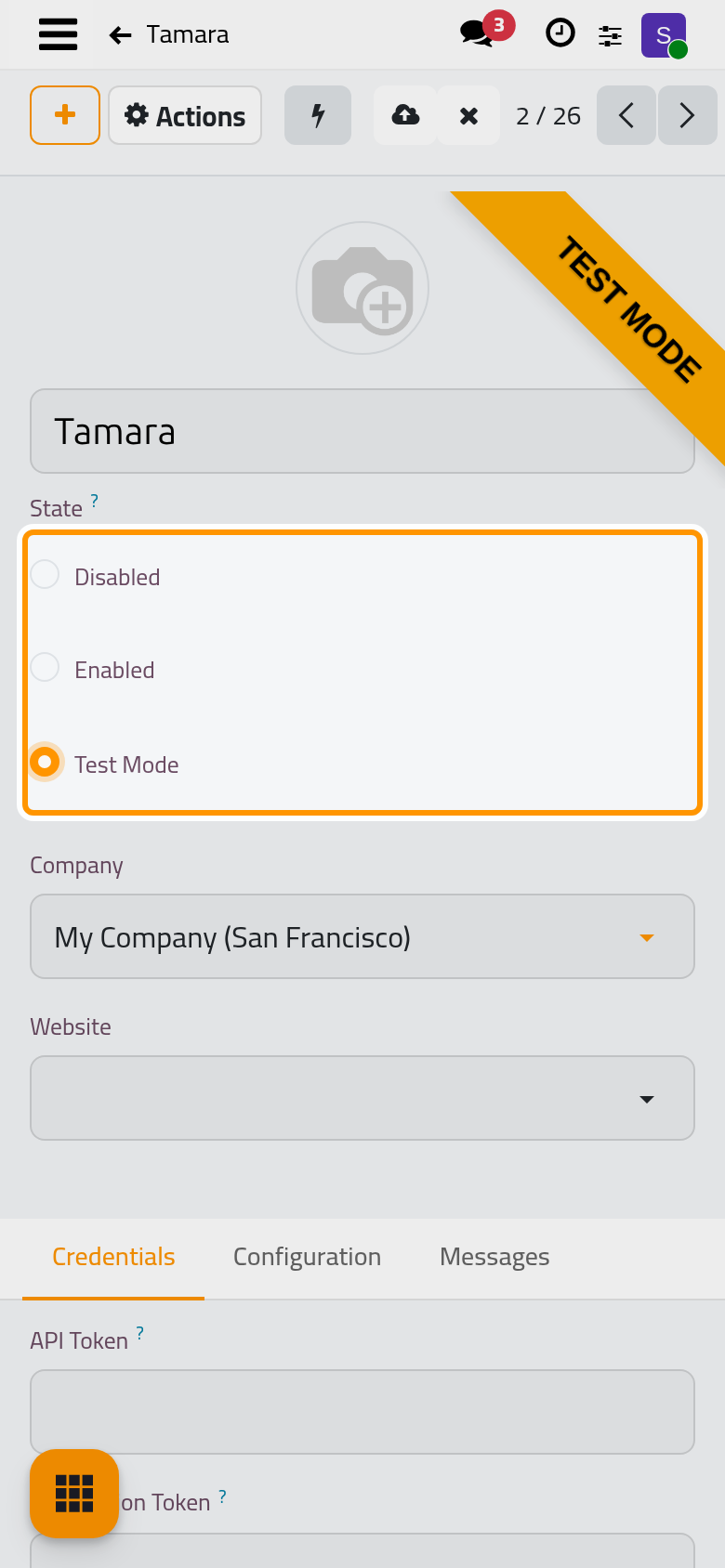
- In the Credentials tab, paste the API Token and the Notification Token. Tamara cannot leave Disabled without the notification token: it is what proves that a notification really comes from Tamara. Leave Public Key empty unless you sell through the online shop.
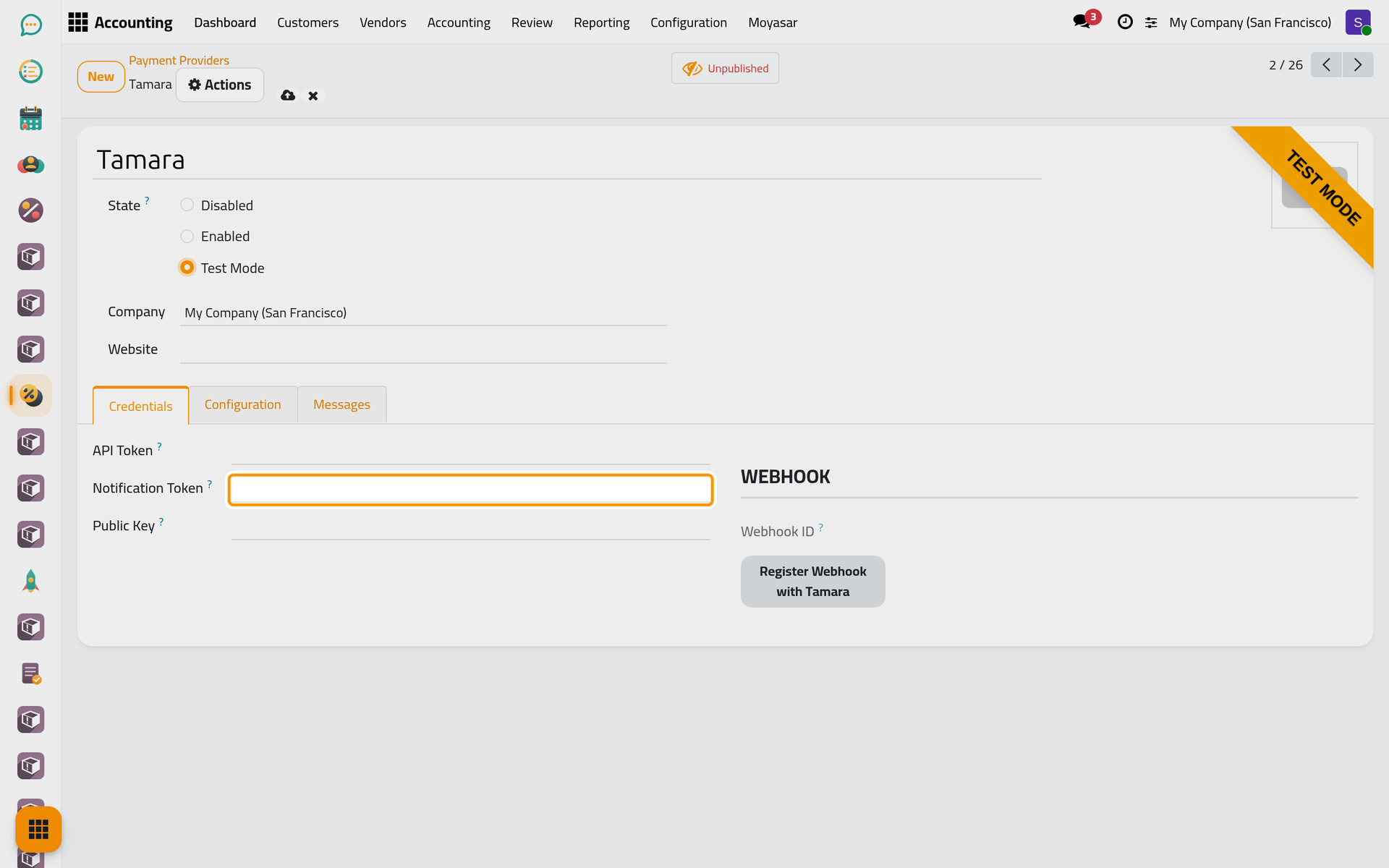
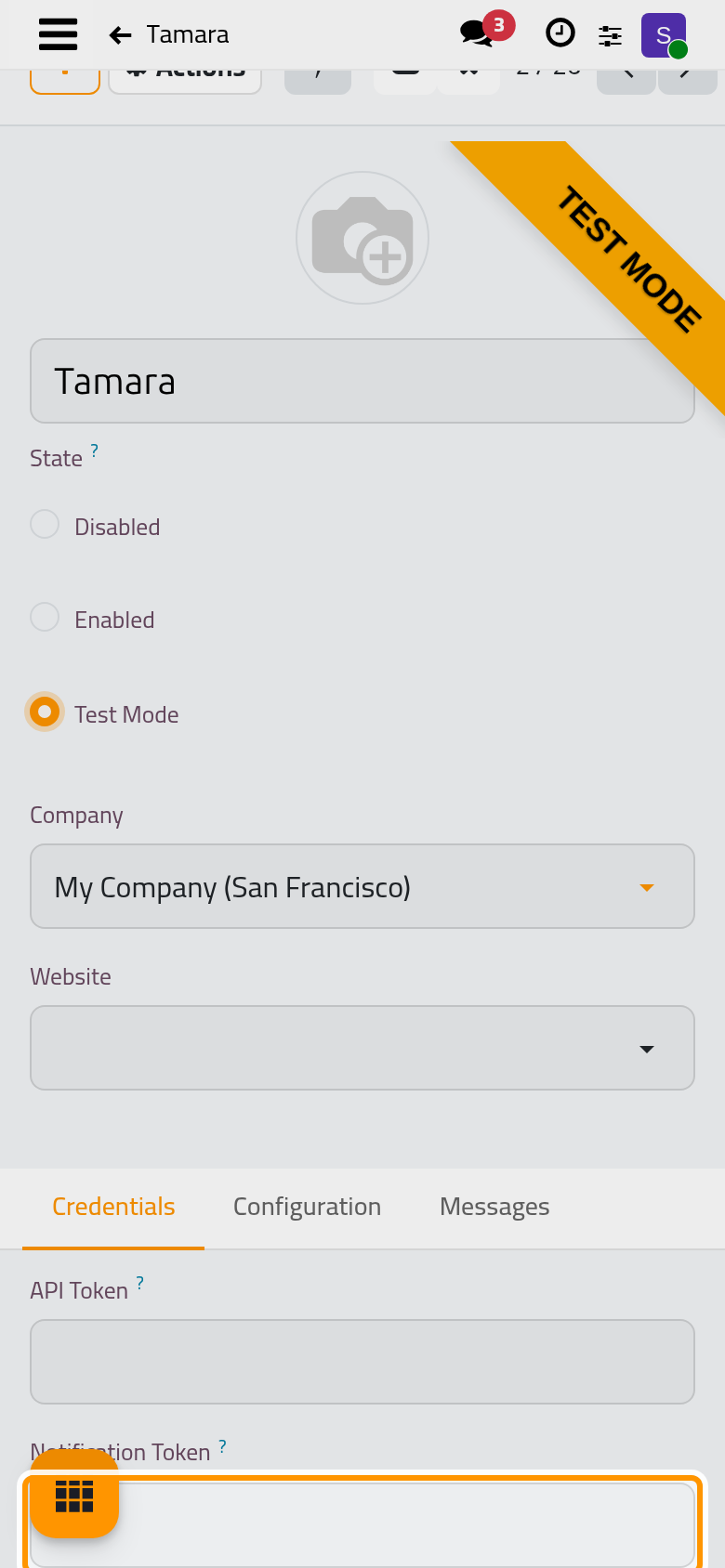
- Click the cloud icon Save manually, then Register Webhook with Tamara. The button tells Tamara to send its order notifications to your site's address followed by /payment/tamara/webhook; a message confirms the address and the Webhook ID fills in. Click it again whenever the site's address changes.
What Tamara offers
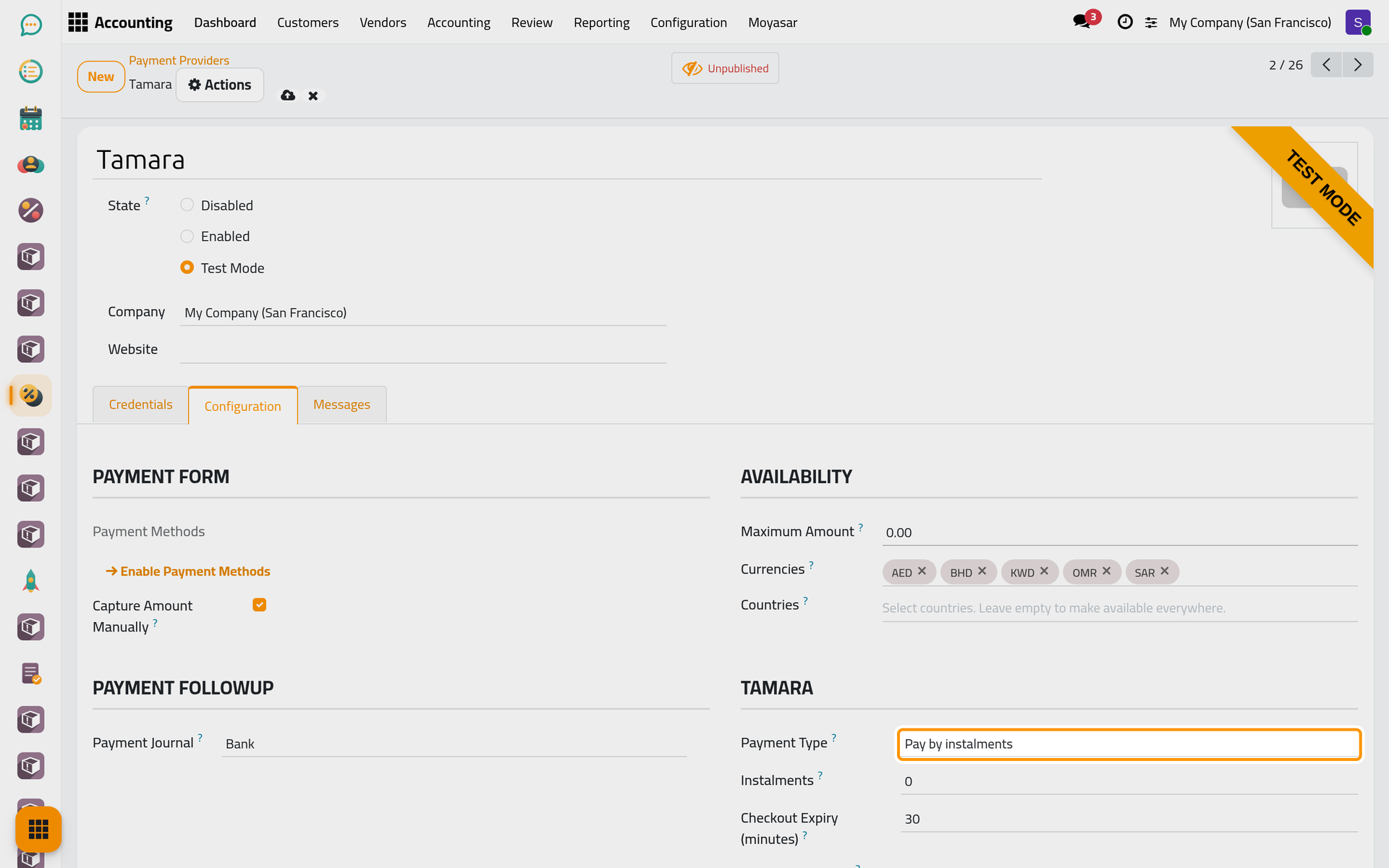
Open the Configuration tab. The Tamara group decides what the client is offered:
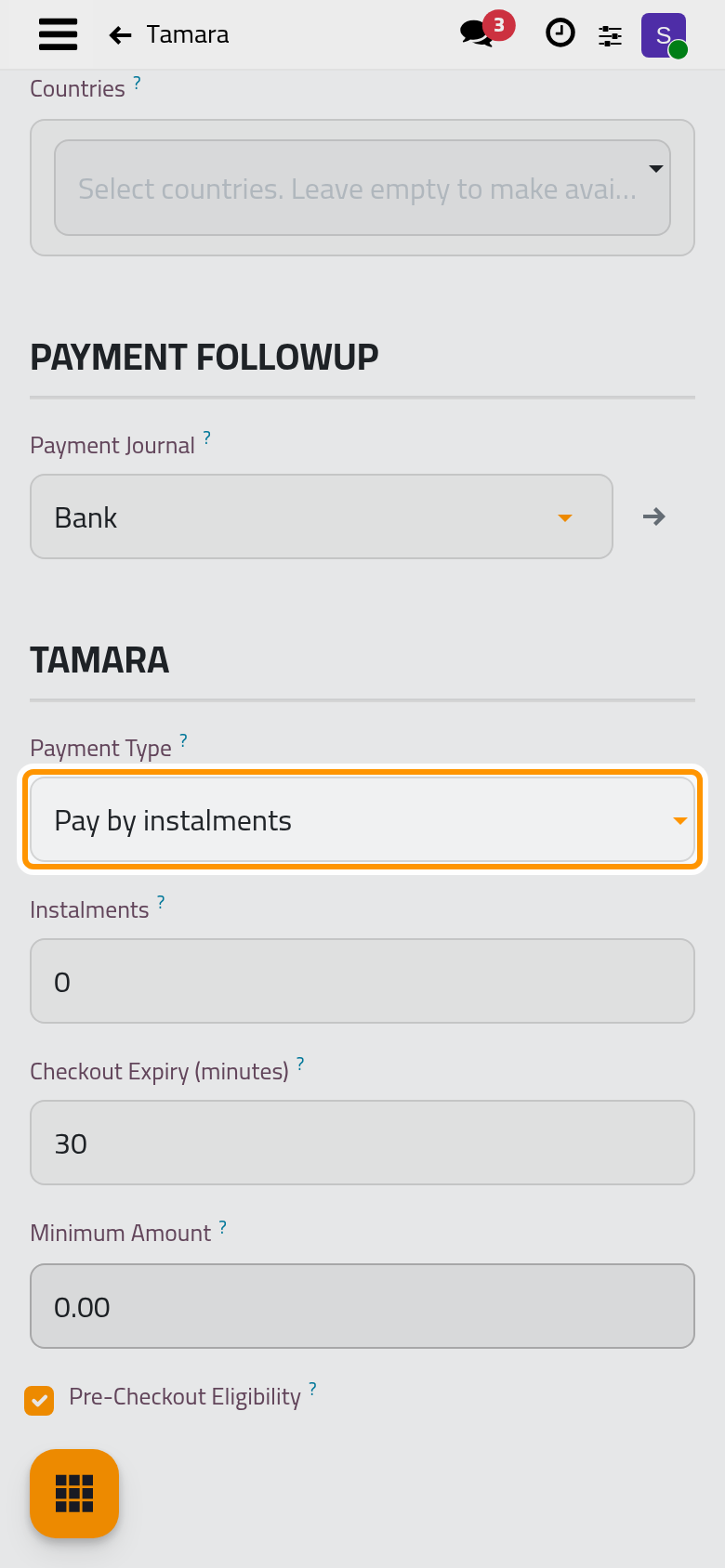
- Payment Type: Pay by instalments (the default), Pay next month or Pay now, one type for every payment, among those your Tamara account allows.
- Instalments: for instalments only; 0 lets Tamara propose the plans the client is eligible for.
- Checkout Expiry (minutes): how long the client has to finish at Tamara, 30 by default, between 5 and 1440.
- Minimum Amount: below it, Tamara is not offered; 0 offers it at any amount.
- Pre-Checkout Eligibility: Tamara is asked whether this client and this amount are eligible before it is offered. The question gets a fifth of a second; without an answer, Tamara is offered anyway.
Capture and journal
Capture Amount Manually is on from the start: an approved order is only authorized, and you take all or part of it with Capture Transaction on the invoice, as Capture, void or refund an online payment shows. The Payment Journal is the bank journal that records the payment, as for Moyasar.
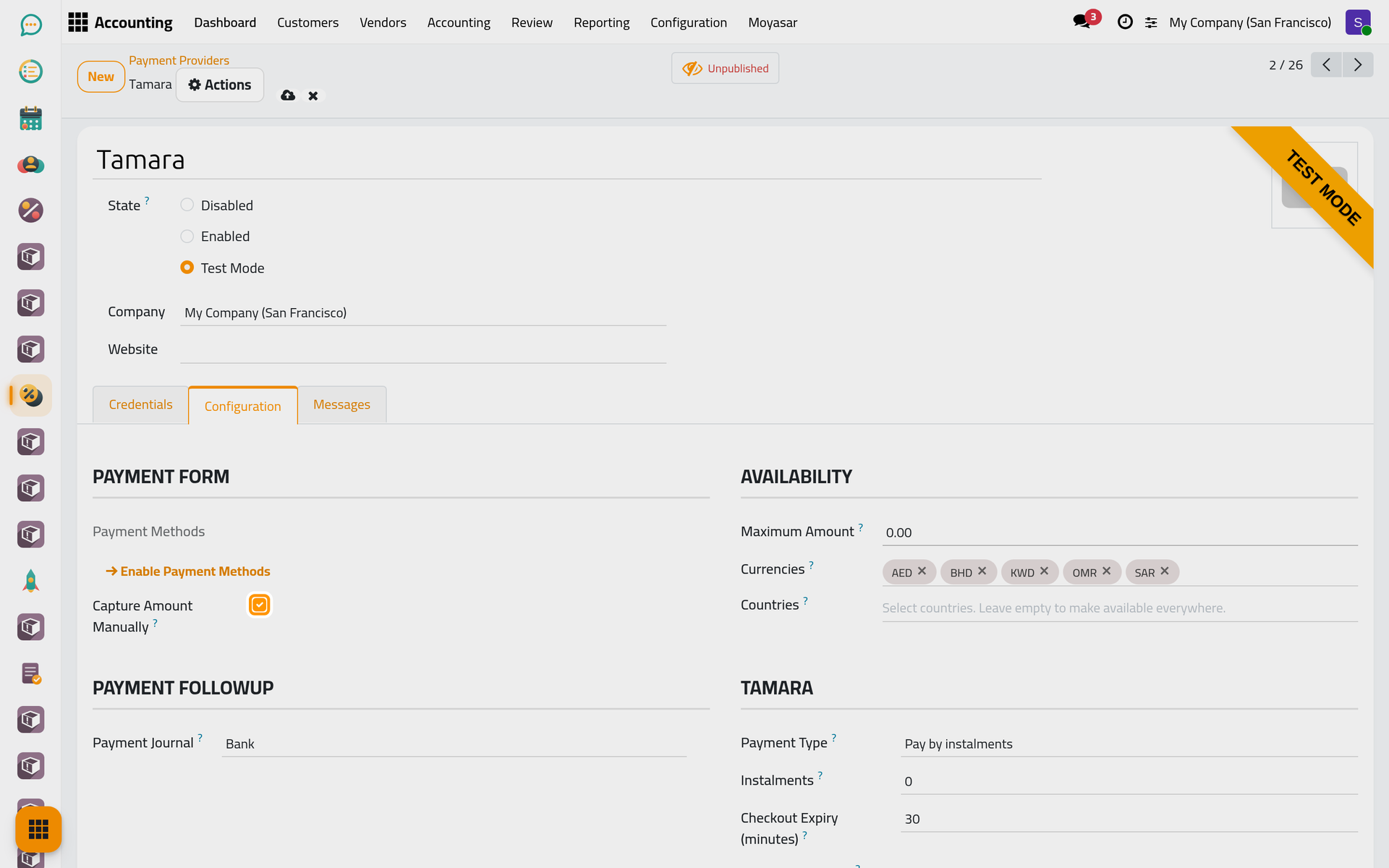
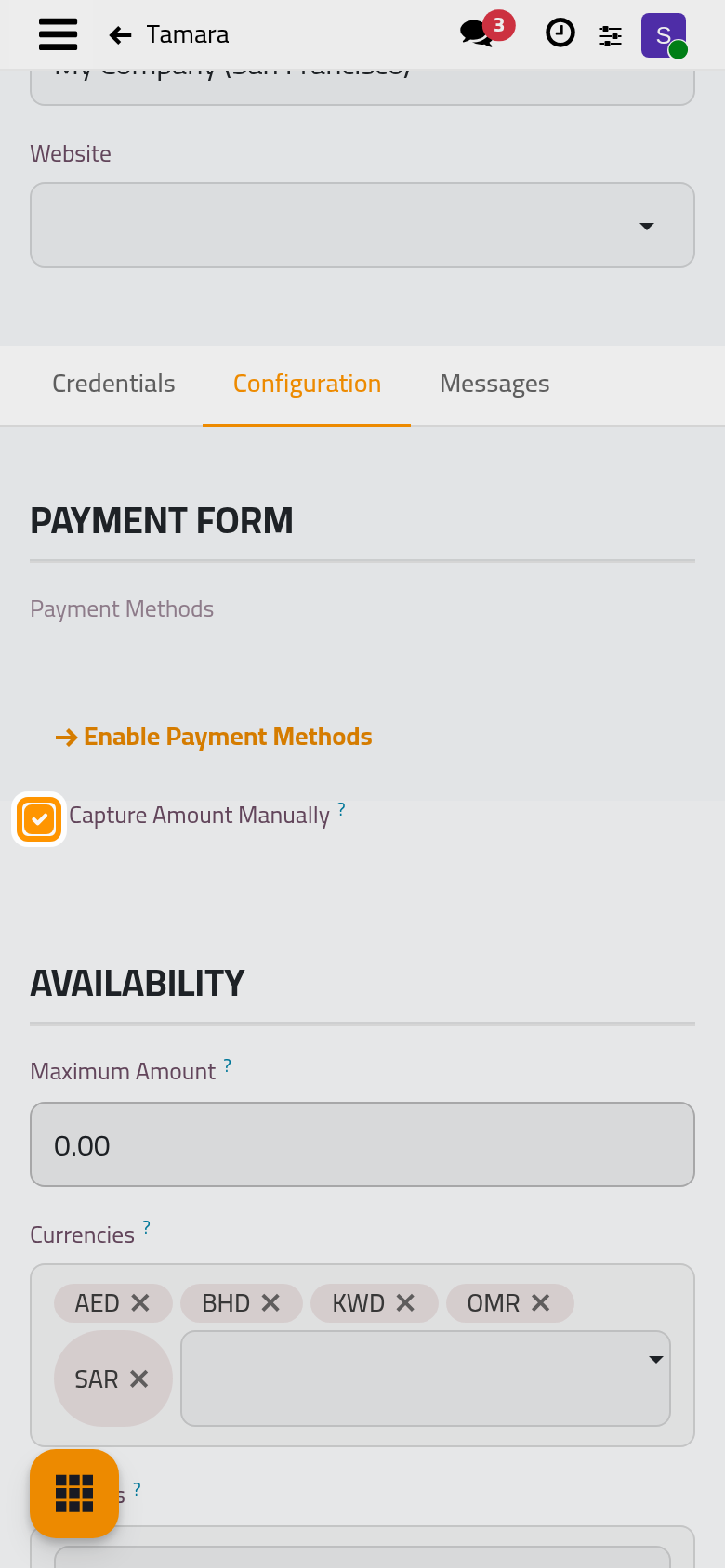
Click Save manually when you are done.
Who sees Tamara
Tamara is offered only to a client whose country is Saudi Arabia, the United Arab Emirates, Bahrain, Kuwait or Oman, on an invoice in that country's own currency: a dirham invoice for a Saudi client is not offered Tamara. That is why it never appears on the demo invoices, which are in dollars. The Promotional Widget group, shown once a Public Key is set, belongs to the product pages of the online shop and plays no part in invoices.
FAQ
Tamara does not appear on an invoice.
Check the client's country and the invoice's currency first, then Minimum Amount, then that the provider is published and not Disabled. With Pre-Checkout Eligibility on, Tamara itself may also have declined that client or amount.
Can one invoice offer instalments and another pay next month?
No. The Payment Type belongs to the provider and every payment uses it.
I changed the site's address. What now?
Click Register Webhook with Tamara again, so that Tamara sends its notifications to the new address.
Was this page helpful?
Thank you for your feedback.