Write the quotation body
On this page
- Before you start
- Find the body
- Write and format
- Choose the client and the template first
- See it as the client does
- On the PDF
- FAQ
- Is the body in the e-mail sent to the client?
- Can the body exist in two languages?
- My text disappeared after I changed the client. Why?
- Does the body appear on the invoice?
The Quotation Body is the free text at the top of a quotation: the letter that introduces the offer, with the scope of the work, what the price includes, the team or the timeline. The client reads it before the prices, on the PDF and on the quotation's page online. It is not the Terms and conditions field under the lines, which holds the general conditions.
Before you start
- You need an access right on Sales.
- Each quotation has its own body. A quotation template can fill it for you: see Build a quotation template.
Find the body
Open and open a quotation. The Quotation Body area sits between the client details and the Order Lines tab. A quotation made from a template opens with the template's text, as the quotation of Meadowline Holdings does with the Legal services offer template.
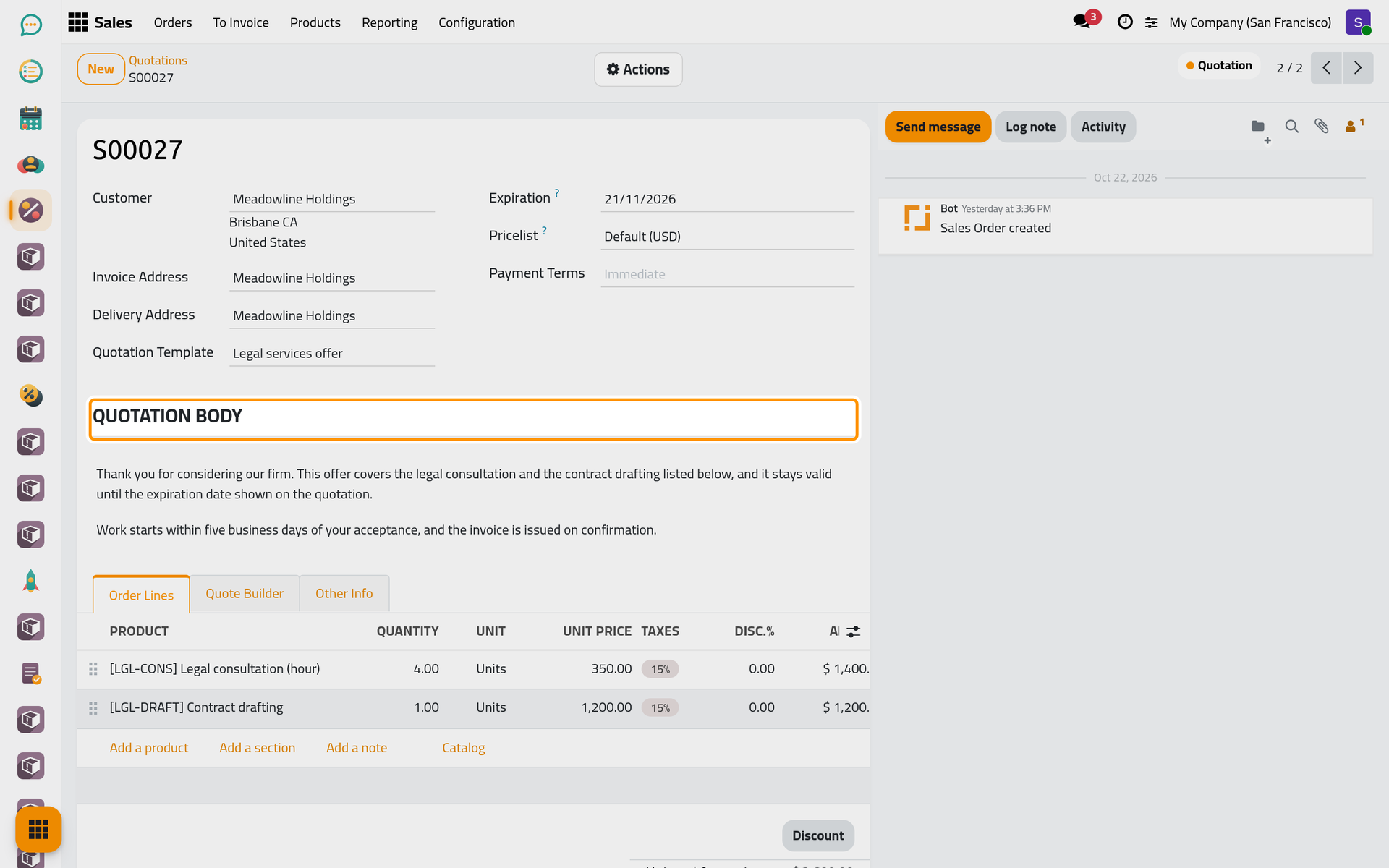
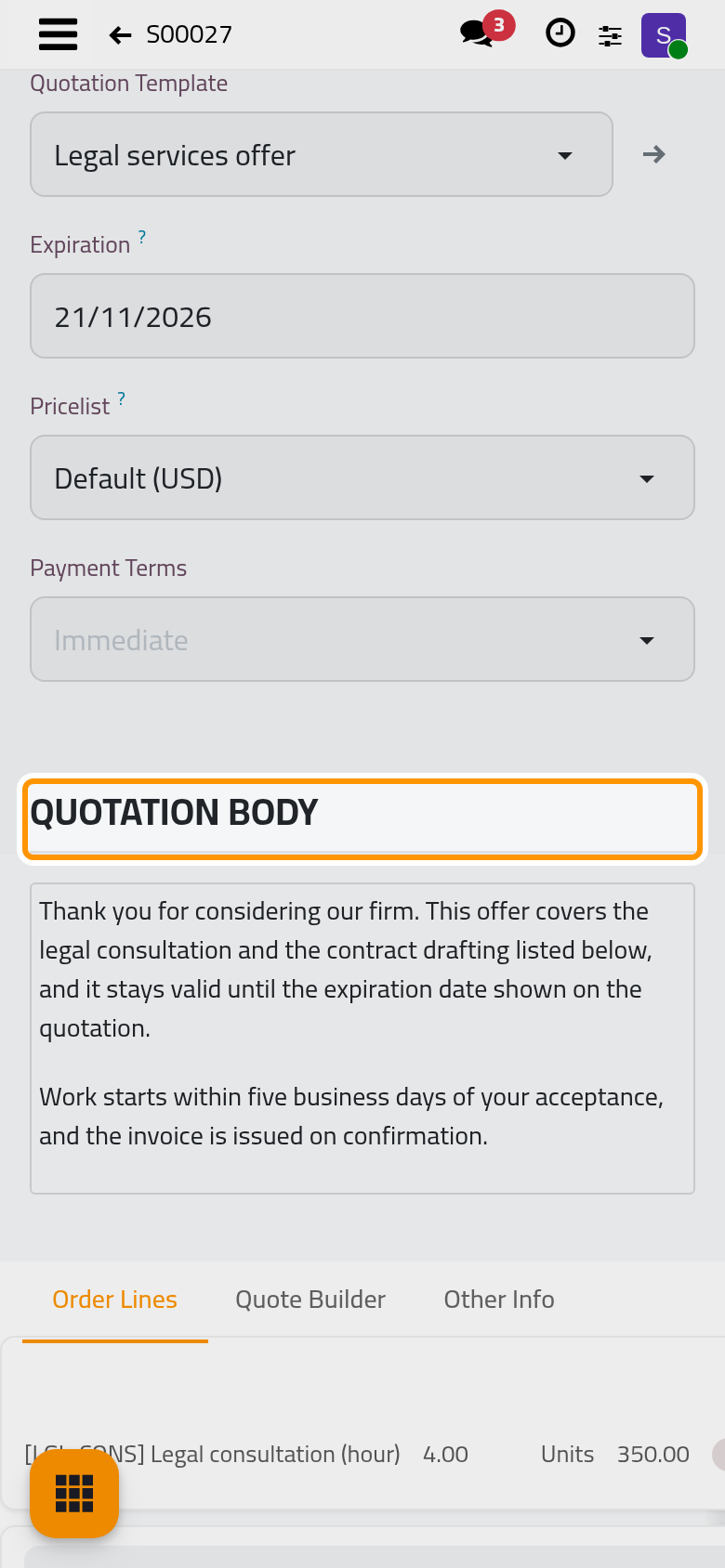
The template's text is copied in the language of the client: this client reads English, so the text is English whatever the language of your own screen.
Write and format
- Click in the text where you want to write. Enter starts a new paragraph.
- Select words to show the formatting bar above them: the paragraph style, the font size, bold, italic, underline, the text colour and a link.
- Type / at the start of an empty line to insert a heading, a bulleted or numbered list, a table, and more.
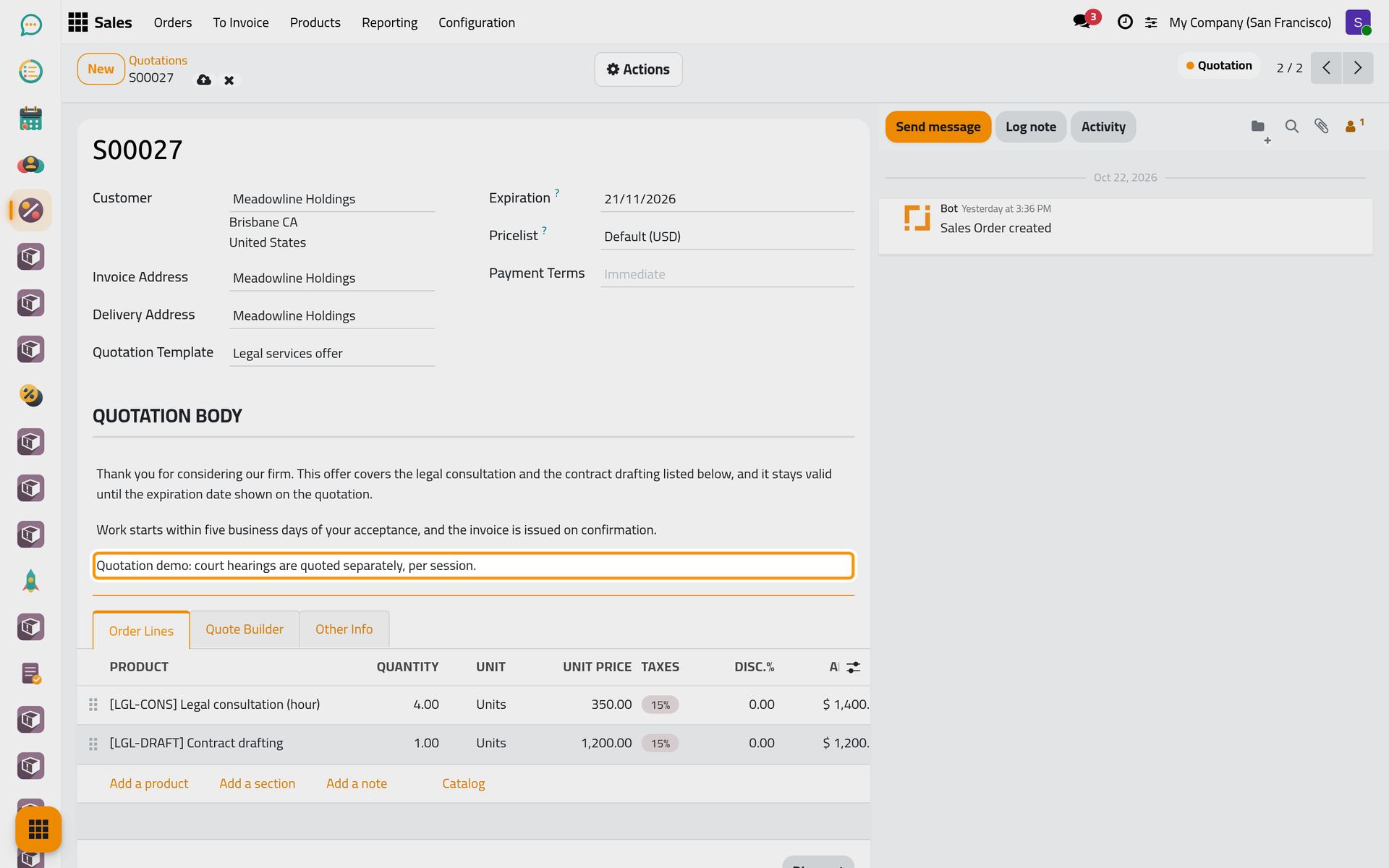
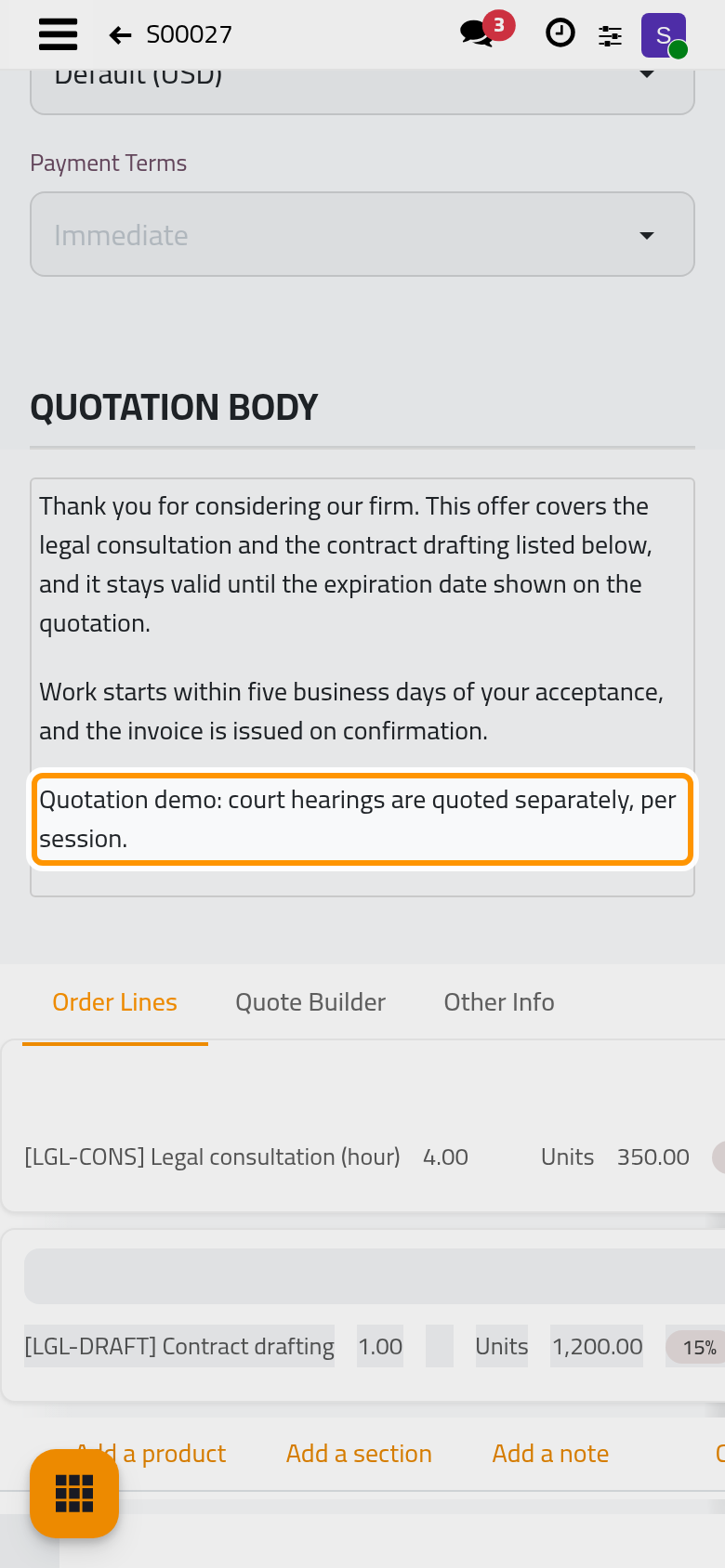
- Click the cloud icon Save manually.
What you write changes this quotation only; the template keeps its own text.
Choose the client and the template first
When the quotation's template has a body, changing the Customer or the Quotation Template puts the template's text back in the body, in the language of the new client, and what you had written is replaced. Pick both first, then write. A template without a body leaves your text as it is.
See it as the client does
Open the Actions menu and choose Preview. On the client's page the body appears under the heading Quotation Details, above the services and the totals. A quotation with an empty body shows no such heading.
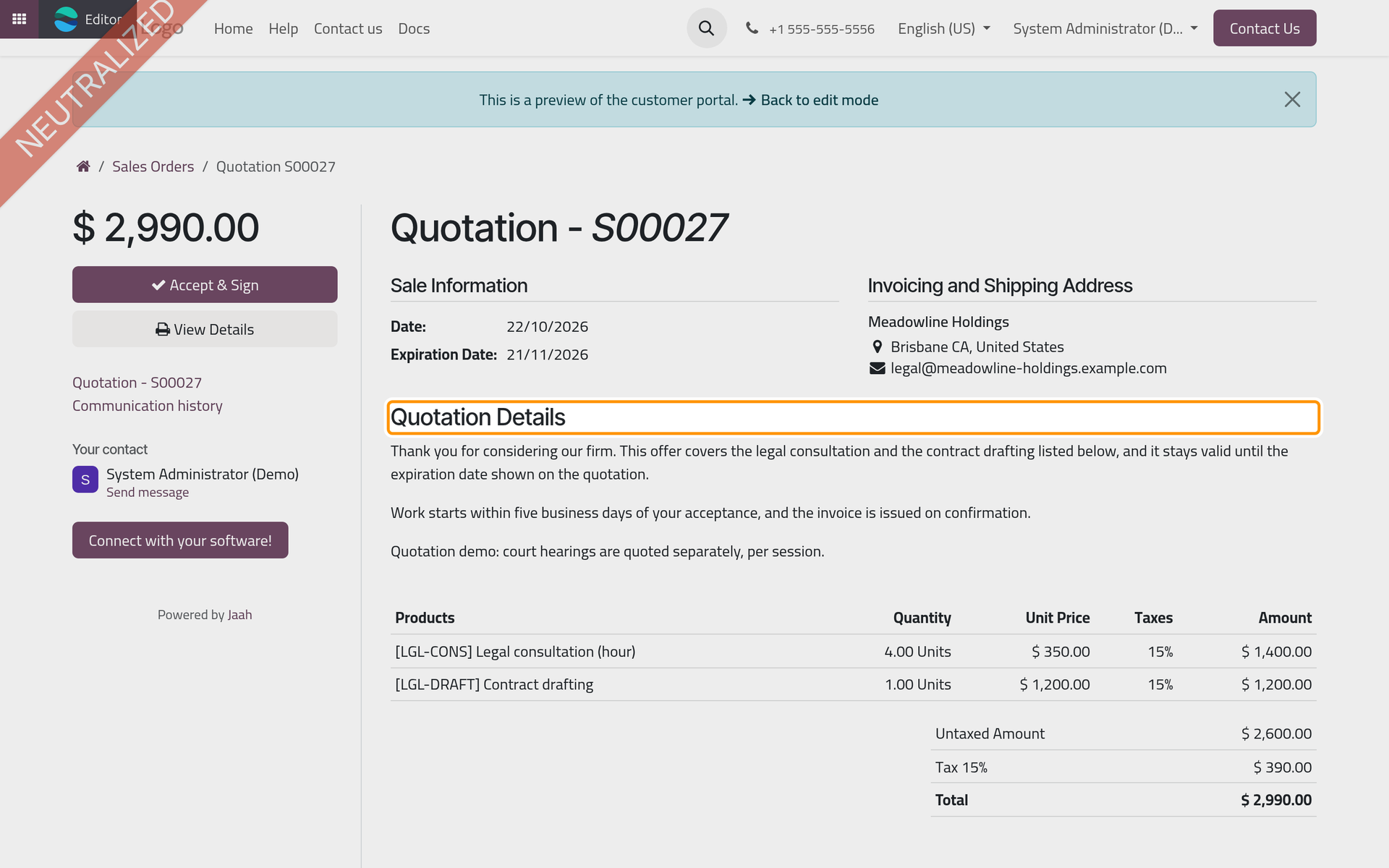
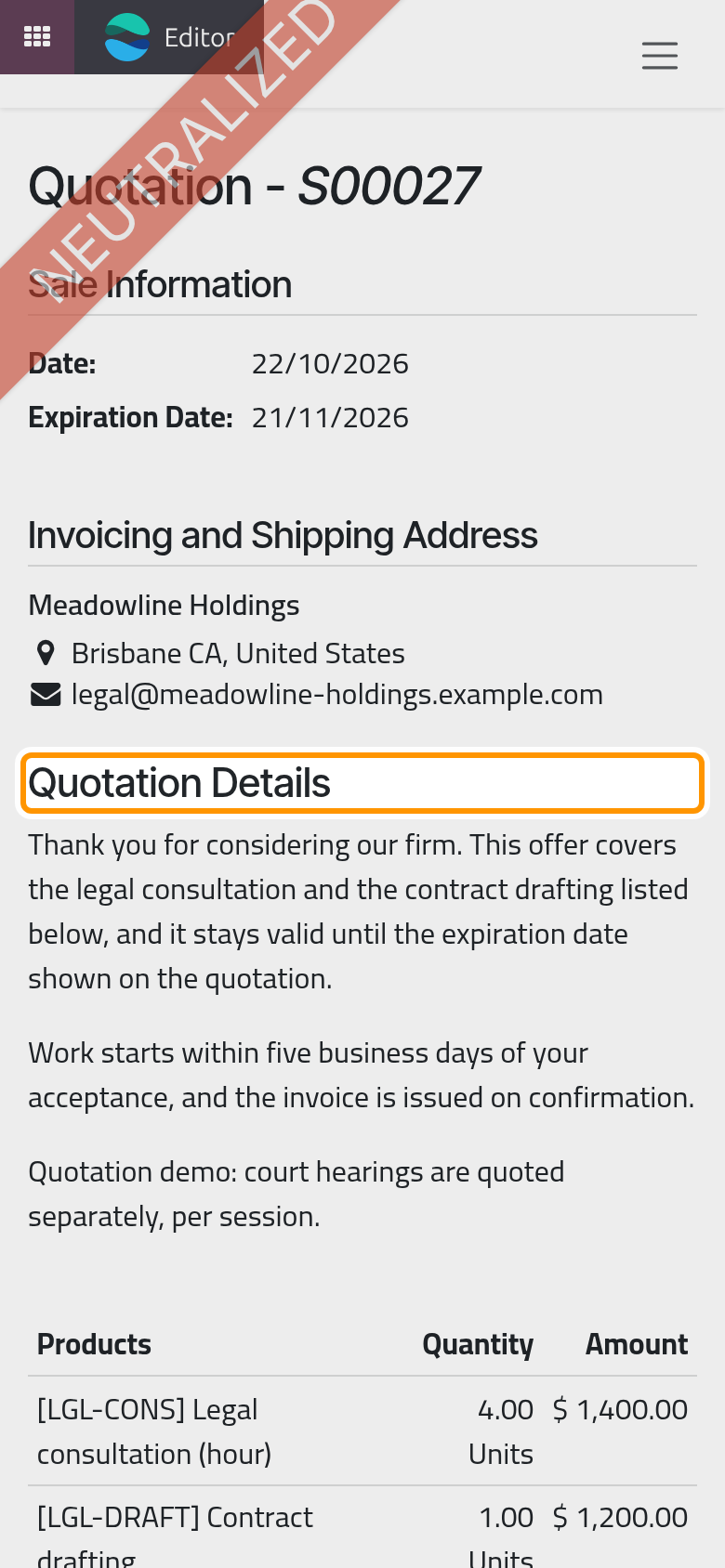
Click Back to edit mode at the top of the page to return.
On the PDF
The printed quotation, from Print in the Actions menu or attached when you click Send, places the body after the dates and the salesperson, right before the table of prices. The order confirmation and the pro-forma invoice print it at the same place. The customer invoice does not carry it.
FAQ
Is the body in the e-mail sent to the client?
The e-mail holds a short message written from the e-mail template, and the quotation attached as a PDF. The body is inside the PDF and on the quotation's page that the client opens online.
Can the body exist in two languages?
A quotation has one body, in the words you leave in it. A template's body can be translated with the language button at the end of the field, and each quotation copies the version of its client's language.
My text disappeared after I changed the client. Why?
The quotation came from a template with a body, and changing the client loads that text again. Write the body once the client and the template are final.
Does the body appear on the invoice?
No. It stays on the quotation, the order and the pro-forma invoice. The invoice is described in Customer invoices.
Was this page helpful?
Thank you for your feedback.