Quotation settings
On this page
- Before you start
- Quotations & Orders
- Online Signature
- Online Payment
- Default Quotation Validity
- Quotation Templates
- Sale Warnings
- PDF Quote builder
- Lock Confirmed Sales
- Pro-Forma Invoice
- Pricing
- Discounts
- Invoicing
- Invoicing Policy
- Automatic Invoice
- FAQ
- I changed a default, but my existing quotations did not change.
- Which tasks run by themselves?
- Can a salesperson change these settings?
The Sales settings decide how a new quotation starts and what its users can do with it. Most options are defaults that each quotation and each template can change. Open ; its product, shipping and connector options belong to other apps.
Before you start
- You need the Administrator role, the Role choice of your user; see General settings and administration.
- The options marked with the building icon belong to the current company; switch company before changing them for another one.
Quotations & Orders
Online Signature
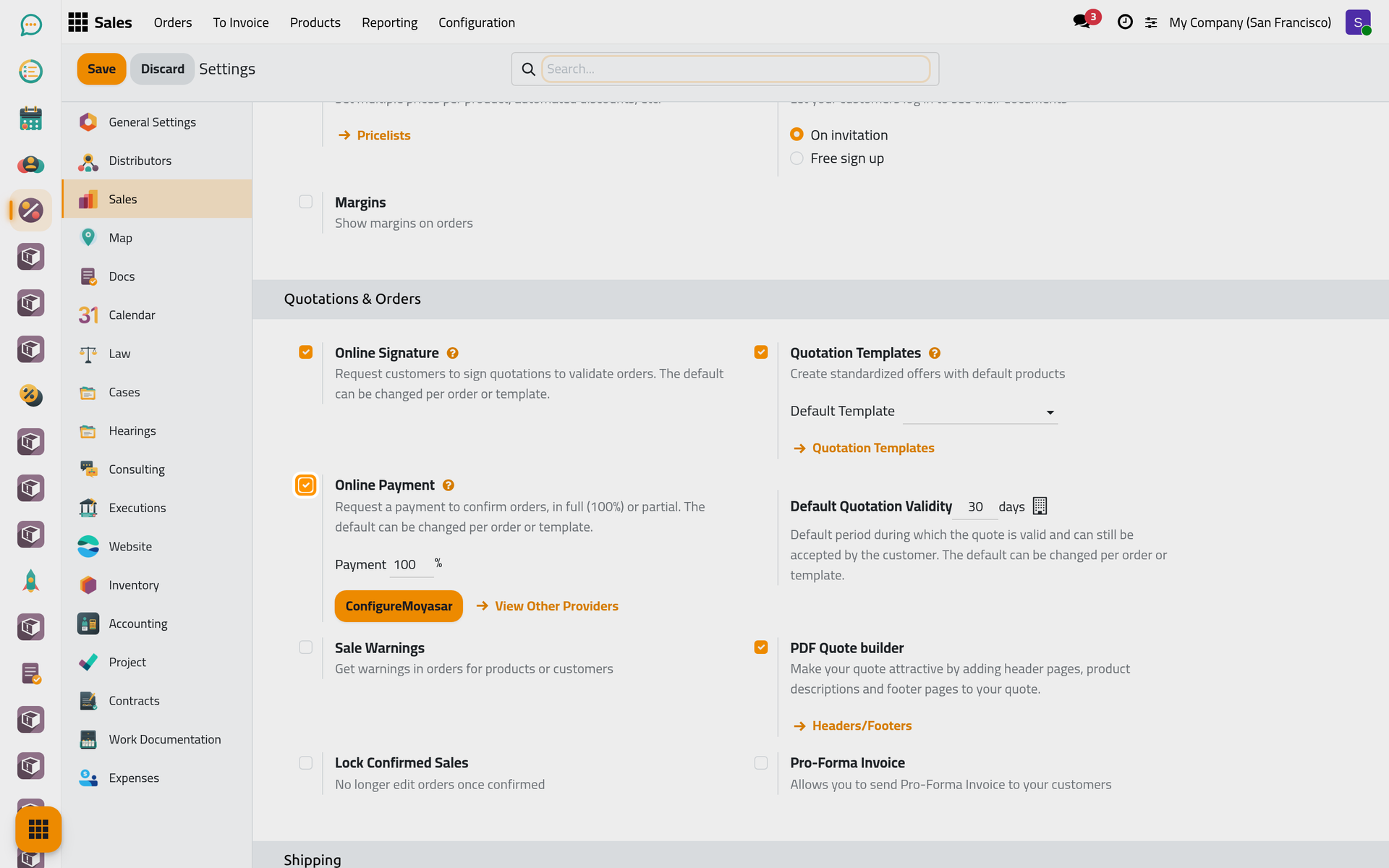
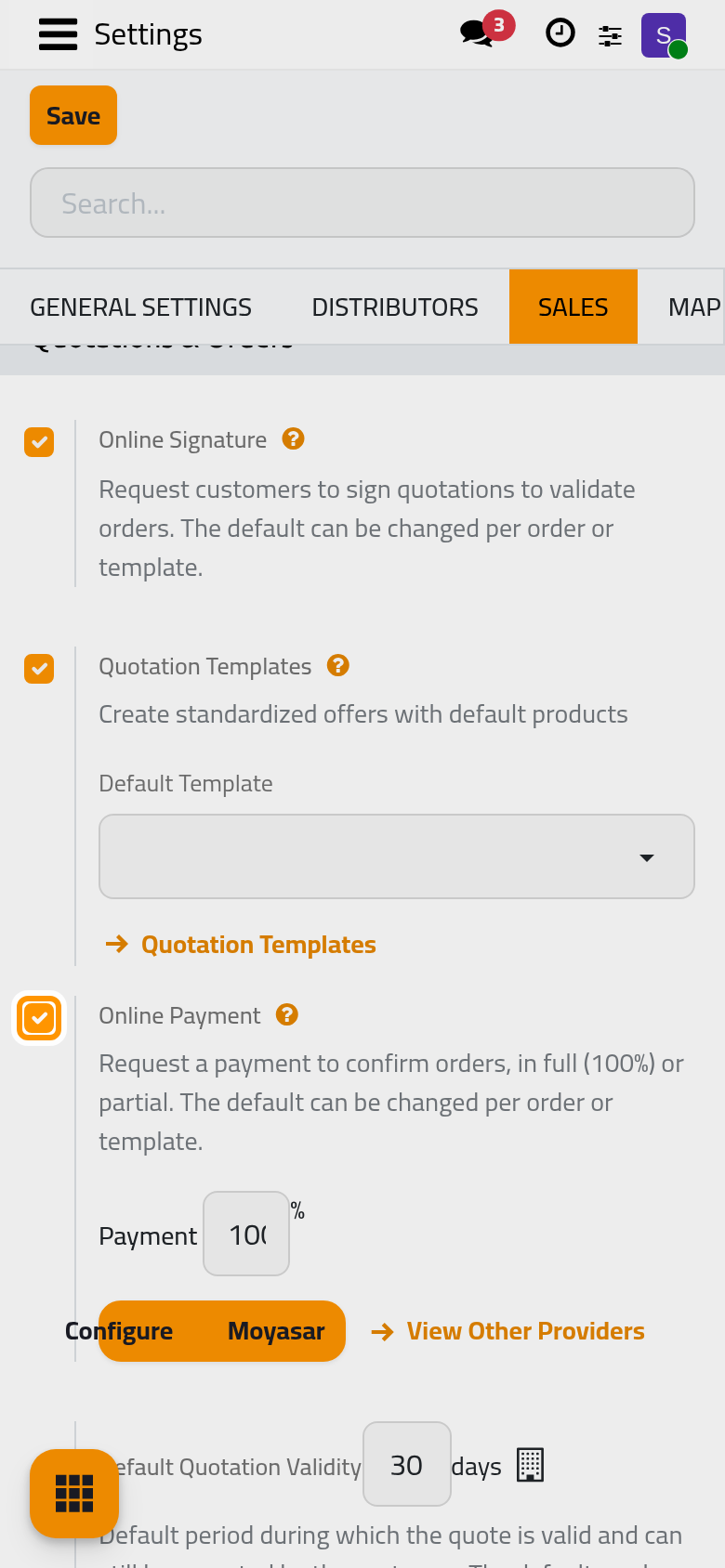
On by default. New quotations ask the client to sign online to confirm the order; see Get the client's signature.
Online Payment
Off by default; on in the demo company. New quotations ask for an online payment to confirm the order. Payment sets the share to pay first, 100% or less for a prepayment; the order is confirmed once that share is paid. A payment needs a payment provider: when one is active, its Configure button and View Other Providers appear here; see Online payments.
Default Quotation Validity
30 days by default: a new quotation expires that many days after its creation, and the client can no longer sign or pay it online. 0 turns the expiry off; a template's own validity replaces this number.
Quotation Templates
Shows the Quotation Templates menu and the Quotation Template field; see Build a quotation template. Default Template names a template that every new quotation starts from.
Sale Warnings
Off by default. On, contacts and products gain a sales warning text, shown on a quotation as soon as the client or the product is chosen.
PDF Quote builder
On, quotations gain a Quote Builder tab that wraps header and footer pages, prepared as PDF files, around the printed quotation; the Headers/Footers link manages them. The opening text belongs in the Quotation Body.
Lock Confirmed Sales
Off by default. On, an order is locked when it is confirmed and can no longer be edited; an Administrator of Sales chooses Unlock in its Actions menu.
Pro-Forma Invoice
Off by default. On, quotations and orders not yet invoiced offer Send PRO-FORMA Invoice in their Actions menu: an e-mail with a pro-forma invoice in PDF, for a client who pays before the work. Nothing is recorded in accounting.
Pricing
Discounts
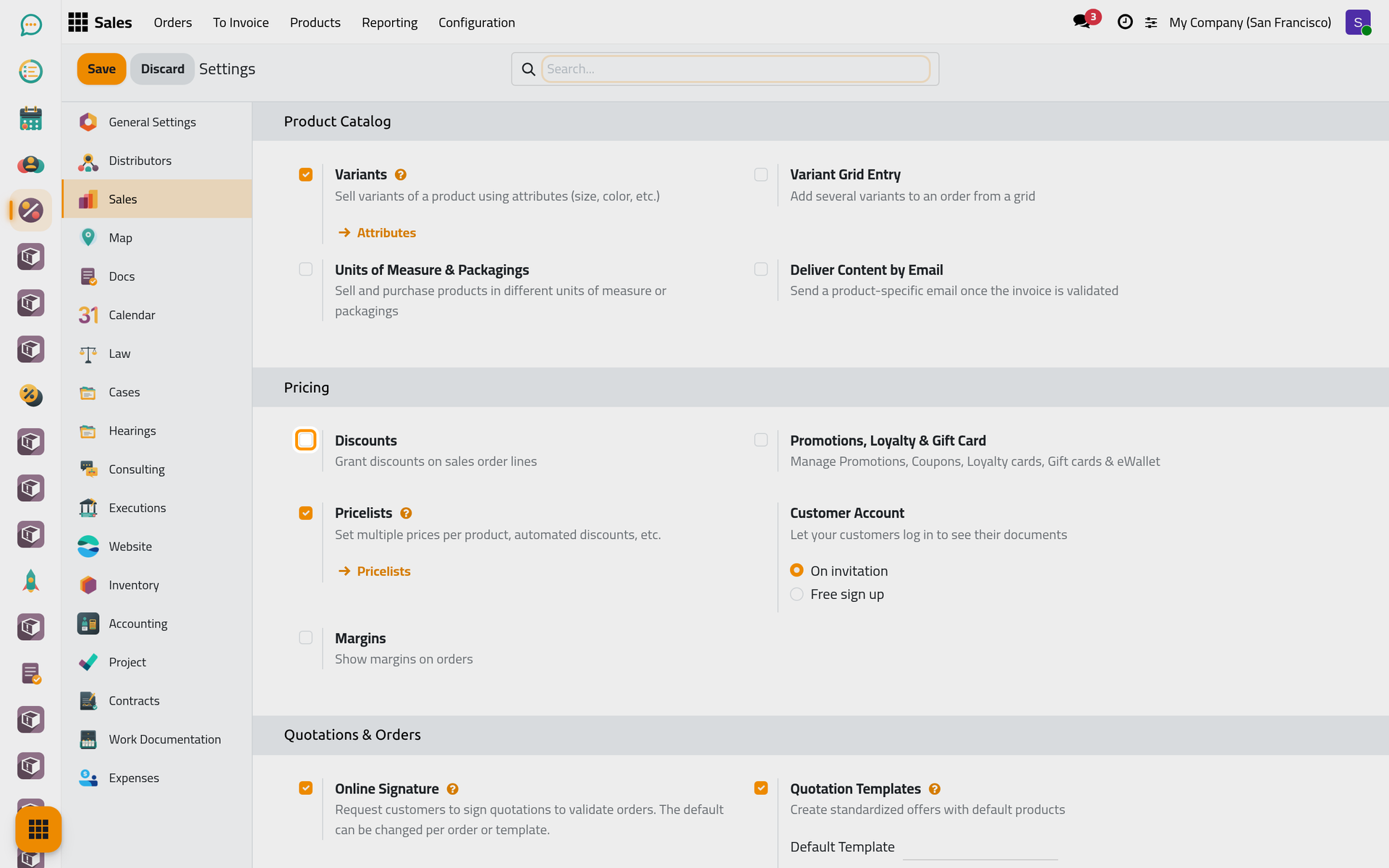
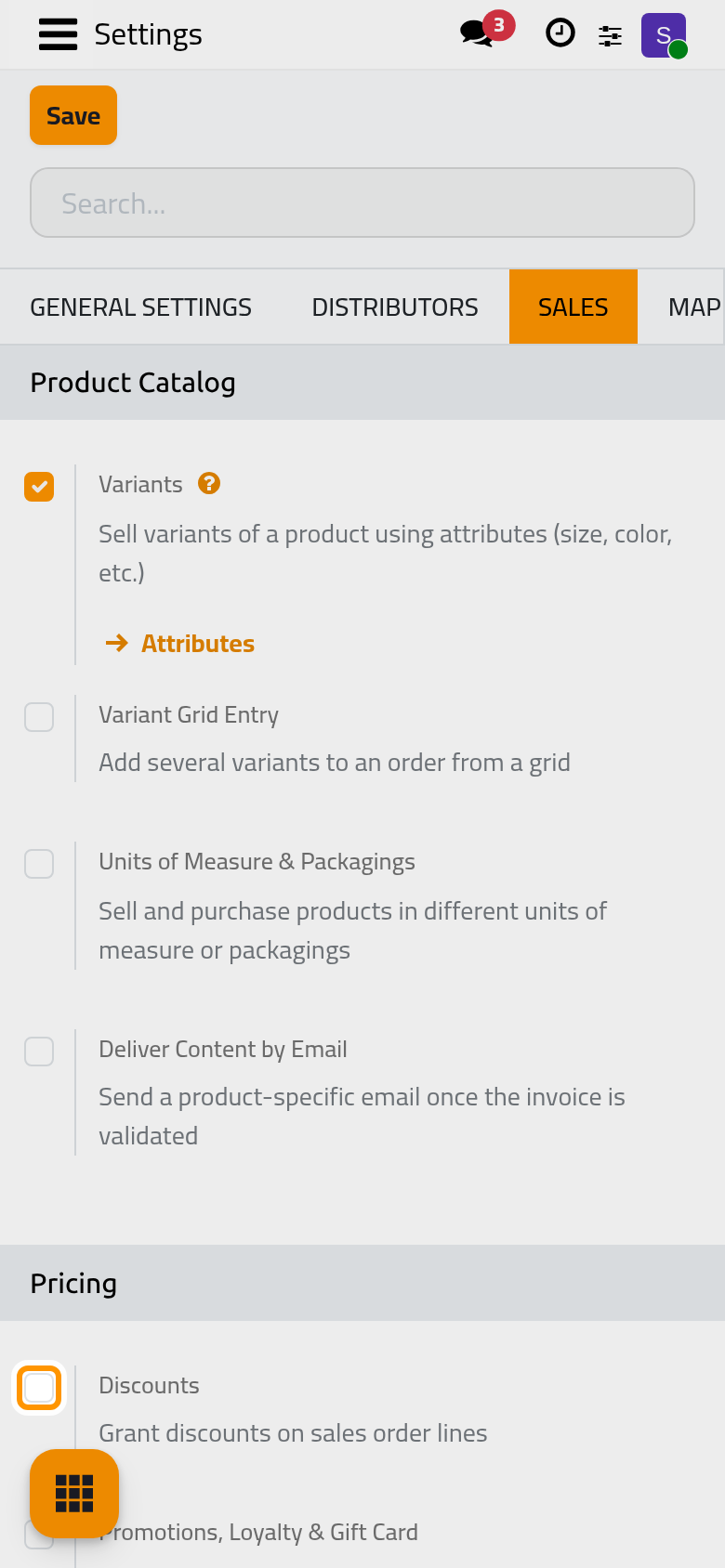
Off by default. On, every user sees the Disc.% column on the lines and the Discount button under them; see Give a discount on a quotation.
Invoicing
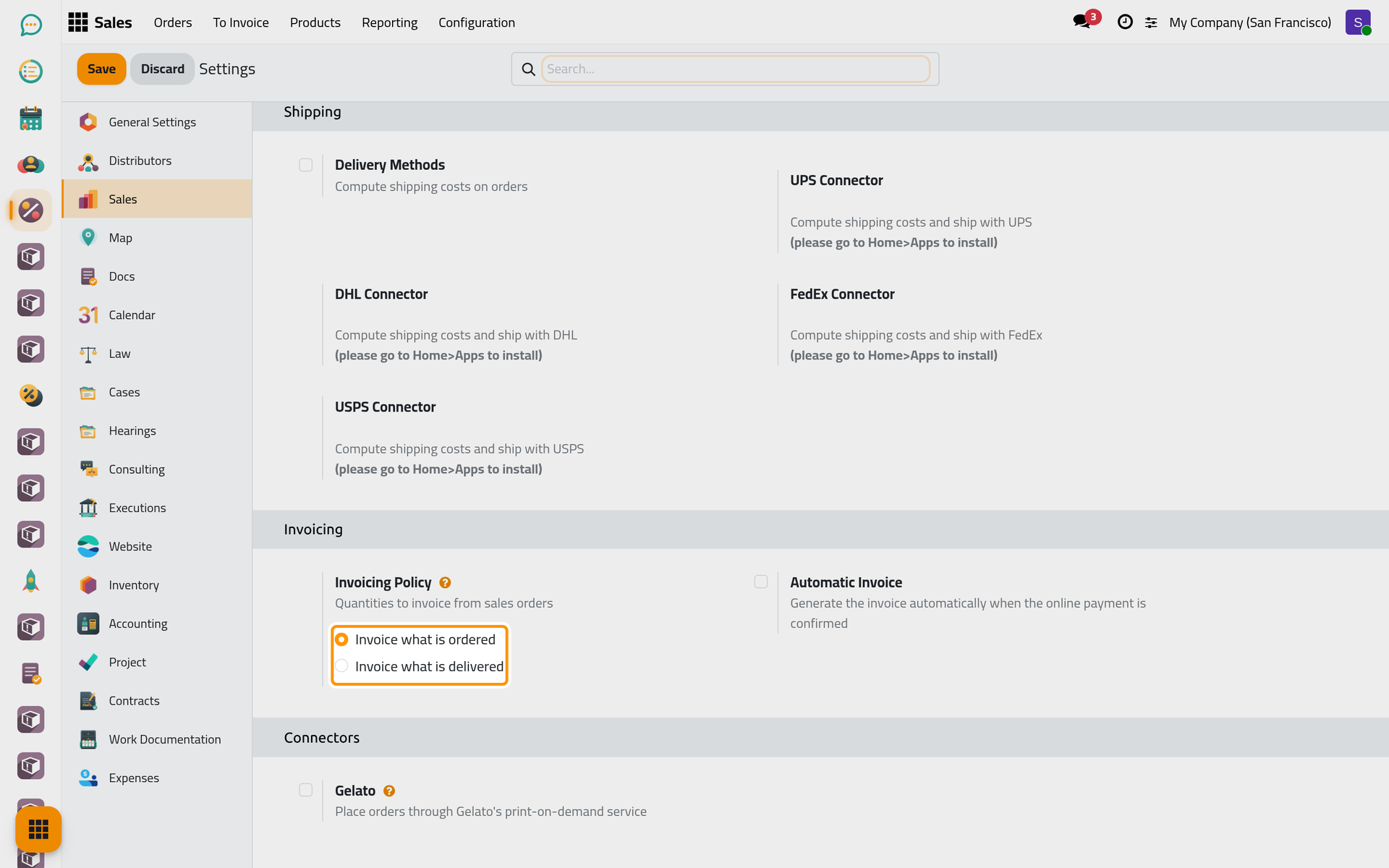
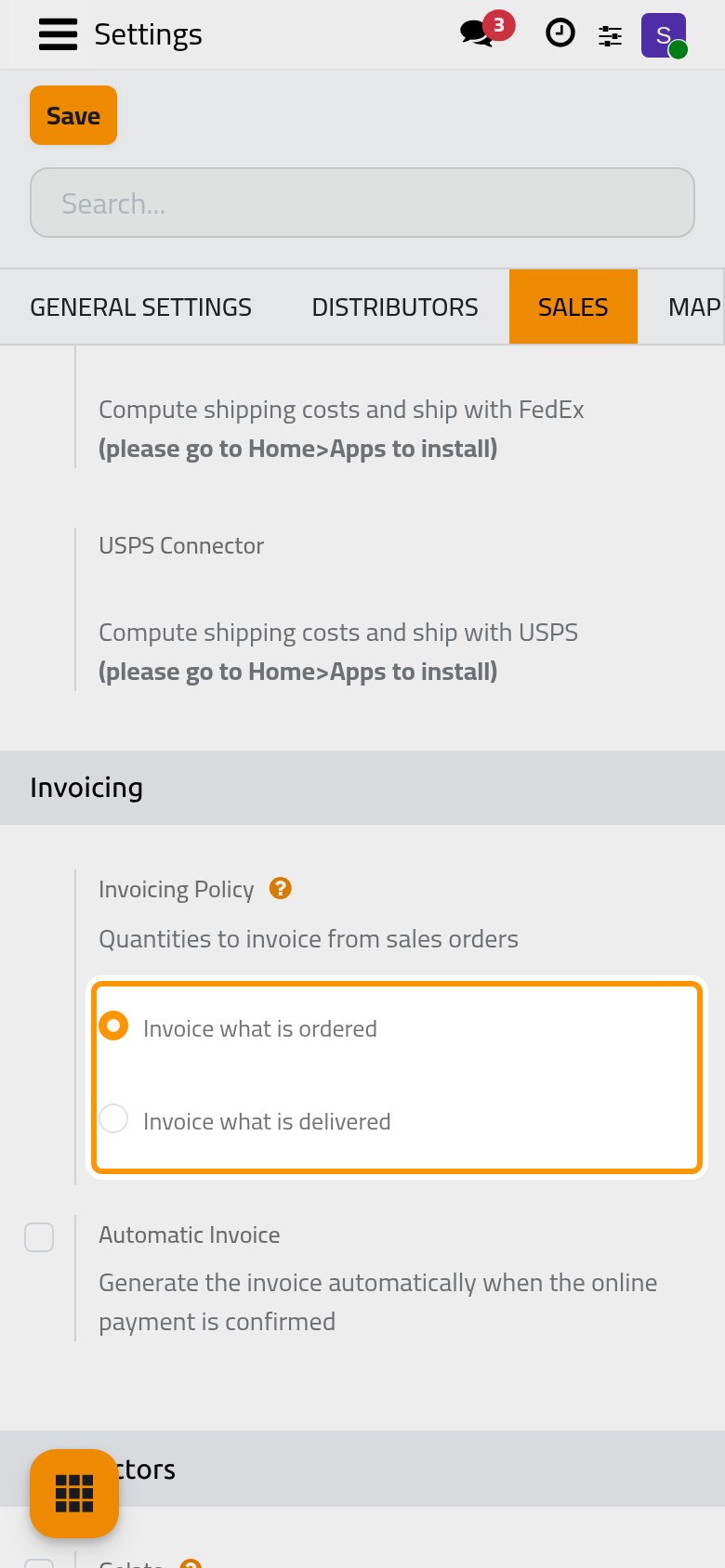
Invoicing Policy
Invoice what is ordered, the default, lets an order be invoiced once it is confirmed, which suits fees agreed in advance. Invoice what is delivered waits for the delivered quantities. The choice is the default of new products; each product can change it.
Automatic Invoice
Shown when the policy is Invoice what is ordered and Online Payment is on; off by default. On, the invoice is created, marked as paid and sent to the client as soon as the provider confirms an online payment of the order. In developer mode, Email Template chooses its e-mail. Saving with Invoice what is delivered turns it off. See Online payments.
Click Save to apply your changes. The Downpayment Account used by down payment invoices is on the Accounting settings page: see Accounting settings.
FAQ
I changed a default, but my existing quotations did not change.
The settings apply to quotations created afterwards. Change the existing ones in their Other Info tab or their Expiration date.
Which tasks run by themselves?
The e-mails sent along the way and the scheduled actions of Sales are listed in Quotation automations.
Can a salesperson change these settings?
No. Only the Administrator role opens this page. A salesperson changes the signature, the payment and the expiration of a quotation on the quotation itself.
Was this page helpful?
Thank you for your feedback.