Invoice a sales order
On this page
A confirmed order is invoiced from the order itself. The invoice can bill everything ordered at once, or a down payment can come first, before the work starts; the final invoice then deducts what was already invoiced. This page stops at the draft invoice: checking, posting and sending it belong to Customer invoices.
Before you start
- You need an access right on Sales. Posting the invoice needs an access right on invoicing, described in Customer invoices.
- The order is confirmed: its status is Sales Order.
Find the orders to invoice
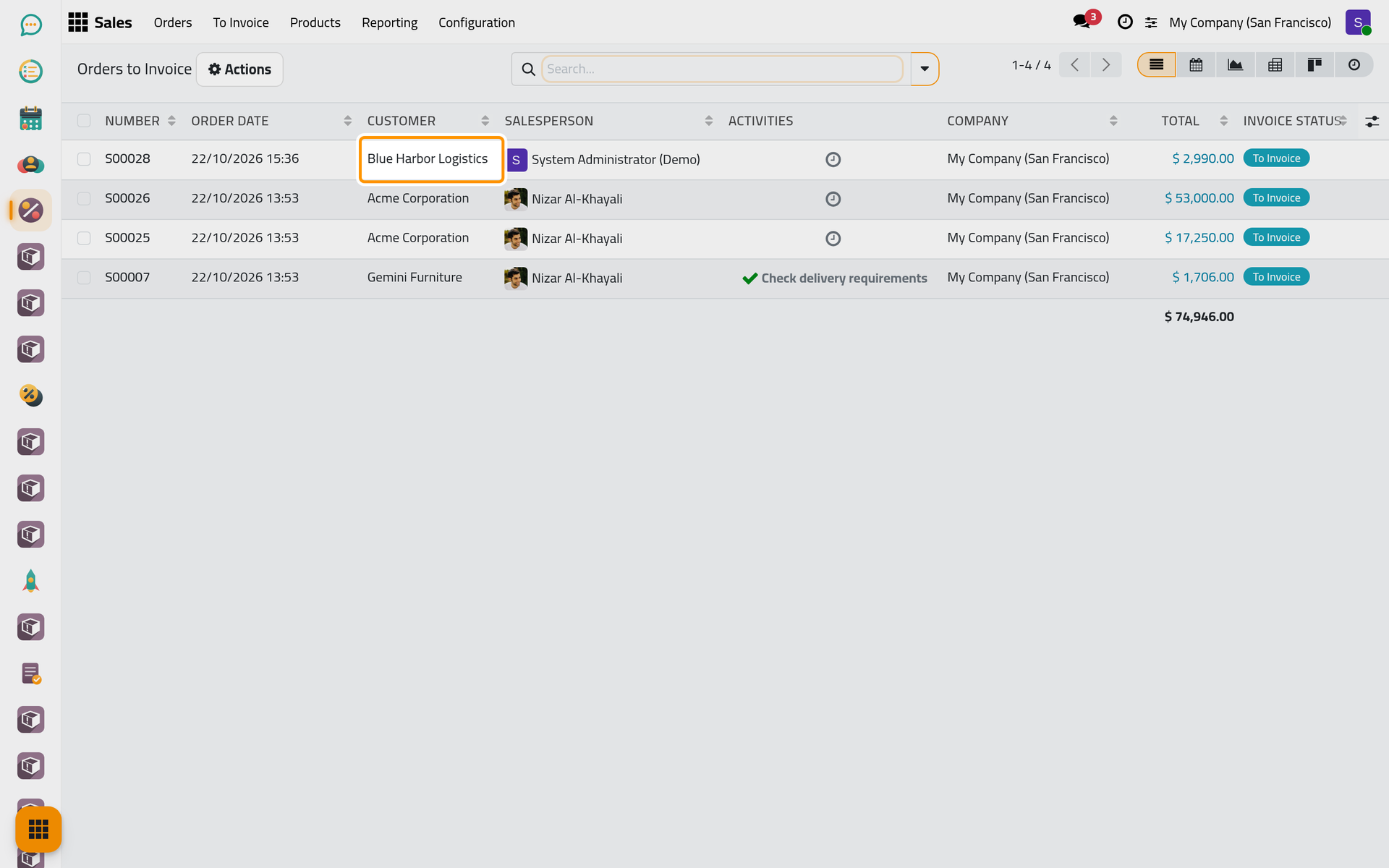
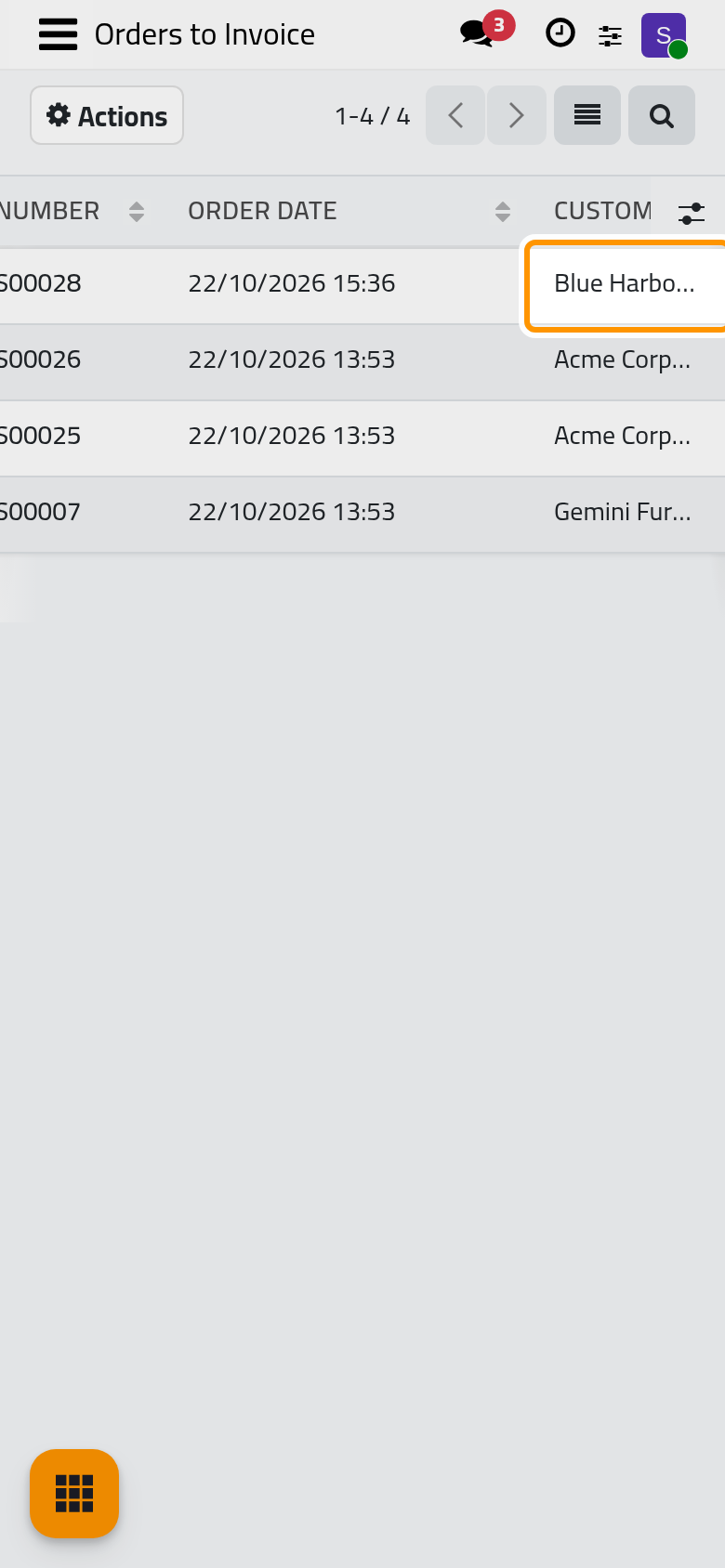
Open . The list holds the confirmed orders with something left to invoice, with their Total and Invoice Status. Click the order of Blue Harbor Logistics.
Create a down payment invoice
- Open the Actions menu and choose Create Invoice.
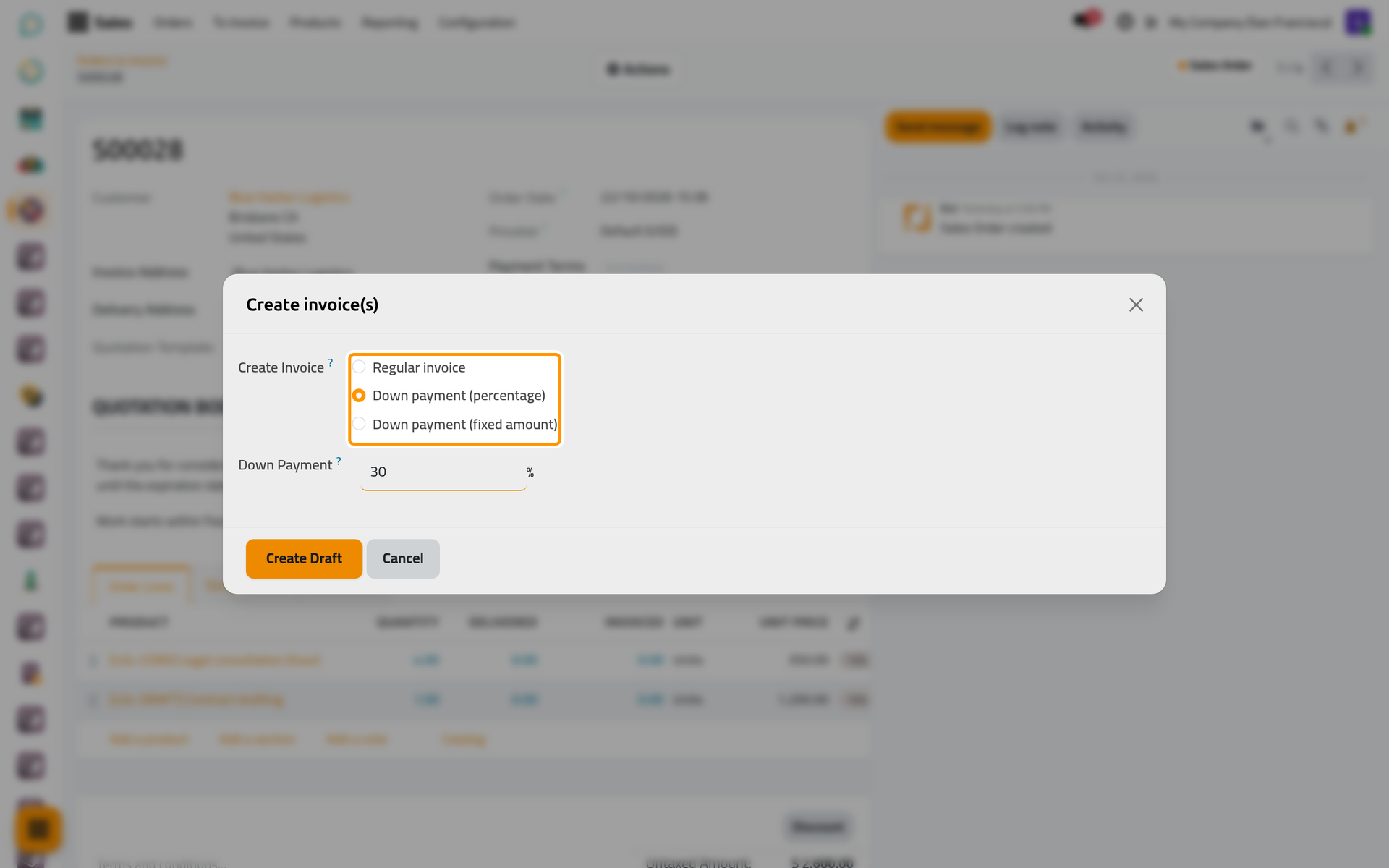
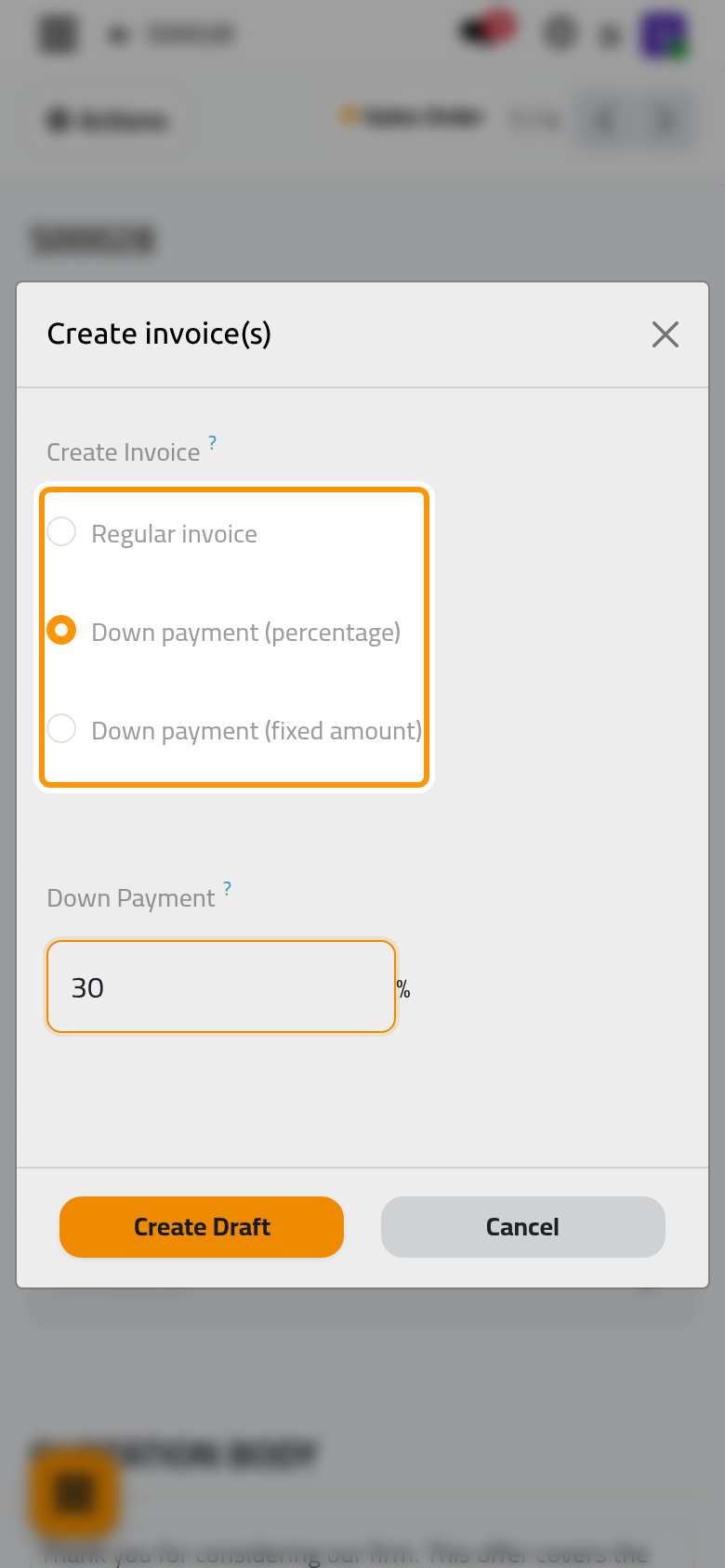
- In Create Invoice, choose how much to bill:
- Regular invoice bills what remains to invoice on the order, minus the down payments already invoiced.
- Down payment (percentage) bills a percentage of the order, typed in Down Payment.
- Down payment (fixed amount) bills an amount you type, in the currency of the order.
- Choose Down payment (percentage), type 30 and click Create Draft.
The draft invoice opens with one line for the down payment, taxed like the services of the order.
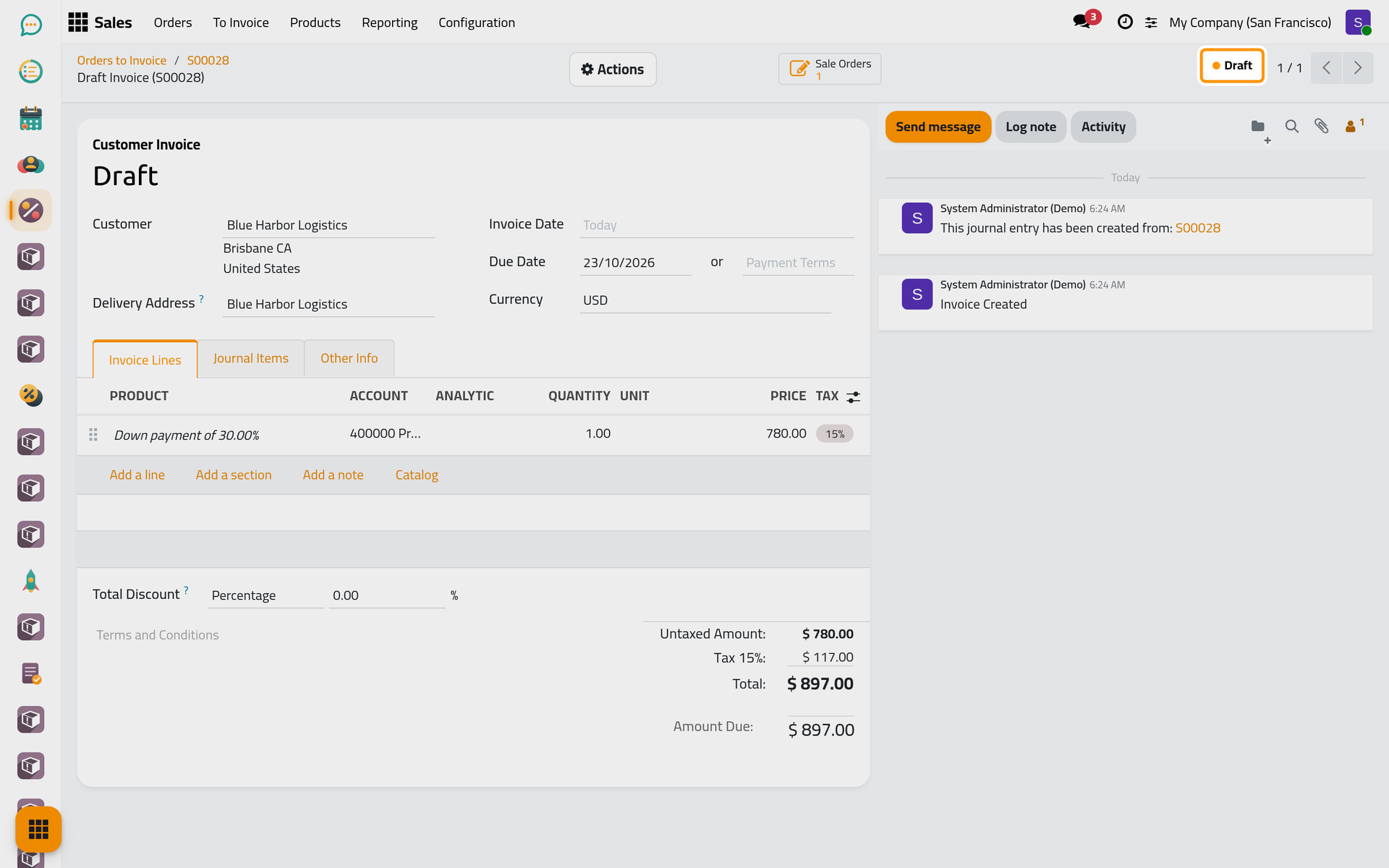
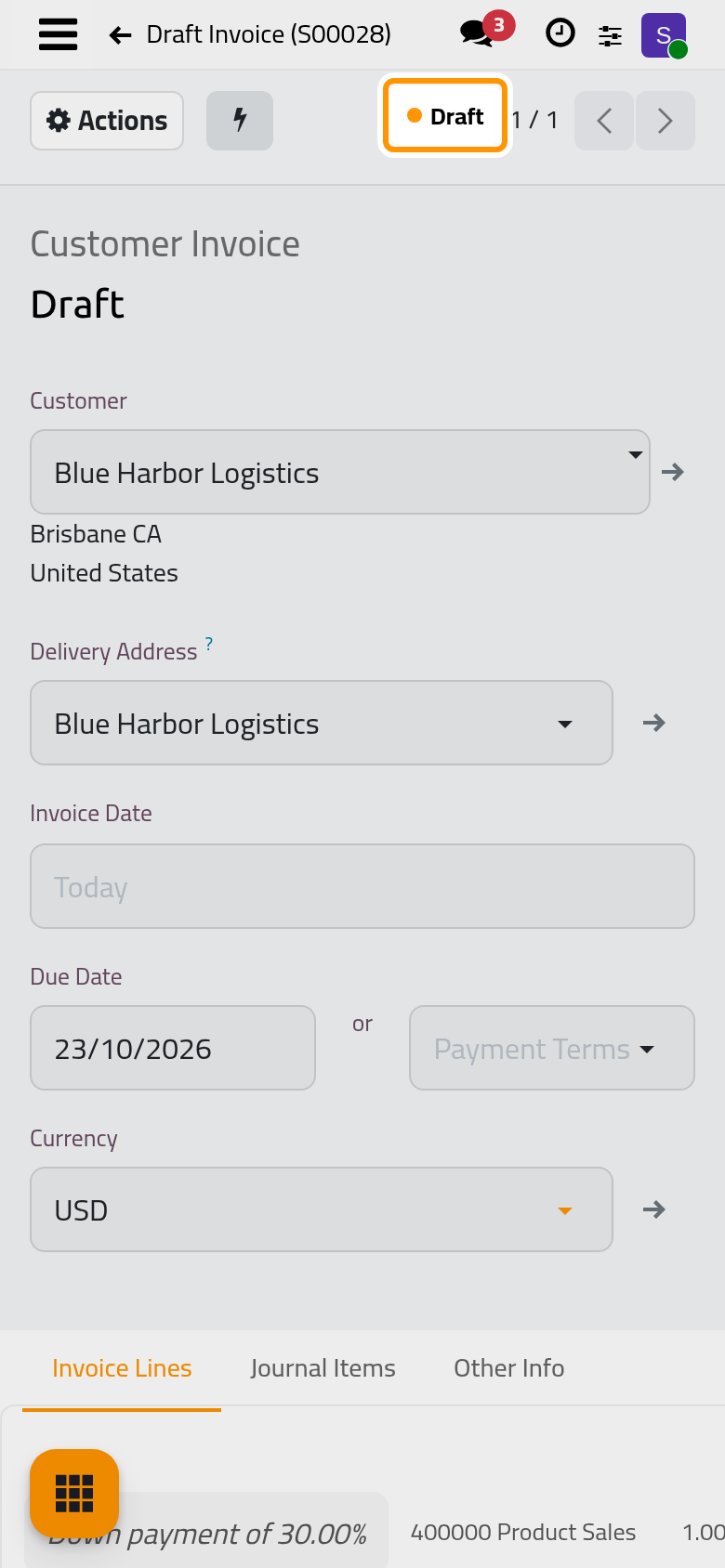
The order receives a Down Payments section with a line for this invoice, so that the final invoice can deduct it. The line goes to the Downpayment Account of the Accounting settings when one is set, otherwise to the income account of the services; see Accounting settings.
Follow the invoices of an order
Click the order's number in the breadcrumb to return to it. The Invoices button at the top counts the invoices made from the order and opens them. On a phone, it sits behind the lightning button next to Actions.
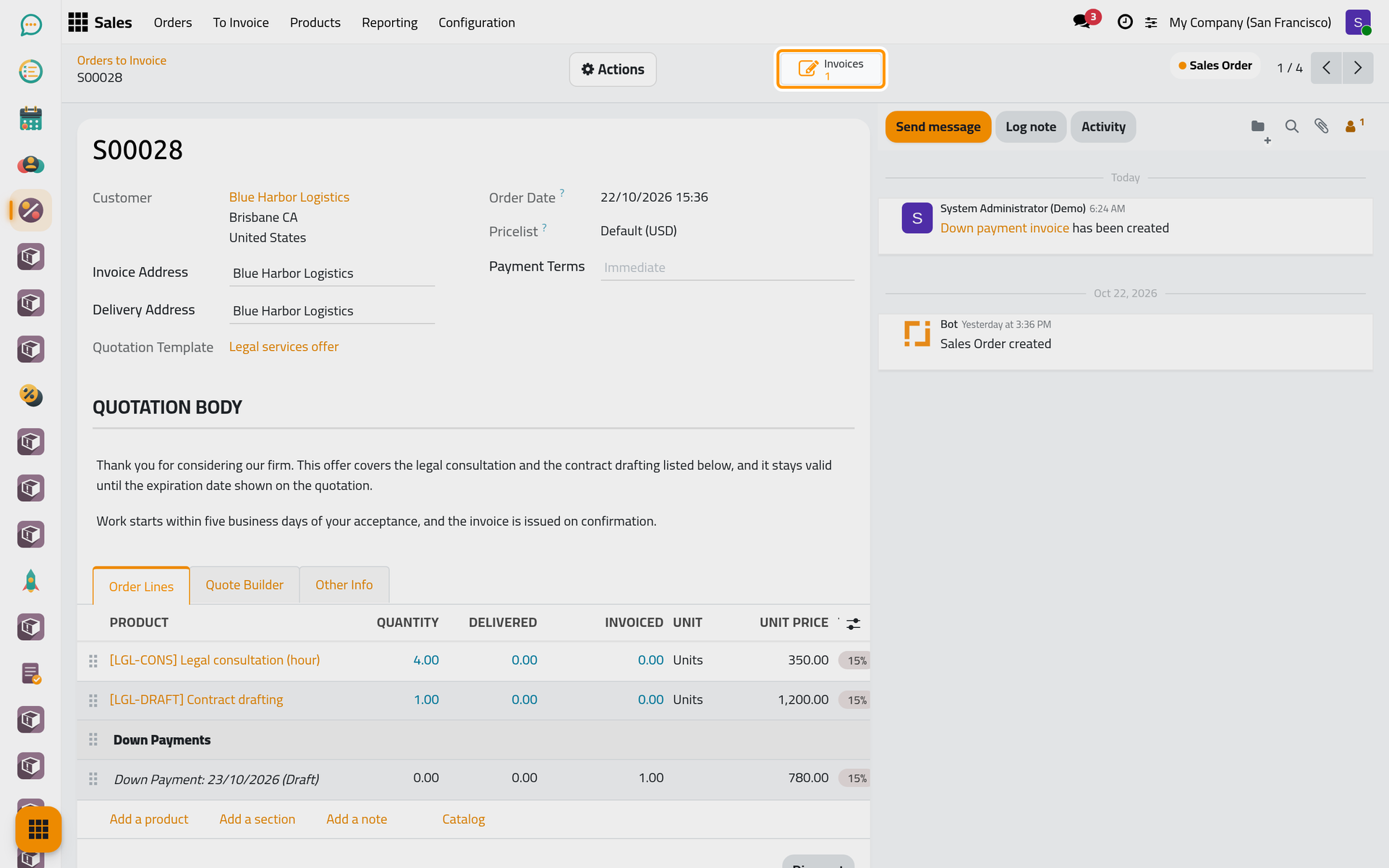
When the work is done, create the invoice again with Regular invoice: it bills the rest of the order and deducts the down payment. The window then shows the amount Already invoiced.
Several orders at once
In , tick several orders, open the Actions menu and choose Create invoice(s). Consolidated Billing groups the orders of the same client into one invoice; untick it for one invoice per order.
FAQ
Why is my confirmed order not in Orders to Invoice?
Everything it holds is already invoiced, even as a draft invoice, or its services are invoiced on delivered quantities that are still at zero. The Invoicing Policy is explained in Quotation settings.
Can I invoice the same order twice by mistake?
The window warns when draft invoices already exist for the order, and a regular invoice deducts them. Delete the draft you do not need before posting.
Where do I record the client's payment?
On the invoice, once posted: see Customer invoices. A client can also pay online when a payment provider is set up, see Online payments.
Was this page helpful?
Thank you for your feedback.