Expenses settings
On this page
The Expenses settings are short: one option for receipts sent by e-mail, and two for the accounting of expenses. Open .
Before you start
- You need the Administrator access right on Expenses, and the right to open the settings of the platform.
- The accounting options belong to the current company; switch company before changing them for another one.
Expenses
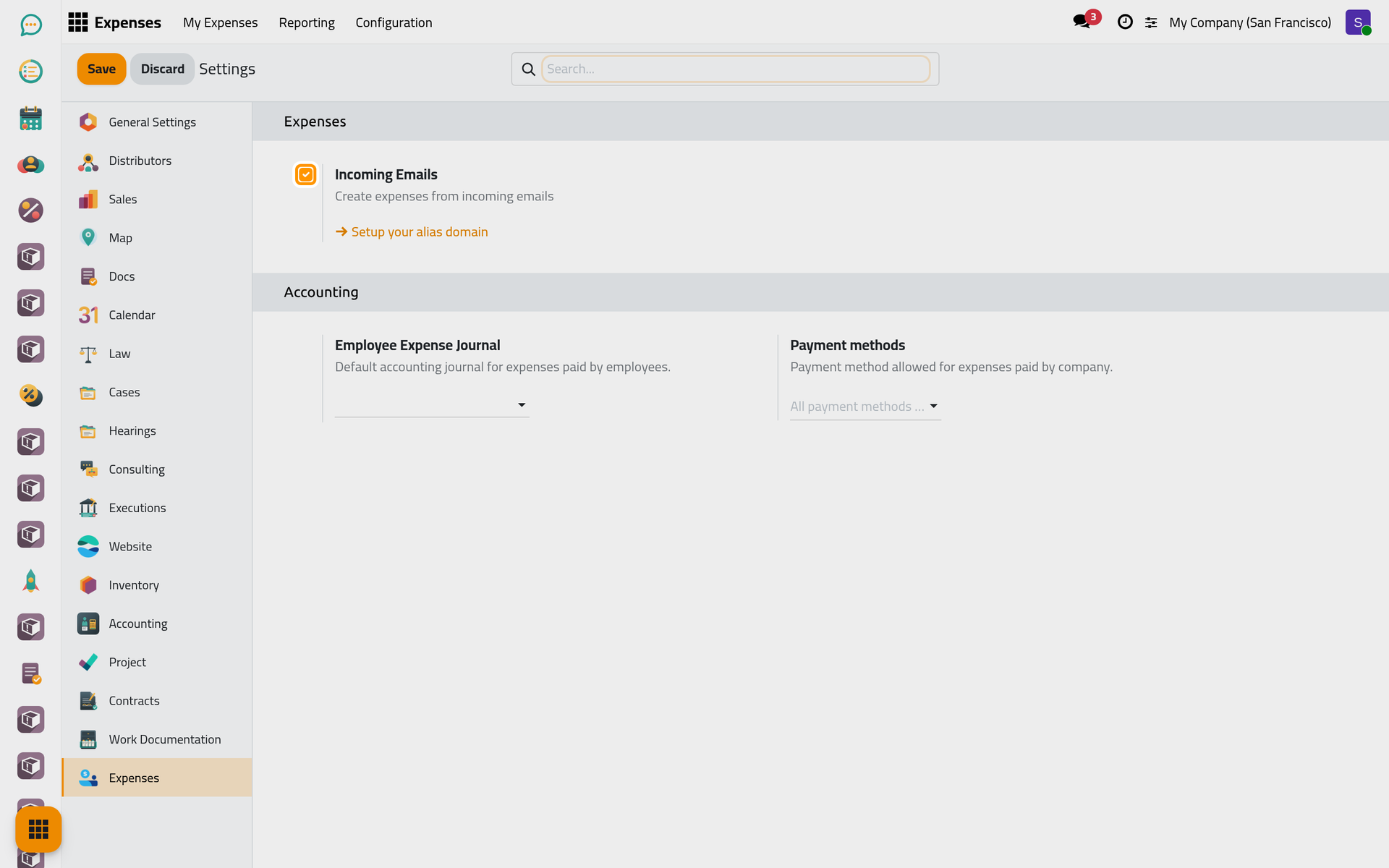
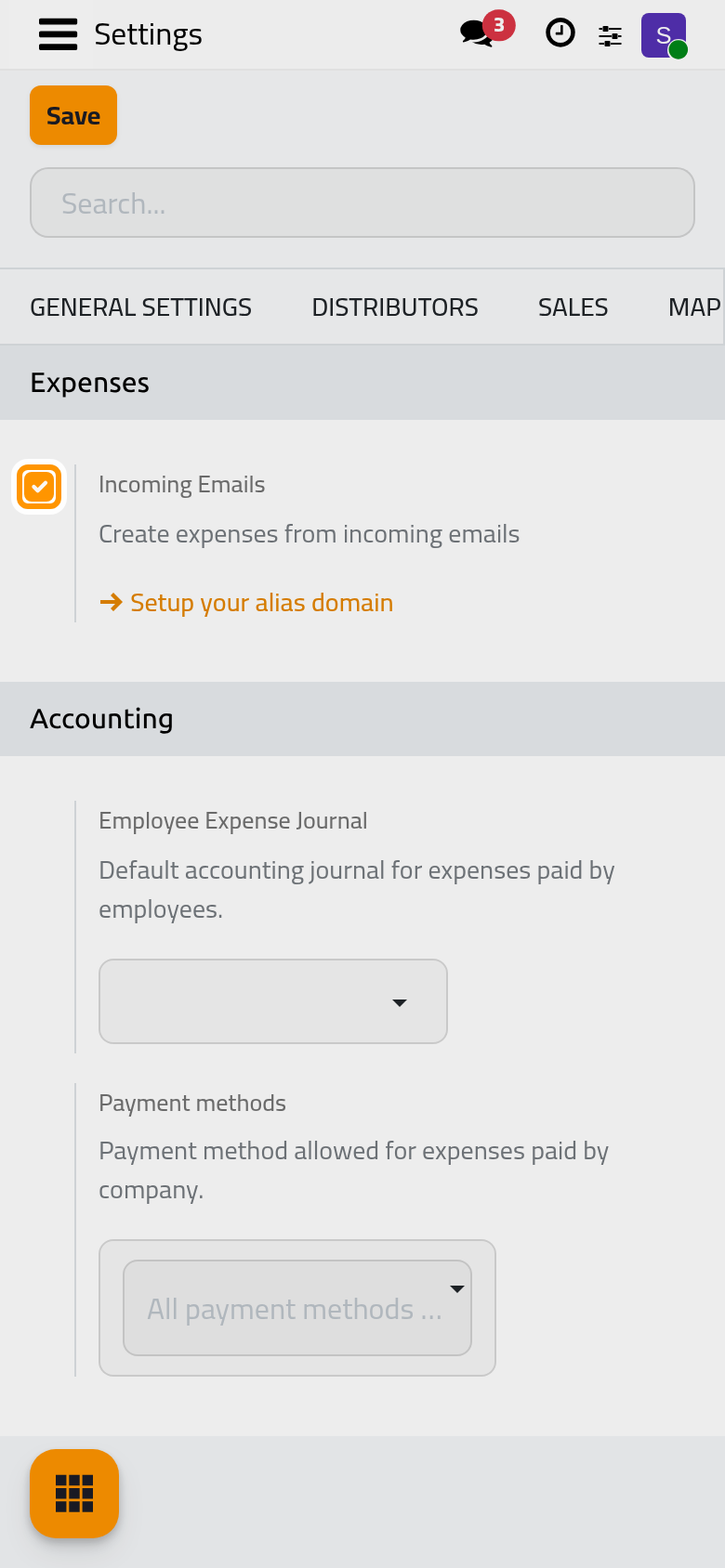
Incoming Emails
On by default. An employee e-mails a receipt to the expenses address, and an expense is created for them with the receipt attached. The address accepts employees only: the sender is recognised by the work e-mail of an employee or the e-mail of their user. The subject fills the expense: its first word, when it is the Reference of a category (such as FOOD for Meals), sets the Category, and an amount, with or without the company's currency (such as 85 or $85), sets the Total; the rest of the subject becomes the Description. The employee is told the expense was registered, by a note on the expense when they have a user, by e-mail otherwise.
The expenses address
The address is shown under the option, as Alias, a name (expense by default) followed by the domain of the database, only once the database has an alias domain. Without one, the option shows Setup your alias domain instead: it opens the general settings, where the domain is set. Until then no e-mail reaches the expenses, even with the option on.
Options this platform does not offer
The module also defines Reimburse in Payslip, Expense Digitalization (OCR) and Expense Card. Each needs a module the platform does not include, so their rows are hidden from the page.
Accounting
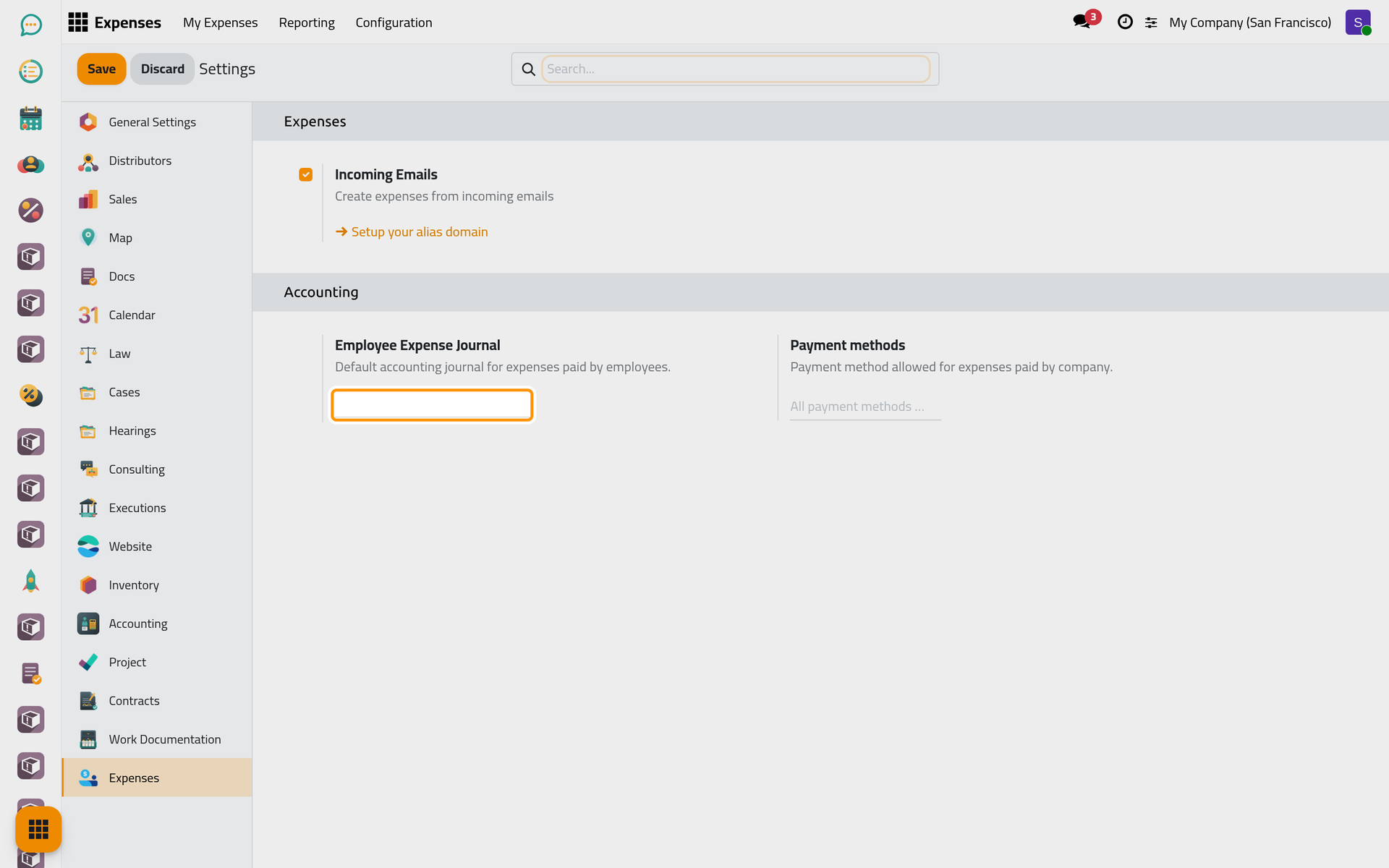
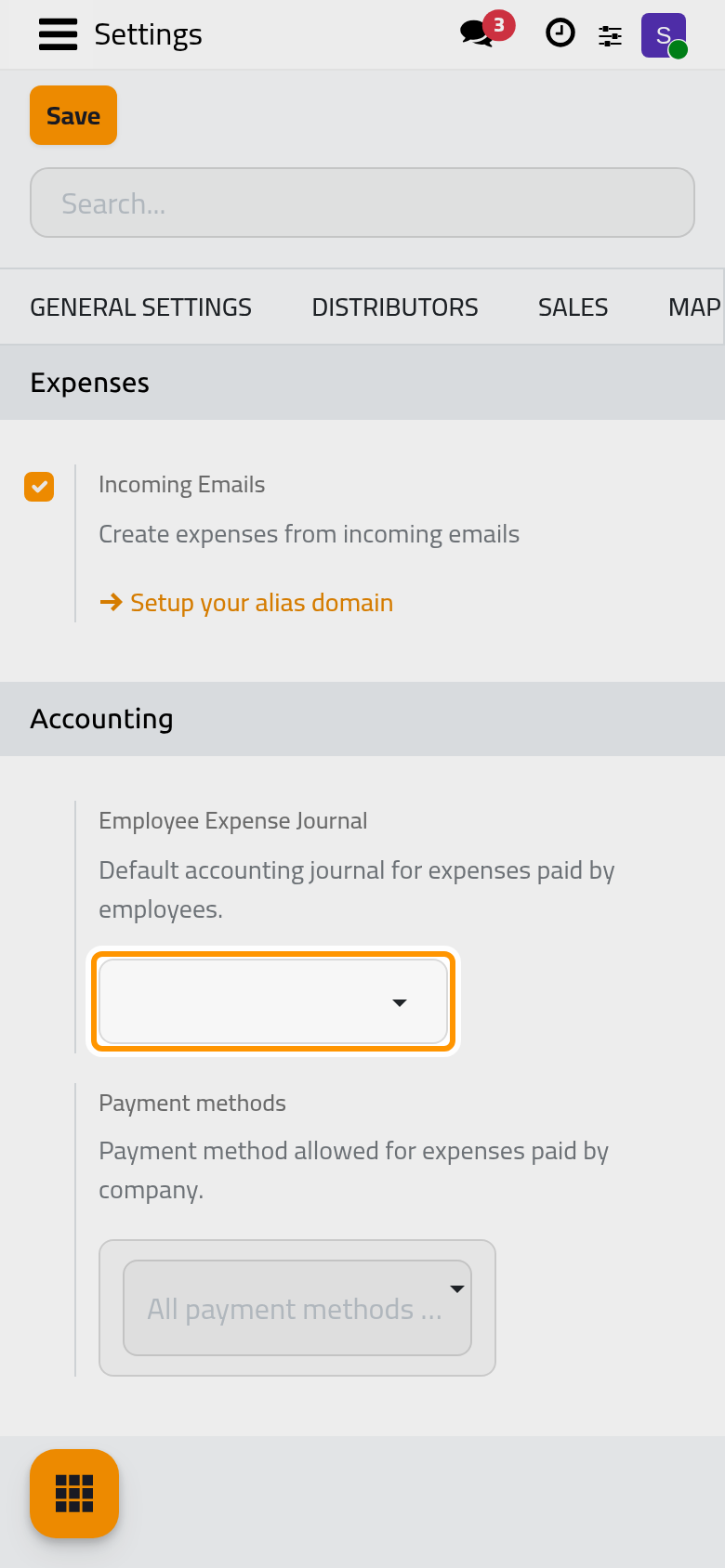
Employee Expense Journal
The purchase journal proposed when an expense paid by an employee is posted; the receipts of those expenses are numbered in it. On a new database it is empty: the posting dialog then proposes the first purchase journal, and the first posting stores that journal here. Choose a dedicated journal, such as Expense, to keep the employees' receipts apart from the vendor bills.
Payment methods
The payment methods an expense paid by the company may use (a company card, the petty cash). Empty, it reads All payment methods allowed: every outgoing method of the bank and cash journals is offered on the expense.
Click Save to apply your changes.
FAQ
No expense arrives from the e-mails.
Check three things: Incoming Emails is on, the database has an alias domain (the Setup your alias domain link is gone), and the sender's address is the work e-mail of an employee or the e-mail of their user.
Where are the settings of vendor bills?
On the accounting settings page, explained in Accounting settings.
Where are the expense categories?
In , for the Administrator access right on Expenses; How bills and expenses fit together explains what a category carries.
Was this page helpful?
Thank you for your feedback.