Create and rename a folder
On this page
A folder belongs to one record: it is made in that record's chatter and shows only there. Make one for each group of files the team looks for together, such as a year, a kind of document or a stage of the matter.
Before you start
- Open a saved record that has a chatter. Here it is the demo client Silverbay Logistics Co., from .
- Any internal user can create and rename folders on a record they can open.
- Attach a first file to a record that has none yet: the paperclip of a record without files opens your file picker, not the Files box where the folders are shown.
Create the folder
- Click New folder in the top bar of the chatter, the folder icon with a small plus sign just before the magnifier (Search Messages). The Files box opens if it was closed, and a new card appears after the other folders. Its name box holds "New Folder", already selected.
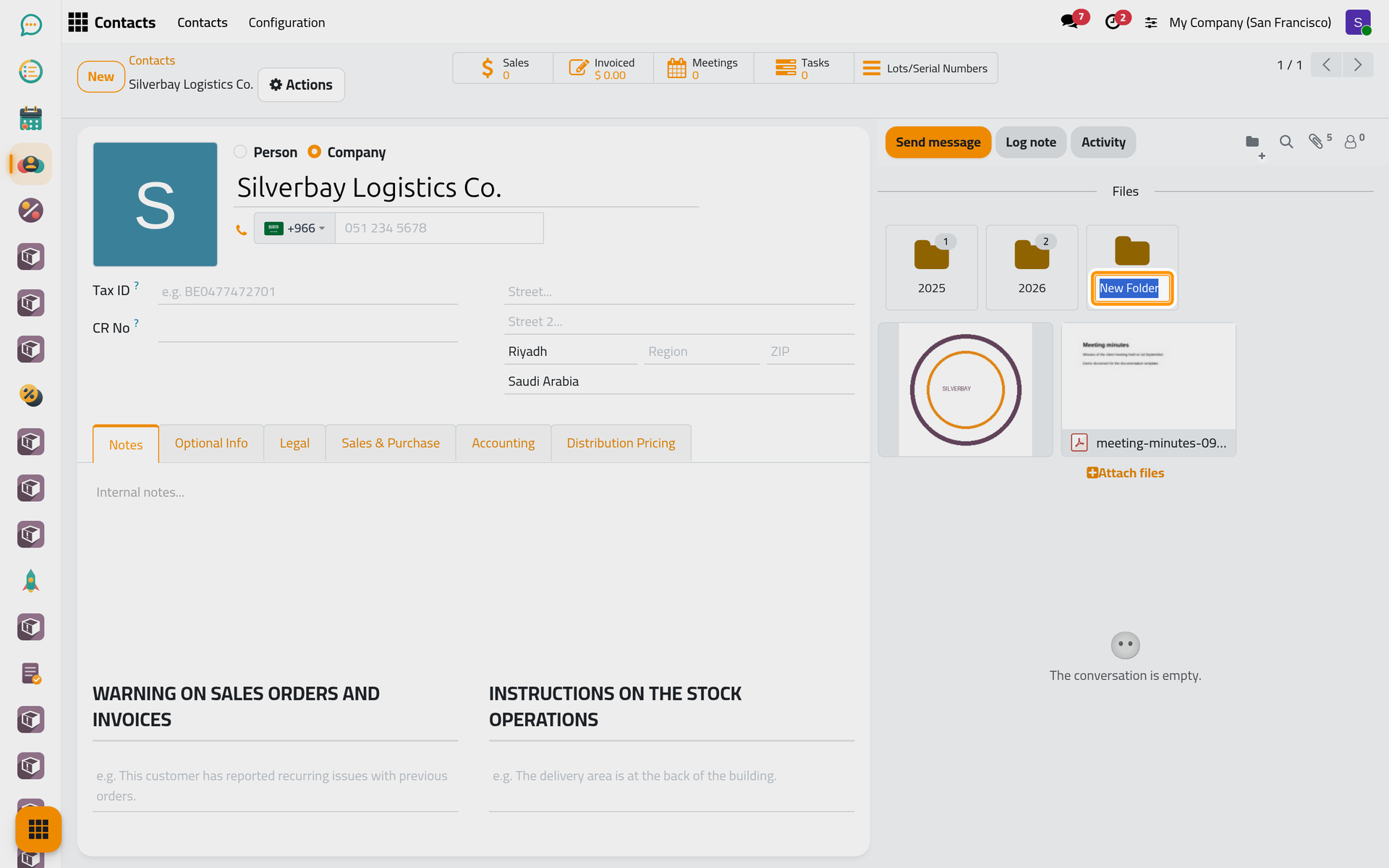
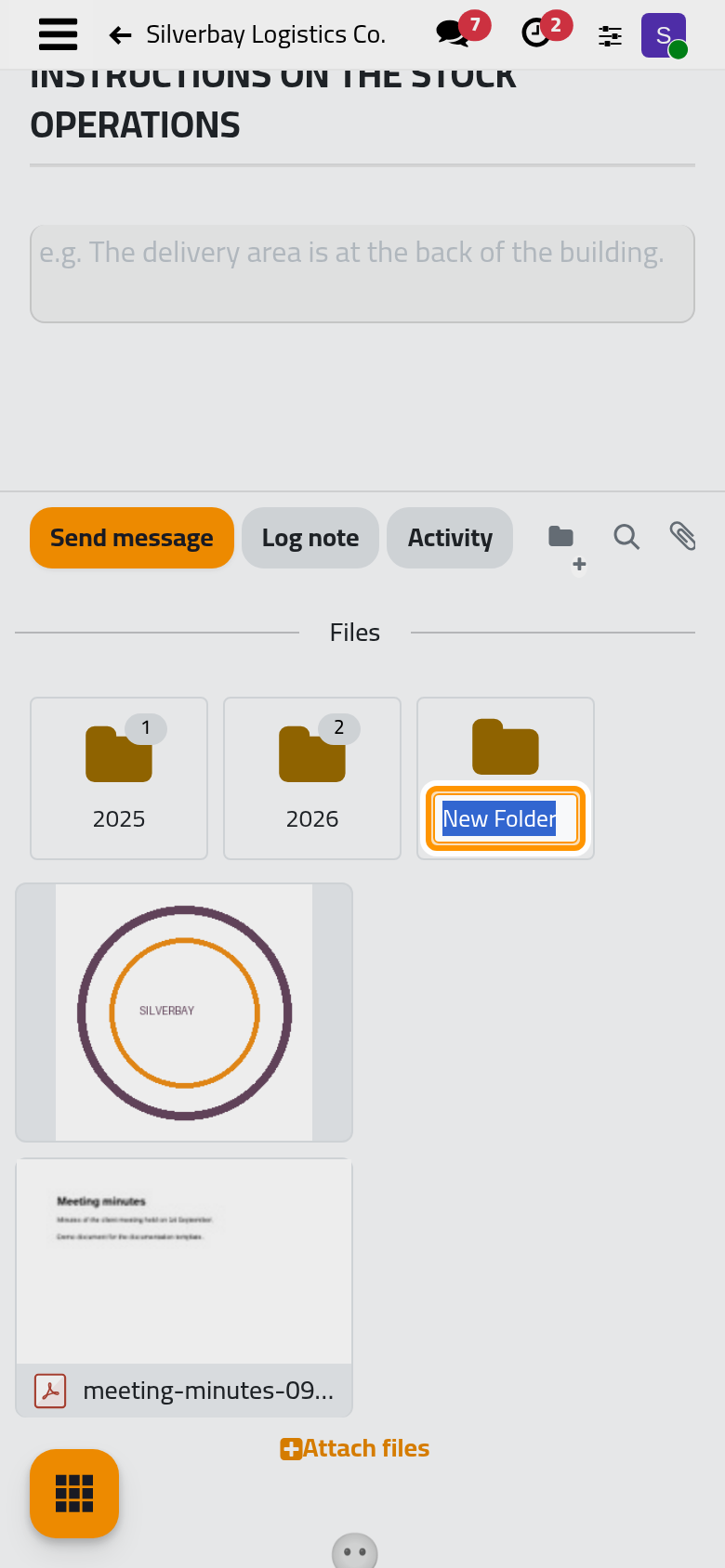
- Type the name, here Invoices, and press Enter. Clicking anywhere else saves the name as well.
The new folder takes its place after the existing ones: folders keep the order in which they were made, and they cannot be reordered. Its card shows no number until the folder holds a file. Keep names short: a card shows about a dozen characters and cuts the rest.
Rename the folder
- Move the pointer over the folder's card. Two small icons appear in its top corner: a pencil, Rename, and a bin, Delete.
- Click the pencil. The name turns into a box with the current name selected.
- Type the new name, here Fee invoices, and press Enter.
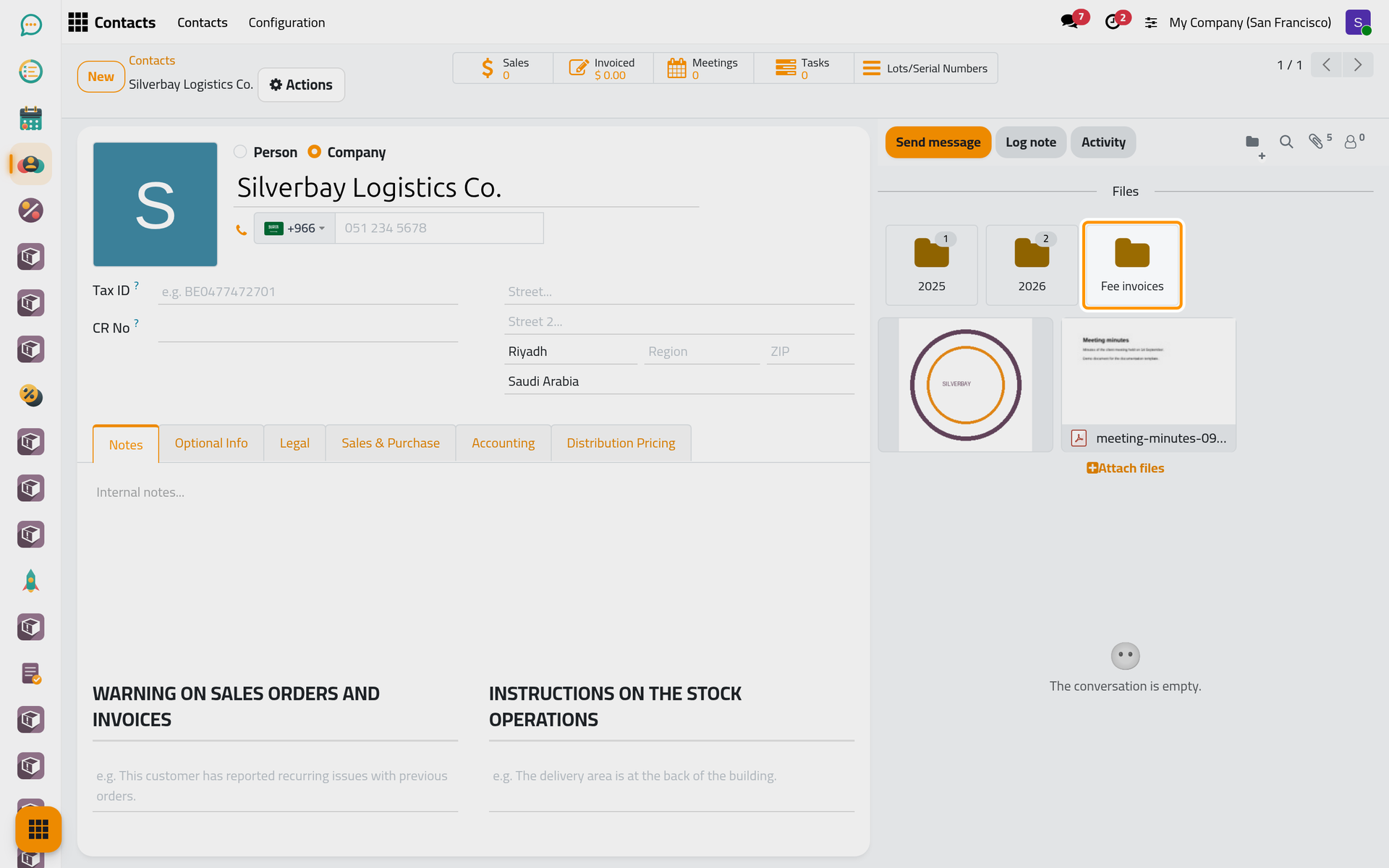
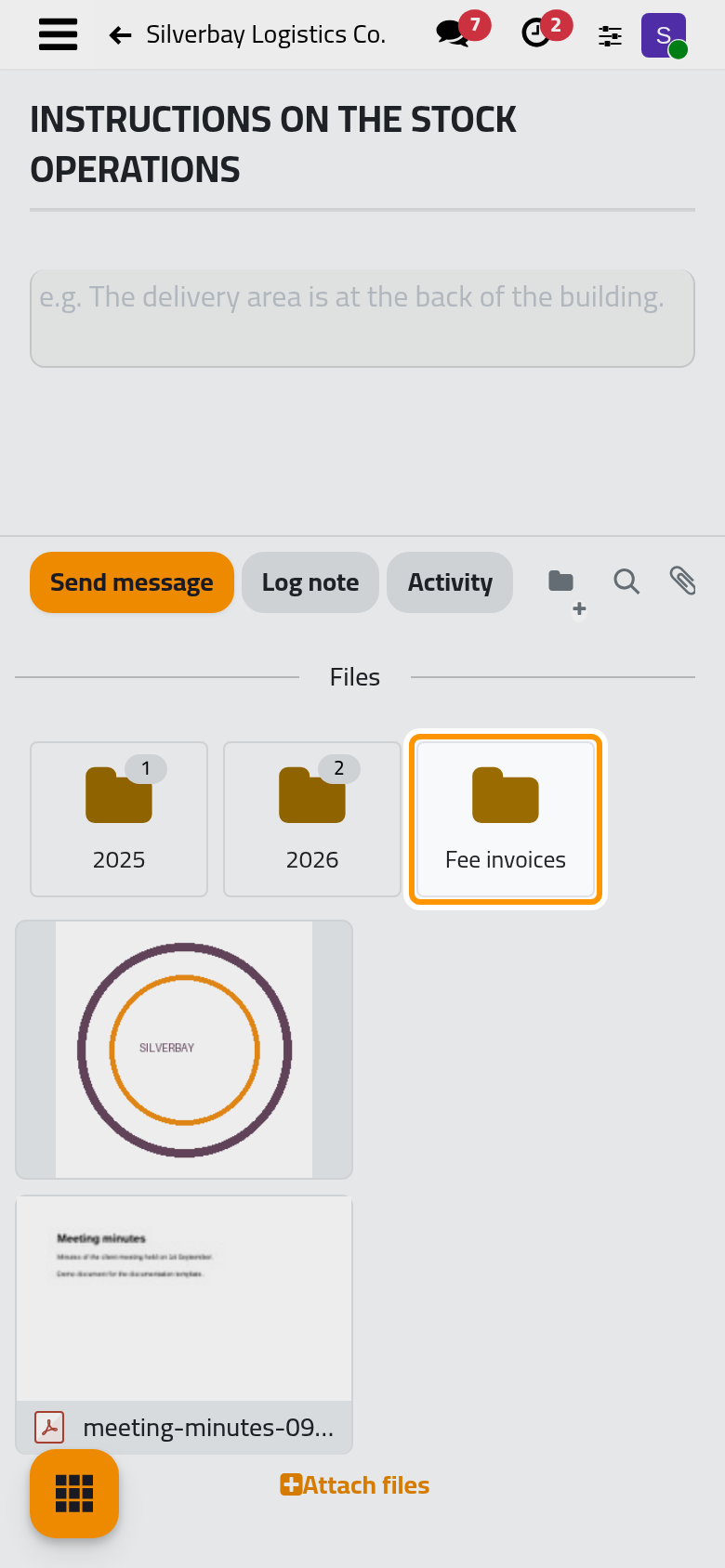
The icons appear only while the pointer rests on the card. On a phone, touch the card once to show them, then touch the pencil.
The name is saved as soon as the box closes, by Enter or by a click elsewhere. Escape closes the box too, and also saves what it holds. To keep the old name, empty the box or type the old name again before closing it: an empty or unchanged name leaves the folder as it was.
FAQ
Can I make a folder inside a folder?
No. Folders sit side by side at the root of the Files box, one level only. Use names that sort the files on their own, such as a year or a kind of document.
Does a folder show on other records?
No. Each folder belongs to the record where it was made. Two clients can each have a folder named 2026; they are two separate folders, each with its own files.
Can two folders of the same record have the same name?
Yes, nothing prevents it, and the two cards then look alike. Rename one of them so the team can tell them apart.
Who sees my folders?
Every internal user who opens the record sees its folders, can rename them and can delete the empty ones. A folder has no access rights of its own; How folders work on a record explains who may do what.
Was this page helpful?
Thank you for your feedback.