Find a deleted record
On this page
Every record deleted through the application leaves one entry in the bin, which says what the record was, who deleted it and when, and keeps the values it held. The demo bin holds four entries deleted between 20 and 22 October 2026: the contact Cedar Ridge Legal Services, a contact tag already restored, a case type and a cancelled activity.
Before you start
- You need the Manager access right on Recycle Bin; see Give access to the recycle bin.
- The list shows the entries of every company; the Company column tells them apart.
- An entry stays in the bin for the Keep Trash Duration of Recycle bin settings, 30 days by default, unless an administrator empties the bin before.
Open the list
- Open . The newest deletion comes first. Each line gives Deleted at (in your time zone), Deleted by, the Model, the Name the record had, the Company and the Status: Deleted, or Restored in green.
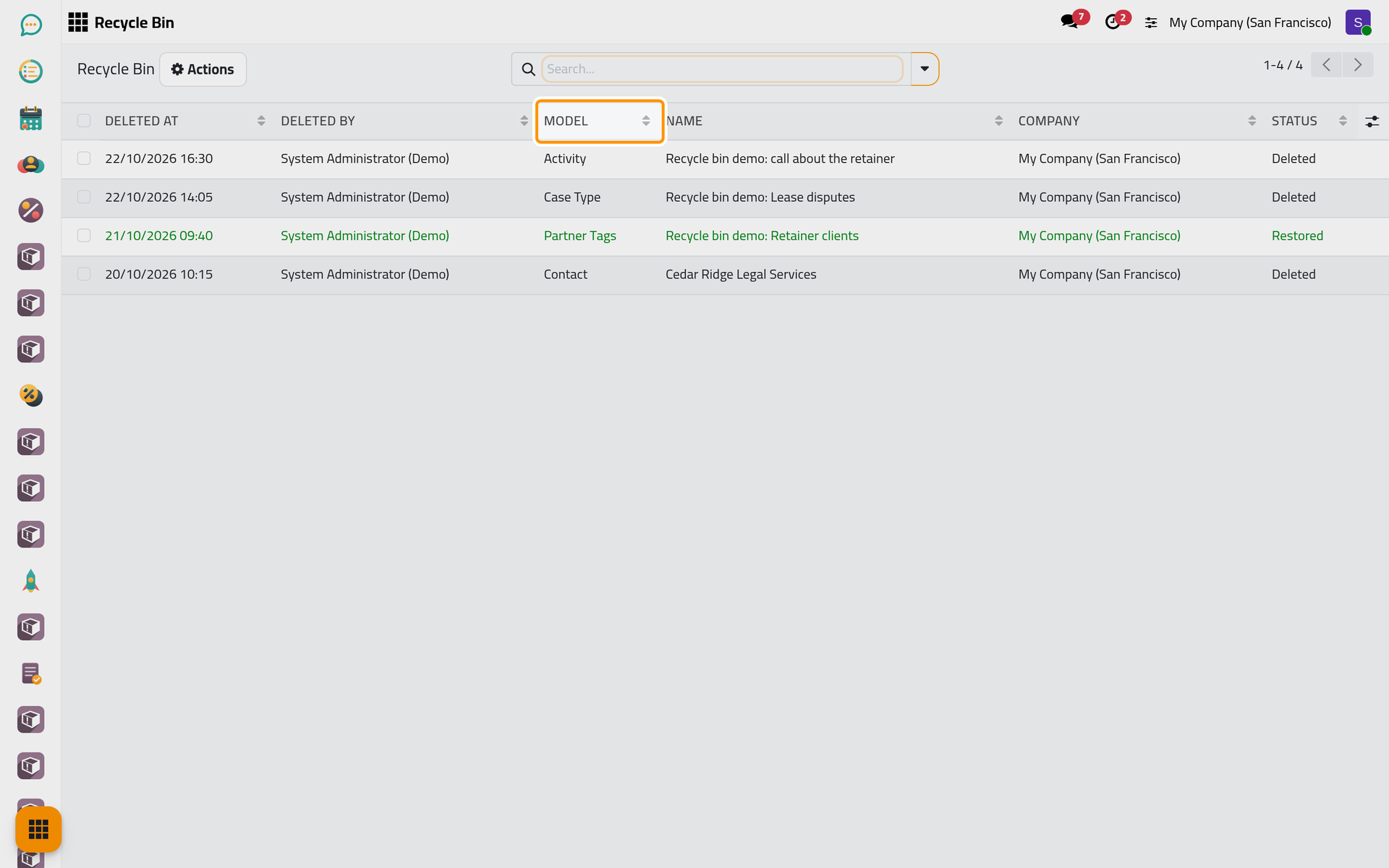
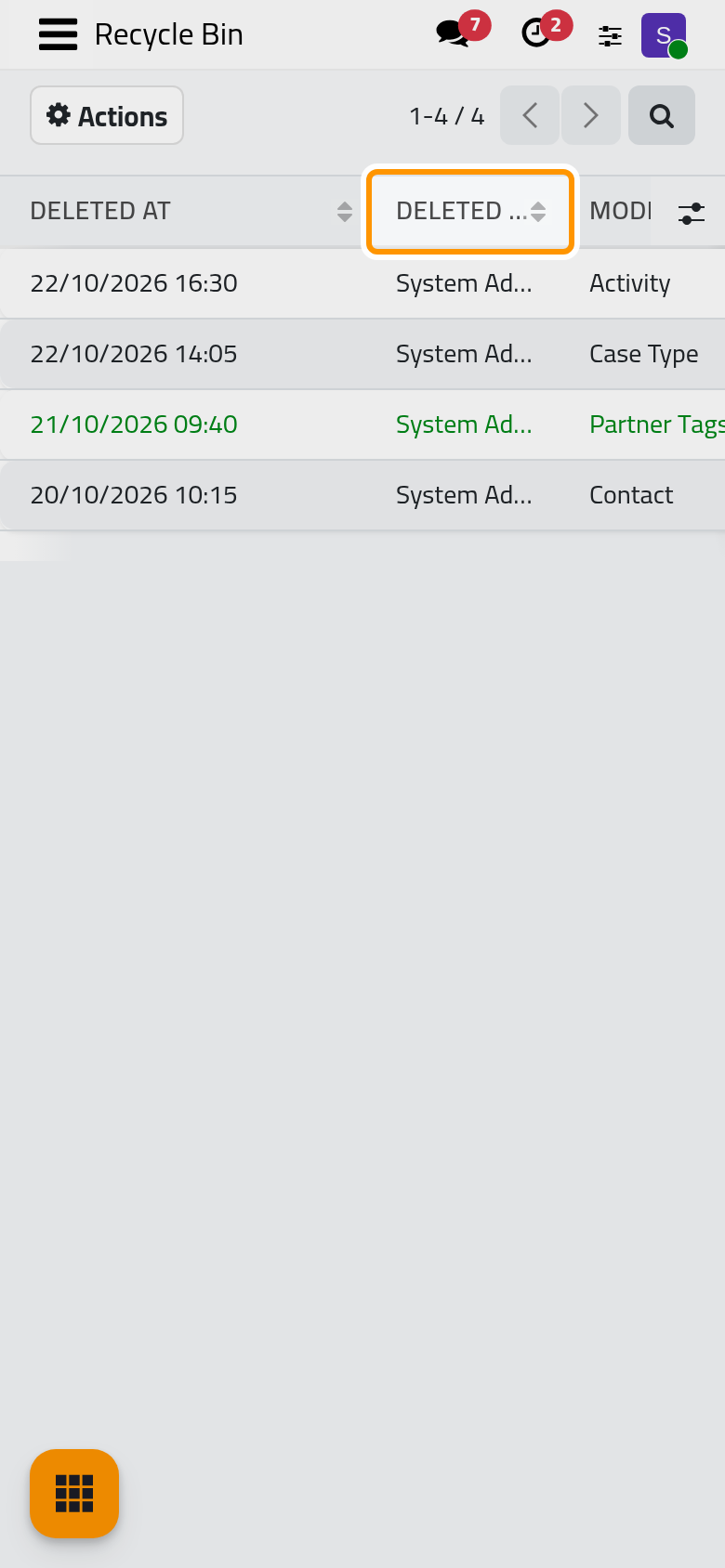
The Model is the kind of record: Contact, Partner Tags for a contact tag, Case Type, Activity. The button at the end of the column titles adds hidden columns, such as Restored at and Deleted Record ID.
Search by name
- Type a word of the name in the search bar, here
Lease, and press Enter. The list keeps the entries whose name contains it.
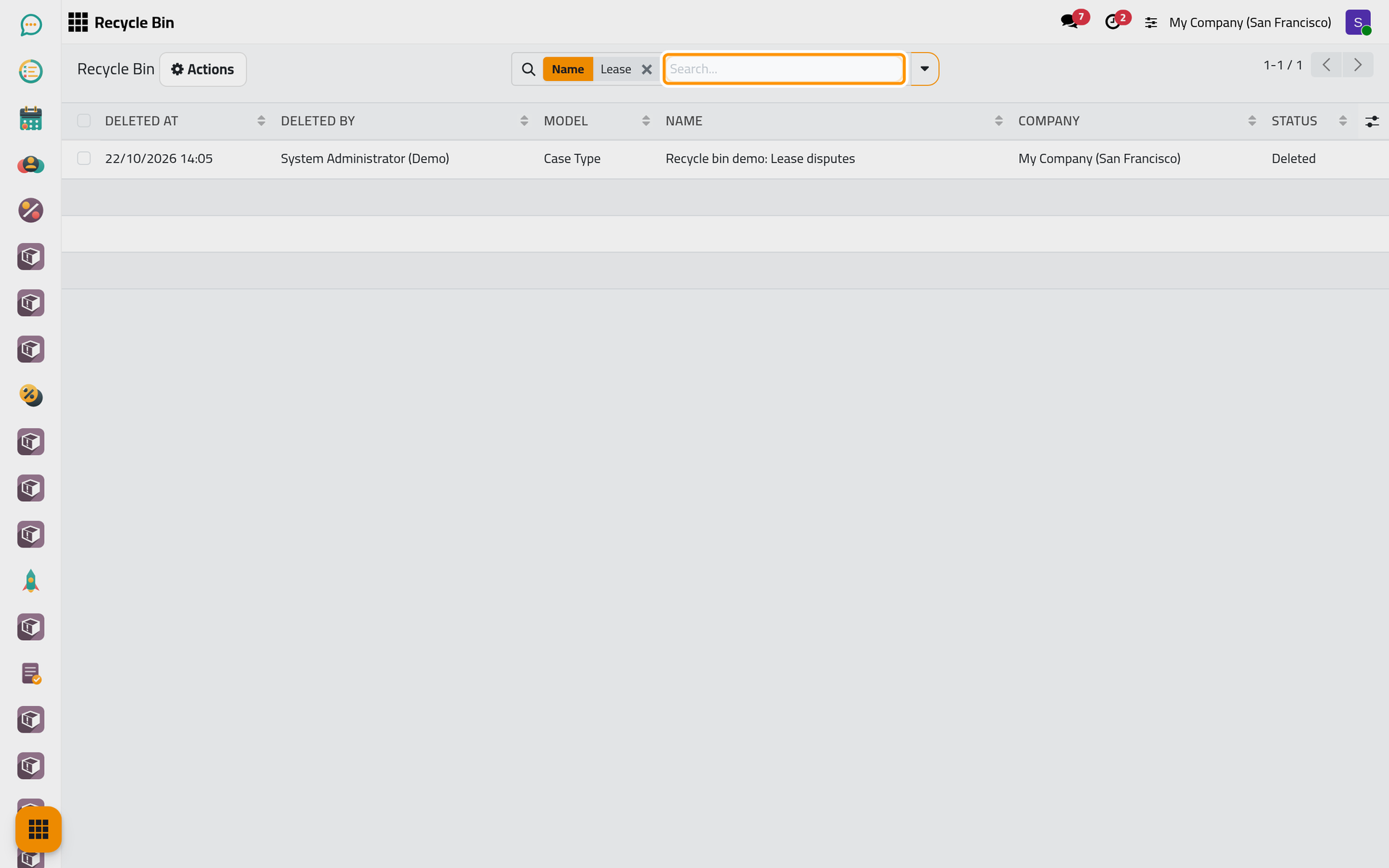
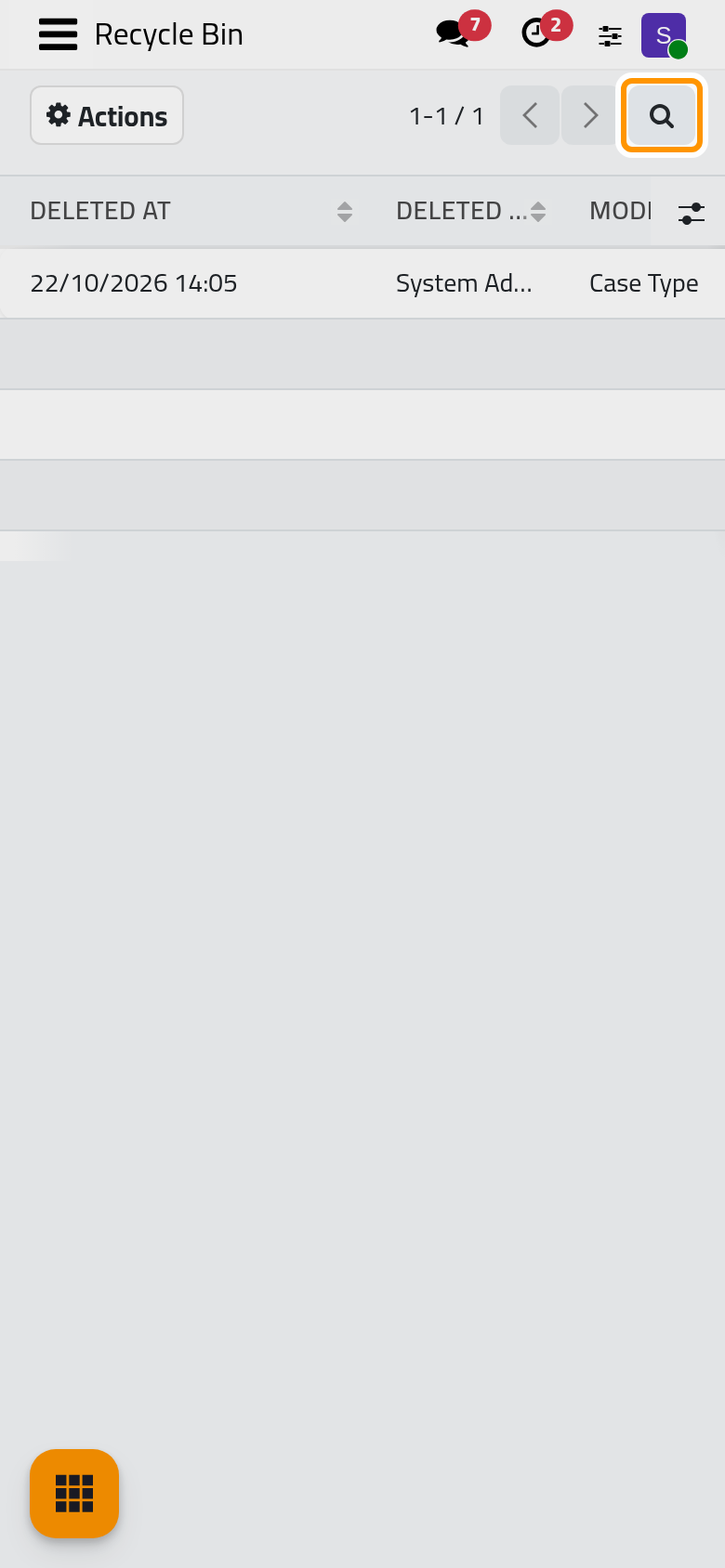
On a phone, the magnifier at the top right opens the search bar.
The search looks in Name only, and the bin has no ready-made filters. To see one kind of record together, open the search panel with the caret at the end of the bar and choose Model, Deleted by or Status in Custom Group. Search, filter and group records explains the panel.
Read the entry
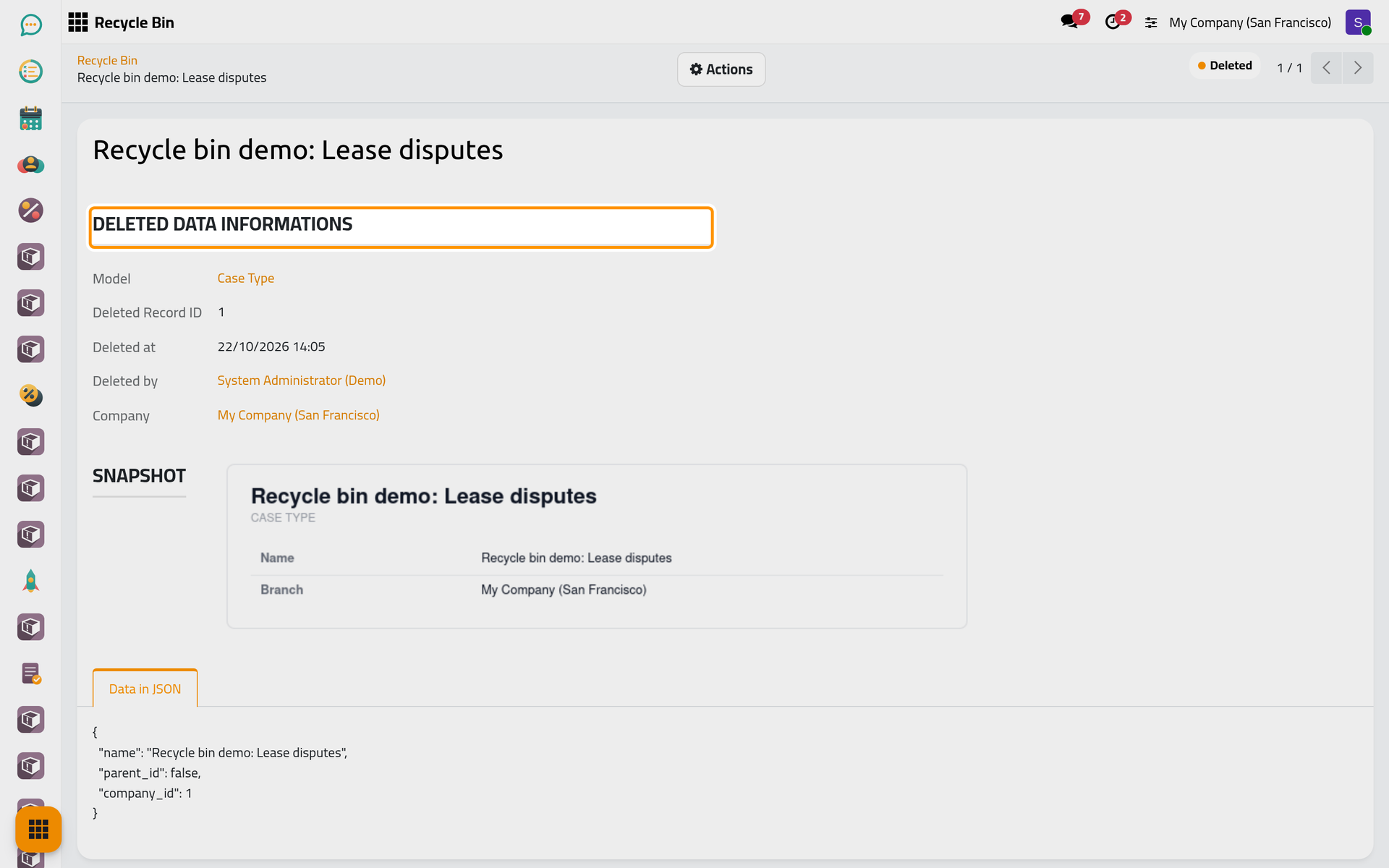
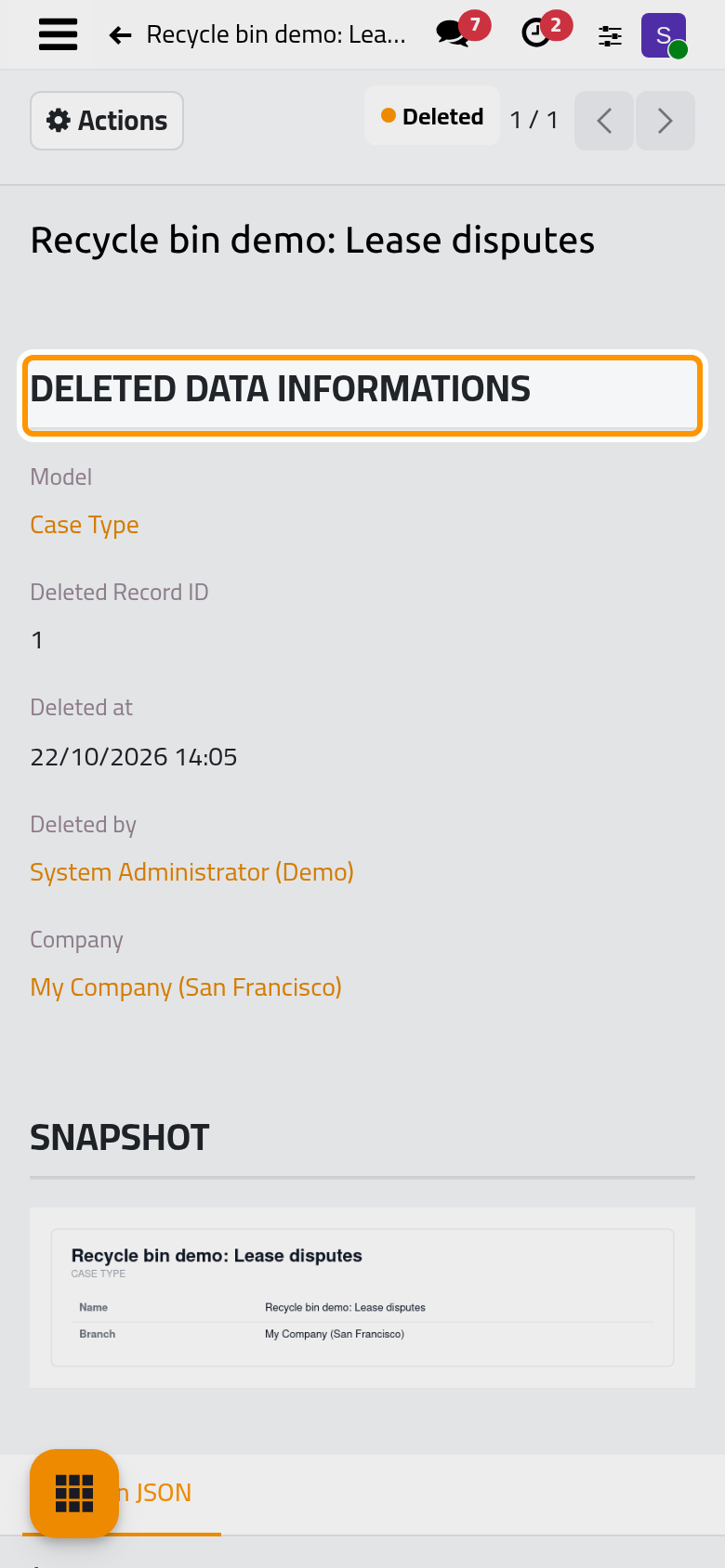
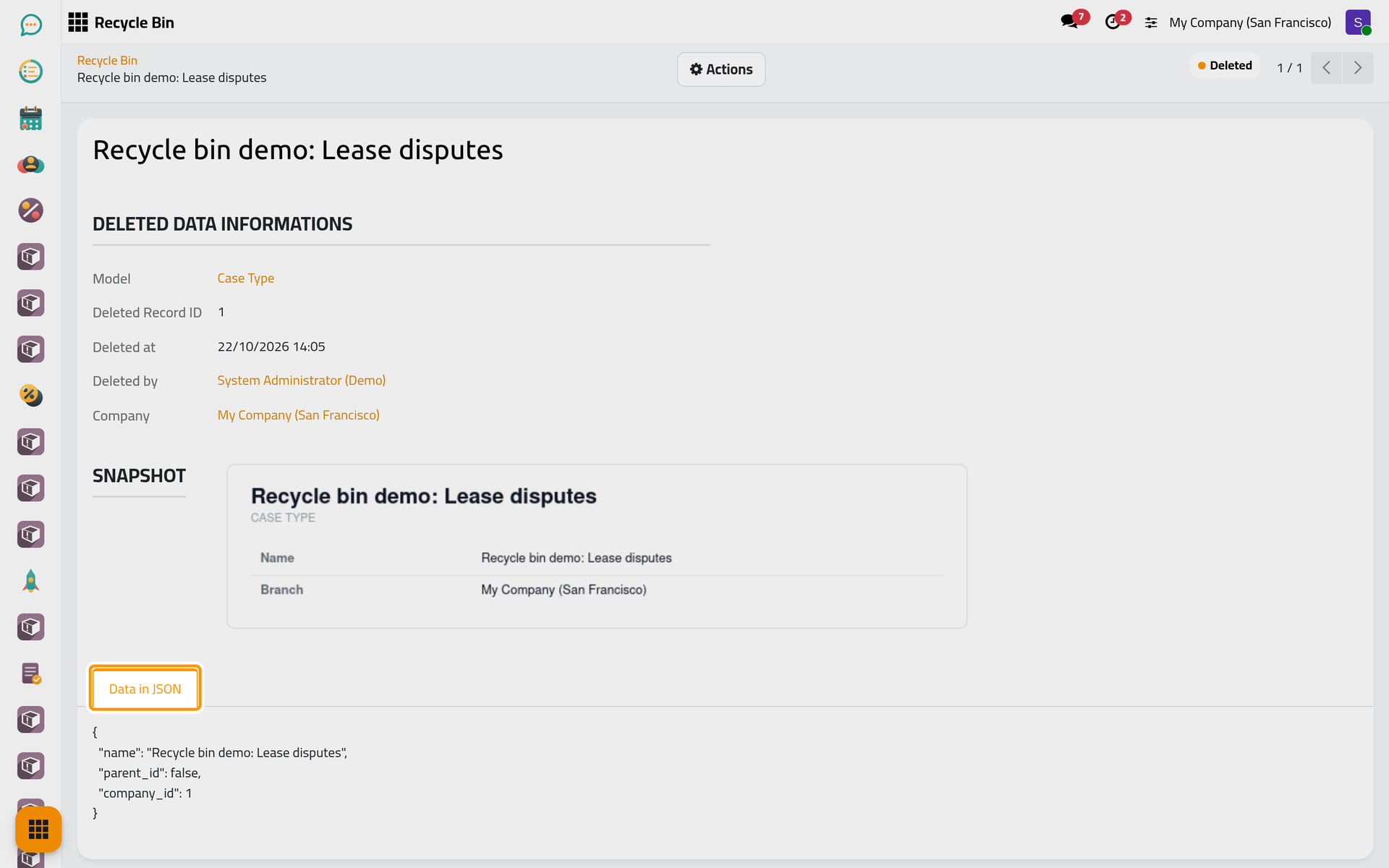
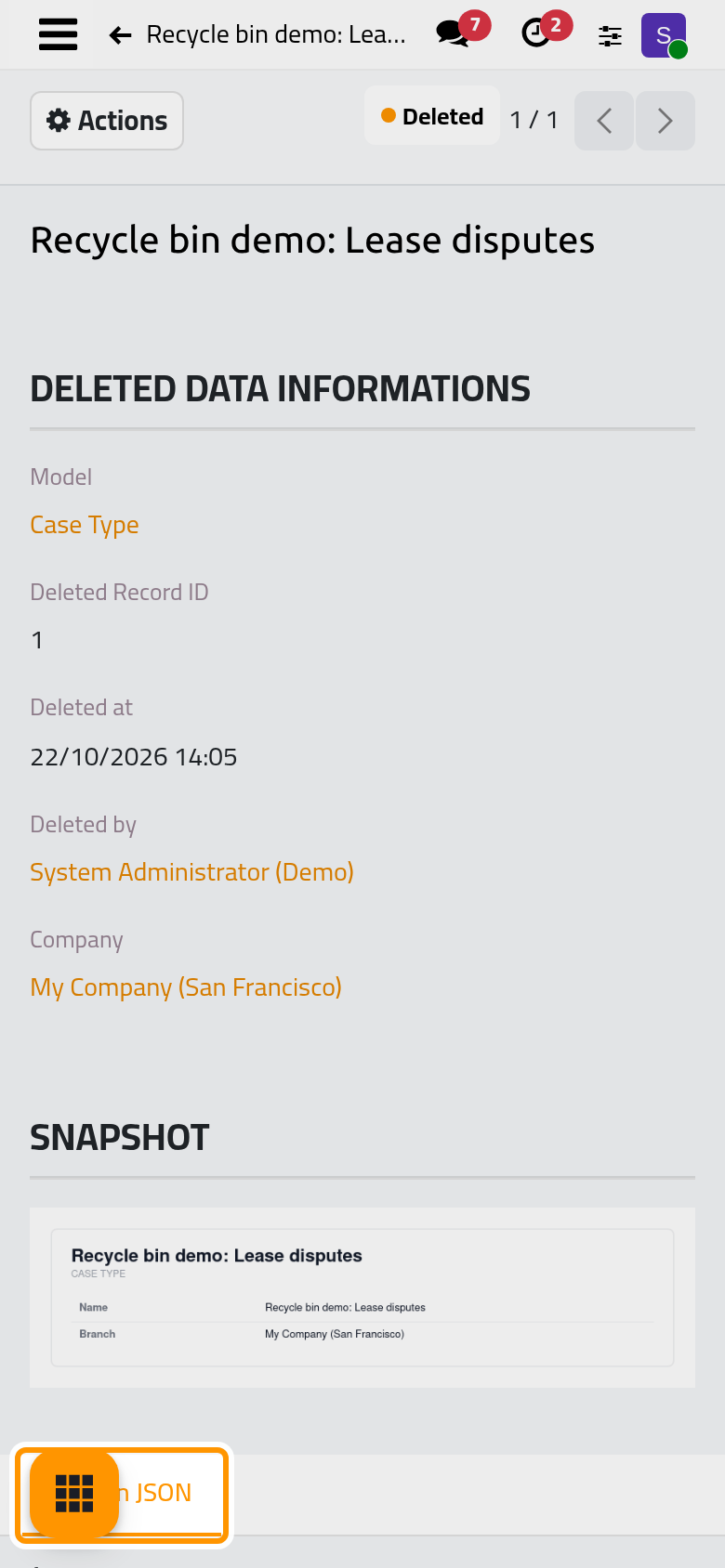
- Click the line. The group Deleted Data Informations gives the Model, the Deleted Record ID (the number the record had in the database), Deleted at, Deleted by and the Company.
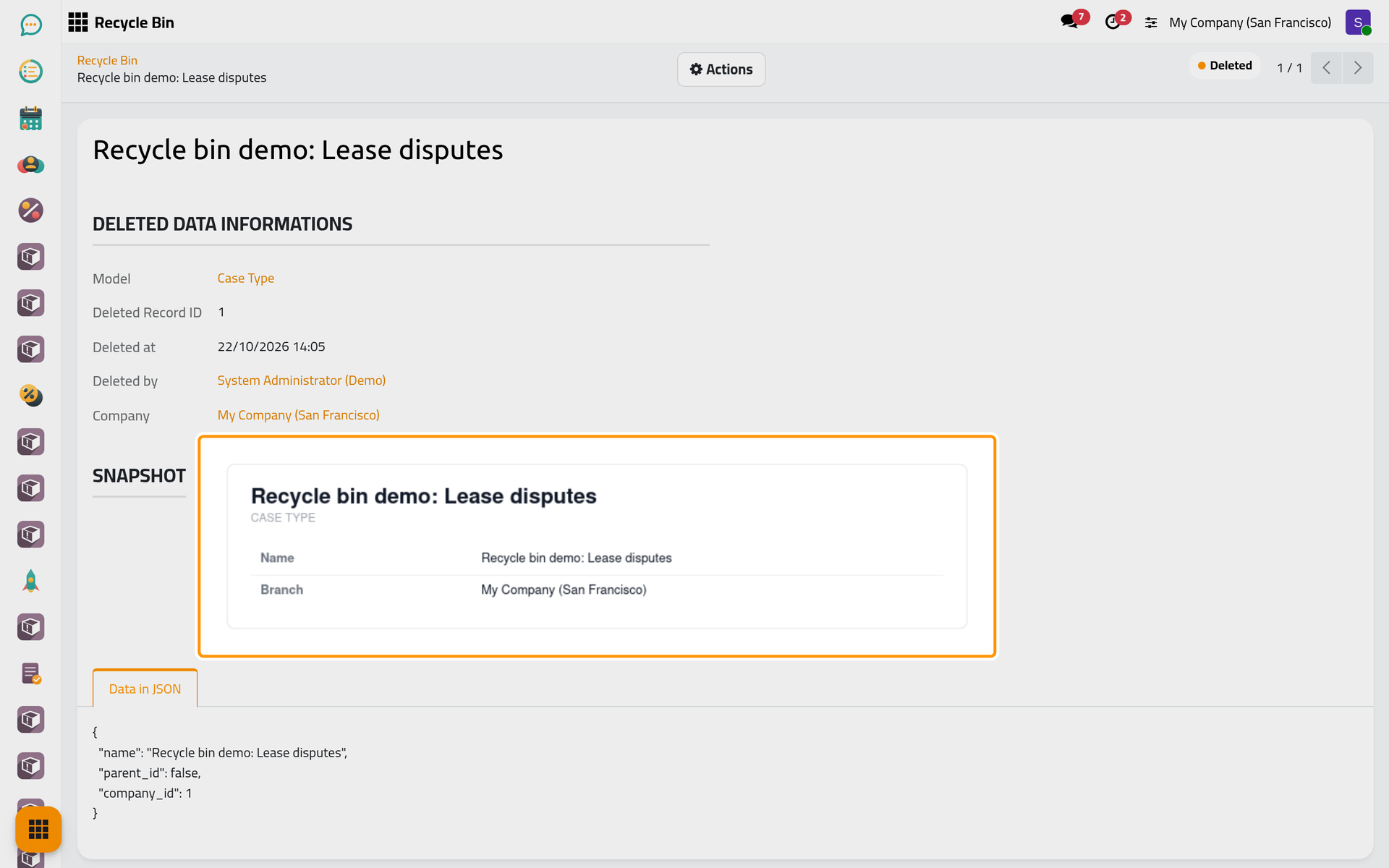
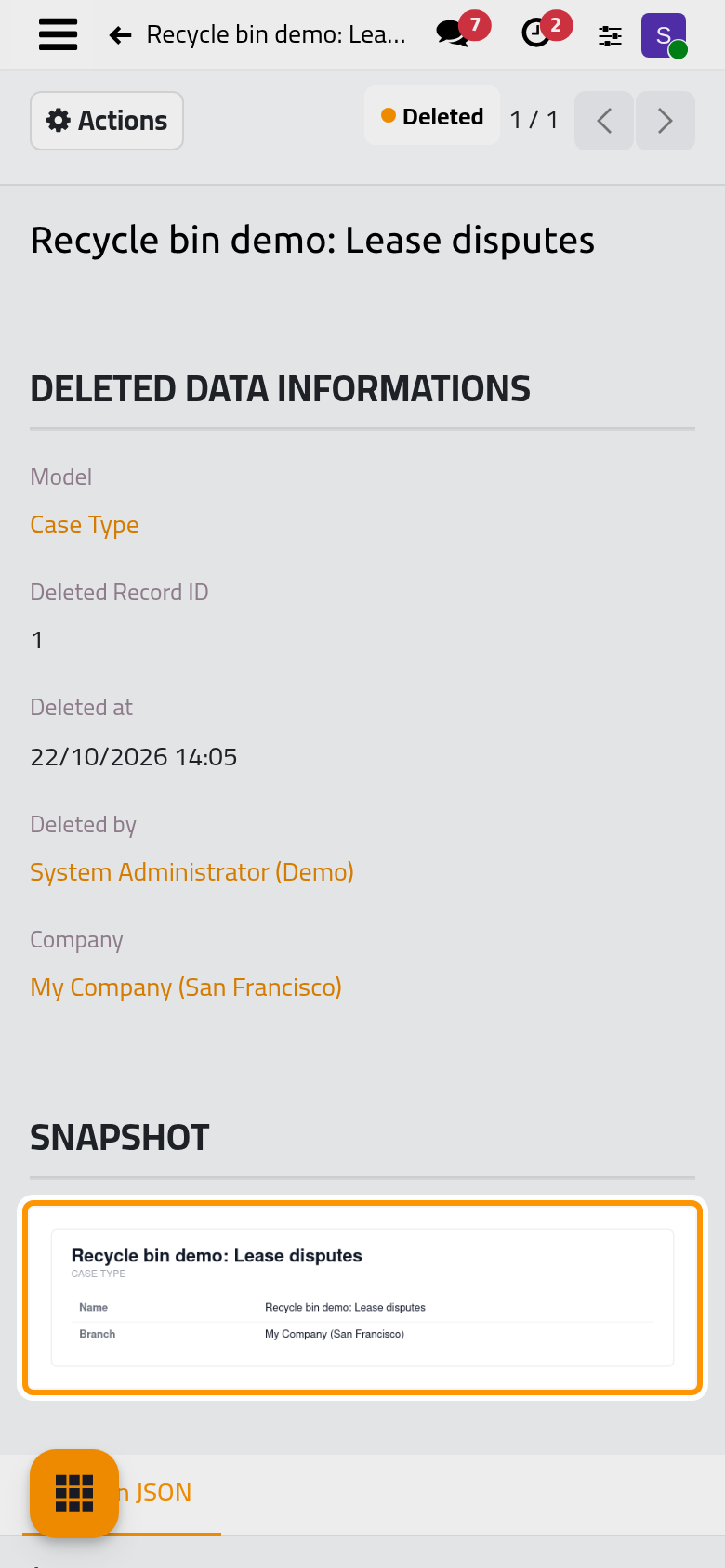
- The Snapshot below is an image of the record as it was deleted: its name as a title, its kind of record under it, then one line for each field that held a value. It is drawn once, at the delete, in the language and time zone of the user who deleted the record, so the demo entries show English in every language. Yes and No always read in English, and some technical fields appear among the useful ones.
- The Data in JSON tab holds the values the bin kept, in technical form: field names, and numbers instead of names for linked records, such as
"company_id": 1. Read the snapshot to understand the record; this tab tells exactly what a restore will create.
To bring the record back, see Restore a record and check the result.
FAQ
The record I deleted is not in the bin.
Some deletes never reach the bin, such as attachments, messages and the models left out in Recycle bin settings; the entry may also have passed the retention period, or the bin was emptied. An archived record was not deleted: use the Archived filter of its list. How the recycle bin works gives the full list.
What are the entries named like calendar.filters,3?
Technical records with no name of their own, shown by their model and number. They come from actions that delete such records in passing, such as removing a person from the side panel of the calendar or a reaction from a message. You can ignore them.
Who appears in Deleted by when nobody deleted the record by hand?
The user the action ran as. A delete made by a scheduled job shows the system's own bot user, and a delete made by a website visitor shows the public user.
Was this page helpful?
Thank you for your feedback.