Restore a record and check the result
On this page
A restore creates the record again from the values the bin kept. It does not undo the delete: the record comes back as a new one, with a new ID, and what lived around it stays gone. This page restores the demo case type "Recycle bin demo: Lease disputes", deleted on 22 October 2026, then lists what to check on any restored record. Case types themselves belong to the Cases app.
Before you start
- You need the Manager access right on Recycle Bin. A restore runs with the full rights of the system; Give access to the recycle bin says what that means.
- Check first that nobody has already created the record again by hand: a restore would then make a second one.
Restore the entry
- Open and click the entry, which must be Deleted.
- Open the Actions menu, choose Restore, and confirm with Ok.
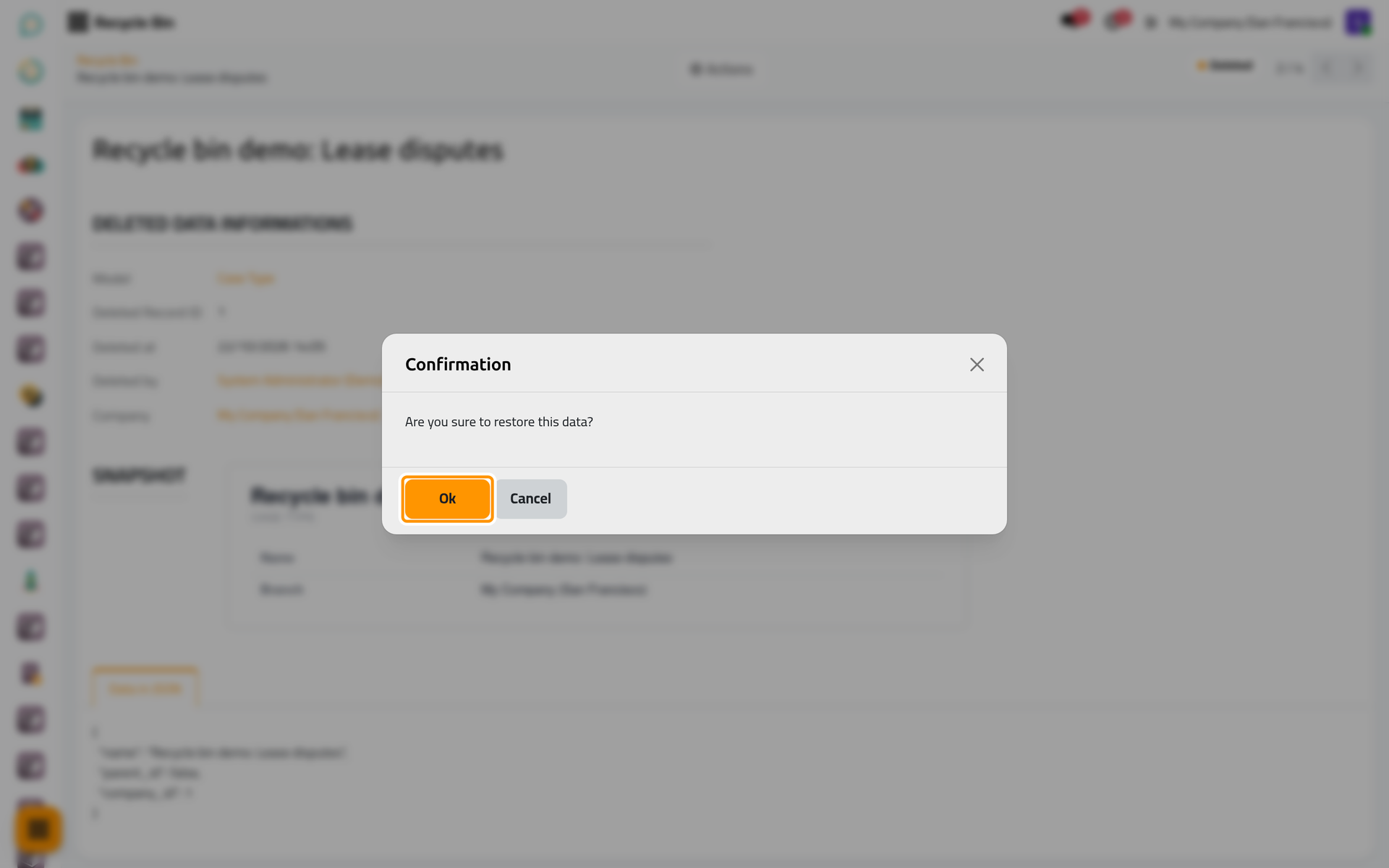
On a phone, the dialog fills the screen, with the same buttons at the bottom.
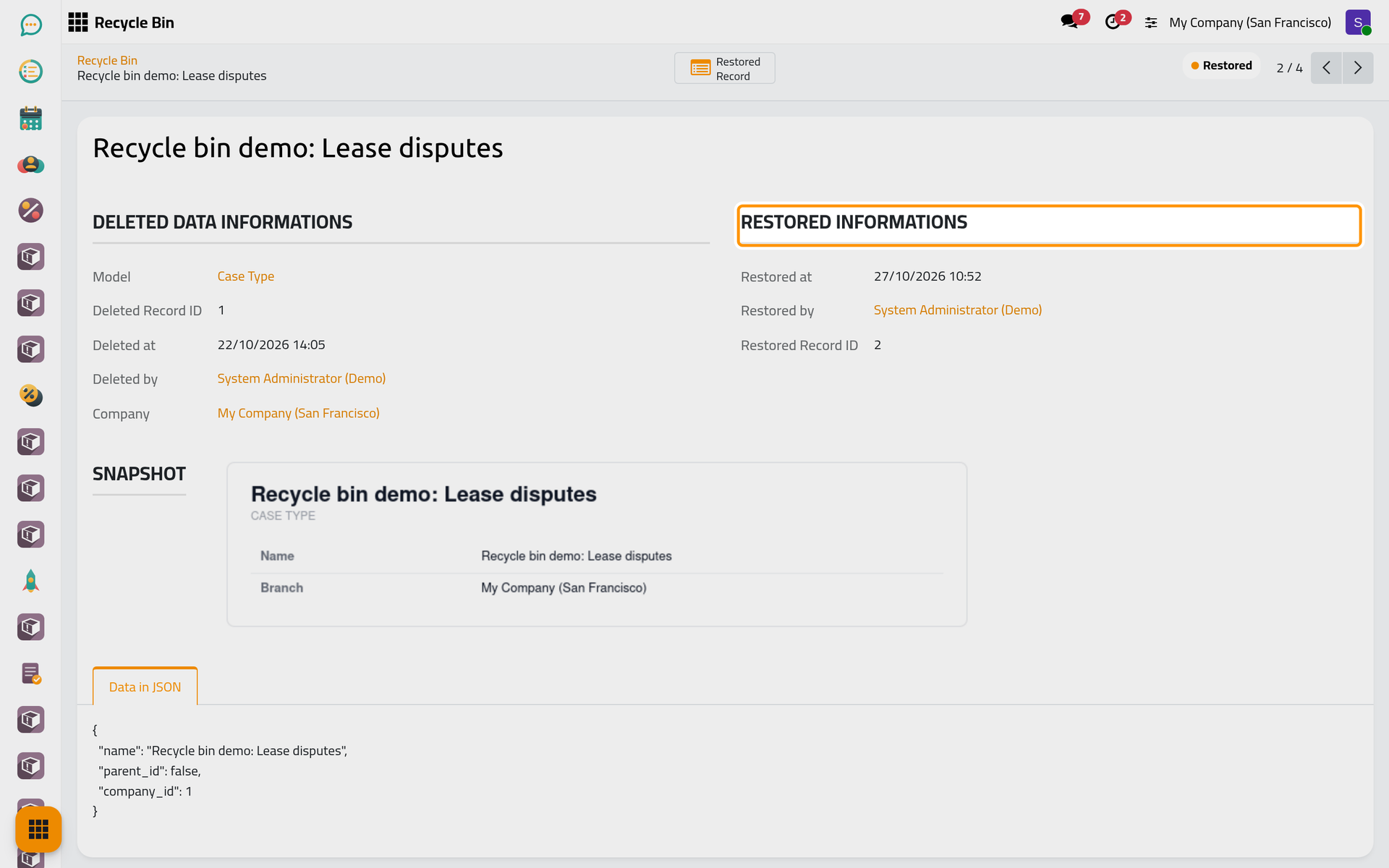
- The status turns Restored. The group Restored Informations shows Restored at, Restored by and the Restored Record ID, the number of the new record; the Deleted Record ID above keeps the old one.
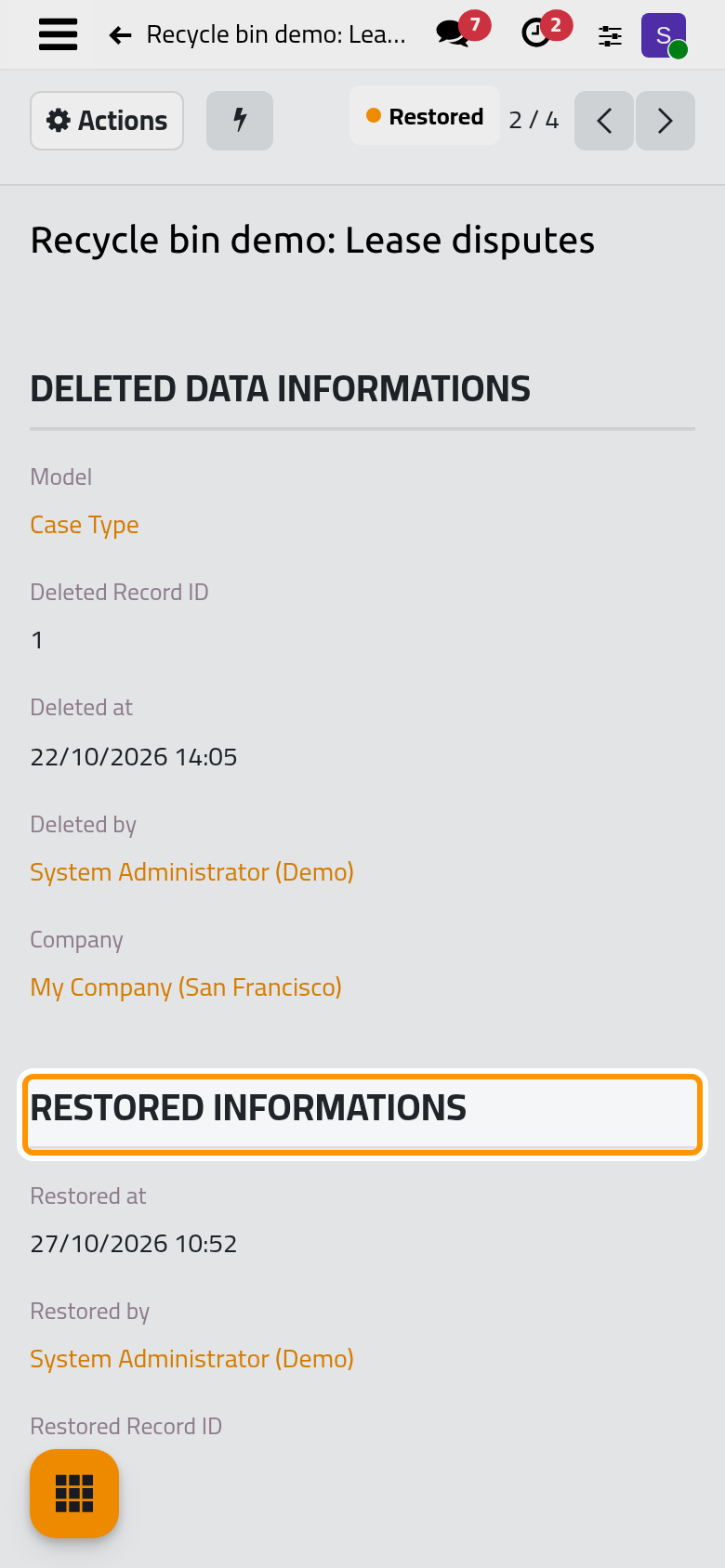
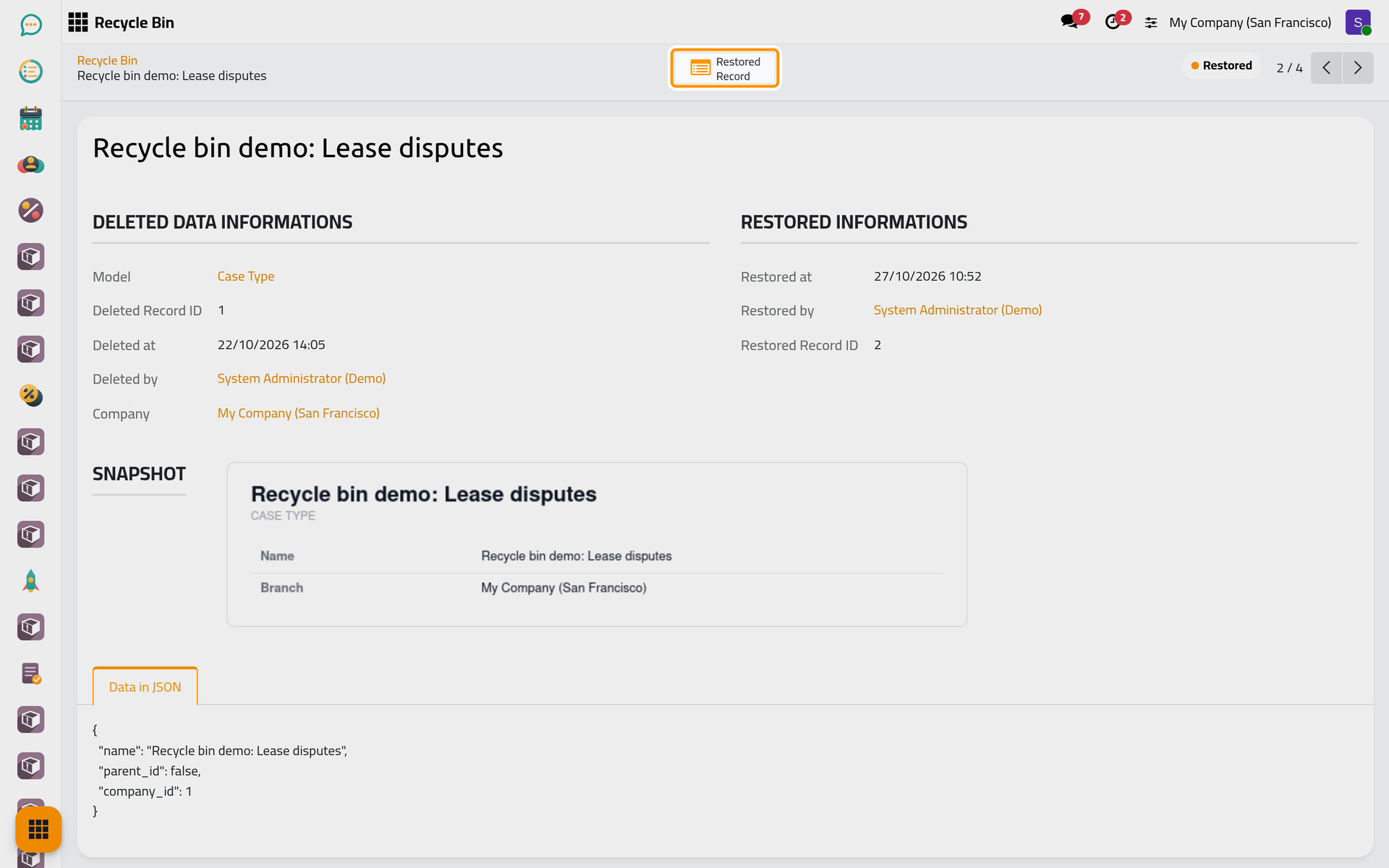
- The Restored Record button at the top of the entry opens the new record. On a phone, it sits behind the lightning button. If the new record was deleted again, the button answers "Record has been deleted!".
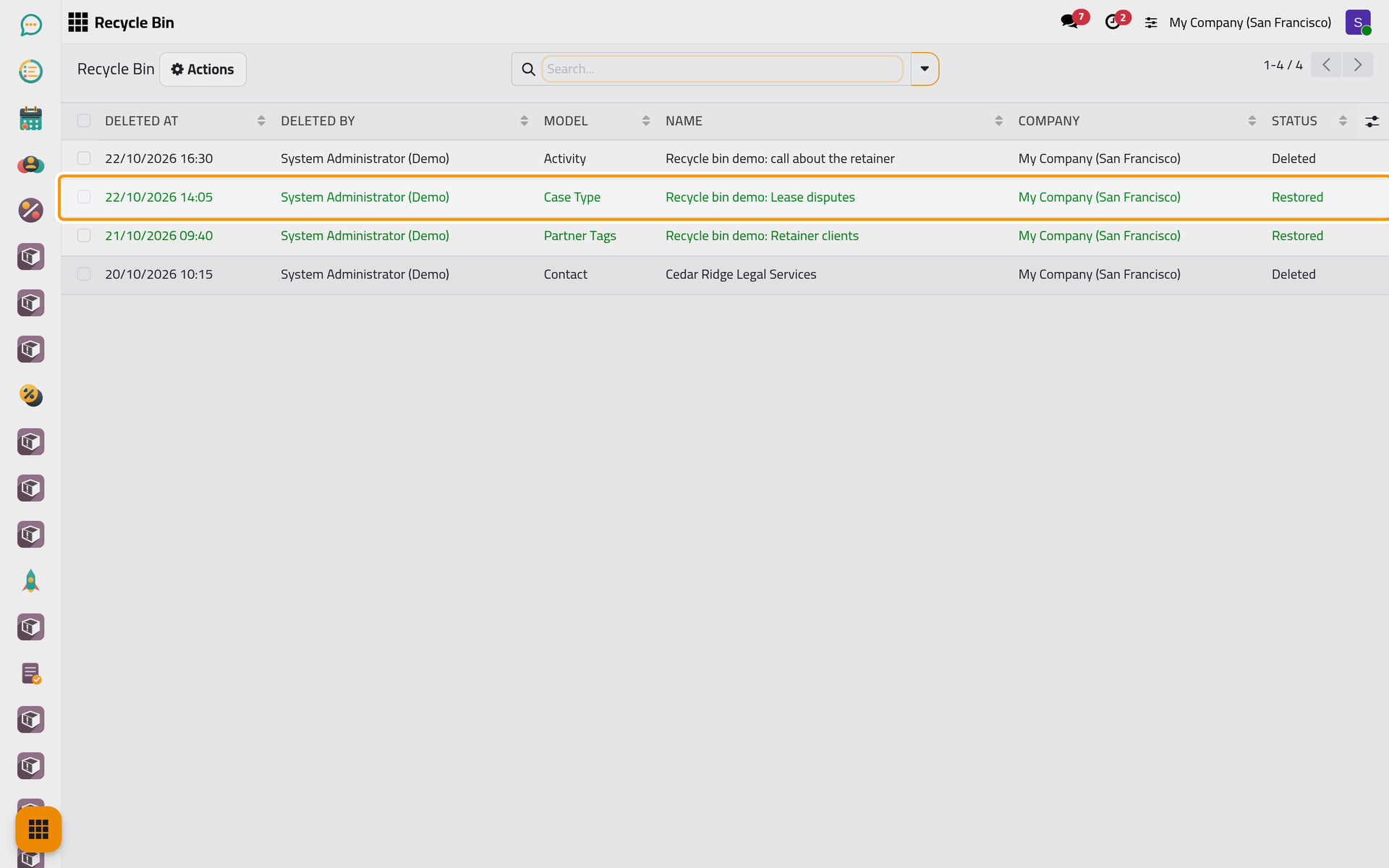
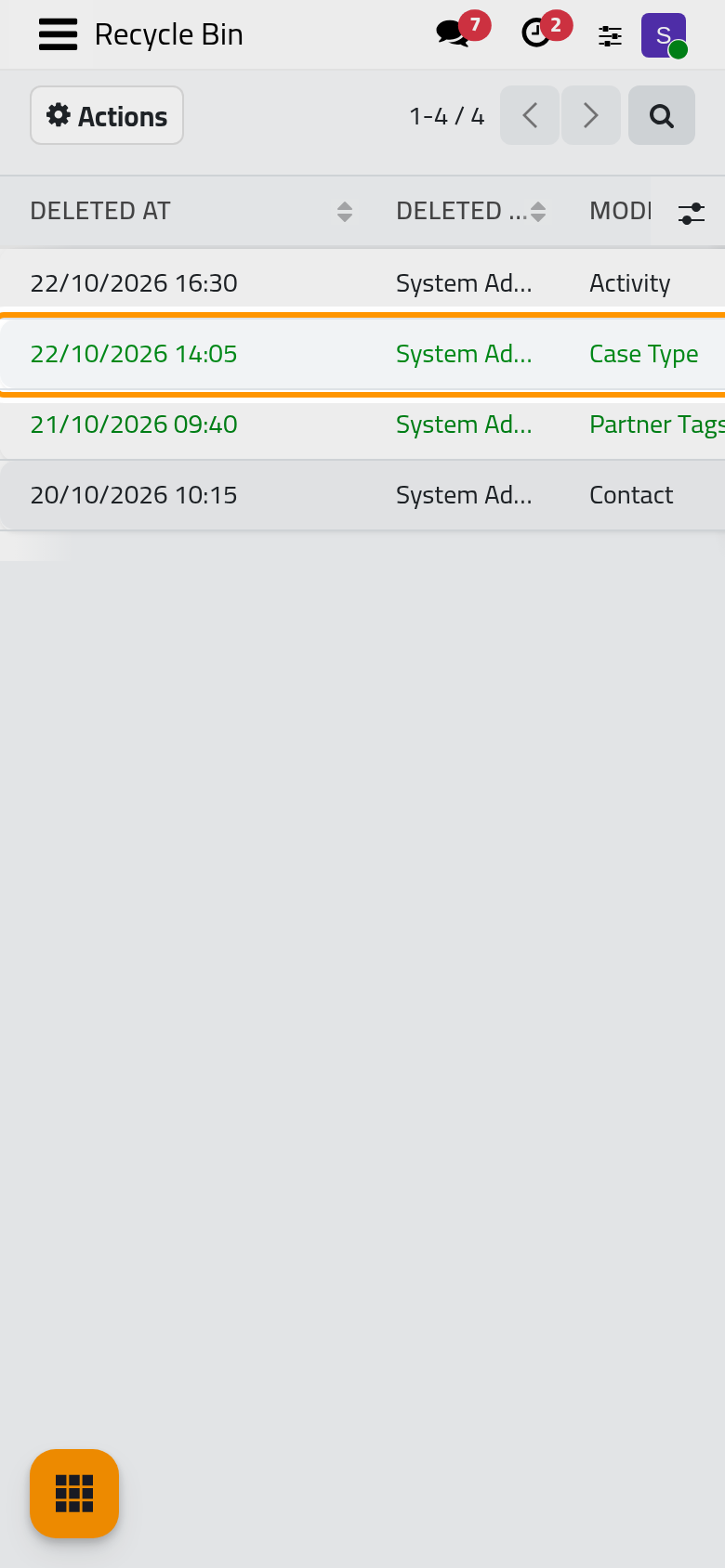
- Back in the list, the entry shows in green with the status Restored. It stays in the bin until the retention period removes it.
Check what came back
Open the restored record and go through this list. It holds for every kind of record.
- The values a duplicate would copy come back, links to records that still exist included: a contact keeps its name, address, e-mail, phone and tags. Fields the platform leaves out when it duplicates a record come back empty or with their default value; for a contact, its receivable and payable accounts and its payment terms.
- Properties do not come back. The custom properties some apps add to a record are not kept in a form a restore can use: they come back empty.
- The record has a new ID. Every record that pointed to the old one either blocked the delete or lost the link, and the restore does not set it again: a contact tag comes back without its contacts, a case type is not put back on the cases that used it. Set those links again.
- The chatter is not kept. Messages, notes and followers are removed with the record and never reach the bin; the restored record starts a chatter of its own.
- Attached files are lost. They are deleted with the record, and the bin never keeps files.
- Activities have their own entries. Each activity of the deleted record has an entry of model Activity, and restoring the record does not bring them. A cancelled activity comes back on its record when you restore its own entry, if that record was never deleted; otherwise schedule it again on the restored record. See Activities.
- Lines come back only if a duplicate copies them; otherwise the document comes back without them.
- One language is kept. The values come back as they read in the language of the user who deleted the record, and the other translations are lost. The demo tag "Recycle bin demo: Retainer clients" came back with its English name only.
FAQ
Restore shows an error.
Nothing is created and the entry stays Deleted. The saved values usually point to something that no longer exists, such as a parent category deleted in the meantime. Read the snapshot and the Data in JSON tab, then create the record by hand.
Can I restore the same entry twice?
No. Once the entry is Restored, Restore is no longer offered; only the technical Advanced Restore of developer mode is still there, and it would create one more record. Duplicate the restored record if you need a second copy.
Can I restore several entries at once?
No. Open each entry and restore it; with lines ticked, the Actions menu of the list offers only Export.
Was this page helpful?
Thank you for your feedback.