Add a company and its people
On this page
A company is the record of a firm, an authority or an association; its people are the persons who work for it. A person filed under a company shows with the company's name in front of his own in every list, such as "Acme Corporation, Imad Al-Khayali", and the company's form lists its people in the Contacts section.
Before you start
- You need the Contact access right at Creation.
- A phone number or an e-mail address can belong to one contact only, unless the records belong to the same company or person. A save that breaks the rule stops with a message such as "Email … is already in use." The rule is set in Contact uniqueness.
- A new contact opens with the country, city and region of your own company already filled in. Change them when they do not apply.
Create the company
- Open and click New. The form opens on Company.
- Type the name in the large field.
- Fill CR No, the commercial registration number, and Tax ID when you know it.
- Fill the address on the right: Street..., City, the region, ZIP and the country.
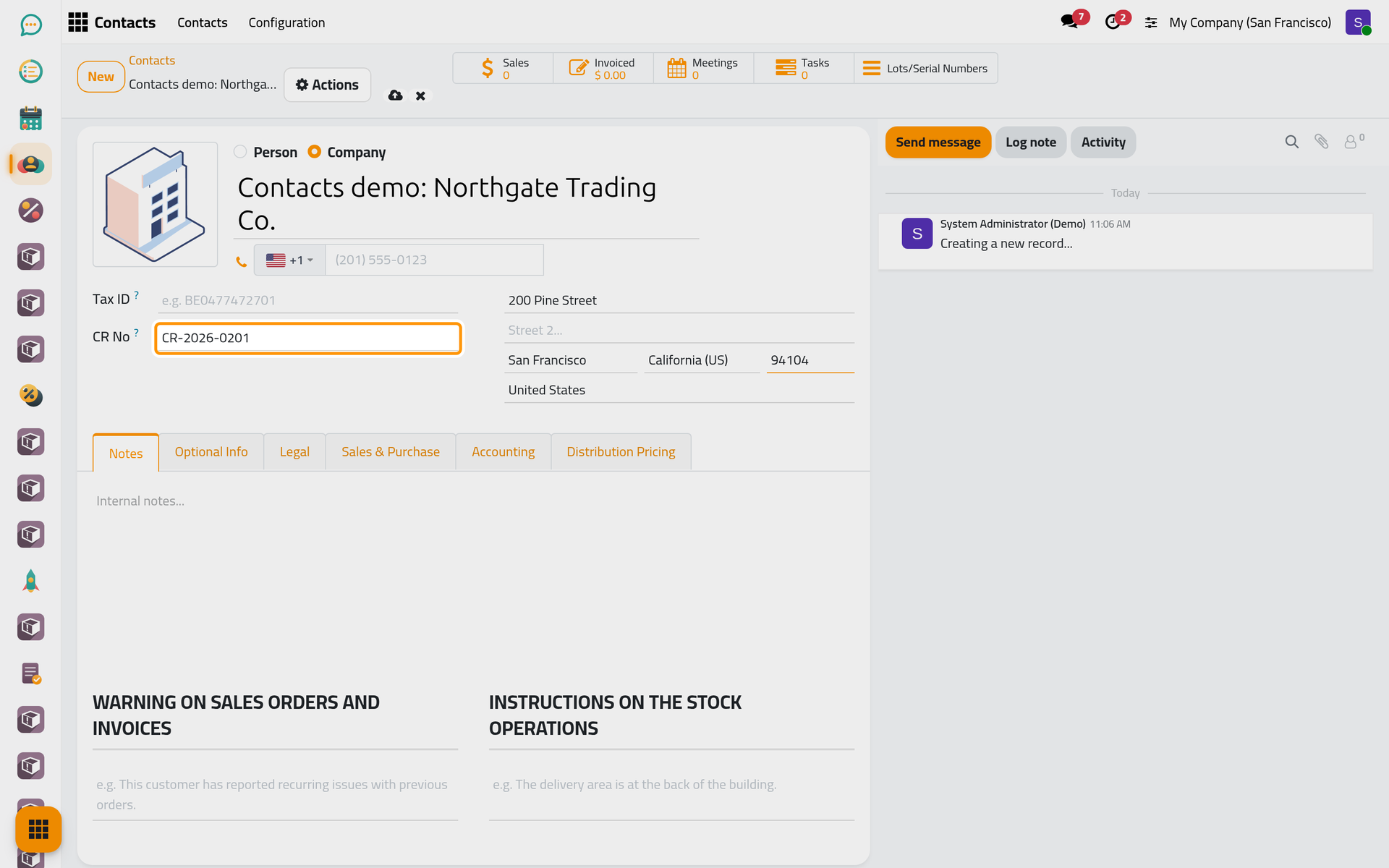
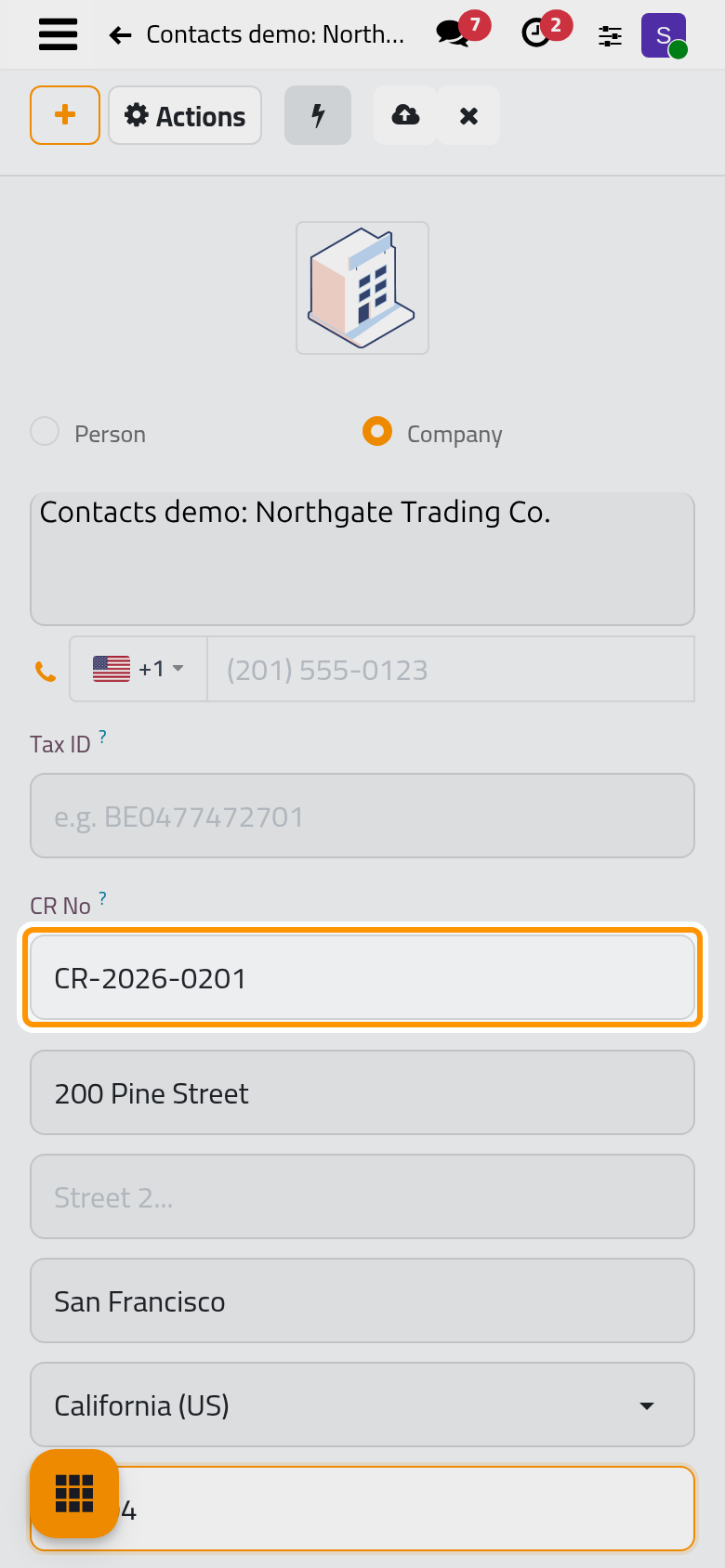
- Click the cloud icon Save manually.
CR No is shown on companies only. It is free text: the form checks neither its format nor whether another contact already carries the same number. The flag in front of the phone sets its country code.
Tag it
- Open the Optional Info tab.
- In Tags, choose one or more tags, such as Prospects. A tag groups contacts across the address book: type its name in the search bar of the list and choose the line that searches in Tag to see them all.
The list of tags is kept in : see Organization types, contact roles and tags.
Add its people
- At the bottom of Optional Info, in the Contacts section, click the Add Contact card. The Create Contact window opens on Person, with Belongs to set to the company and the company's address copied.
- Type the person's name. In the window's own Optional Info tab, fill the Email and the Job Position.
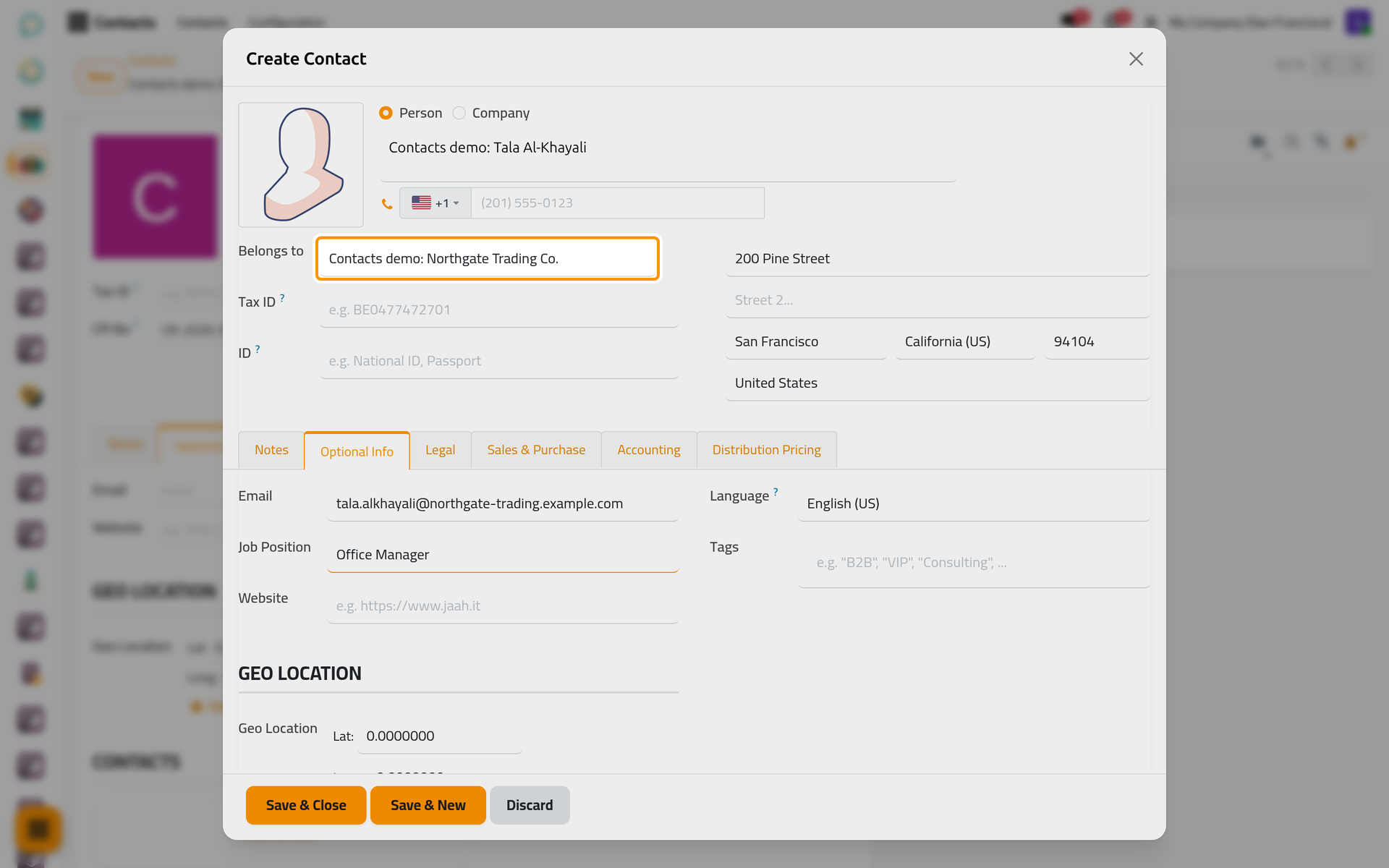
On a phone, the window opens full screen with the same fields and buttons.
- Click Save & Close, or Save & New to type the next person at once.
- The person shows as a card in the Contacts section. Click Save manually on the company: the people are written together with it.
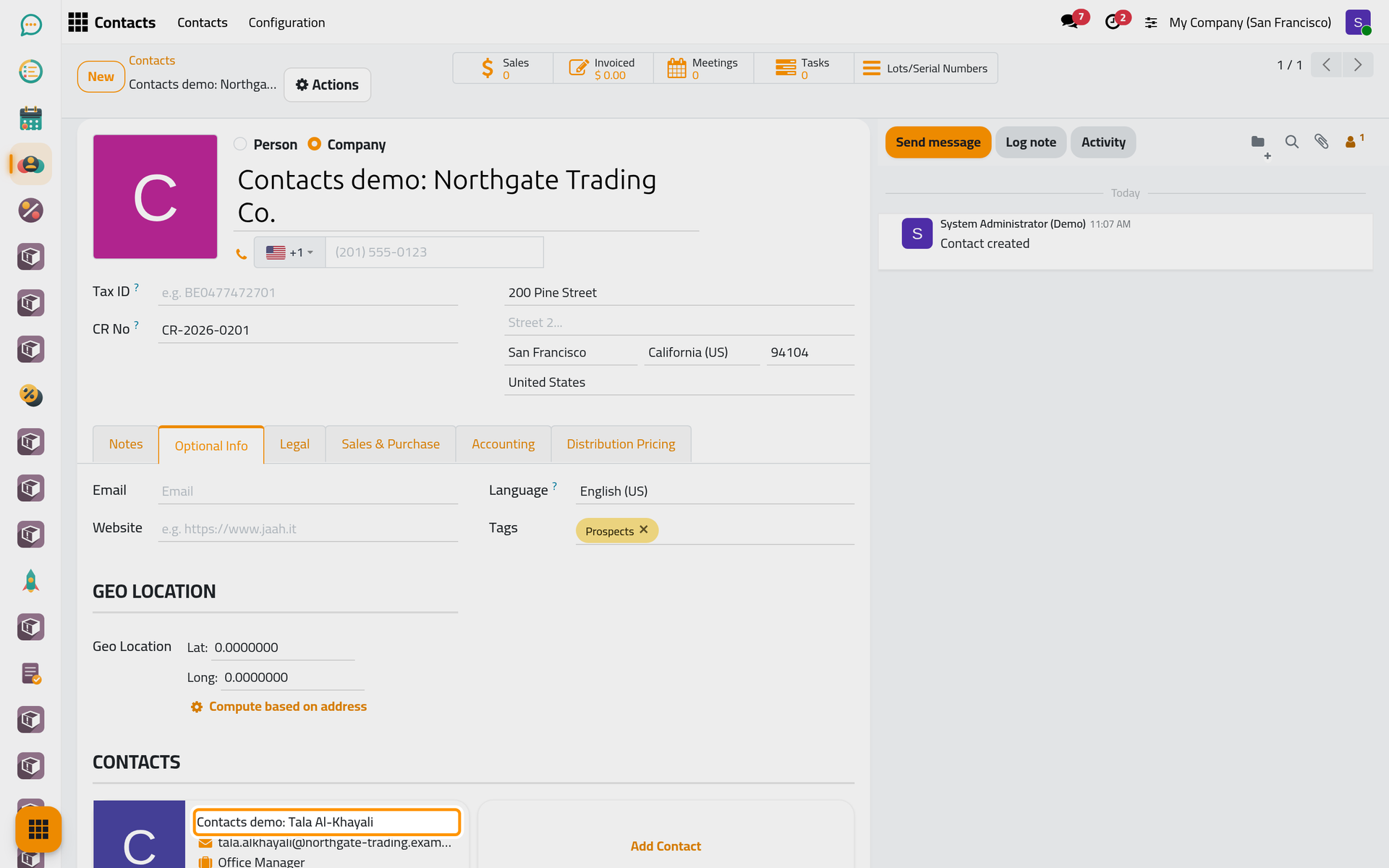
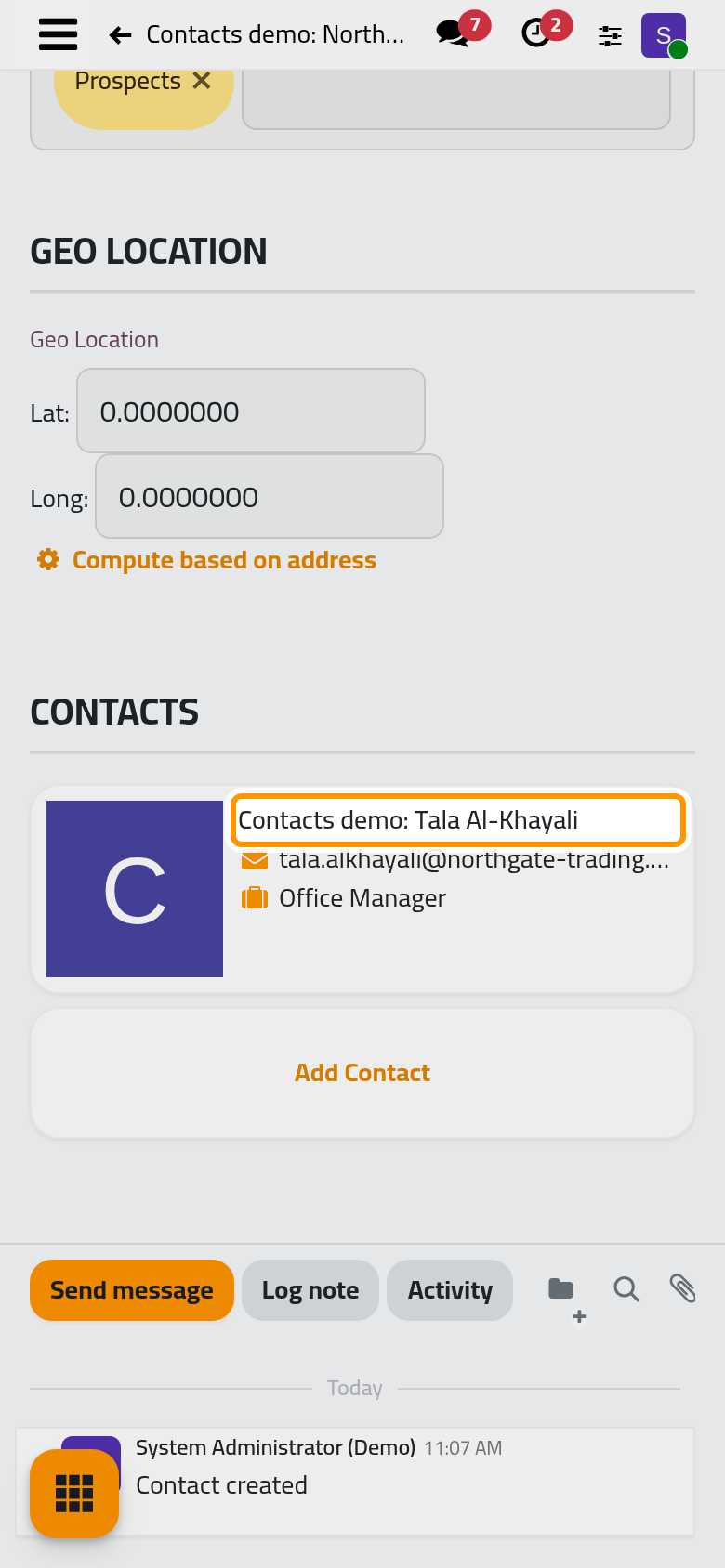
The card shows the person's e-mail, phone and job position. In the lists, the person now reads as the company's name followed by his own.
FAQ
The person already exists. How do I put him under the company?
Open the person and choose the company in Belongs to. The field offers companies only. To file a company under a person, the other way round, use Link a person to an existing organization.
Does the person keep the company's address?
Yes. A person filed under a company shares its address: change the company's address and its people follow; change the address on one of its people and the company's address changes too. An organization filed under a person keeps its own address.
Saving stops with "Email … is already in use."
Another contact outside this company already has that e-mail address, or that phone number for the phone message. Search for it first: it may be the same person, to open rather than create again, or a duplicate to merge as Merge duplicate contacts explains.
Can I give a person a role or an organization type here?
No. The Create Contact window has no Role and no Organization Type. Those describe an organization filed under a person, as in How people and organizations are linked.
Was this page helpful?
Thank you for your feedback.