Merge duplicate contacts
On this page
The same client typed twice, by two colleagues or from two apps, splits his cases, invoices and messages between two records. Merging keeps one of them, the Destination Contact, points every document of the others to it, and deletes the others.
Before you start
- You need the Contact access right at Creation.
- One merge takes two or three contacts. A person cannot be merged with the company he belongs to, and two contacts that each have their own user cannot be merged.
- Without the Administrator role, the contacts must share the same e-mail address.
- Merging cannot be undone from the window: check the Destination Contact before you confirm.
Select the duplicates
- Open , type the name in the search bar and press Enter.
- Tick the lines to merge, or the box in the header of the list to tick them all. The bar above the list shows how many are selected.
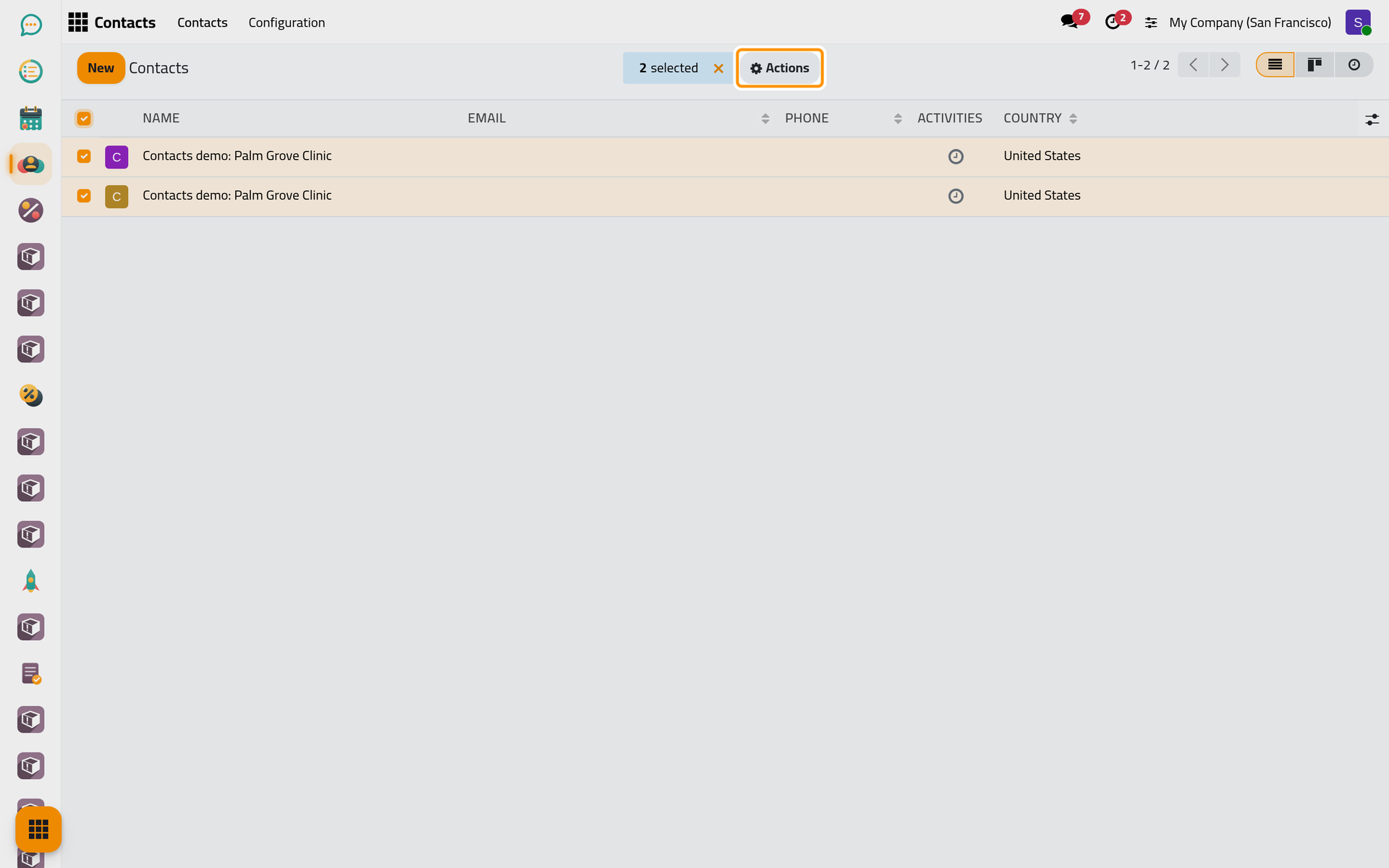
- Open Actions and choose Merge.
Merge them
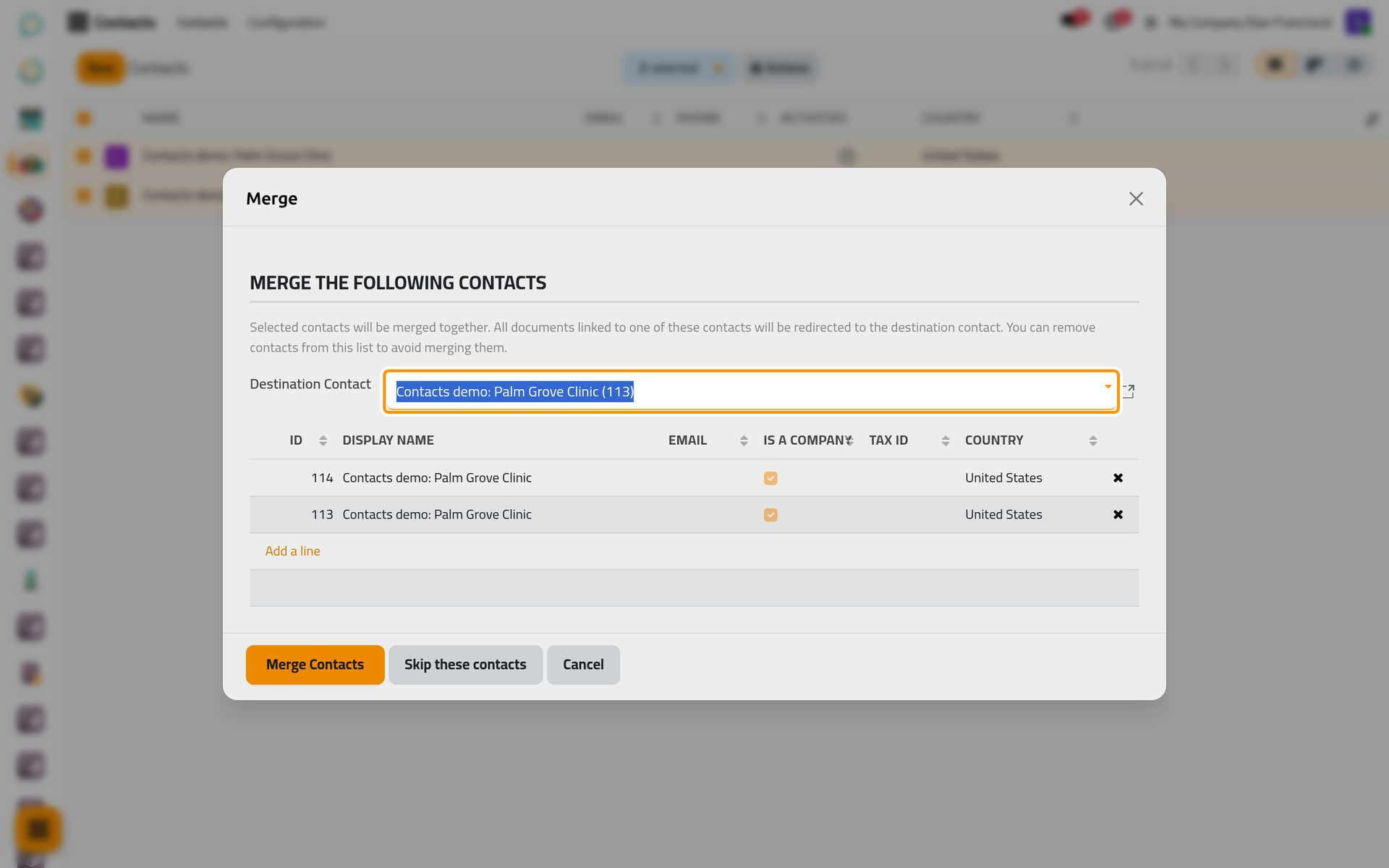
- The window lists the selected contacts. Destination Contact proposes the record that stays, by default the oldest one.
- Choose another record there if it should stay instead. The cross at the end of a line takes that contact out of the merge.
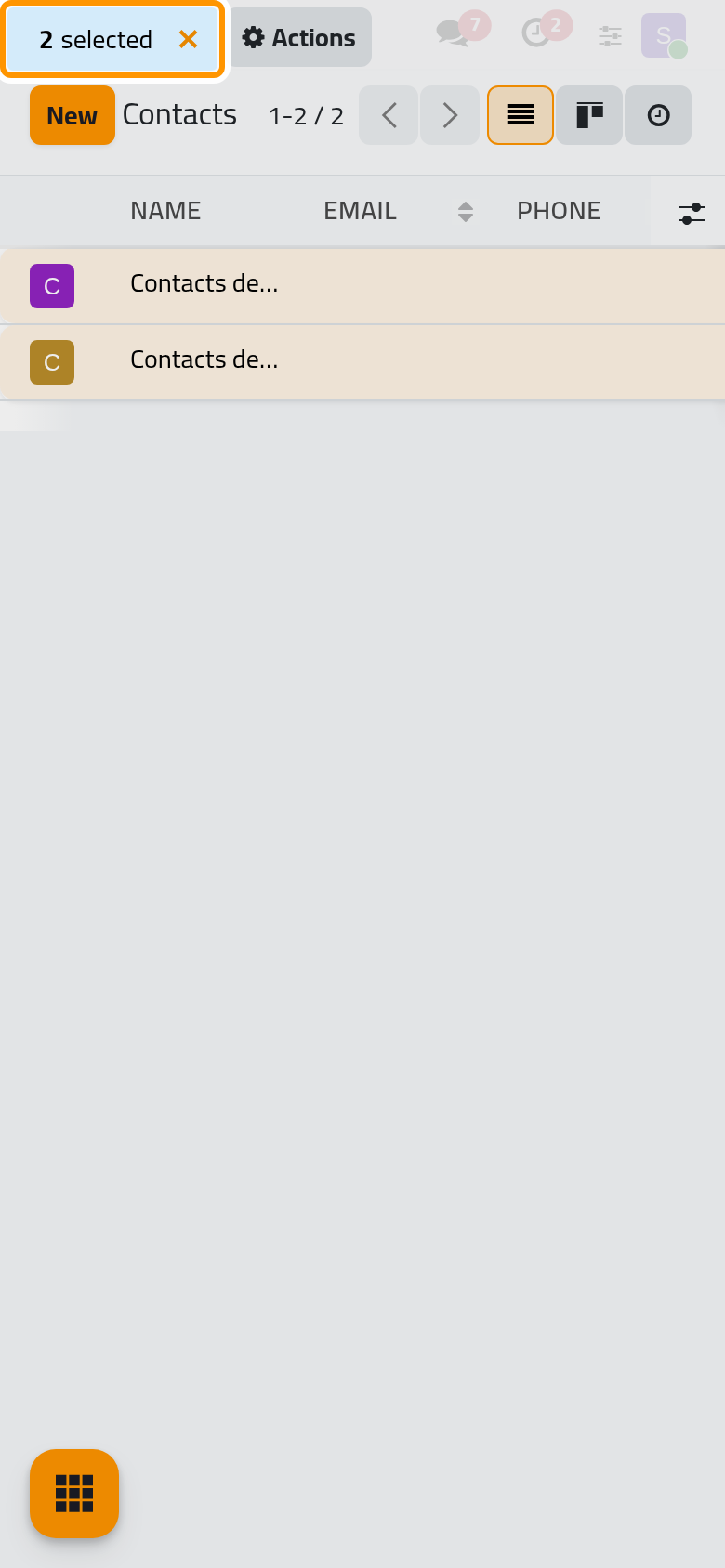
On a phone, the window opens full screen with the same fields and buttons.
- Click Merge Contacts. A last screen says that there are no more contacts to merge for this request: click Close.
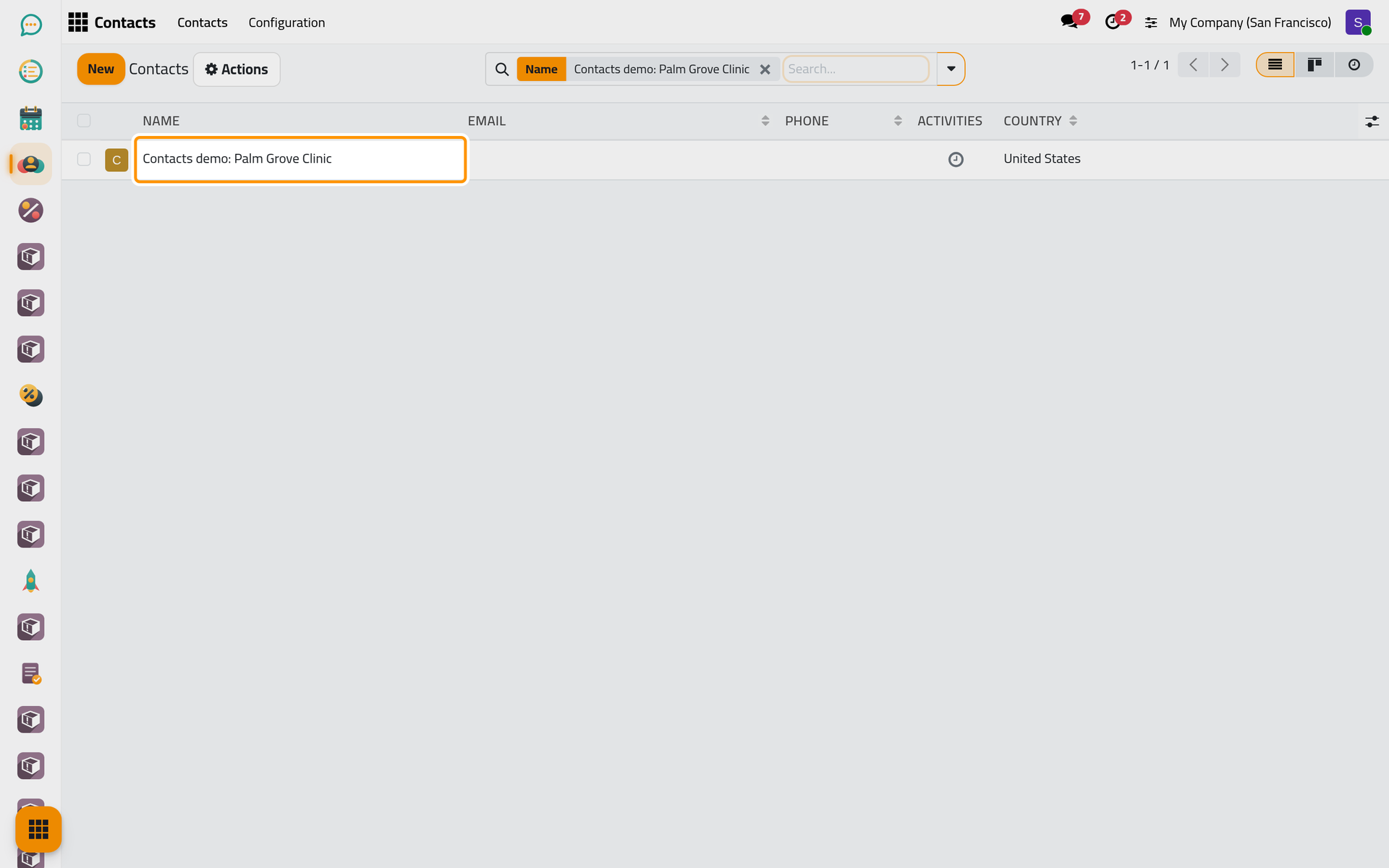
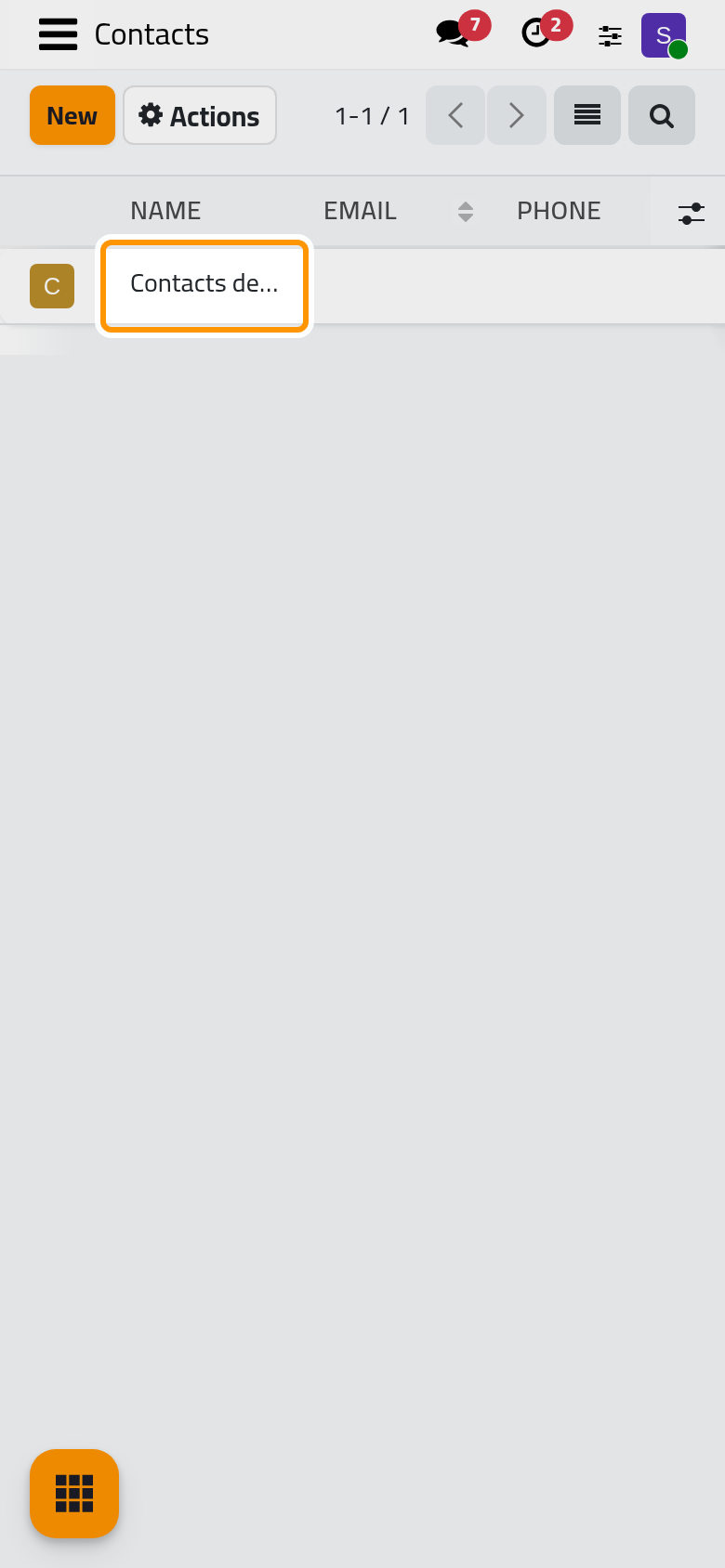
One record is left. Every document that pointed to a merged contact, from a case to an invoice or a message, now points to it. A field that was empty on the destination takes the value of another contact; a field it already had keeps its own value. The other contacts are deleted; Recycle bin explains what is kept of a deleted record.
Retire a contact instead
A contact that is not a duplicate but that you no longer use can be archived: open it, open Actions and choose Archive. It leaves the lists and the choices of every app, and comes back with the Archived filter and Unarchive, as Create, edit and delete a record shows. Delete removes it from the address book, and the recycle bin takes over.
FAQ
The merge stops with "Email … is already in use."
The destination is about to take the e-mail address, or the phone number for "Phone number … is already in use.", of a contact that still exists until the end of the merge, and the Contact uniqueness rule refuses it. Nothing is merged. Choose as Destination Contact the record that has a phone and an e-mail when another one has them, or clear them on the contacts you merge away first.
"You cannot merge a contact with one of his parent."
One of the selected contacts belongs to another one, such as a person and his company. Take the person out of the merge, or clear his Belongs to first.
More than three duplicates.
The window refuses more than three contacts at once. Merge them in several rounds, always into the same destination.
Where do the cases and invoices of the merged contact go?
To the destination. The window says it in its own words: all documents linked to one of these contacts are redirected to the destination contact.
Was this page helpful?
Thank you for your feedback.