Discuss settings
On this page
Discuss has two kinds of settings. Your own, under Configuration in Discuss, belong to you alone and need no right. The options of the company sit in the general settings, in the Emails and Discuss groups and in Email Templates; they are explained on the general settings pages, and this page says in one line what each one does.
Before you start
- Your own settings need no access right.
- The general settings need the Administrator role on the user's Access Rights tab.
Your own settings
- : the default notifications of your channels and the sound of new messages, explained in Choose your notifications and mute a channel.
- : the Voice & Video Settings of calls: Microphone and Audio Output, Voice Detection or Push to Talk with the Voice detection sensitivity and its Test button, the Camera, Show video participants only, Blur video background, and Download logs for a technician. The device lists read "Permission Needed" until the browser is allowed to use the microphone and the camera.
The Discuss group of the general settings
Open and scroll to Discuss. Each option is explained in General settings: emails, integrations and tools.
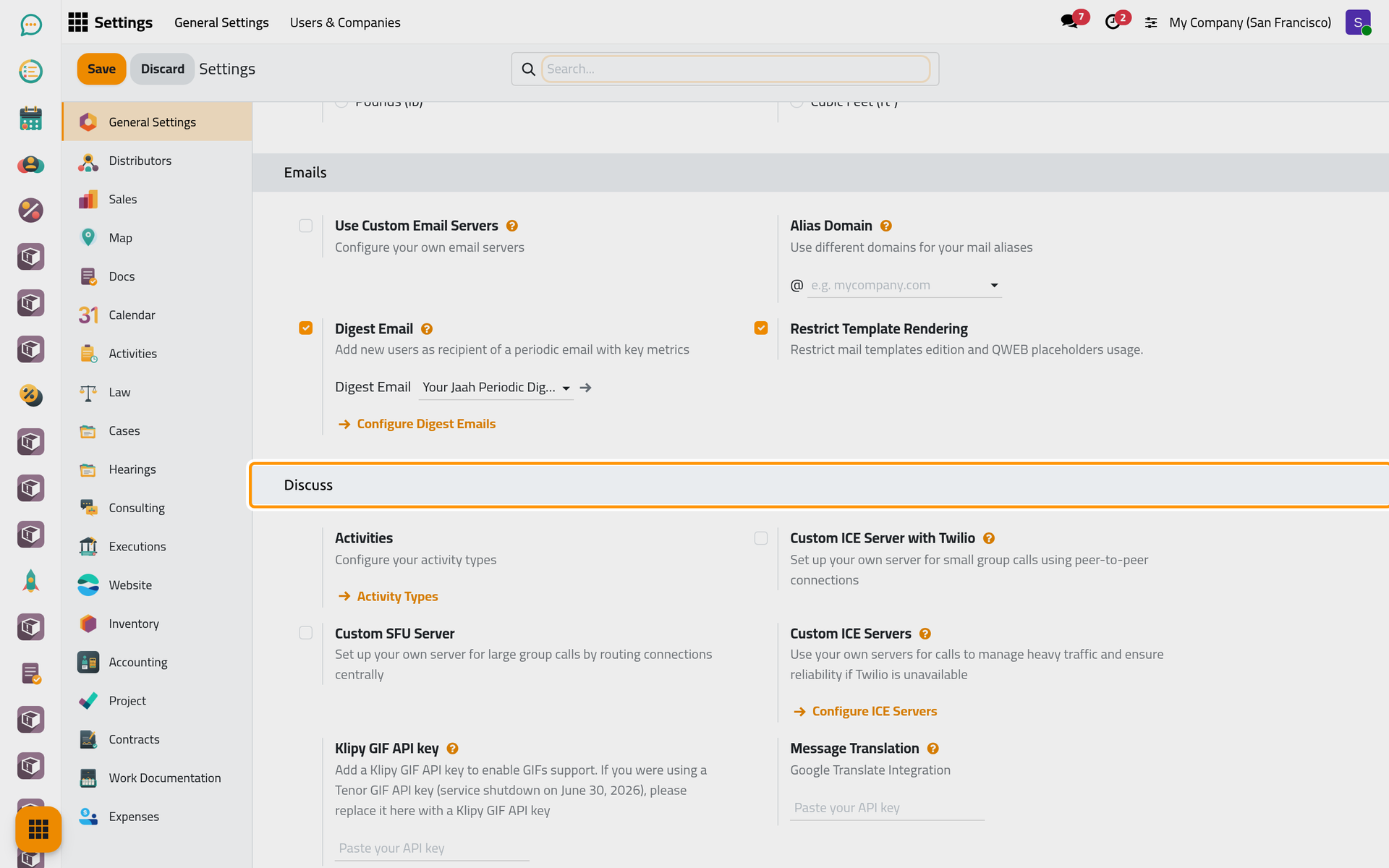
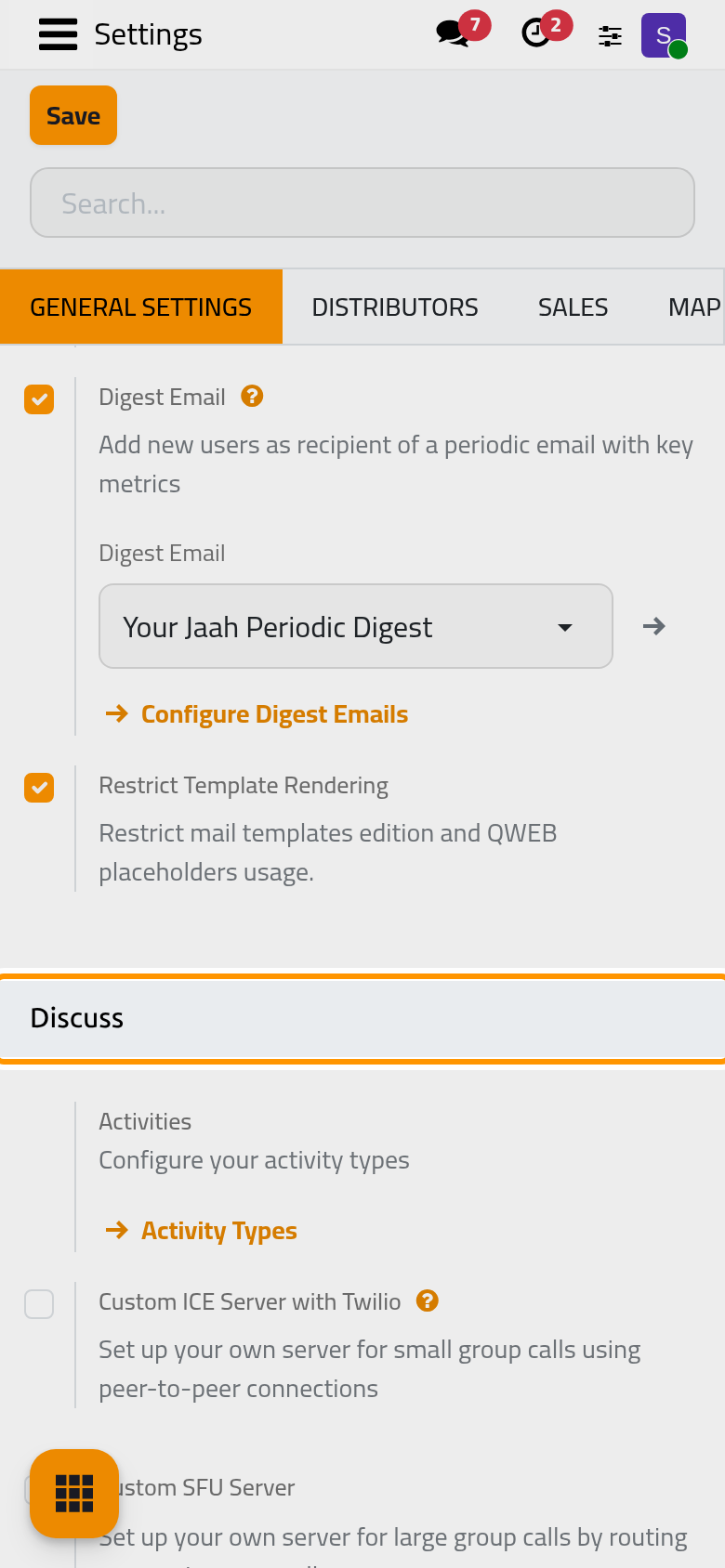
- Custom ICE Server with Twilio: routes the calls of small groups through a Twilio account; ticking it shows Account SID and Account Auth Token. Off by default.
- Custom SFU Server: your own server for calls with many participants; ticking it shows its URL and Key. Off by default.
- Klipy GIF API key: a key of the Klipy service, which feeds the animated pictures of the Add GIFs button in the message box. Empty by default.
- Message Translation: a Google Translate key, which lets users translate a message written in another language. Empty by default.
- Activities opens the activity types, which belong to Activities; Custom ICE Servers opens the list of call servers and stores no option itself.
The Emails group
Explained in General settings: emails, integrations and tools and Email: outgoing and incoming servers.
- Use Custom Email Servers: sends and receives e-mail through your own servers. Off by default.
- Use a Gmail Server and Use an Outlook Server: shown once custom servers are ticked, they connect a Gmail or an Outlook account as the server.
- Alias Domain: the domain of the addresses that bring e-mails into records, such as replies to a document.
- Restrict Template Rendering: on by default; everyone can still send templates, but only mail template editors may create or change their dynamic parts.
Email Templates
In the Companies group of the same page, Email Templates sets the two colours of the buttons in the automatic e-mails of the current company: Button Text, the colour of their wording, and Button Color, the colour of the button itself. See Company and appearance settings.
Click Save to apply a change of the general settings.
FAQ
Why is the GIF button there when no key is set?
Add GIFs shows for administrators even without a key; clicking it then invites them to activate the feature in the settings. Other users see the button only once a key is saved.
I do not see Use a Gmail Server.
It shows only once Use Custom Email Servers is ticked, and the same goes for Use an Outlook Server.
Which tasks run by themselves?
The page Discuss automations lists the scheduled jobs of Discuss and of the e-mail queue.
Was this page helpful?
Thank you for your feedback.