Find an answer in the documentation
On this page
The documentation indexes every published page section by section, in every language. A search returns the section that answers you, not just the page, and opens it at the right heading. When a page does not answer, the box at its end sends your words to the documentation team.
Before you start
- Choose your language with the language selector in the site header. Results come in the language you read, from the pages available in it; a page not yet translated opens in its original.
- No account is needed for the public documentation. A restricted page appears only to signed-in users of the access group it is restricted to.
Search
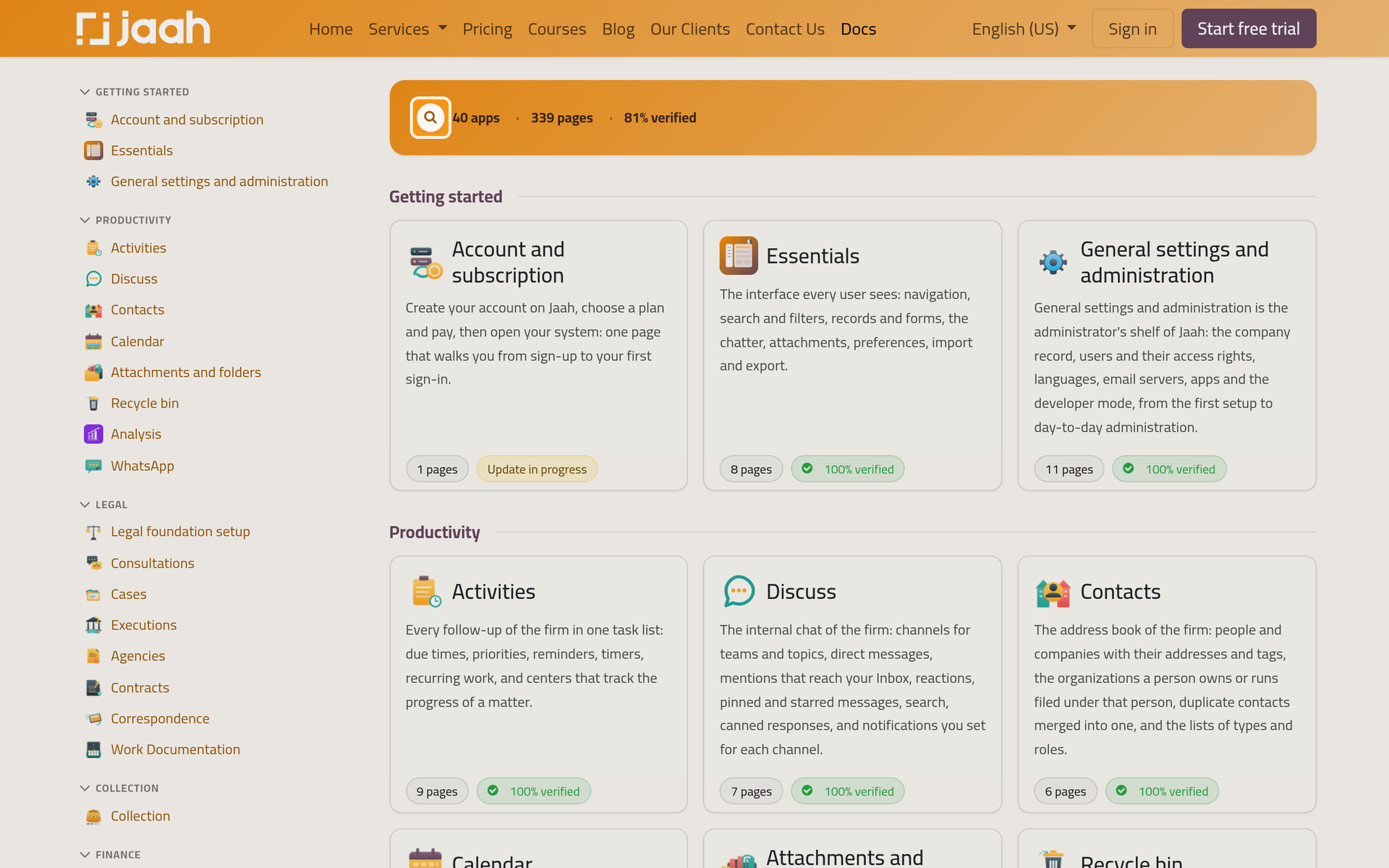
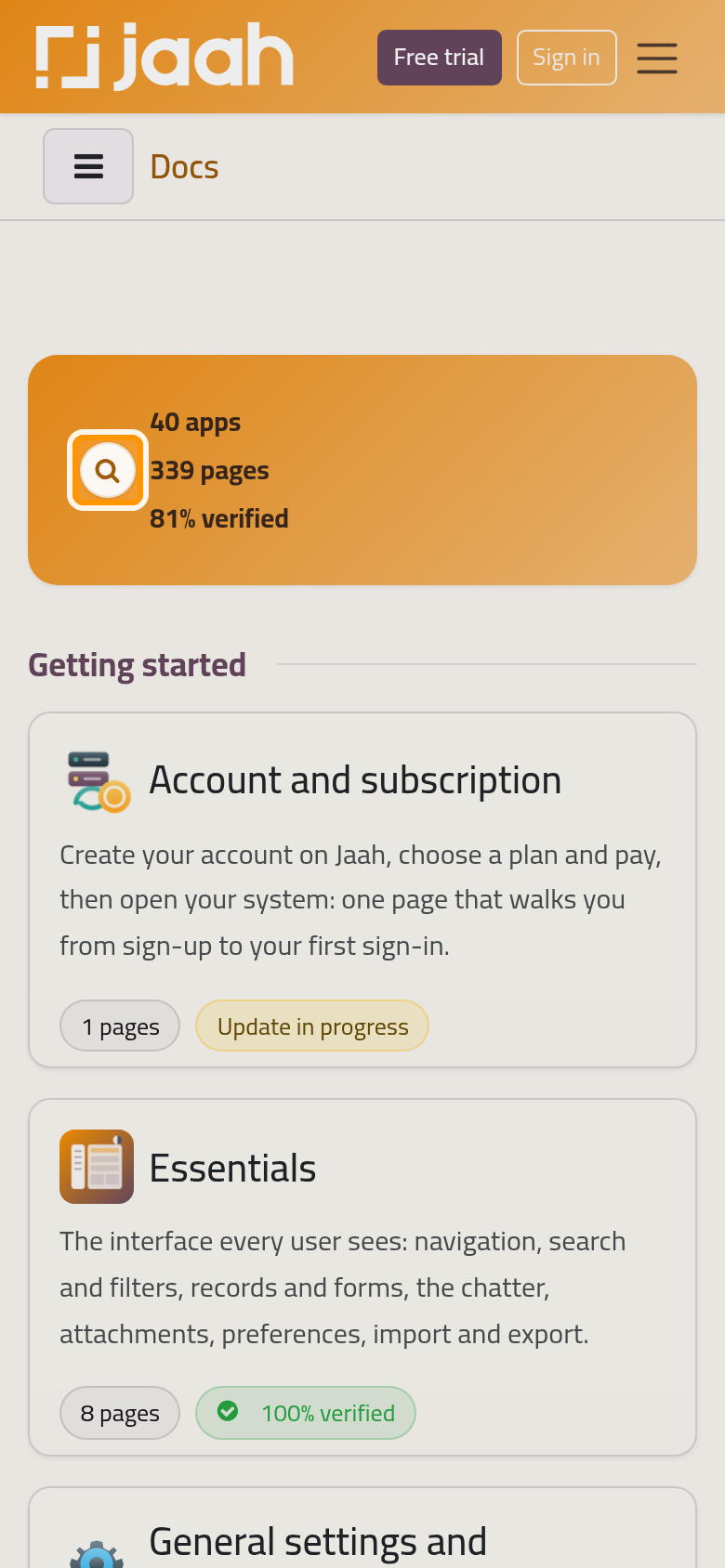
- On any documentation page, press Ctrl+K (⌘K on a Mac), or click the search bar at the top of the page; on the documentation's home page, the magnifier next to the counters does the same.
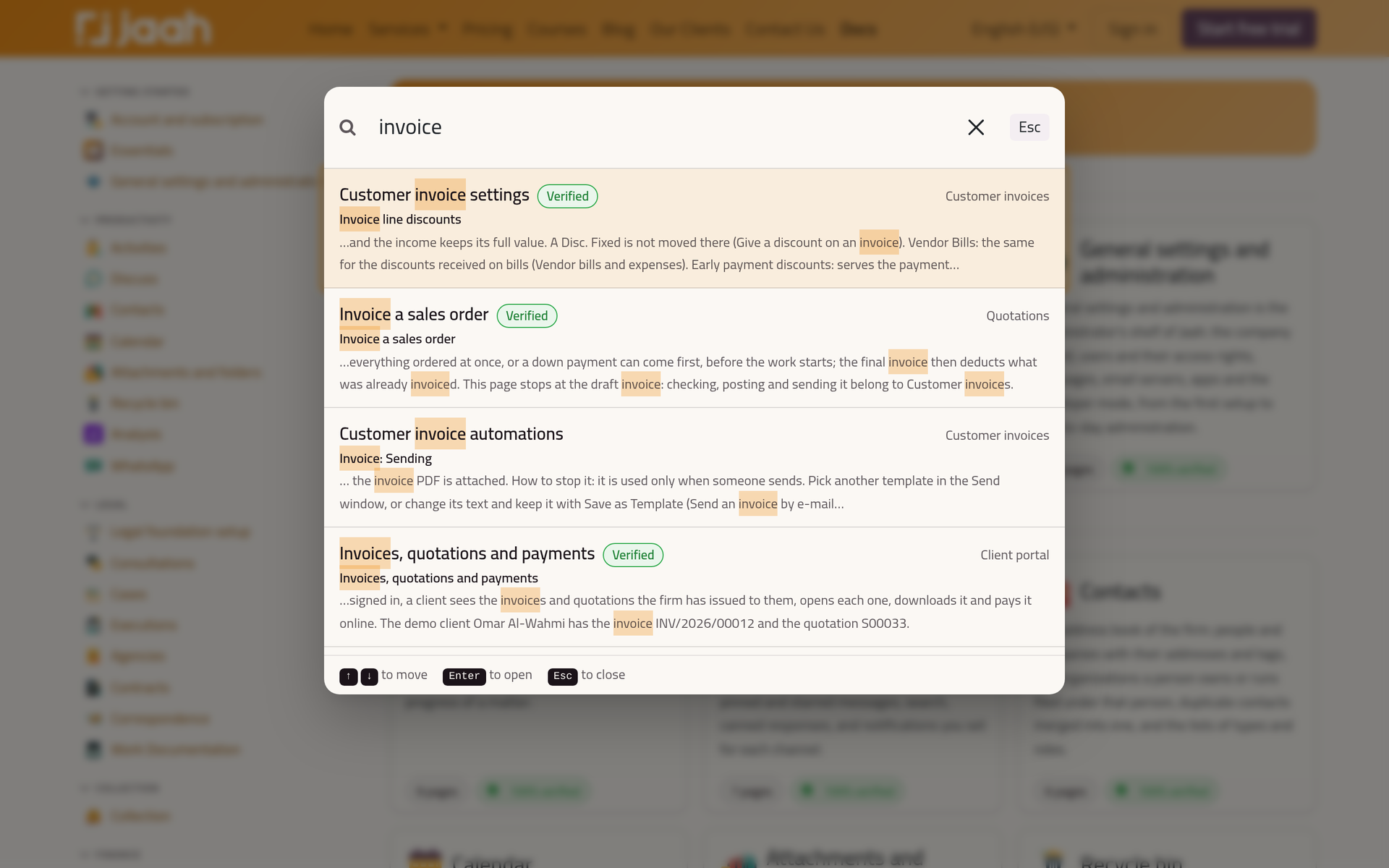
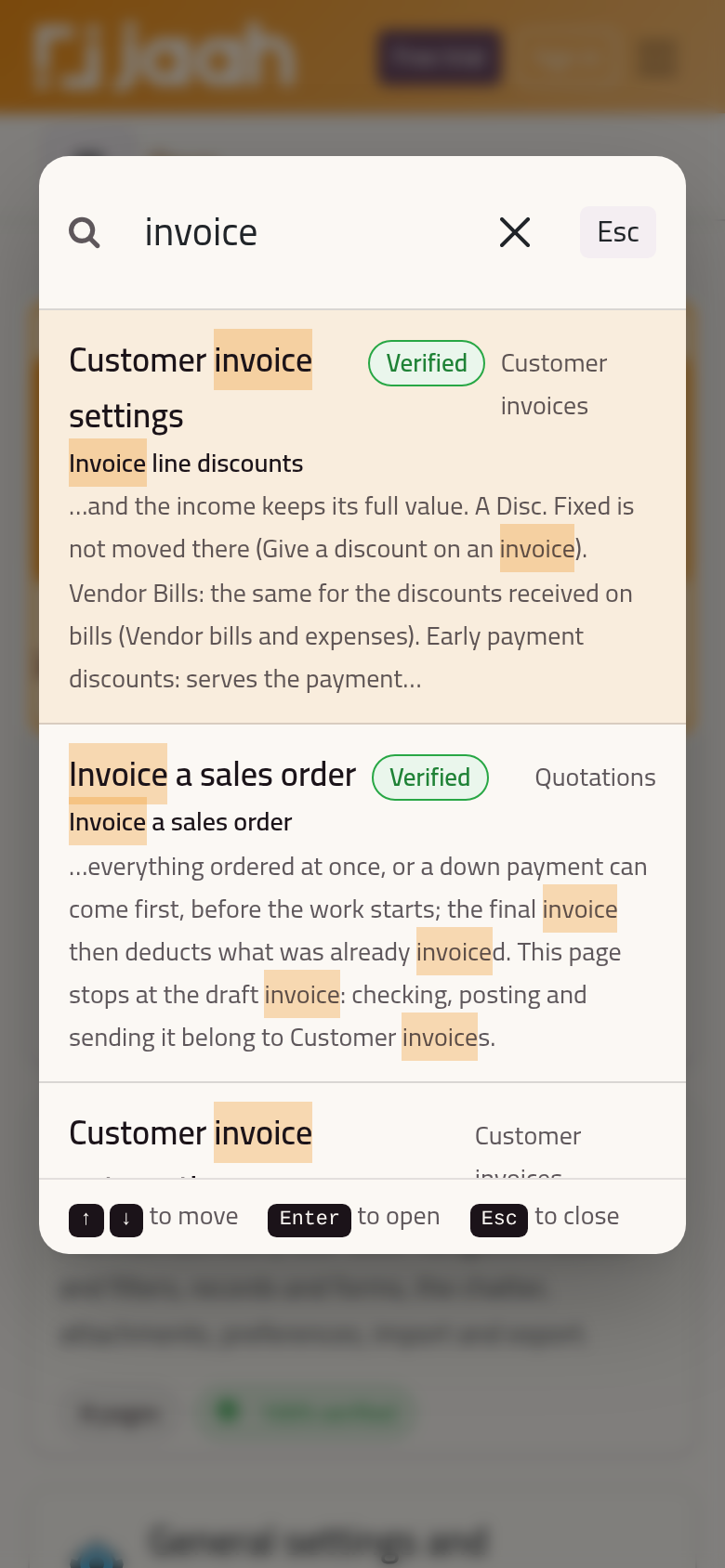
- Type a few words. The results appear as you type, the matching words highlighted, each with its app and a Verified badge when its scenario passed.
- The first result is selected: move with the arrow keys and press Enter to open the selected one, or click it. The page opens at the section that matched. Esc closes the window.
Narrow a long list
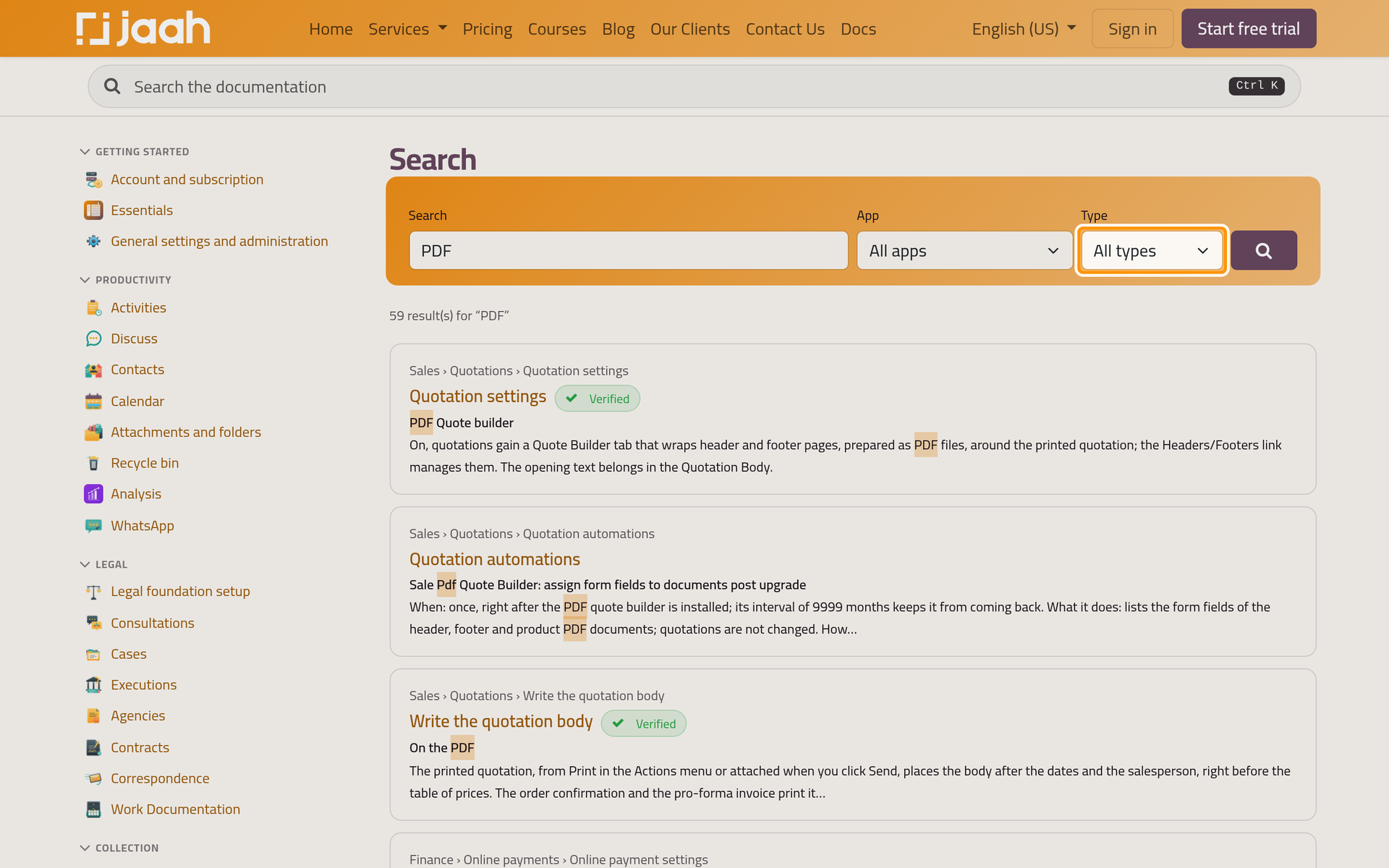
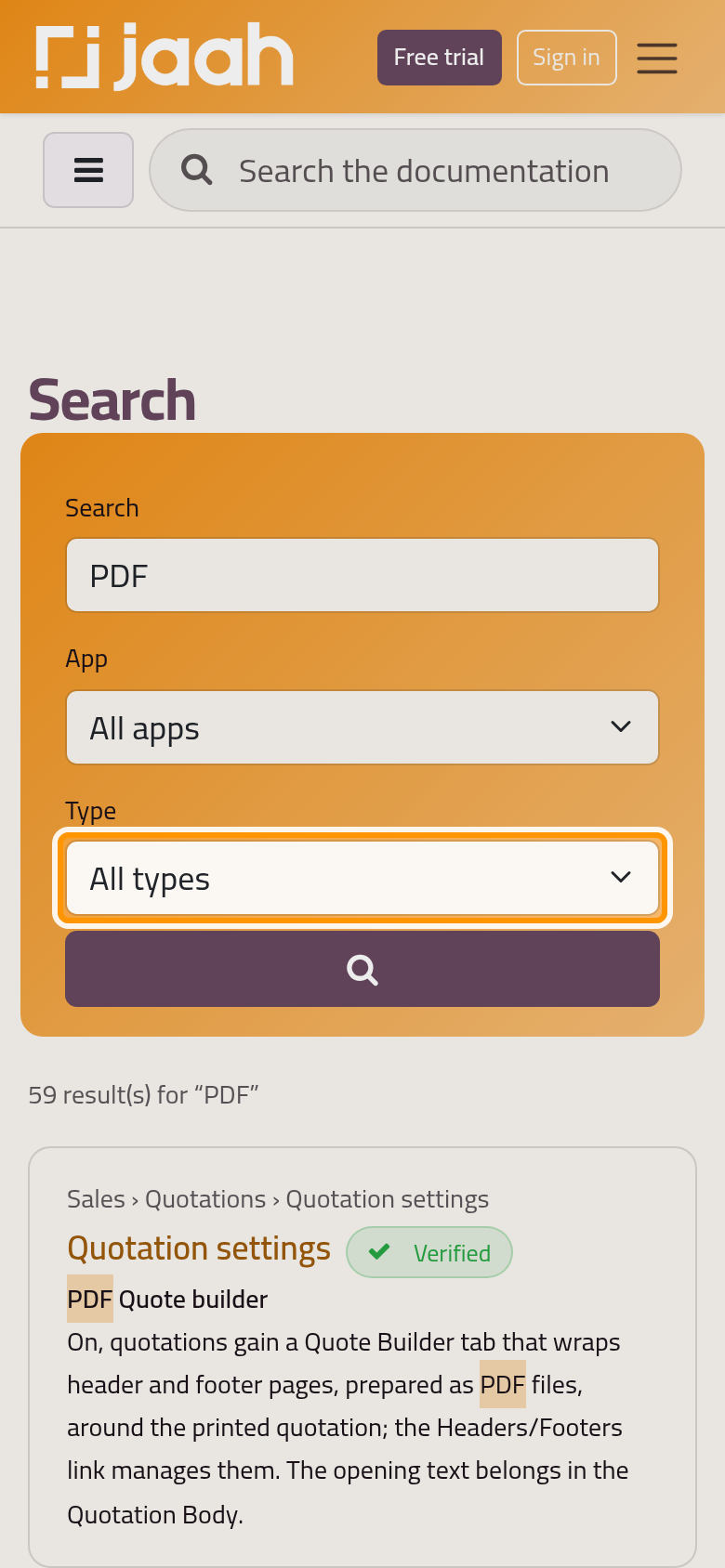
The results page lists every match and filters them by App and by Type: Tutorial, How-to, Explanation, Reference, FAQ or Changelog. You reach it when you press Enter before any result appears, or at the address of the documentation followed by /search and your words, for example /docs/search?q=PDF.
Tell us when a page did not help
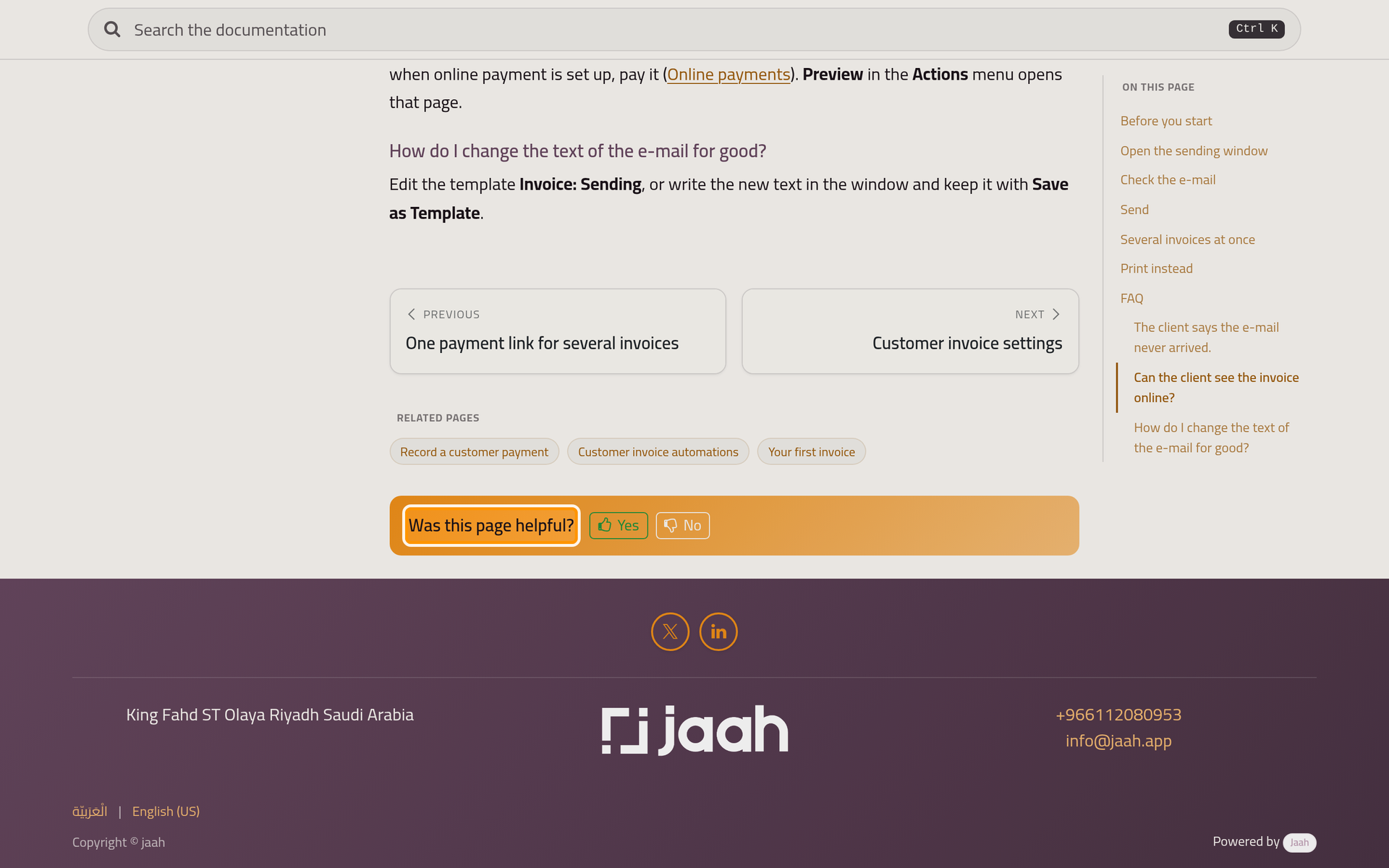
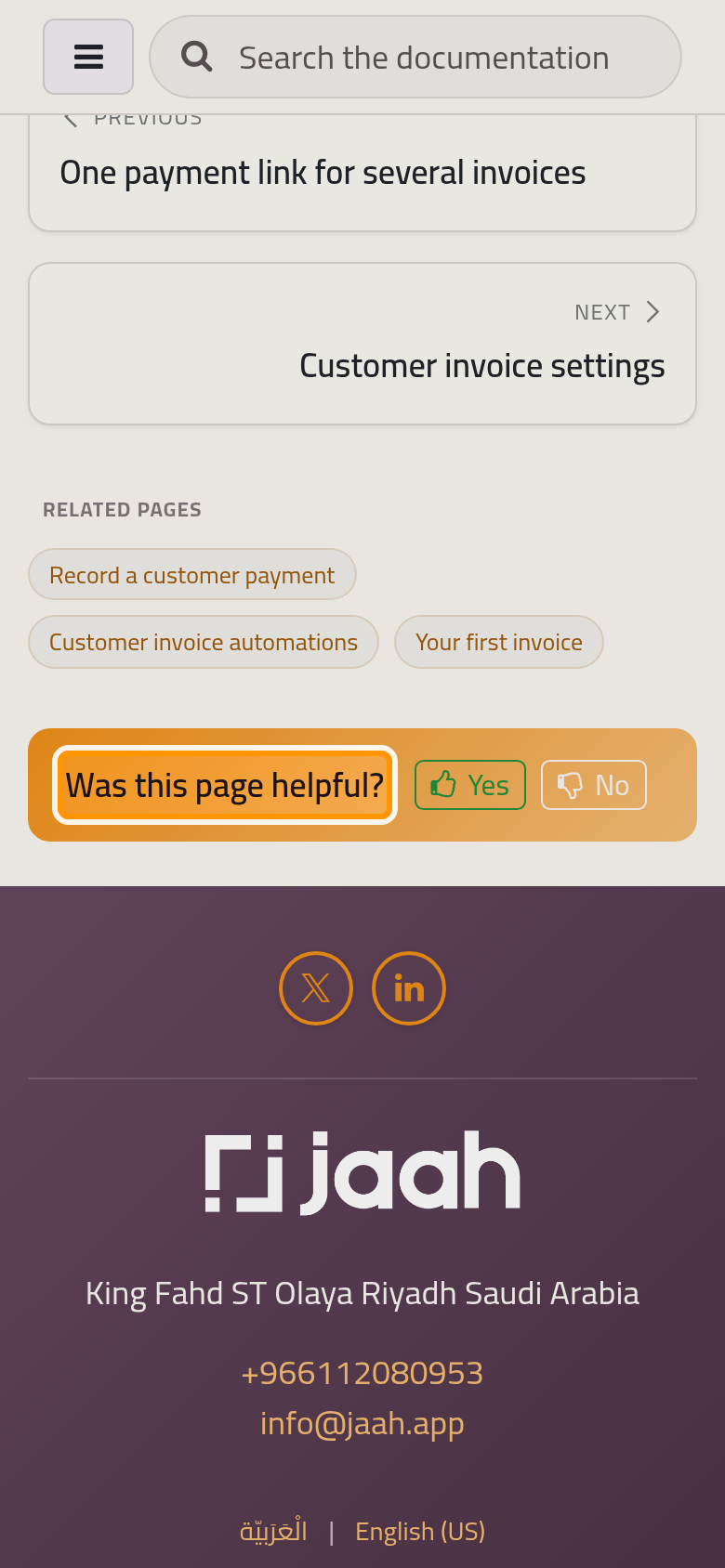
Every page ends with Was this page helpful?. Yes is recorded at once; No opens the box What was missing or wrong?, where you write what you looked for and click Send. Each No with its comment opens a task for the documentation team, and a search that finds nothing is recorded, so the gap gets filled.
FAQ
Why do I see a page in English when I read in Arabic?
Its Arabic version does not exist yet or is not reviewed yet. The original is shown so the answer is not hidden, with a note that the page is not available in your language yet.
Can I read a page as Markdown?
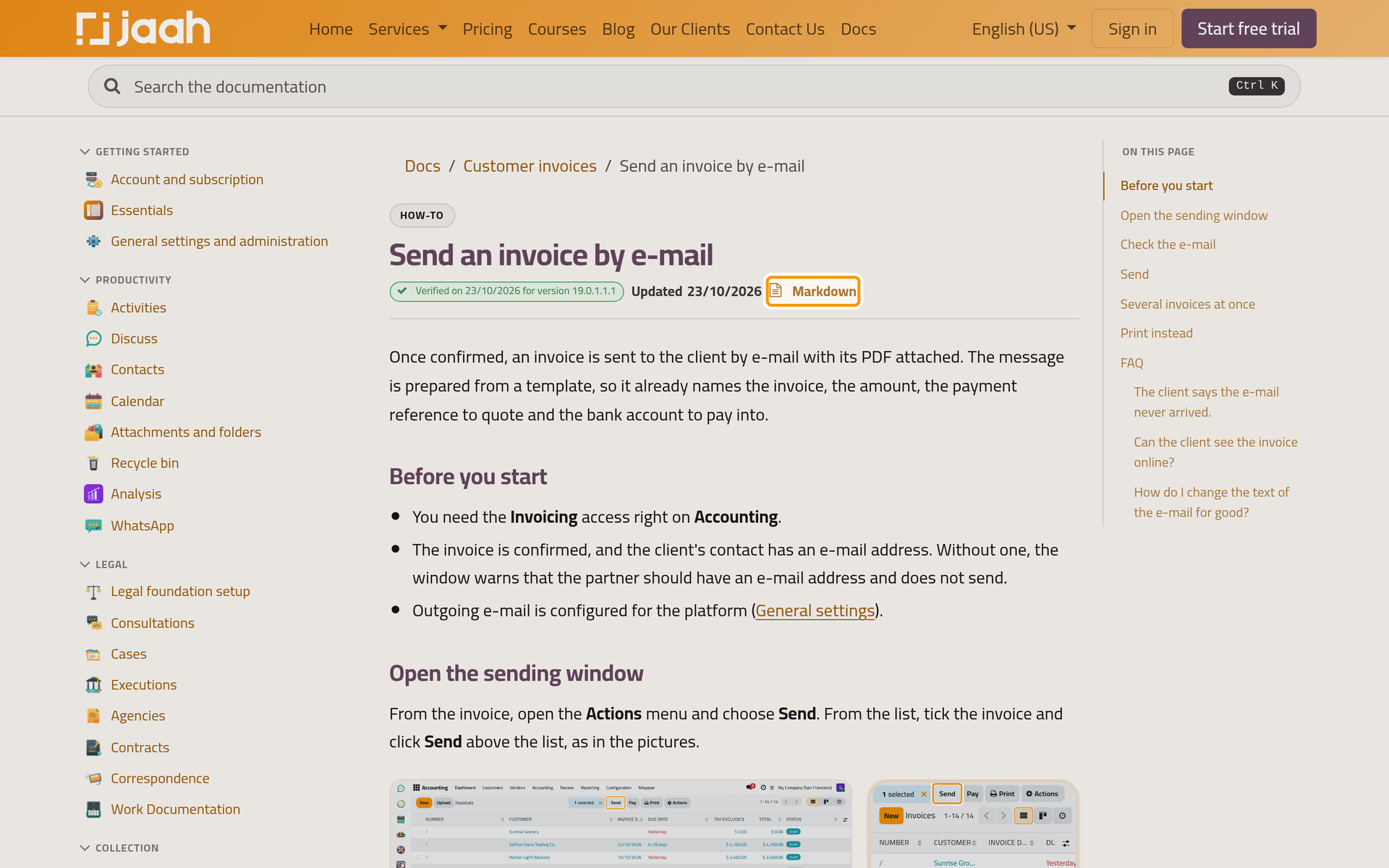
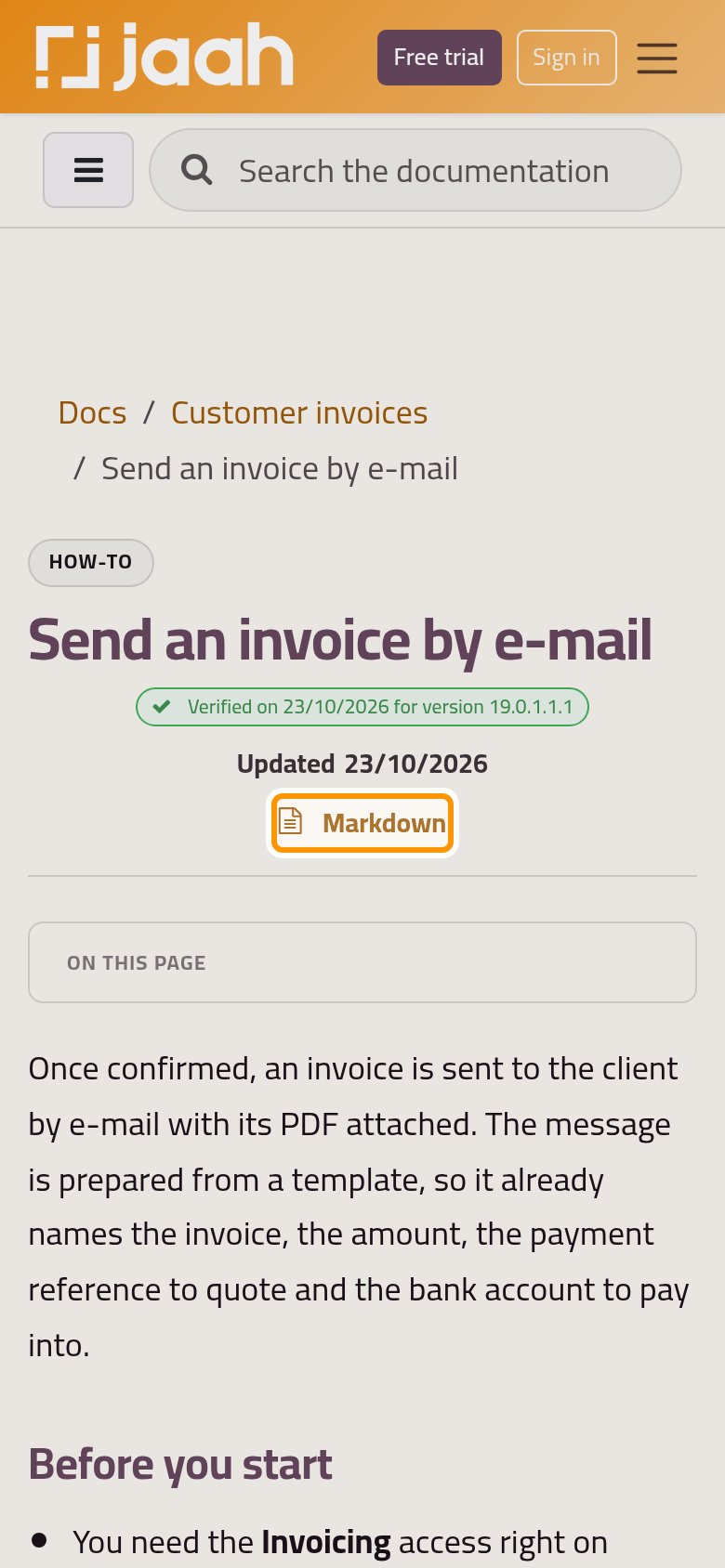
Yes. Every page has a Markdown link in its header, and the same text is served when a program asks for text/markdown.
Does search cover restricted pages?
Only for signed-in users of the group the page is restricted to; visitors never see them, not even in the results.
Was this page helpful?
Thank you for your feedback.