Analysis settings
On this page
Open . The Analysis section of the settings holds one group, External Sharing, with one option. Everything else that shapes the app is set by the access rights of its users and by the other entries of Configuration.
Before you start
- The Settings entry needs the right to manage the settings of the database, and the Analysis section shows only to a Manager of Analysis.
- Click Save to apply a change.
External dashboard sharing
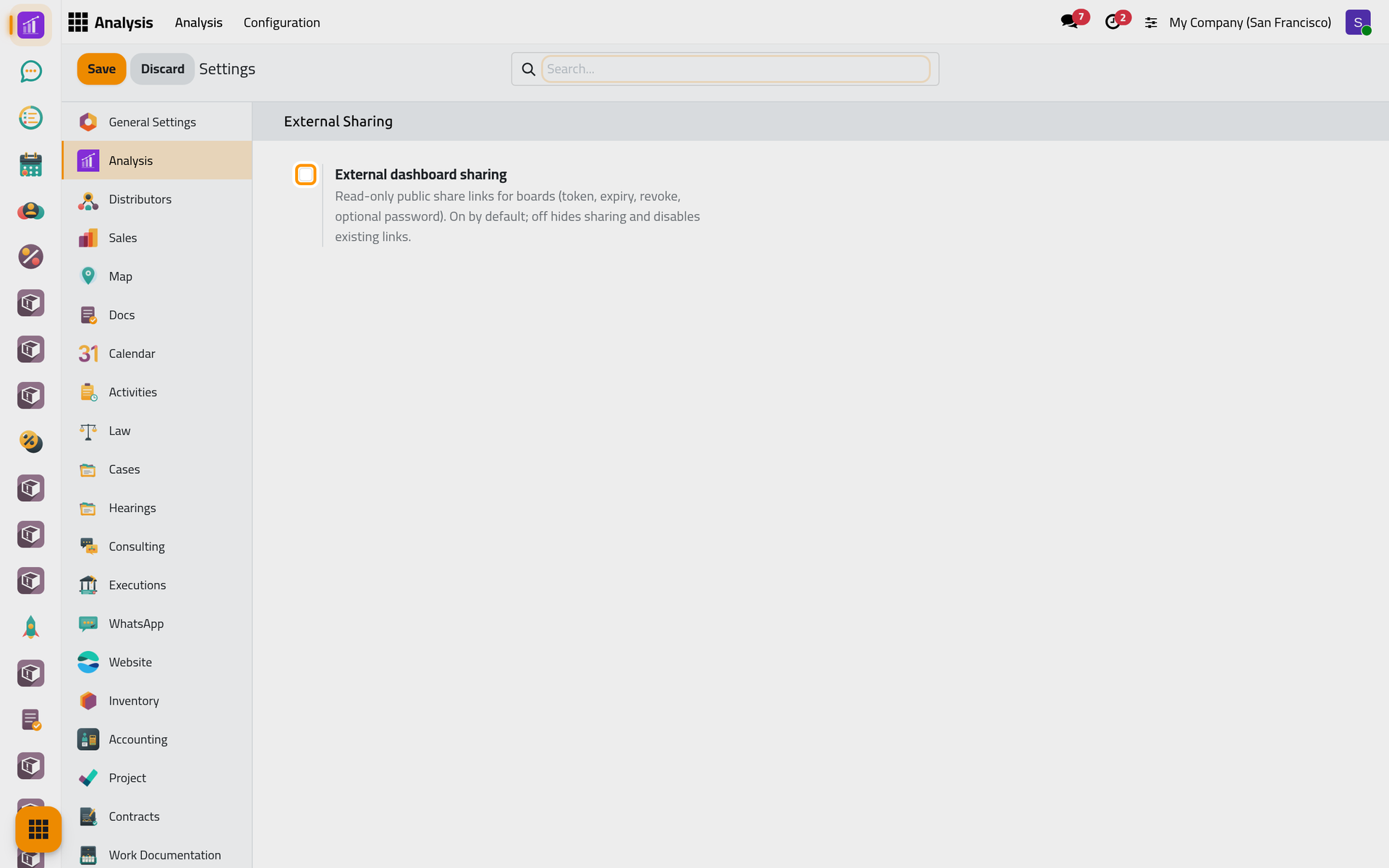
The option's text calls it the master switch of the read-only links that Share a dashboard creates: on by default, and when off, sharing would be hidden and the existing links would stop working.
On the screen, the box reads unticked even though sharing is on: Supervisor and Manager users have the Share action on a dashboard's form and the Share Links menu, and the links open. Ticking or clearing the box and saving changes neither. To stop a link, revoke it as the share page explains.
Access rights
Each user gets one of four access rights on Analysis, each including the one before, plus the separate Dashboard Export right. They are set on the user's form: Create a user and set access rights. At installation, the administrator is Manager.
| Access right | Can |
|---|---|
| Viewer | Open the app and the dashboards shared with them, use the Date Filter, refresh, open the records behind a figure, see the KPI bars of those dashboards |
| User | Also change the dashboards they own; the Configuration menu, where dashboards are created, needs Supervisor |
| Supervisor | Also Configuration: Manage Analysis, Groups, Teams, Share Links, Import Dashboard; change the dashboards where they are editors or manage the team; create outside links |
| Manager | Every dashboard, widget, team and link; this settings section; Template Source on a dashboard's form; includes Dashboard Export |
| Dashboard Export | Export the figures to PDF, Excel or CSV, as Import and export a dashboard details |
Whatever their right, people see on a widget only the records their access rights in the source app let them read: How dashboards work.
The other configuration screens
- Groups gather dashboards: Organize and filter dashboards.
- Teams and Share Links: Share a dashboard.
- Import Dashboard: Import and export a dashboard.
- The one scheduled job of the app: Analysis automations.
FAQ
Why can't a user create a dashboard?
Creating starts from Configuration, which needs Supervisor. Give that right, or let a supervisor build the dashboard and share it.
Who sees the Analysis app?
Everyone with at least the Viewer right. Users without any right on Analysis see neither the app nor the KPI bars above the lists of other apps.
How do I stop all outside links?
Revoke them in Share Links; the box of this page does not stop them.
Was this page helpful?
Thank you for your feedback.