Cancel a letter and issue it again
On this page
A letter is canceled from Draft or from Approved, and Canceled is final: no button brings it back to draft. To correct and send a canceled letter again, you make a copy, which starts as a new draft. Archiving is different: it only takes a letter out of the lists, whatever its state.
Before you start
- Canceling, copying and archiving need the Manager access right on Letters.
- In the steps below, the letter
Letters demo: Training day on Thursday, for all employees, has just been approved.
Cancel the letter
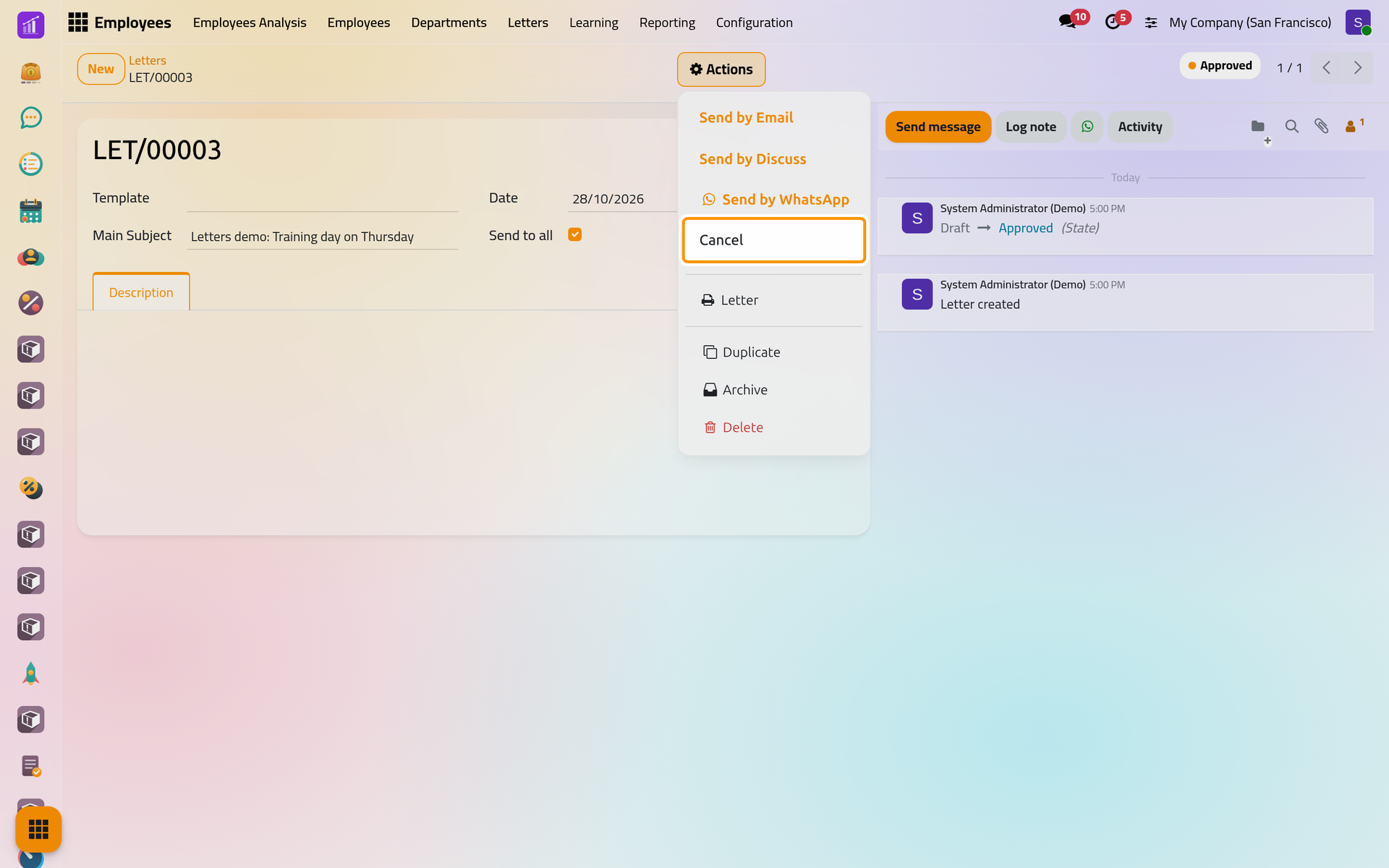
- Open the letter in , then Actions, and choose Cancel.
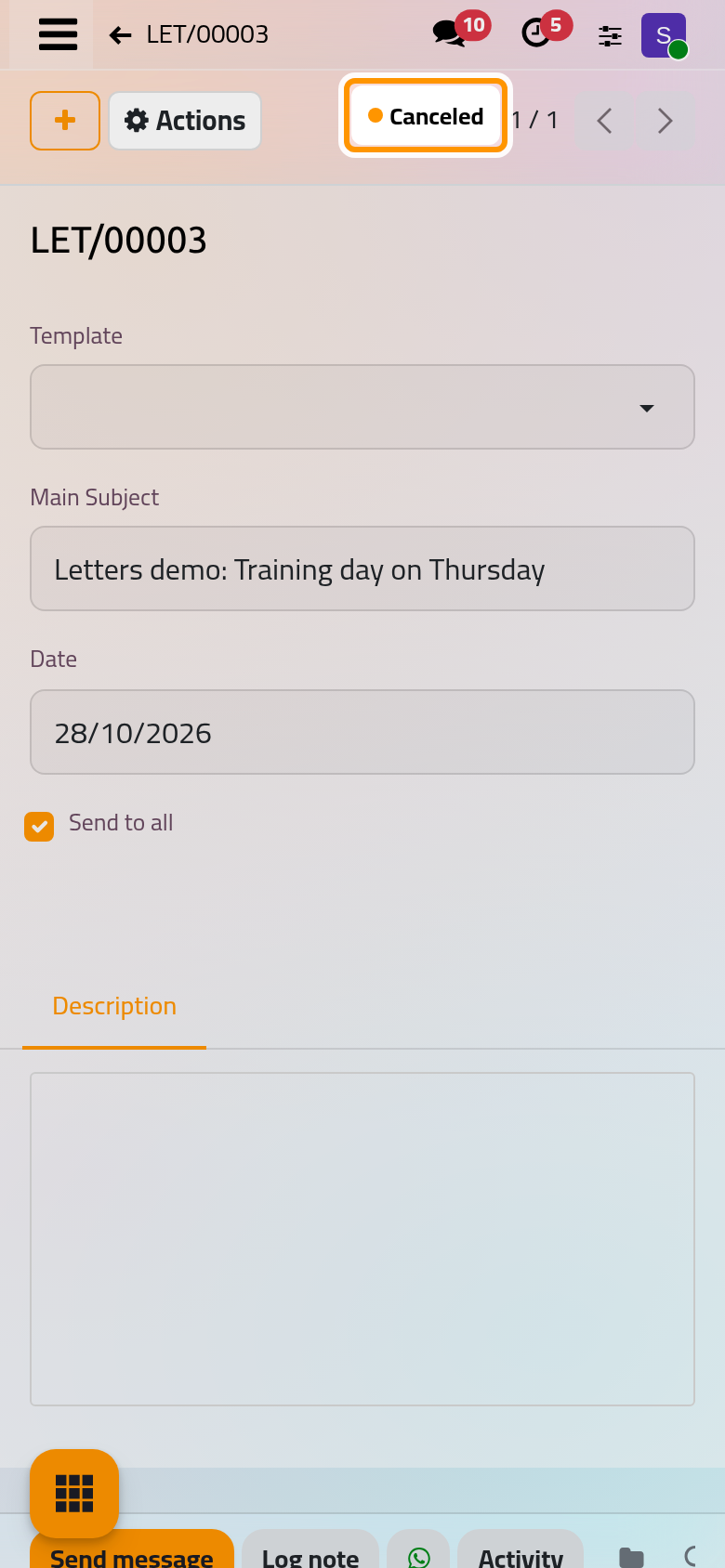
On a phone, Actions sits at the top of the form, beside the + button.
- The state at the top right turns to Canceled, and the chatter records the change.
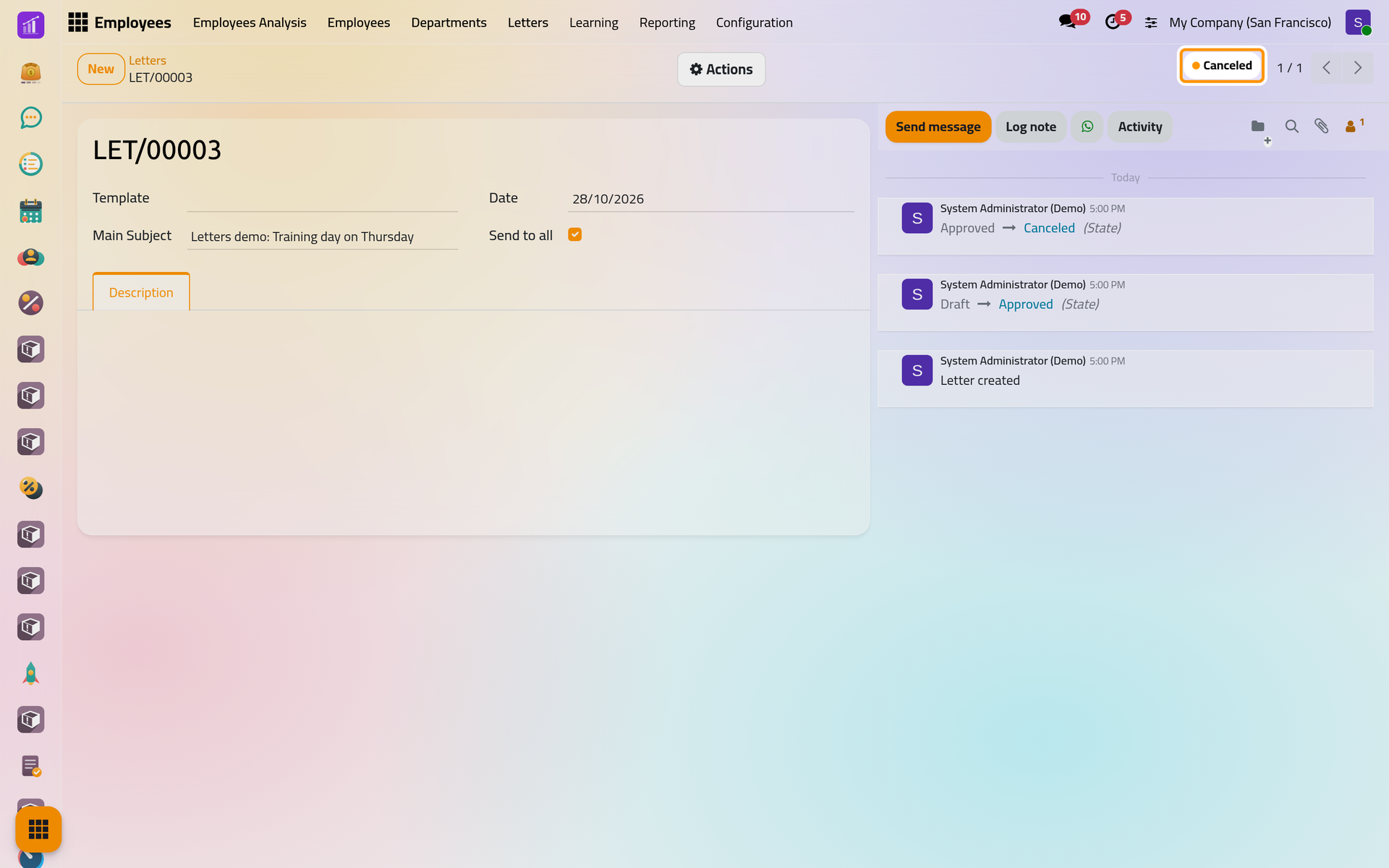
Canceling sends nothing: the employees who already received the letter are not told. When they must know, send them a new letter.
What a canceled letter still allows
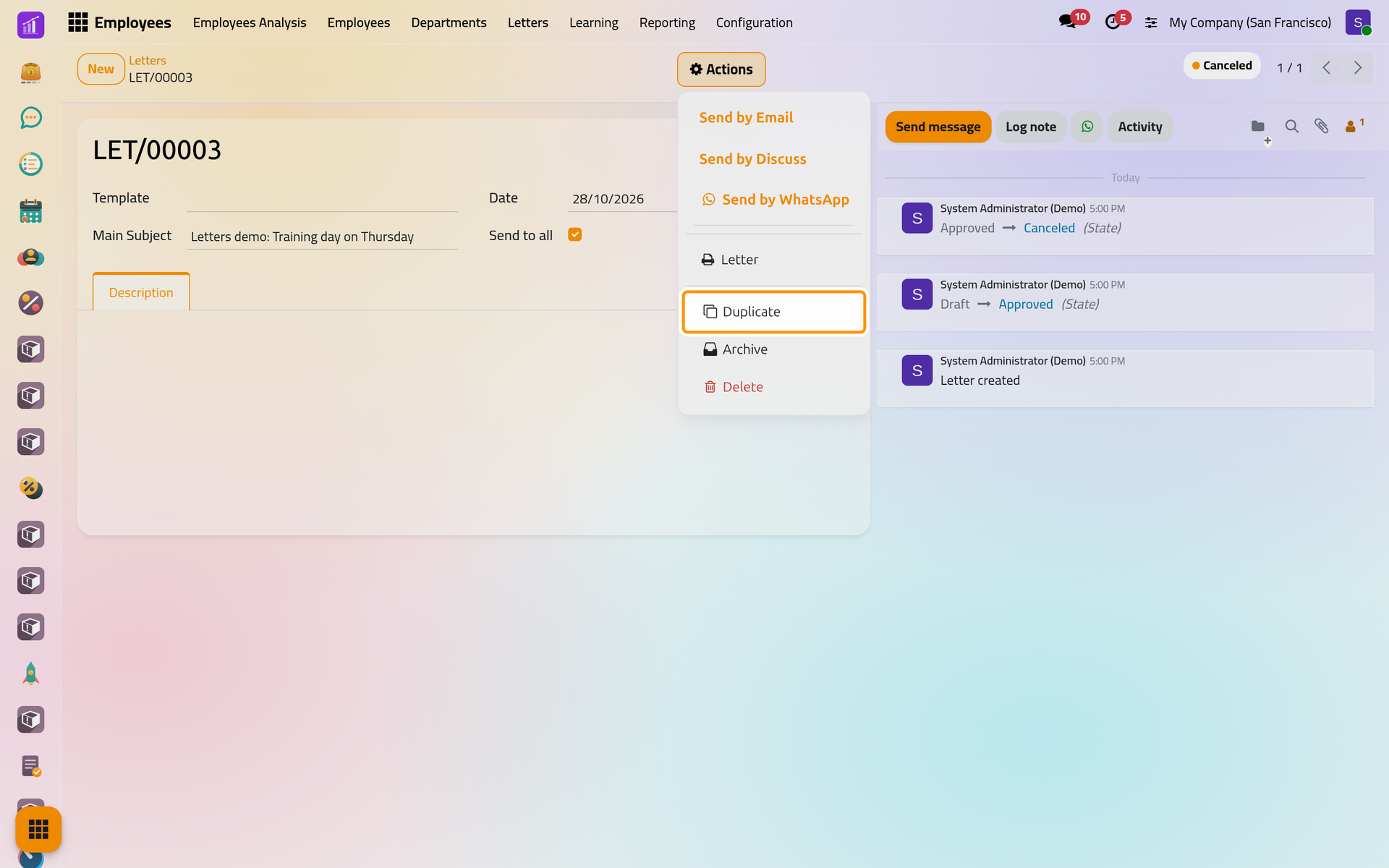
A canceled letter stays editable and printable, and its Actions menu still offers Send by Email, Send by Discuss and Send by WhatsApp. Nothing stops a canceled letter from being sent, so check the state before you send.
Issue it again
- In Actions, choose Duplicate.
- The copy opens as a new Draft with the next number. It keeps the template, the subject, the employees or Send to all, the date and the text of the original; change the date and anything else that needs correcting.
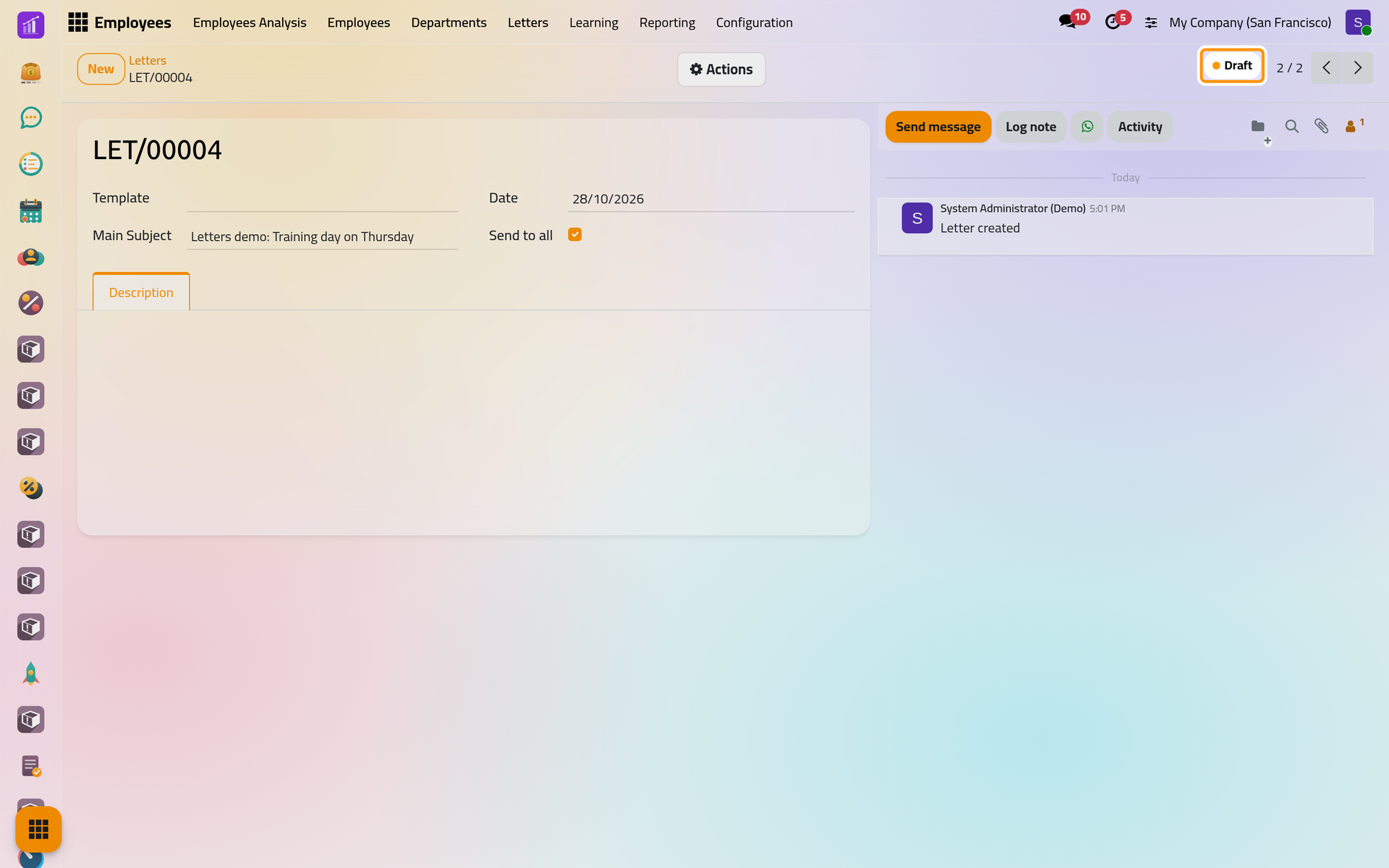
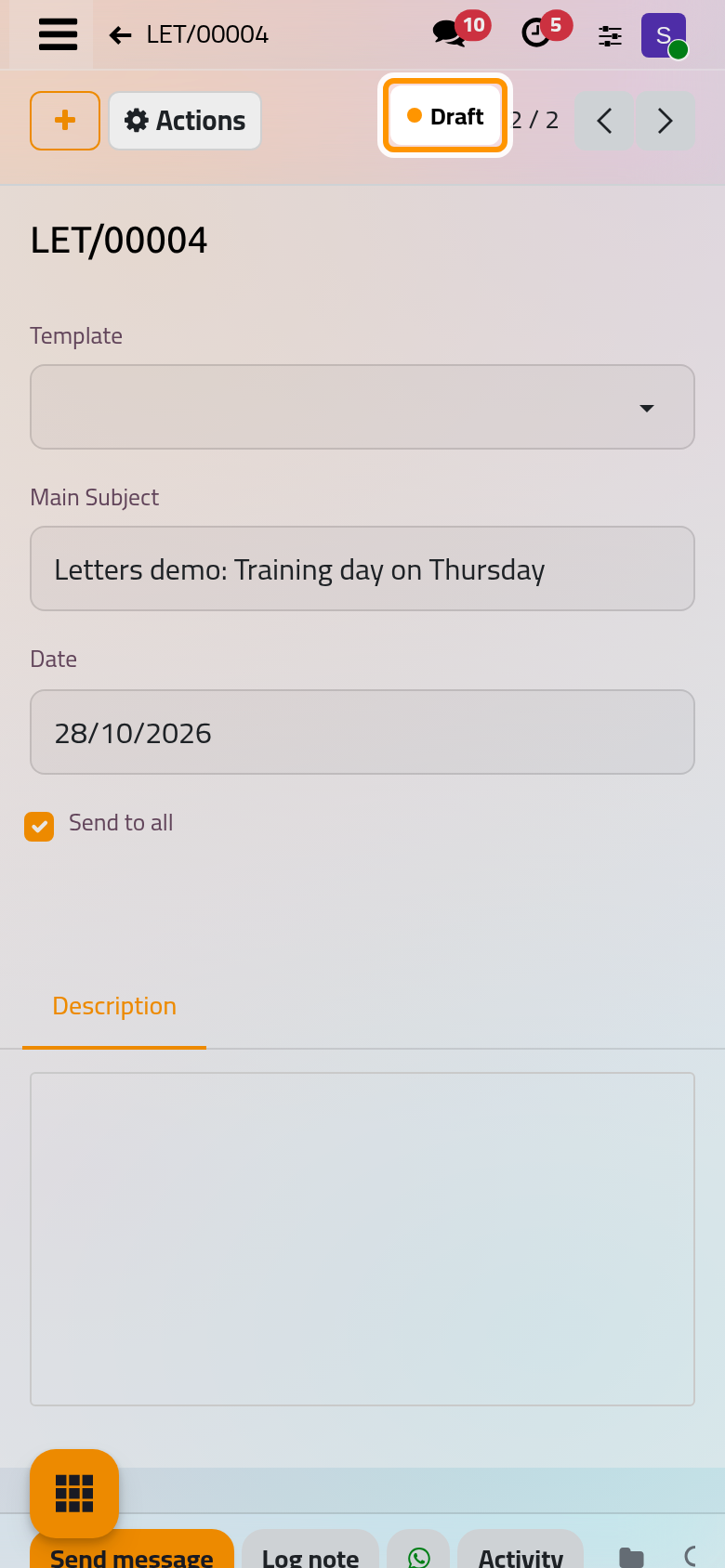
- Save, approve and send the copy as in Your first letter. The canceled original keeps its number and its history.
Archive a letter
In Actions, choose Archive and confirm. The letter leaves the lists and the counts of its template but keeps its state, its chatter and its number. Archive is available in any state, and Delete, in the same menu, removes a letter for good.
Find letters again
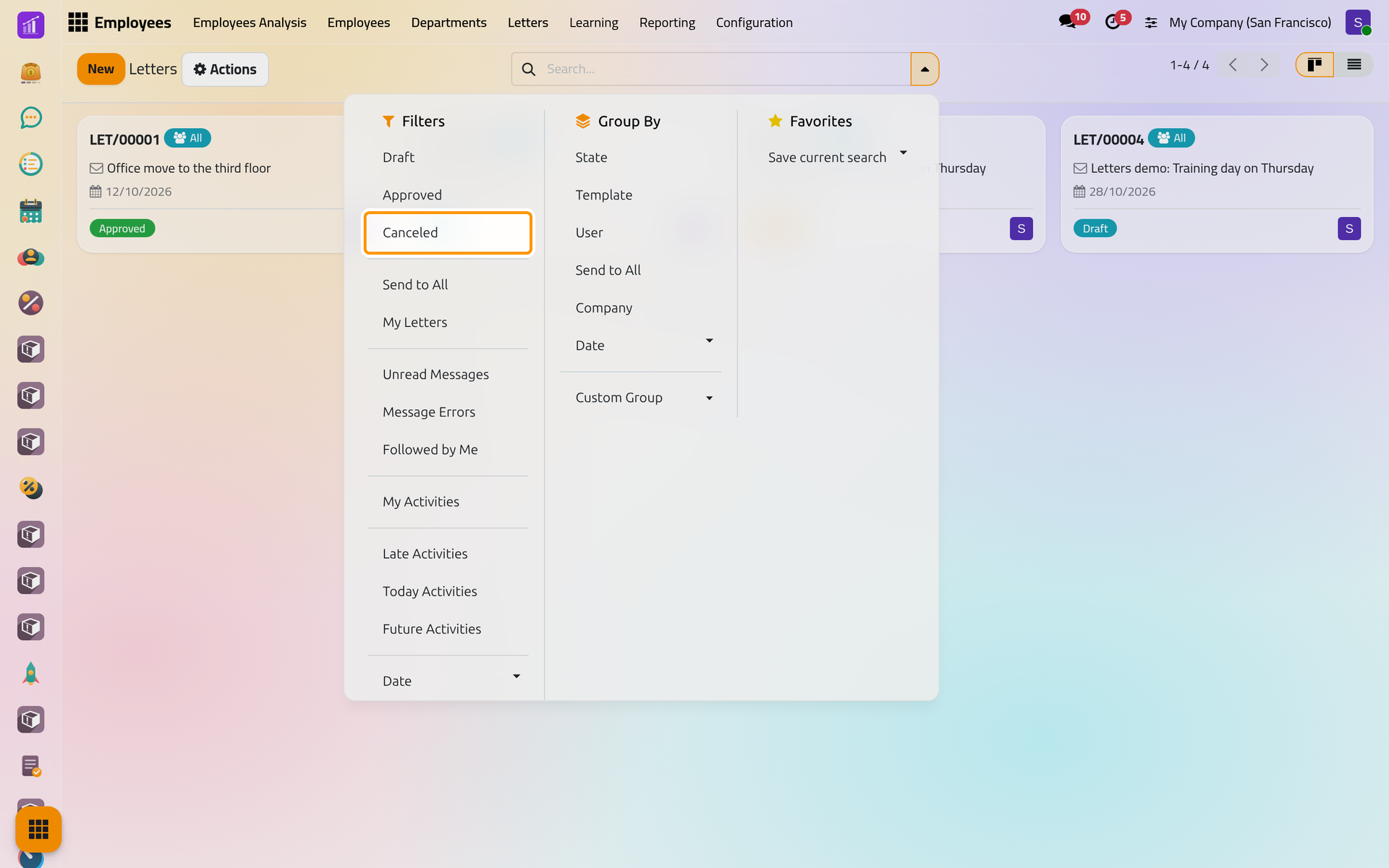
Open the search options with the arrow at the end of the search bar. The filters Draft, Approved and Canceled follow the states; Send to All keeps the letters for everyone; My Letters keeps those you wrote; Date picks a period; Archived shows the archived letters, where Actions then Unarchive brings one back. The same panel groups letters by State, Template, User, Send to All or Date. Search, filter and group records explains the panel.
FAQ
Can I put a canceled letter back to draft?
No. Duplicate it: the copy is a new draft with its own number.
Does canceling tell the employees?
No. Canceling only changes the state of the letter; send a new letter to inform them.
Should I cancel or archive?
Cancel a letter that is withdrawn, so its state says so; archive a letter, canceled or not, that you no longer want to see in the lists.
Why can an employee still read a canceled letter?
An employee with the User: Own Documents Only access right reads every letter sent to all or naming them, whatever its state. Archive the letter to take it out of the lists they see by default.
Was this page helpful?
Thank you for your feedback.