Send a letter
On this page
An approved letter leaves by three ways, each a click in its Actions menu and each reading a different detail of the employee form. Approving sends nothing.
| Way | Who receives it | What they receive |
|---|---|---|
| Send by Email | The recipients you confirm in the e-mail window, which proposes the letter's employees with a Work Email | A short e-mail with the letter as a PDF |
| Send by Discuss | The letter's employees whose form names a User | A message in a direct chat with Bot, with a link to the letter |
| Send by WhatsApp | The letter's employees with a Work Mobile or a Work Phone | A short message with the letter as a PDF |
"The letter's employees" are those in Employees, or every employee when Send to all is ticked.
Before you start
- Sending needs the Manager access right on Letters.
- The letter must be Approved (a canceled letter still offers the sends, see the FAQ): the Actions menu of a draft has no send. Your first letter approves one.
- The work e-mail, user and phones come from each employee's form: How employee records work.
Choose the way
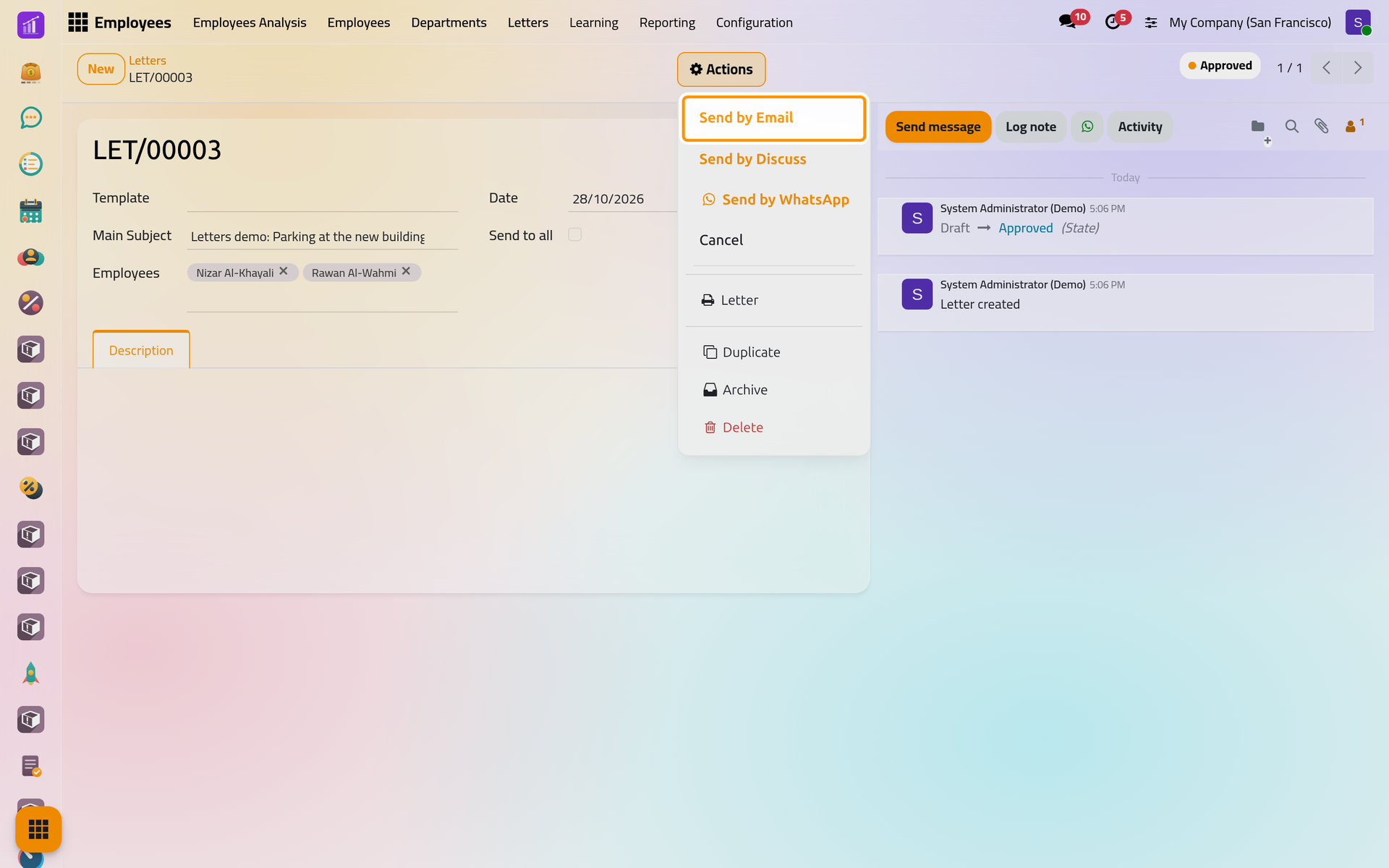
Open the letter in and click Actions. The three sends come first, then Cancel, then under the printer icon Letter, the PDF.
Send by e-mail
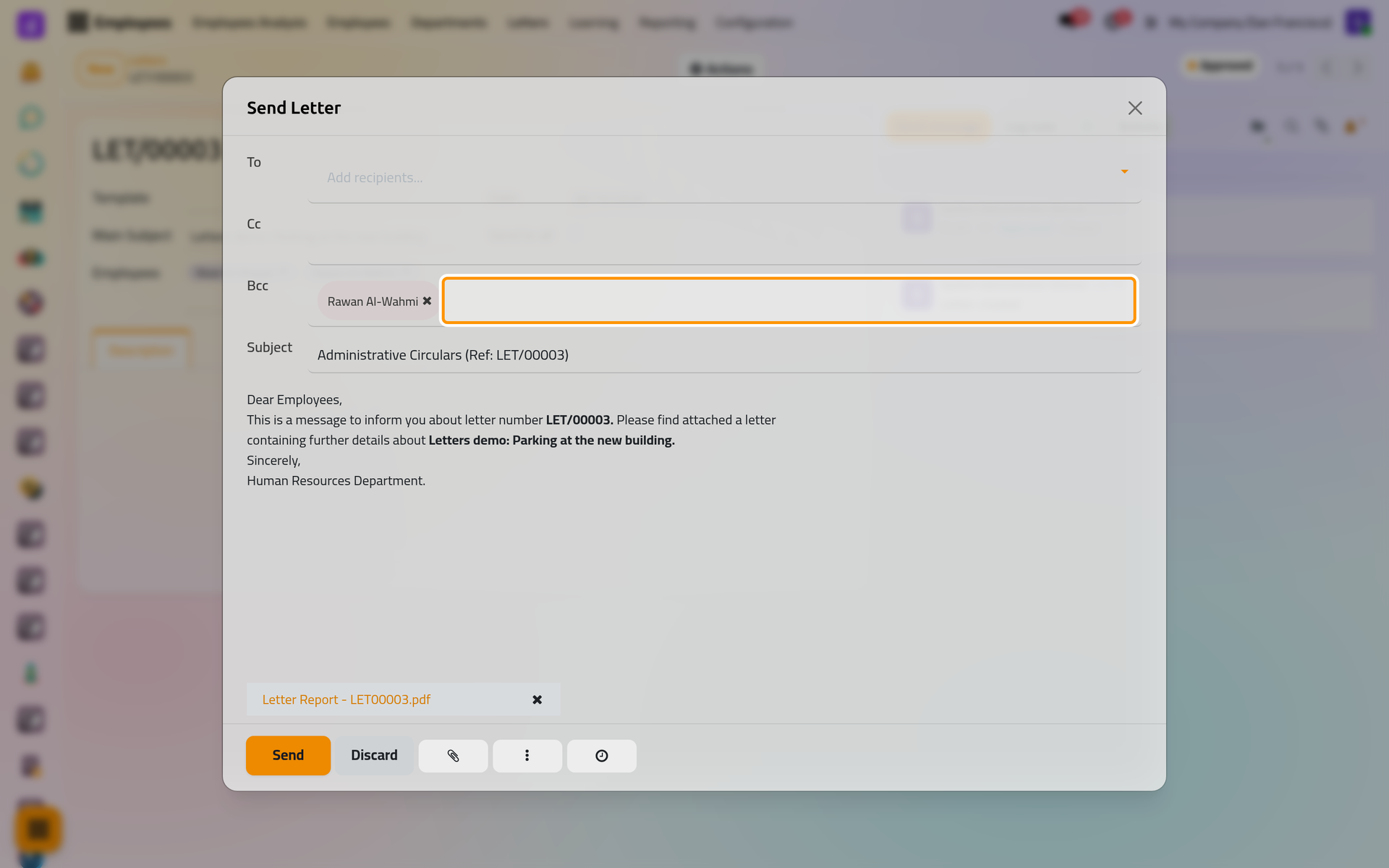
- Choose Send by Email. The Send Letter window opens with the subject "Administrative Circulars (Ref: LET/…)", a short text pointing to the attached PDF of the letter, both in the language of the person who wrote the letter.
- Check the recipients before sending. To starts empty, and Bcc lists the letter's employees whose work e-mail matches a contact, except the first of them in alphabetical order: in the picture, Nizar Al-Khayali is missing. Add the missing employee in To, and anyone else in Cc or Bcc.
On a phone, the window rises from the bottom of the screen with the same fields, and the tick button at its top sends.
- Edit the text if you wish, then click Send. The e-mail leaves from the company's address, and the chatter of the letter keeps a copy with the PDF. Sending needs an outgoing mail server: Email: outgoing and incoming servers.
Send through Discuss
Choose Send by Discuss: Your first letter shows what the employees receive and the note left in the chatter. An employee without a user is skipped. When none of the chosen employees has one, the note says that no Discuss message could be sent; with Send to all ticked and no employee user at all, a message stops the send.
Send by WhatsApp
Choose Send by WhatsApp. Who receives it, in which language and on which number is explained in WhatsApp in HR.
Print the letter
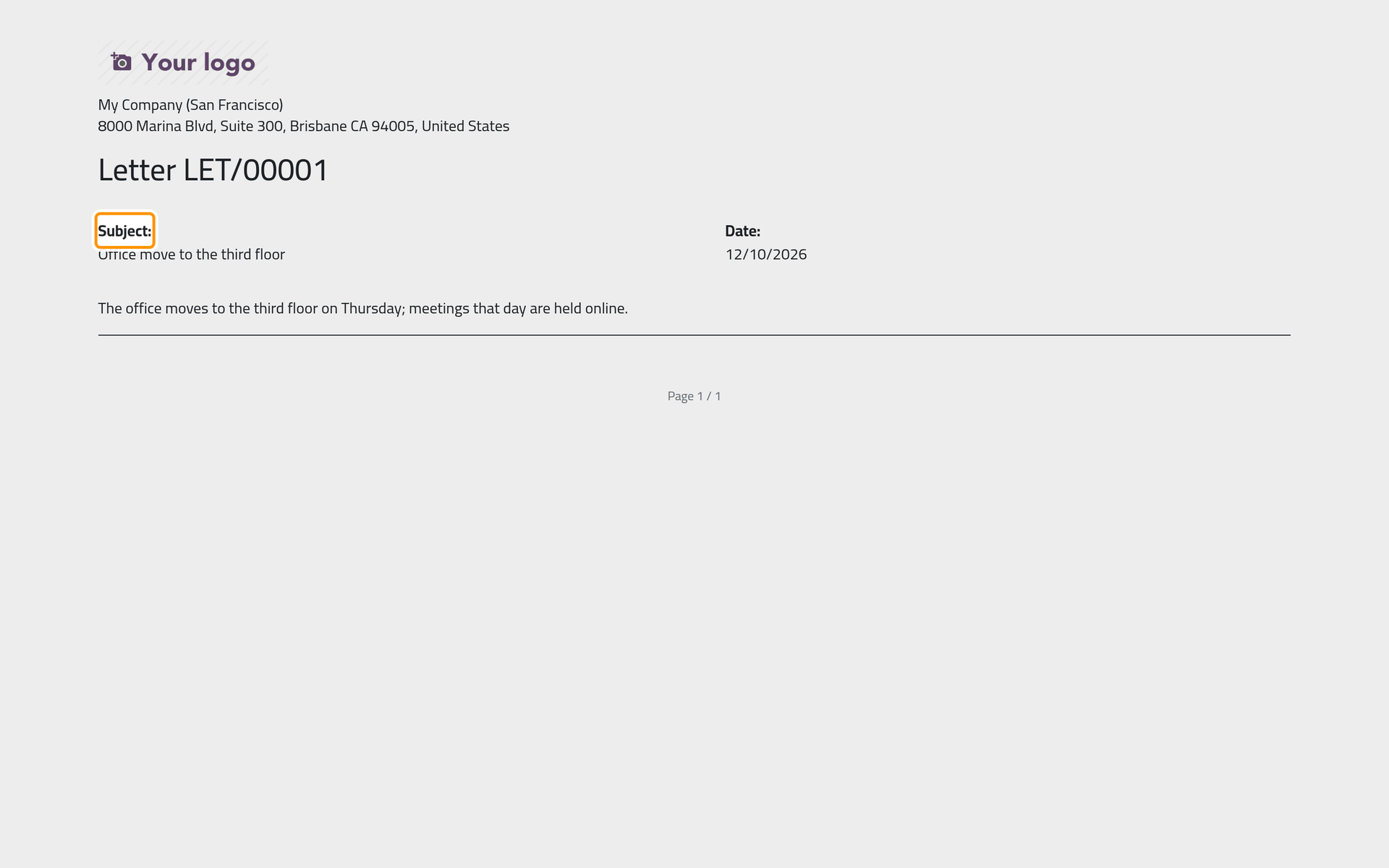
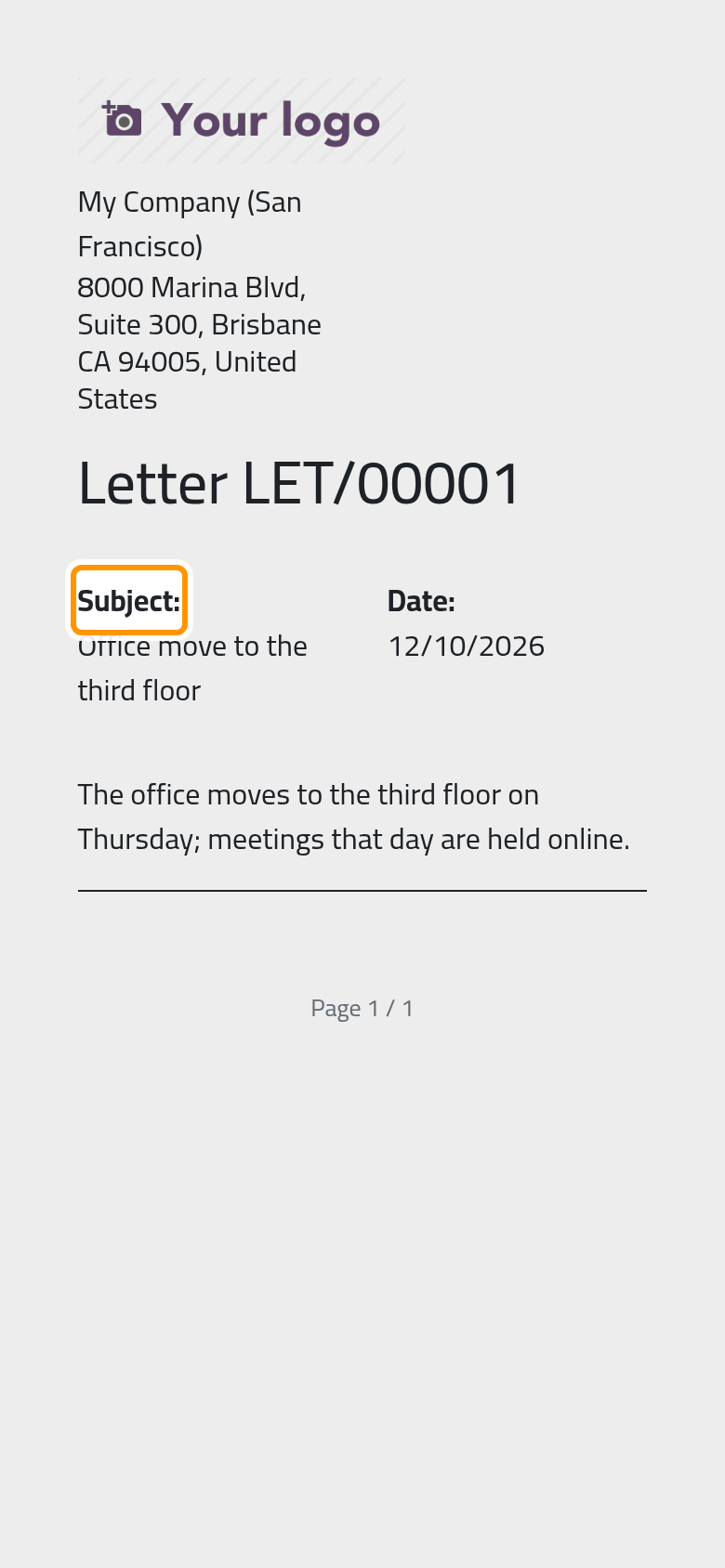
In Actions, choose Letter under the printer icon. The PDF, named like "Letter Report - LET00001.pdf", carries the company's header, the word Letter with the number, the subject, the date and the text, in the language of the person who wrote the letter. It is the same PDF the e-mail and WhatsApp attach.
FAQ
Can I send the same letter again?
Yes. Each click sends to every recipient again, and nothing on the letter marks it as sent except the notes and messages in its chatter.
Why did an employee receive nothing in Discuss?
The employee's form names no User. Use e-mail or WhatsApp for that employee, or link a user on the employee form.
Why is the e-mail in English when I work in Arabic?
The e-mail and the PDF follow the language of the person who wrote the letter, not of the person who sends it.
Can a canceled letter still be sent?
The Actions menu of a canceled letter still offers the three sends, so check the state at the top of the form before you send.
Was this page helpful?
Thank you for your feedback.