Public holidays and mandatory days
On this page
Two kinds of days belong to the whole company rather than to one person. A public holiday is a day nobody works: requests that cover it do not use it. A mandatory day is the opposite, a day everyone must be present: employees cannot book time off on it.
Before you start
You need the Administrator access right on Time Off.
Add a public holiday
- Open . The list shows the current year; remove the Period filter to see the others.
- Click New. A line opens in the list.
- Type the Name, here
Time off demo: Year-end closure, then the Start Date and End Date with their times: 31/12/2026 from 00:00 to 23:59. - In Working Hours, choose the schedule it applies to, or leave All Schedules for every schedule of the company.
- Click Save.
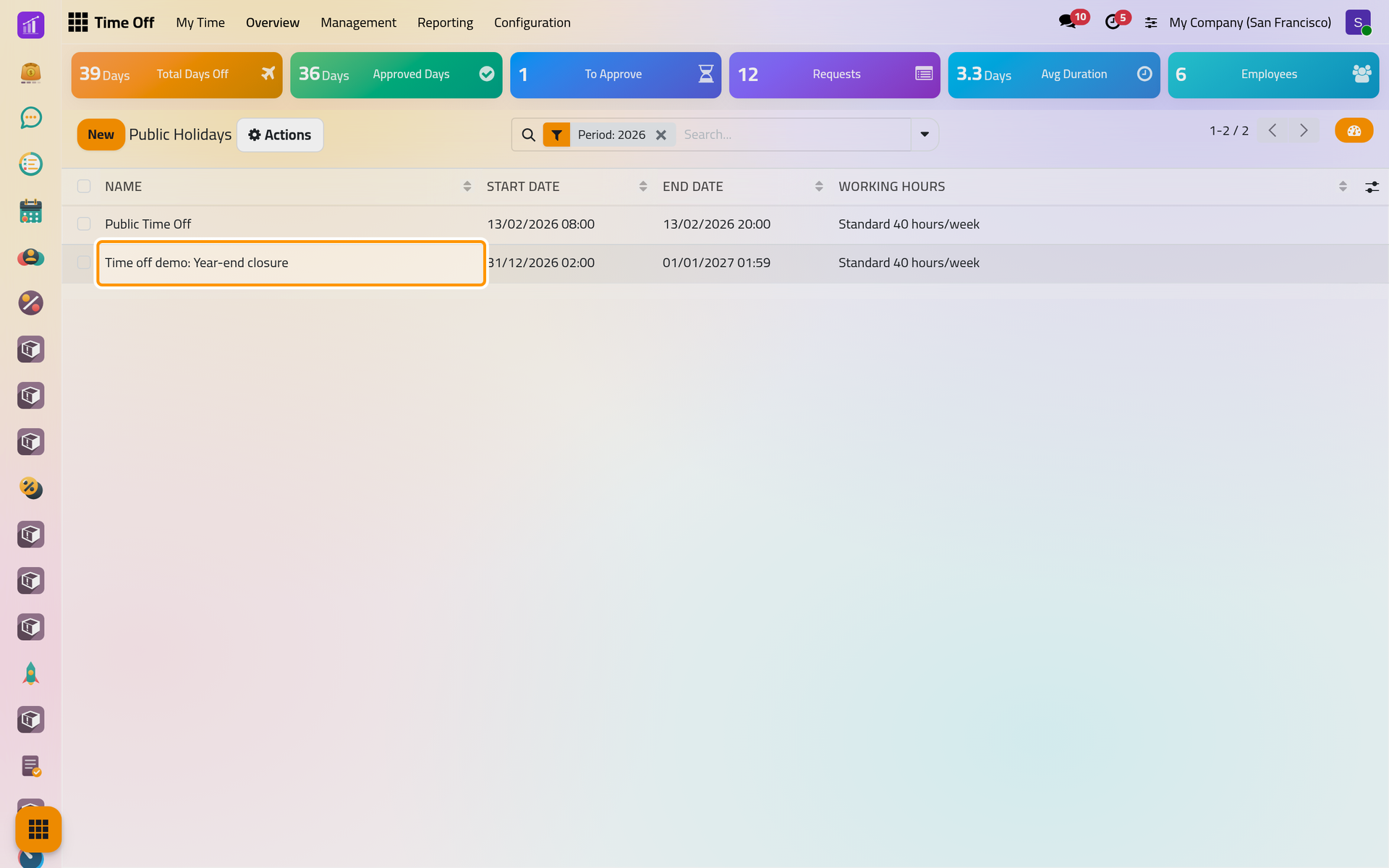
The holiday is not a request: nobody approves it. As soon as it is saved, every request that covers the day is counted again. The day is given back to the employee's balance, or, when the change takes more days than the allocation holds, the request is refused. Each employee concerned receives a message.
The times you type are read in your own time zone. When you choose a Working Hours, they are read in the time zone of that schedule instead, so the list may then show them shifted into yours: the demo user, two hours ahead of the schedule, sees 02:00 to 01:59 the next day. Two public holidays cannot overlap for the same working hours.
Add a mandatory day
- Open and click New.
- Type the name, here
Time off demo: Inventory day, then the Start Date and End Date: 02/12/2026 for both. - Click Save.
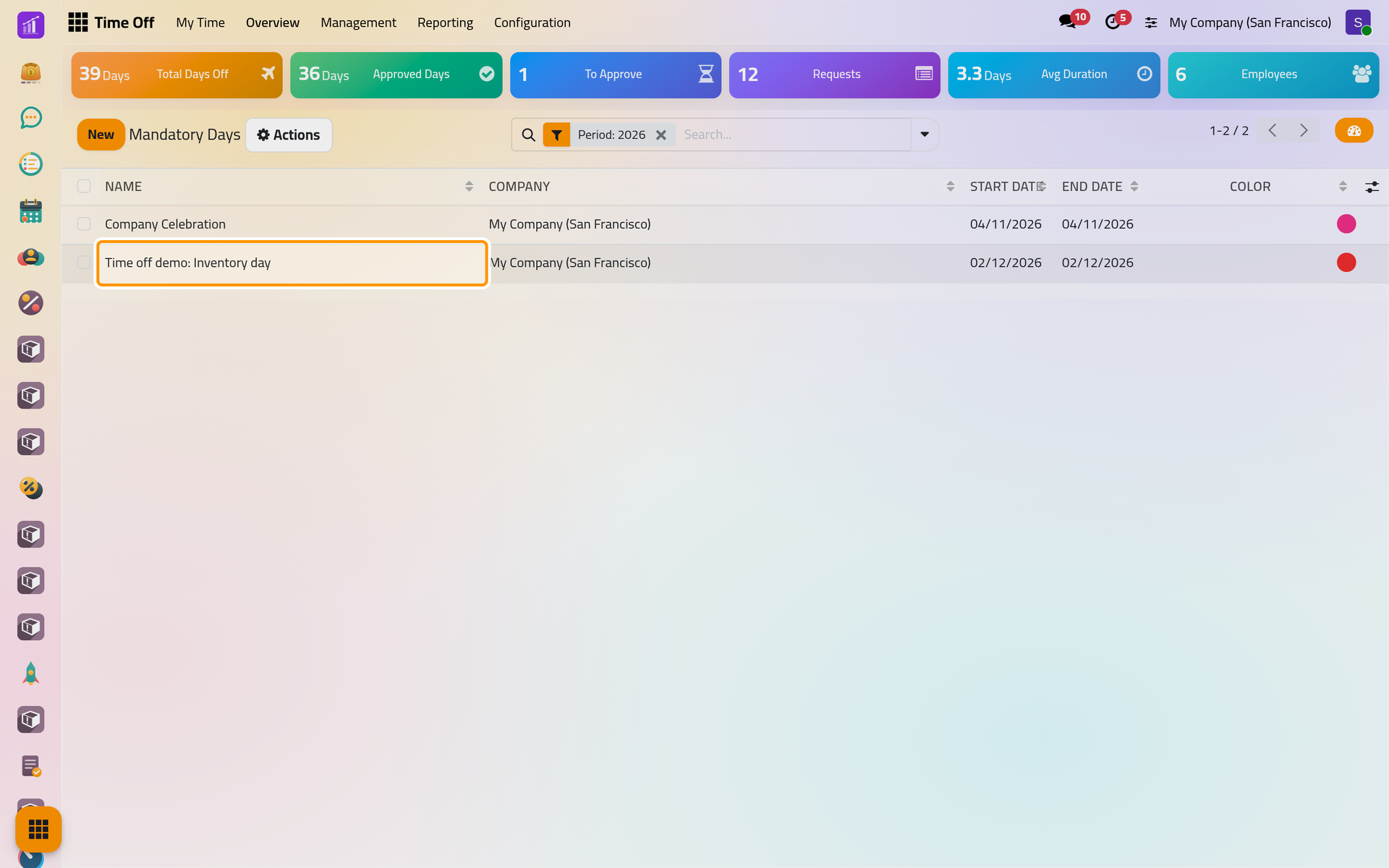
The columns Departments and Job Position, shown from the columns button at the right of the header, limit the day to some people; empty, it applies to everyone in the company. Color paints it on the calendars.
From then on, an employee without the officer right who asks for time off covering the day is refused with "You are not allowed to request time off on a Mandatory Day". Officers can still book it, for an exception.
See them on the dashboard
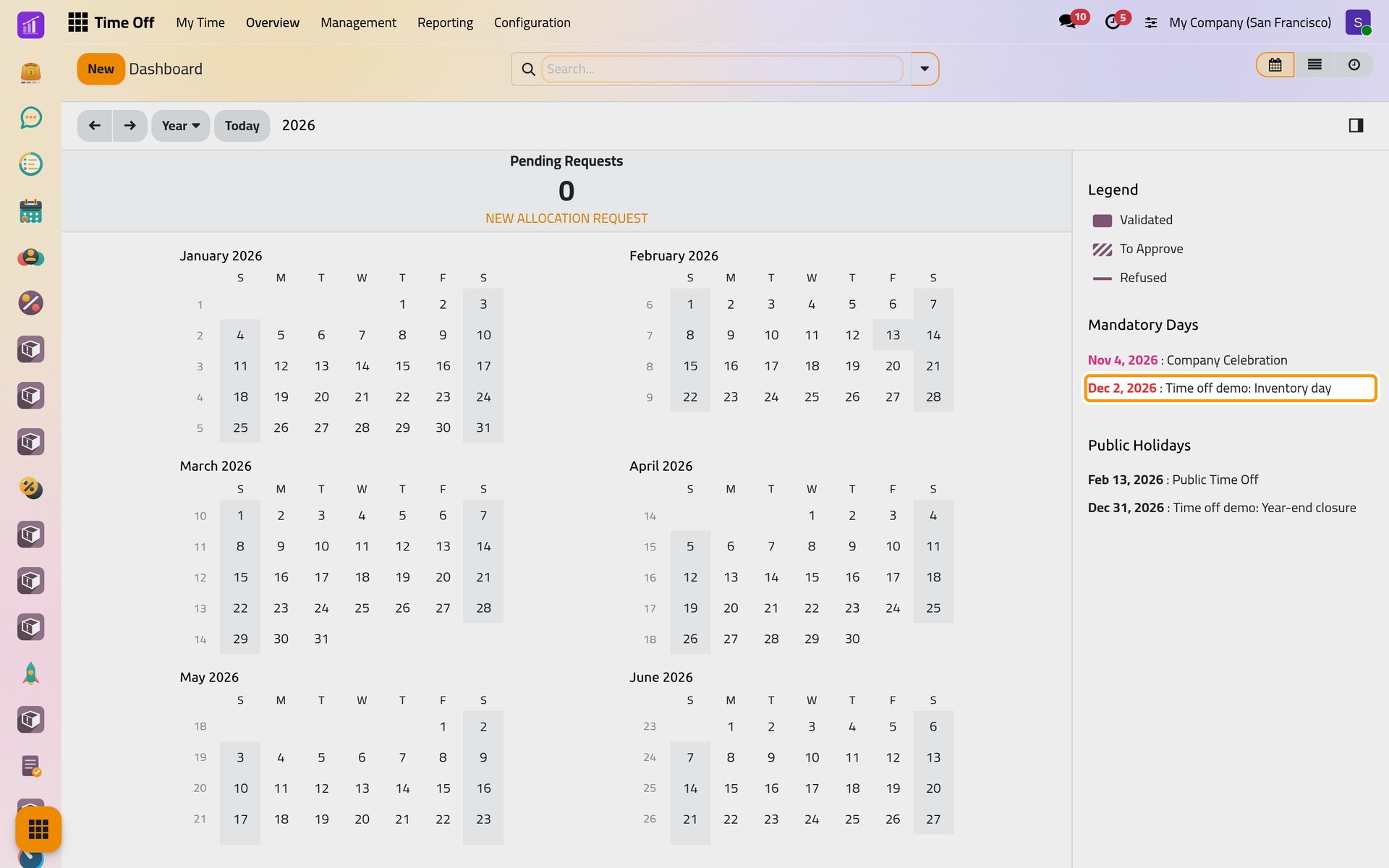
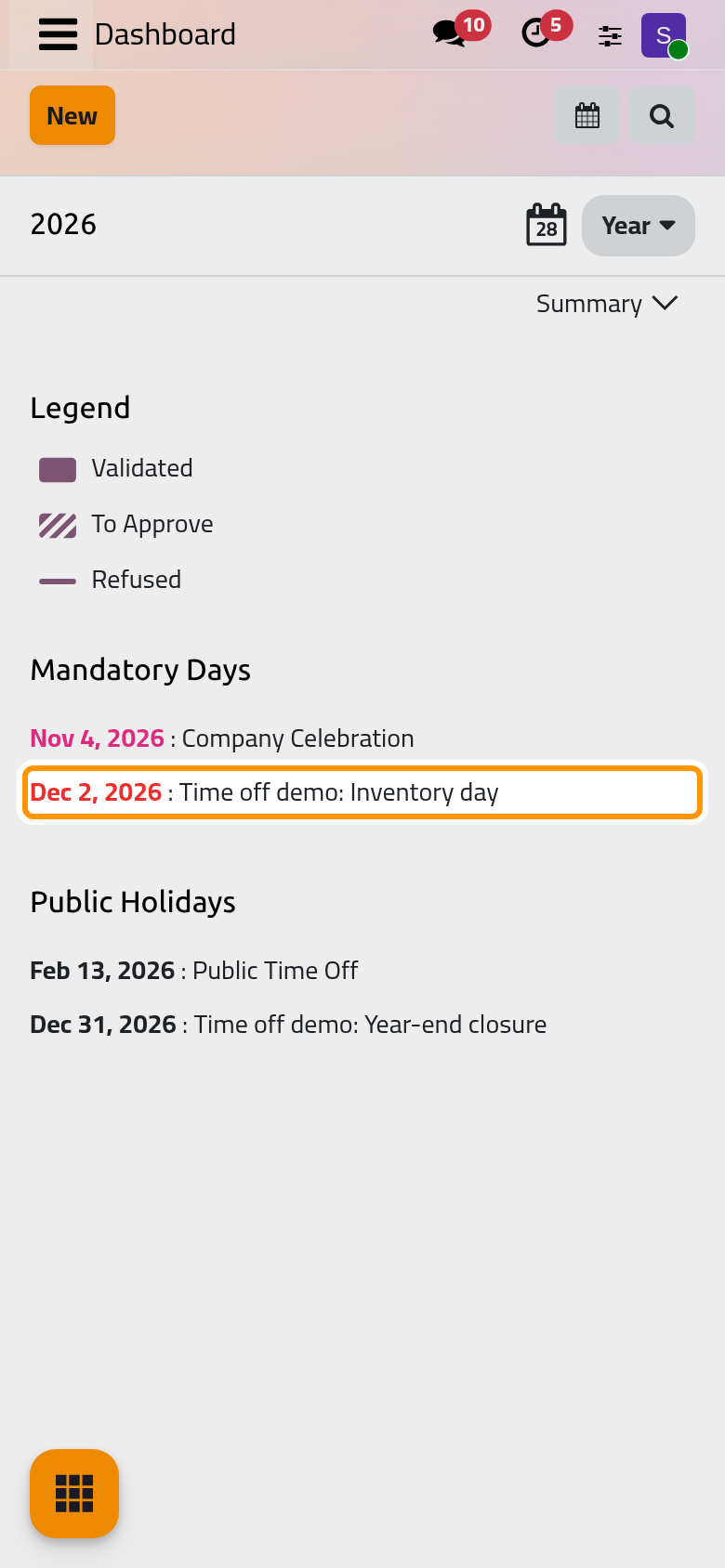
Open . Beside the calendar, Mandatory Days and Public Holidays list the days of the year, and the calendar marks them.
FAQ
Why does a public holiday show on the day before?
Your time zone differs from the employees' working schedule. Choose the schedule in Working Hours, or type the times as they fall in your own time zone.
Does a public holiday reduce the balance?
No, except for the types with Ignore Public Holidays, which count the public holidays inside a request: Configure time off types.
Do public holidays repeat every year?
No. Add each year's holidays; the list keeps the past years.
Can a mandatory day apply to one department only?
Yes: show the Departments column and name the departments. Its sub-departments are covered too.
Was this page helpful?
Thank you for your feedback.