Configure time off types
On this page
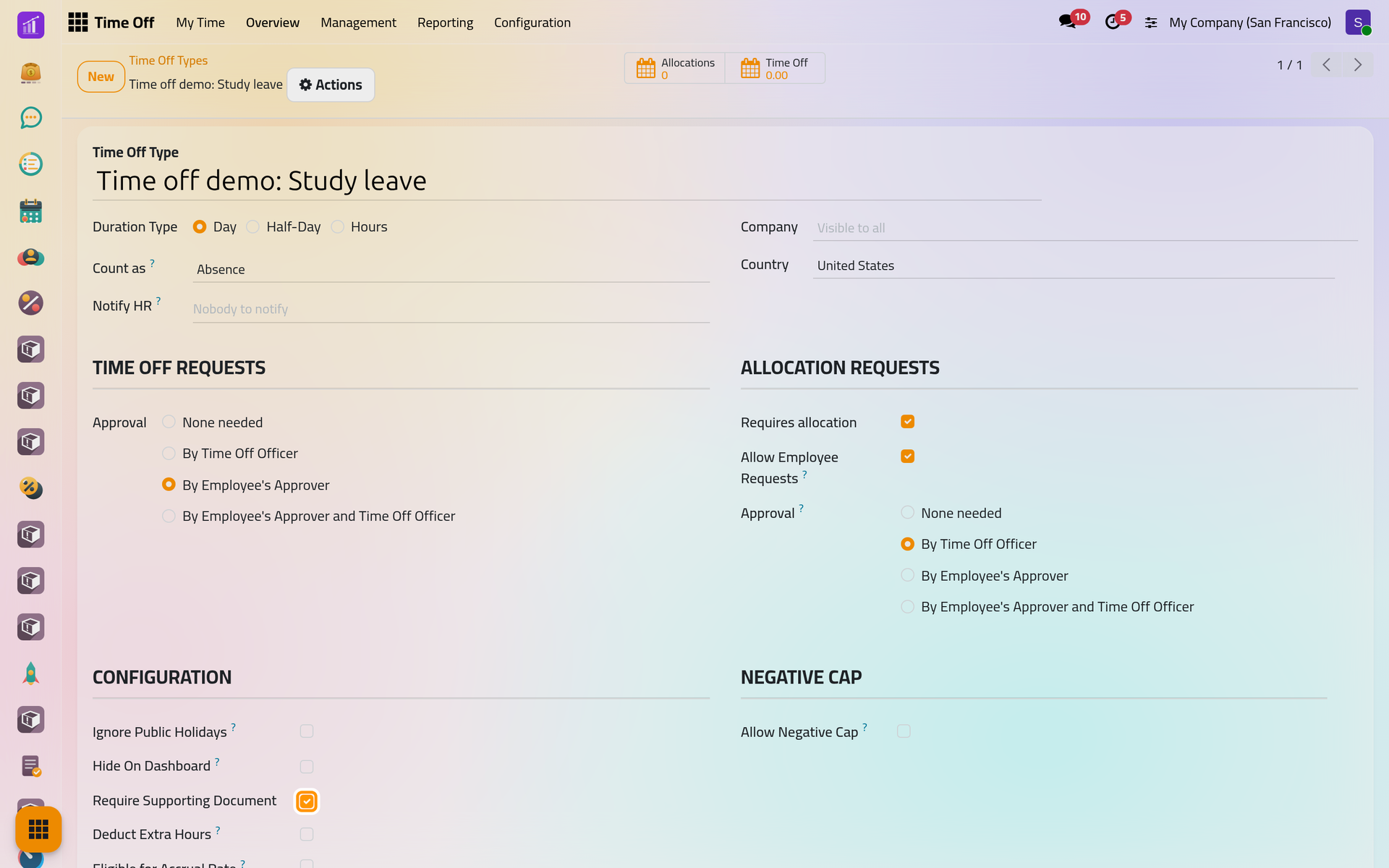
Every request and every allocation belongs to a type, such as Paid Time Off or Sick Time Off. The type decides how the time is counted, who approves it and whether days must be given beforehand. This page creates a study leave and goes through each option of the form.
Before you start
You need the Administrator access right on Time Off.
The list of types
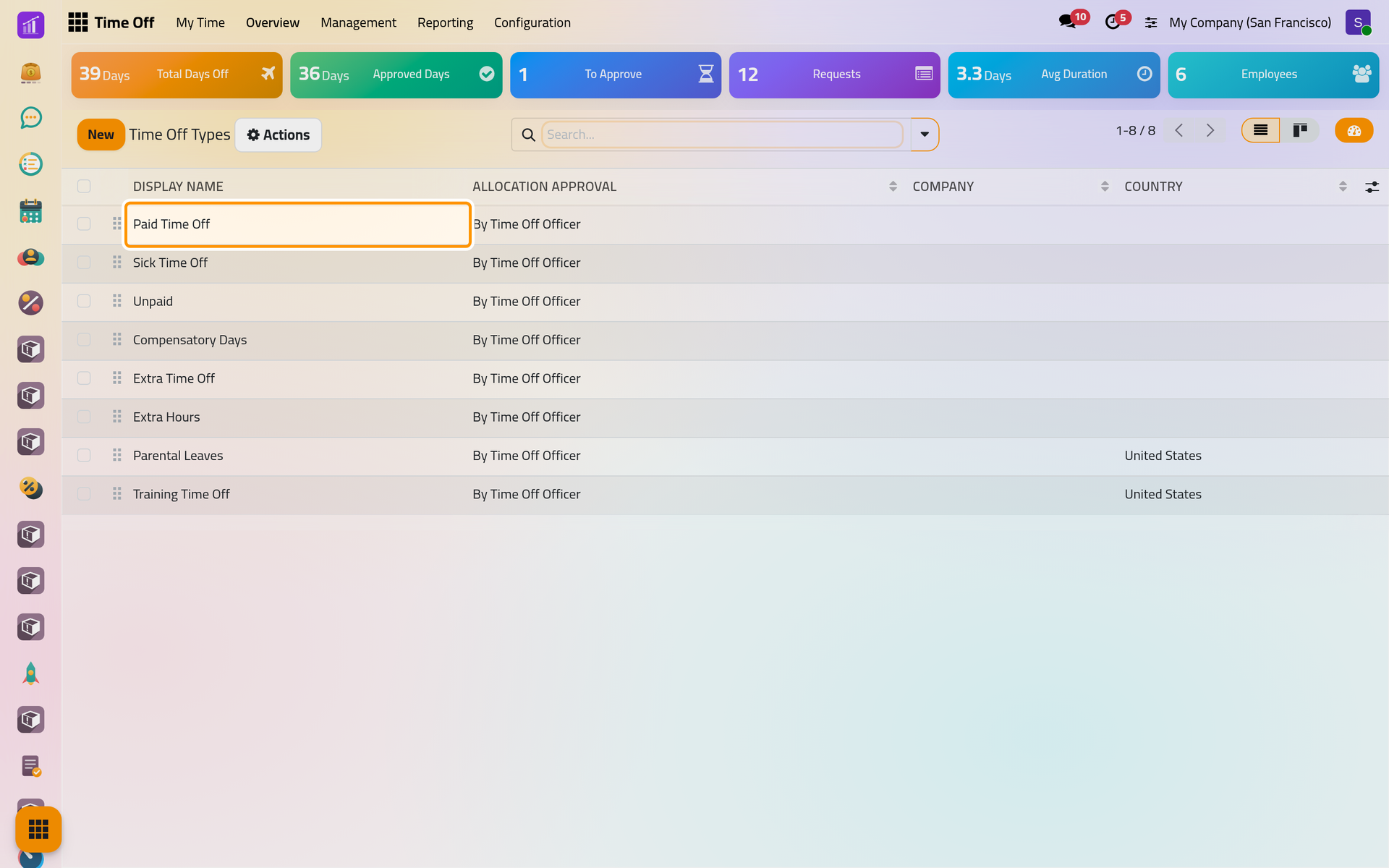
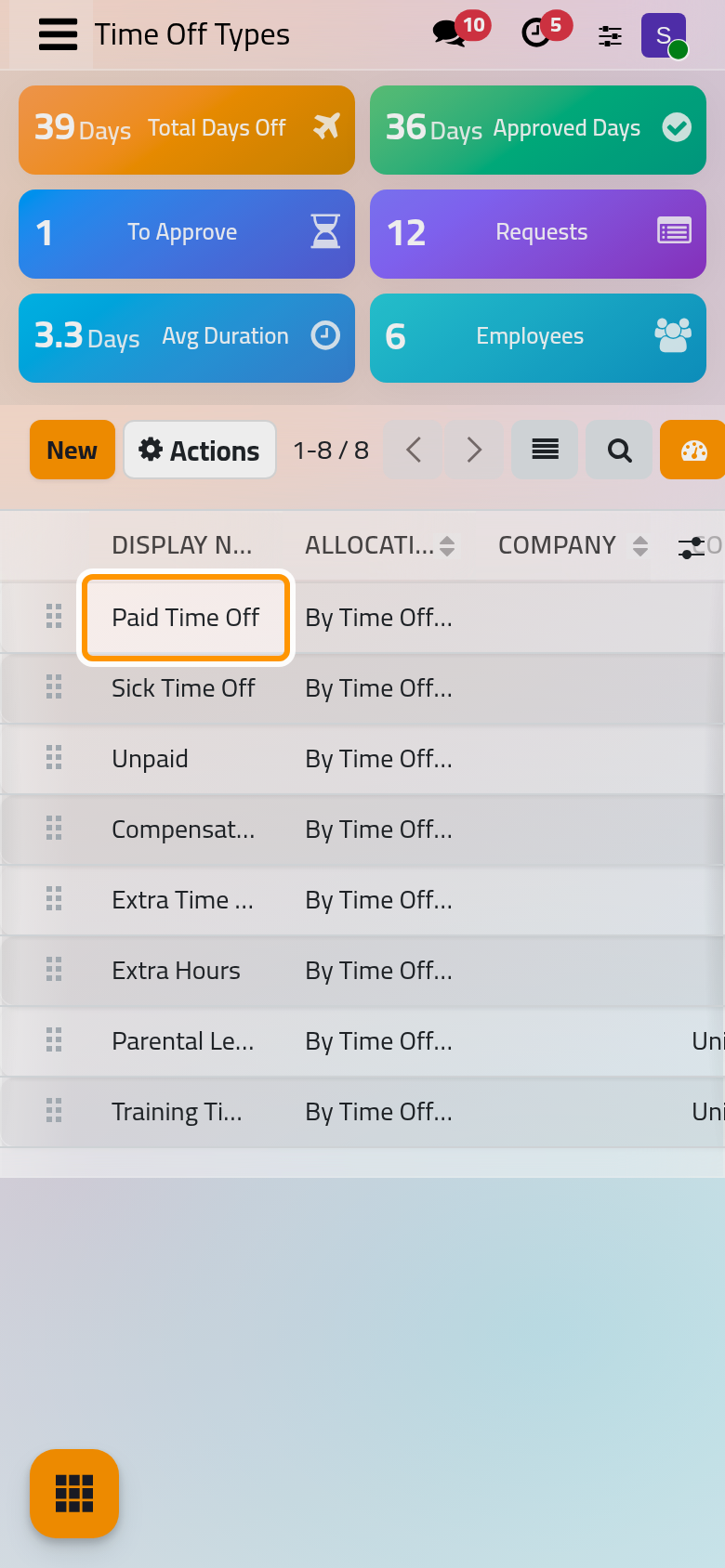
Open . The list holds the types without a country and those of your company's country. Its order is the order of the request form, and the first type you may use is proposed by default; drag the lines to change it.
Create a type
- Click New and name the type, here
Time off demo: Study leave. - Choose how it is counted, the options below, then save.
The Allocations and Time Off buttons at the top count this year's allocations and requests of the type.
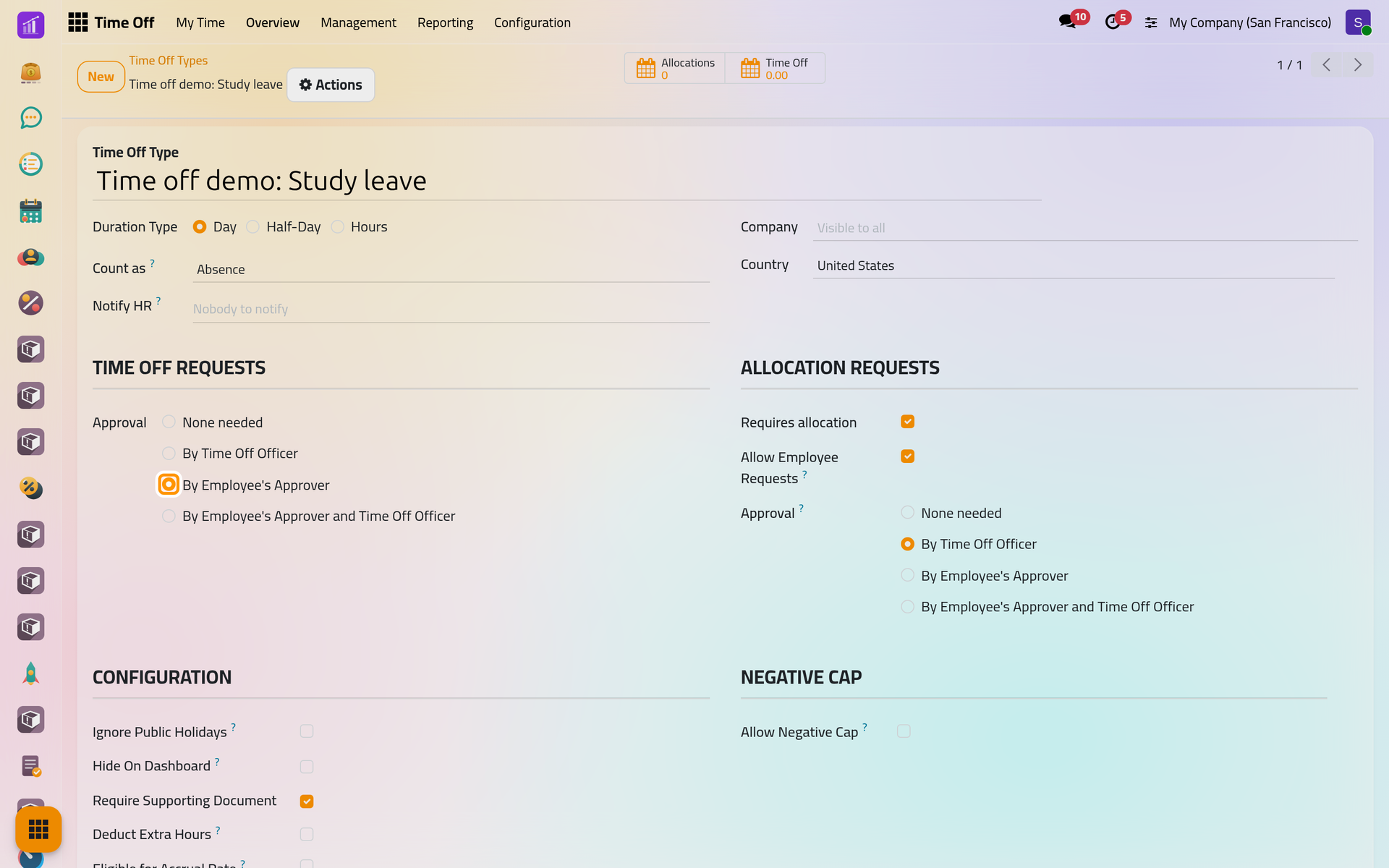
Duration Type
Day, Half-Day or Hours sets the unit of requests and allocations. A half-day type adds the morning or afternoon choice to requests; an hours type asks for the hours. Count as says whether the time is an Absence or Worked Time, such as a training day.
Who approves
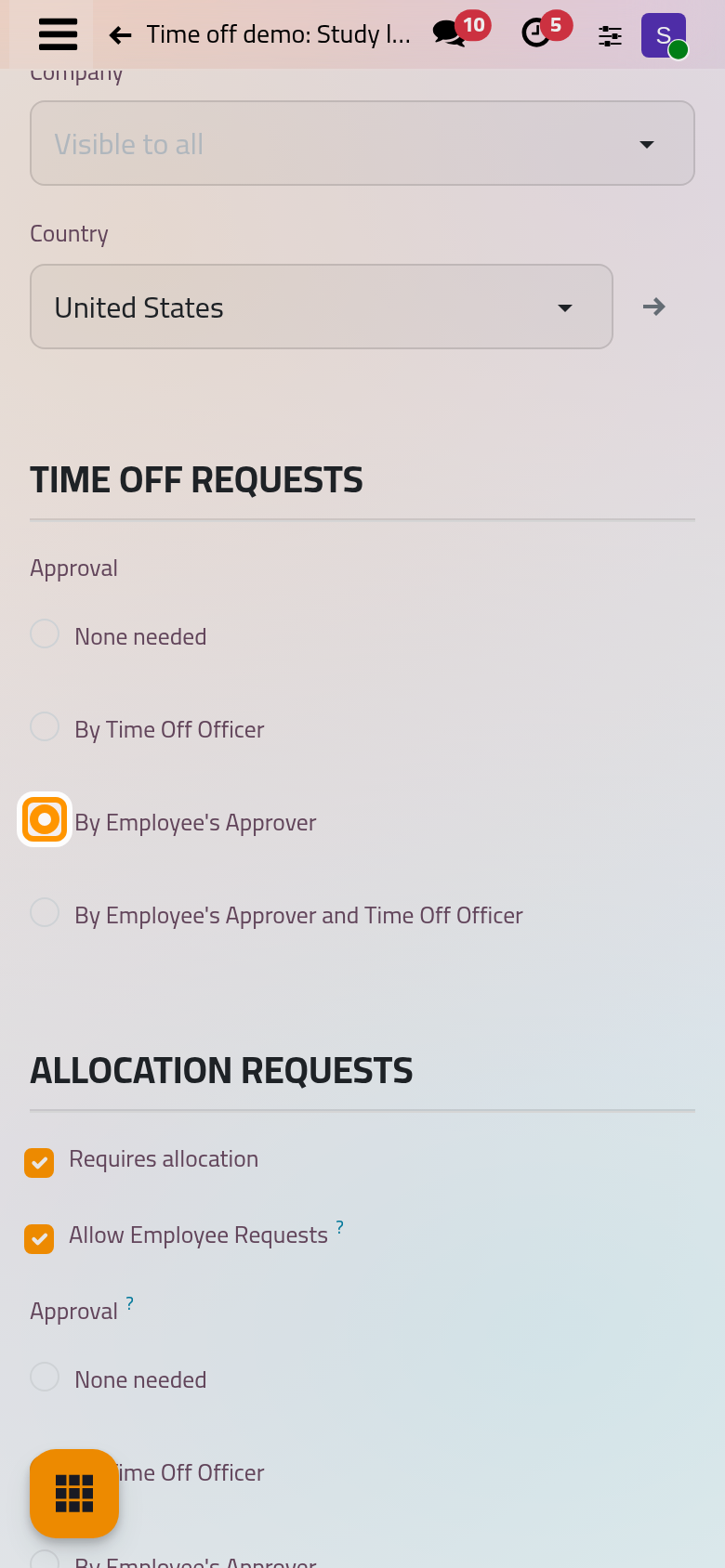
Under Time Off Requests, Approval offers four ways, explained in Approve time off requests. The study leave goes to By Employee's Approver. Notify HR names the officers who get the approval activities when an officer must decide.
Allocations
Under Allocation Requests:
- Requires allocation: requests draw on days allocated beforehand. Without it, any amount may be requested, and the dashboard counts the days taken instead of the days left.
- Allow Employee Requests: employees may ask for days of this type from their dashboard.
- Approval: who approves those allocations, with the same four choices.
Configuration
- Ignore Public Holidays: public holidays inside a request count in its duration.
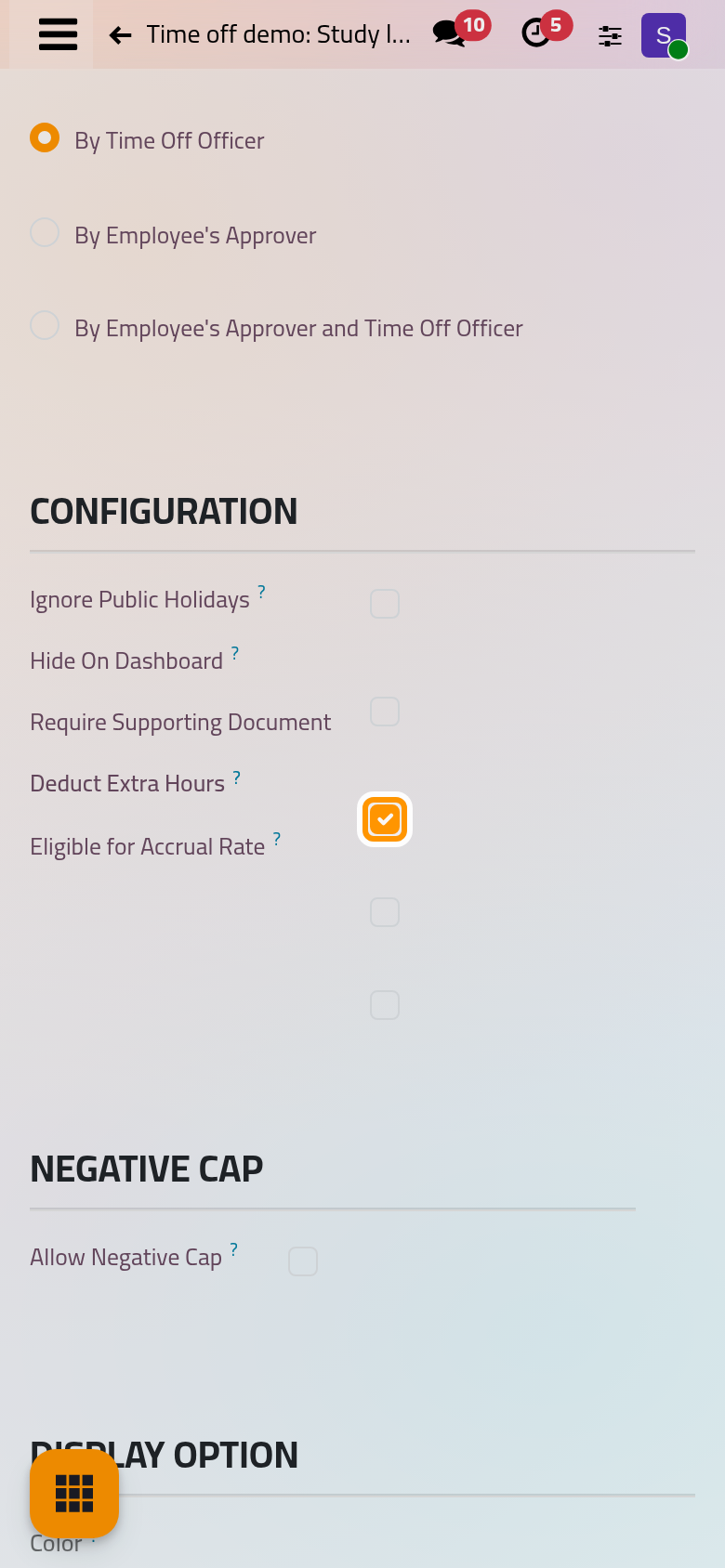
- Hide On Dashboard: the type stays available but its card leaves the dashboard.
- Require Supporting Document: marks the type as needing a document; in this version a request is not refused without one.
- Deduct Extra Hours: the type spends the extra hours the employee earned in Attendances. When the type does not require an allocation, each approved request uses them and the type's name shows the hours available; when it does, each allocation of the type is taken from those hours: How attendance works.
- Eligible for Accrual Rate: time off of this type counts as worked time for the accrual plans based on worked time.
- Allow Request on Top, for a Worked Time type only: other time off may be requested over it.
Under Negative Cap, Allow Negative Cap lets the balance go below zero, up to the number of days you type.
Display
Color paints the type in the calendars, and Cover Image chooses the picture of its dashboard card.
FAQ
Why is a type of my demo missing from the list?
It belongs to another country, or it was archived: the Archived filter shows archived types.
How do I stop using a type without losing its history?
Archive it from Actions. It is no longer offered in requests and allocations, and past requests keep it.
Why can I not tick Allow Request on Top?
The box only shows when Count as is Worked Time; time off on top of an absence is refused.
Which approval should a sick leave use?
It is the company's choice. The demo Sick Time Off uses By Time Off Officer and does not require an allocation.
Was this page helpful?
Thank you for your feedback.