Request time off
On this page
Every employee asks for time off from the same place, the dashboard of My Time. The request then goes to the approvers chosen on its type, and you follow it in your own list until it is approved. This page covers what a request holds, what the form checks, and how to withdraw one.
Before you start
- Any user linked to an employee record can ask for time off for himself; no access right is needed.
- A type that Requires allocation is offered only when you hold valid days of it. To ask for days first, see Allocate time off.
Fill the request
- Open and click New. Clicking a day on the calendar opens a request on that day.
- Choose the Time Off Type. Next to the types with an allocation, the list shows how many days remain.
- Give the period. The fields follow the Duration Type of the type:
- a day type asks for Dates, a start and an end;
- a half-day type adds Day Period, Morning or Afternoon, for each end;
- an hours type asks for one Date and the Hours from and to.
- The form counts the duration on your working schedule: days you do not work and public holidays are left out.
- Write a description if you wish, and click Attach File to add a document, such as a medical certificate.
- Click Submit Request.
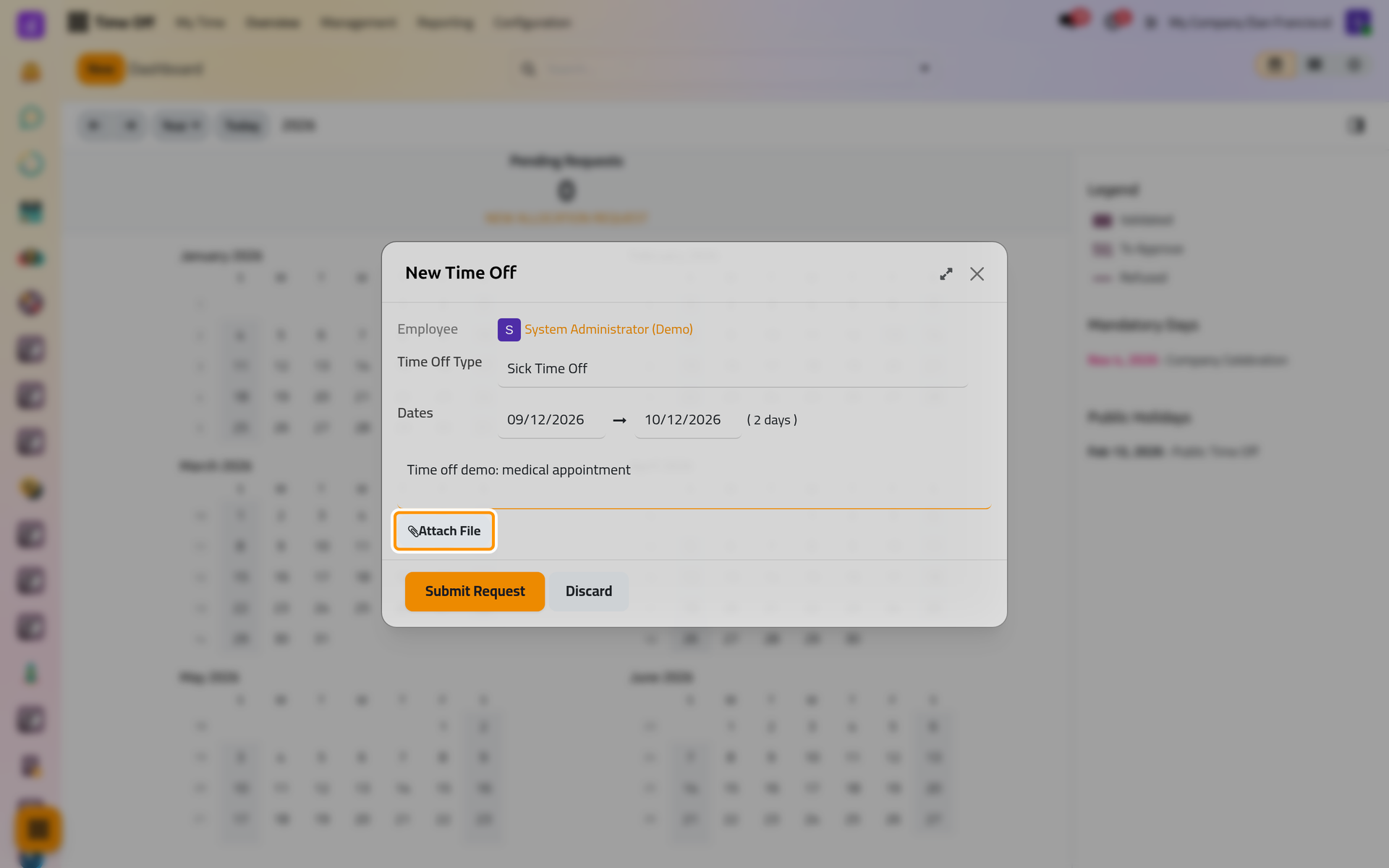
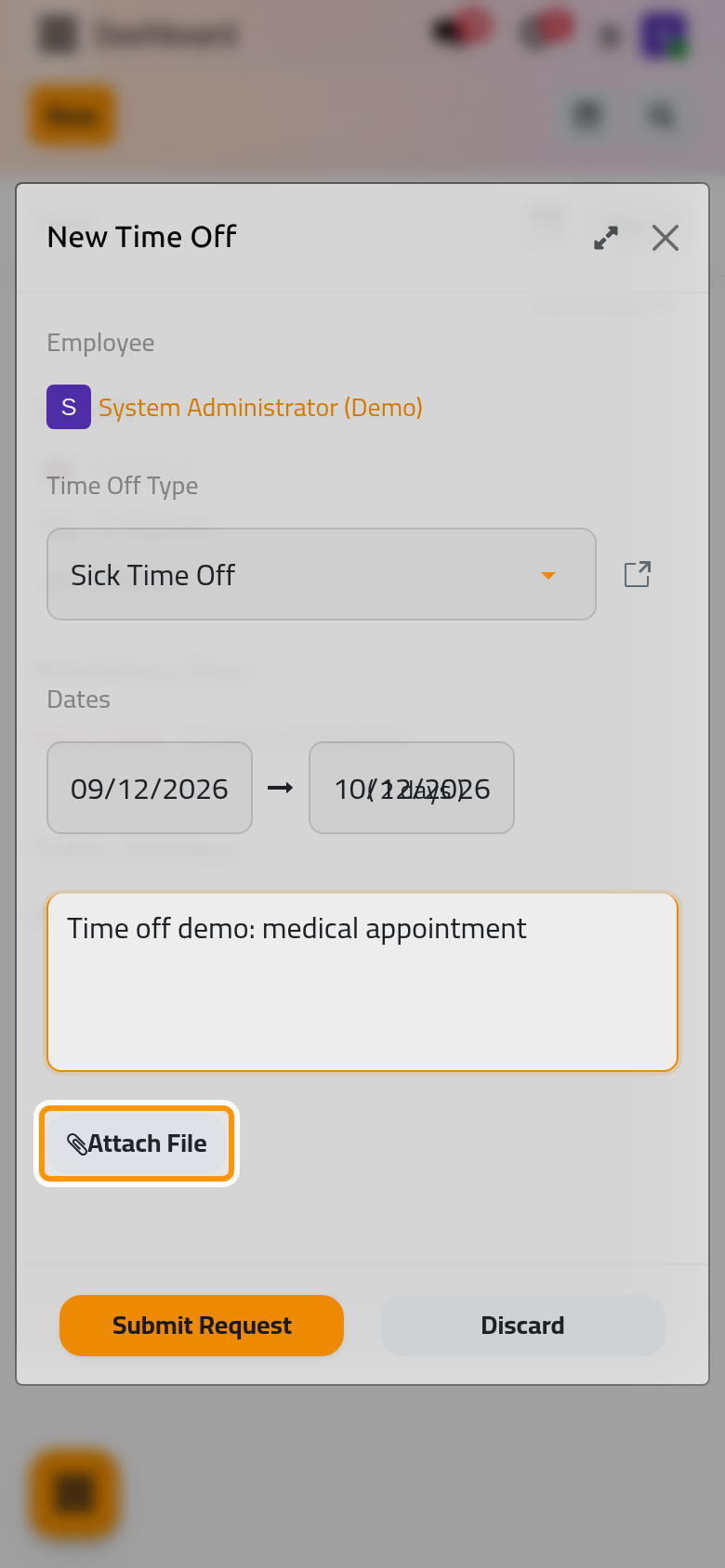
Your description is shown only to you, to your time off approver and to the time off officers; colleagues see stars in its place.
When your working schedule uses another time zone than your user, an hours request shows a warning and the times in both zones.
What the form refuses
- A period that overlaps time off you already booked: the message names the request in the way.
- More days than you hold of a type that requires an allocation, beyond what its negative cap allows.
- A mandatory day, unless you hold the officer right: Public holidays and mandatory days.
Follow your requests
lists your requests with their type, dates, duration and status.
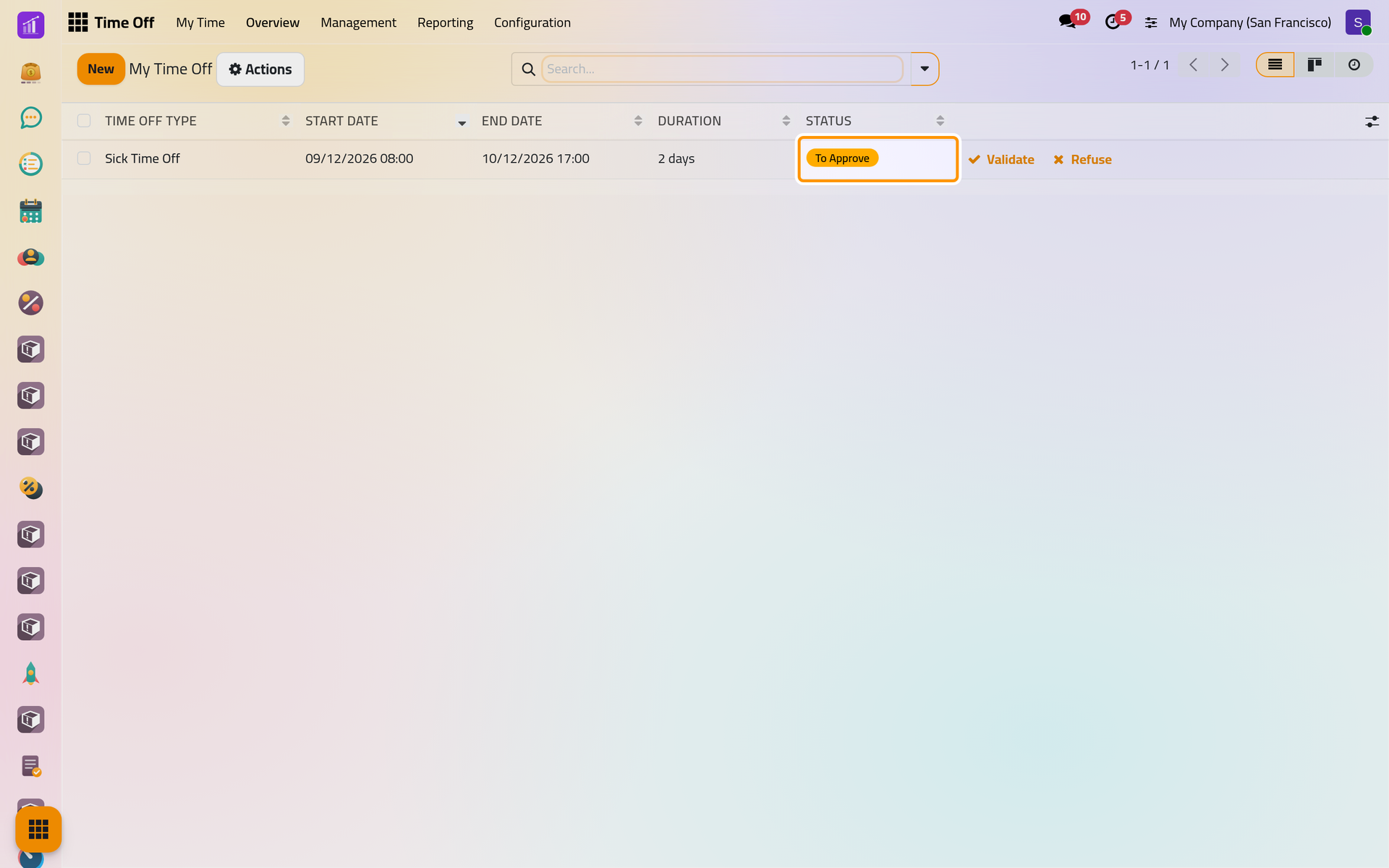
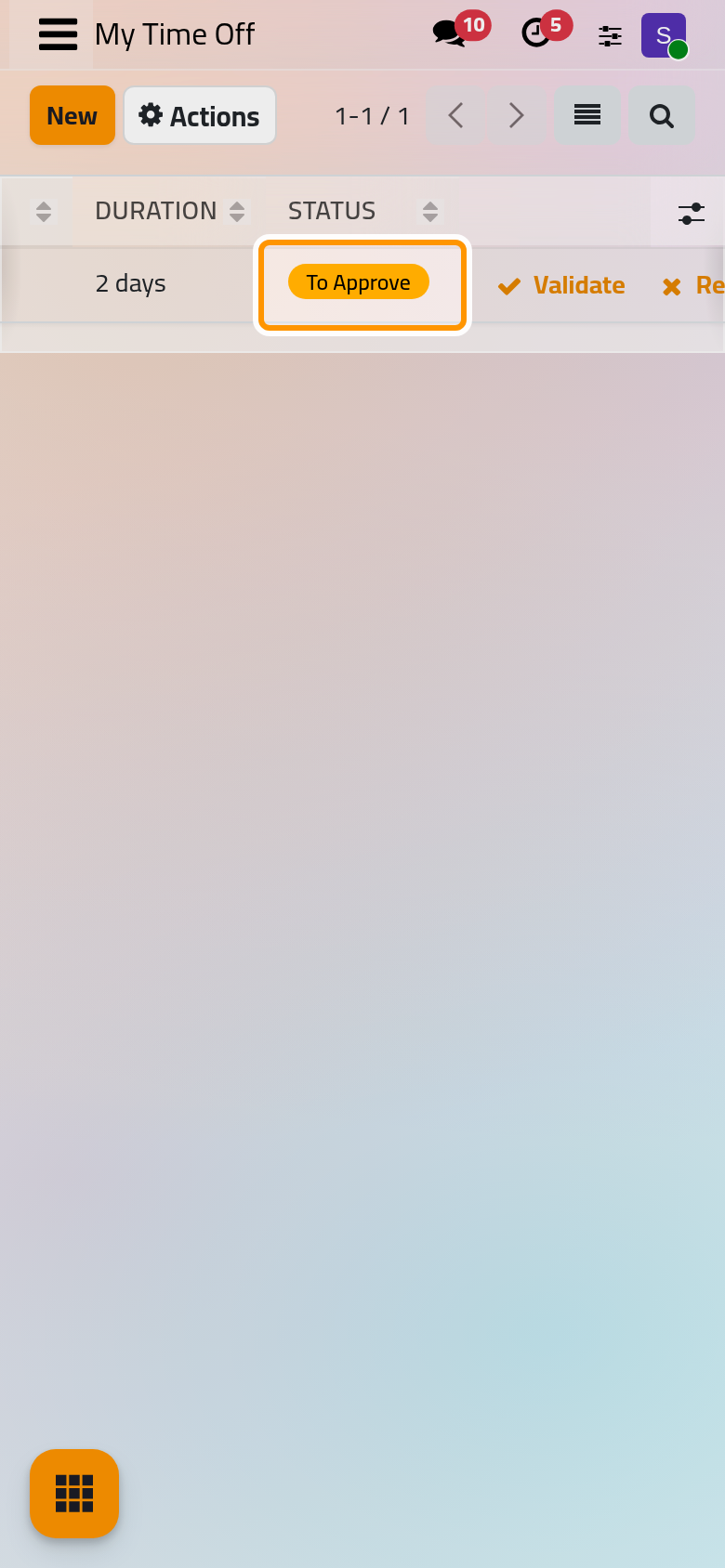
While a request is To Approve, you can open it and change its type, dates or description. If you no longer need it and it has not started, delete it from Actions. Once it is approved, its dates can no longer be changed: cancel it and ask again.
Cancel an approved request
- Open the request, then Actions, Cancel.
- Write the Reason and click Cancel Time Off.
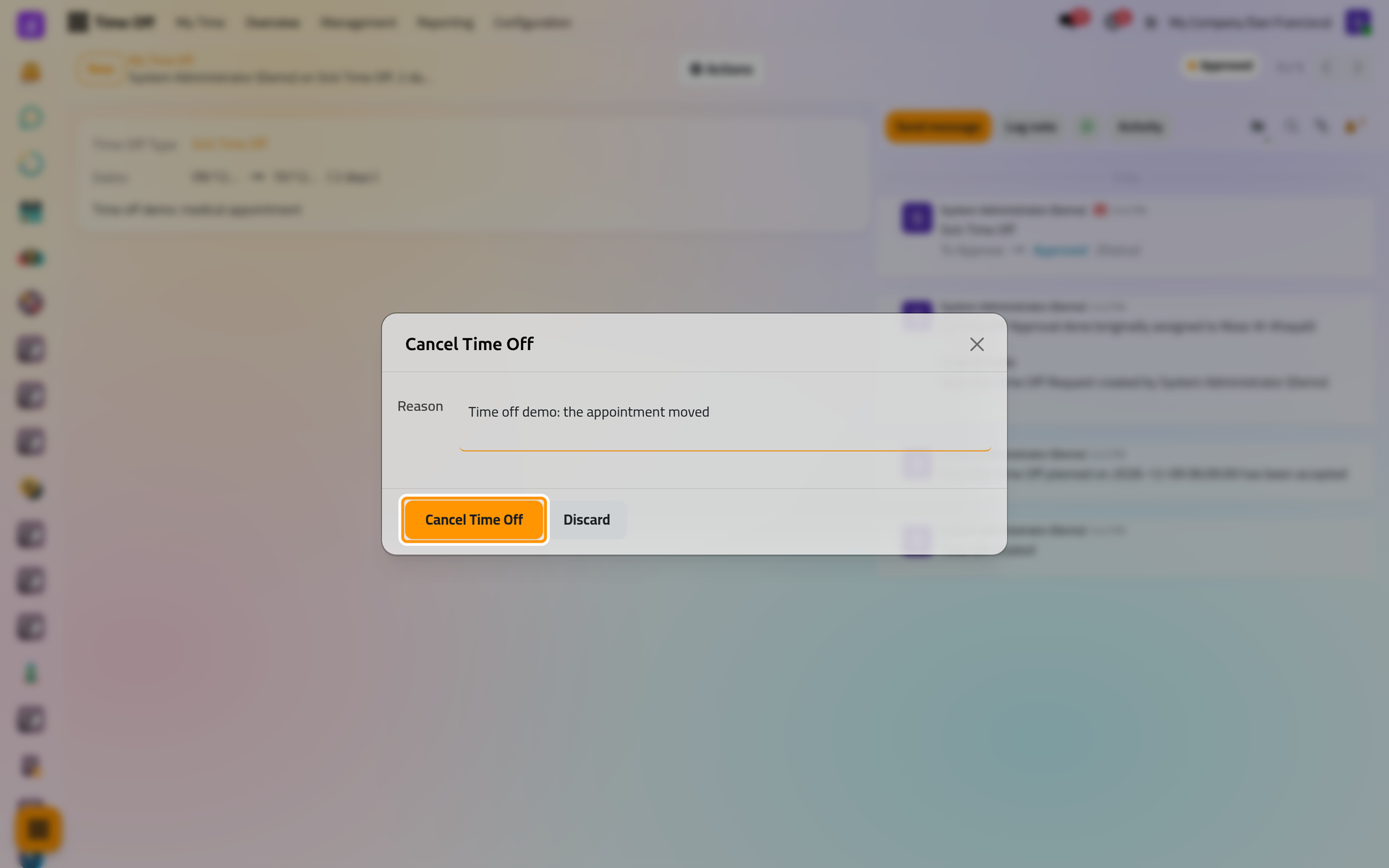
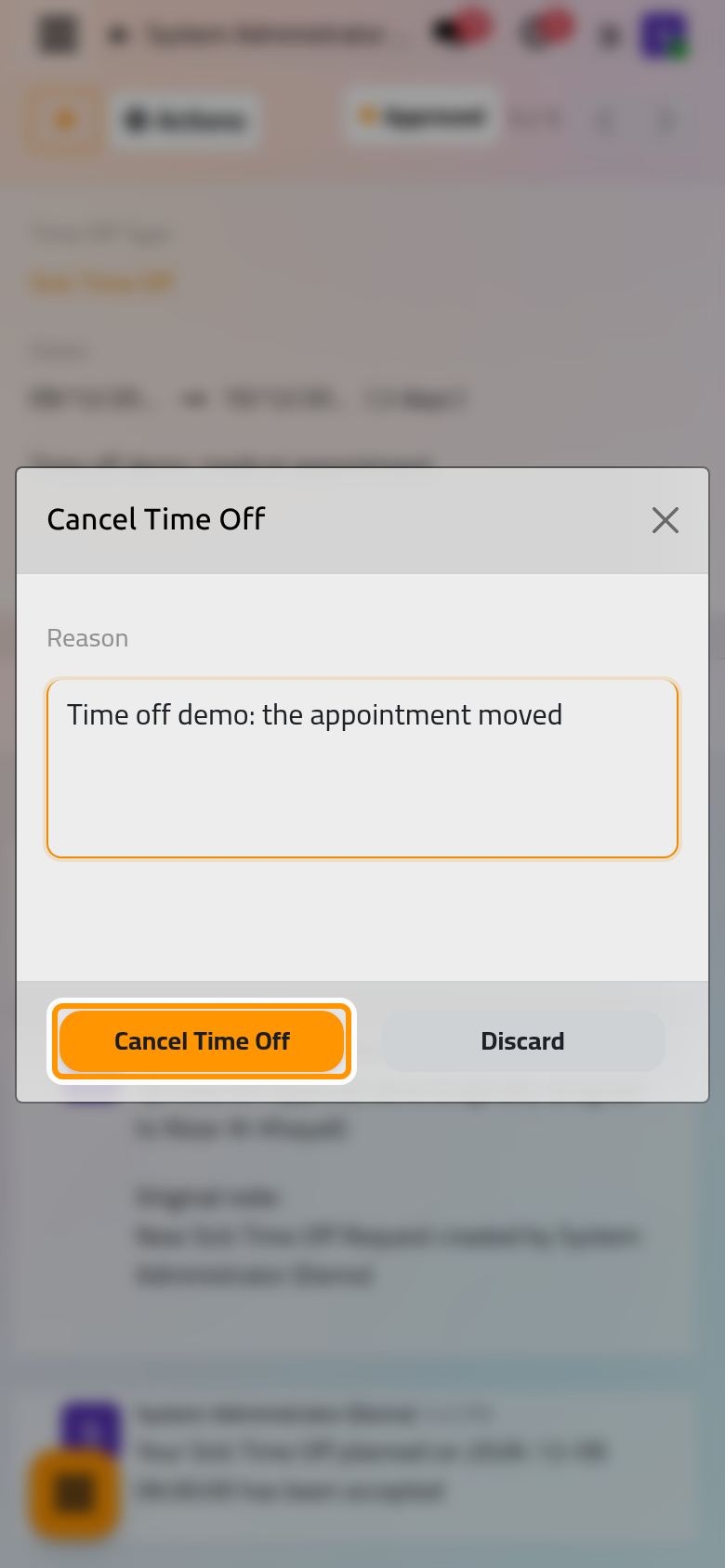
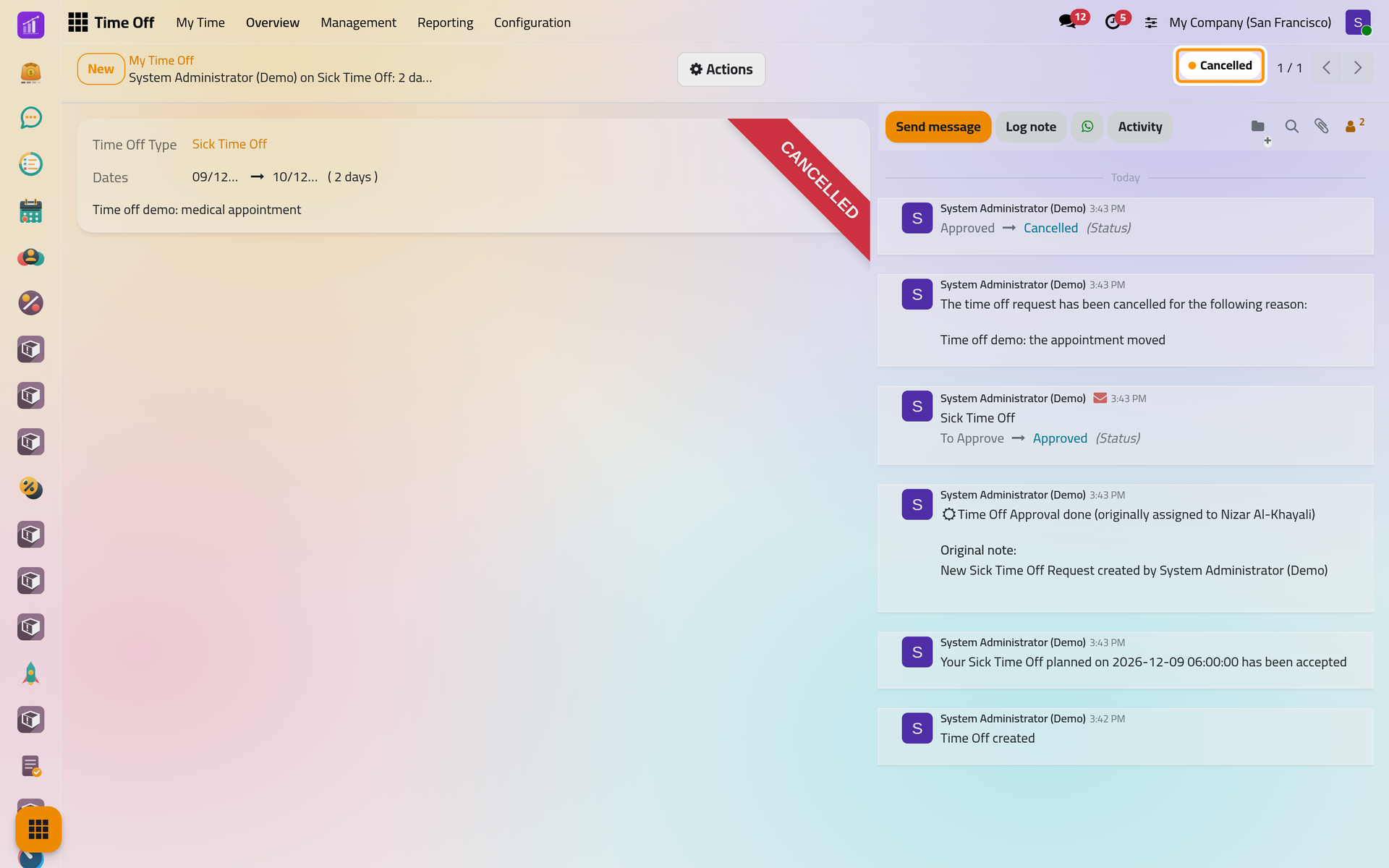
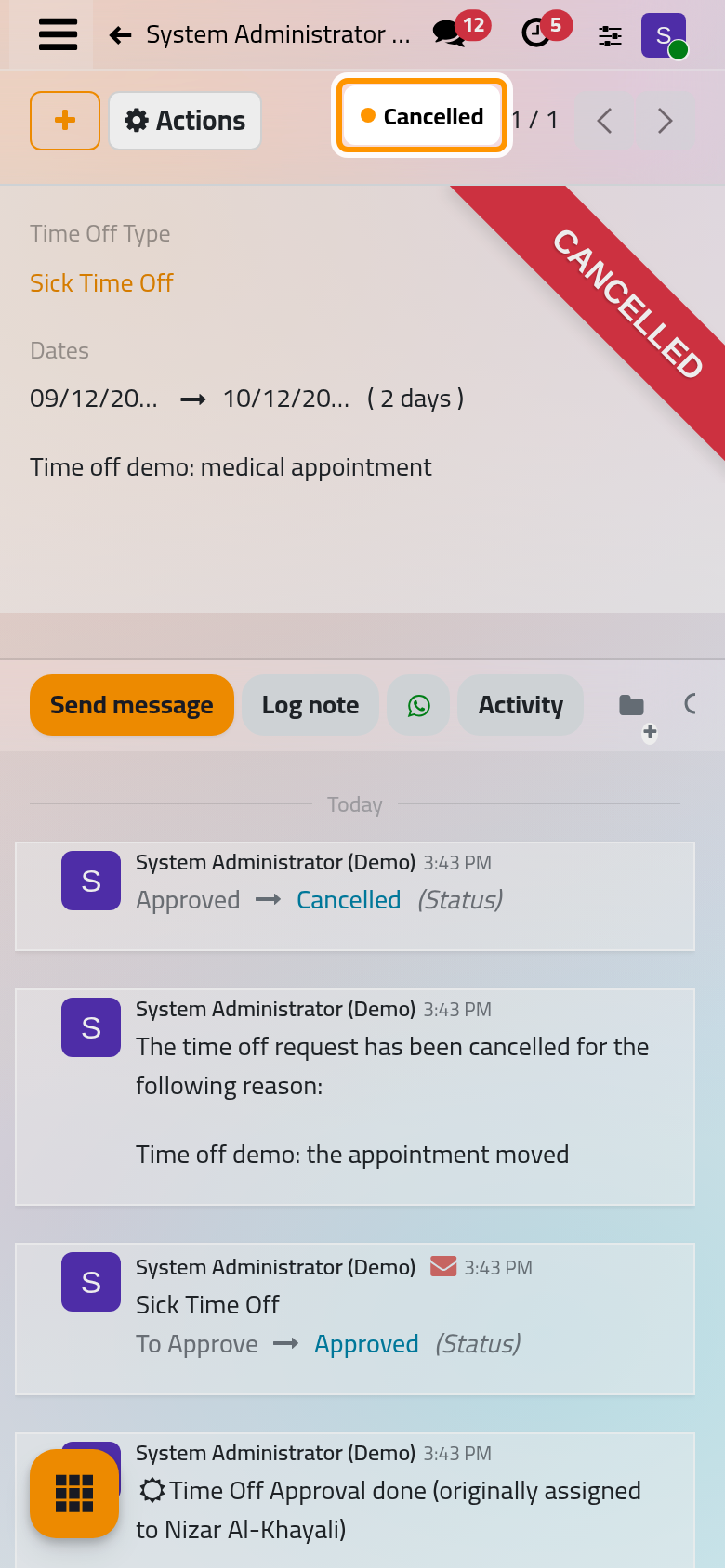
The status turns Cancelled, the reason is written in the chatter, your approver or the officers named under Notify HR on the type receive a message, and the days return to your balance.
You may cancel your own approved or refused time off until it starts; a time off officer may also cancel his own after that. The time off of someone else is not cancelled but refused: Approve time off requests.
FAQ
Why is a type missing from my list?
The type requires an allocation and you hold no valid days of it on that date. Ask your HR team for days, or send an allocation request if the type allows it.
Why does the duration differ from the calendar days?
Only your working days count. A weekend, a day off in your schedule or a public holiday inside the period is not taken from your balance.
Can I take half a day of any type?
No. Half days and hours exist only for the types whose Duration Type is Half-Day or Hours: Configure time off types.
Must I attach a document when the type asks for one?
The form does not stop you: Require Supporting Document on the type does not block a request without a file. The approver finds the files on the request, and on a phone its card shows how many there are.
Was this page helpful?
Thank you for your feedback.