Organize departments
On this page
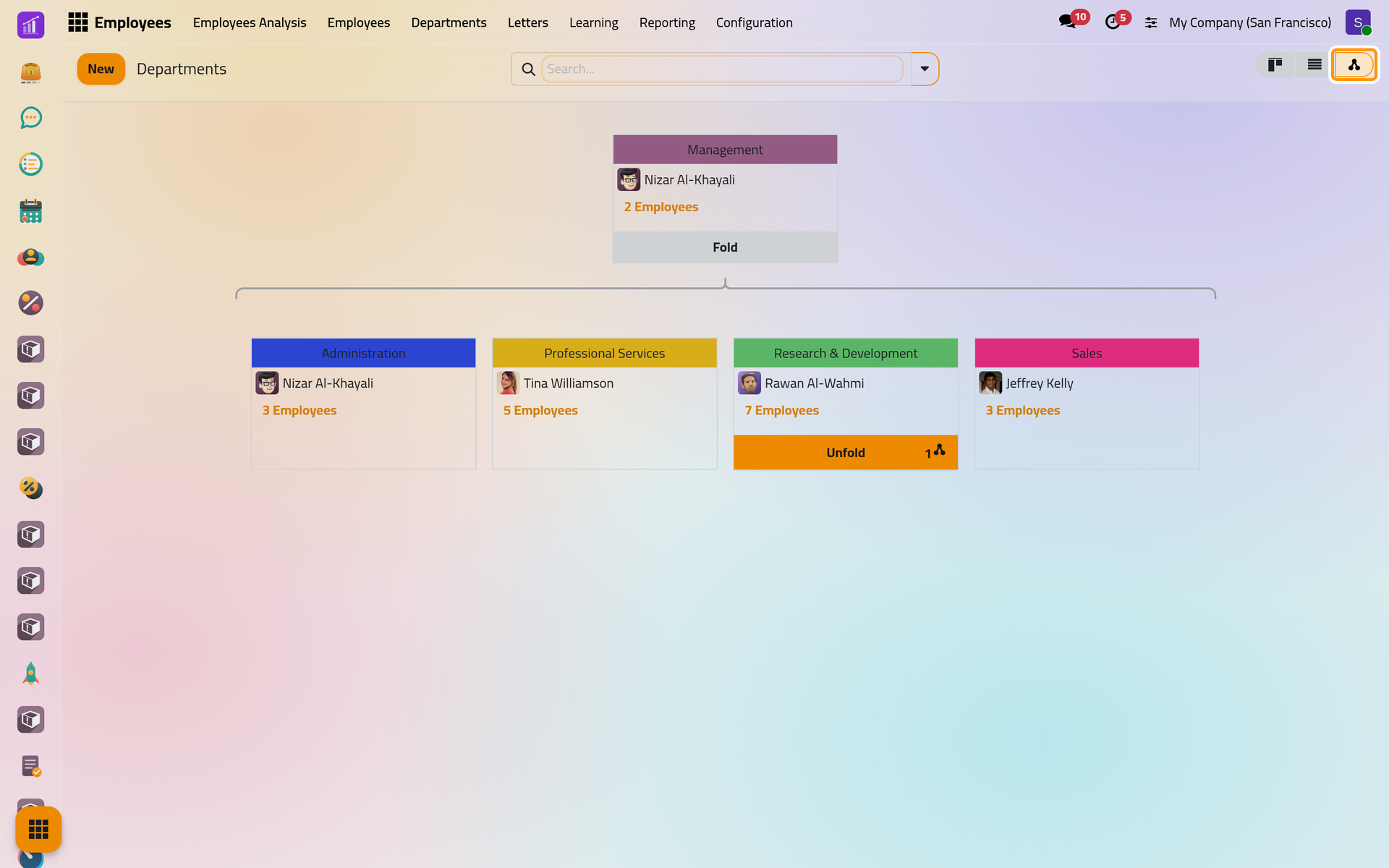
A department groups employees under one manager, and can sit under a parent department: the demo company has Management on top, with Administration, Professional Services, Research & Development and Sales under it. An employee belongs to one department, chosen on the Work tab of the employee's form.
Before you start
- Creating and changing departments needs the Officer: Manage all employees right on Employees. Without it, the Departments menu shows only to the managers of a department.
- The department's manager is an employee, not a user: pick the person in the list of employees.
Read the departments
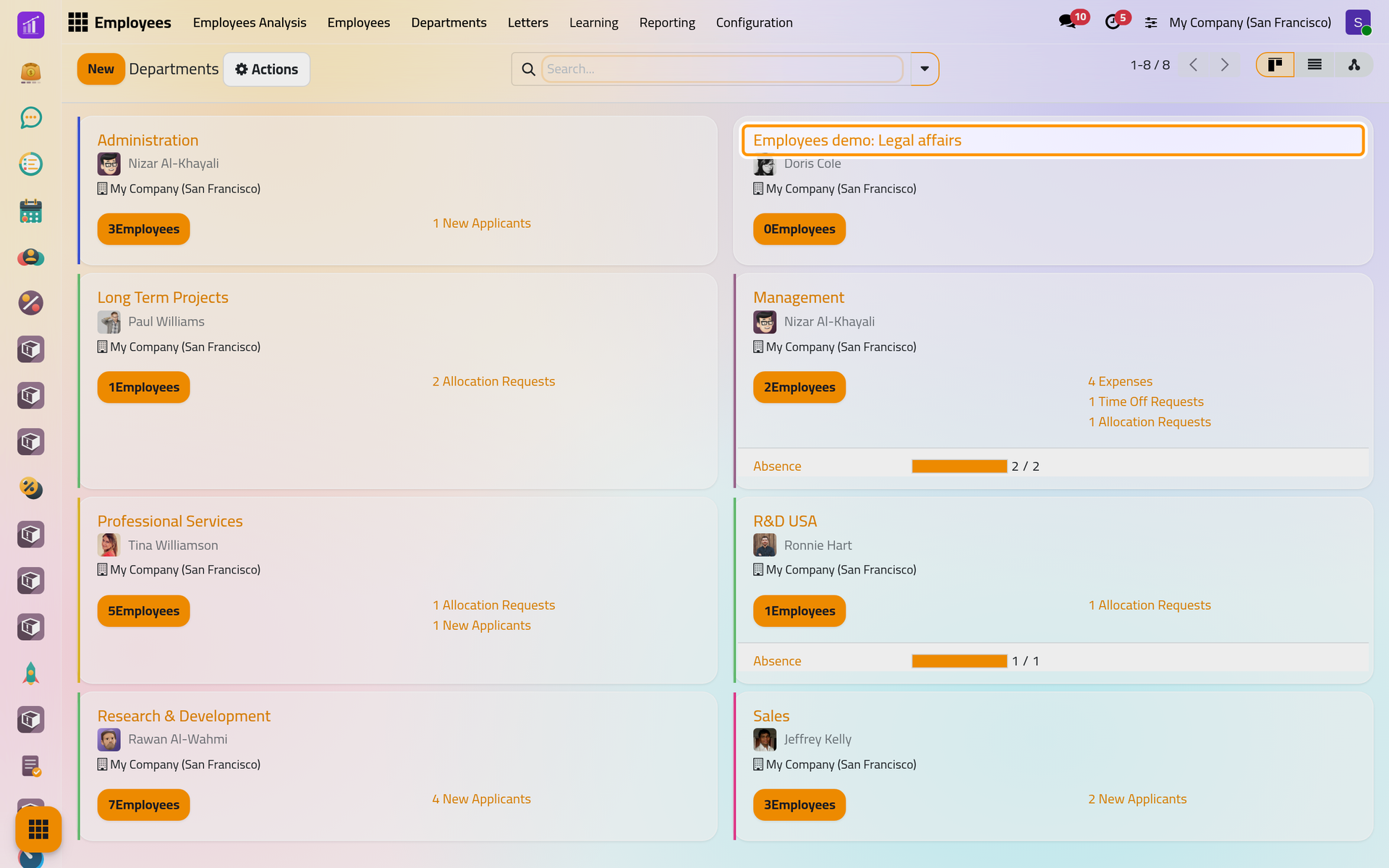
- Open . Each card gives the department's name, its manager, its company and an Employees button with the number of its people; the button opens them in a list.
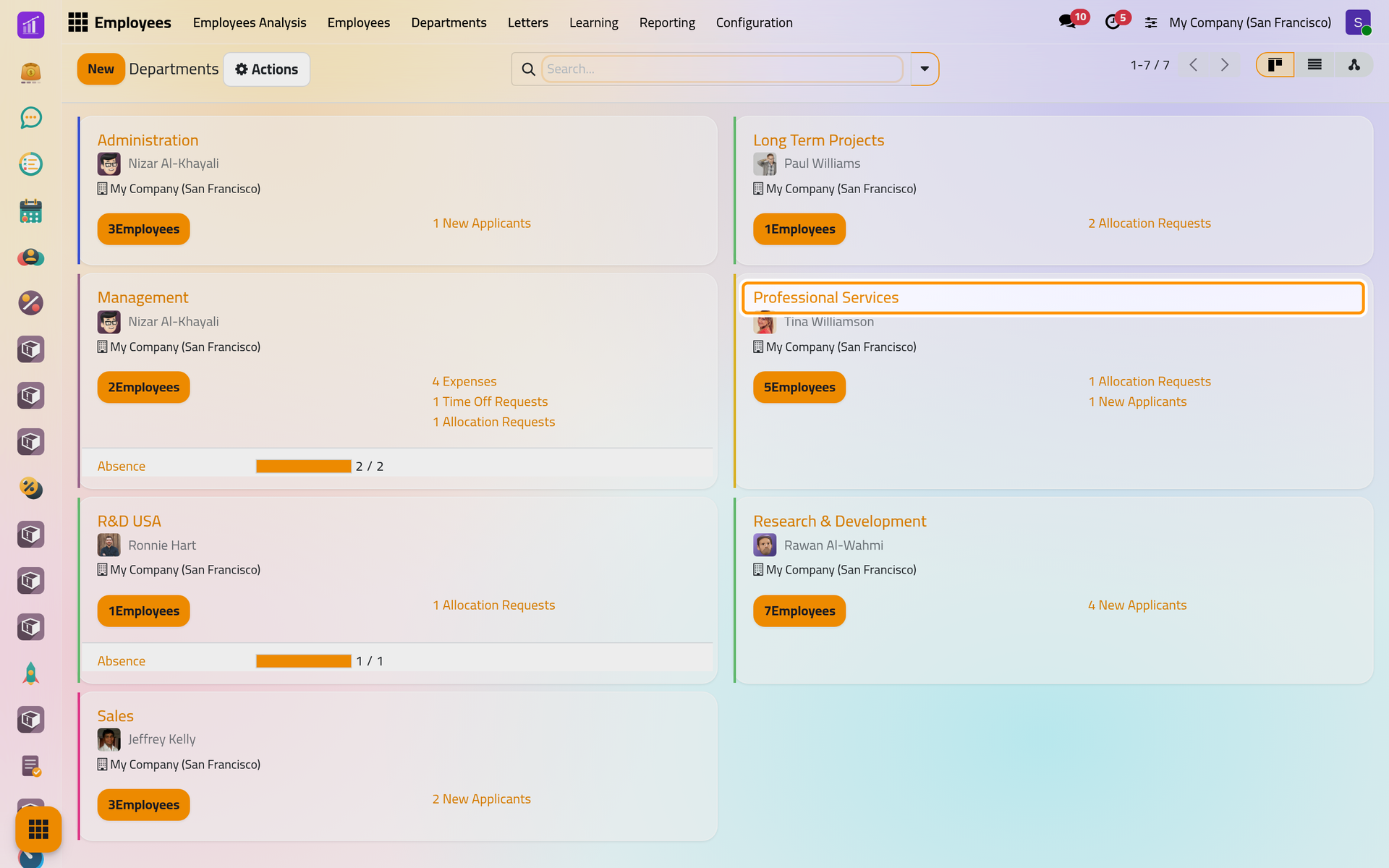
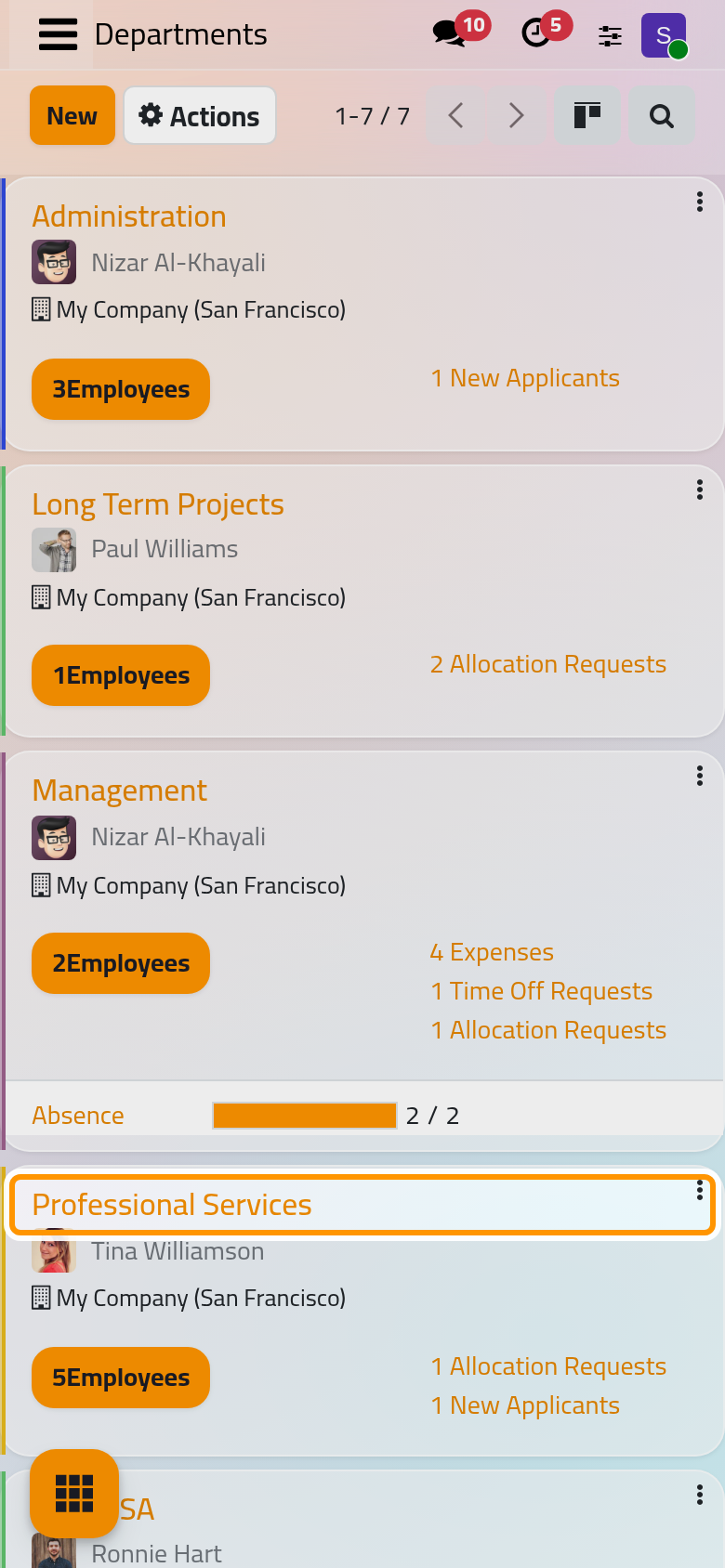
The links on the right of a card, such as time off requests, allocations, expenses or new applicants, come from the other HR apps and open their records for the department.
- Click the hierarchy button at the top right, next to the list button. The departments appear as a tree, each under its parent department. Fold and Unfold hide or show the departments under a card.
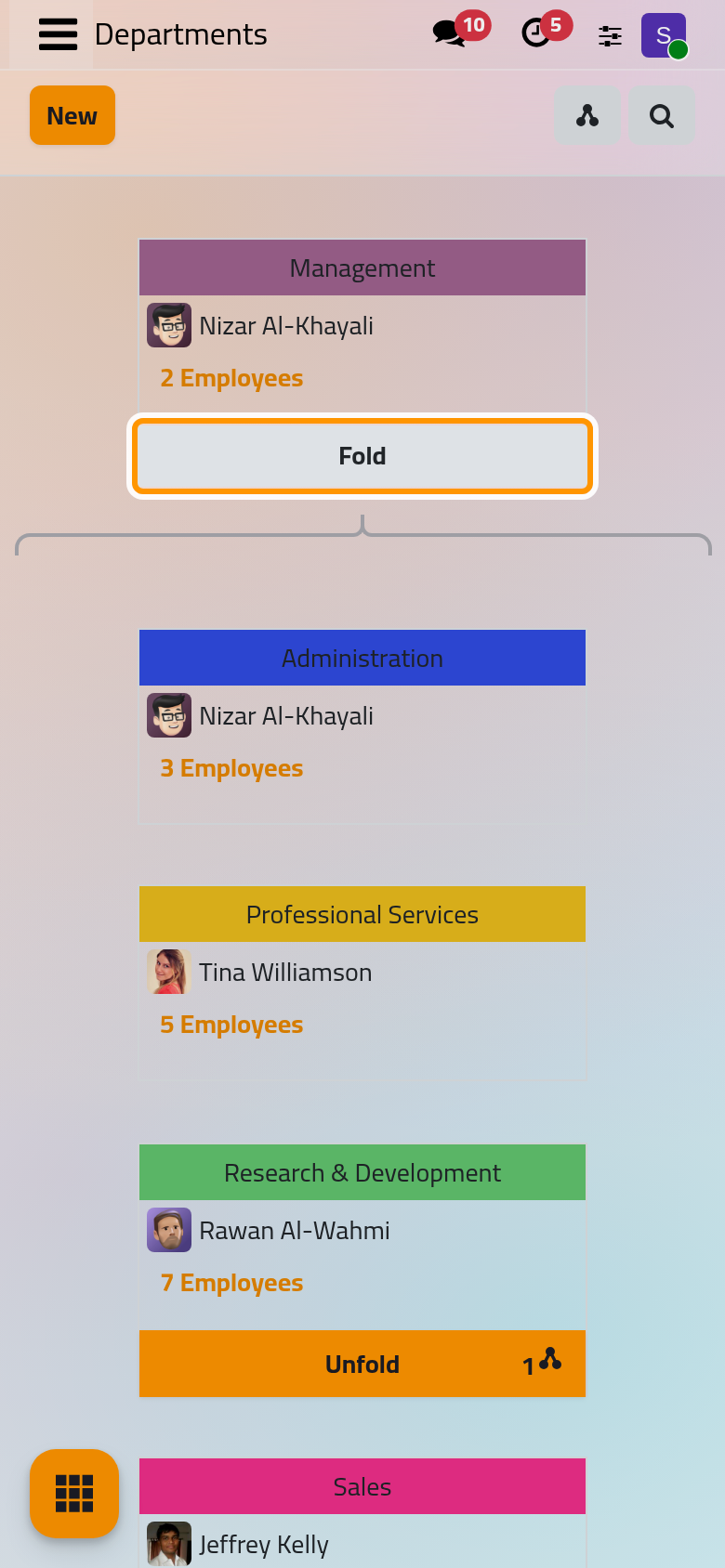
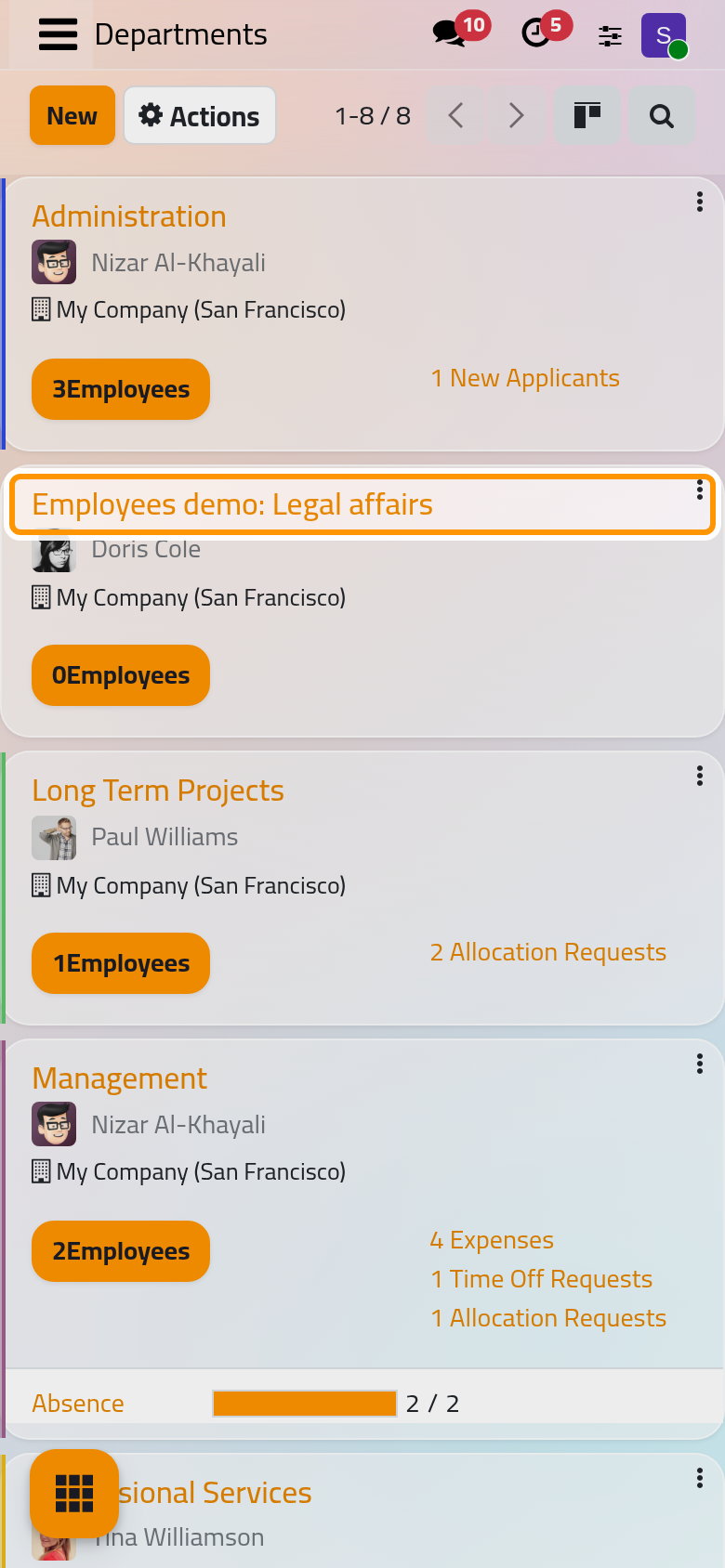
On a phone, the view buttons gather under one button at the top right, next to the magnifier.
Create a department
- Click New.
- Type the name on the first line, here
Employees demo: Legal affairs. The language button at the end of the line adds the name in another language. - Choose the Manager, here Doris Cole.
- Choose the Parent Department, here Professional Services. Leave it empty for a department at the top of the tree.
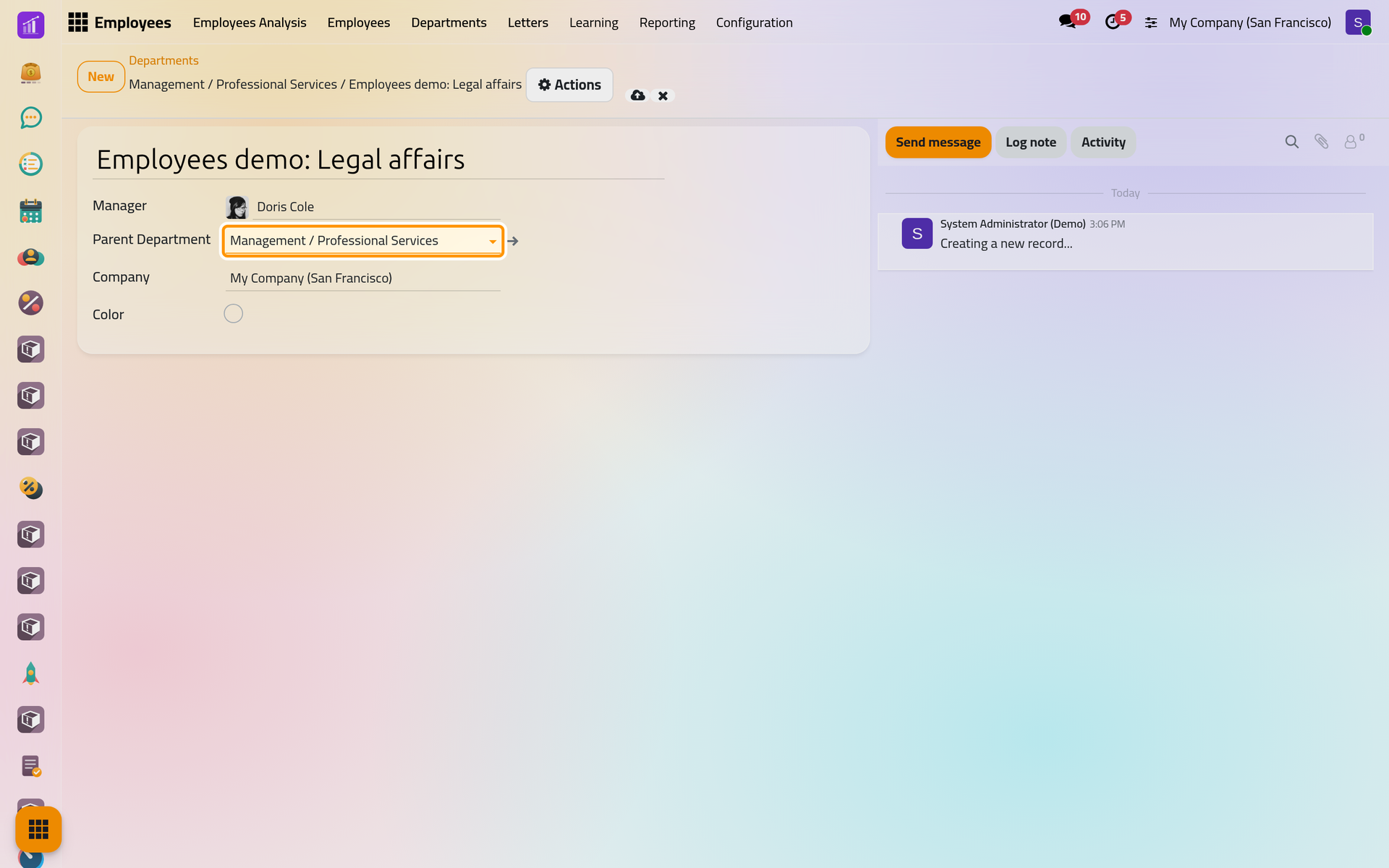
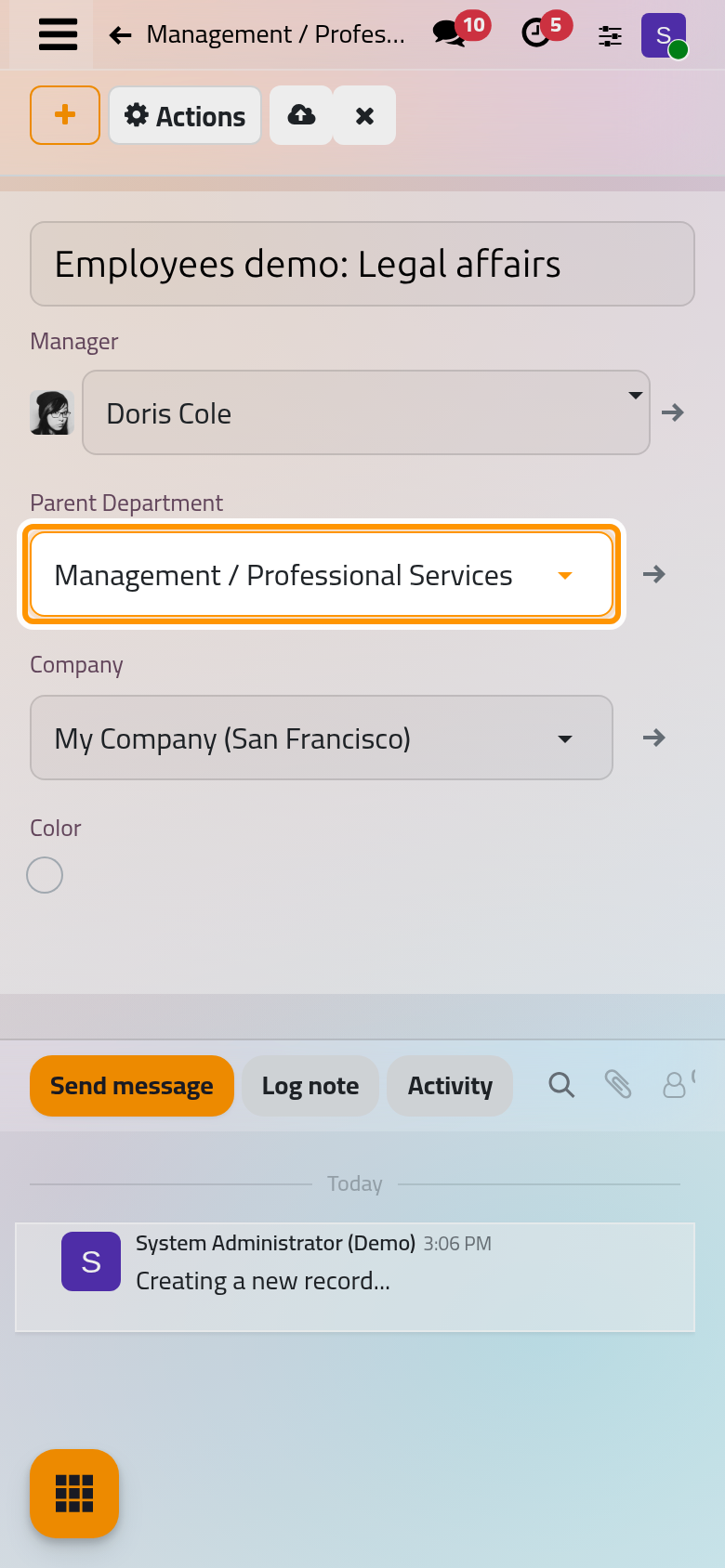
- Save. The breadcrumbs at the top show the full path of the department: Management / Professional Services / Employees demo: Legal affairs. The Company follows the parent department.
- Open again: the new department has its card, with no employees yet.
To move people into the department, choose it in the Department field of each employee's Work tab.
Change the manager of a department
Open the department, choose another Manager and save. The employees of that department whose Manager was the former department manager are moved to the new one; the others keep their manager. Creating a department, or choosing a department on an employee, changes no one's manager. How employee records work explains the managers and the coach.
FAQ
Can a department sit under one of its own sub-departments?
No. Saving a parent that would make a loop is refused with the message that recursive departments cannot be created.
Why do two departments show the same name in Arabic?
The names are translated per language. In the demo data, Administration and Management both read «الإدارة» in Arabic; the full path in the field tells them apart.
How do I remove a department?
Open it and choose Archive in Actions. An archived department leaves the lists and the department choices; the employees keep it on their record until you change it.
Was this page helpful?
Thank you for your feedback.