How Help Desk works
On this page
Help Desk keeps one record per customer question, the request, and files every request on a desk. The desk decides who works on it, which stages it goes through, which promises it carries and what the customer may do.
What a request holds
- a title and a reference, RQ and five digits, numbered across the whole database;
- a Desk, a stage and, once someone takes it on, an Owner;
- a Customer, or the name, e-mail and phone of whoever reported it;
- a Priority from Routine to Critical, Labels, and the progress flag;
- the description, the custom fields its desk defines (Edit Properties in Actions), and the conversation in the chatter;
- its dates and durations: claimed, first reply, wrapped up, all measured in working hours;
- one clock per service target it matches.
Desks
A desk is a queue with its people (agents and followers), its stages, its working calendar and its rules: hand-out, mail intake, targets, feedback, what customers may do, and its public page. A request belongs to the company of its desk. Help Desk settings goes through every option.
Stages are shared
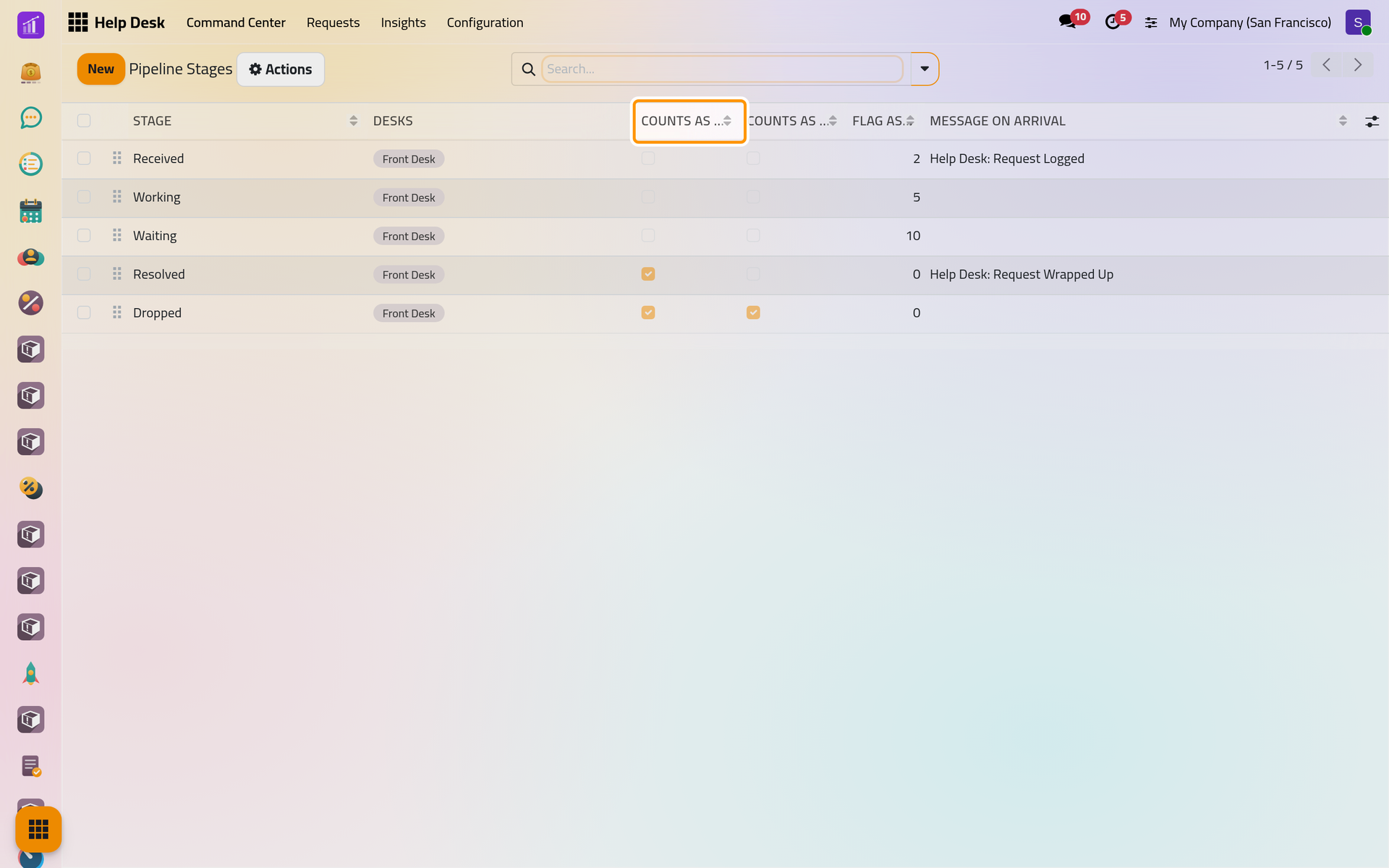
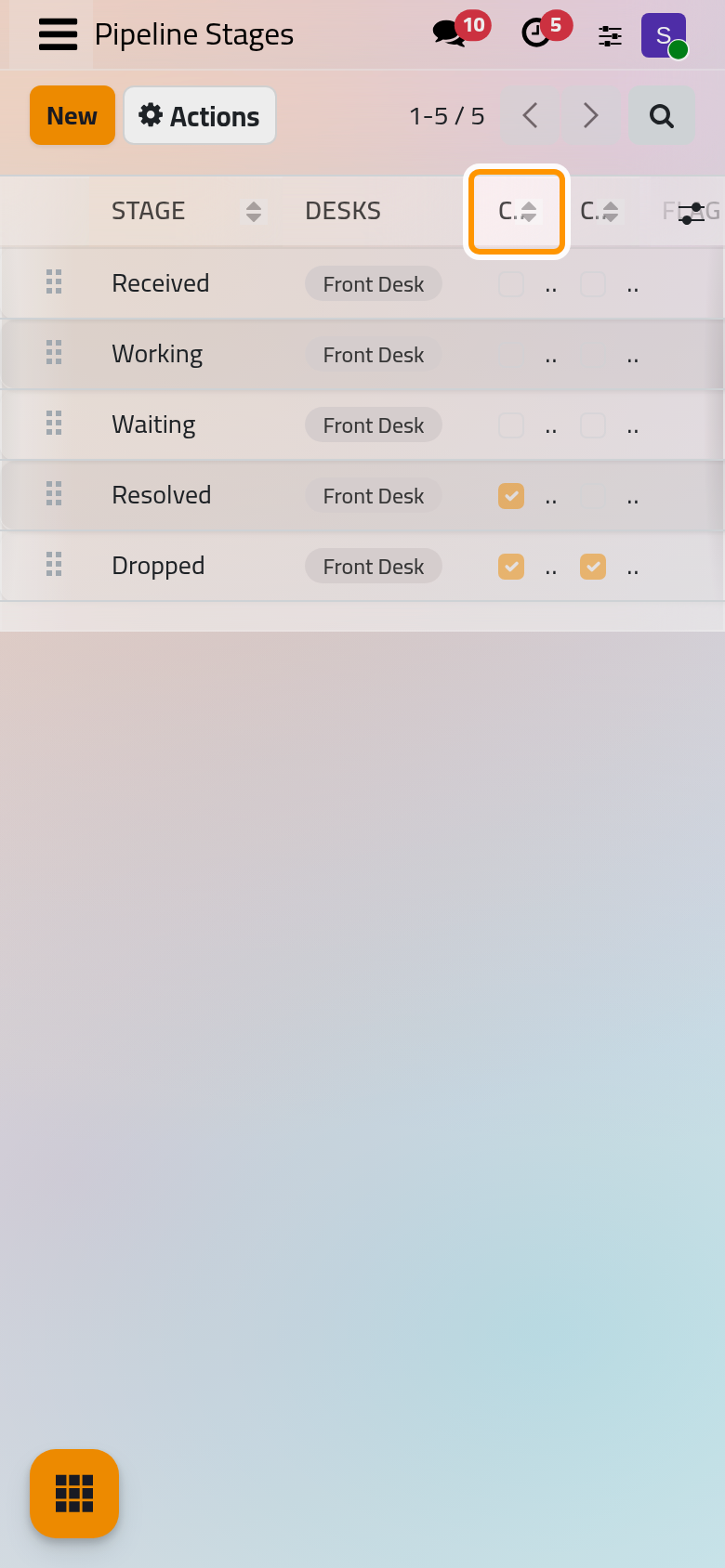
A stage can serve several desks, and each desk runs its own selection of stages in their order. Two flags give a stage its meaning: Counts as Wrapped Up folds its column, takes its requests out of the open lists and stops their ageing; Counts as Dropped marks the work as abandoned, so a request that lands there never counts as having kept its targets. A stage also carries its arrival message, its feedback template, its stale limit and its description.
Owners
A request without an Owner counts as Unclaimed. On a desk open to every internal user, anyone internal can own a request; on an invited desk, only its agents and followers. With Hand Out Automatically, the desk picks the owner at arrival: the agent with the fewest open requests, the next in turn, or the people of the first label rule that matches. Moving a request to a desk where its owner is not eligible leaves it unclaimed again.
Clocks count working hours
Every duration is counted on the working calendar of the desk, leaves included: nights and days off do not count.
- A service target gives each matching request a clock: Running, Paused in the stages the target names, then settled once, Met or Missed. Reaching the target stage or a later one settles it; a job marks Missed the clocks past their deadline every hour.
- The reply clock starts when the customer writes and stops at the next answer the customer can see. Internal notes never stop it. It feeds the first reply time and the average reply time.
Mail and the conversation
With Mail Intake, an e-mail sent to the address of the desk opens a request: its subject becomes the title, its sender the reply address. Replies come back to the same request. When the customer answers a wrapped-up request, it opens again in the stage it left; an answer from a colleague does not reopen it. The e-mails of the desk leave through the outgoing mail queue.
Who sees what
| Audience of the desk | Internal users | Customers |
|---|---|---|
| All Internal Users | everyone | nobody |
| Invited Internal Users | the followers of the desk or of a request | nobody |
| Invited Portal Users and Internal Users | everyone | the requests they follow or of their own company |
Administrators see every desk of their companies. Employees without a Help Desk access right do not see the app.
Customers on the portal
On a desk open to customers, a customer with a portal account finds their requests under Support Tickets in their account. A request shows its stage, what they told the desk and the conversation, where they can answer; Mark as finished appears when the desk lets customers close their requests. Once the request is wrapped up, the conversation is closed there. In the form of a request, Customer Preview and Share this Request, in Actions, show that page or send a link to it; both say so when the desk is not open to customers.
Feedback and figures
On a desk that collects feedback, the stage that carries the feedback template asks the customer once per request how it went. The scores reach , the request and the card of the desk. The Command Center counts each desk's open, unclaimed, critical, stale and missed requests; and Target Insights analyse the requests and the clocks by desk, owner, stage, label or date.
What Help Desk does not do
- It creates no contact for an unknown sender: the request keeps the name and the address.
- It records no time spent and bills nothing.
- Its screens offer no switch that publishes the public page of a desk: Take requests from the website.
- It counts durations in working hours only.
Was this page helpful?
Thank you for your feedback.