Add or correct an attendance
On this page
- Before you start
- Find what needs fixing
- Correct a check-out
- Add a forgotten day
- Rules that refuse an attendance
- FAQ
- Why is the worked time shorter than the gap between check-in and check-out?
- How do I close the attendance of someone who forgot to check out?
- Can employees correct their own attendances?
- The app says the employee was already checked in.
People forget to check out, or check in on the wrong day. A manager then fixes the record by hand: the times typed are kept as they are, an attendance typed from scratch carries the mode Manual, and every change is written in the chatter of the attendance.
Before you start
- Officer: Manage all attendances corrects the attendances of every employee. Officer: Manage attendances corrects only those of the employees whose Attendance approver they are, set on the employee's Settings tab. How attendance works explains both.
- Employees without these rights read their own attendances but cannot change them.
Find what needs fixing
- Open .
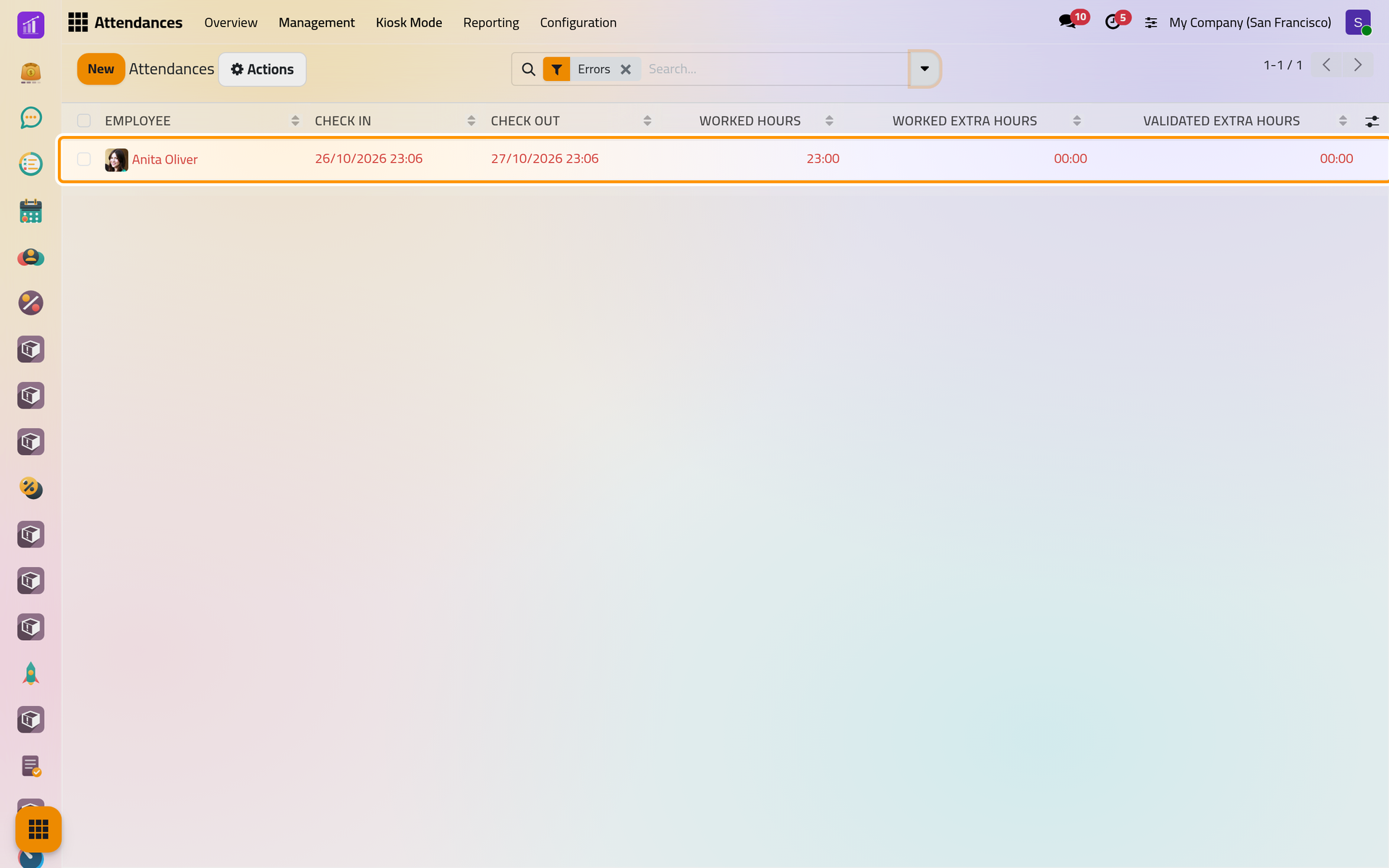
- Remove the grouping by clicking the small cross of its facet in the search bar, then click the arrow at the right of the search bar to open the filters.
- Choose Errors, then press Escape.
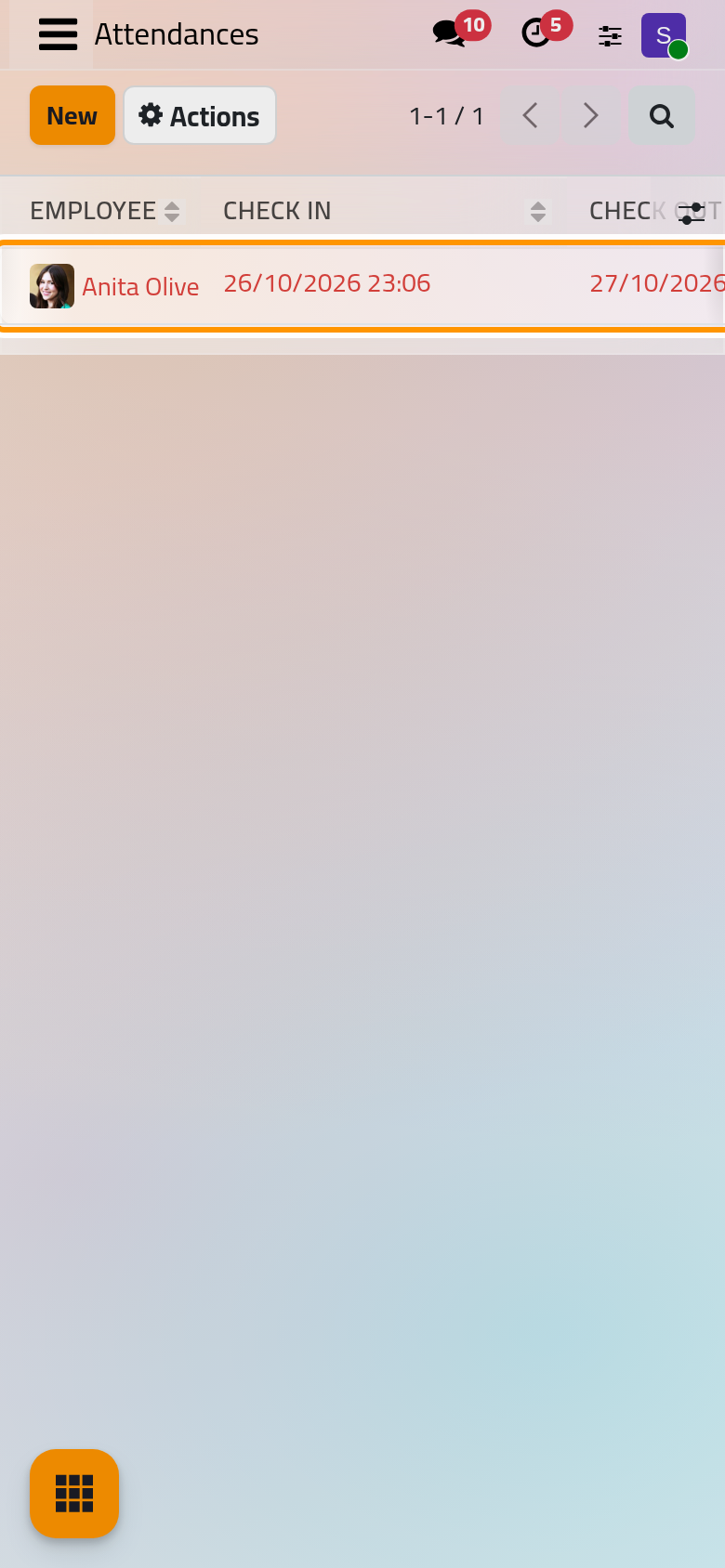
Errors keeps the attendances of 16 hours or more, and those still open whose check-in is more than a day old. The list shows them in red. At Work lists every attendance still open, and Automatically Checked-Out those that the app closed itself.
Correct a check-out
- Click the attendance to open it.
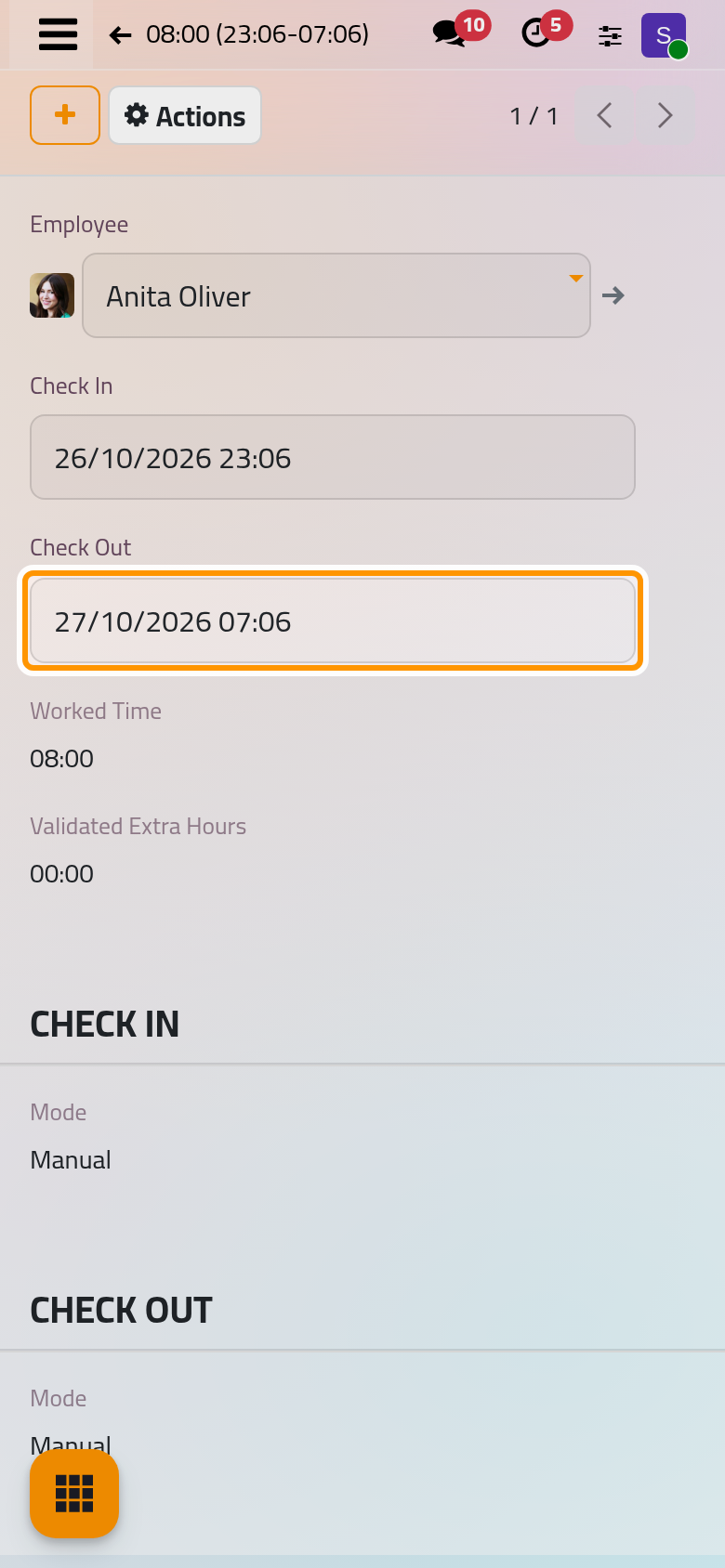
- Click Check Out, type the right date and time, for example
27/10/2026 07:06, and click anywhere else on the form. - Click the save button, the cloud at the top.
Worked Time follows at once. It is the time between the two, less the lunch break of the employee's working schedule when the attendance covers it.
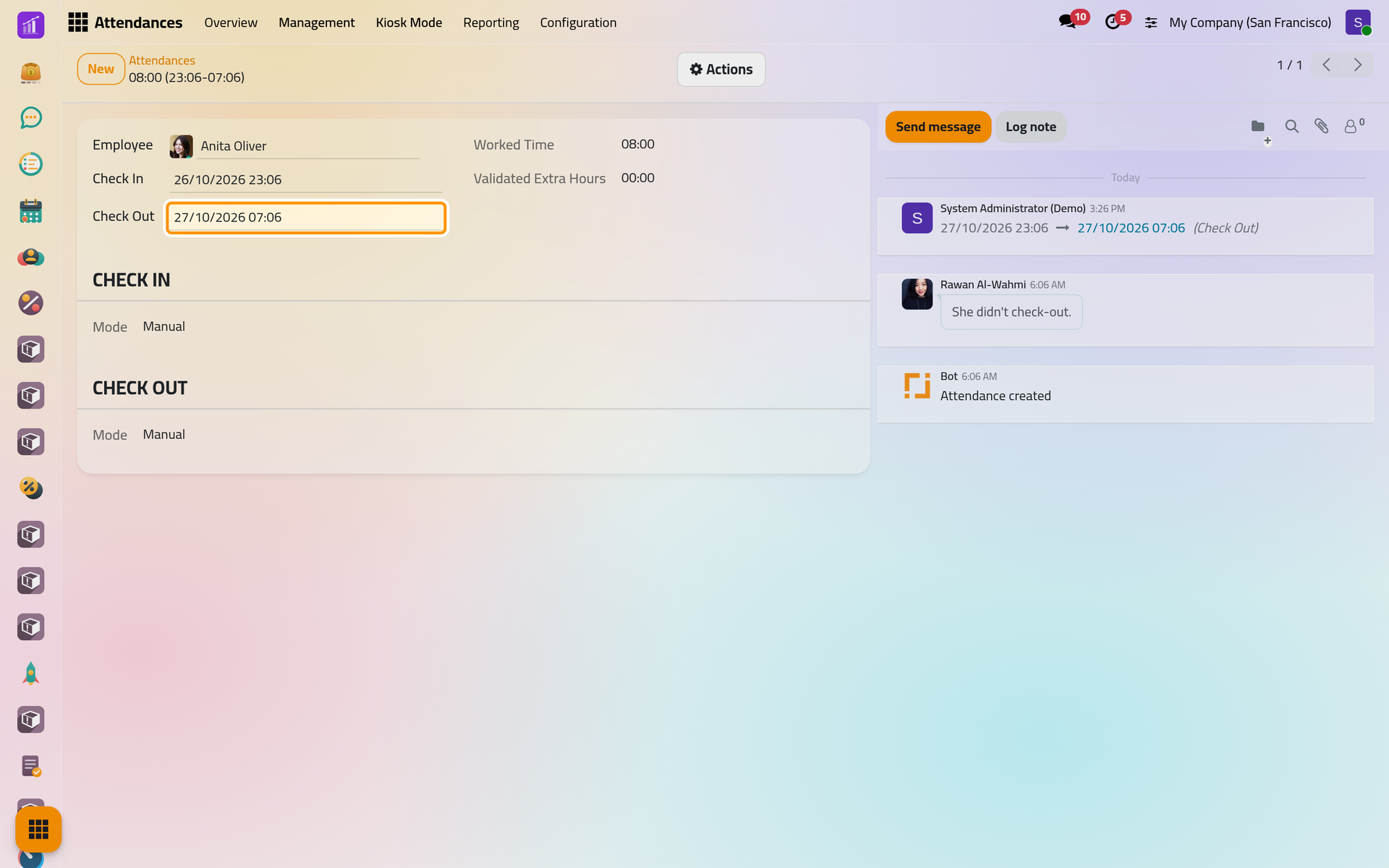
Changing the times also computes the extra hours of that day again. When the settings ask for a manager's approval, extra hours already approved for that day wait for approval again: Approve extra hours.
Add a forgotten day
- In the same list, click New.
- In Employee, choose the person; the field starts with your own employee. Here,
Rawan Al-Wahmi. - Type the Check In,
19/10/2026 08:00, click anywhere else, then type the Check Out,19/10/2026 16:00. Leave Check Out empty to record someone who is still at work.
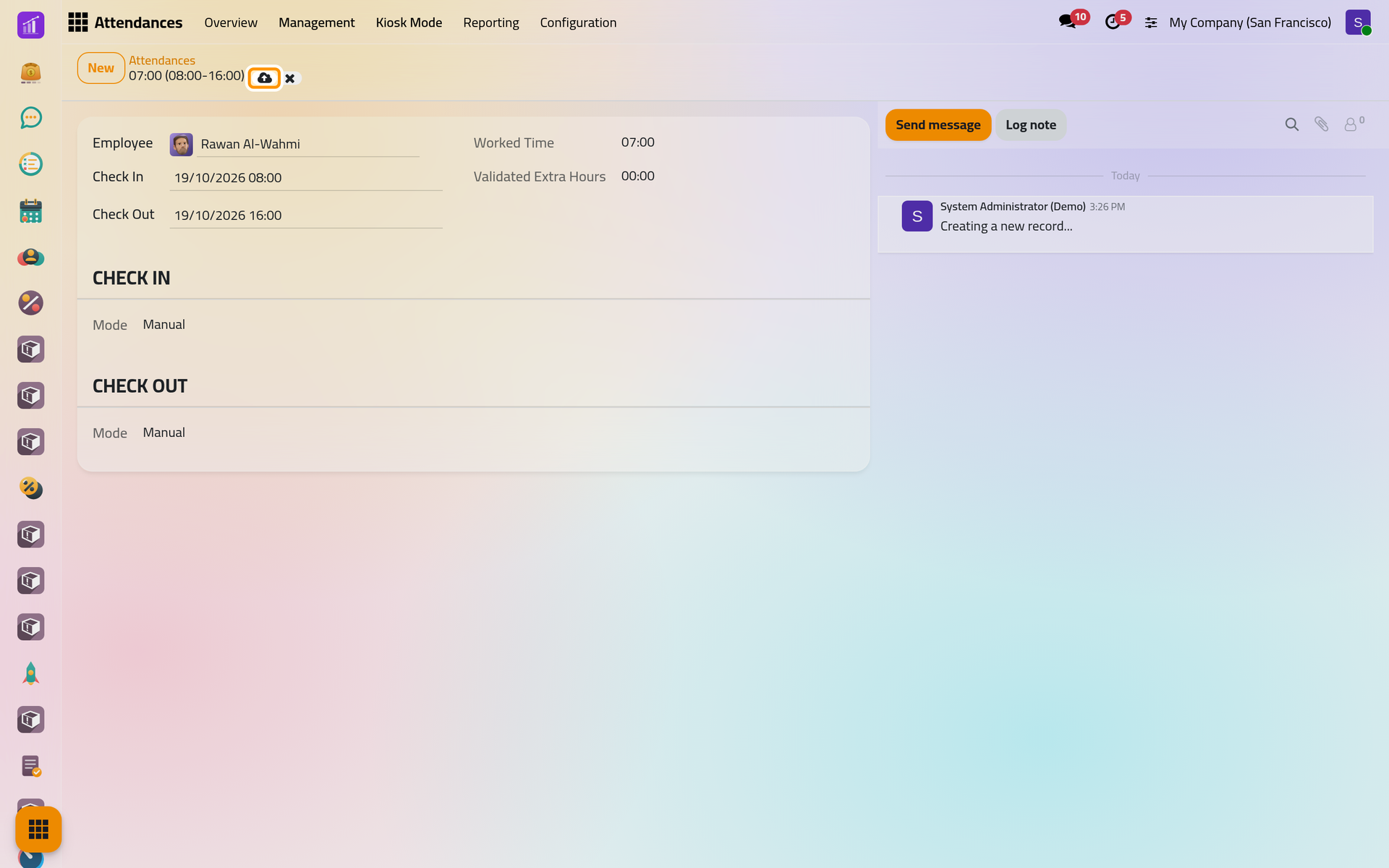
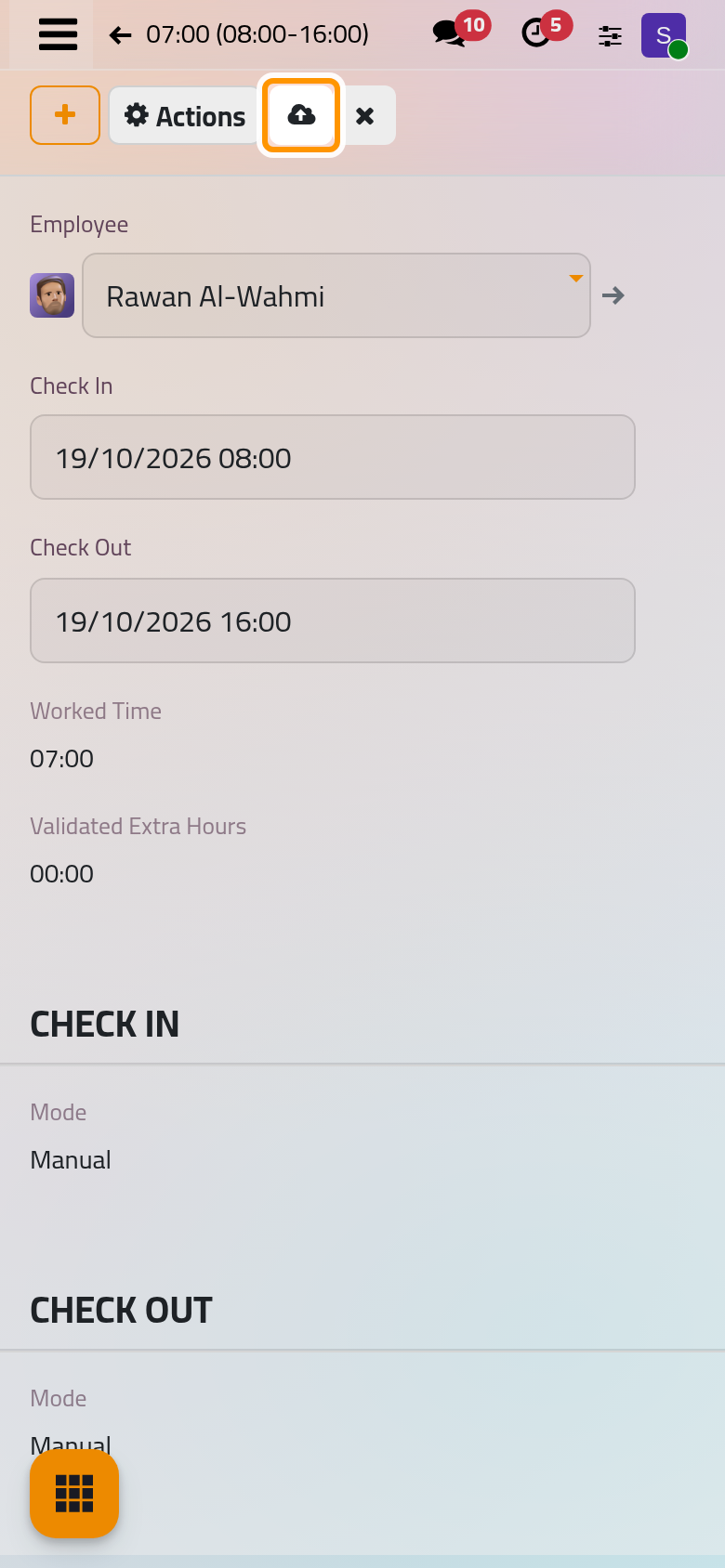
- Save. Both times carry the mode Manual.
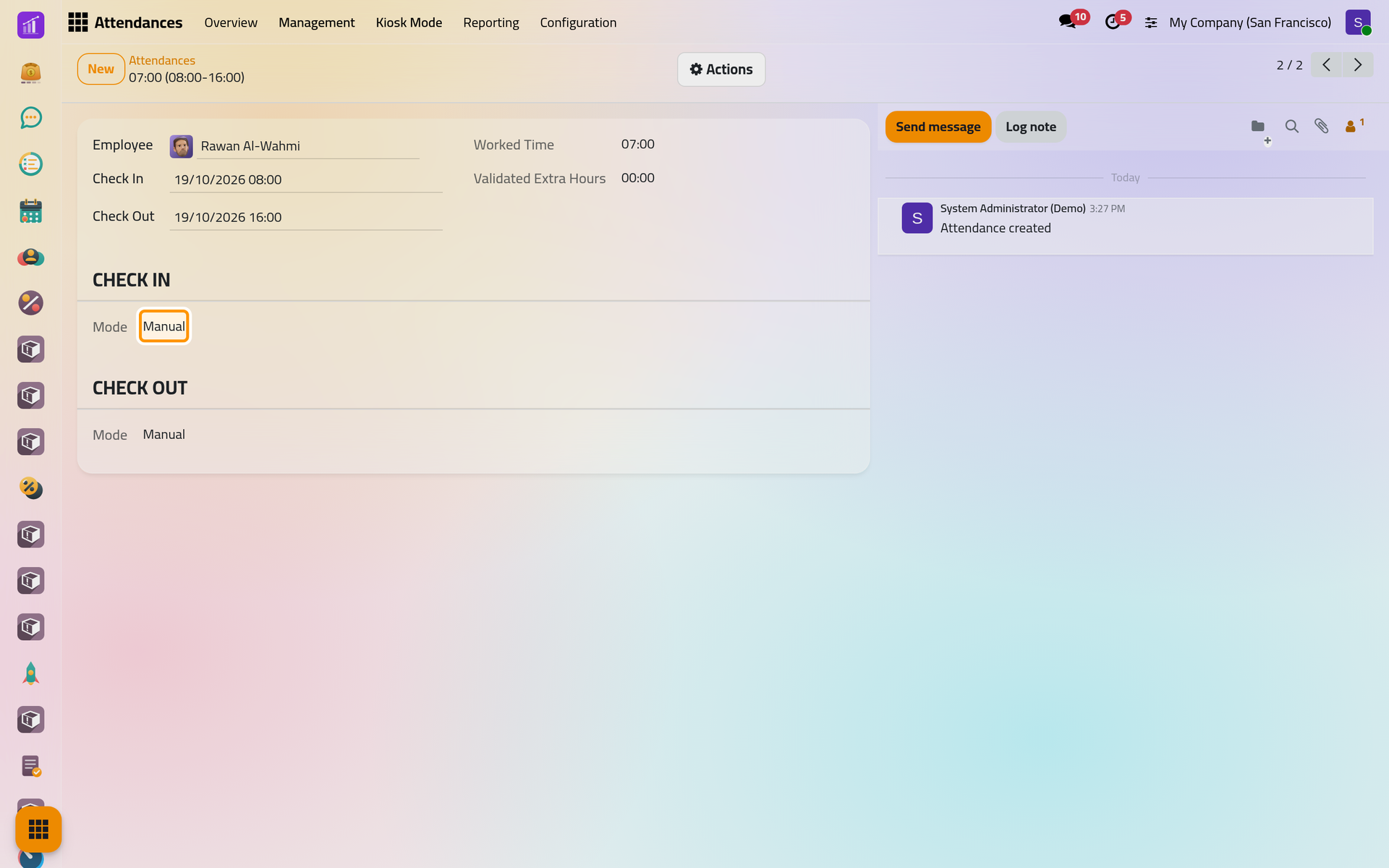
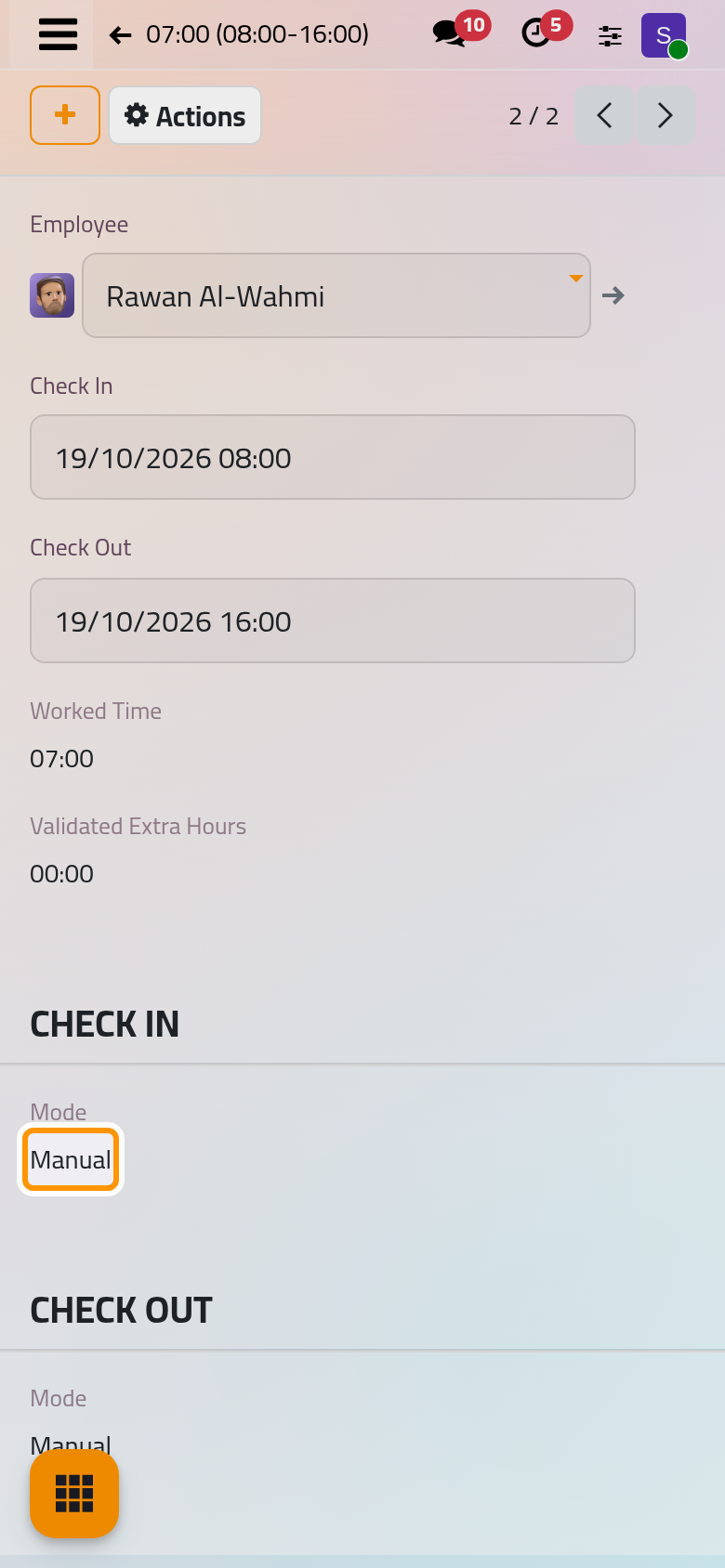
To delete an attendance typed by mistake, open it and choose Actions, Delete. Attendances cannot be duplicated.
Rules that refuse an attendance
The app refuses to save, and says why, when:
- the check-out is earlier than the check-in;
- the employee already has an open attendance, without check-out: close it first;
- the new times overlap another attendance of the same employee.
FAQ
Why is the worked time shorter than the gap between check-in and check-out?
The lunch break of the employee's working schedule is not counted when the attendance covers it. Employees on a flexible schedule have no break taken off.
How do I close the attendance of someone who forgot to check out?
Open it from At Work or Errors and type the Check Out. To have the app do it for everyone, turn on Automatic Check-Out in Attendance settings.
Can employees correct their own attendances?
No. They can check in and out again, but changing past times needs one of the officer rights.
The app says the employee was already checked in.
Another attendance of the same employee covers part of the new times, or is still open. Find it with the employee's name in the search bar, correct or delete it, then save yours.
Was this page helpful?
Thank you for your feedback.