Approve extra hours
On this page
When an attendance goes beyond what the employee's rules expect, the app computes its extra hours as soon as the attendance is saved. They are either approved at once, or they wait for a manager. Only approved hours count as Validated Extra Hours, the figure the reports and the time off bridge use.
Before you start
- The setting needs the Administrator access right on Attendances and the right to manage the settings of the database.
- Officer: Manage all attendances approves the extra hours of every employee. Officer: Manage attendances approves those of the employees whose Attendance approver they are, on the employee's Settings tab.
- Extra hours come from the employee's ruleset: Set up overtime rules.
Ask for a manager's approval
- Open .
- In Extra Hours, set Extra Hours Validation to Approved by Manager and click Save.
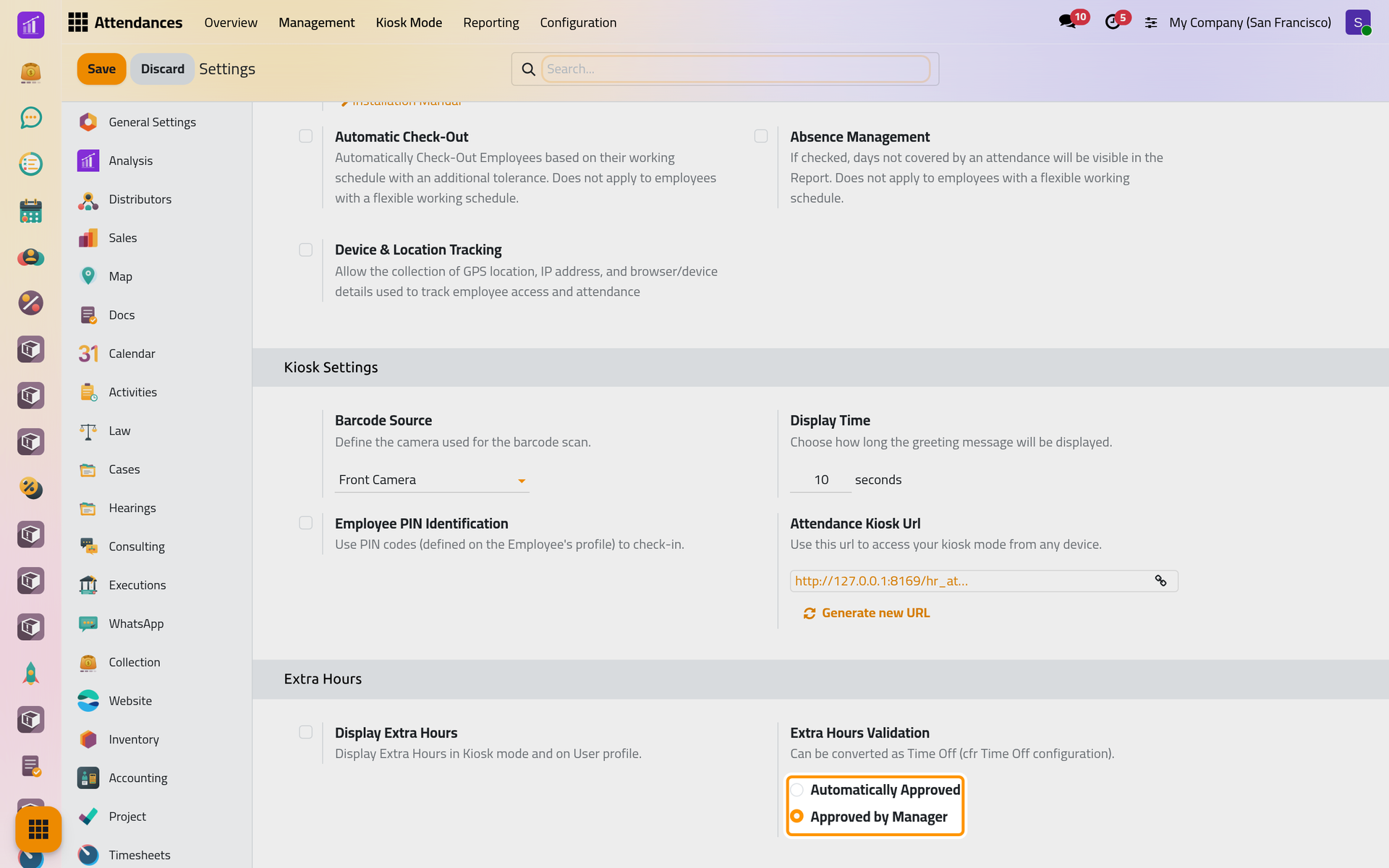
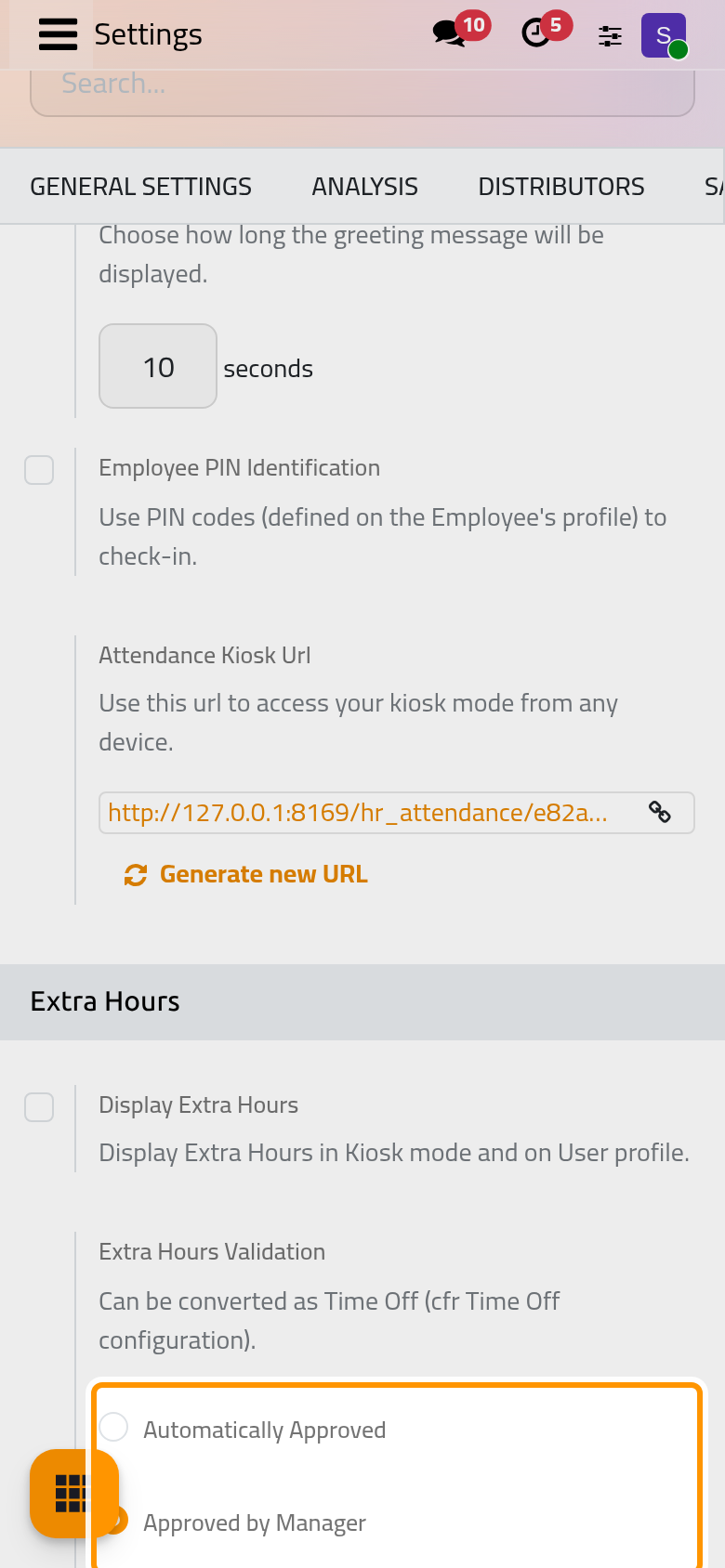
With Automatically Approved, the default, extra hours are validated as soon as they are computed and nobody needs to act. The choice applies to extra hours computed from now on; those already there keep their status.
Read the extra hours of an attendance
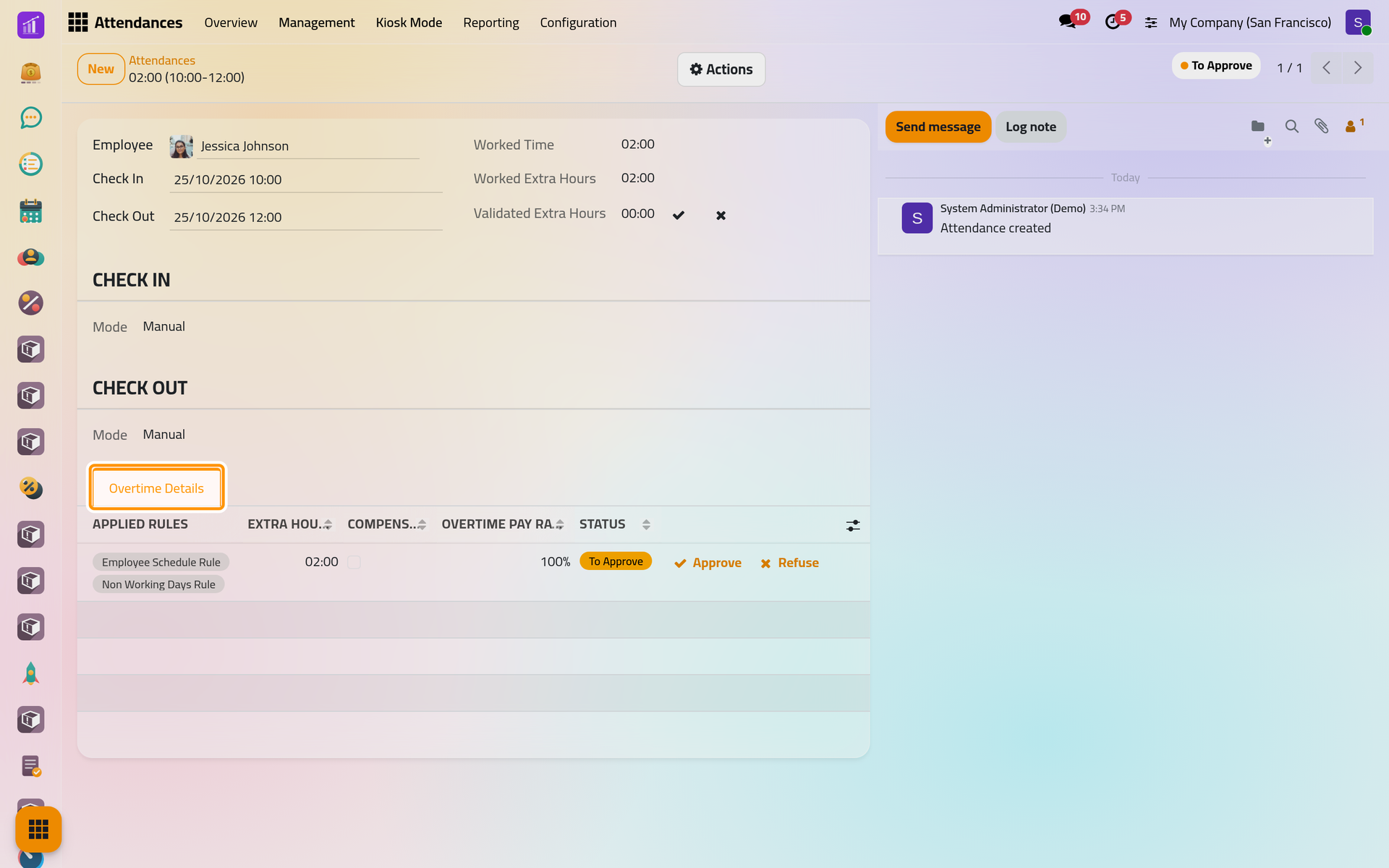
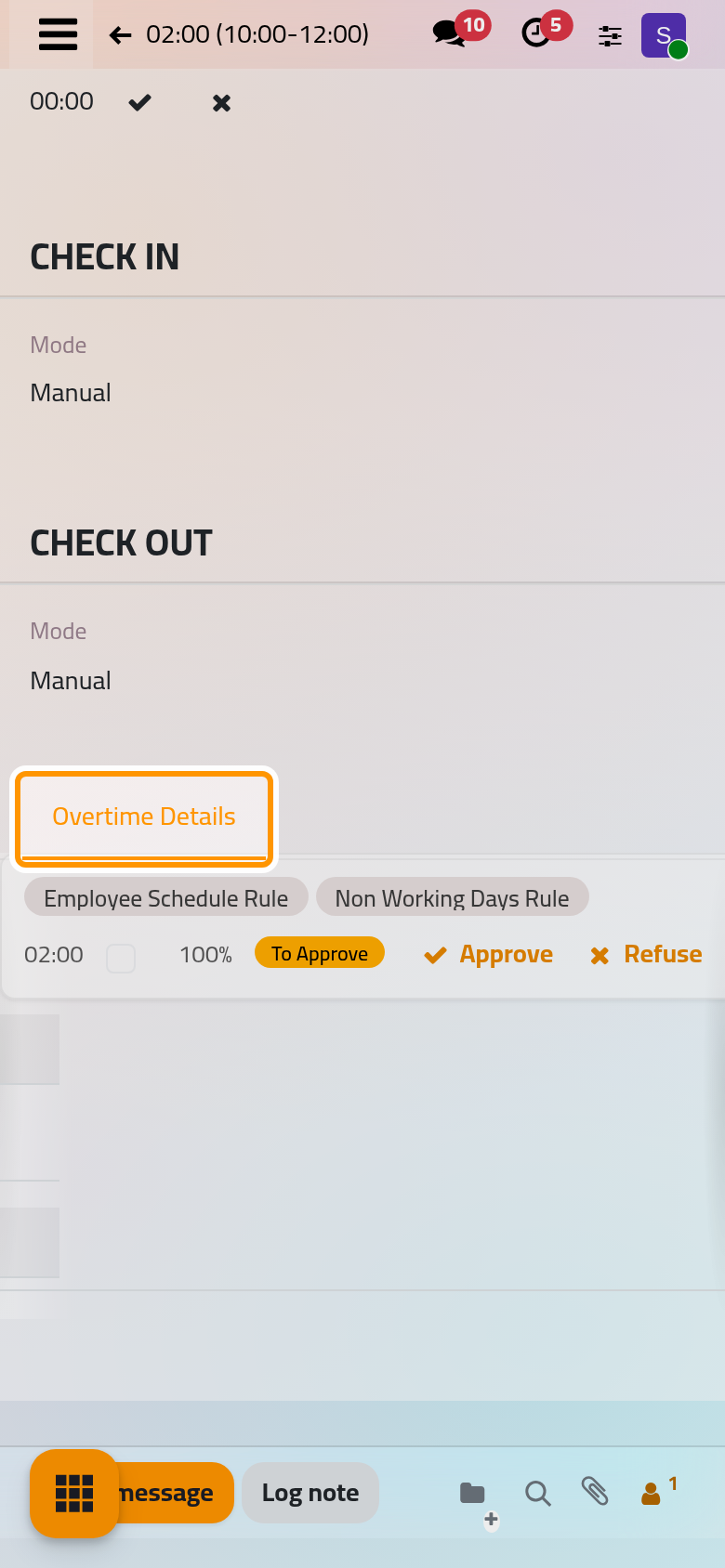
Here, the demo employee Jessica Johnson worked from 10:00 to 12:00 on Sunday 25 October 2026, a day off. Once the attendance is saved, its form shows:
- the status To Approve at the top;
- Worked Extra Hours, the extra hours computed, and Validated Extra Hours, still 00:00, with two small buttons to approve or refuse them;
- the tab Overtime Details: one line per stretch of extra hours, with the Applied Rules, the Extra Hours, whether they are Compensable as Time Off, the Overtime pay rate and the status.
Approve or refuse
- Open . The list shows the closed attendances whose extra hours are To Approve, for active employees.
- Click Approve on a row, or Refuse.
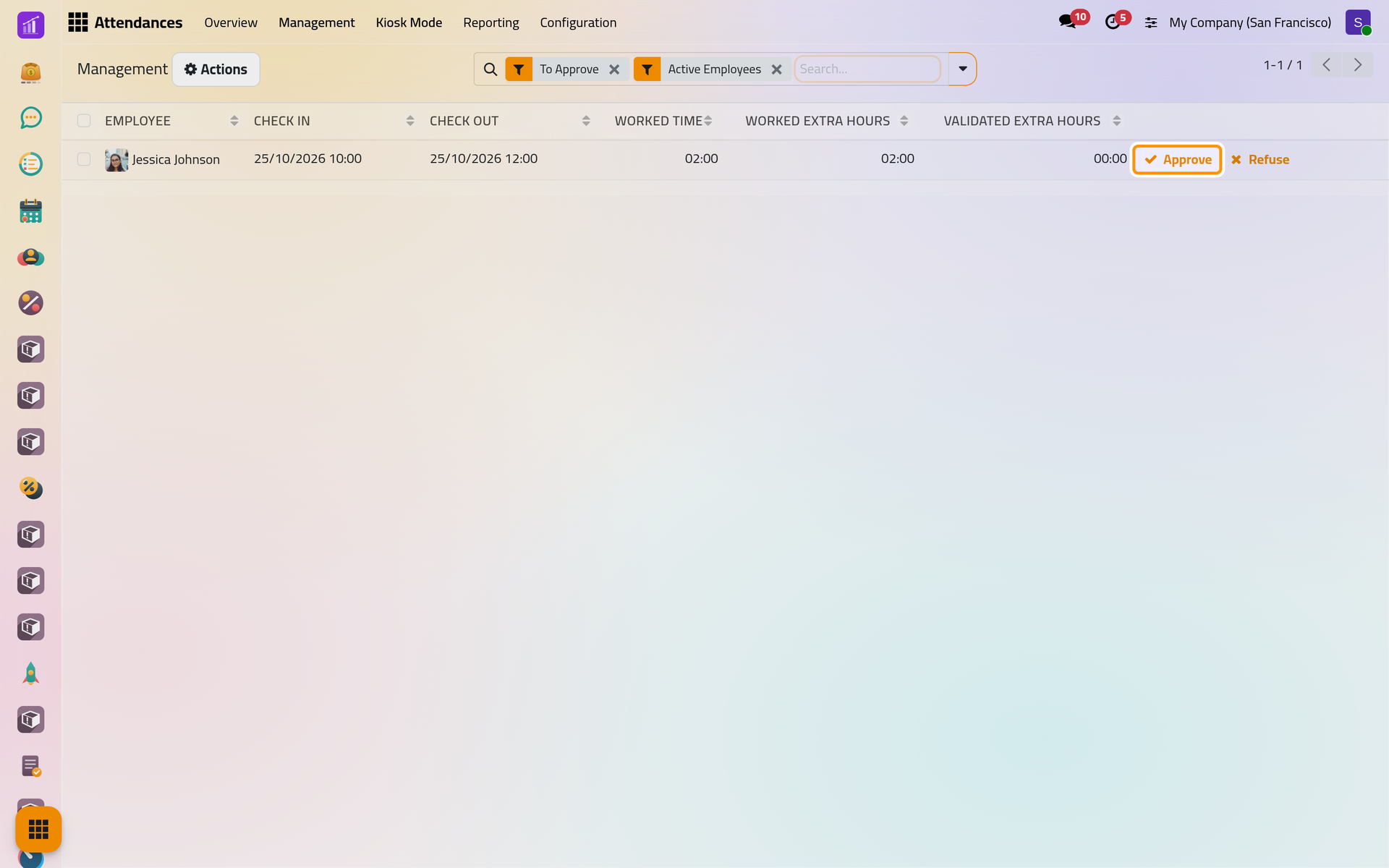
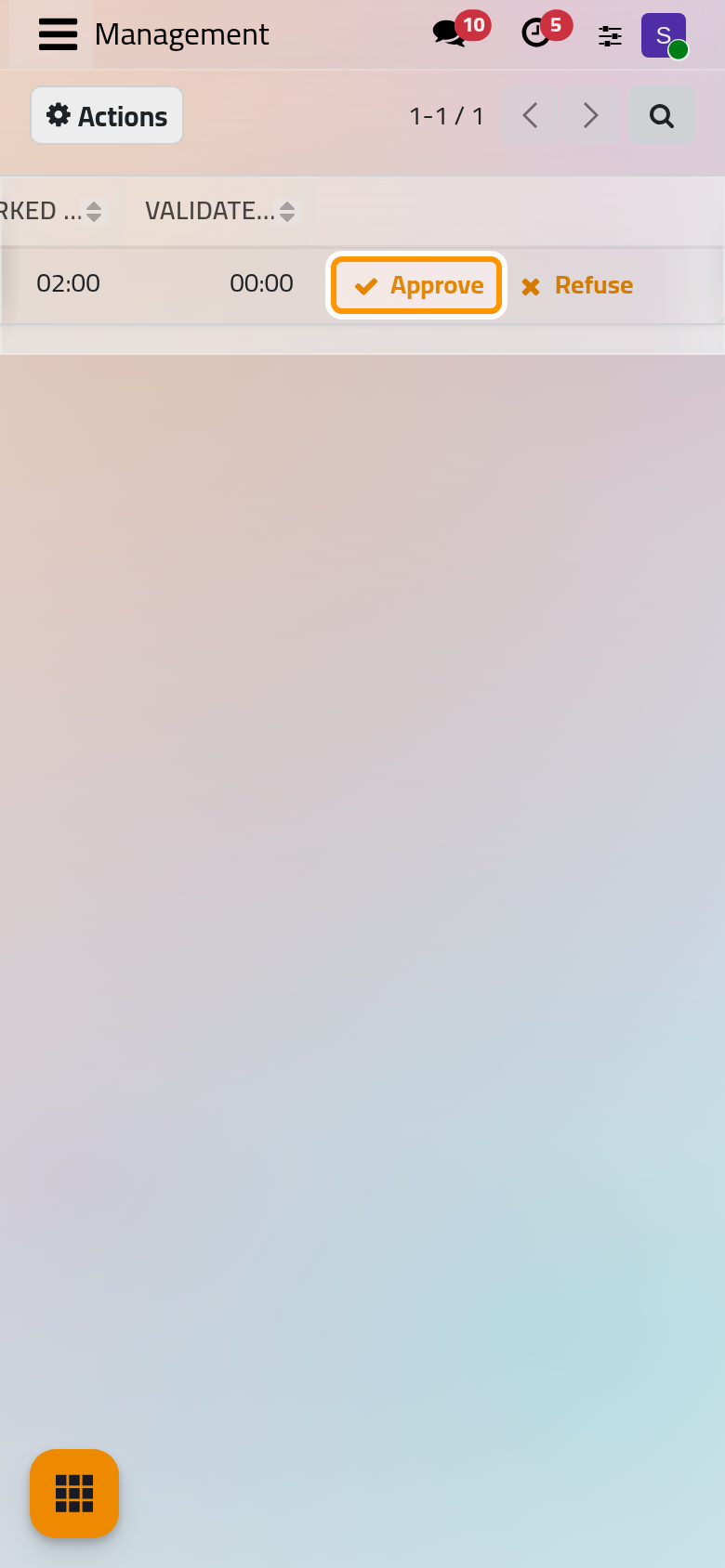
To decide for several attendances at once, tick their rows: Approve and Refuse appear above the list.
- An approved row leaves the list. To see it again, open the filters and add Approved: its Validated Extra Hours now equal the extra hours, and Refuse is still offered.
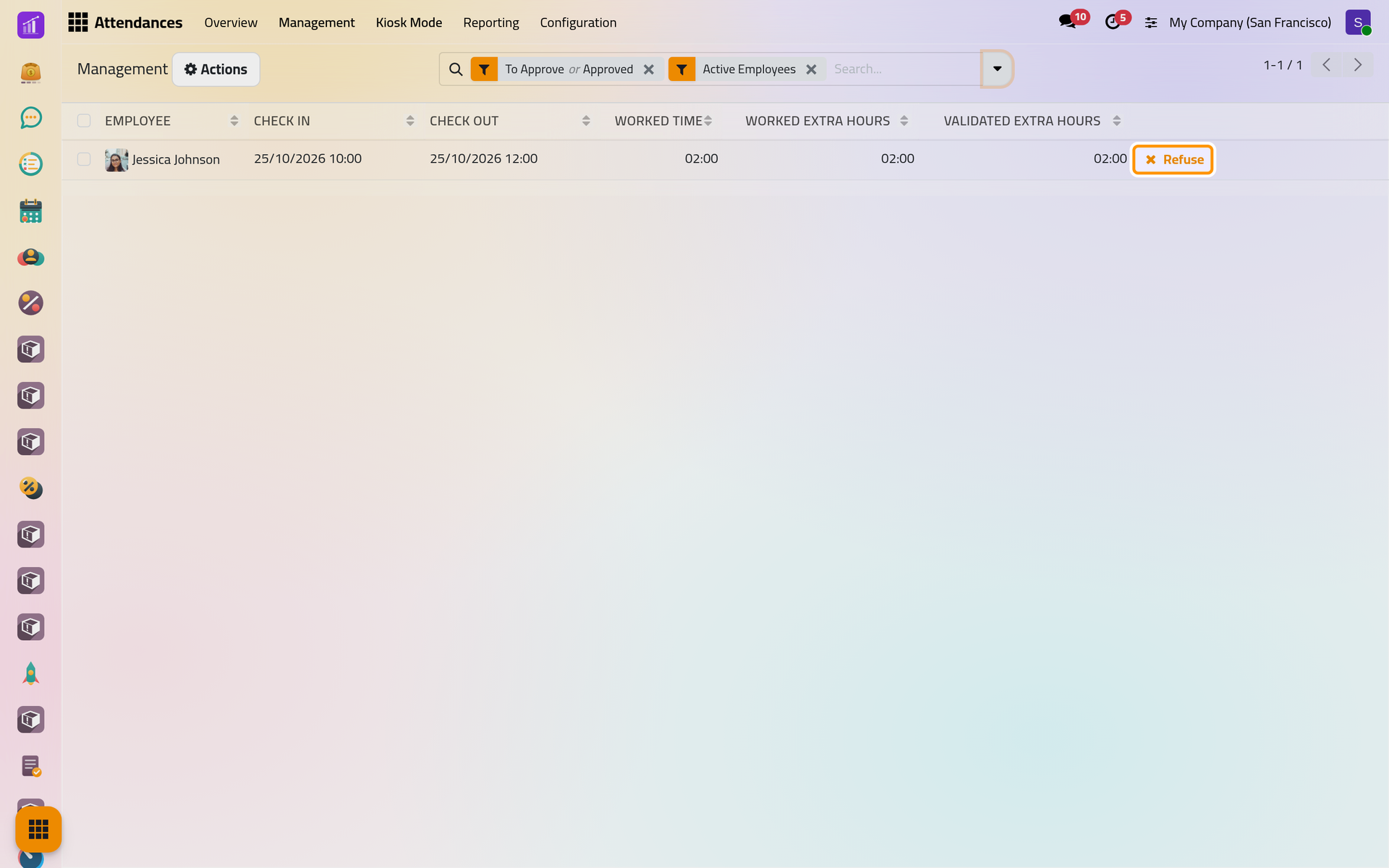
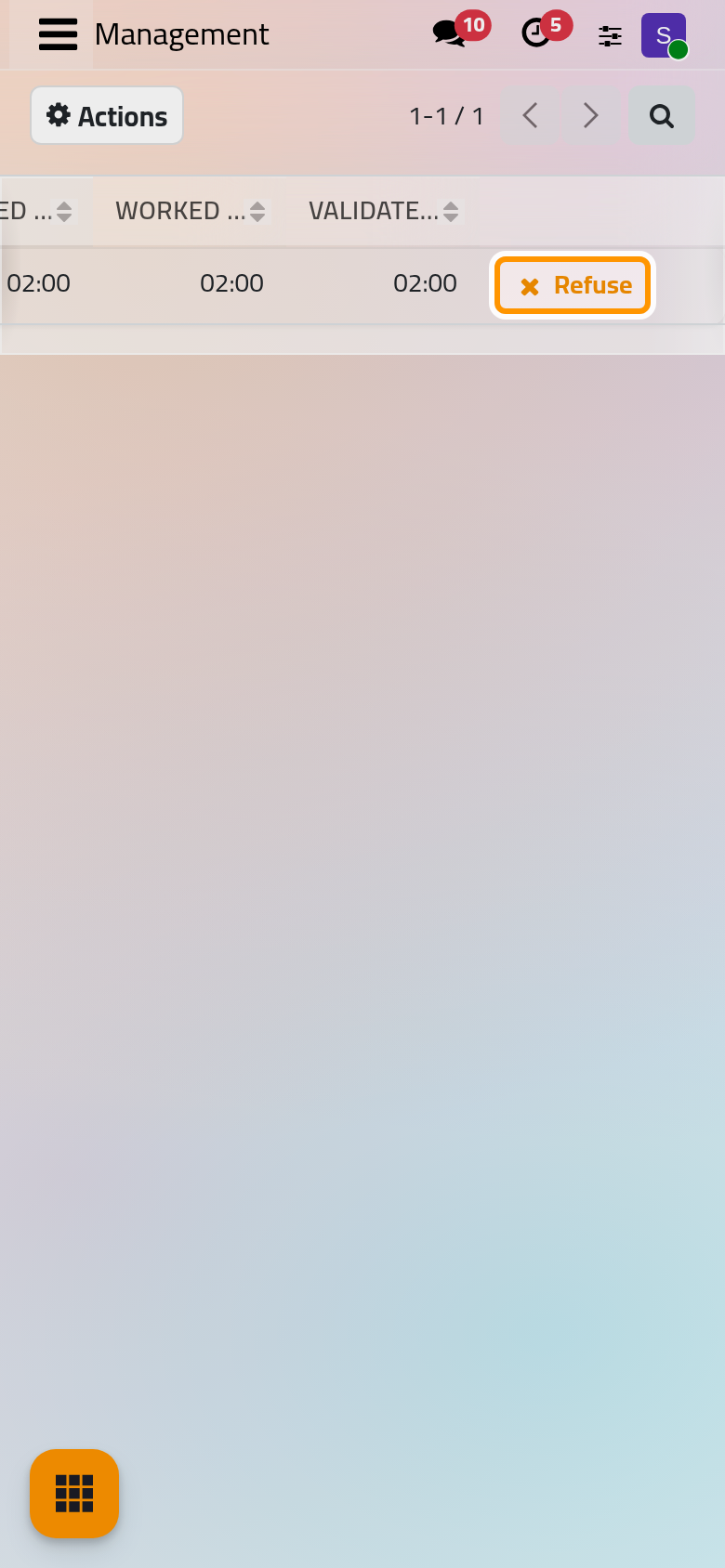
Refused extra hours stay on the attendance with the status Refused and count for nothing; Approve brings them back. The filter Refused lists them.
The list of offers the same choice for ticked rows, as Approve Extra Hours and Refuse Extra Hours.
FAQ
Why are extra hours waiting again after a correction?
Changing the times of an attendance, or regenerating a ruleset, computes the extra hours of that day again; with Approved by Manager, they wait for approval again.
Can I approve only part of the extra hours?
Approval works on the lines of Overtime Details: each line is approved or refused as a whole.
Where do approved extra hours go?
They add up in Validated Extra Hours in the reports. Hours from a rule that gives them back as time off can be spent in the Time Off app: How time off works.
Was this page helpful?
Thank you for your feedback.