Consent and blacklist
On this page
- Before you start
- Look at the blacklist
- Block a number
- Unblock a number
- Opt-out and opt-in words
- Consent
- Archived recipients
- FAQ
- Does the blacklist stop incoming messages?
- Can I block a number for one company only?
- The customer replied. Why is my marketing message still Suppressed?
- Where do I see who opted out?
Three checks can stop a message on purpose: the blacklist, which blocks a number for every message; consent, which only marketing messages need; and an archived recipient. A stopped message is never sent and stays in Messages as Suppressed, with the reason under its failure type (Follow your messages); an automatic message on an event to a blacklisted number is not created at all.
Before you start
- The blacklist sits under Configuration: you need the Administrator access right on WhatsApp.
- One blacklist serves every line and every company of the database.
Look at the blacklist
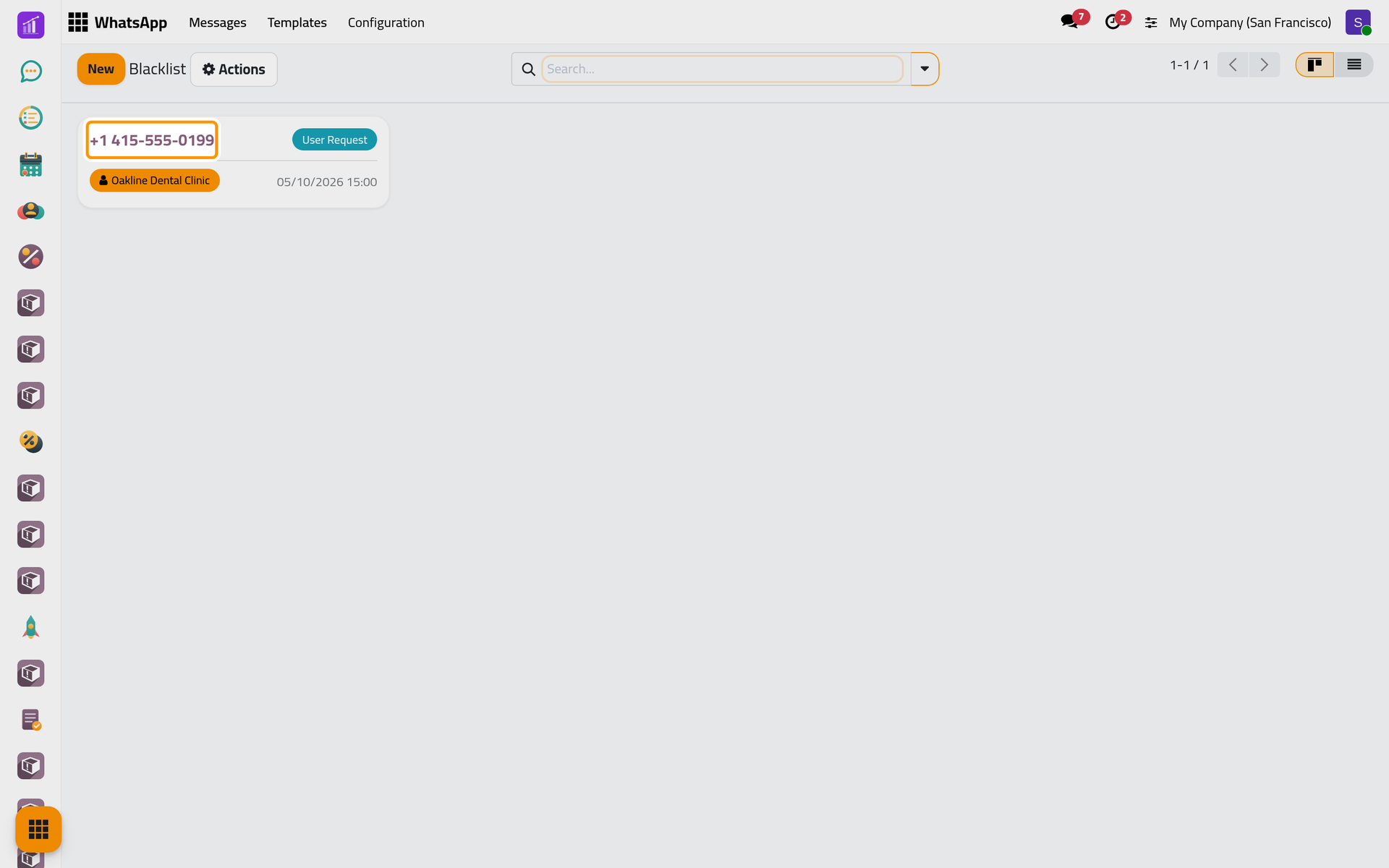
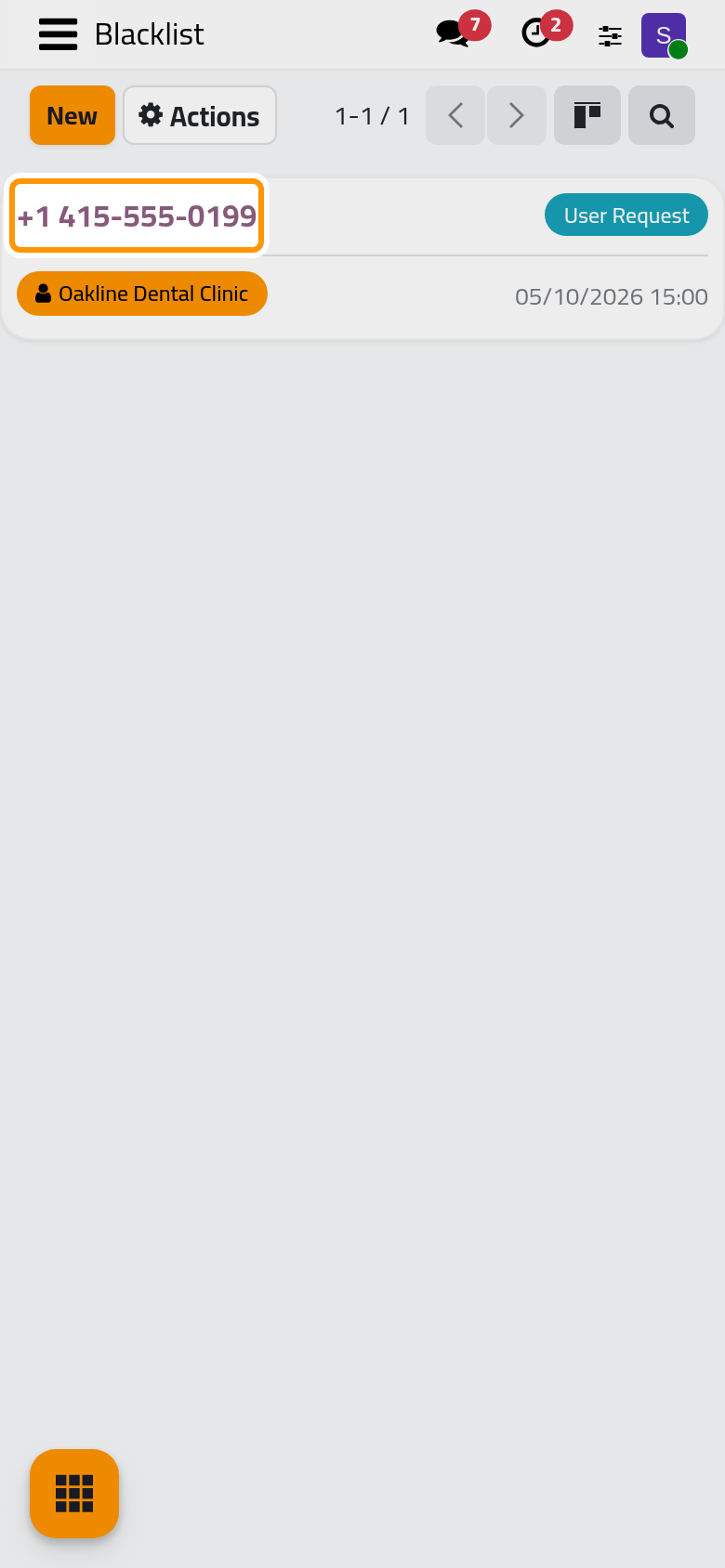
Open . Each card shows the number, the reason and the contact. In the demo, Oakline Dental Clinic asked to stop receiving messages: its notice of 14 October stayed Suppressed, failure Blacklisted.
Block a number
- Click New.
- Choose the Partner: the Number fills in with the contact's phone.
- Pick the Reason: User Request, Opt Out Keywords, Spam or Admin Decision.
- Click Save.
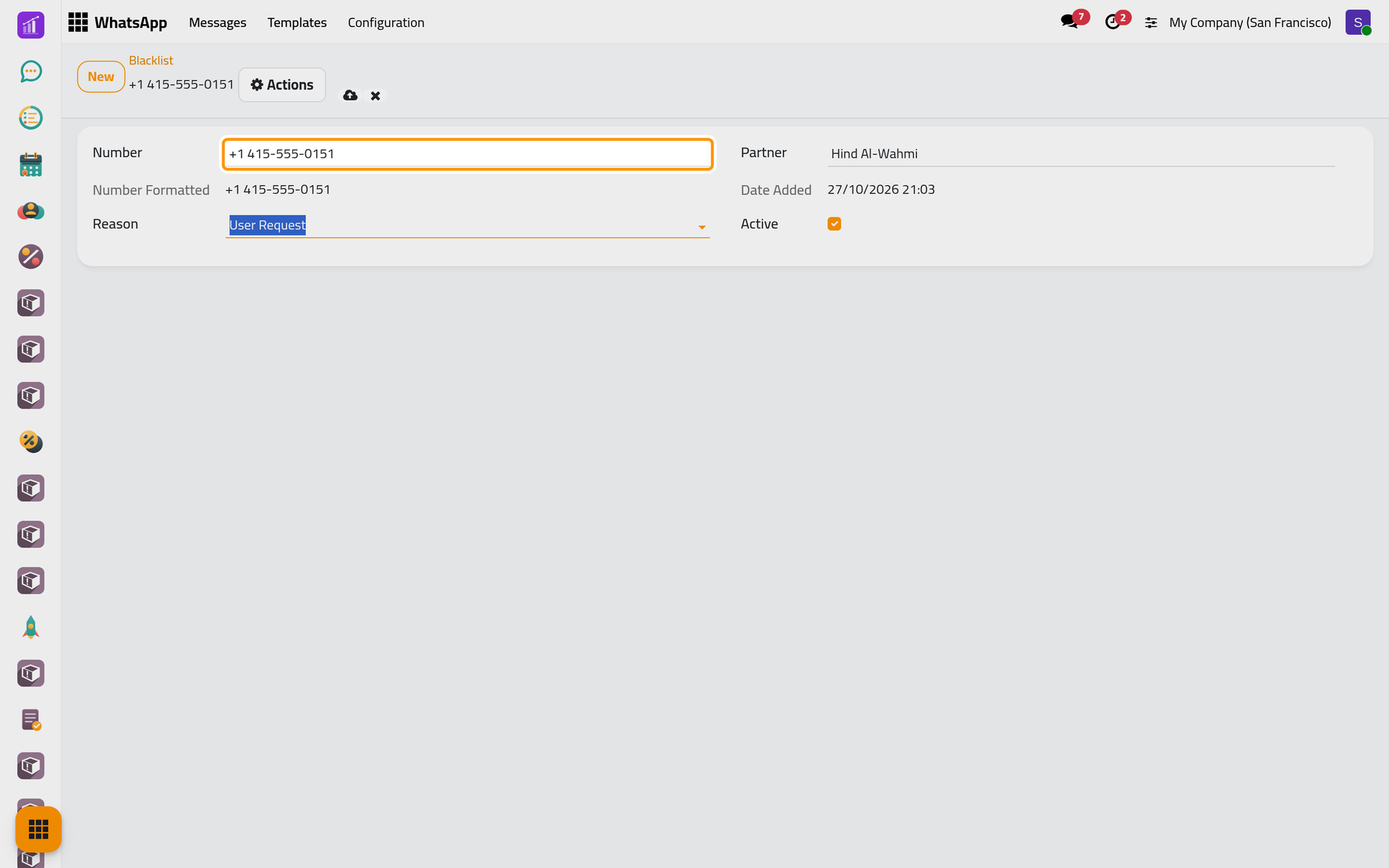
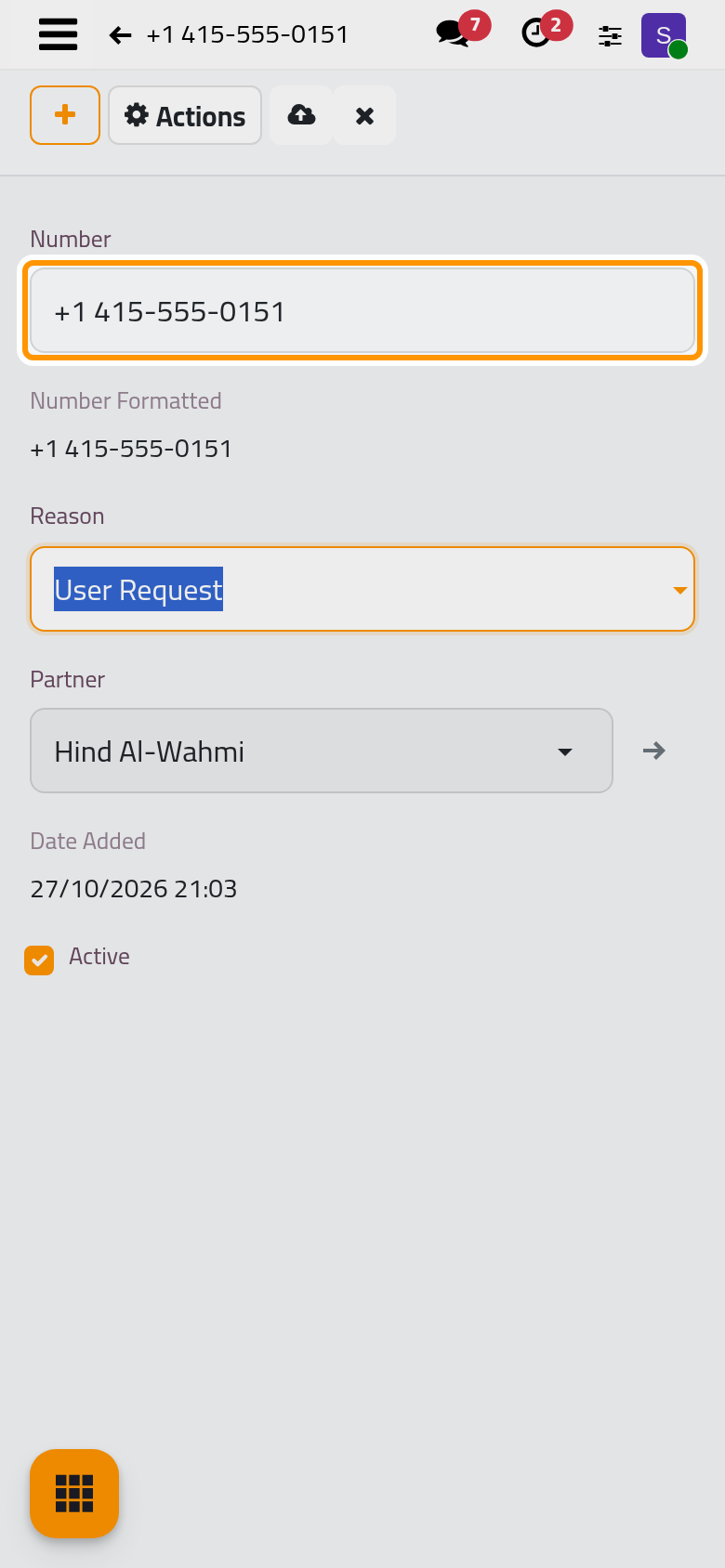
The check compares the number as it is written, only adding a leading +: +1 415-555-0199 and +14155550199 count as two numbers. Choosing the contact copies the phone exactly as the messages to that contact use it, which is why step 2 is the safe way.
From then on, nothing leaves for that number. A message from the Send dialog or from a schedule turns Suppressed when its turn comes; an automatic message on an event is not created at all. Messages from that number still arrive.
Unblock a number
Open the entry, clear Active and save, or use Actions > Archive: messages flow again. The Archived filter shows unblocked numbers. To block one again, tick Active on its old entry: a number can be listed only once, archived entries included. A number that a STOP blocked stays blocked in WhatsApp when you unblock it here: unblock it there too, on the phone of each line.
Opt-out and opt-in words
When a contact's whole message is one of these words, in any case, the app acts on it alone:
| The contact writes | What happens |
|---|---|
| STOP, UNSUBSCRIBE, CANCEL, QUIT, OPT OUT, OPTOUT | The number is blacklisted, reason Opt Out Keywords |
| START, SUBSCRIBE, OPT IN, OPTIN | The number leaves the blacklist and gains marketing consent |
A number blocked or unblocked this way is also blocked or unblocked in WhatsApp on every connected line. One you add by hand is blocked in the platform only, which is enough: no message leaves for it. After a STOP the number is blocked in WhatsApp too, so a later START from it no longer reaches the line; START lifts only a number blocked here by hand.
Consent
- Only marketing needs it. A message whose template is in the Marketing category goes out only if the number gave marketing consent on that line. Every ready-made template is Utility, so none of them waits for consent.
- The app records it by itself. Any reply from a number records consent for service messages; START records marketing consent. Consent has no screen: you cannot view or edit it.
- The blacklist always wins, whatever the consent.
- A marketing message without consent turns Suppressed, failure No Consent. Once the contact writes START, send the message again from its record: Retry is offered only on Error and Bounced.
Archived recipients
A message to an archived contact, or to the contact of an archived user such as a colleague who left, is recorded as Suppressed, failure Archived Recipient, and never sent. A customer whose portal access was archived still receives messages.
FAQ
Does the blacklist stop incoming messages?
Not for a number you add by hand: it only stops what you send. A number blocked by STOP is also blocked in WhatsApp, which stops its messages too.
Can I block a number for one company only?
No. The blacklist serves the whole database.
The customer replied. Why is my marketing message still Suppressed?
A reply gives consent for service messages only. Marketing needs the word START from the customer.
Where do I see who opted out?
In the blacklist, with the Opt Out filter, or grouped by Reason.
Was this page helpful?
Thank you for your feedback.