Follow your messages
On this page
Every message that goes out or comes in through a line is one record in Messages, whichever app sent it. The demo holds seven, each in a different status, from a case update Read by the client to a notice Suppressed because its number is blacklisted.
Before you start
- The Viewer access right on WhatsApp reads the messages; Retry and Cancel need User, deleting needs Administrator.
- You see the messages of the company you are working in.
Read the board
Open . The messages are grouped by status, one column each. A card gives the contact, or the number when there is none, the status, the start of the text, the template, Outbound or Inbound, and the date. Received and Suppressed, among others, show no badge on the card: the column names them.
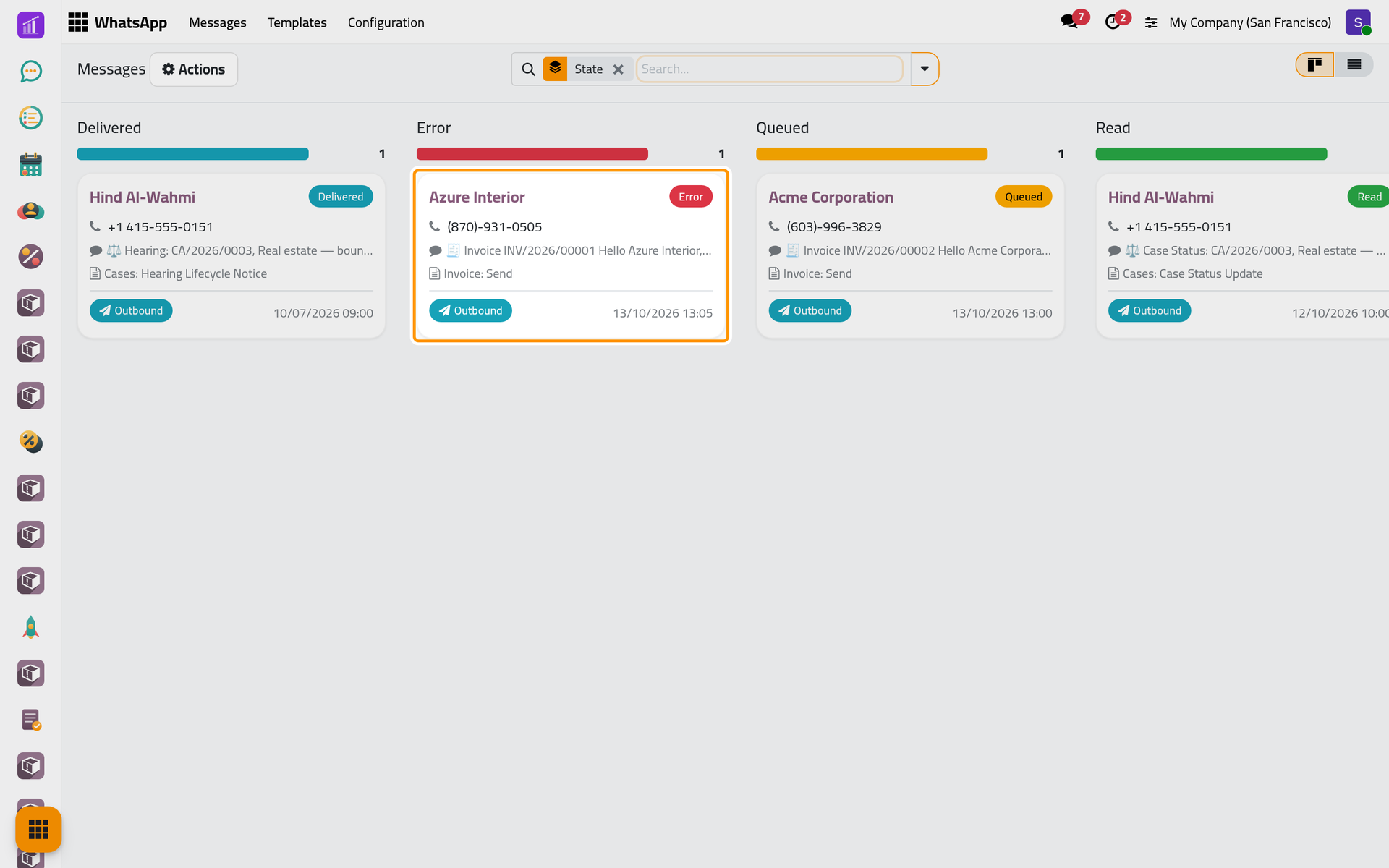
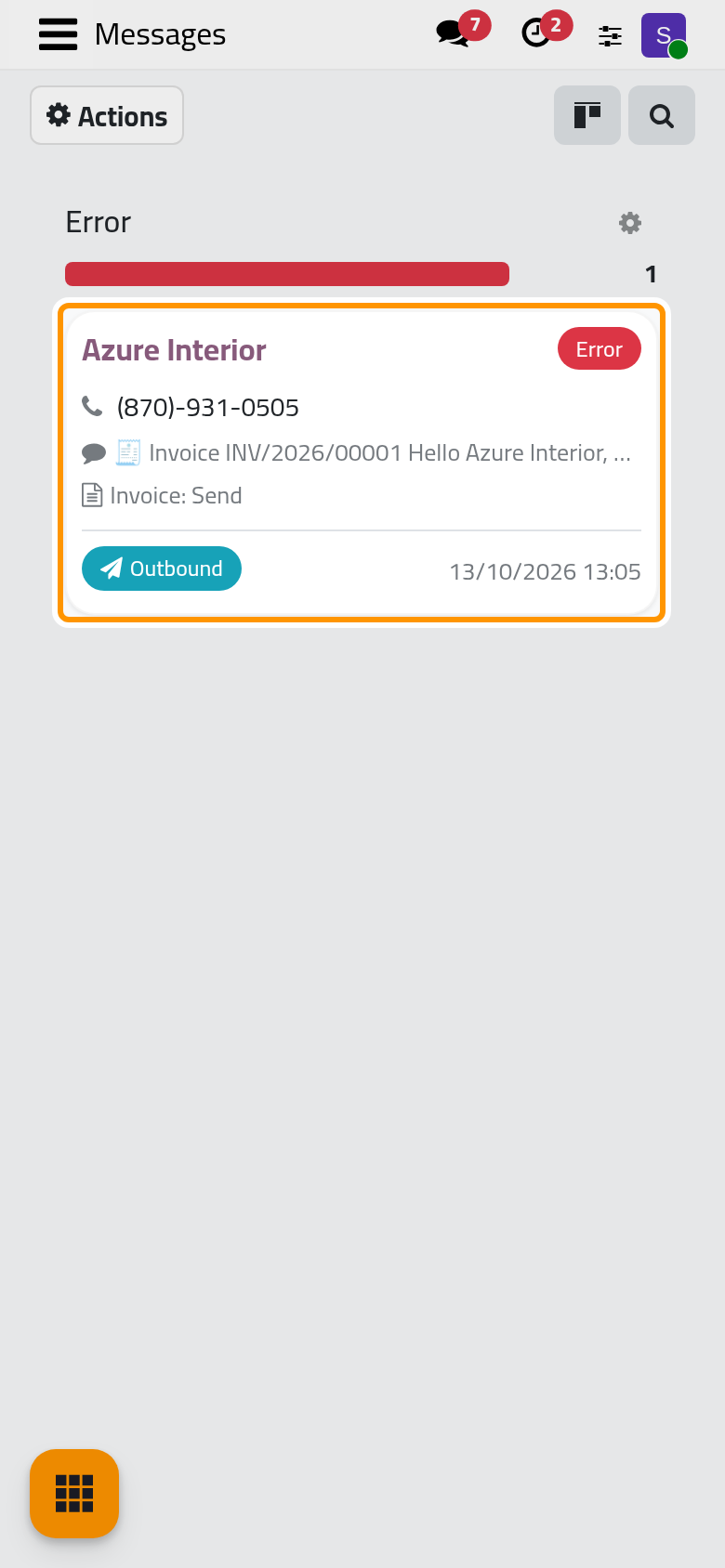
On a phone, the board shows one column at a time.
The list button at the top right shows them as rows; the search panel filters and groups them (Search, filter and group records).
What each status means
| Status | What it means |
|---|---|
| Draft | Created, not queued yet. |
| Queued | Waiting in the queue of its line. |
| Sending | The line is sending it. |
| Sent | The line has sent it. |
| Delivered | It reached the recipient's phone. |
| Read | The recipient opened it. |
| Replied | The recipient answered it. |
| Received | A contact sent it to you. |
| Delivery Uncertain | The send was cut off and may have gone (details). |
| Error | The send failed; it waits for someone to act. |
| Bounced | The number is not on WhatsApp. |
| Dead Letter | It still failed after the automatic retries (details). |
| Suppressed | Stopped before sending: blacklisted number, marketing without consent or archived contact (Consent and blacklist). |
| Cancelled | Cancelled by a user, never sent. |
| Expired | It waited longer than its template allows (details). |
Delivered, Read and Replied are reported back by WhatsApp through the line.
Find a reply
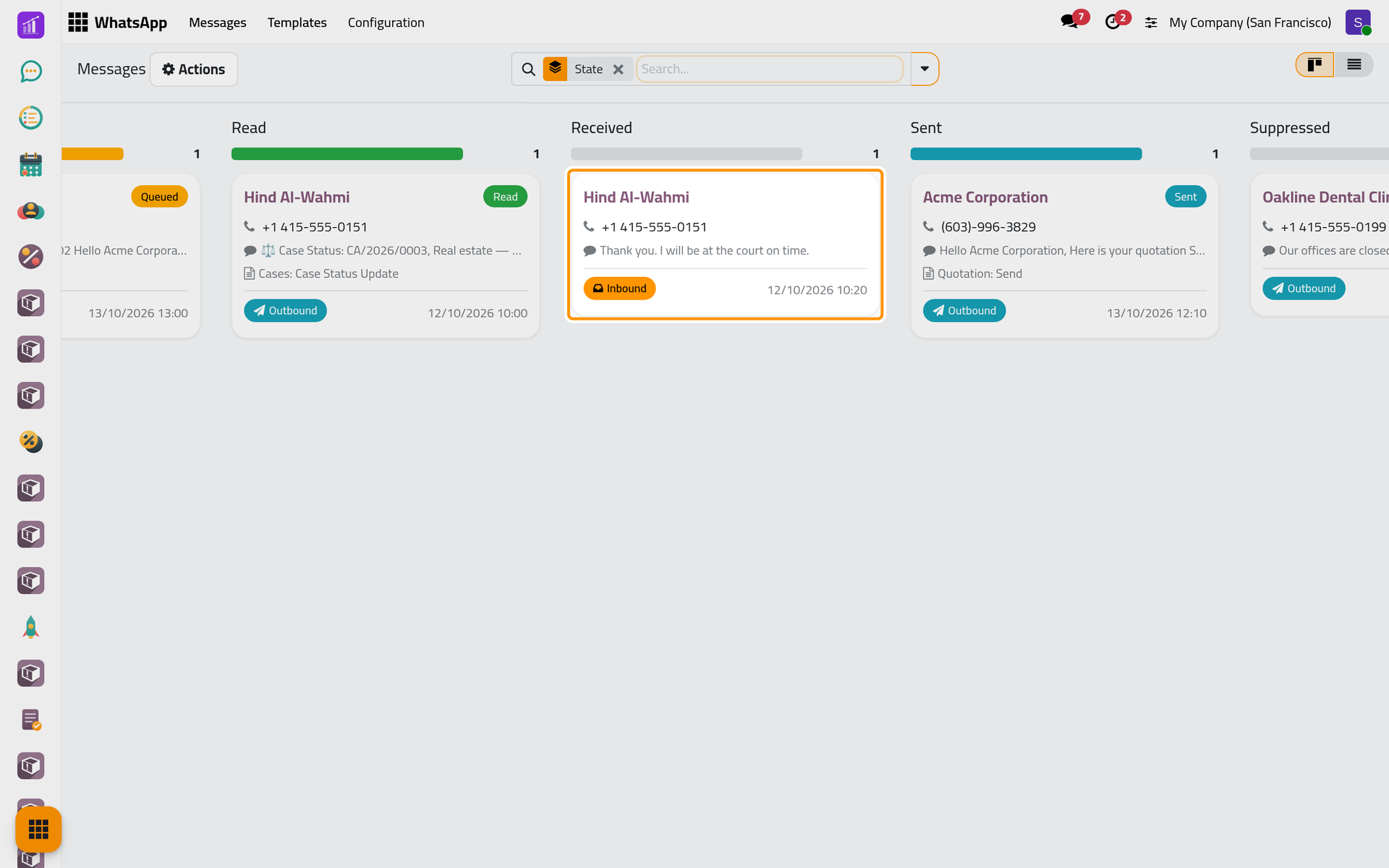
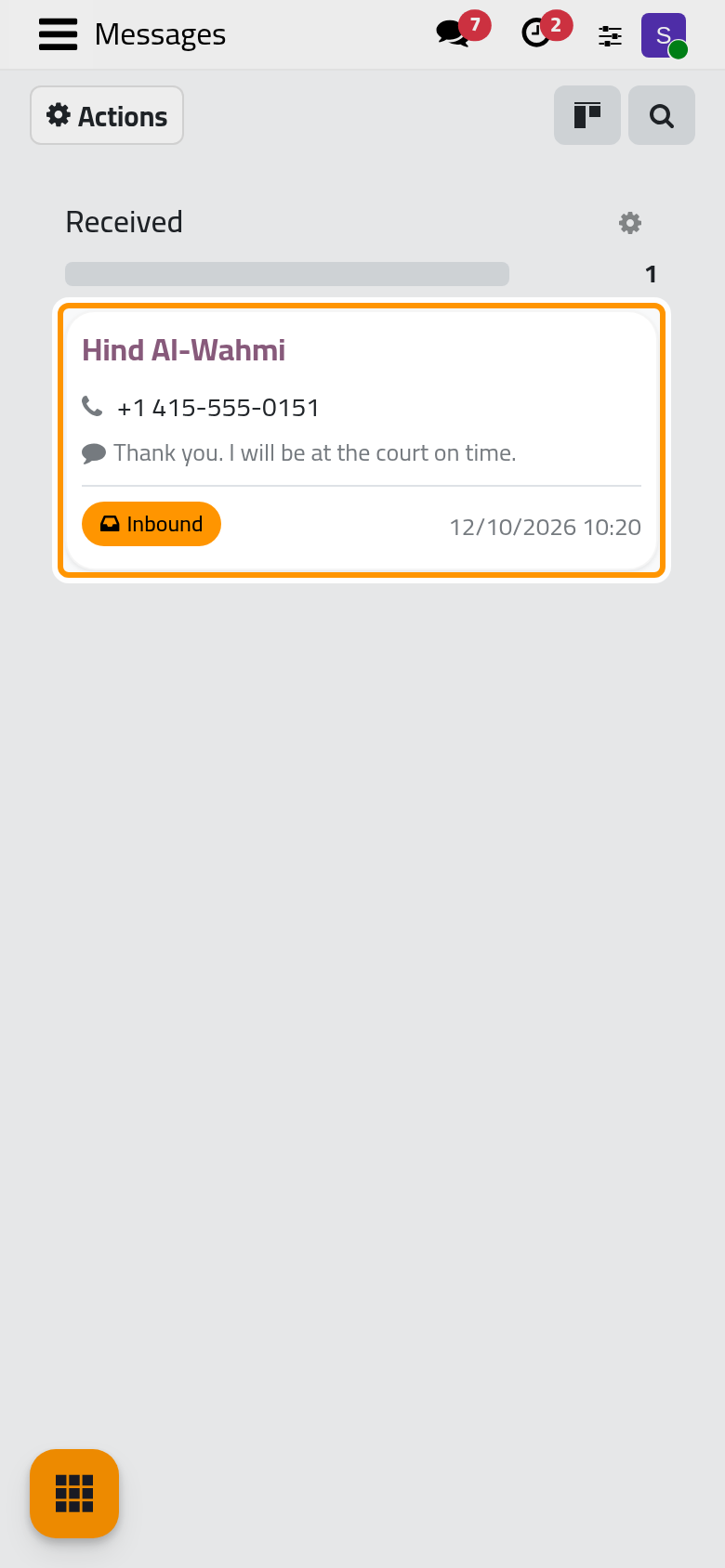
A client's answer arrives as an Inbound message, Received: here Hind Al-Wahmi's "Thank you. I will be at the court on time."
On a connected line, the answer also lands in Discuss, under WhatsApp in the side panel, in a conversation with that number. It is shared with the users in WhatsApp Responsible, on the WhatsApp tab of the contact, or else with the line's Notify User. Answer there: your message leaves by WhatsApp from the same line and shows its status. Talk with your team explains Discuss.
Open a failed message
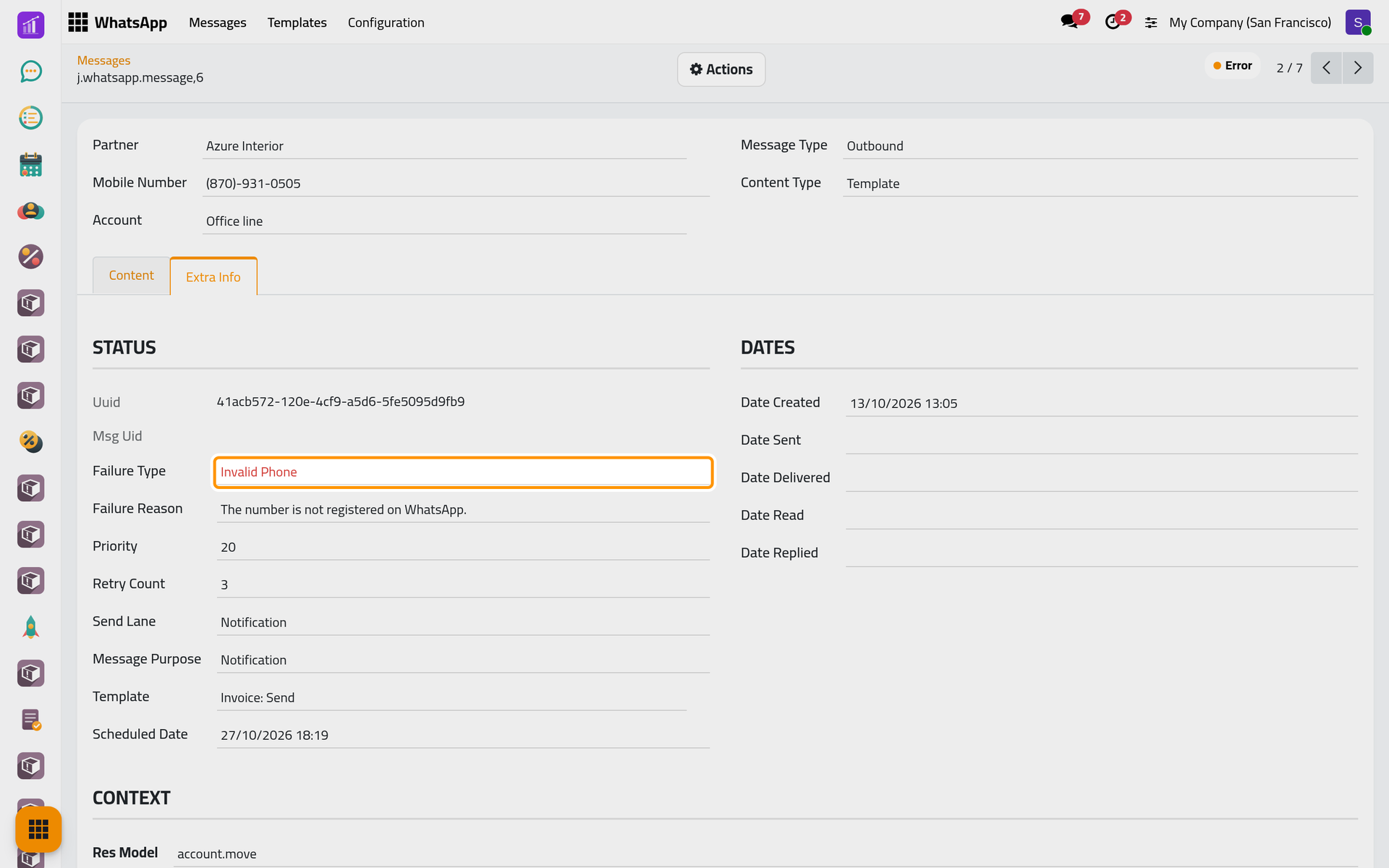
- Click the card of invoice INV/2026/00001 to Azure Interior, in Error. The status sits at the top; the Content tab holds the text as sent.
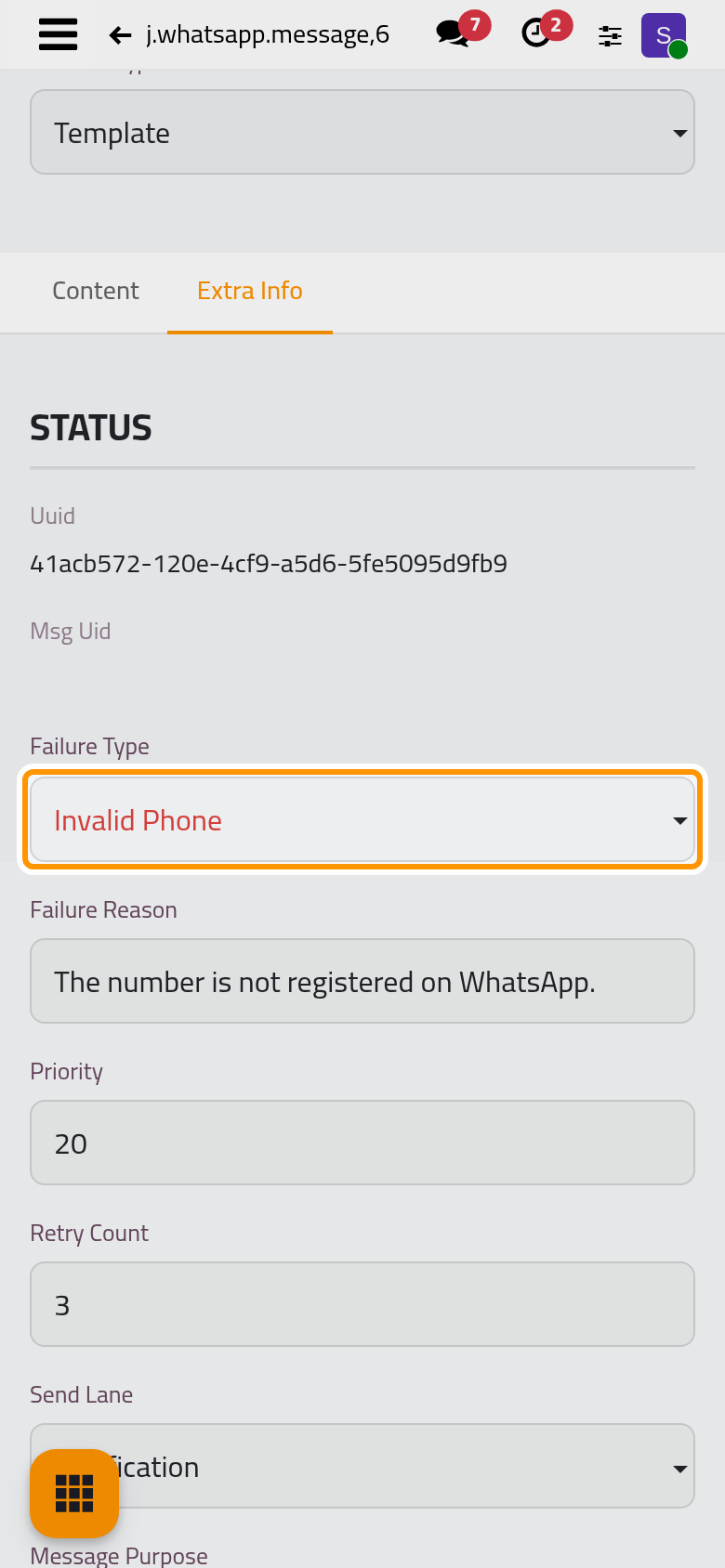
- Open the Extra Info tab. Failure Type says what went wrong, here Invalid Phone, and Failure Reason gives the line's words: "The number is not registered on WhatsApp." Retry Count shows it was retried 3 times, and the Dates group when it was created, sent, delivered, read and answered.
Retry or cancel
- Open the Actions menu. Retry, for a message in Error or Bounced, queues it again as it is, to the same number. Cancel, for a message in Draft, Queued or Error, turns it Cancelled: it never leaves.
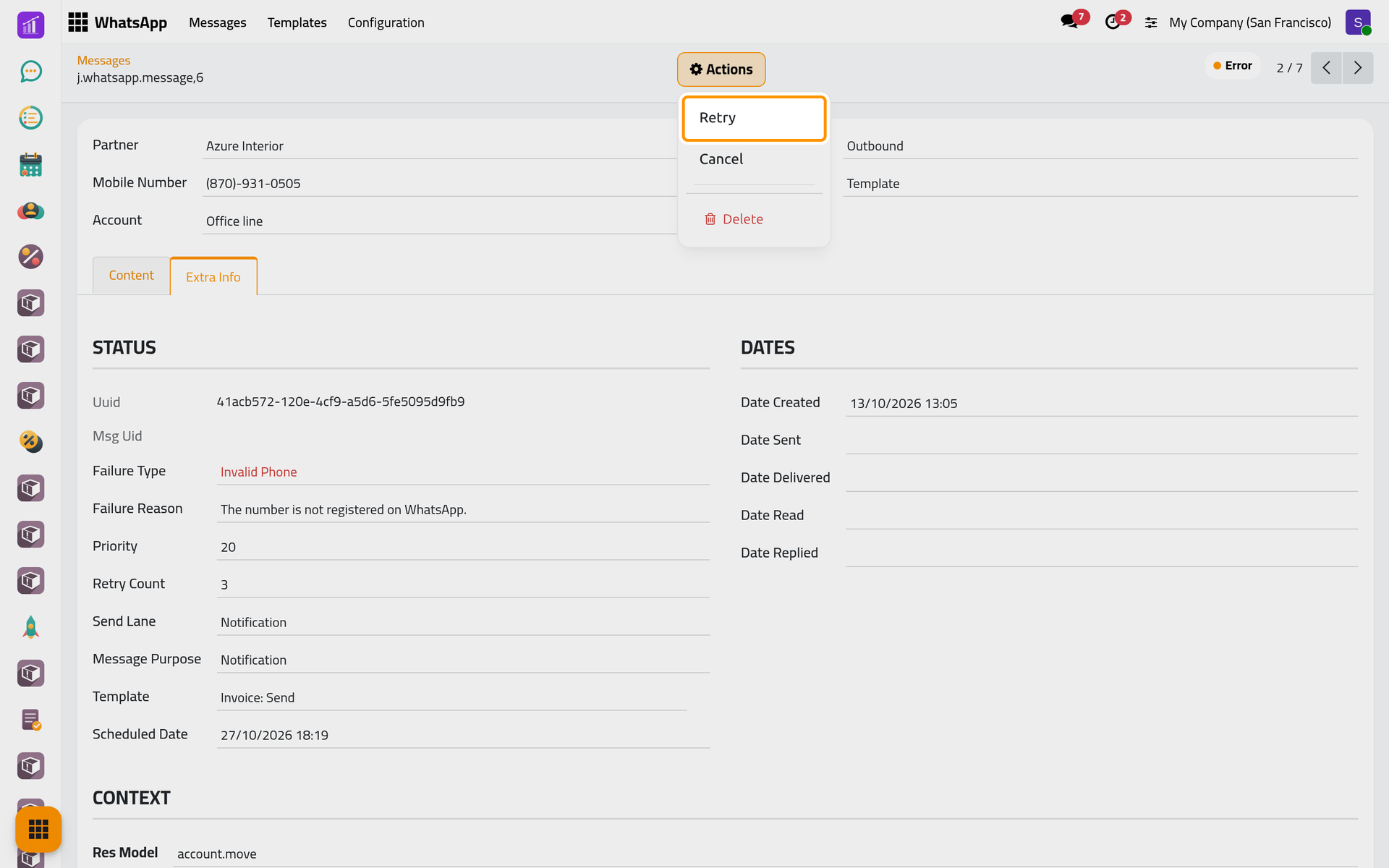
On a phone, the Actions menu sits at the top of the form.
- Choose Retry. The status turns Queued and the failure is cleared.
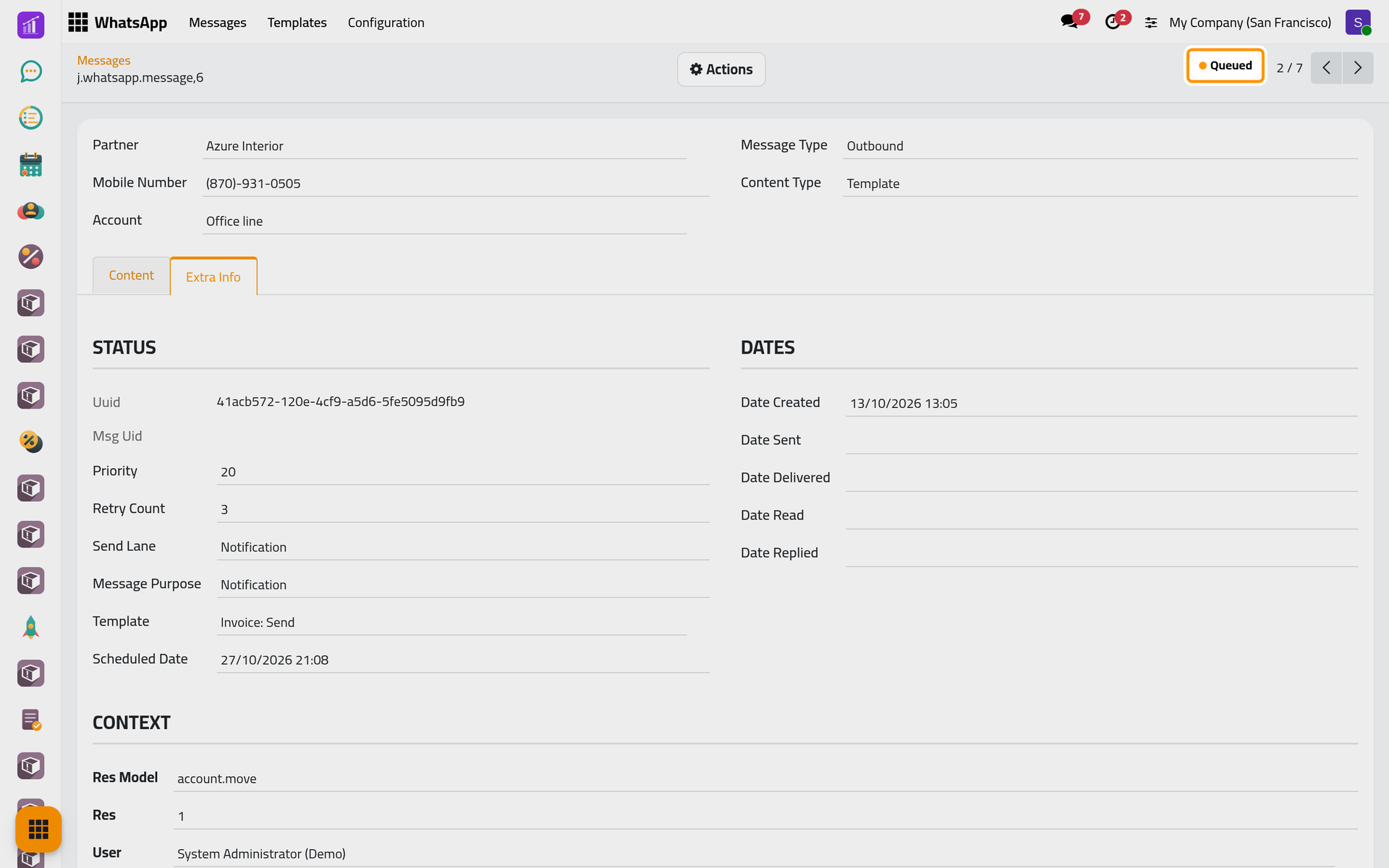
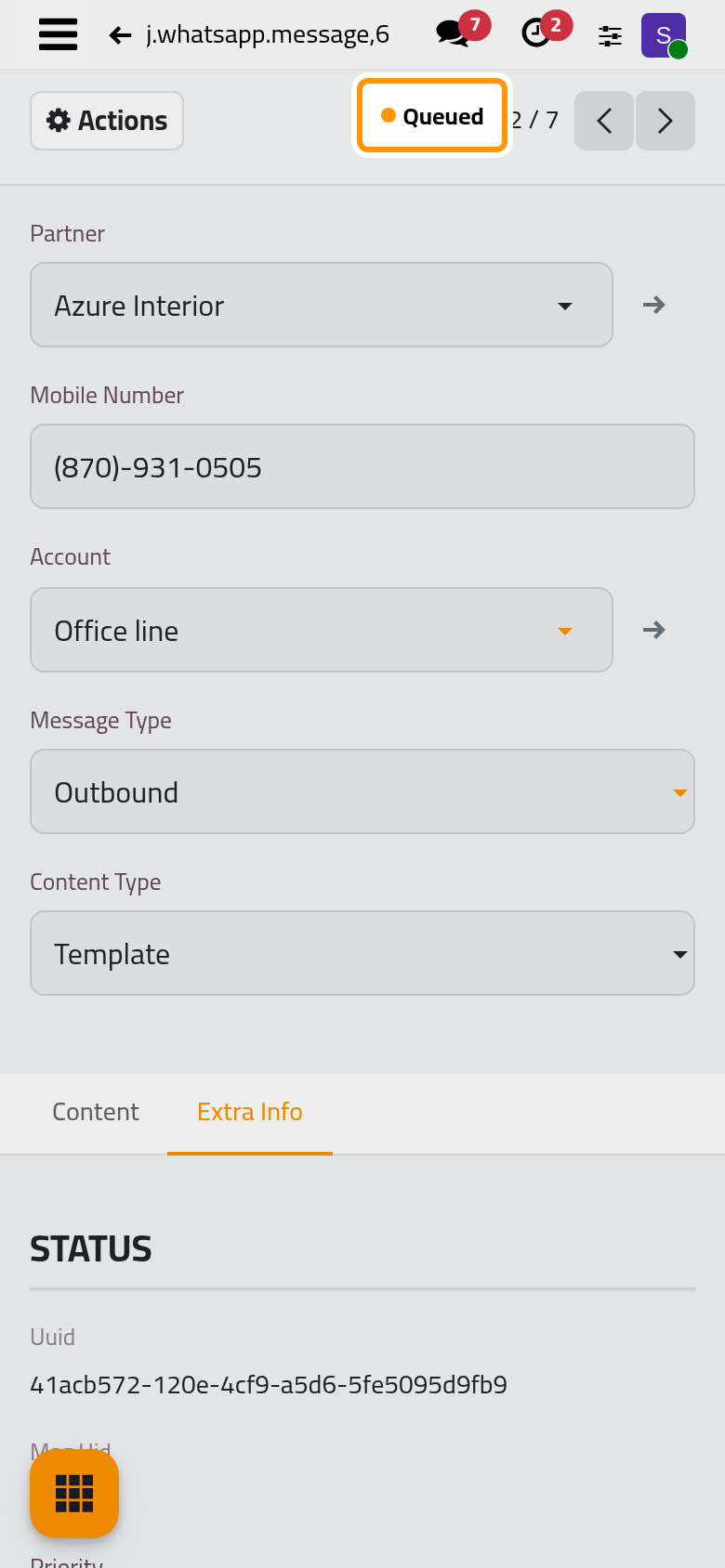
Retry suits a passing failure, such as a line that was down. A retry goes to the number the message holds: when that number is wrong, as here, correct it on the contact and send a new message from the record (Send from any record).
FAQ
A message stays Queued.
Its line is not connected, or it is spacing its messages out (How WhatsApp sending works). It leaves as soon as the line allows.
What separates Error, Bounced and Dead Letter?
Bounced: the number is not on WhatsApp. Dead Letter: the automatic retries are spent. Error: the line reported a failure. None is sent again by itself: use Retry on Error or Bounced, or send a new message.
Can I delete a message?
An administrator can, from Actions. Finished messages also go after the Message Retention period (WhatsApp settings).
Was this page helpful?
Thank you for your feedback.