WhatsApp in calendar and activities
On this page
Eleven ready-made templates bring meetings and activities to WhatsApp, beside the usual e-mails: seven for Calendar, on from the start except location changes, and four for Activities, which wait until a notification rule uses the WhatsApp channel.
Ready-made templates
| Template | When it is sent | To whom | Switched by |
|---|---|---|---|
| Calendar: Invitation | A meeting is created, or someone is added to it | Each new attendee except the organizer | Invitations (on) |
| Calendar: Reschedule | The meeting's start or end changes | All attendees, organizer included | Reschedules (on) |
| Calendar: Location Changed | Only the location or video link changes | All attendees, organizer included | Location changes (off) |
| Calendar: Cancellation | A meeting is deleted | All attendees, organizer included | Cancellations (on) |
| Calendar: Reminder | A WhatsApp reminder of the meeting falls due | Every attendee who has not declined | Reminder (on) |
| Calendar: Invite Accepted | An attendee answers Yes or Maybe | The organizer | Invitation Accepted (on) |
| Calendar: Invite Declined | An attendee answers No | The organizer | Invitation Declined (on) |
| Activity: Created | An activity is created | Those ticked on the On Create line | That line's Channel (no line at first) |
| Activity: Updated | An activity is changed | Those ticked on the On Edit line | That line's Channel |
| Activity: Cancelled | An activity is cancelled or deleted | Those ticked on the On Cancel/Delete line | That line's Channel |
| Activity: Reminder Digest | A Due Date reminder falls due (checked every ten minutes) | Those ticked on that line, one message each | That line's Channel (both shipped lines: Email) |
A person whose contact has no phone number is skipped, and a number on the blacklist never receives anything. Times are shown in the recipient's time zone. Follow your messages shows where they land. To change a wording, click the template's name in the settings and edit it as WhatsApp templates shows.
Before you start
- The blocks below sit in and need the Administrator right on WhatsApp; click Save after a change.
- The activity rules need the Manager right on Activities.
Calendar
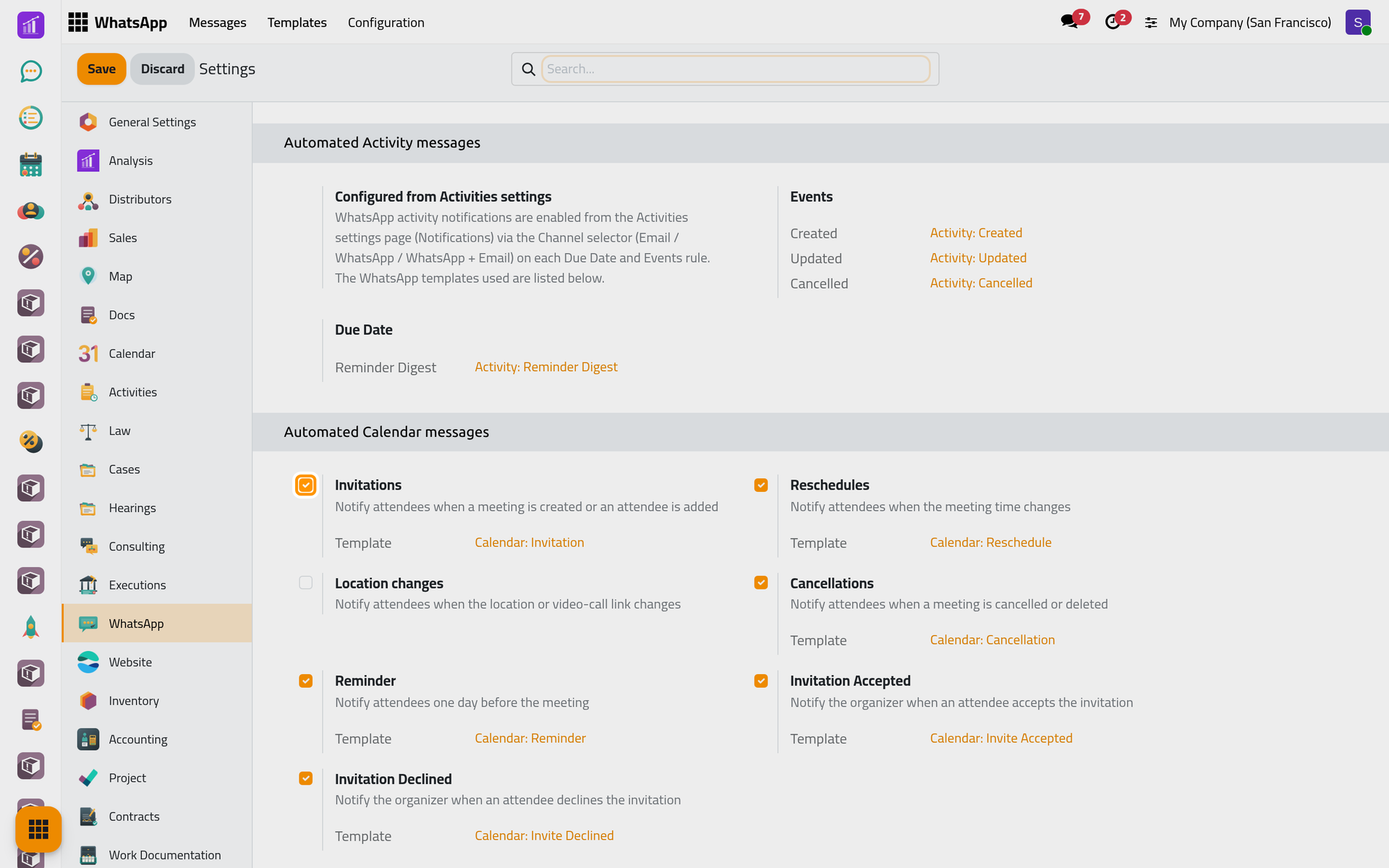
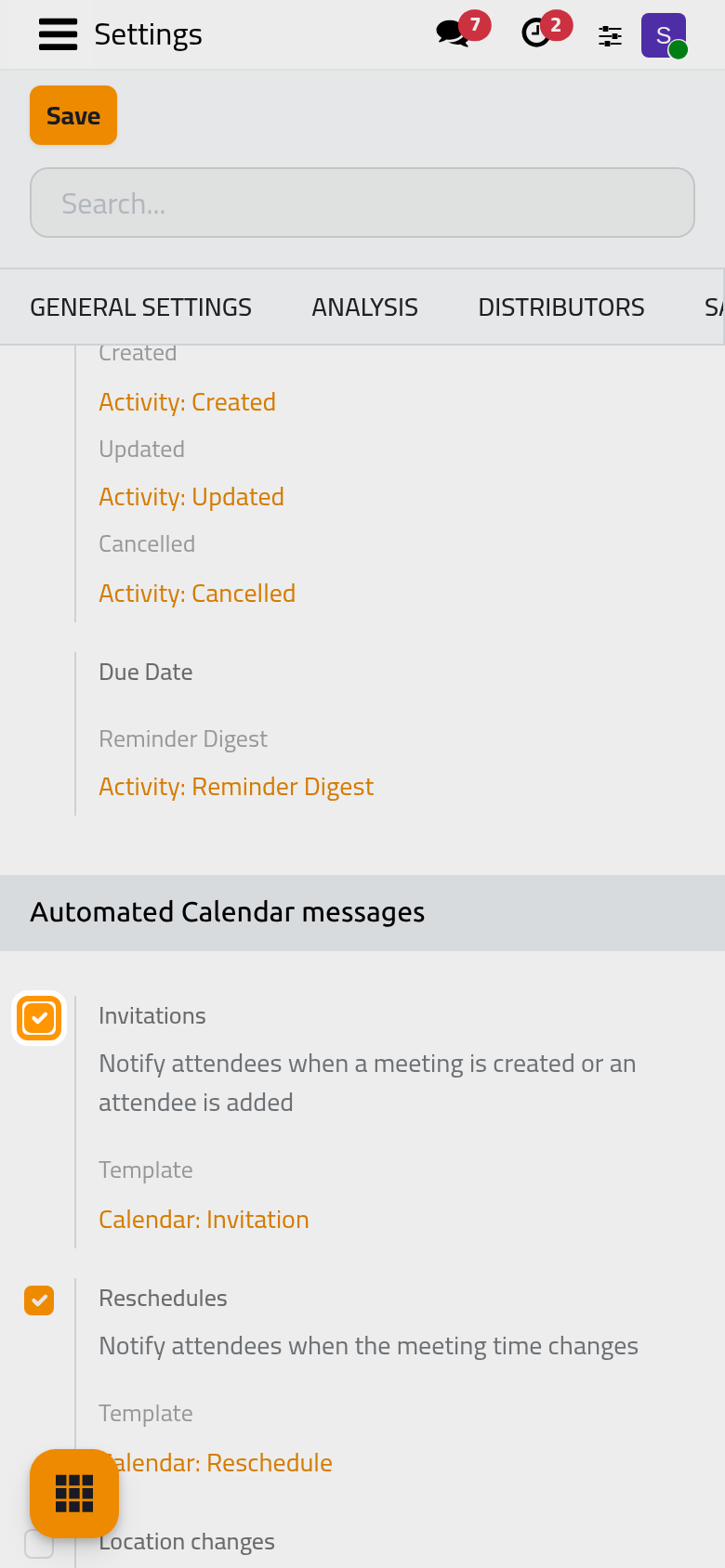
Each option of Automated Calendar messages sends one template; Calendar's e-mails go out as before (Calendar automations).
The invitation carries two links, Accept and Decline (always in English), that record the answer like the e-mail's. When a new meeting has invitees without a phone number, a notice names them: add their number, then remove them from the meeting and add them back, since someone added to a saved meeting receives the invitation.
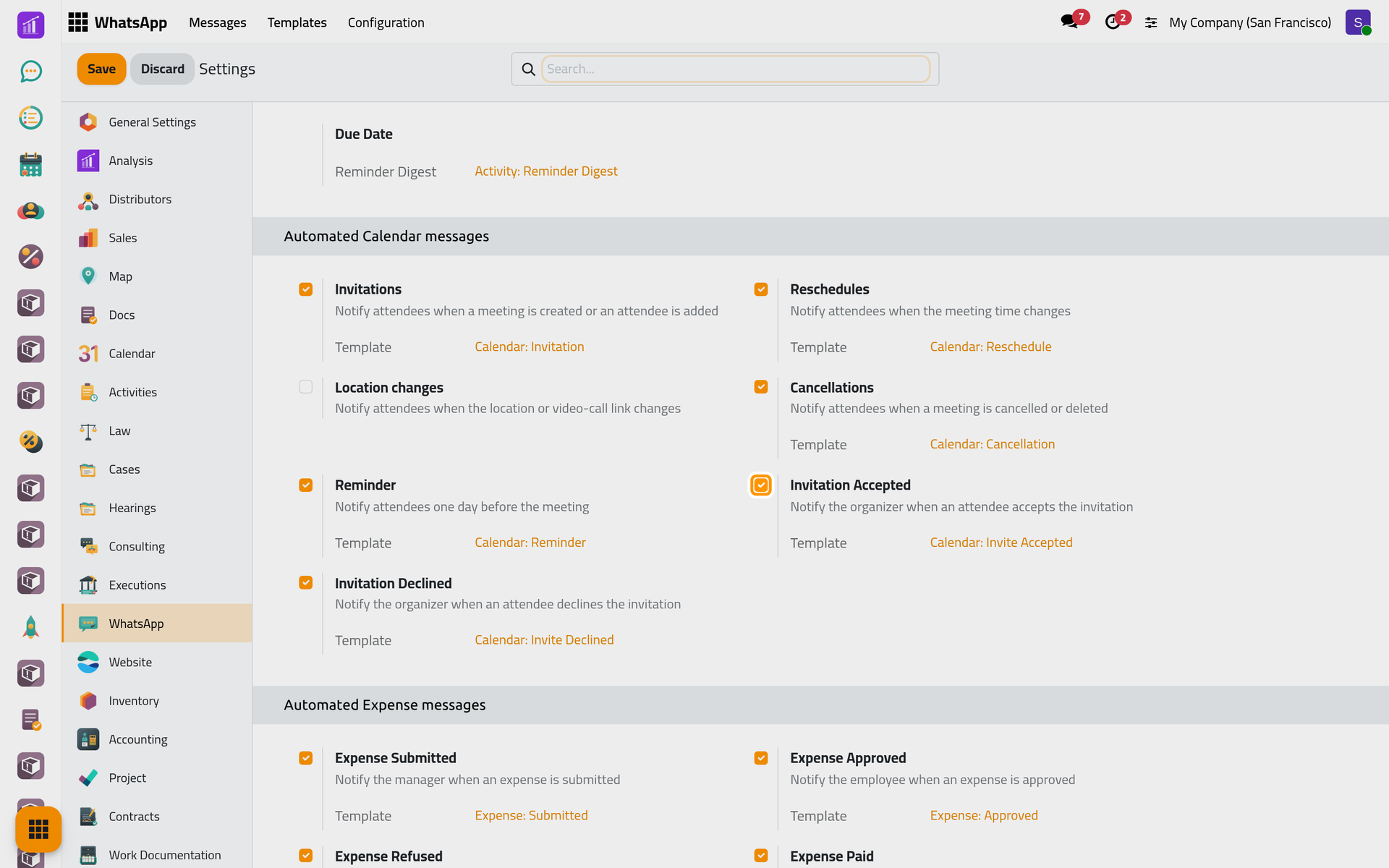
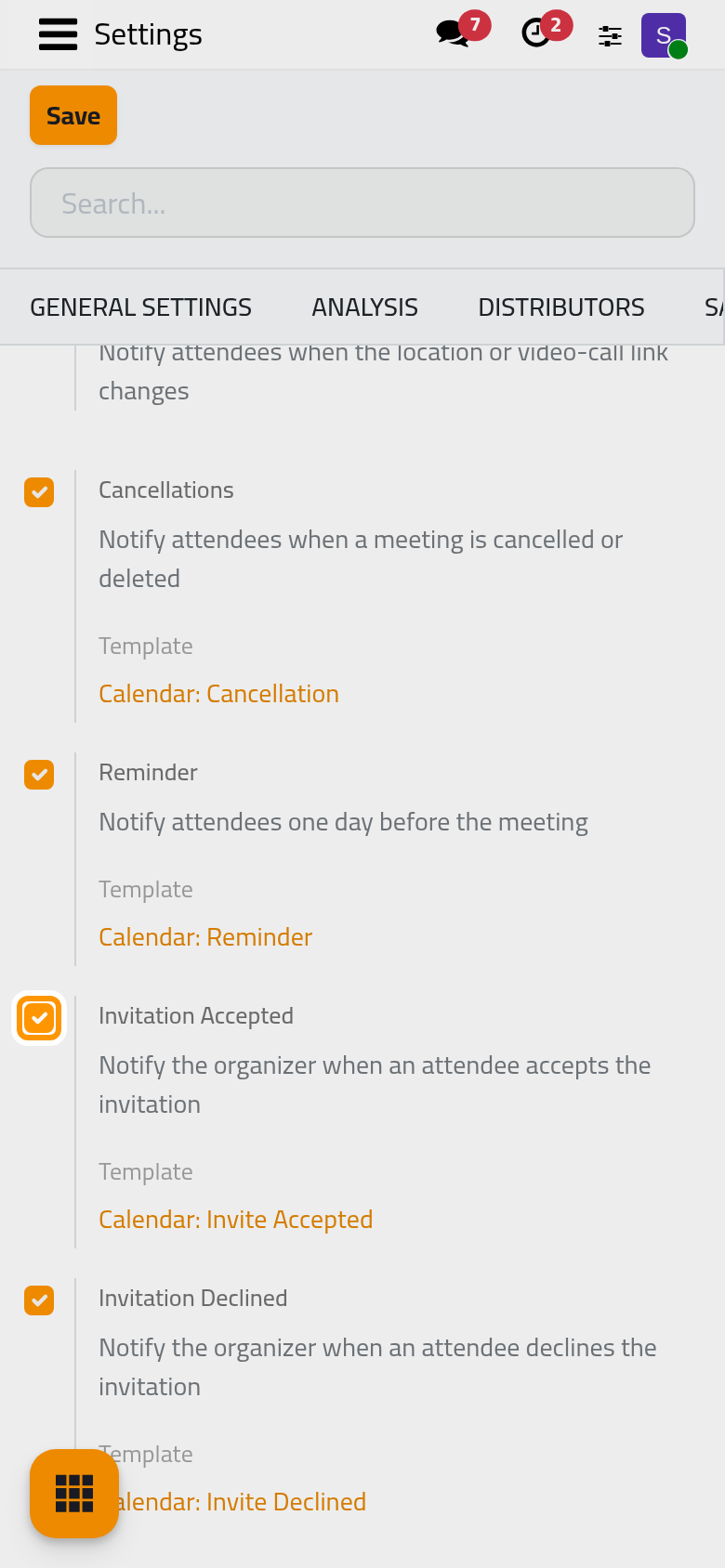
The organizer is told of each answer on the phone of their contact.
Reminders by WhatsApp
Despite the line under Reminder, nothing goes out a day before by itself: the message leaves when a reminder of type WhatsApp falls due, and none exists after installation. To add one:
- Open , shown in developer mode.
- Click New and choose WhatsApp in Type.
- Set Remind Before and its unit, then click Save manually.
- On a meeting, add this reminder in Reminders.
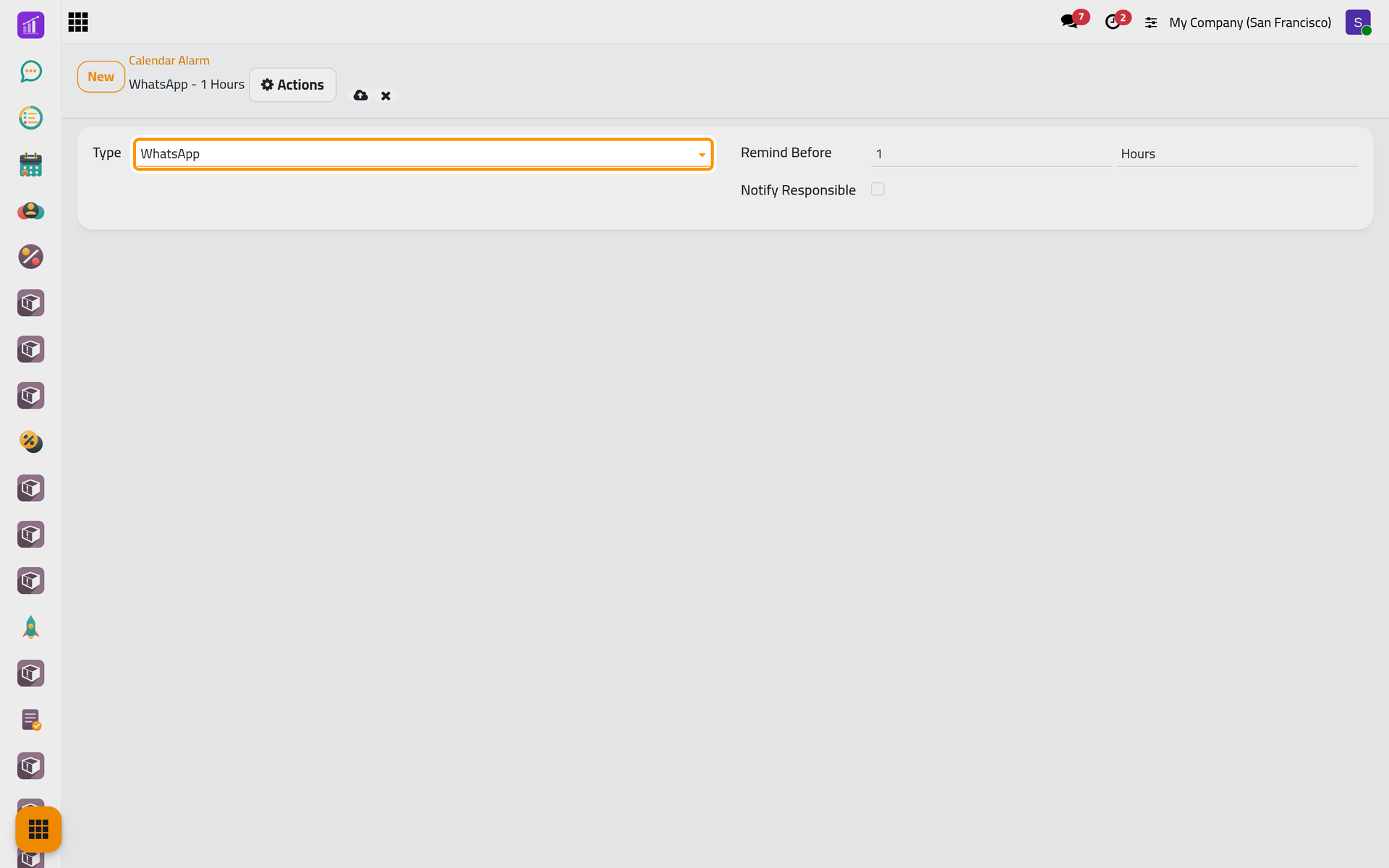
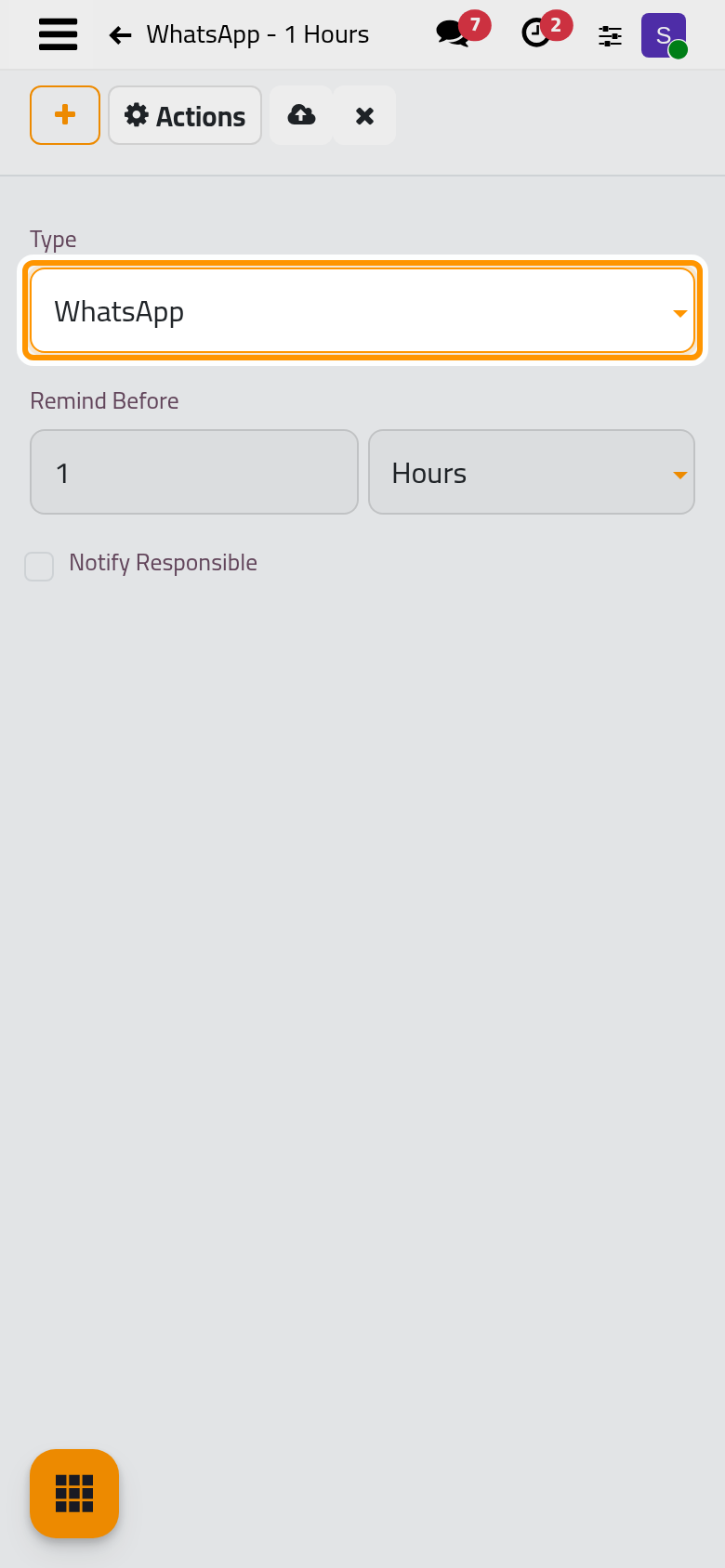
Notify Responsible, which then appears, changes nothing for WhatsApp. A reminder that cannot leave within 45 minutes is dropped rather than sent late.
Activities
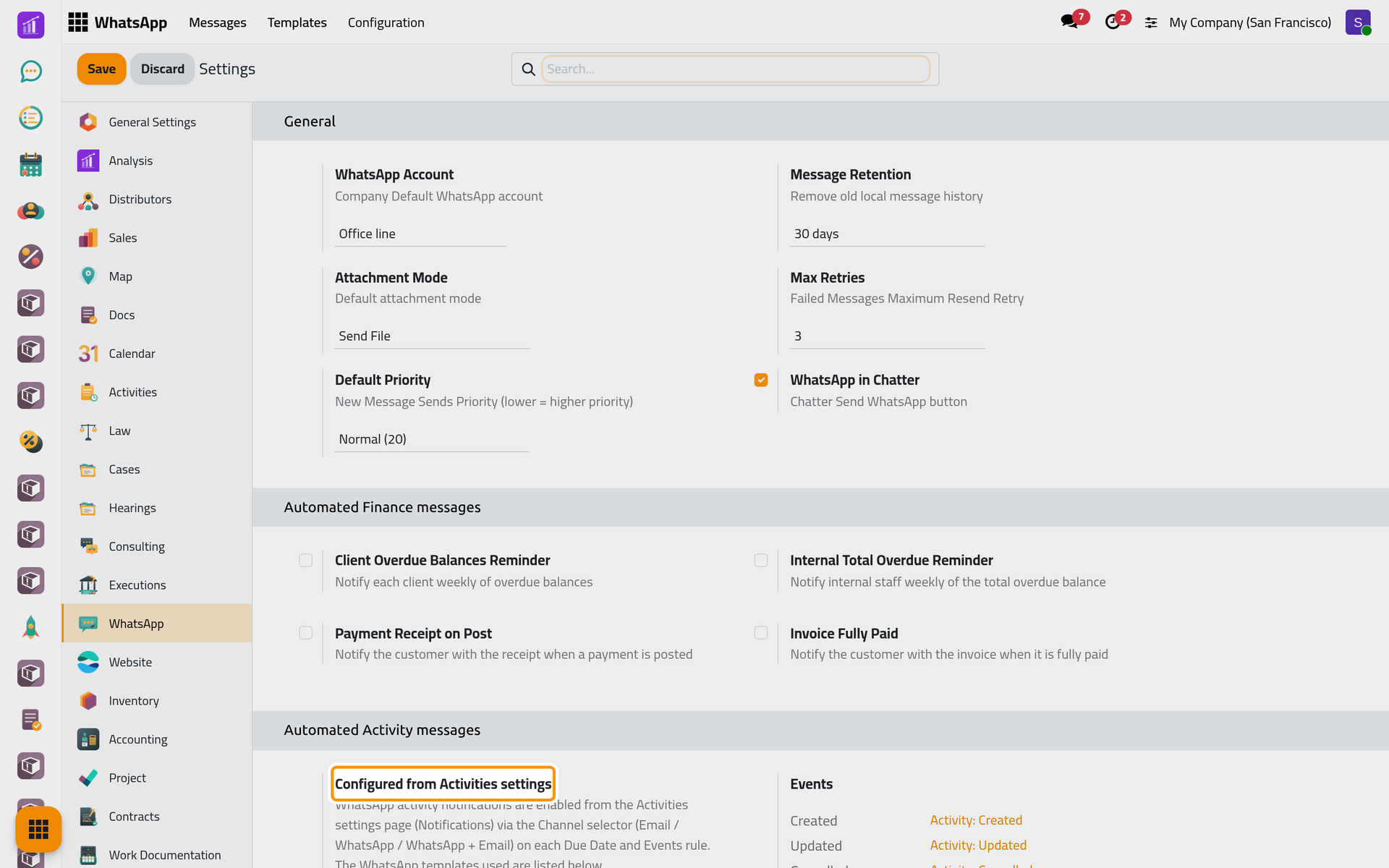
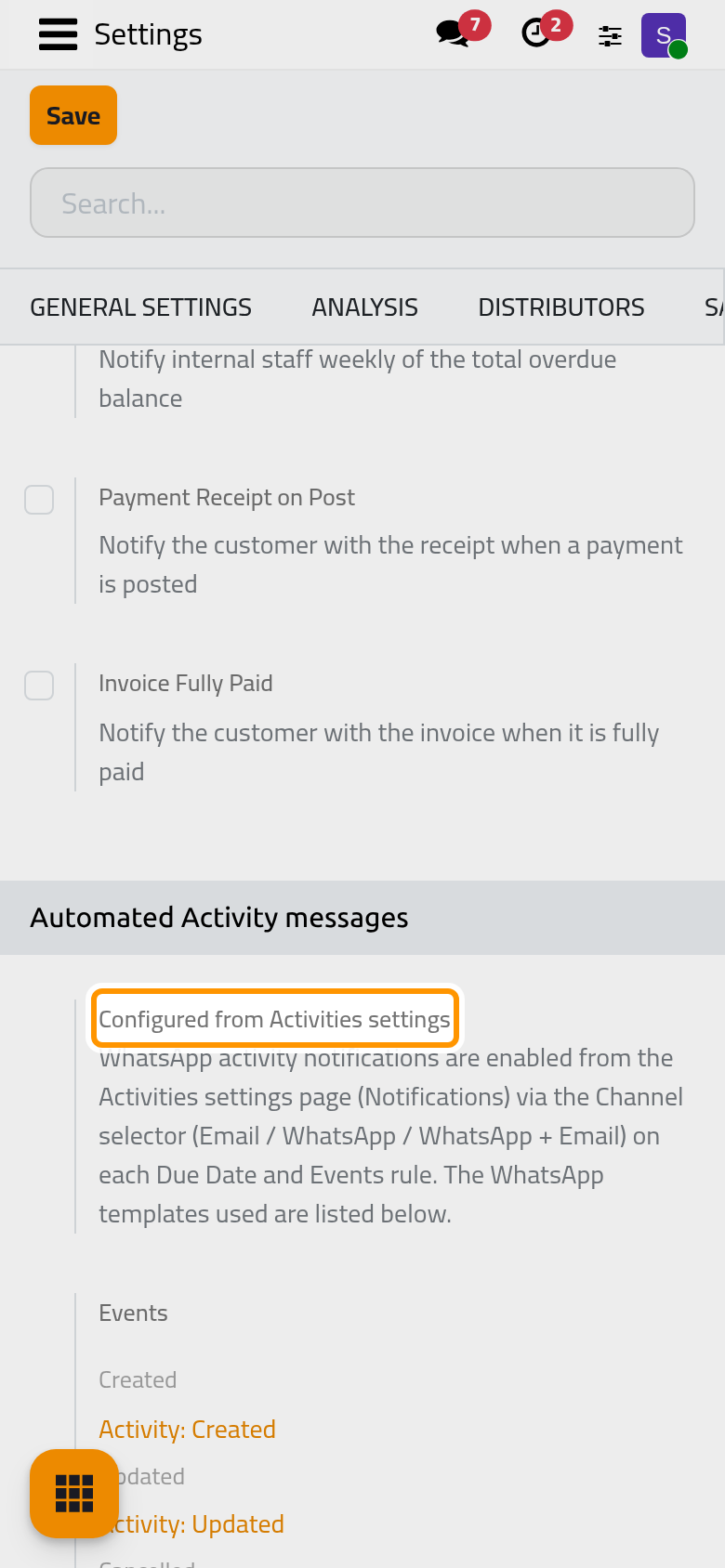
The Automated Activity messages block only names the templates. The switch is the Channel of each rule in : Email, WhatsApp or WhatsApp + Email.
- Under Due Date, click Configure.
- Click a line's Channel and choose WhatsApp + Email.
- Click Save.
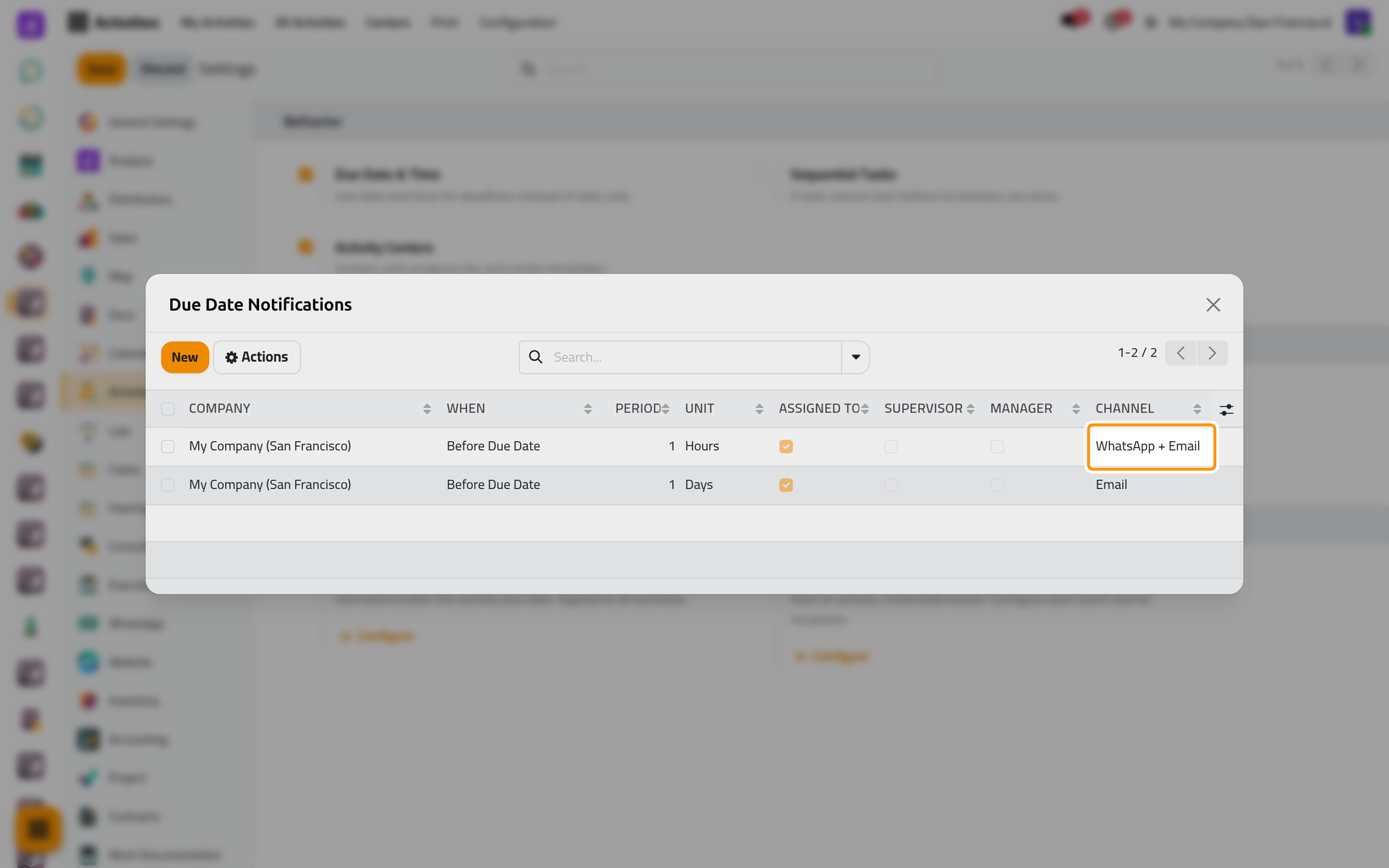
On a phone, the dialog fills the screen. Configure under Events holds the same column for the On Create, On Edit and On Cancel/Delete lines; add one to start. Activities settings explains recipients and timing.
FAQ
Why did nobody receive a meeting reminder?
The meeting has no reminder of type WhatsApp, the attendee declined or has no phone number, or the meeting has ended. Reminder must also stay ticked.
Will a meeting activity send both an invitation and an activity message?
No. When an activity creates a meeting, people who receive the WhatsApp invitation are left out of Activity: Created.
Can I stop one message and keep the others?
Yes. Untick its option for Calendar; set the rule's Channel back to Email for Activities.
Was this page helpful?
Thank you for your feedback.