WhatsApp in projects
On this page
Projects come with eight ready-made WhatsApp templates: four keep the team on time and are on after installation, four keep the customer informed and wait for you to switch them on. None is sent by hand.
Ready-made templates
| Template | When it is sent | To whom | Switched by |
|---|---|---|---|
| Project: Task Assigned | A task is created, and each time its assignees change | The task's assignee; with several, the first one listed; with none, the task's Customer | Task Assigned, on |
| Project: Tasks Due Tomorrow (Digest) | Daily, one list of the open tasks due tomorrow | Each assignee who has such tasks | Tasks Due Tomorrow, on |
| Project: Overdue Tasks List (Assignee) | Every few days, one list of the open tasks past their deadline | Each assignee who has such tasks | Overdue Tasks List, on |
| Project: Overdue Tasks Escalation (Manager) | In the same run, the tasks late by more than a set number of days | The project manager of their projects | Task Overdue Escalation, on |
| Project: Task Stage Change | A task moves to another stage | The task's customer | Task Stage Change, off |
| Project: Project Stage Change | A project moves to another stage | The project's customer | Project Stage Change, off |
| Project: Project Status Change | The project's status changes (On Track, At Risk...) | The project's customer and project manager | Project Status Change, off |
| Project: New Update Posted | A project update is posted | The project's customer and project manager | New Update Posted, off |
"On" and "off": the state after installation. Template names read in English in every language.
Before you start
- The switches need the Administrator right on WhatsApp.
- A message leaves through a connected line (Connect a WhatsApp line), to a person with a phone number on their contact who is not on the blacklist (Consent and blacklist). An assignee or a manager without a phone number is skipped.
Switch the messages
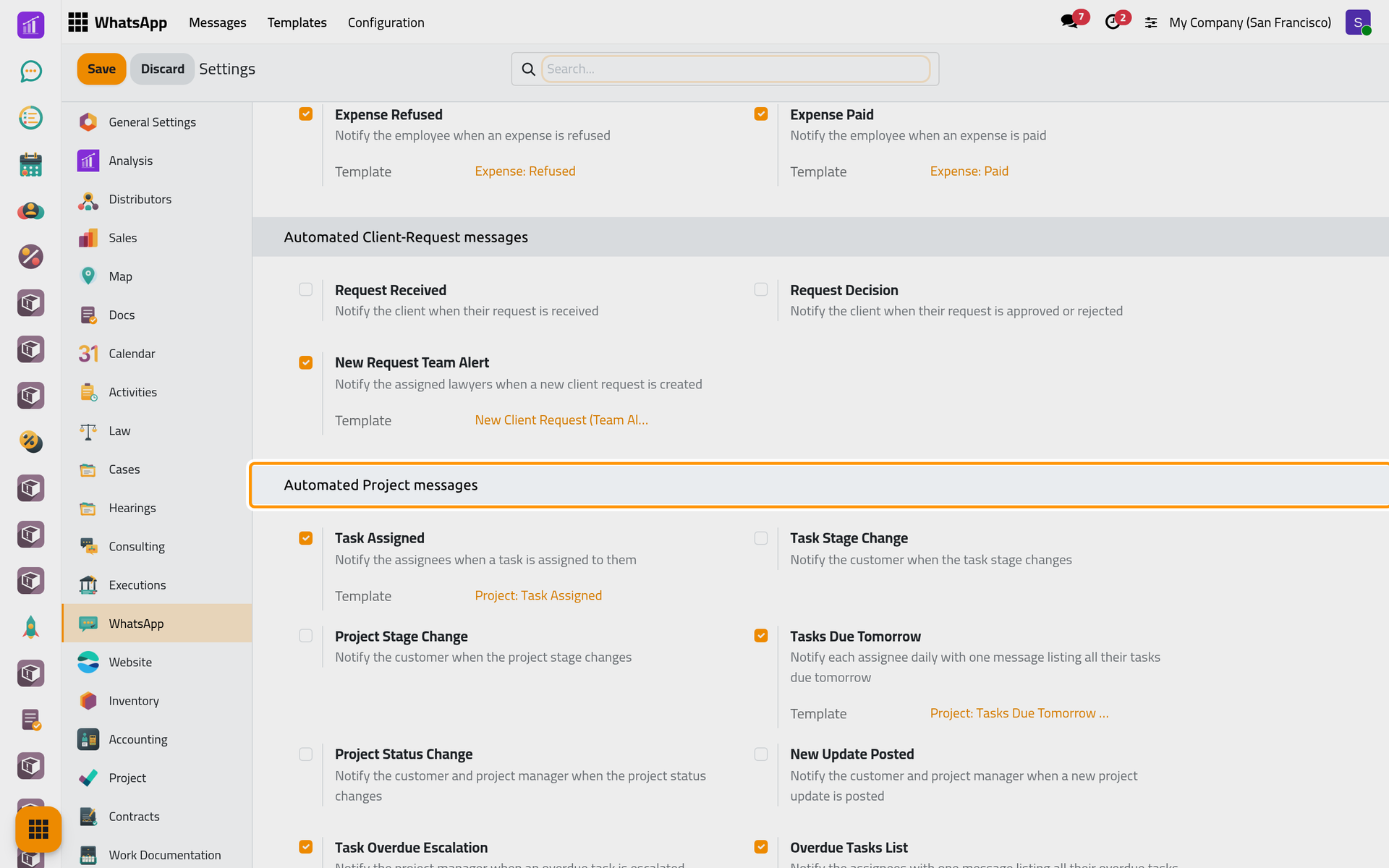
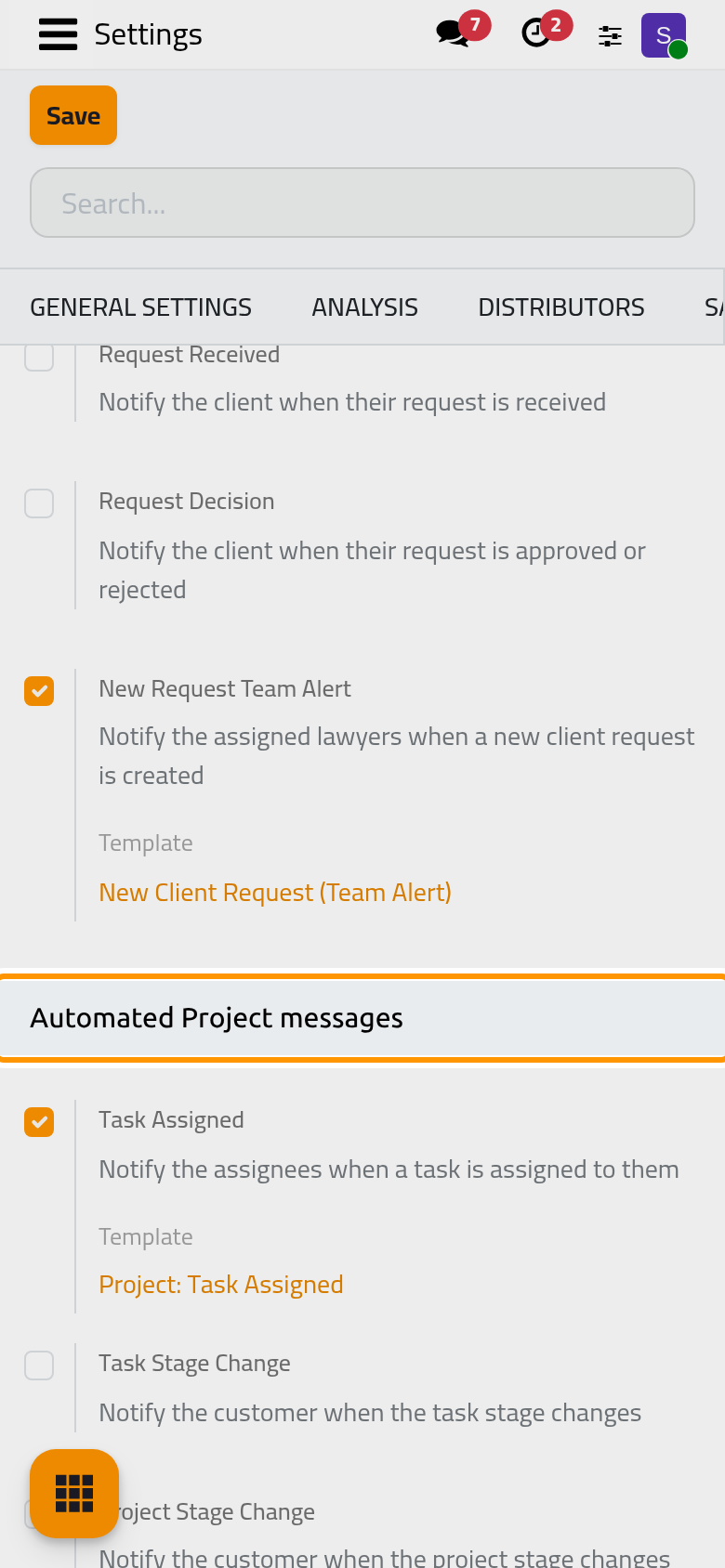
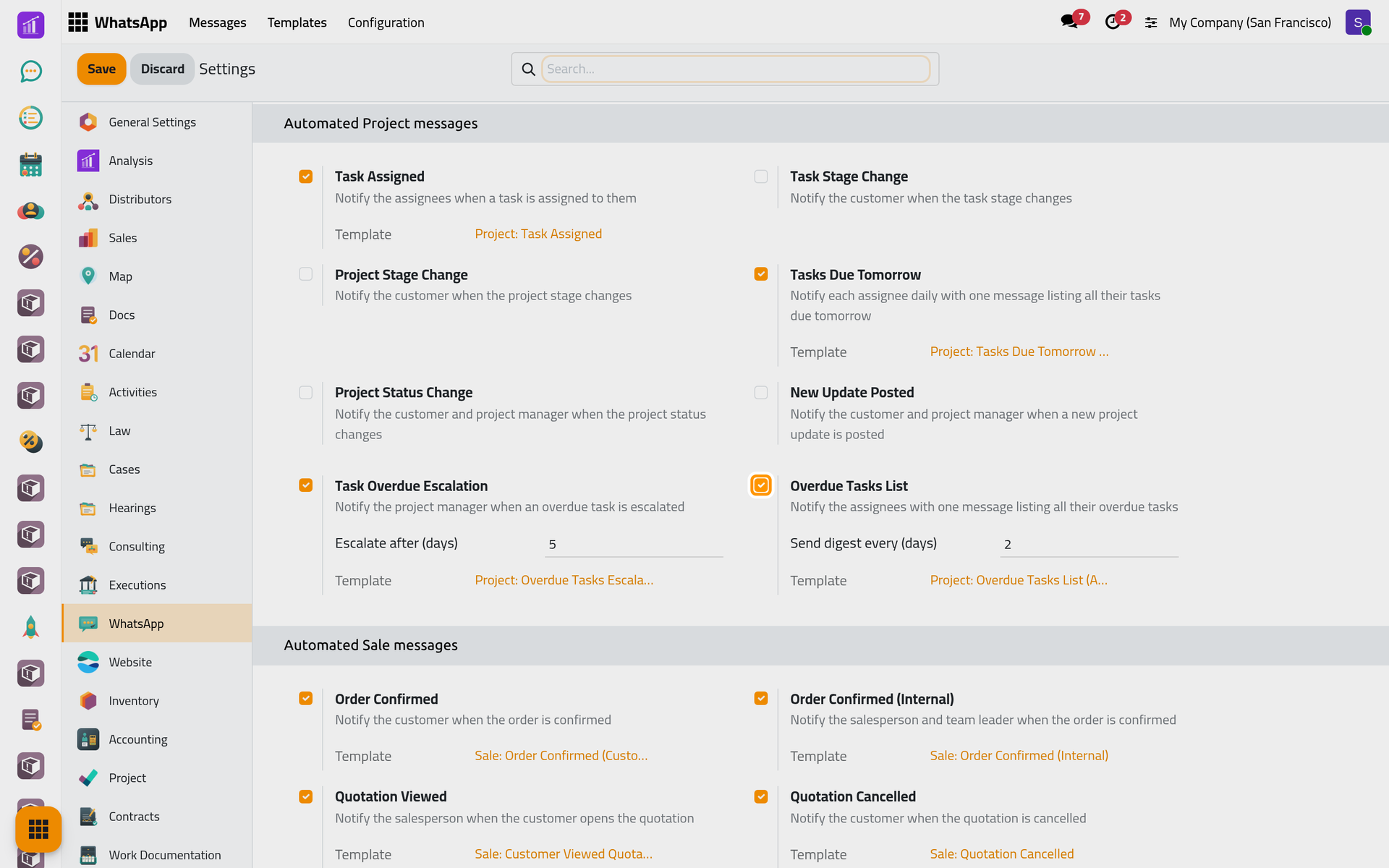
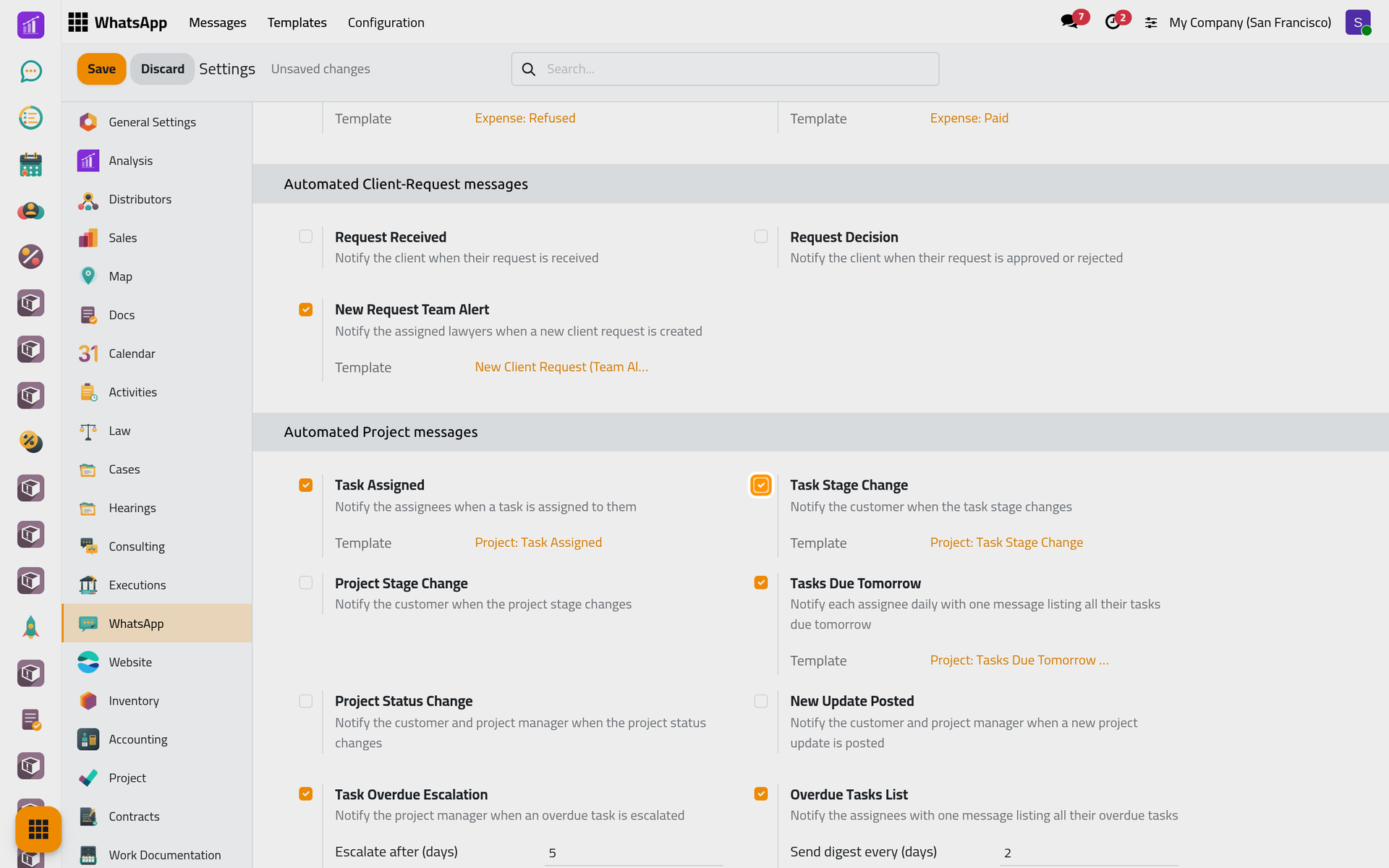
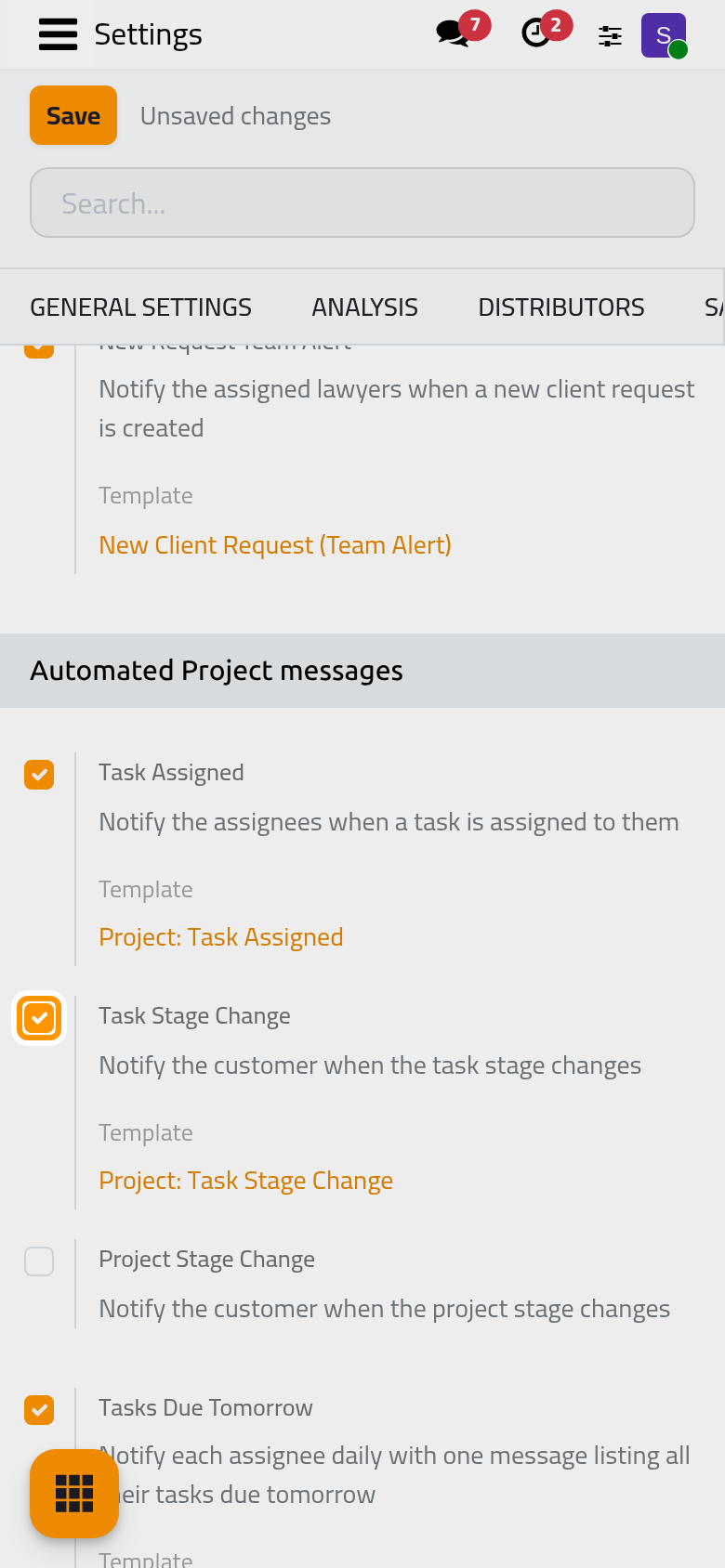
Open and scroll to Automated Project messages. Each checkbox switches one template; click Save to apply. Switching a message off archives its template.
The daily lists
Instead of one message per task, the team receives lists:
- Tasks Due Tomorrow: once a day, each assignee receives their open tasks whose deadline falls tomorrow in their own time zone, with the project of each, and a link that opens their tasks due tomorrow.
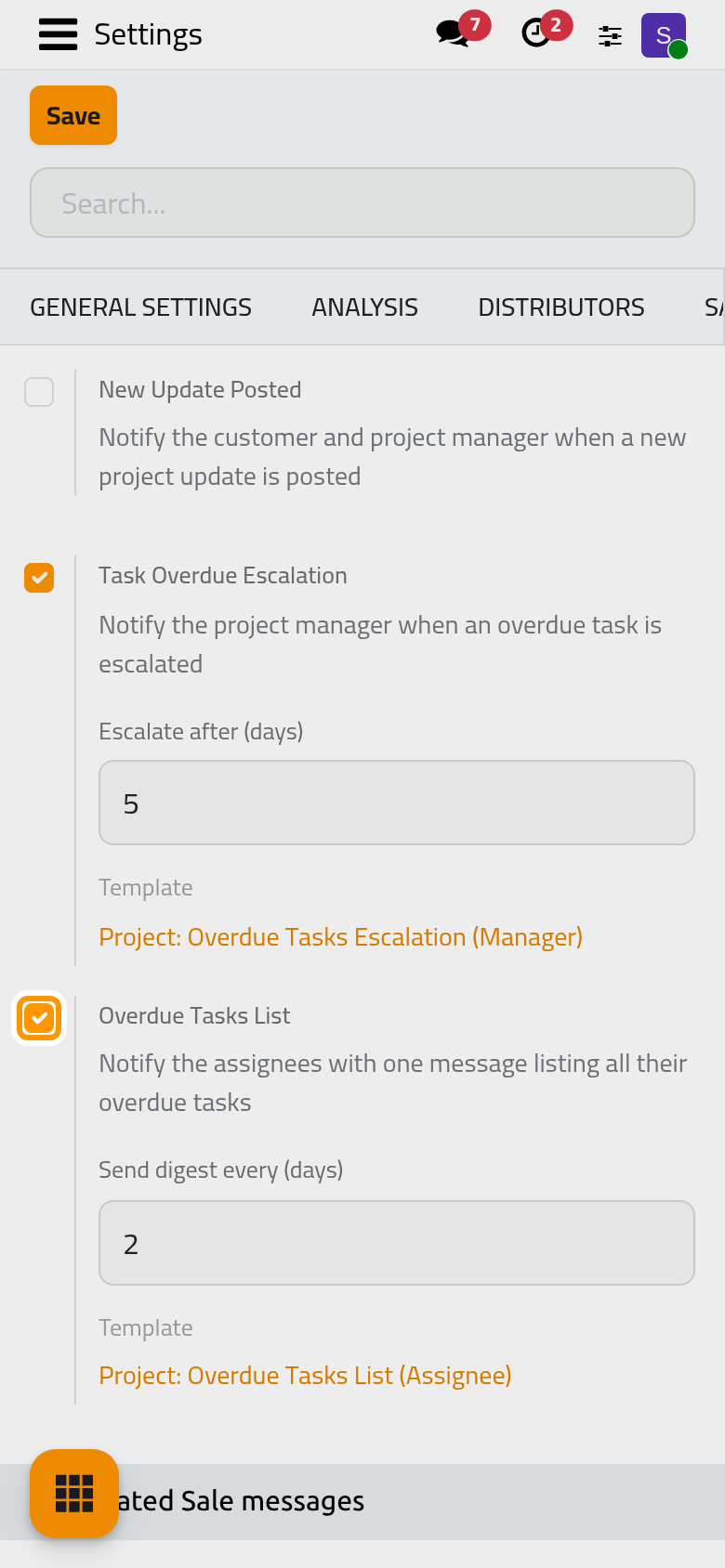
- Overdue Tasks List: each assignee receives all their open tasks past the deadline, with the days late. Send digest every (days) (2) spaces the lists; nothing is sent while no task is late.
- Task Overdue Escalation: in the same run, each project manager receives the tasks of their projects late by more than Escalate after (days) (5), with their assignees.
An open task is one that is neither done nor cancelled.
Messages to the customer
The four customer messages go to the Customer of the task or of the project. Project Status Change and New Update Posted also send a copy to the project manager, but only with the customer's message: a project whose customer has no phone number sends neither. Project Stage Change follows the project stages, an option of Projects.
Ticking one shows its Template line; the change applies when you click Save.
Change the text
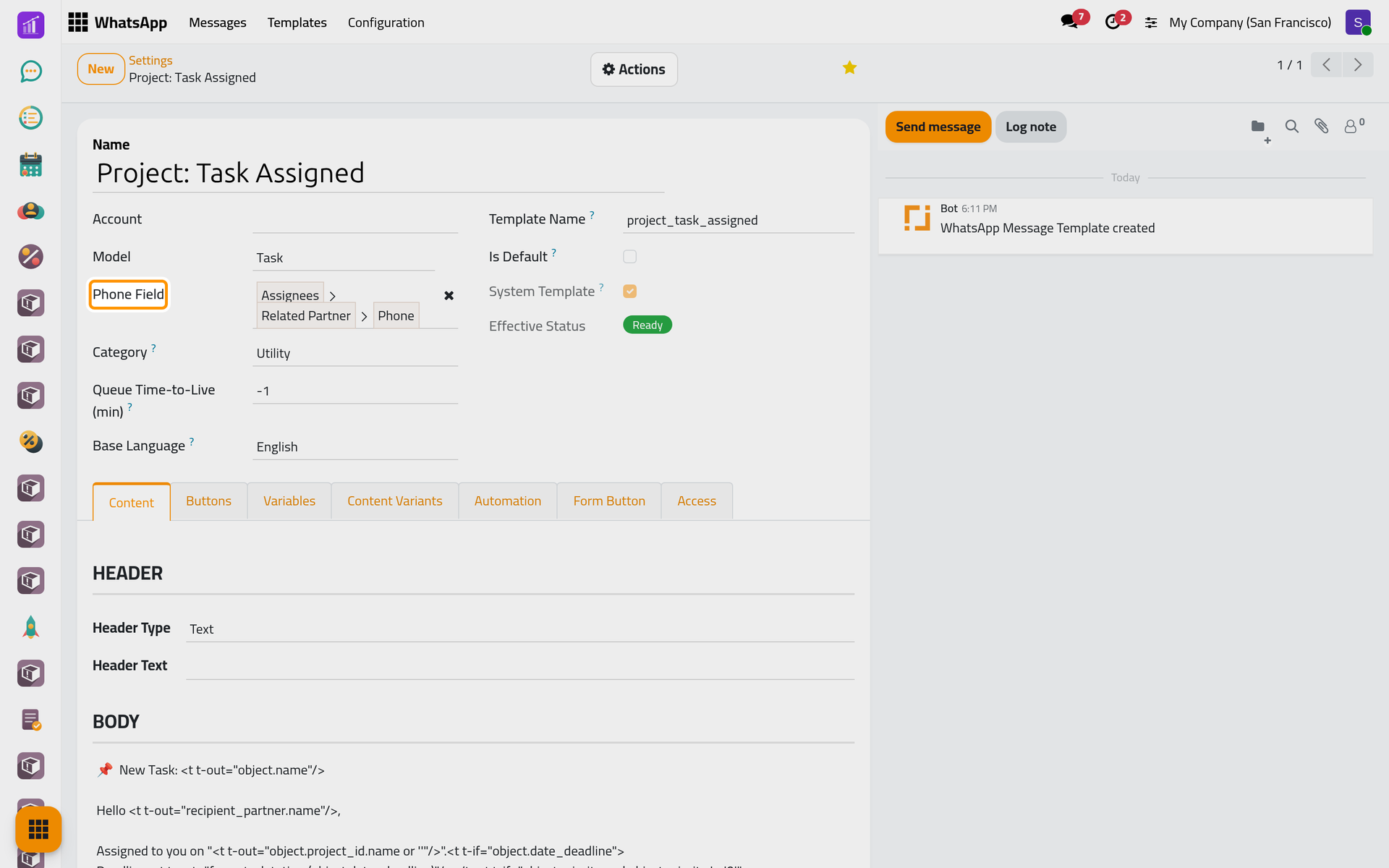
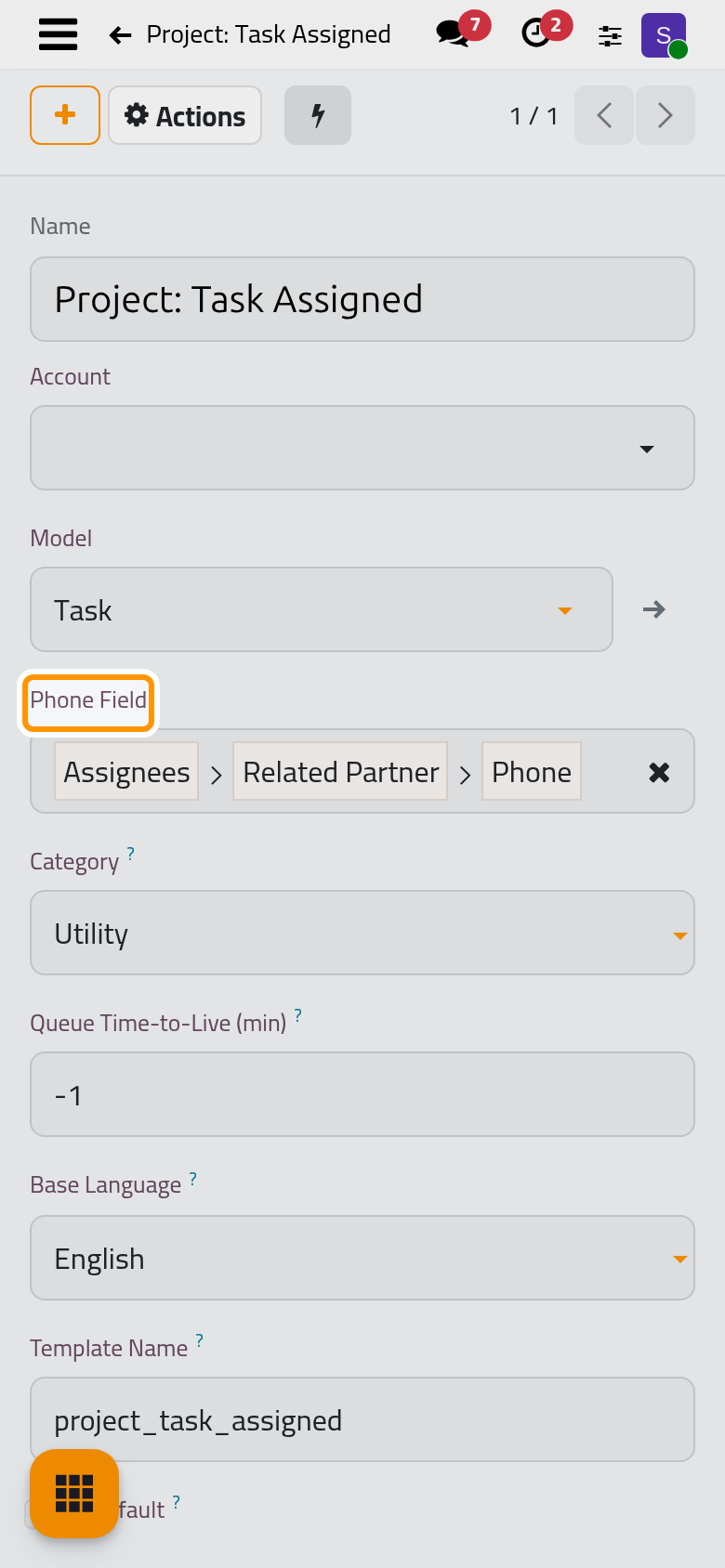
Each Template link opens the template; its wording is edited there, as WhatsApp templates explains. Its Phone Field shows who receives it.
FAQ
At what time do the lists leave?
The tasks due tomorrow at 18:00 UTC (21:00 in Riyadh); the overdue and escalation lists at 08:00 UTC (11:00 in Riyadh), on the days their spacing allows.
A task has three assignees. Who is told it was assigned?
Only the first assignee listed on the task. The daily lists, on the other hand, reach every assignee.
Why did a manager receive no escalation?
The manager is the Project Manager of the task's project and needs a phone number. Only tasks late by more than Escalate after (days) are listed, on the overdue run's days.
Is a list kept while the line is disconnected?
Not for long: a list still waiting after 24 hours (tasks due tomorrow) or 12 hours (overdue and escalation lists) expires unsent, since it would be out of date.
Was this page helpful?
Thank you for your feedback.