WhatsApp settings
On this page
- Before you start
- WhatsApp Account
- Message Retention
- Attachment Mode
- Max Retries and Default Priority
- WhatsApp in Chatter
- Split Attachments in Queue
- The apps' groups
- FAQ
- I set Max Retries to 10. Why does a message stop after three tries?
- The default line is disconnected. Do messages get lost?
- Can a user turn off the WhatsApp button for themselves?
- Which jobs run behind these options?
Open : Settings opens at the WhatsApp section. Its General group holds the options of the app itself; below it, each app that sends WhatsApp messages adds its own group of switches.
Before you start
- The section needs the Administrator access right on WhatsApp.
- WhatsApp Account, Attachment Mode and WhatsApp in Chatter belong to the current company: switch company in the top bar to set another one. Message Retention, Max Retries and Default Priority serve the whole database.
- Click Save to apply a change.
WhatsApp Account
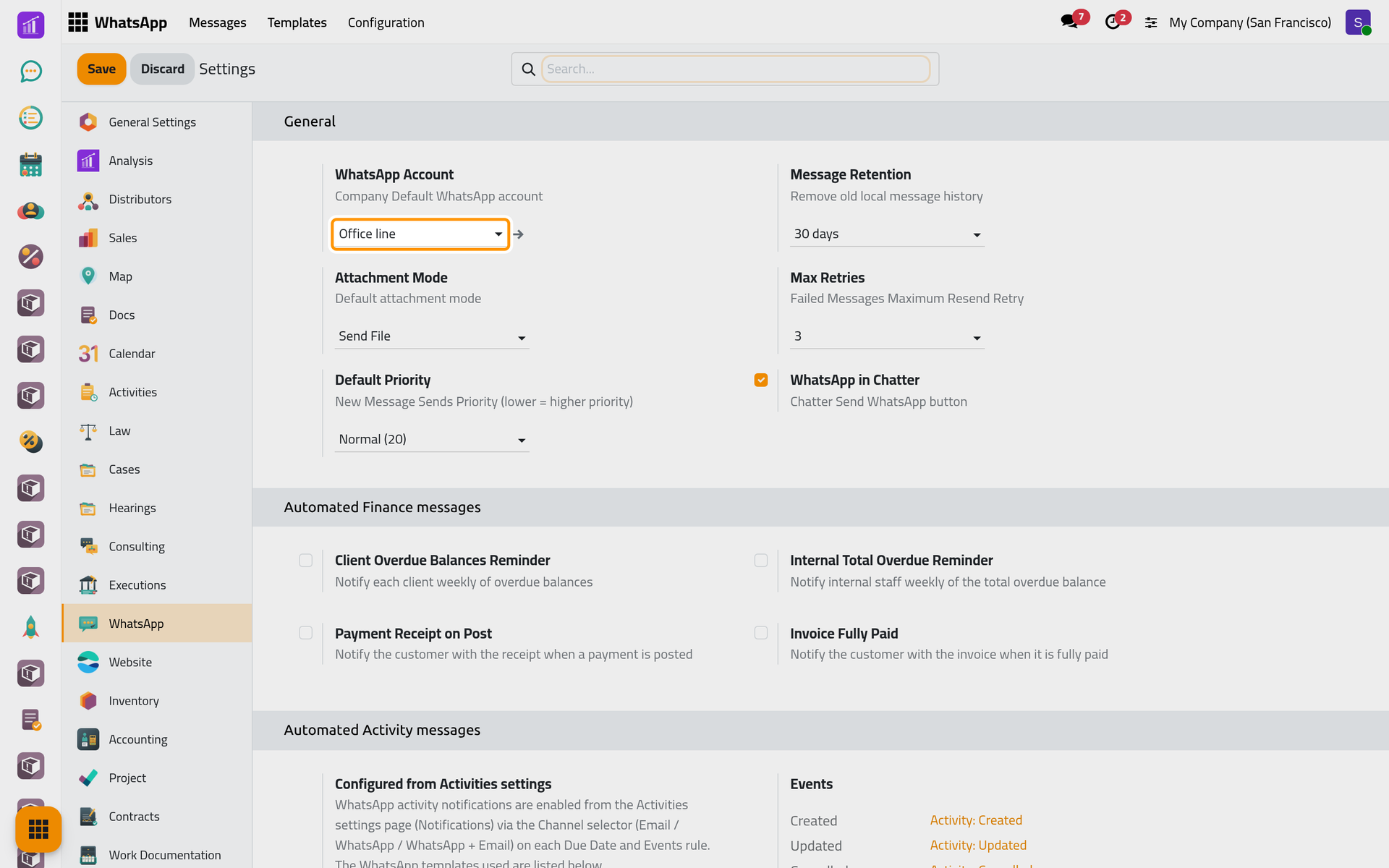
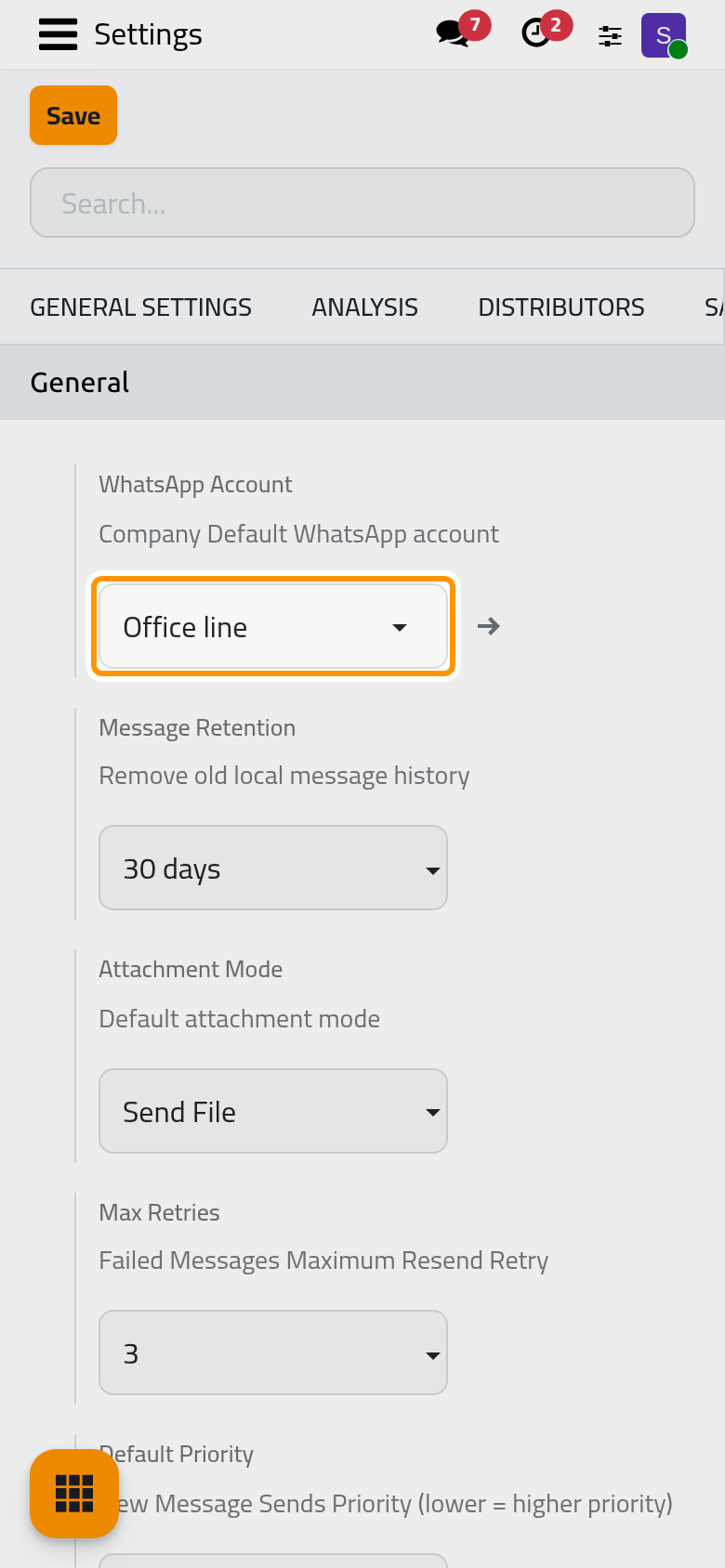
The company's default line, Office line in the demo. Messages leave from it while it is Connected; otherwise from the first connected line of the company. A template sent on a schedule uses its own Account instead. The arrow next to the field opens the line: Connect a WhatsApp line.
Message Retention
30 days (the default), 60 days or 90 days. Once a day, a job deletes the messages older than that which reached their end: Sent, Delivered, Read, Replied, Error, Bounced, Cancelled and expired ones. Received messages and those still Queued, Delivery Uncertain, Dead Letter or Suppressed are kept. The copies in Discuss and the notes in the records' chatter stay. The log of send attempts is kept 180 days, or longer if this option is longer.
Attachment Mode
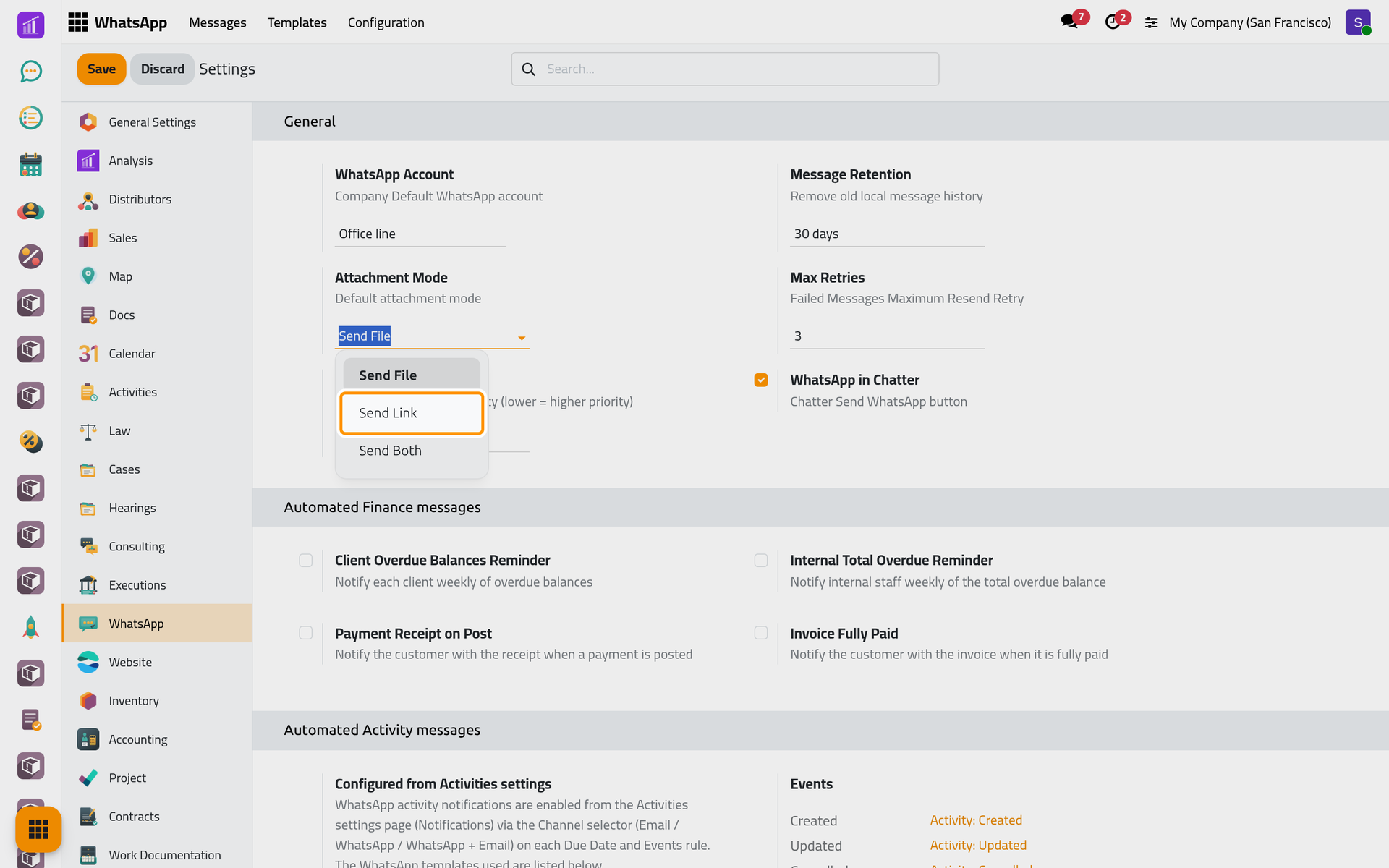
How a file attached to a message travels, reports added by templates included:
- Send File, the default: the file itself, as its own message after the text.
- Send Link: a link to download the file instead.
- Send Both: it sends the file only, as Send File does.
On a phone, the same list opens when you tap the field.
Max Retries and Default Priority
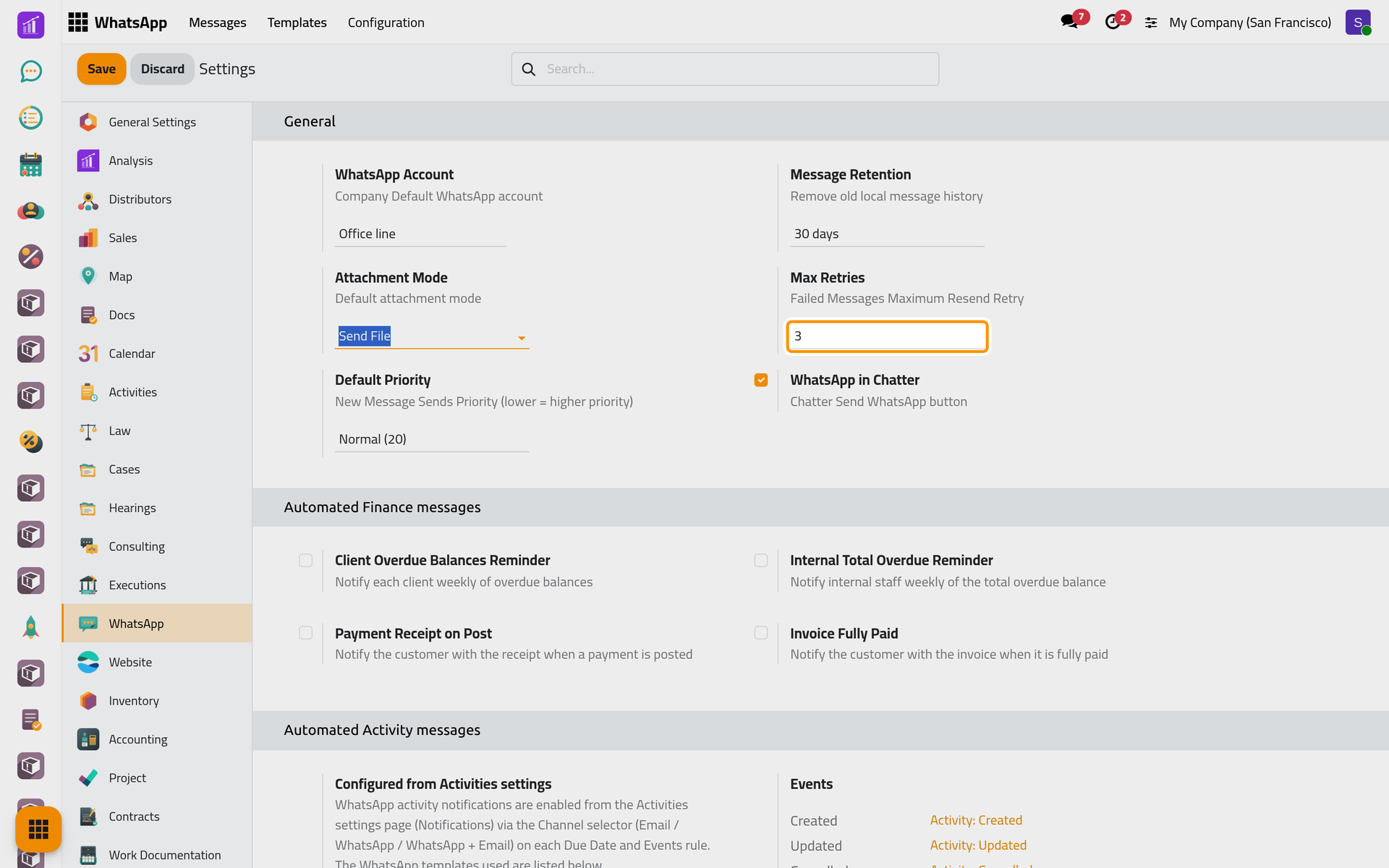
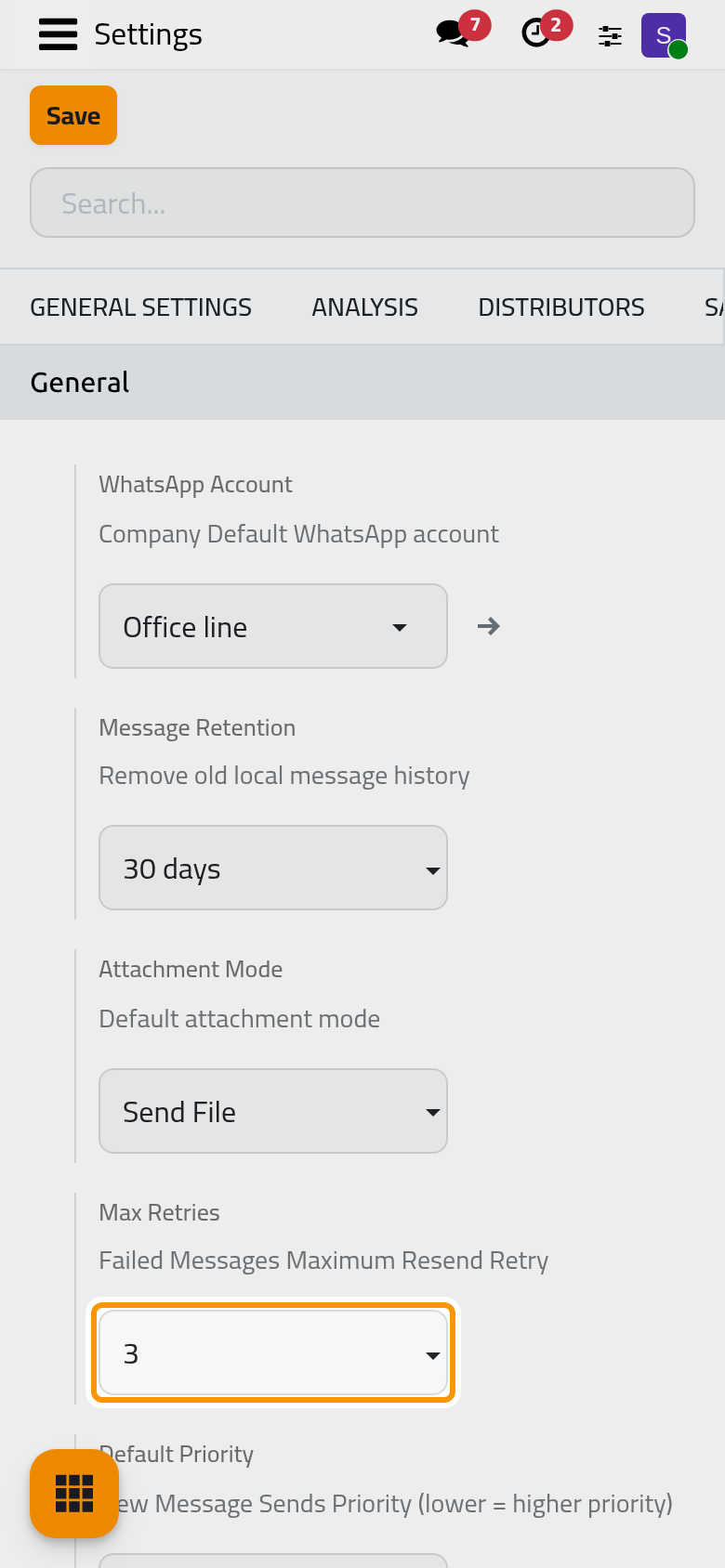
Max Retries (1, 3, 5 or 10) and Default Priority (High (10), Normal (20) or Low (30)) are saved, but sending does not read them: a failed message is tried again three times, and new messages are queued with the normal priority. How WhatsApp sending works explains the retries.
WhatsApp in Chatter
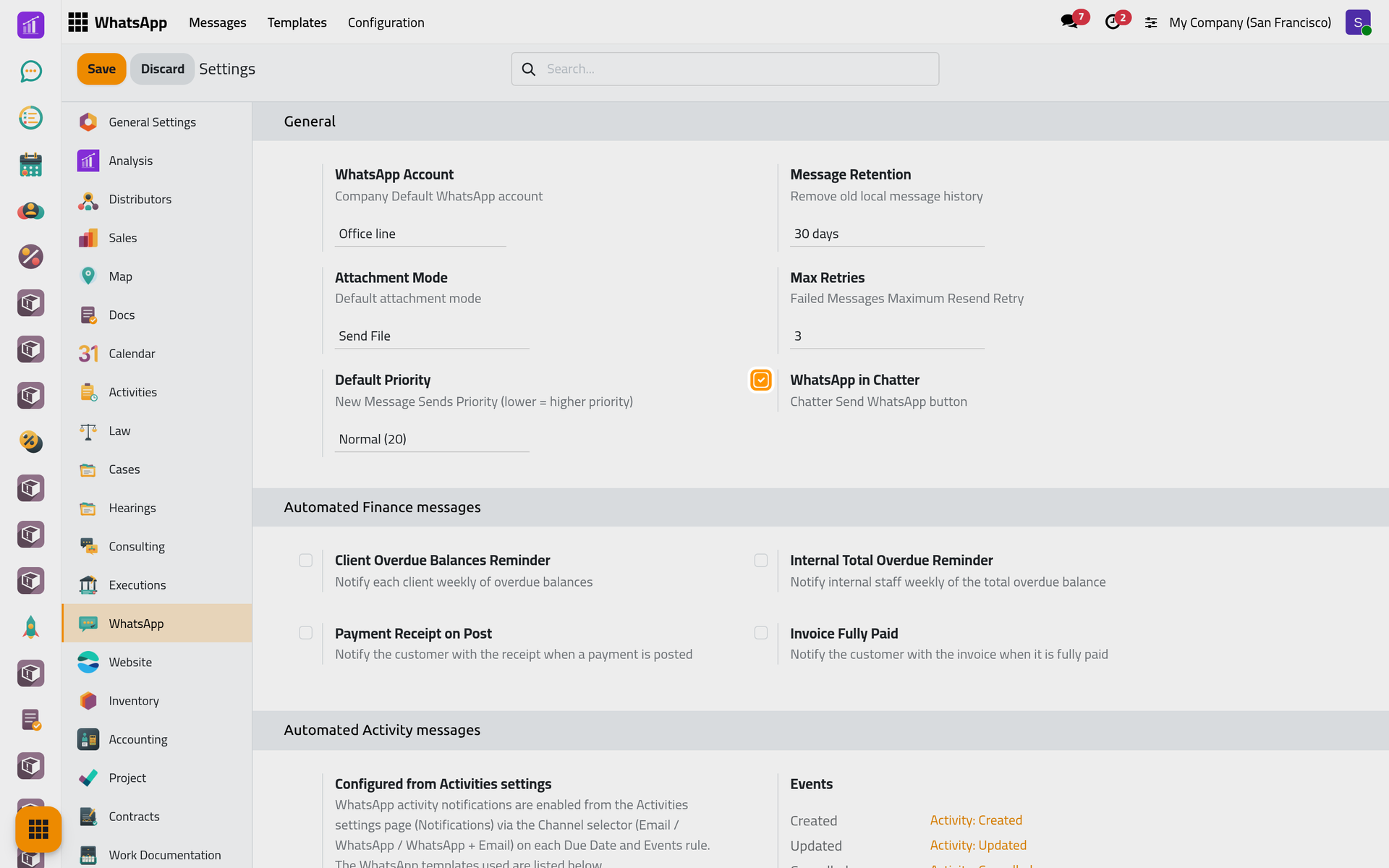
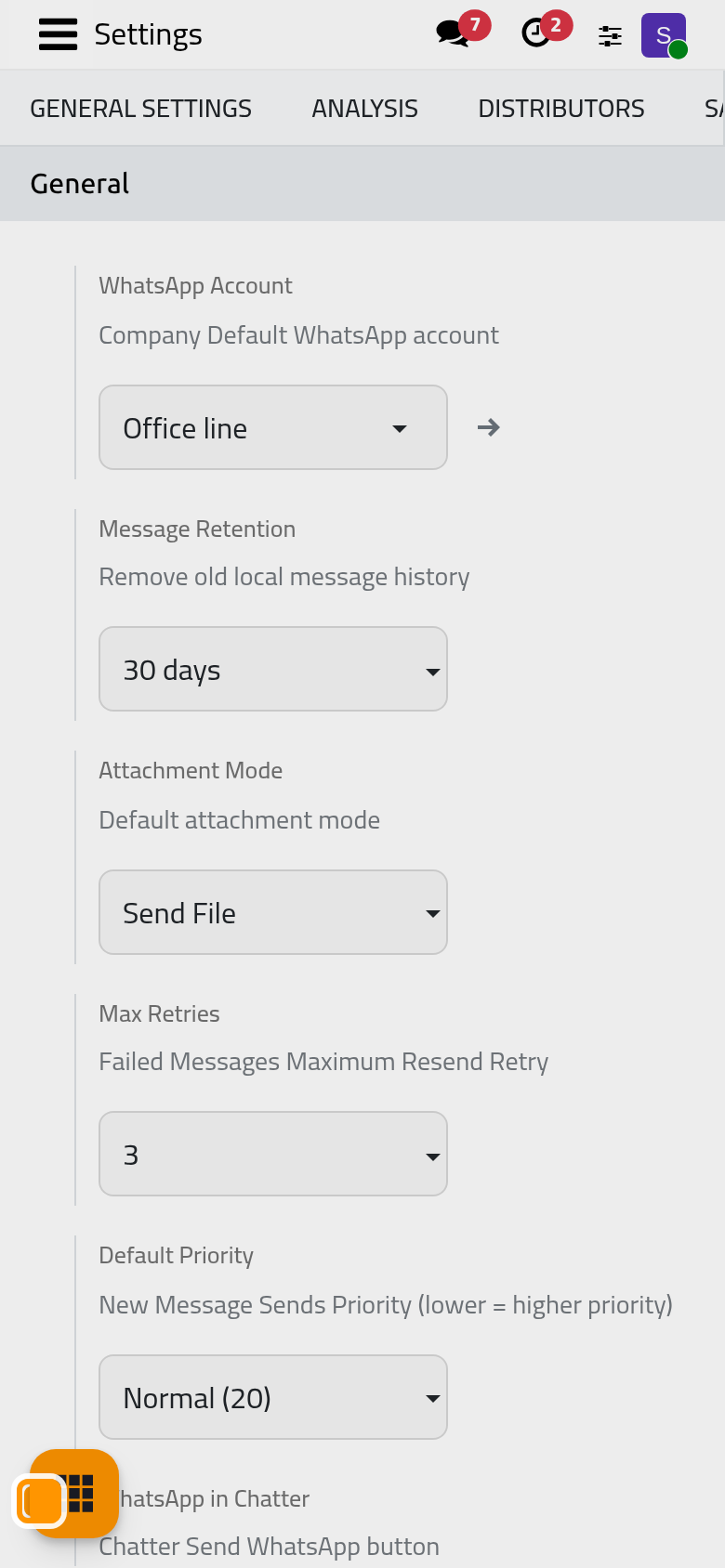
On by default. It shows the WhatsApp button in the chatter of every record whose kind has at least one active template, as Send from any record shows. Turned off, the button disappears for the company; the entries that templates add to the Actions menu and the automatic messages carry on.
Split Attachments in Queue
This option is hidden from the screen and not used: each attached file always leaves as its own message after the text.
The apps' groups
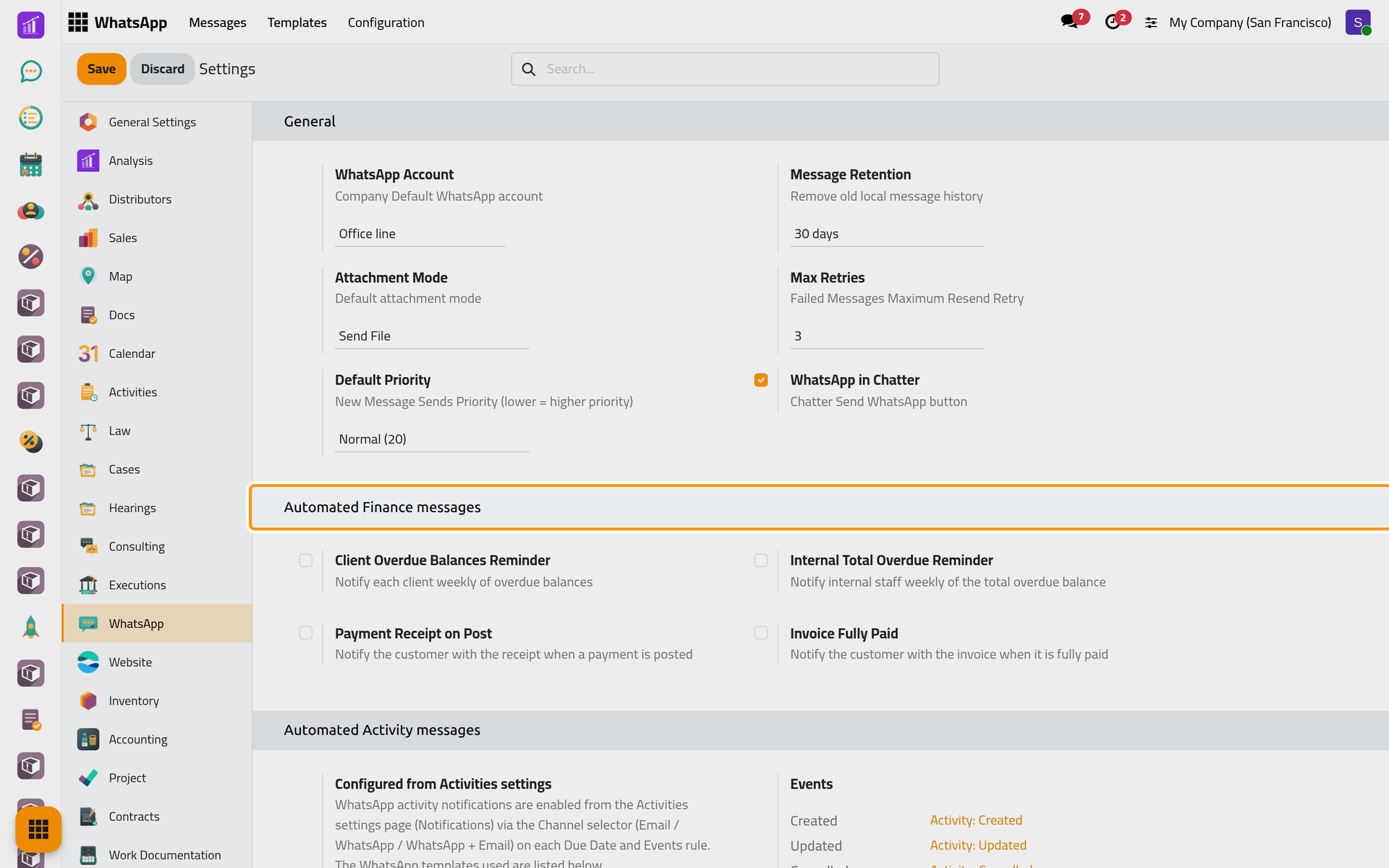
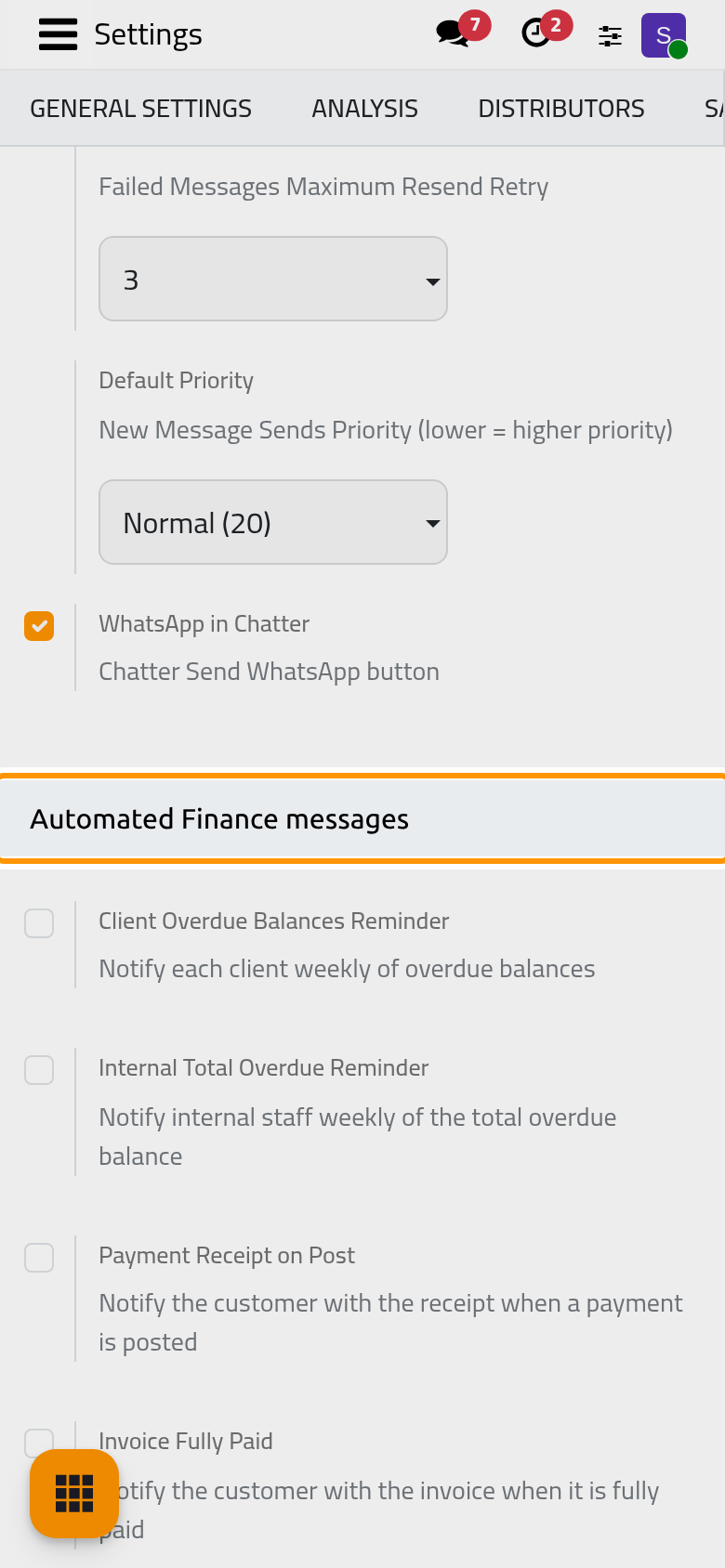
Each group lists the ready-made templates of one app, each with a switch; a ticked switch shows a Template link to open it. Turning a switch off archives its template, turning it on restores it. The pages of the apps explain theirs: WhatsApp in cases, WhatsApp in the legal apps, WhatsApp in sales and invoicing, WhatsApp in projects, WhatsApp in calendar and activities and WhatsApp in HR. WhatsApp templates explains how to change a text.
FAQ
I set Max Retries to 10. Why does a message stop after three tries?
The option is not read: three retries is the fixed rule.
The default line is disconnected. Do messages get lost?
No. They leave from another connected line of the company; automatic ones wait Queued until a line of the company connects again.
Can a user turn off the WhatsApp button for themselves?
No. WhatsApp in Chatter applies to the whole company.
Which jobs run behind these options?
The cleanup and the sending jobs, listed in WhatsApp automations.
Was this page helpful?
Thank you for your feedback.