Decide a request
On this page
- Before you start
- Find what waits on you
- Decide
- Accept several requests at once
- Decide on behalf of an approver
- FAQ
- I clicked too fast. Can I take my decision back?
- Why do I not see Accept on a request?
- Mark Done on the approval activity answers with an error.
- Can someone else decide in my place?
- Where do I find what I already decided?
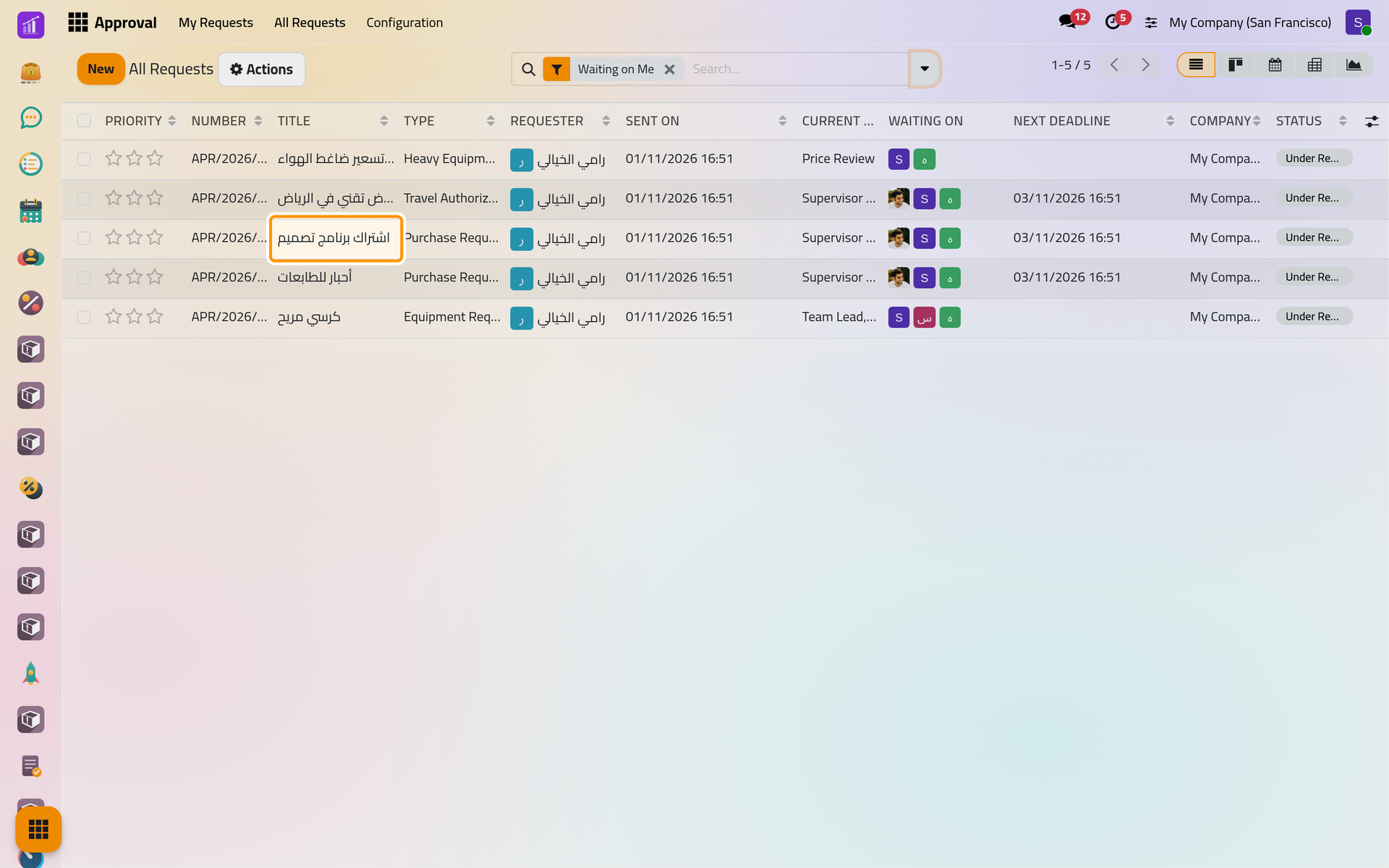
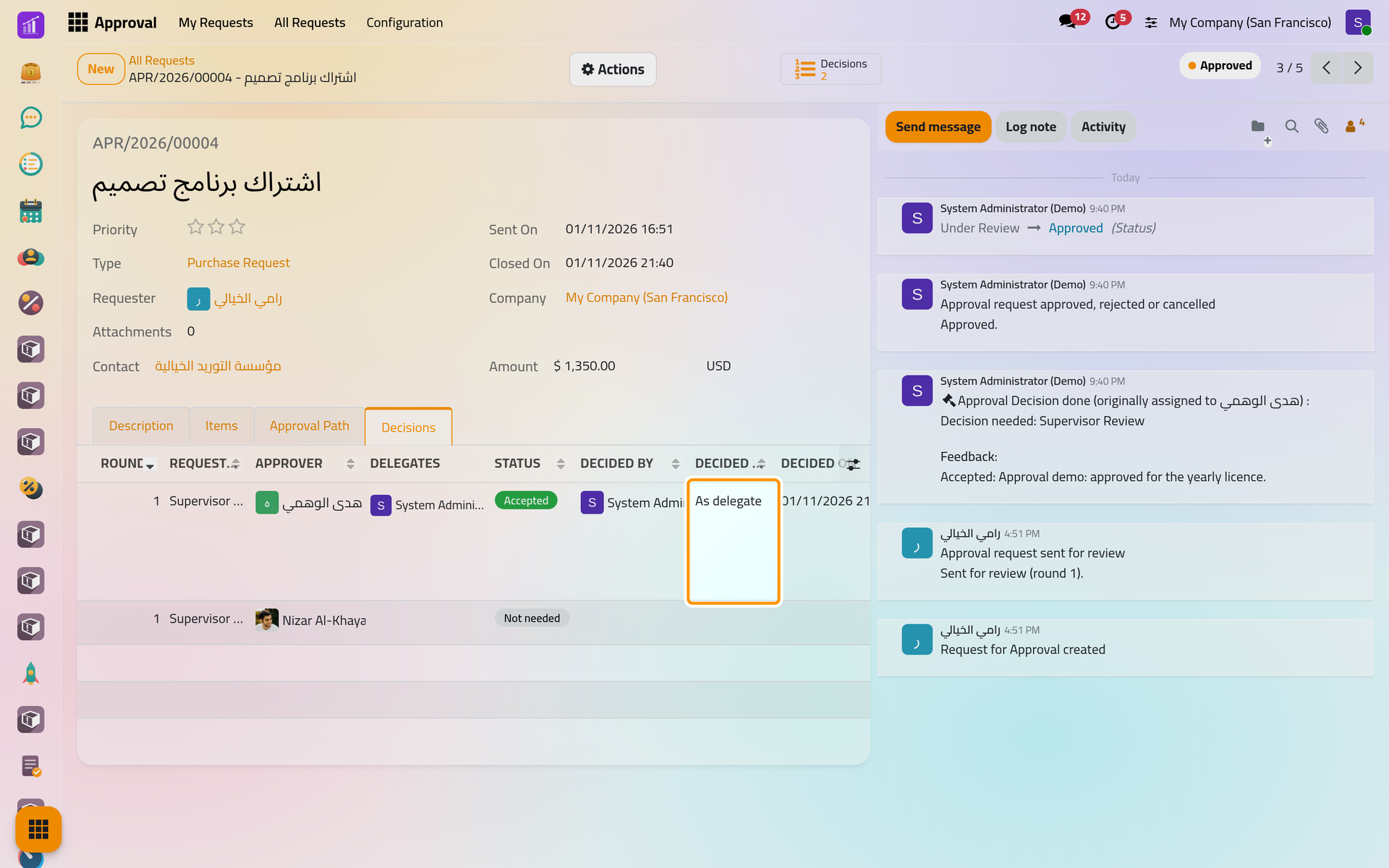
When a step opens, each person it asks gets an activity Decision needed on the request and finds the request in All Requests under Waiting on Me. Each decision is kept as its own record, with its time, note and signature, and never changes afterwards. The pictures show the demo administrator deciding for هدى الوهمي as her delegate; the screens are the same in person.
Before you start
- You are an approver of an open step, or the delegate of one: Delegate your approvals for a period.
- You never decide a request you own, created or sent, or whose business record you created, unless Approval settings allow it; the decision is then marked as a self-decision.
Find what waits on you
Open , click the arrow of the search bar and choose Waiting on Me. The list holds every request under review where your decision is needed, including those you decide as a delegate. A row in amber has an overdue decision; Next Deadline shows the nearest.
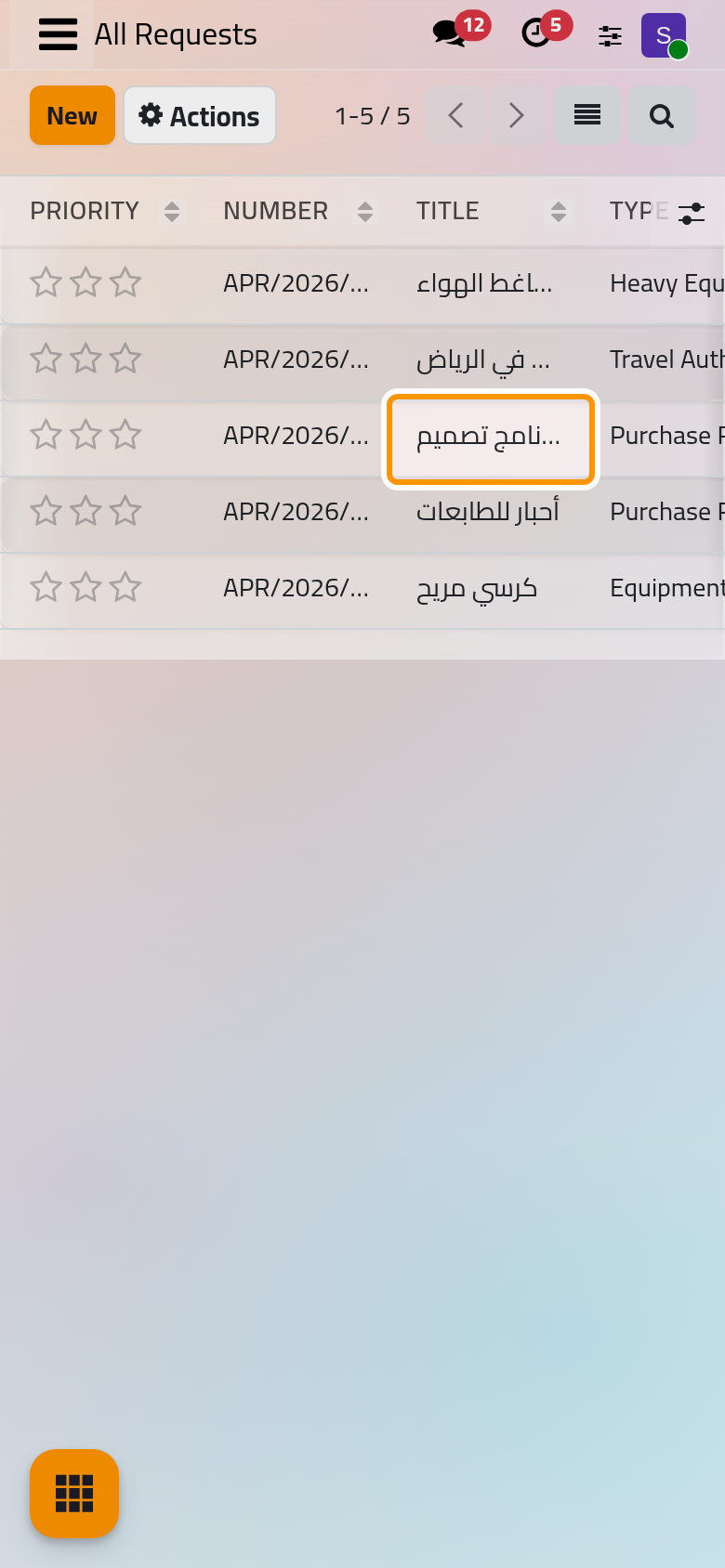
Decide
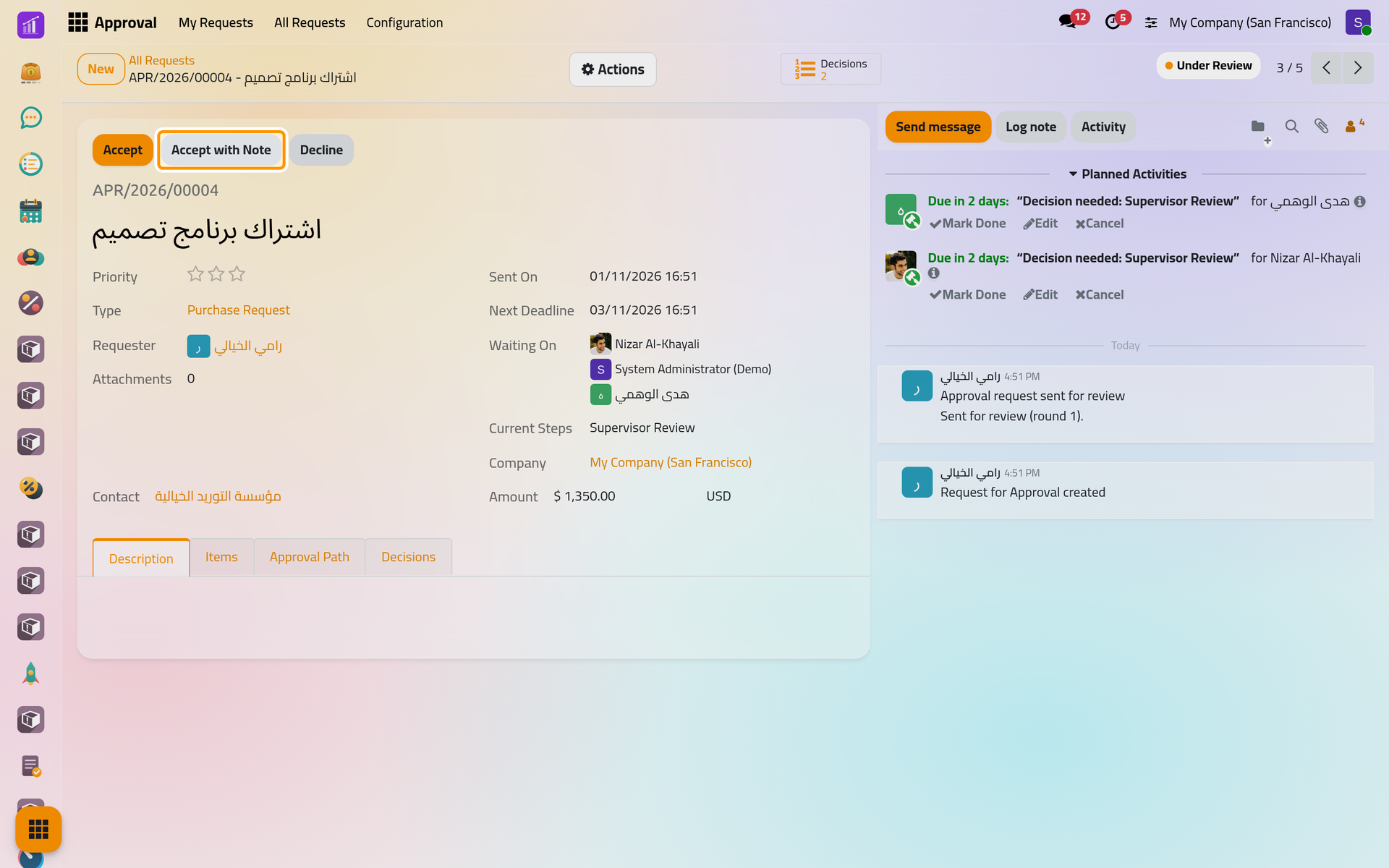
- Open the request. Read the Description, the Items and the file shown beside the form; a request on a business record adds a Document Snapshot tab with the values sent.
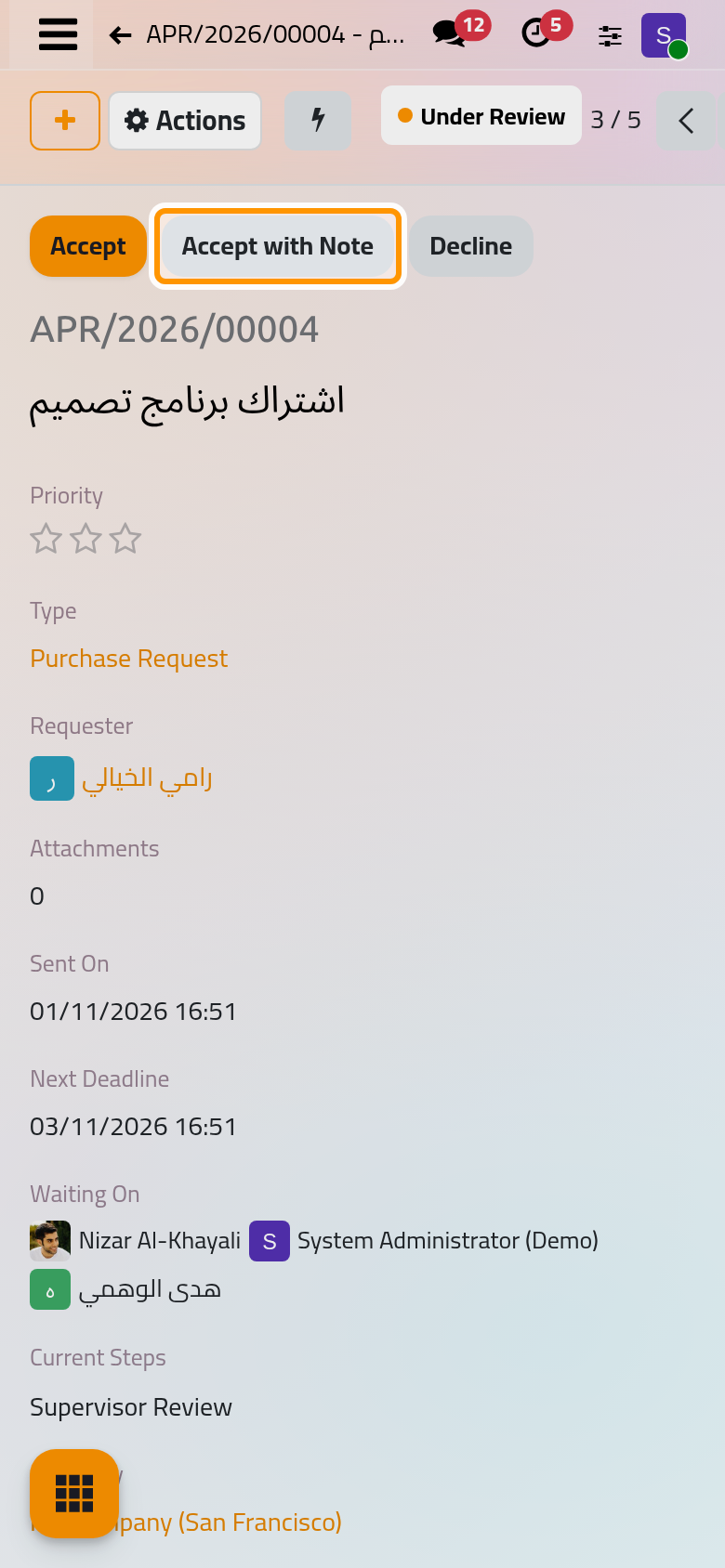
- Use the buttons at the top of the sheet:
- Accept accepts at once, unless your step requires a note or a signature: the dialog then opens;
- Accept with Note opens the dialog for a note; it reads Accept and Sign when your step offers a signature;
- Decline opens the dialog, where the note is required.
- Write the note and click Confirm.
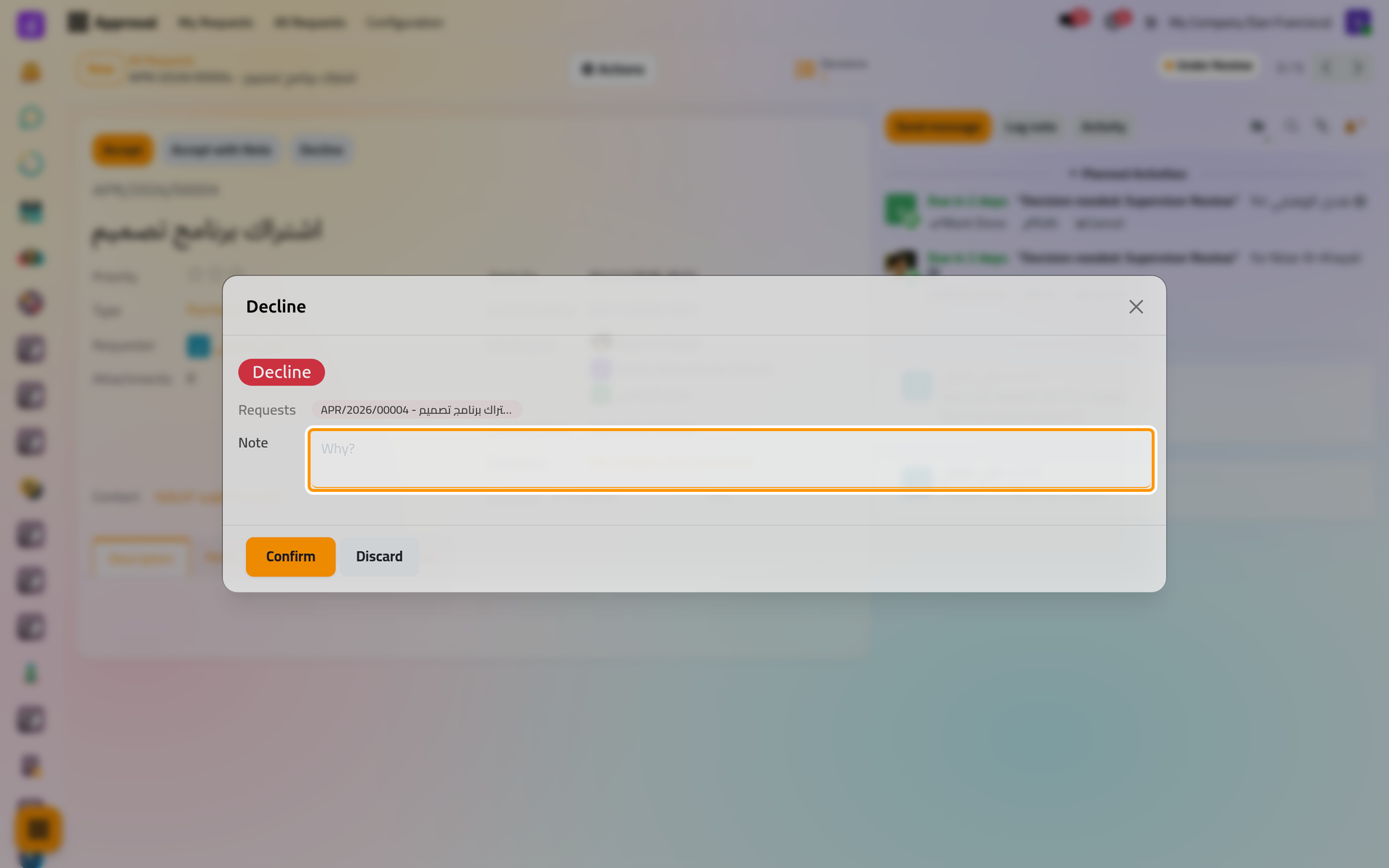
On a phone, the dialog fills the screen.
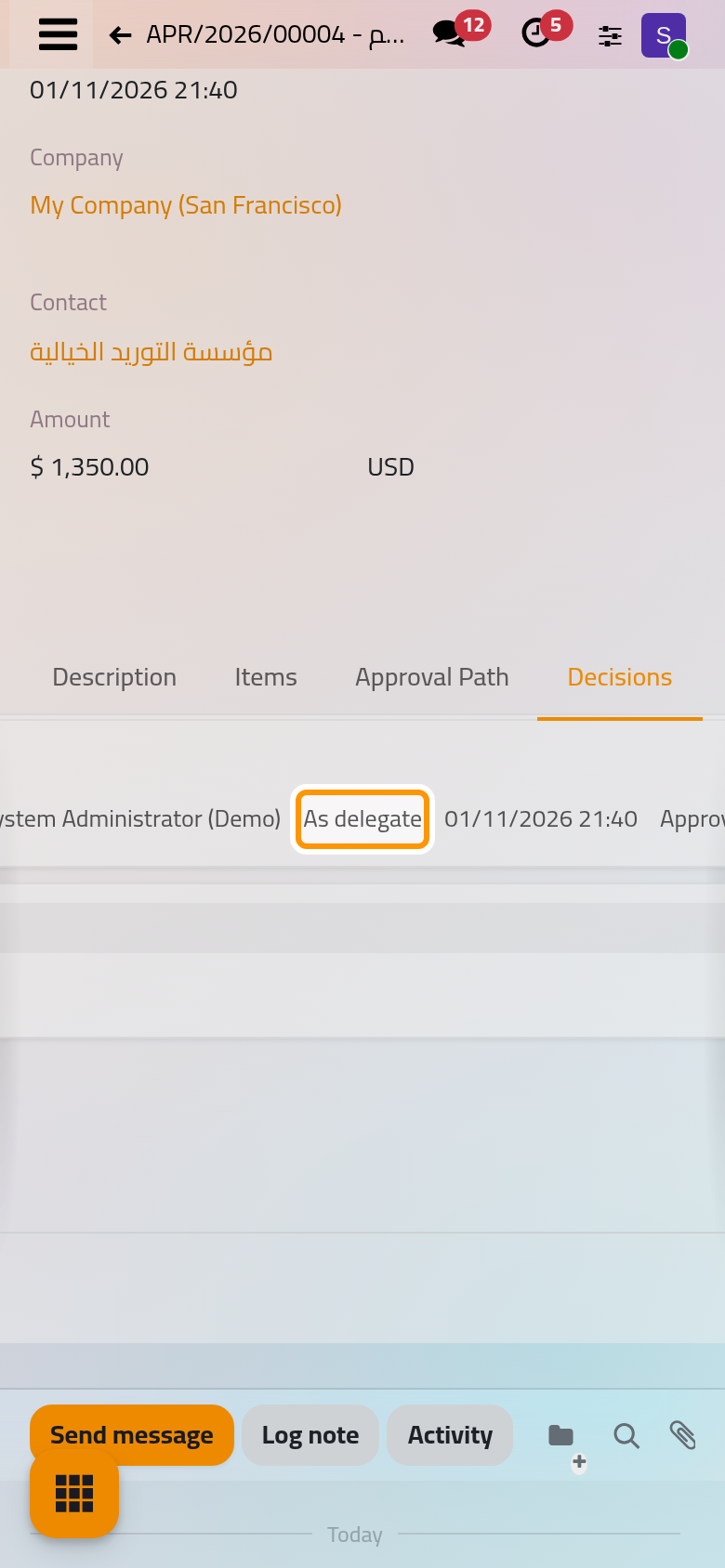
Your decision is recorded with your name and the time, and your activity is marked done. Once the step's rule is met, the other approvers' activities are removed and the next step opens. When your refusal makes a blocking step fail, the request is rejected: your note becomes its Rejection Note, and by default the requester receives an e-mail. One refusal is enough under First answer decides and Everyone must accept; under A minimum number of acceptances, the step fails only once too few people are left to reach the minimum. The Decisions tab shows how each decision was taken: In person, As delegate or By a supervisor.
Accept several requests at once
In Waiting on Me, tick the requests and choose Accept My Decisions in Actions, up to 100 at a time. A request whose step requires a note or a signature is skipped; the message Decisions recorded gives the counts.
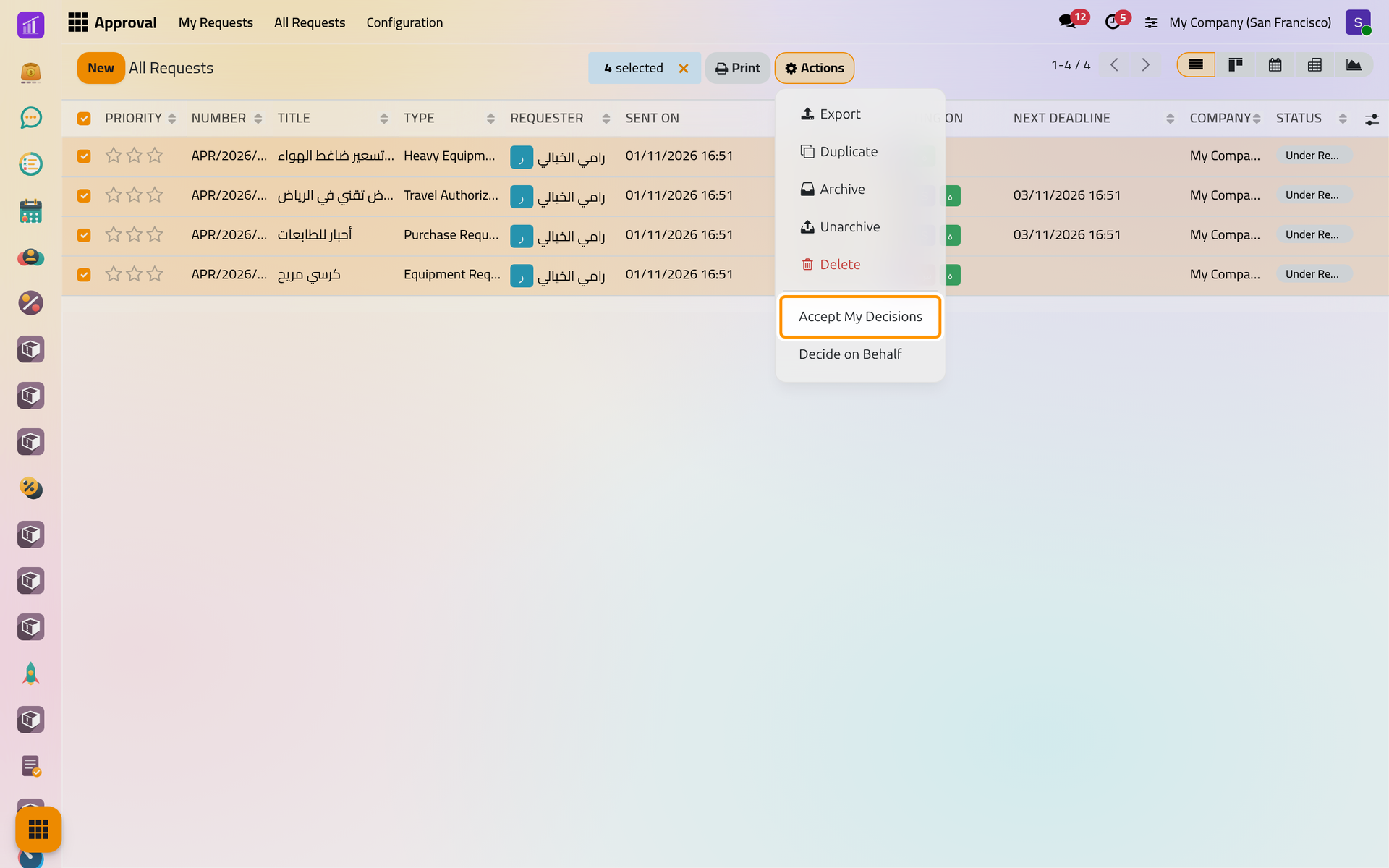
On a phone, Actions sits at the top of the list once rows are ticked.
Decide on behalf of an approver
A supervisor settles a request that waits too long with Decide on Behalf in the Actions menu: a Verdict, then a Scope, One decision chosen in Decision, or Finish the request, which decides every open decision and closes held steps until the request closes. Declining needs a note. From the list, the action finishes several requests at once. These decisions read By a supervisor.
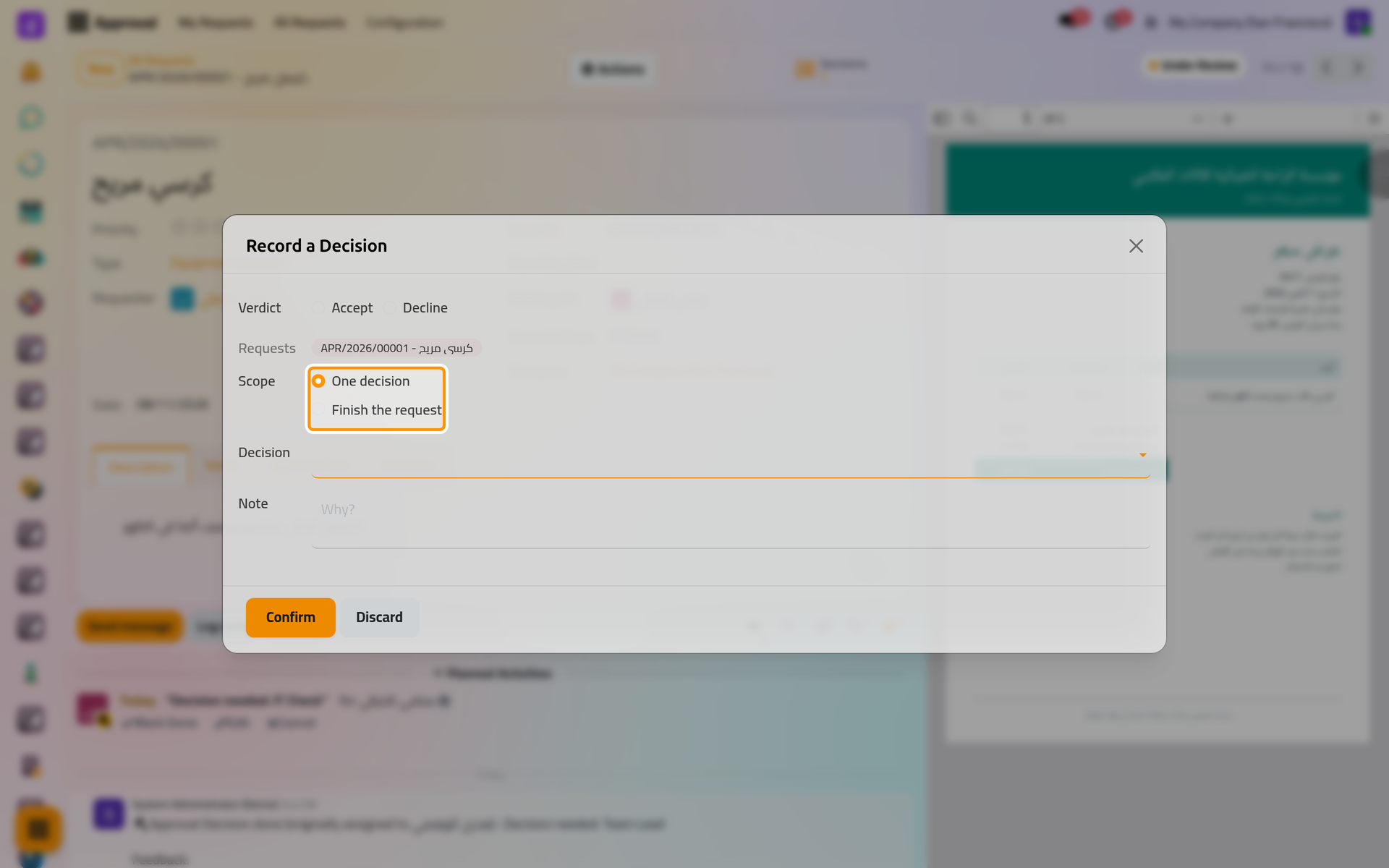
On a phone, the dialog fills the screen.
A supervisor cannot do this on a request they sent; an approval administrator can. Reassign and Add Approver in the same menu hand an open decision to someone else or ask one more person, with a reason.
FAQ
I clicked too fast. Can I take my decision back?
Yes, while the step is still open: choose Retract My Decision in the Actions menu. Your decision is voided and a new open one is created for you.
Why do I not see Accept on a request?
Your step is not open yet, it was already decided, the request is no longer under review, or you are on the requester's side of it.
Mark Done on the approval activity answers with an error.
The activity closes only with your decision: open the request and accept or decline it.
Can someone else decide in my place?
Name a delegate, or ask a supervisor to reassign your decision; the settings can also let approvers reassign their own.
Where do I find what I already decided?
In , with the Decided by Me filter.
Was this page helpful?
Thank you for your feedback.