Installments and reminders
On this page
An installment is one dated part of what a contract asks for. The installments are created with the contract (Create a collection contract); this page follows them and sets their reminders.
The installments list
Open . The list opens grouped by contract; remove the Collection facet of the search to see every installment at once.
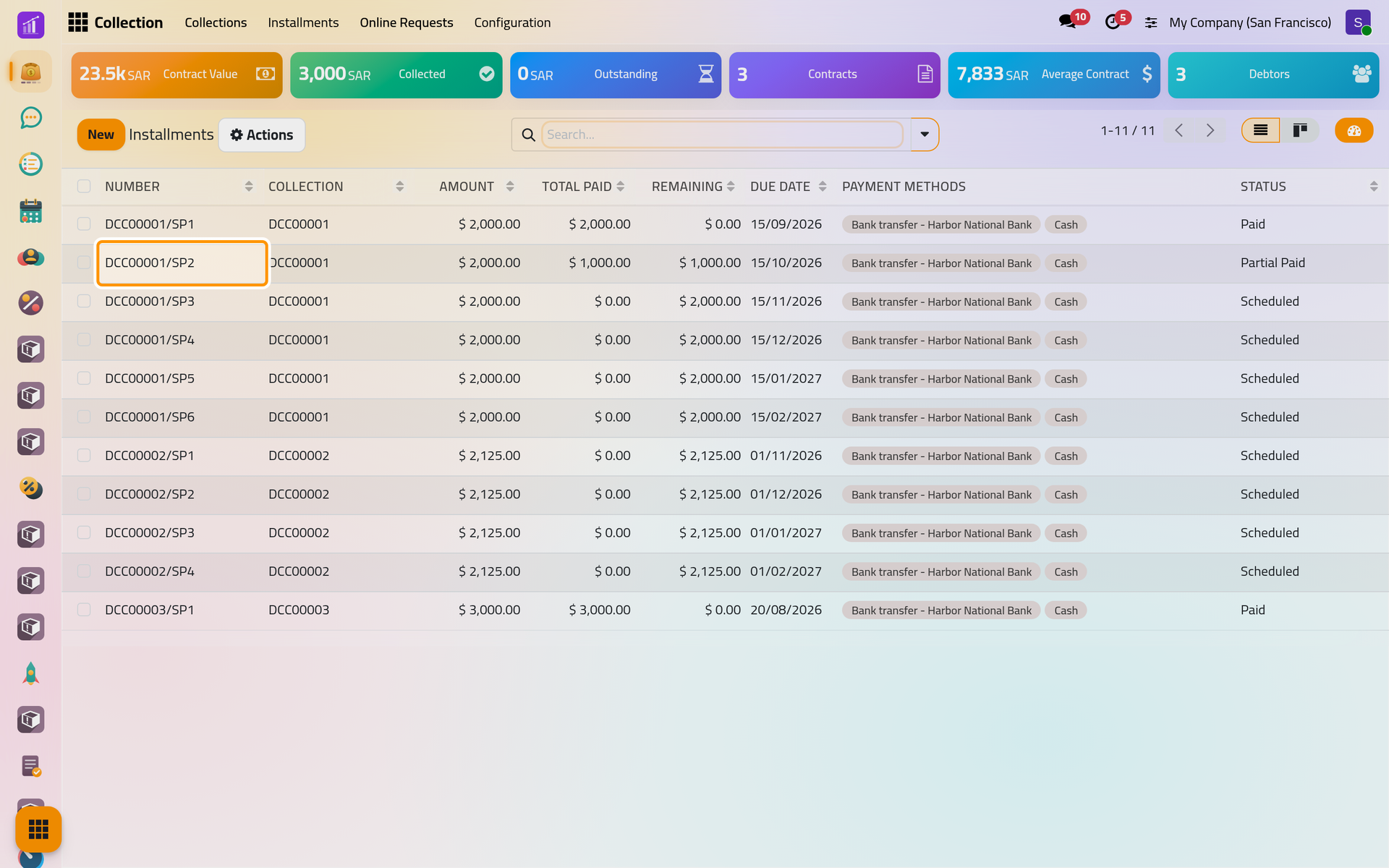
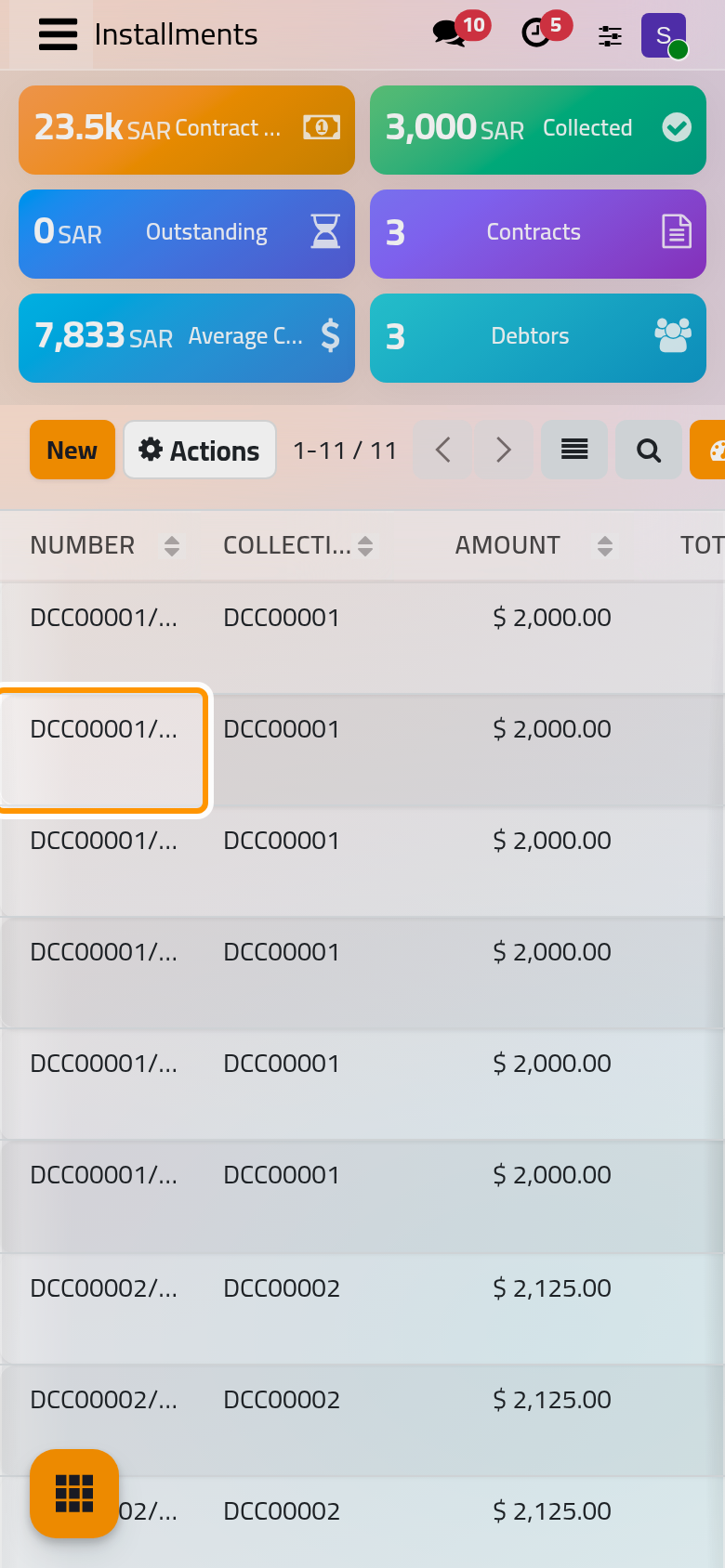
Each line shows its Amount, Total Paid, Remaining, Due Date, Payment Methods and Status. The filters Scheduled, Partial Paid, Paid and Overdue sort them out.
Statuses and lateness
The status follows the money, never the calendar:
- Scheduled: nothing paid yet;
- Partial Paid: part of the amount paid;
- Paid: nothing left.
An installment whose due date has passed with something left carries a Late ribbon on its form and appears under the Overdue filter, as DCC00001/SP2 does, due on 15/10/2026.
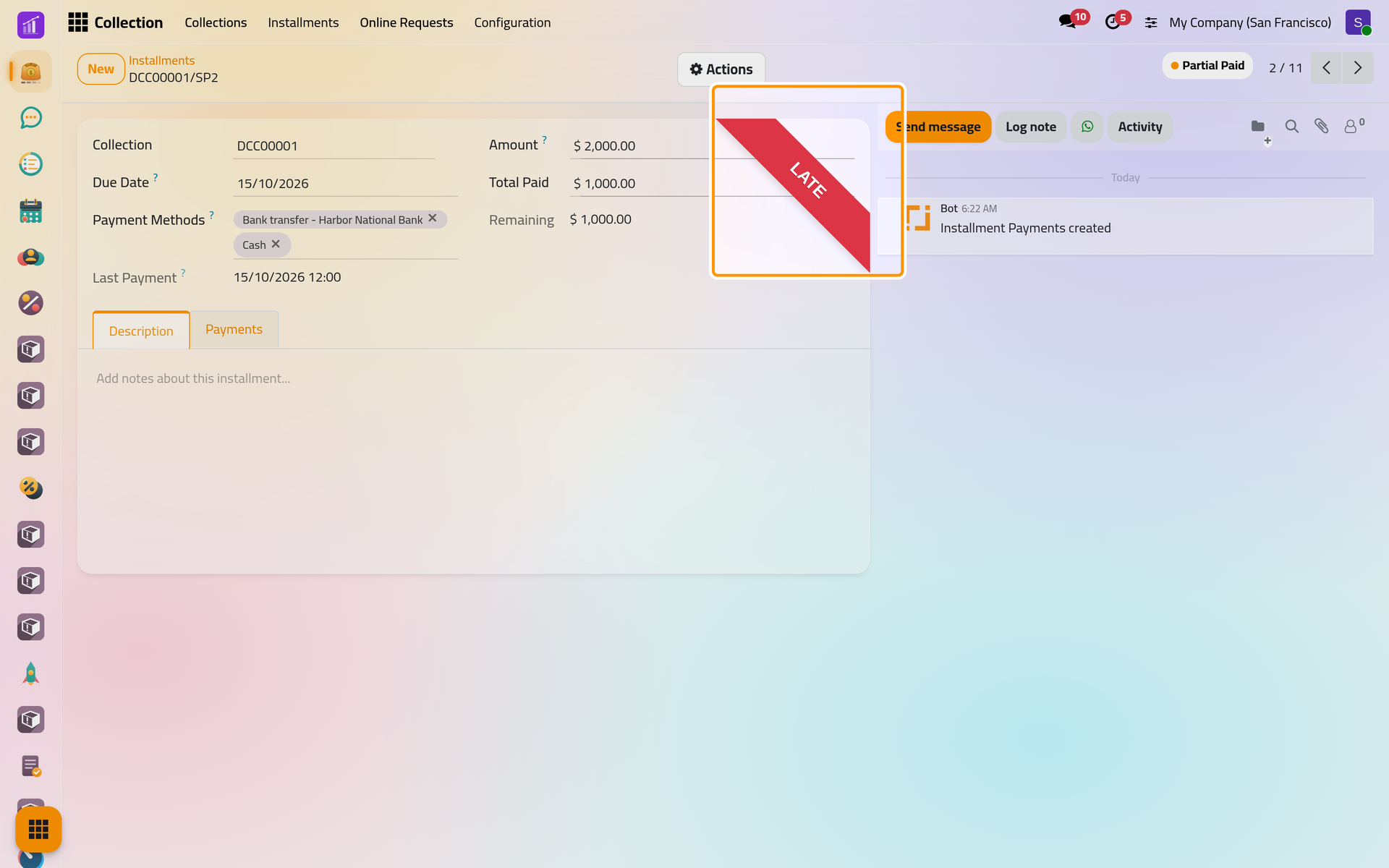
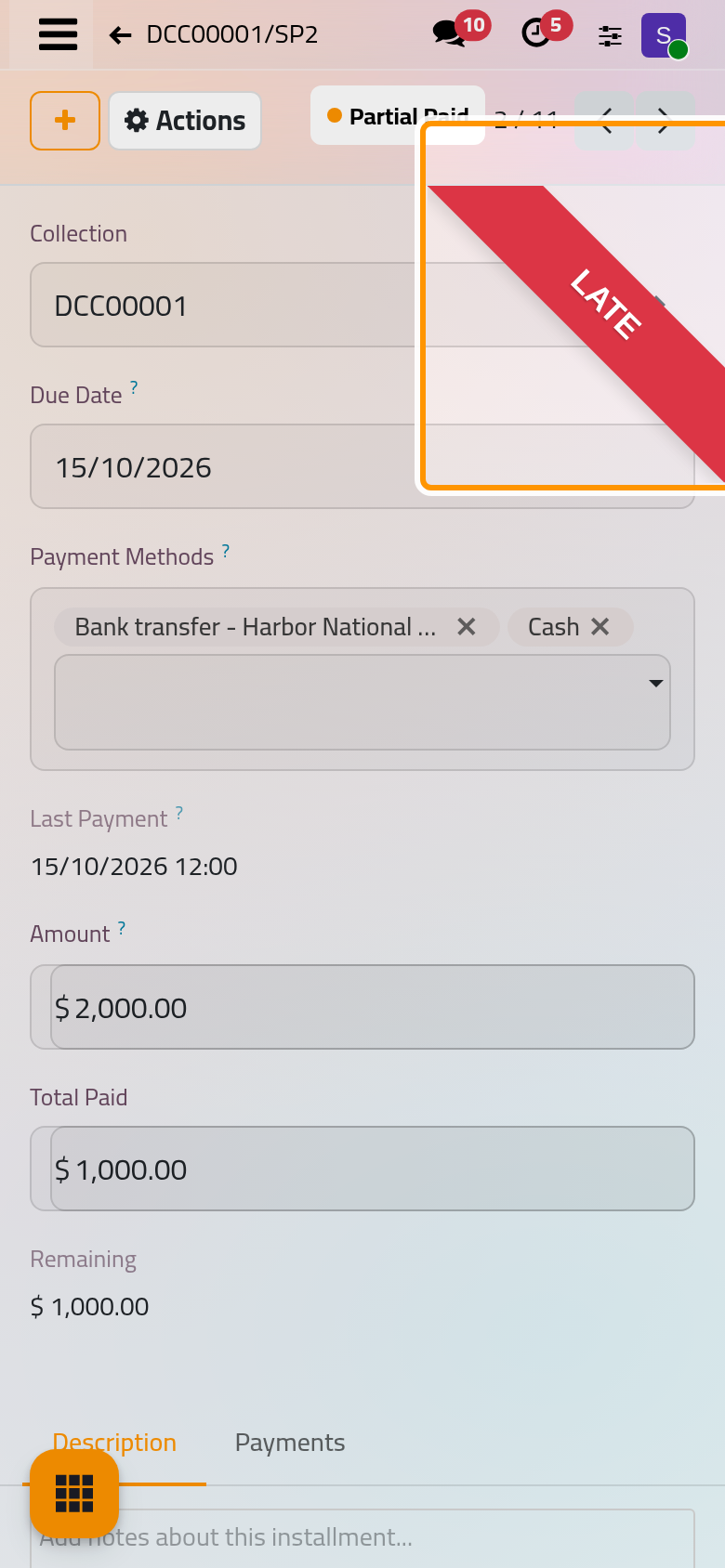
The installment's Actions offer Register Payment (Register a payment), Send to Debtor and Send to Owner, and Installment Report, a PDF notice of the installment with its linked payments. The Payments tab lists the payments that reached it.
Split an installment
- In the contract's Installments tab, click Split on the line.
- Total Amount is what is left on it. Pick the Start Date, type the number of new installments in the box next to Due Date, and choose the period in In: Week, Month or Year.
- Click Confirm.
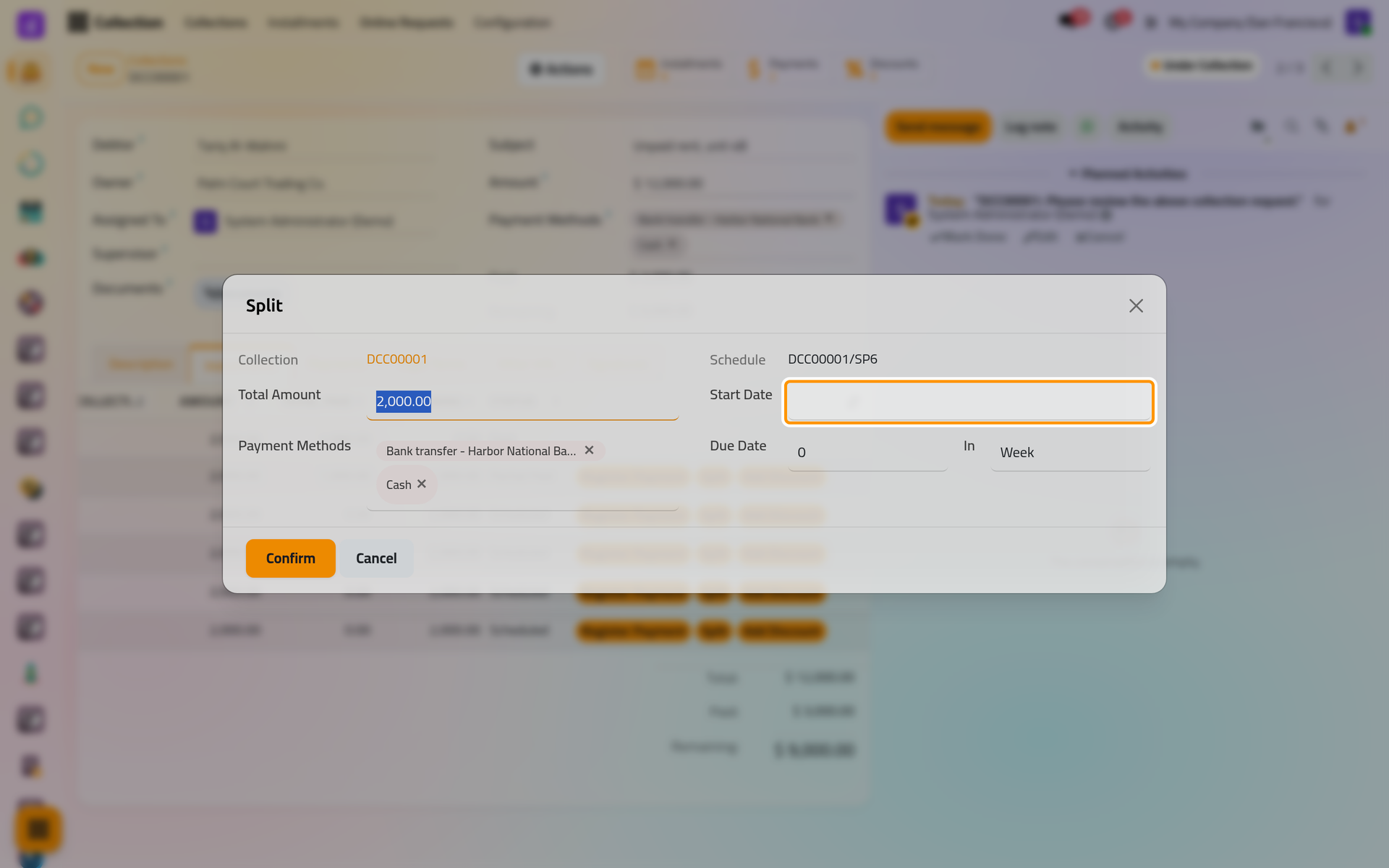
On a phone, the dialog fills the screen. The line is replaced by equal installments, one period apart from the start date (SP7, SP8… on DCC00001). The part already paid on the line leaves the schedule with it, so split installments nothing has been paid on. A discount on one installment is described in Offer a discount.
Due-date reminders
Reminders are rules of the company, set in , under AUTO Notifications, Due Date, Configure.
- Click New. A line appears: Before Due Date, 3 days, Debtor ticked, Email.
- Change When to After Due Date for a reminder of a late installment, set the Days, tick Debtor, Owner or both, and choose the Channel; its WhatsApp options are explained in WhatsApp in collection.
- Click Save.
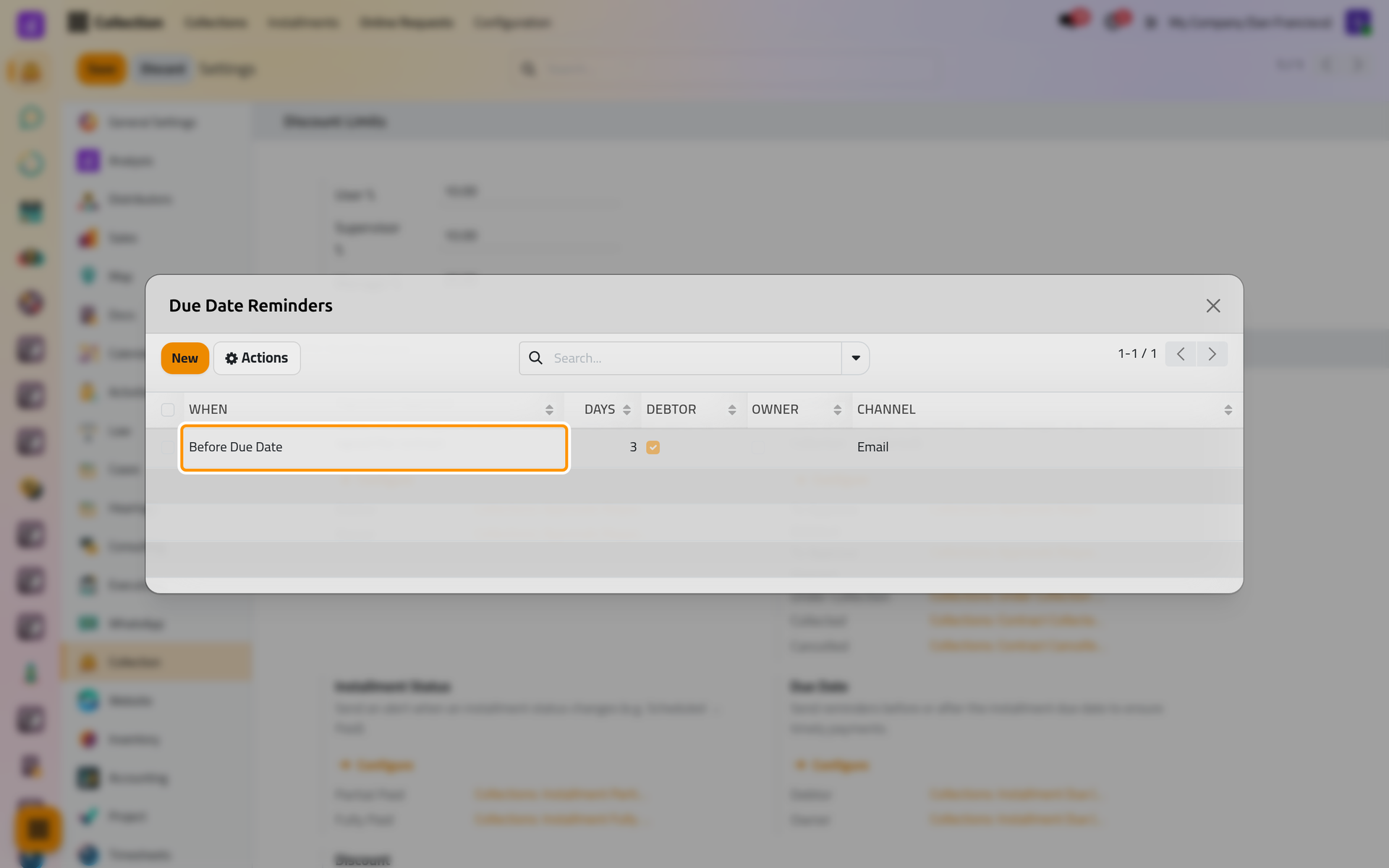
On a phone, the rules open full screen. Every day, each line looks for the unpaid installments of contracts Under Collection due that many days ahead, or that many days ago. The debtor receives Collections: Installment Due (Debtor), which says whether the installment is due or overdue and lists the payment methods with their bank and IBAN; the owner receives Collections: Installment Due (Owner), a plain notice. Both carry the installment notice as a PDF, in the reader's language, to the e-mail address of their contact.
- Each line sends once per installment and due date; moving the due date makes it send again.
- A Before Due Date reminder is not sent once the due date has passed.
- No line, no reminder: the demo starts without any. A line with 0 days sends nothing.
- To remind someone now, use Send to Debtor or Send to Owner on a Scheduled installment; on a Partial Paid or Paid one, they send the notice of that status.
The daily job is described in Collection automations.
FAQ
The installment is late, so why does it say Partial Paid?
The status only counts the money. Lateness is the Late ribbon and the Overdue filter.
What does Pay do on a scheduled installment?
It only sets the status to Paid: no payment is recorded and the contract's Remaining does not move. To record money, use Register Payment.
Why did a debtor get no reminder?
Check that the contract is Under Collection, that the installment is not Paid, that the debtor's contact has an e-mail address, and that a Due Date line matches the number of days.
Can I move a due date?
Yes, on the installment's form. Reschedule Installments on the contract redraws the whole schedule (Create a collection contract).
Was this page helpful?
Thank you for your feedback.