Move a contract through its states
On this page
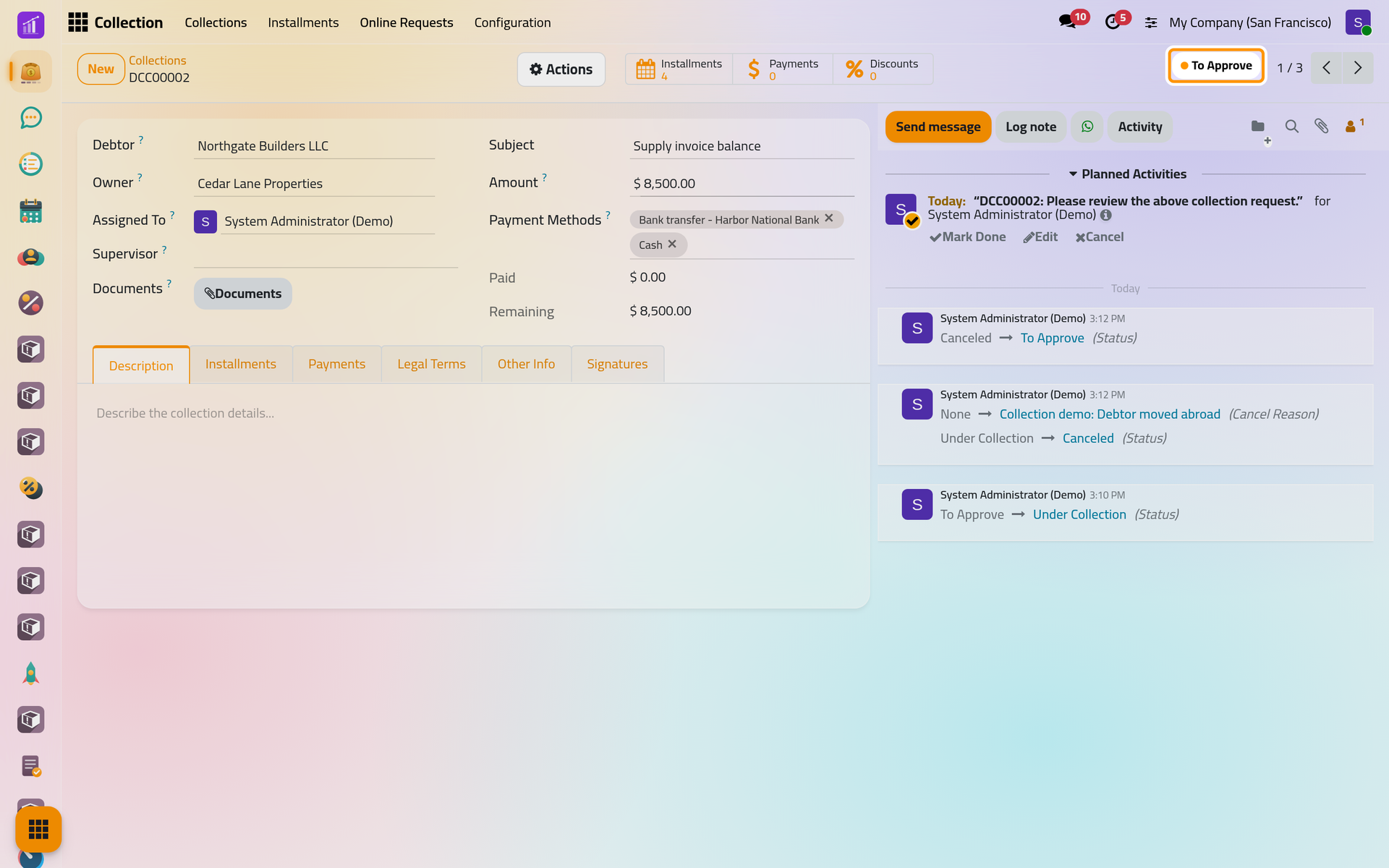
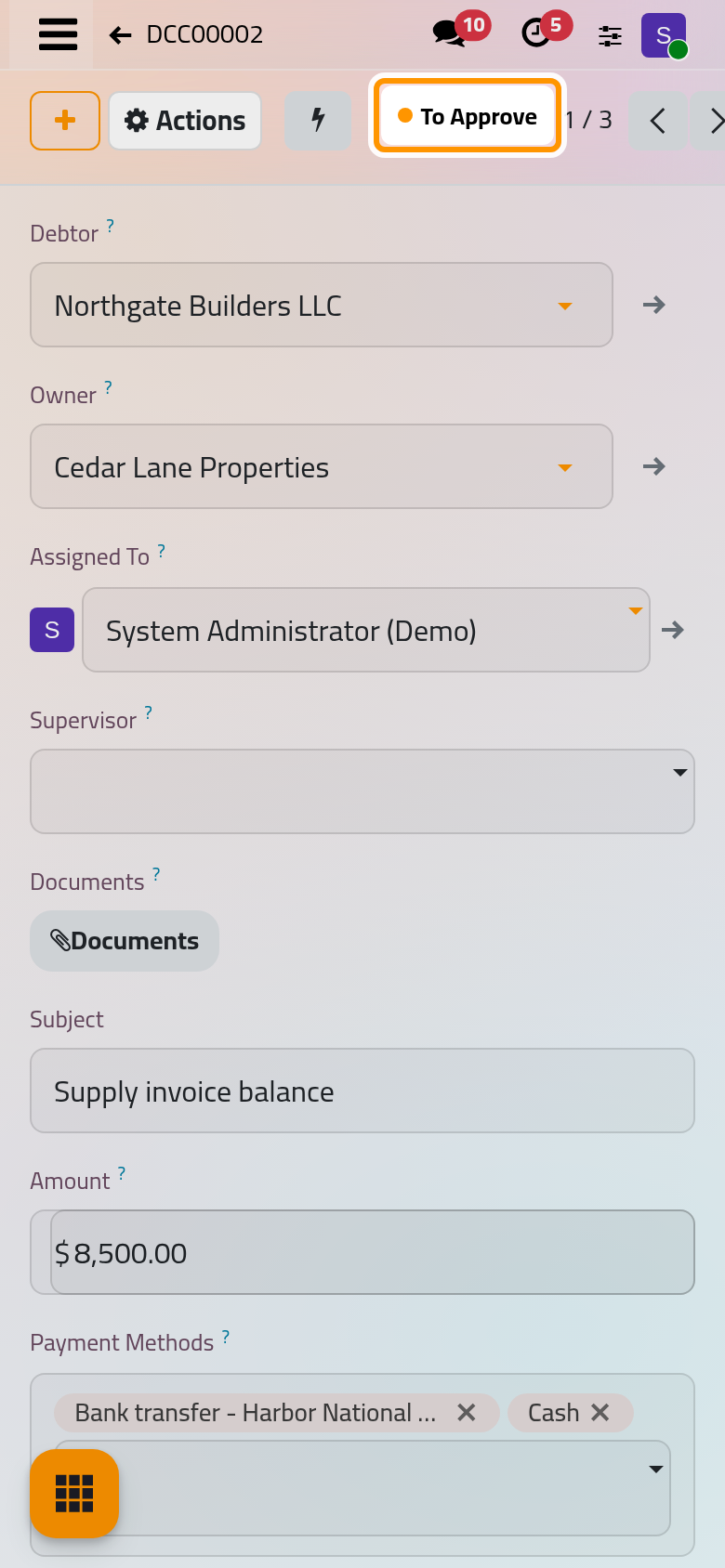
A collection contract is always in one of four states, shown at the top right of its form: To Approve, Under Collection, Collected and Canceled. The moves are entries of the Actions menu, and each one is recorded in the chatter with its date and user.
The states
| State | How a contract gets there | What the move checks |
|---|---|---|
| To Approve | On creation, after Create Installments or Reschedule Installments, and after Reset To Approve | Nothing |
| Under Collection | Under Collection in Actions, or the second signature | From Actions: the contract has installments. The second signature checks nothing |
| Collected | Collected in Actions | Nothing remains to be paid |
| Canceled | Cancel in Actions, offered in every state, Collected included | A reason is chosen |
Under Collection never waits for the signatures: you may start the collection on an agreement signed on paper. No state is reached by itself except Under Collection, after the second signature.
Find contracts by state
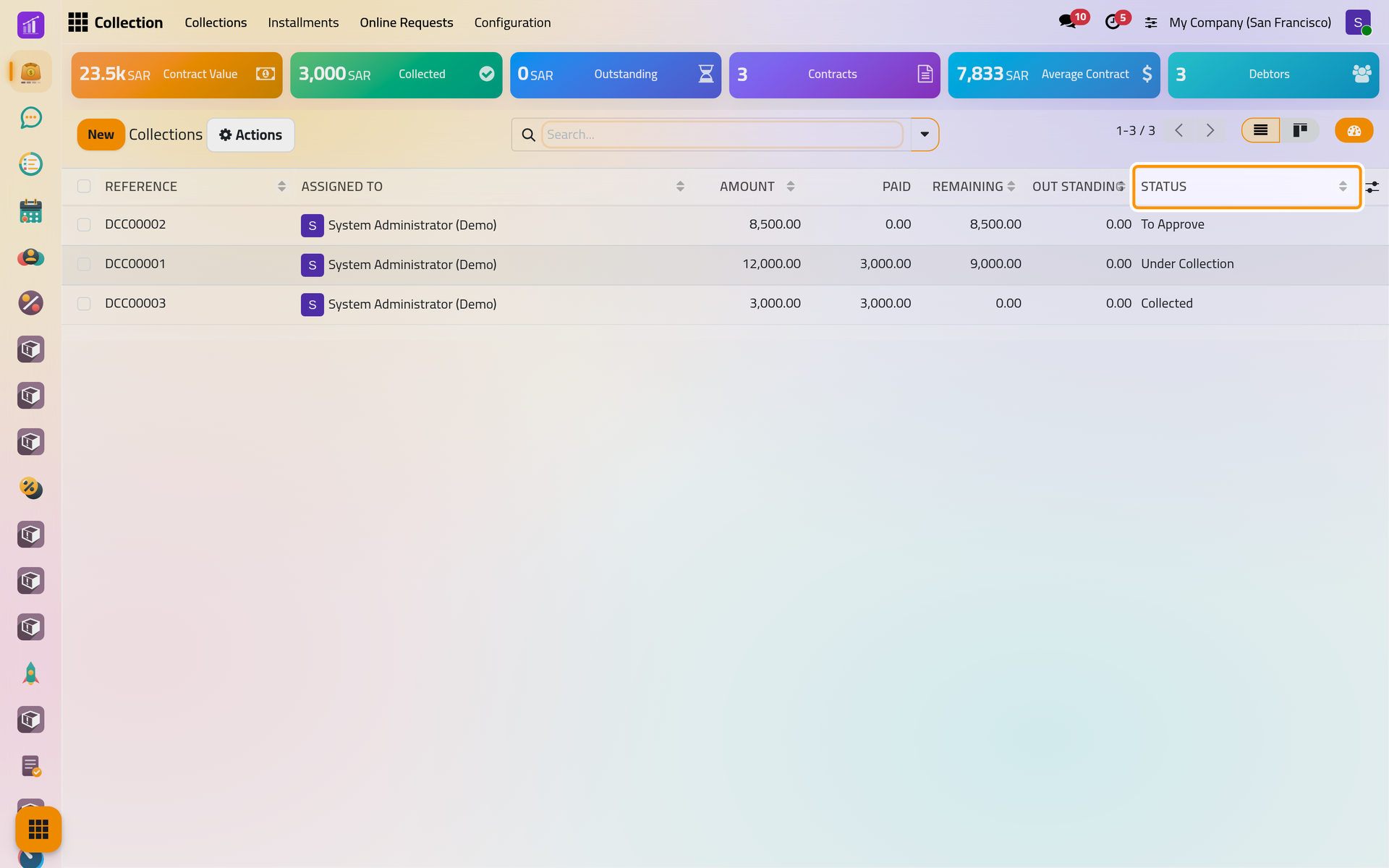
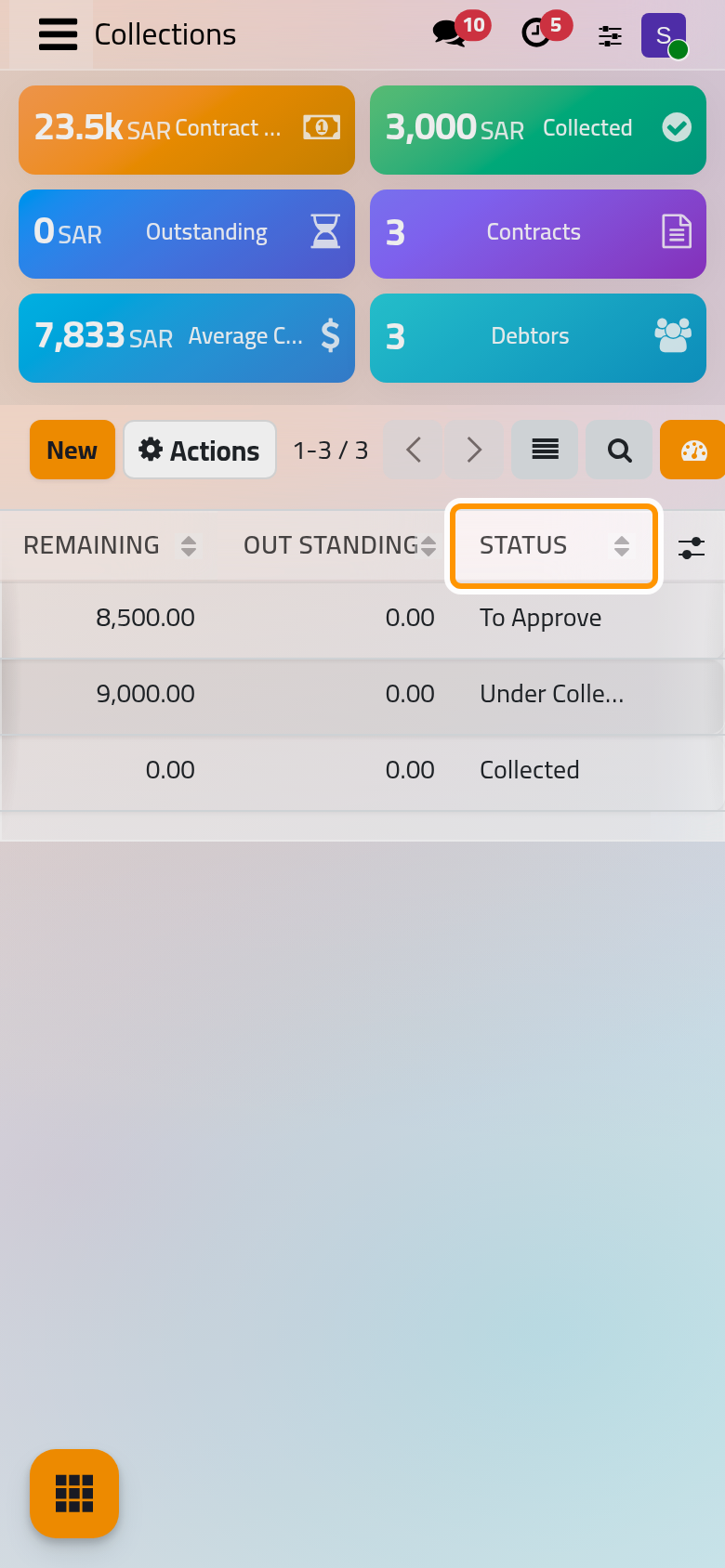
Open . The list shows the Status of each contract, and the kanban view groups the cards by state. In the search bar, the filters To Approve, Under Collection, Collected and Canceled keep one state, My Collections keeps your own contracts, Has Remaining those with money still due and Finished those whose end date has passed.
Start the collection
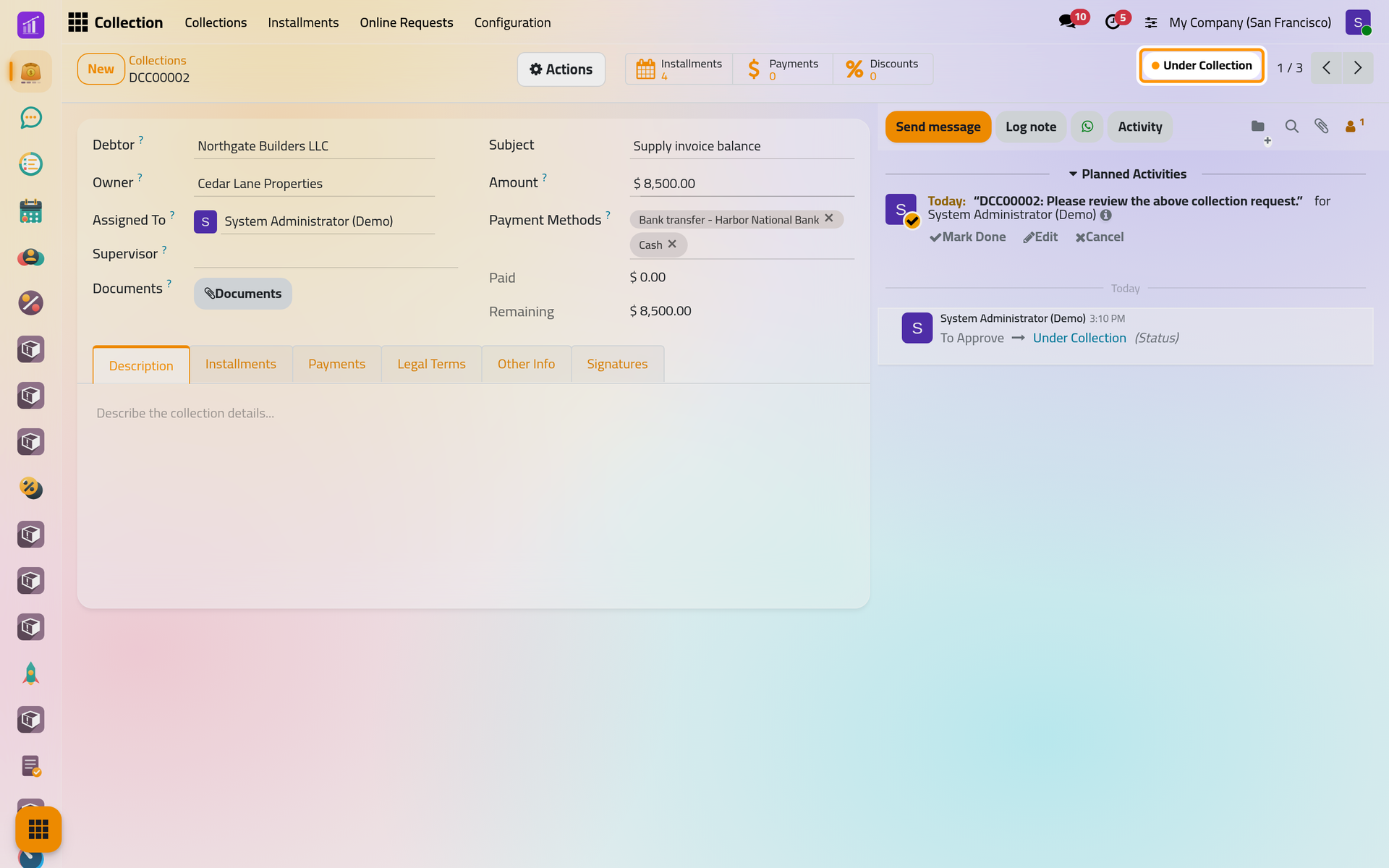
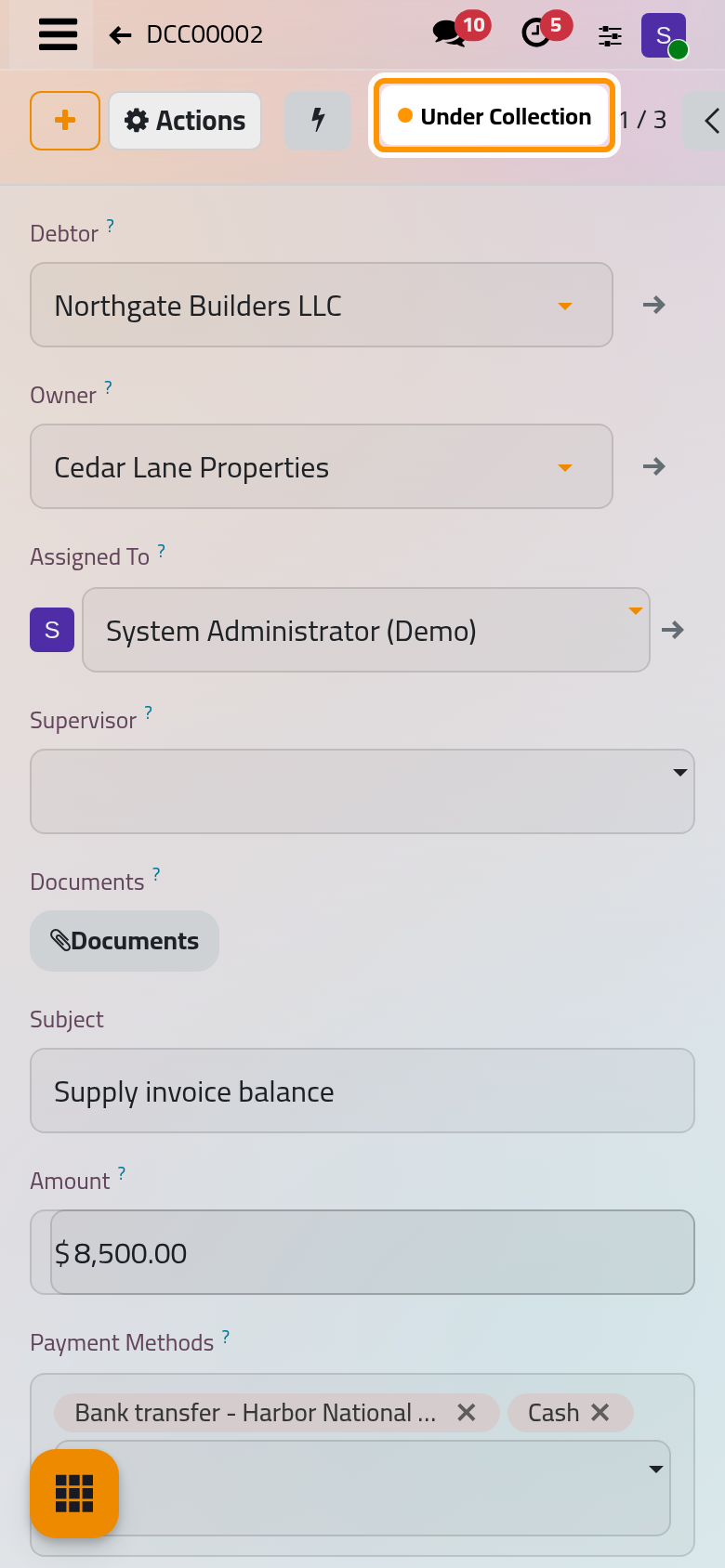
Open DCC00002, then Actions and Under Collection. Without installments, the move is refused with "Please generate payment schedule before moving the collection contract to "Under Collection"."
Close a paid contract
When Remaining reads 0, choose Collected in Actions. While money remains, the move is refused and the message gives the amount.
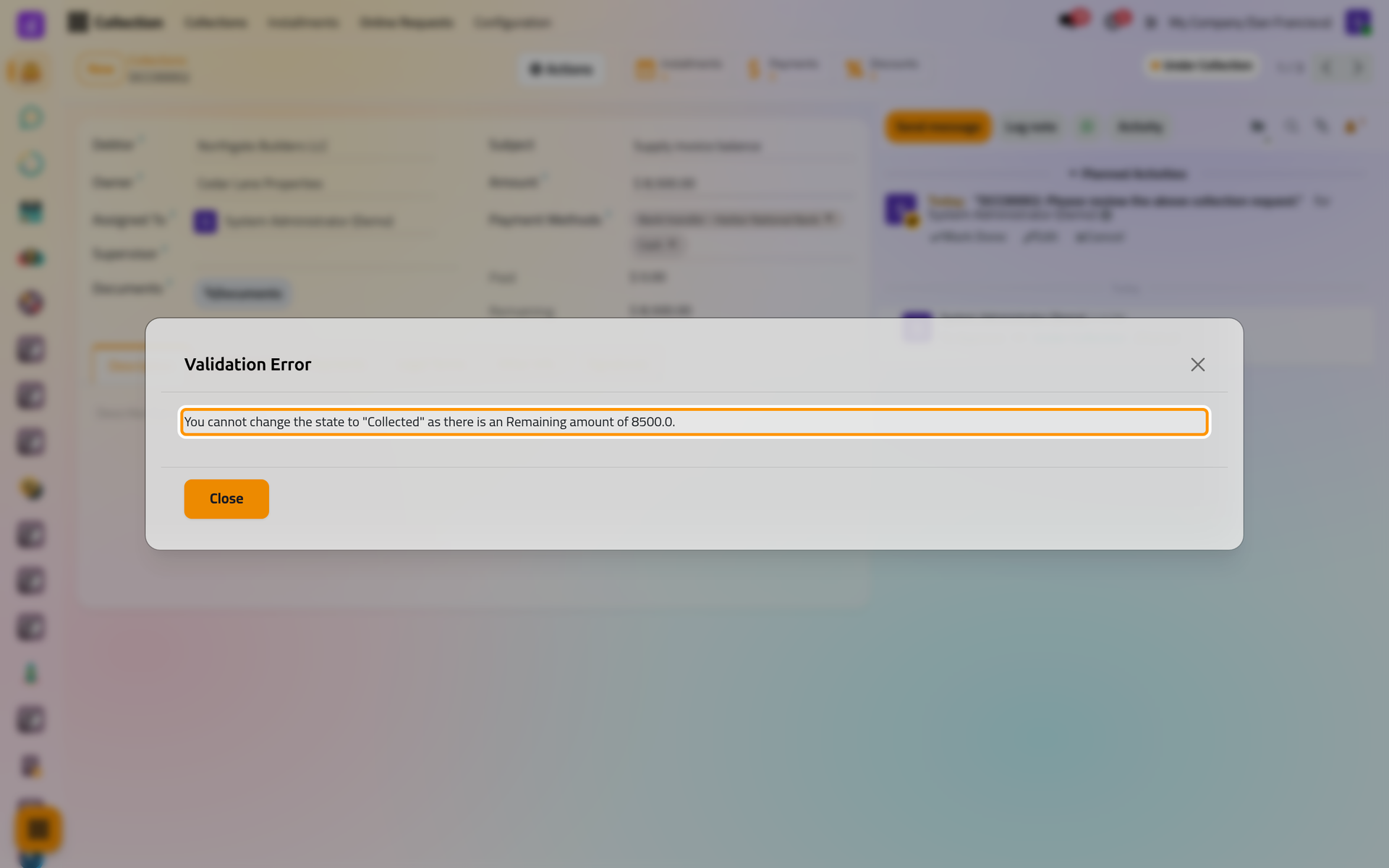
On a phone, the message opens from the bottom of the screen, with Close at its foot.
Cancel with a reason
- Choose Cancel in Actions.
- Pick a Reason, or type a new one and choose Create.
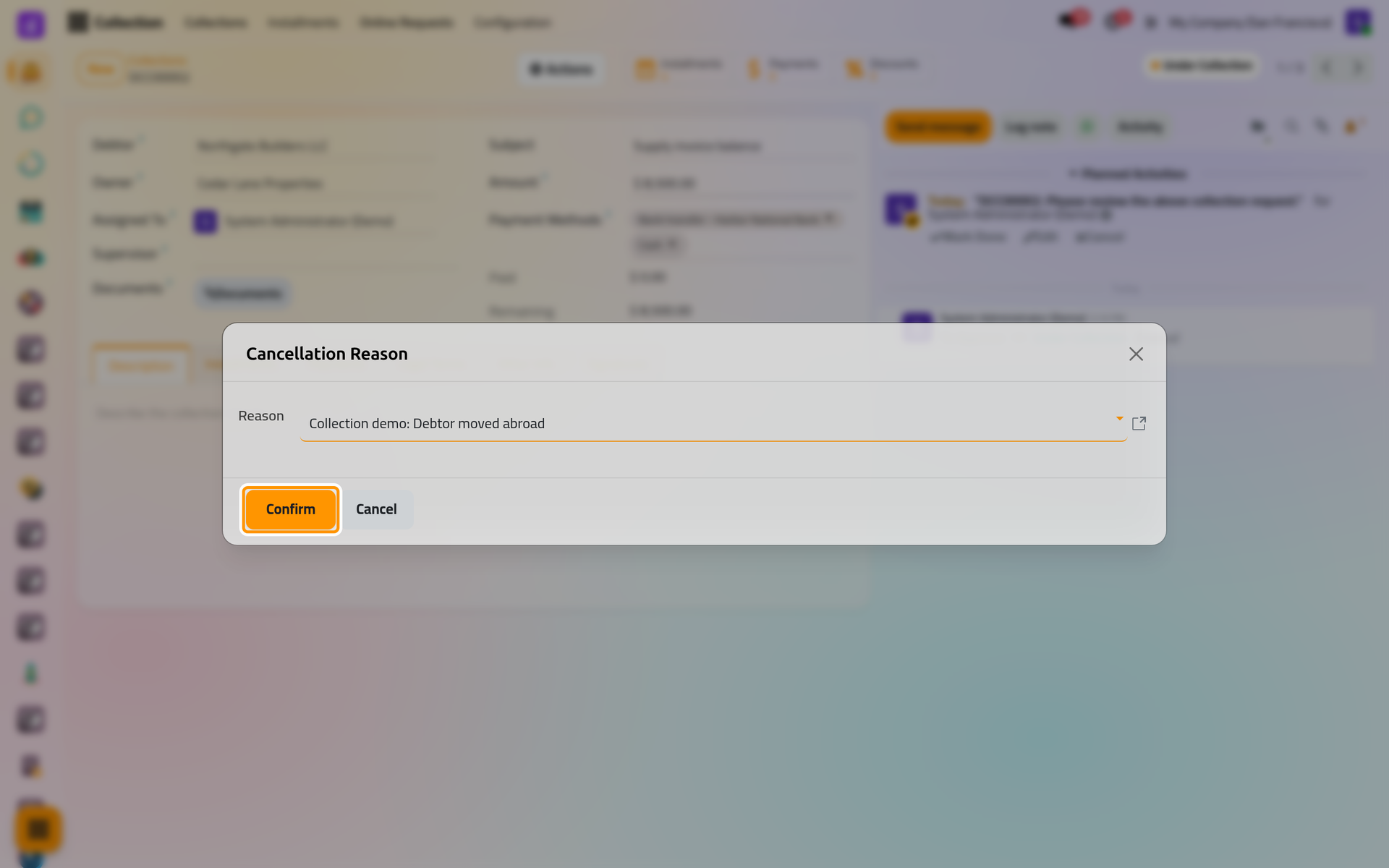
On a phone, the dialog opens from the bottom of the screen, with Confirm at its foot.
- Click Confirm. The contract shows Canceled and its Cancel Reason under the amounts.
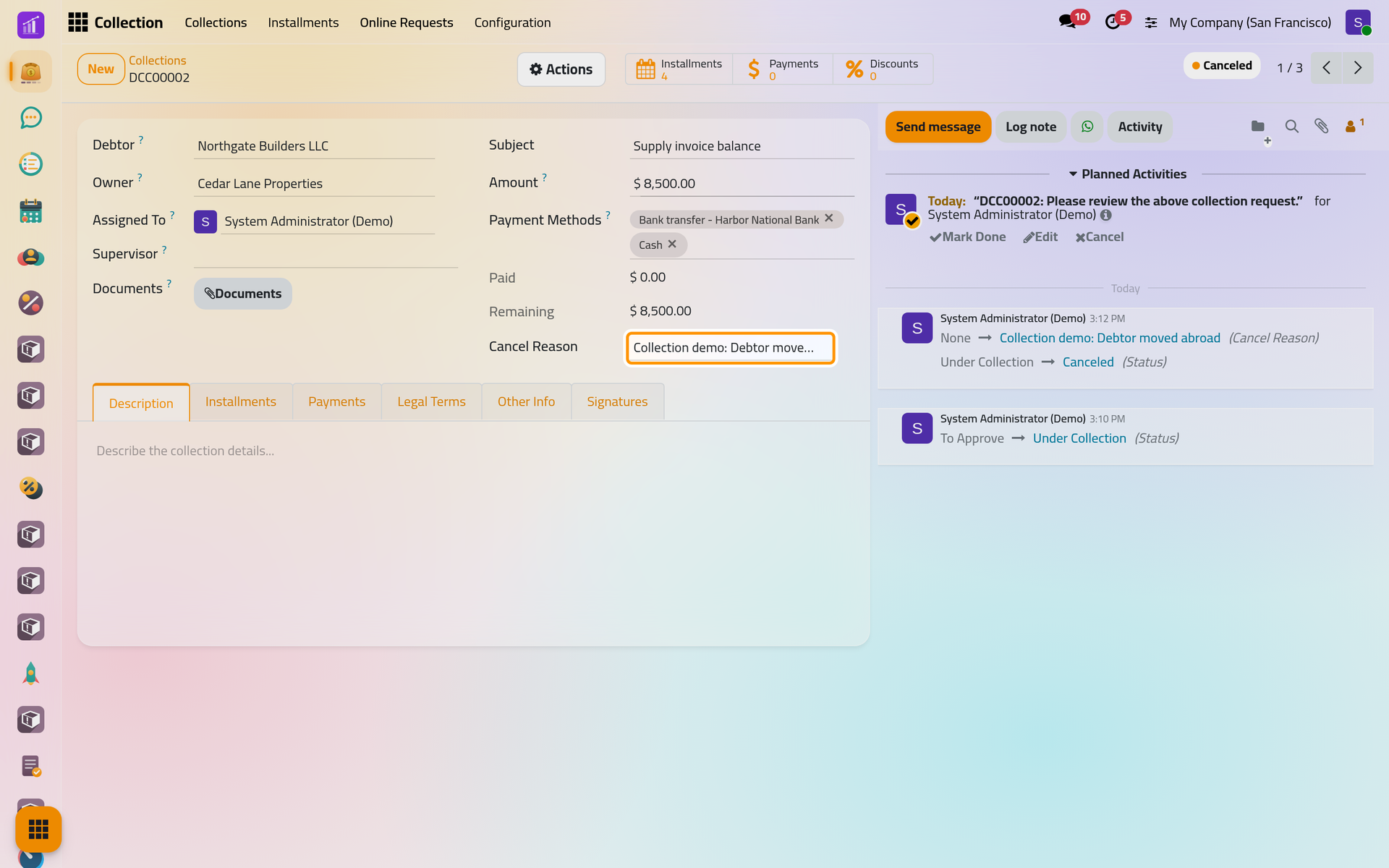
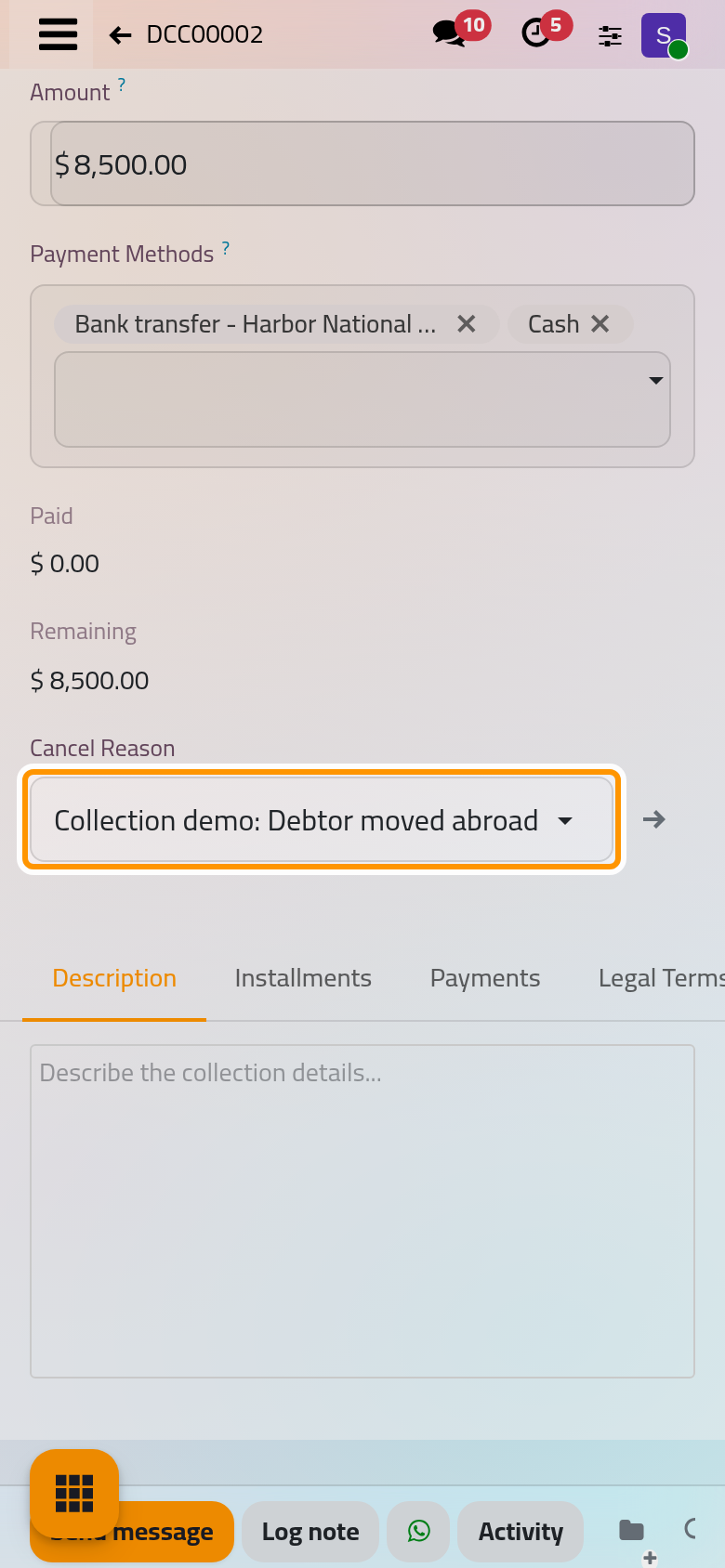
Cancelling changes the state and nothing else: the installments, payments and signatures stay on the contract. The reasons are listed, renamed and added in .
Bring a cancelled contract back
On a Canceled contract, Actions offers Reset To Approve: the contract goes back to To Approve, with its installments and signatures, and the cancel reason disappears from the form. From there, Under Collection starts the collection again.
Who is told
Each new state can alert the debtor, the owner and the assigned user, by e-mail or WhatsApp, when a Contract Status rule exists for it: Collection settings. Send to Debtor and Send to Owner also write the message of the current state, as Get the contract signed shows.
FAQ
Why is Collected refused when the last installment is paid?
Collected reads the contract's Remaining: its Amount minus its payments in status Paid, not the installments. They differ when Amount was raised after the schedule was made, or when an installment was set to Paid with its own Pay button, which records no money (Installments and reminders). Register the missing payment or correct Amount.
Can I reopen a collected contract?
Only by cancelling it, then Reset To Approve. Both moves stay in the chatter.
Does cancelling delete anything?
No. Everything stays, and the cancel reason is kept on the contract even after a reset.
Was this page helpful?
Thank you for your feedback.