Projects and timesheets settings
On this page
Most of what shapes a project is chosen on the project itself, in its Settings tab: visibility, recurring tasks, dependencies, milestones, timesheets (Sub-tasks, dependencies and recurring tasks). The settings of the database hold the few options shared by every project.
Before you start
- The Settings entries need the right to manage the settings of the database. The Project section shows to an Administrator of Project, the Timesheets section to an Administrator of Timesheets.
- Click Save at the top to apply a change; Discard leaves without changing anything.
The Project section
Open .
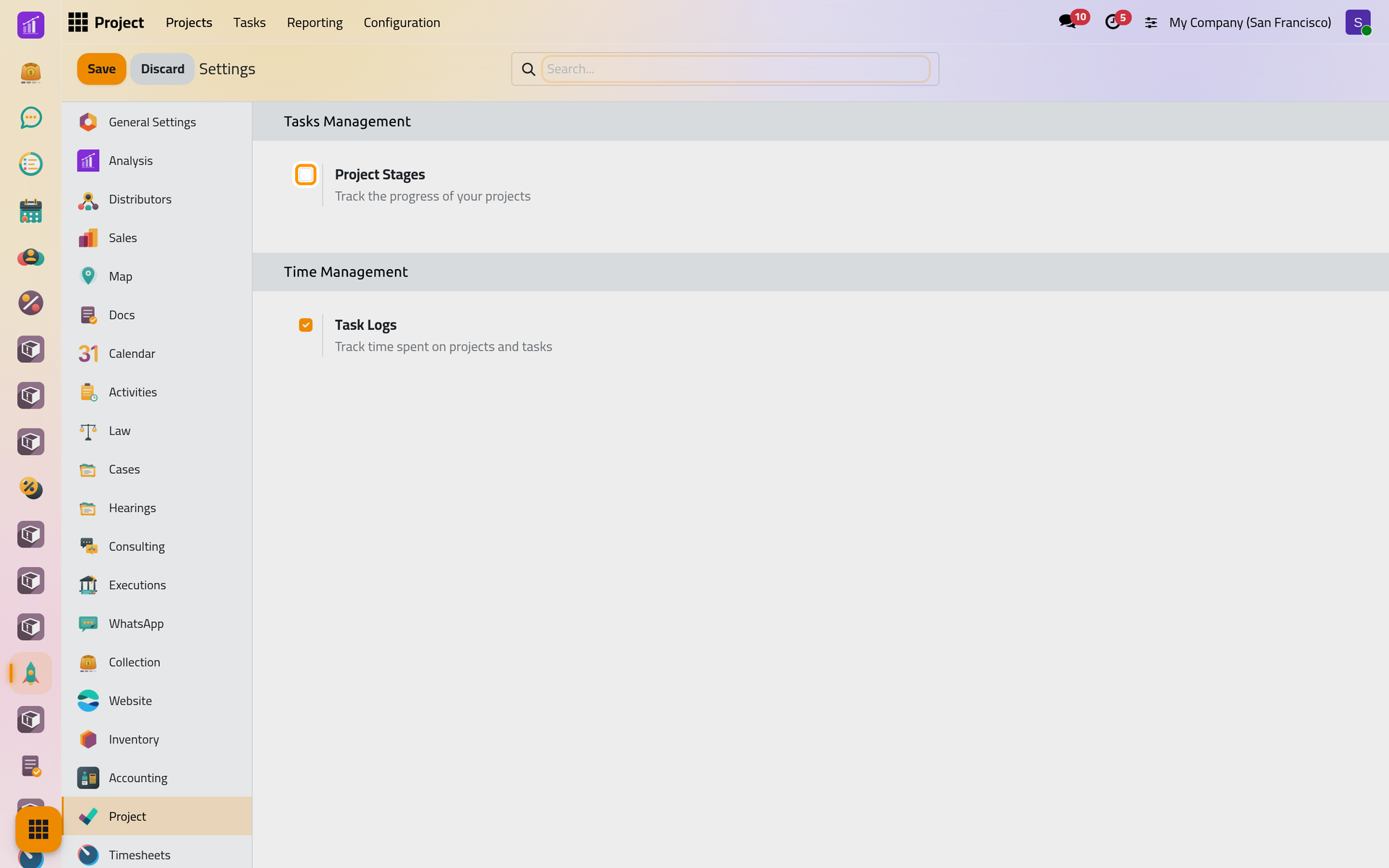
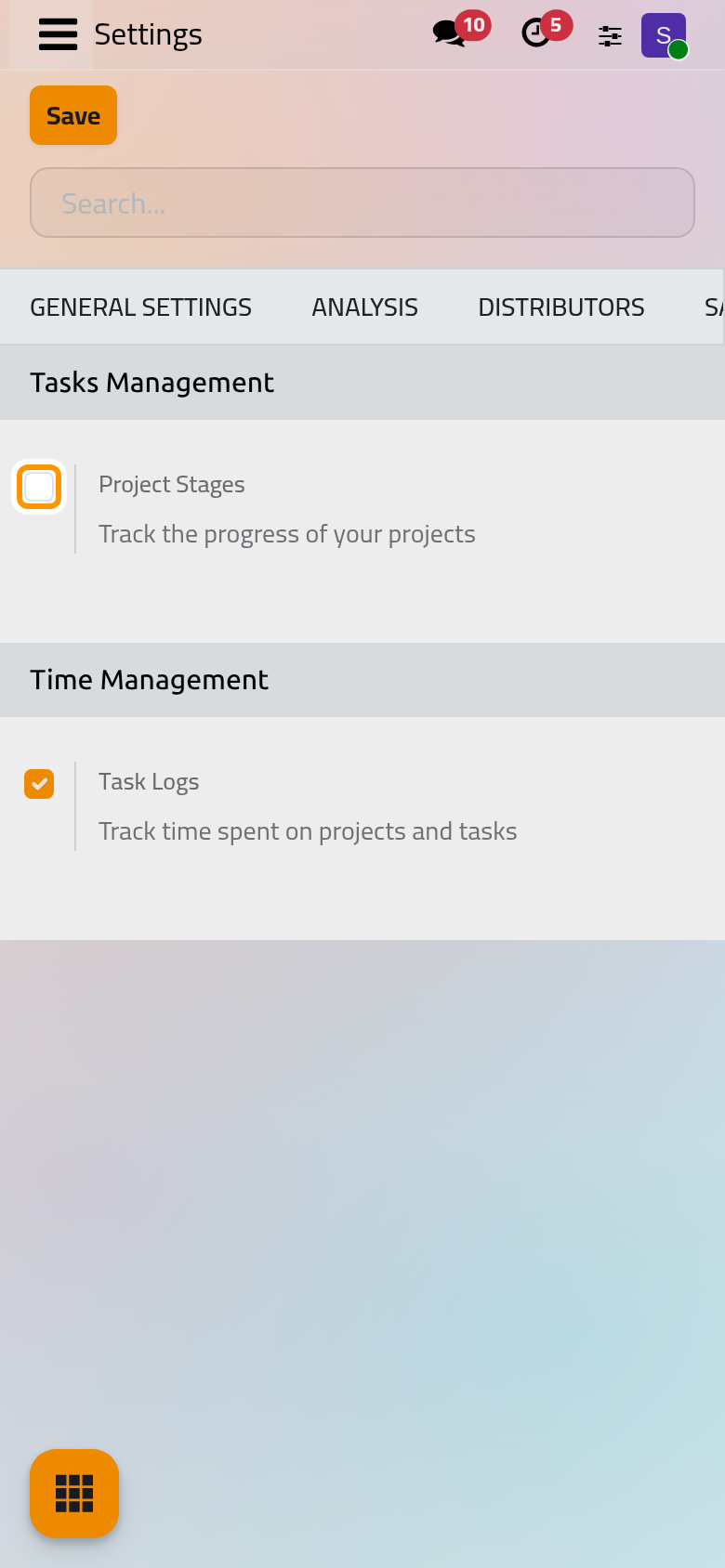
- Project Stages (under Tasks Management): projects get stages of their own, as tasks do. Once ticked, groups the projects in columns by stage, each project form shows its stage at the top, and Configuration gains Project Stages, also reached by Configure Stages under the option. The demo stages are To Do, In Progress, Done and Cancelled; Done sends the project's customer the e-mail Project: Project Completed (Projects automations).
- Task Logs (under Time Management): this option is the Timesheets app itself, and it is ticked. Clearing it and saving opens a window to uninstall the app, with the list of what would be removed. Close that window to keep your timesheets.
The Timesheets section
Open .
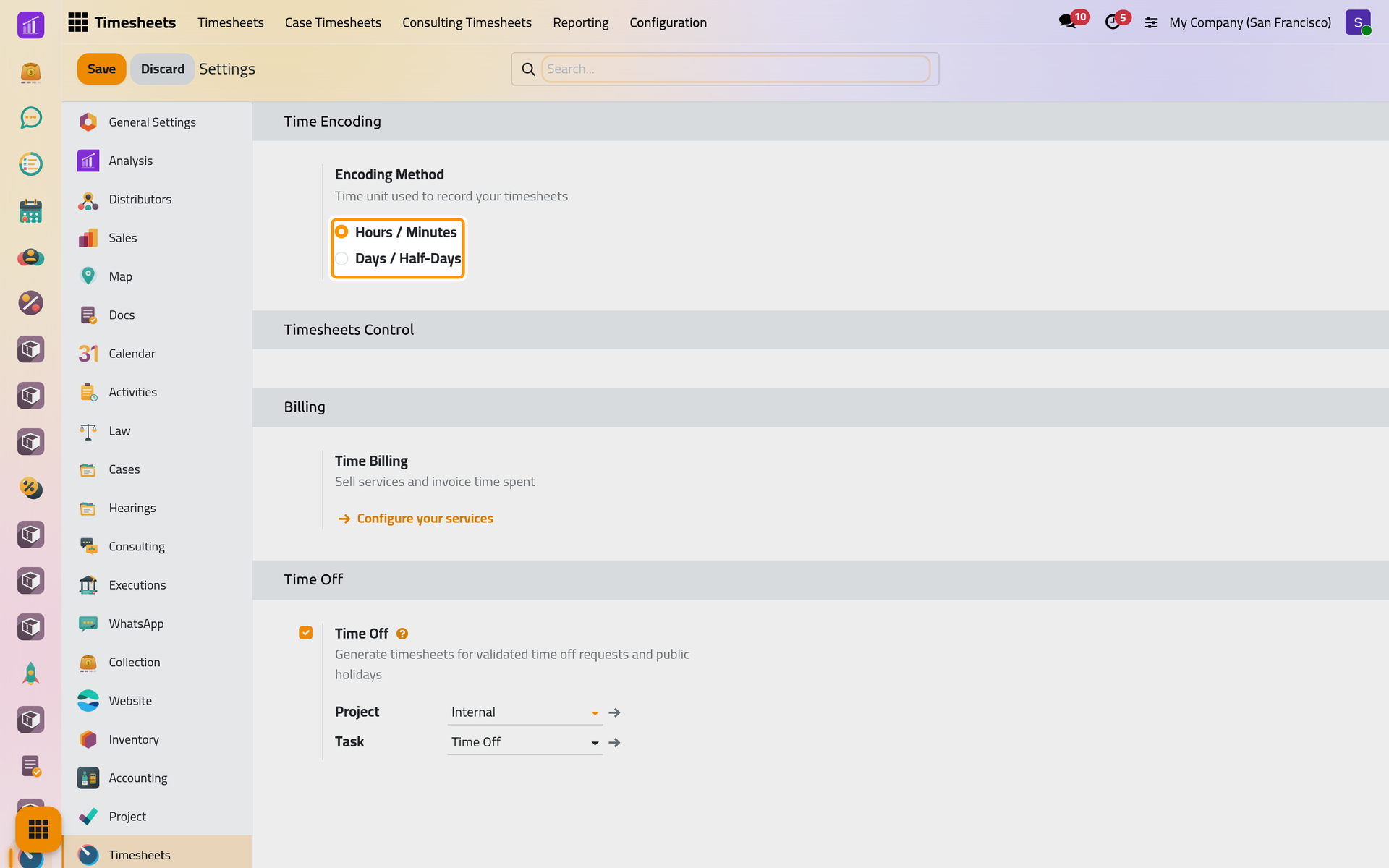
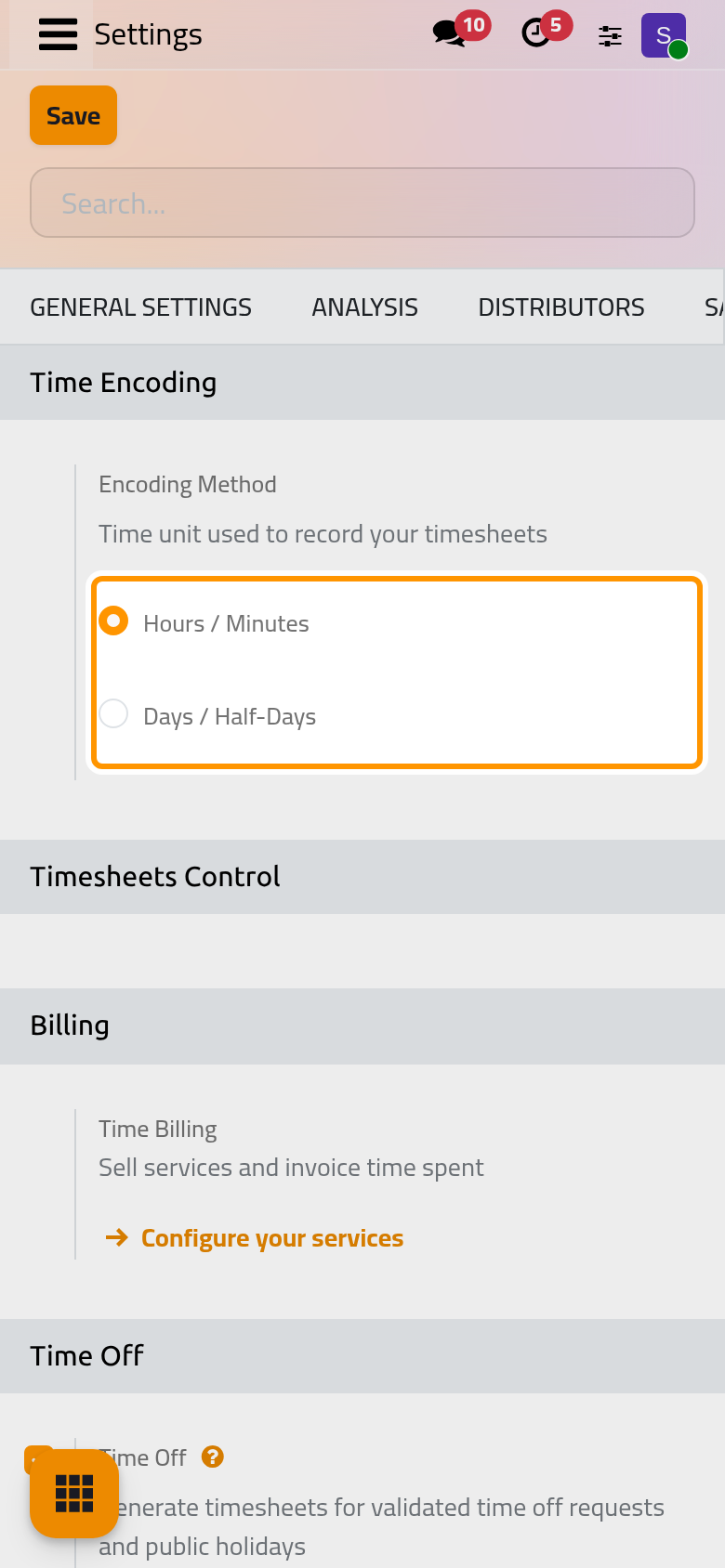
- Encoding Method (under Time Encoding): Hours / Minutes, the default, records time as
01:30; Days / Half-Days records it in days. The choice applies to the current company. - Timesheets Control has no option in this database.
- Time Billing (under Billing) belongs to invoicing: Configure your services opens the services whose time is invoiced (Quotations).
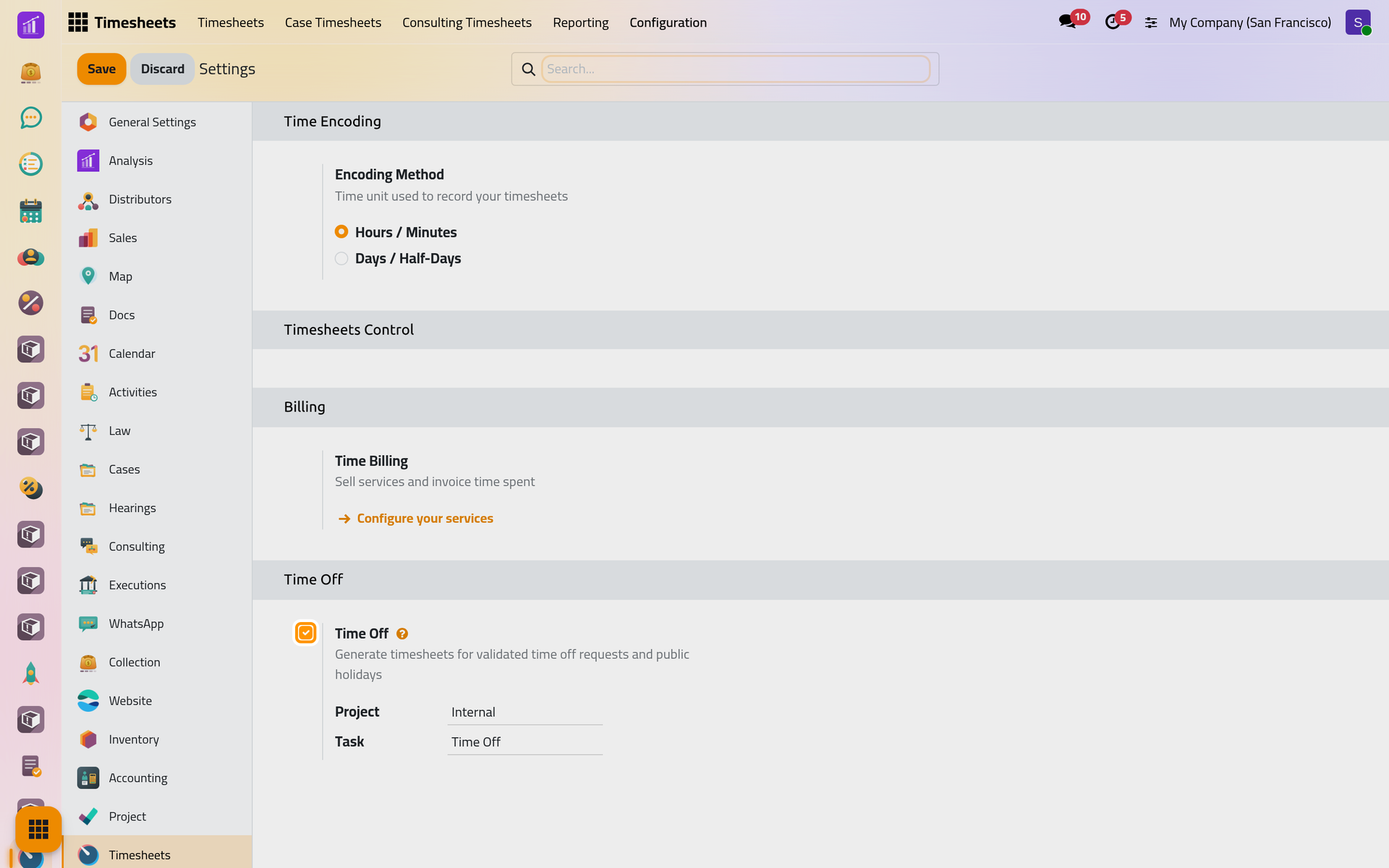
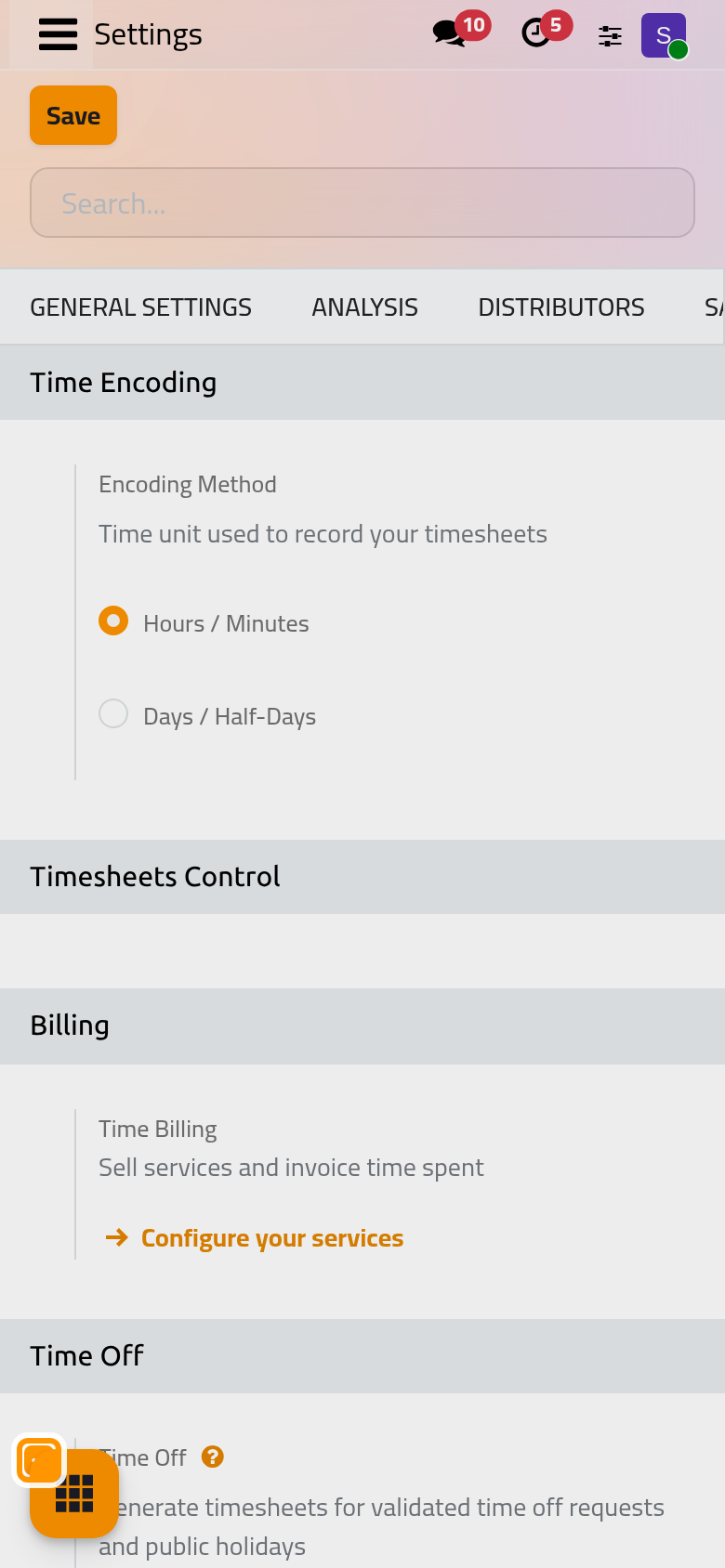
- Time Off: each validated time off and each public holiday writes timesheet lines for the hours of the employee's working schedule, on the Project and Task shown below the option, by default Internal and Time Off. Like Task Logs, clearing it uninstalls a part of the app.
Access rights
Each user gets one right on Project and one on Timesheets, on their user form: Create a user and set access rights.
| App | Access right | Can |
|---|---|---|
| Project | User | Work on the tasks and updates of the projects open to them |
| Project | Administrator | Also create and set up projects, share them, open Configuration; includes User: all timesheets |
| Timesheets | User: own timesheets only | Log and change their own lines |
| Timesheets | User: all timesheets | Also see everyone's lines in the projects they can see, All Timesheets and Reporting |
| Timesheets | Administrator | Every line of every project, and the Timesheets settings |
The other configuration menus
Configuration in Project also holds Projects (the list of all projects, including their templates), Tags, Project Roles (the roles of a project template, assigned to people when a project is created from it), Activity Types and Activity Plans for the activities of tasks (Activities). Task Stages lists every stage, in developer mode only.
FAQ
Where are recurring tasks, dependencies and milestones?
On each project, in its Settings tab; every project keeps its own choice.
Can I keep projects without timesheets?
Yes. Untick Timesheets in a project's Settings tab; Task Logs stays ticked for the others.
I changed the encoding method and old lines look different.
The lines are stored in hours; the method only changes how they are typed and shown.
Was this page helpful?
Thank you for your feedback.