Milestones and project updates
On this page
A milestone is a point the project must reach, such as the end of a construction phase, with a deadline and the tasks that lead to it. A project update is a short dated report: a status, a percentage of progress and a text. Both live on the project's dashboard. This page uses the demo project Home Construction, which has three milestones and two updates.
Before you start
- Milestones are switched on for each project, with Milestones in the Settings tab of the project: Sub-tasks, dependencies and recurring tasks.
- Updates need no option. Posting one needs the User access right on Project.
Open the dashboard
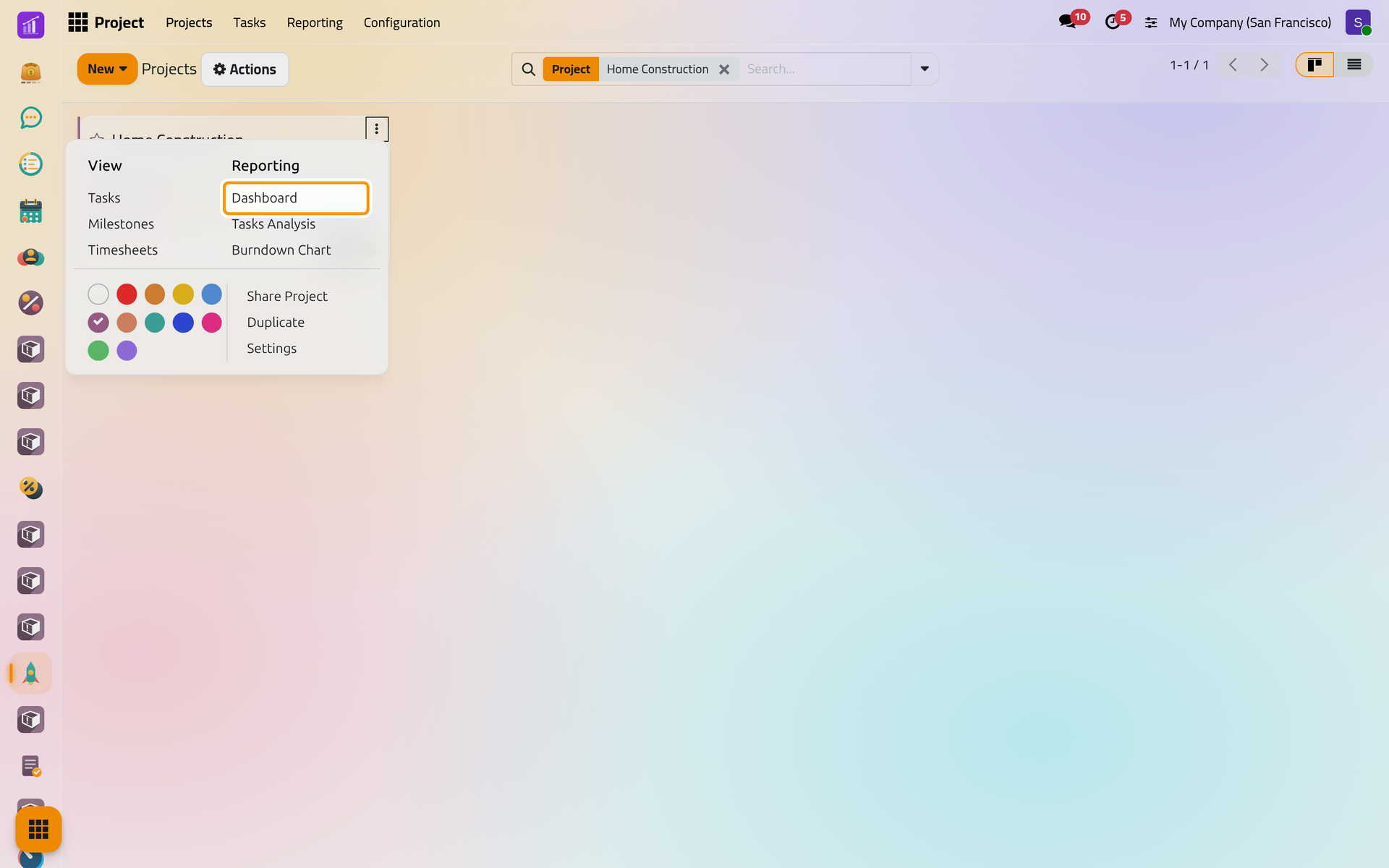
- In , point at the project's card and click its menu, the three dots at the top right.
On a phone, the three dots stand at the top right of each card.
- Choose Dashboard. The same page opens from the Dashboard button of the project's form.
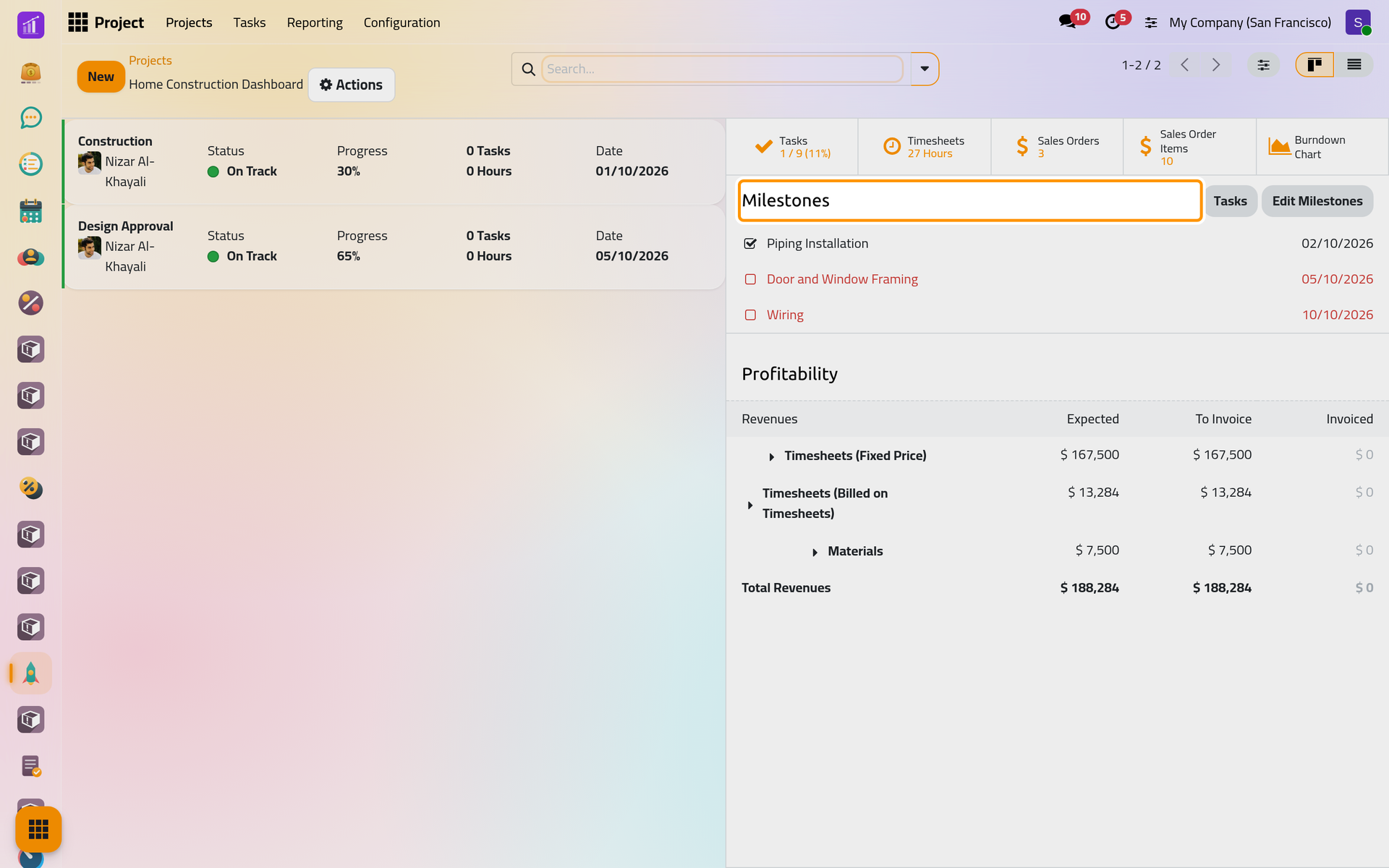
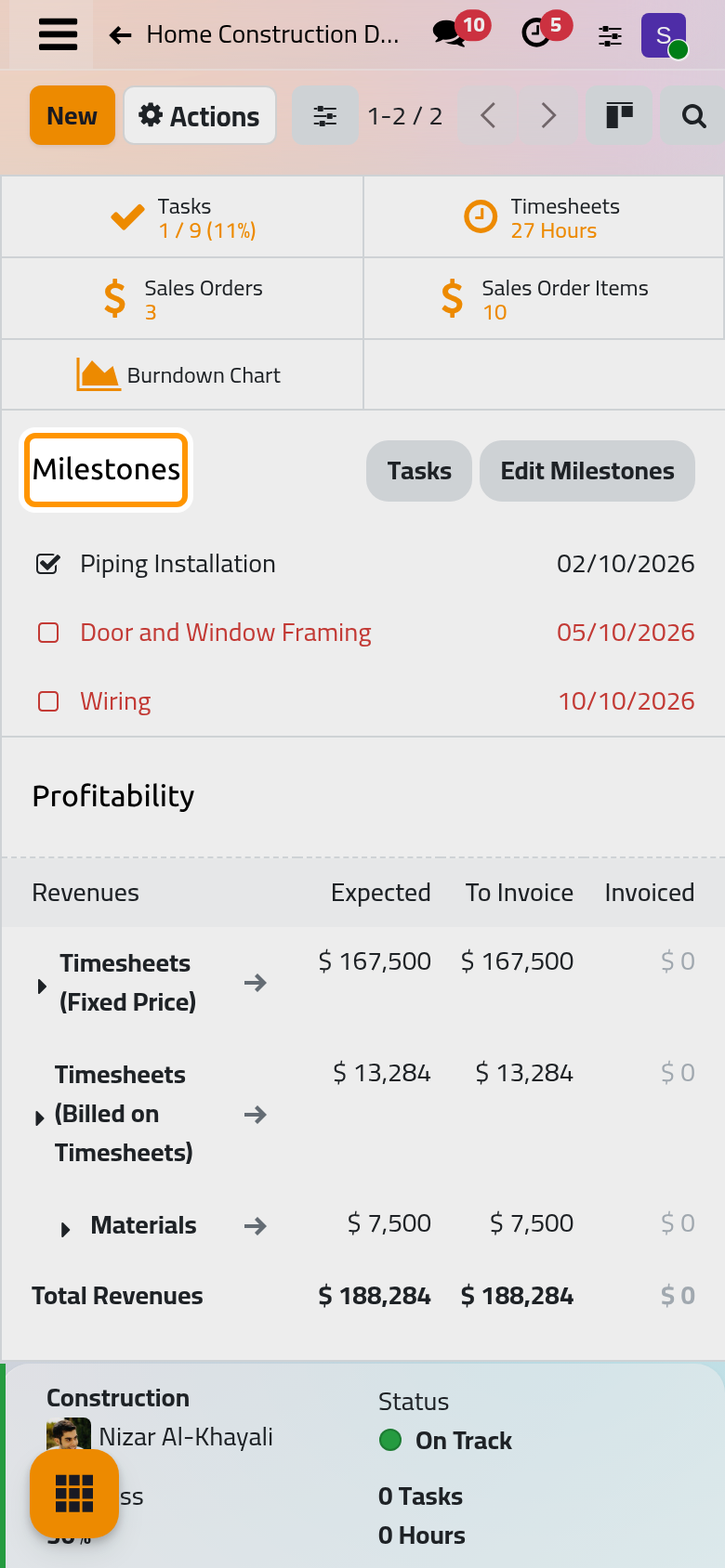
The left side lists the project's updates, the newest first. The right side holds buttons for the project's tasks, its timesheets and its burndown chart (plus its sales orders for a billable project), then Milestones, then Profitability for a project that is invoiced.
Follow the milestones
Each milestone shows its deadline; one whose deadline has passed without being reached reads in red. Edit Milestones (or Add Milestones while there are none) opens their list, where you add a milestone with a name and a deadline. A task joins a milestone through the Milestone field of its form, and the project's card shows a flag with how many milestones are reached, red when one is late.
Click the box in front of a milestone once its work is done:
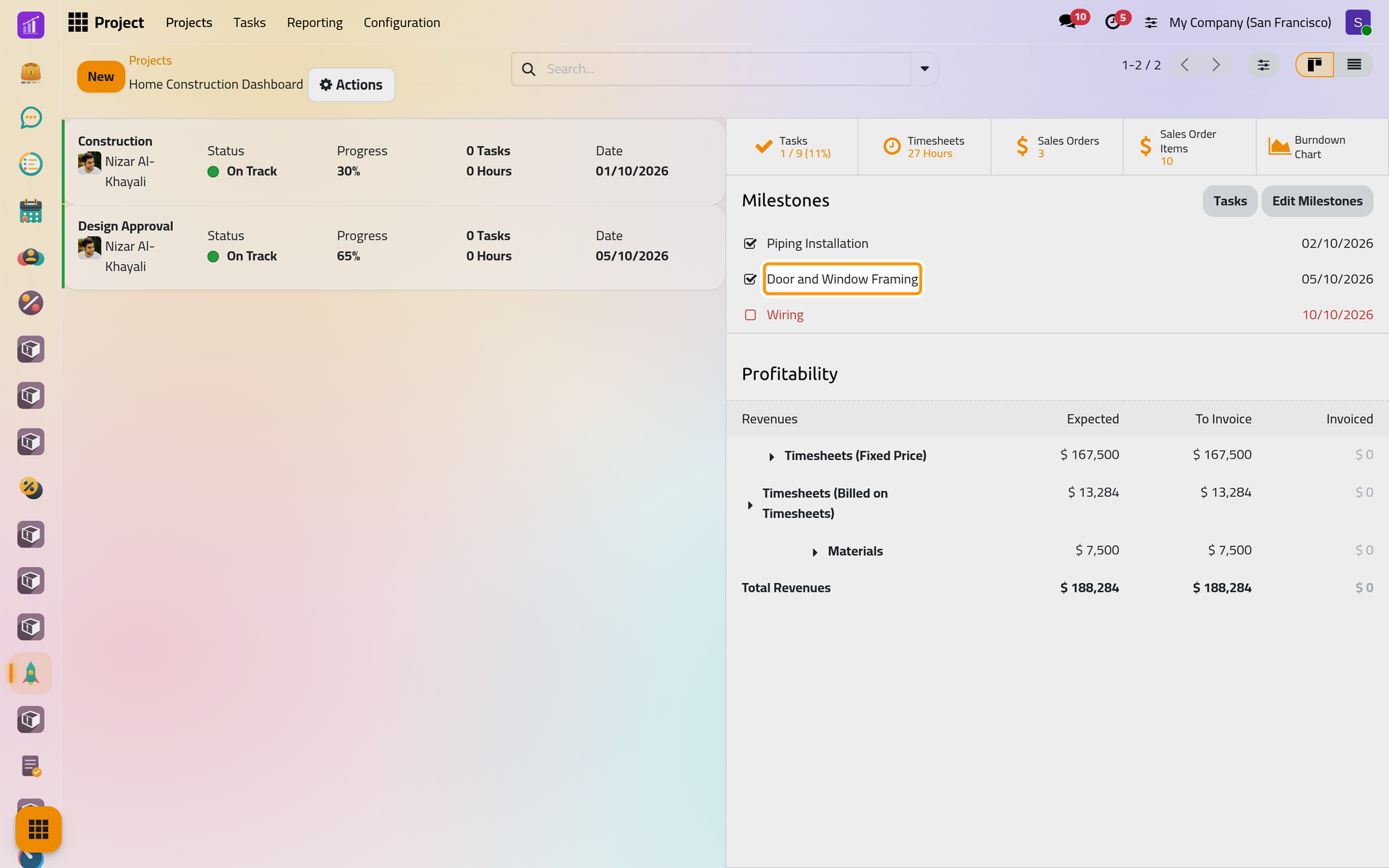
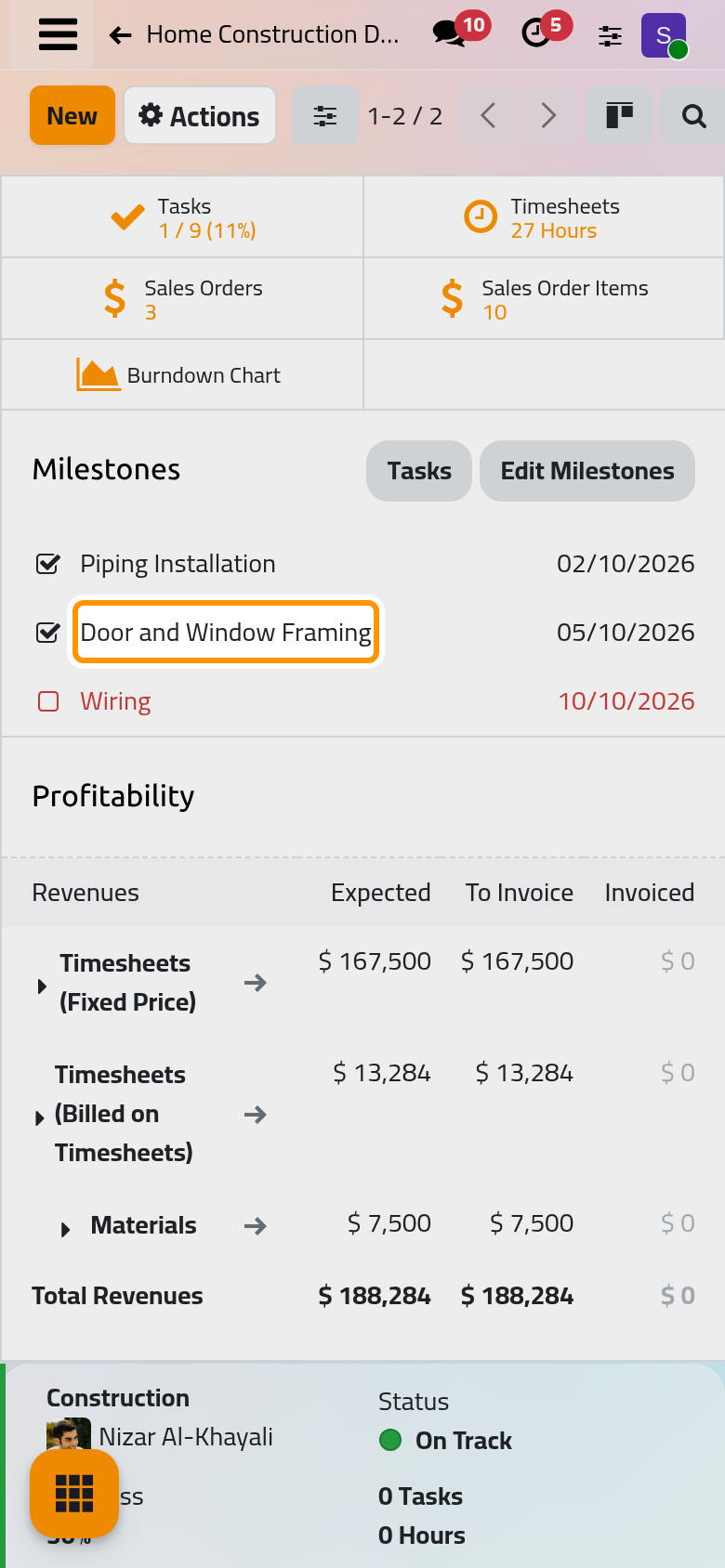
The milestone is marked as reached with today's date; click the box again to undo it. A milestone whose linked tasks are all closed reads in green: it is ready to be marked as reached.
Post an update
- Click New on the dashboard. The form takes the status and the progress of the last update, and fills Description with a summary of the project: its tasks, its milestones and, for an invoiced project, its profitability.
- Type a title, such as
Projects demo: Framing done, choose the Status (On Track, At Risk, Off Track, On Hold or Complete), adjust the Progress and edit the text.
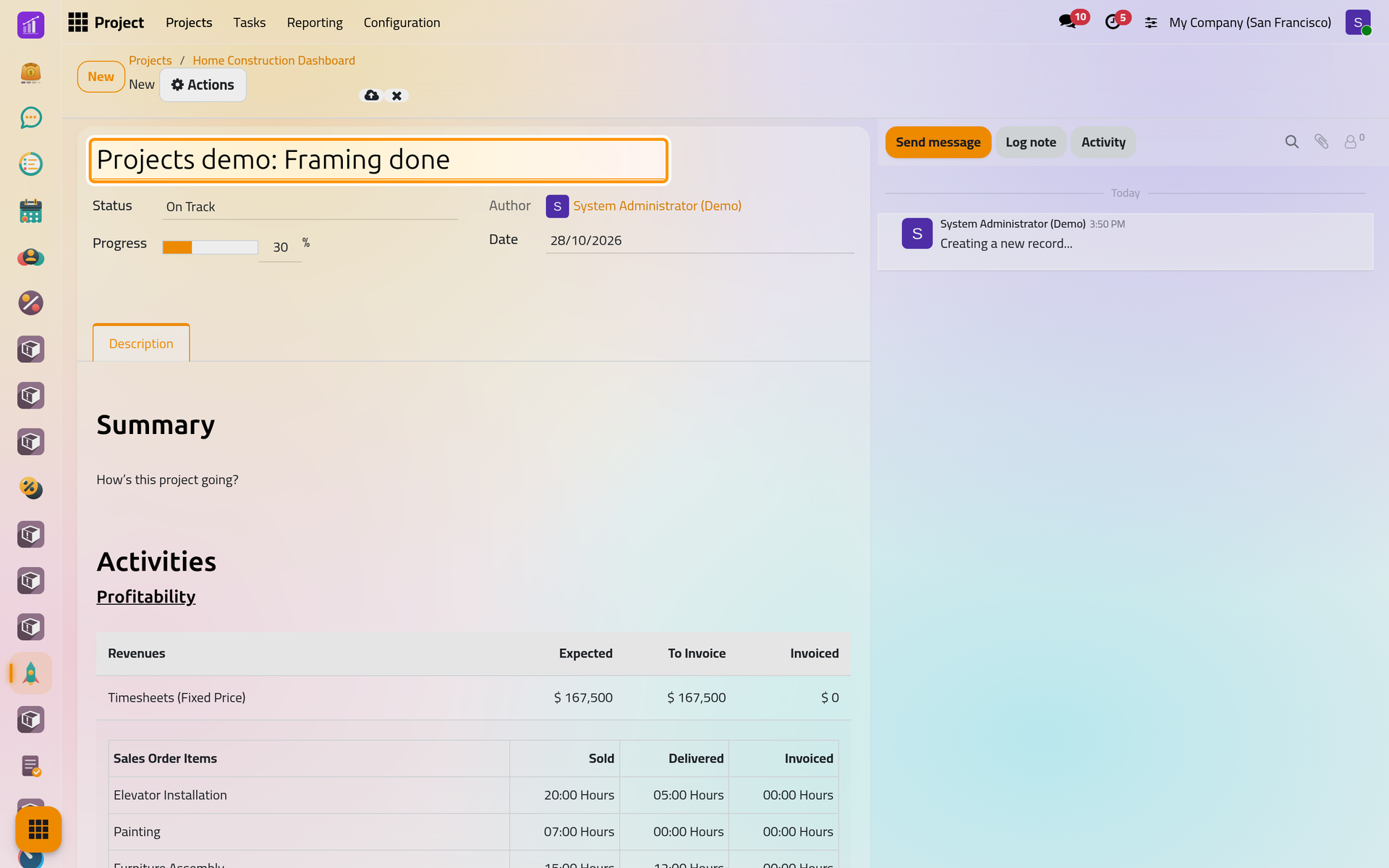
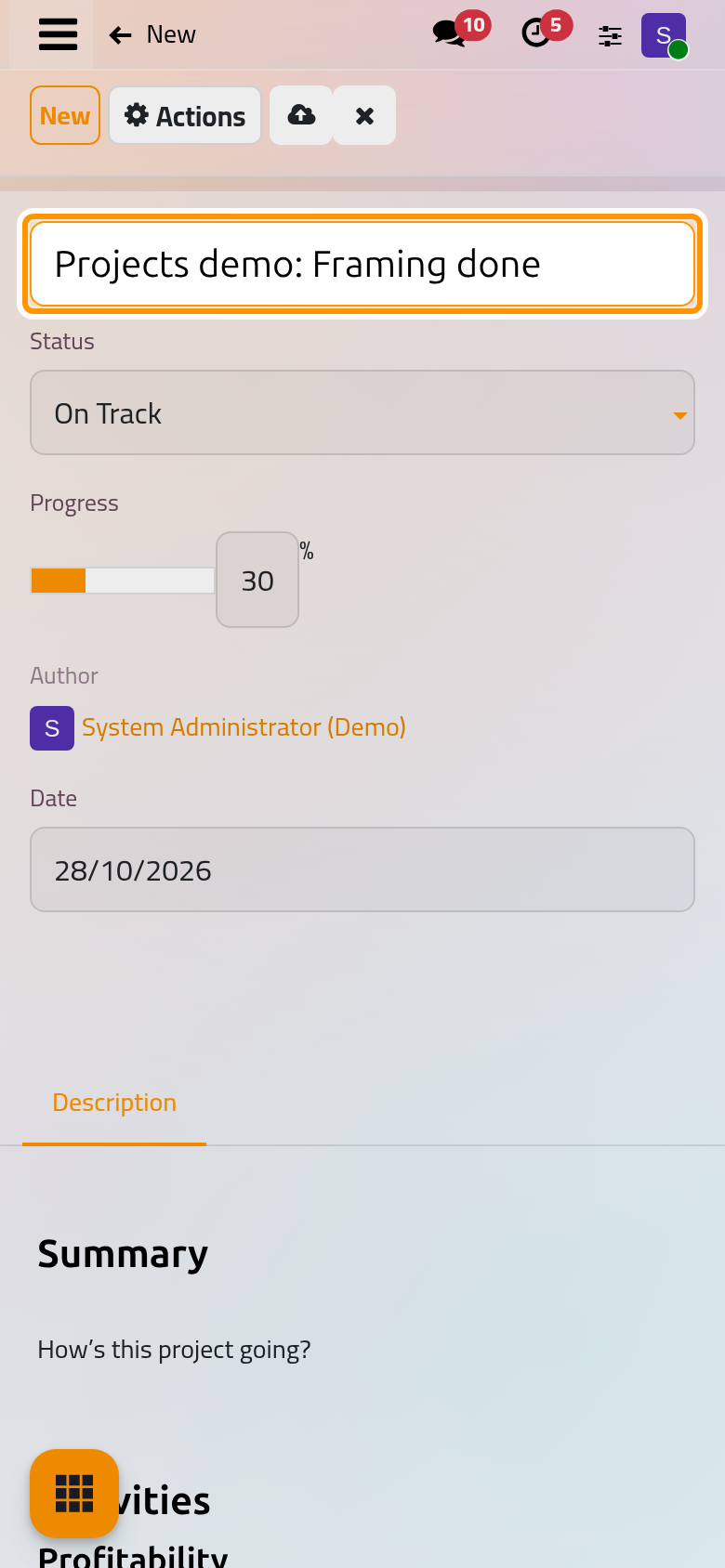
- Save, then click the project's dashboard in the breadcrumbs.
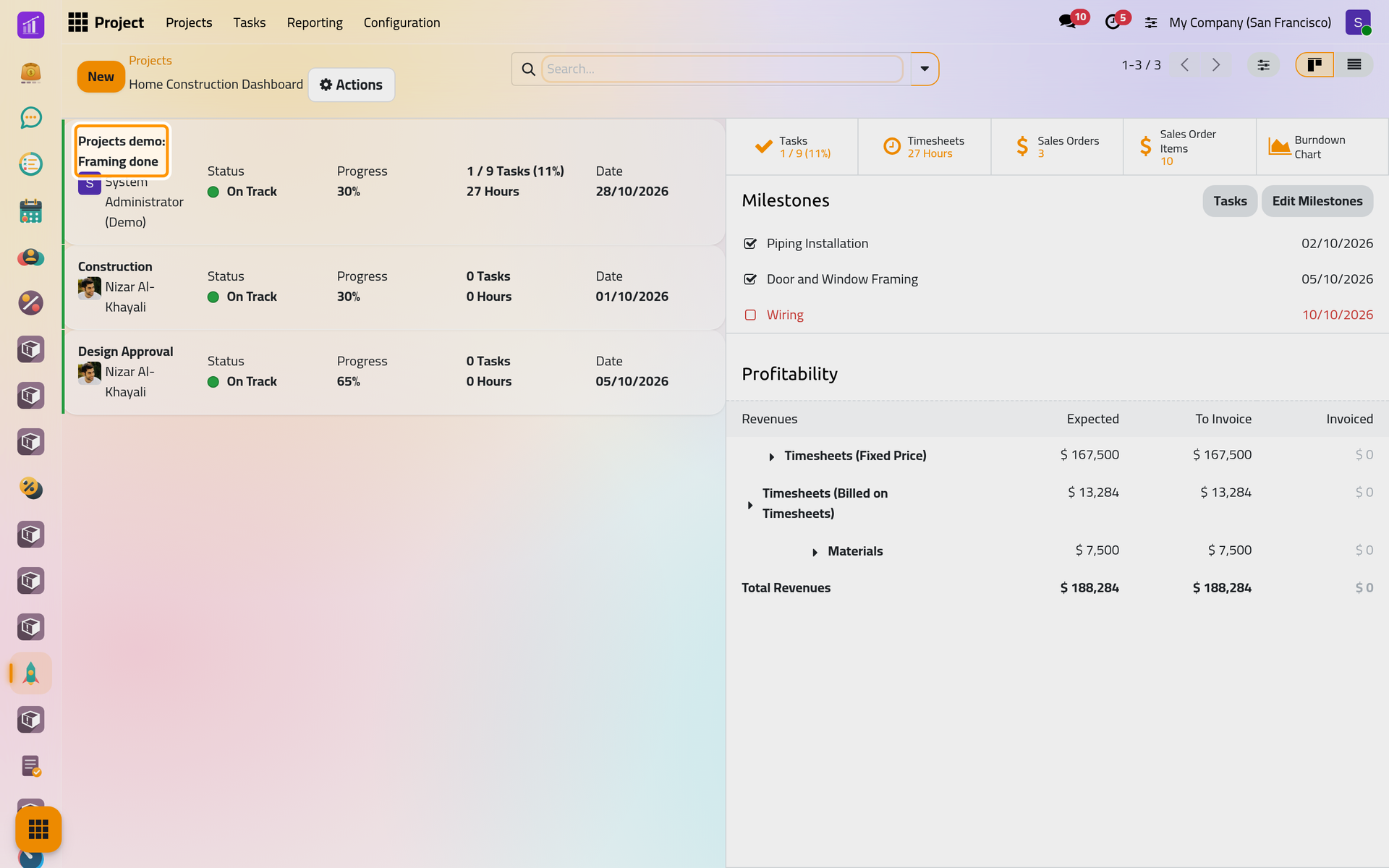
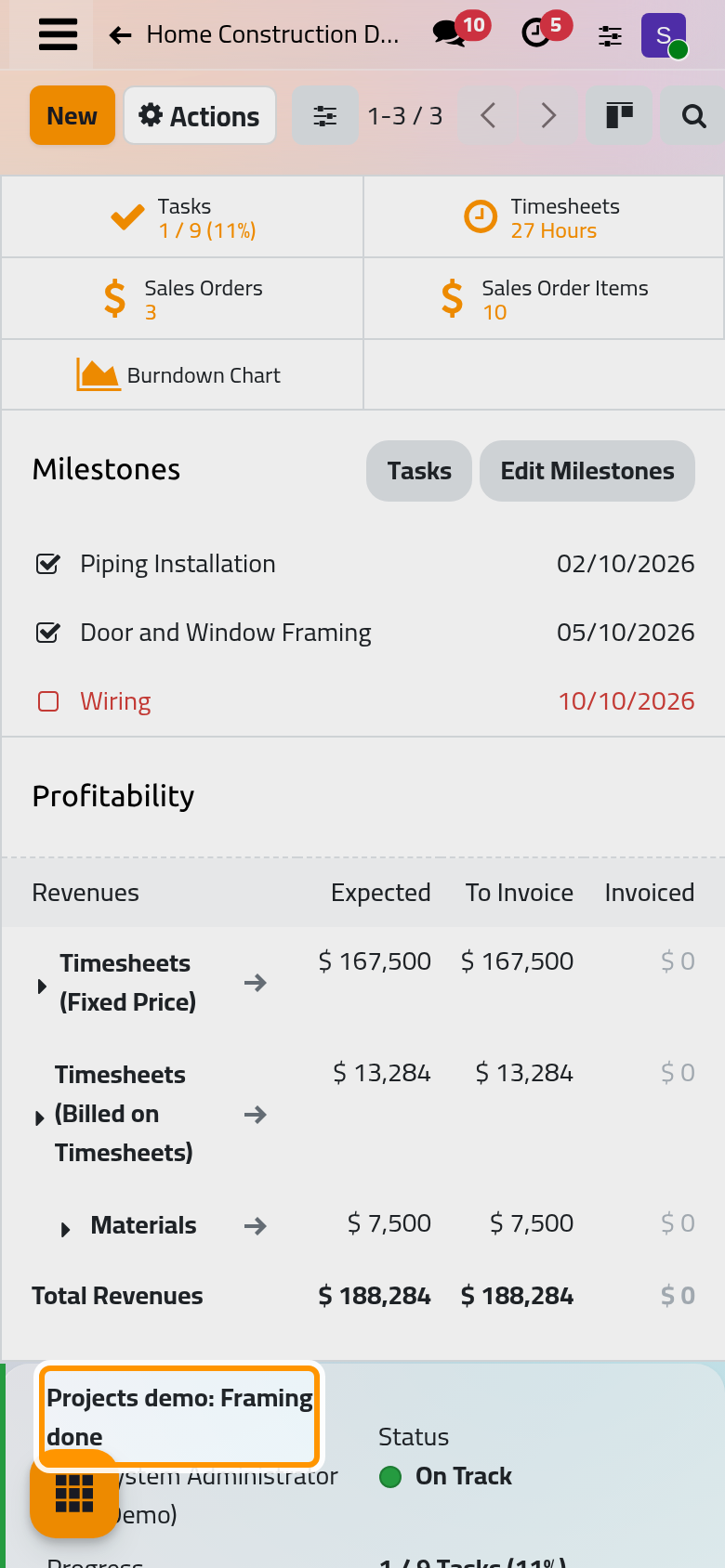
The update heads the list, and its status becomes the project's status: the coloured dot on the project's card and on the Dashboard button. The update keeps its own history in the chatter of its form (Follow a record with the chatter). The customer and the project manager can also be told by WhatsApp when an update is posted: WhatsApp in projects.
FAQ
I see no Milestones on the dashboard.
The project does not use them. Tick Milestones in its Settings tab.
Can I change the status of a project without writing an update?
Yes. Click the coloured dot on the project's card and choose a status. The next update you post sets the status again.
Where is the list of all late milestones?
In , the Late Milestones filter shows the projects that have one.
Why does a new update already have text?
The form builds a starting summary from the project's figures. Keep what helps and replace the rest.
Was this page helpful?
Thank you for your feedback.