How recruitment works
On this page
Recruitment works with three kinds of records: the job position, the application and the talent. Every application belongs to one position and moves through stages until it is hired, refused or archived. The employee comes last, created from the hired application.
Job positions
A job position is the same record in Employees and in Recruitment. Recruitment adds the recruiter, the interviewers, the Target, an e-mail address and the trackers, as Set up a job position shows. Its card counts the people still to recruit, the new applications (those in the first stage) and the applications in progress (those not yet in a hired stage).
Archiving a position archives its applications. Changing its recruiter hands the ongoing applications of the former recruiter to the new one.
Applications
An application is one person applying for one position. It holds the applicant's name, e-mail, phone and profile link, the position, the recruiter, the interviewers, tags, an evaluation of up to three stars and private notes. Its Details tab adds the degree, the availability, the department and company, the Salary Package expected and proposed, and the Source, Medium and Campaign it came from. The e-mail you type finds or creates the applicant's contact, which e-mails and meetings use.
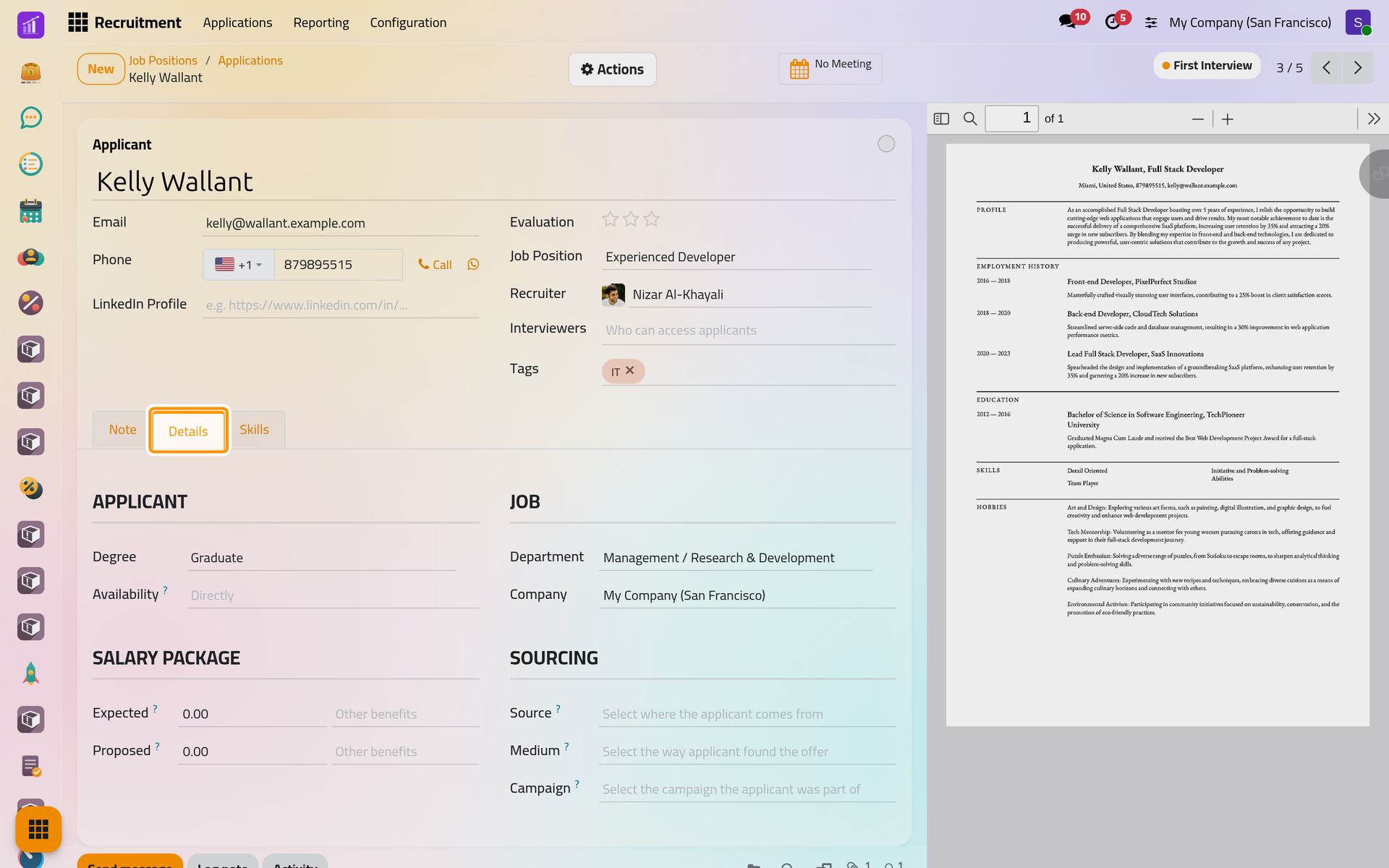
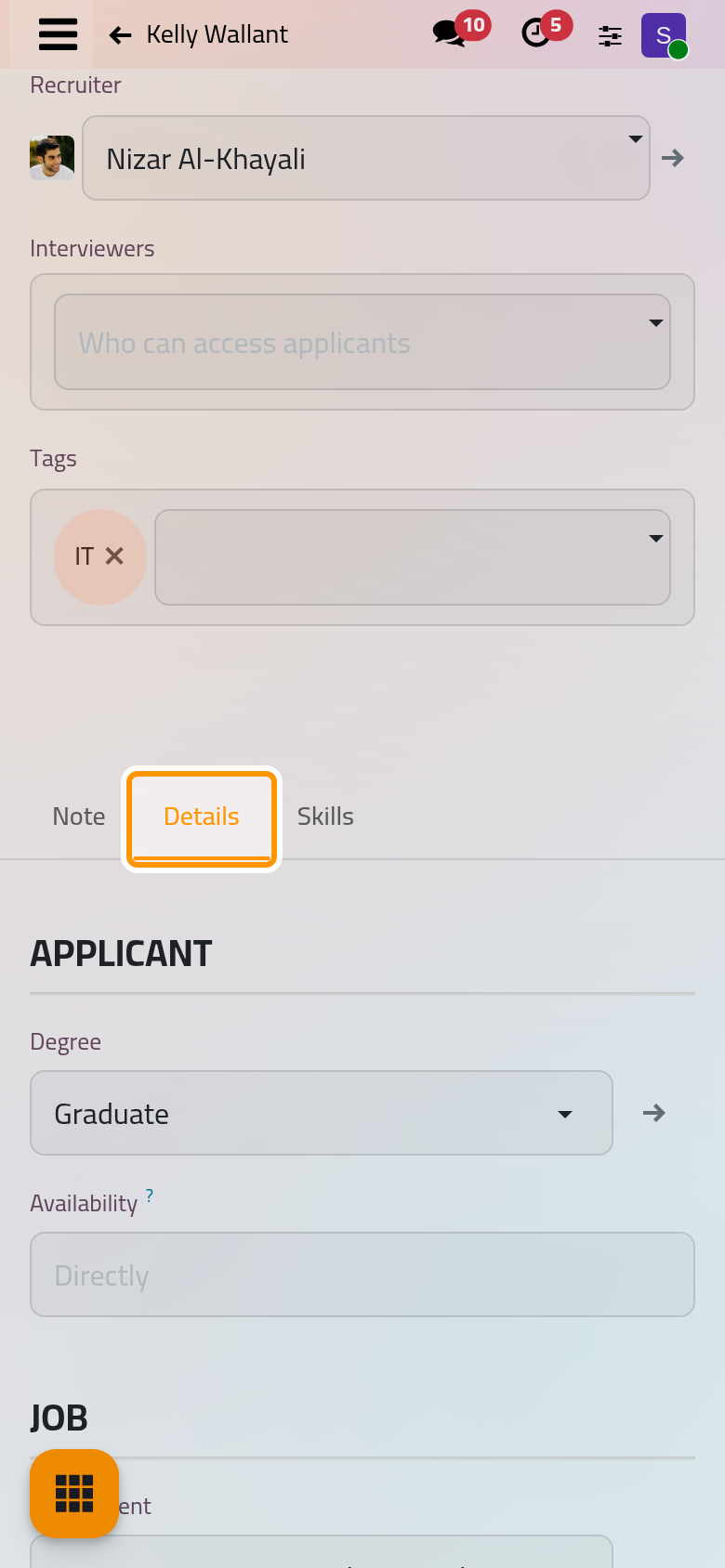
The résumé attached to an application shows beside the form, and its text can be searched from the list of applications. The Skills tab lists the applicant's skills, which are compared with the skills a position expects; skills themselves are described with the employees: How employee records work.
When the same person applies more than once, the applications that share an e-mail, a phone number or a profile link are linked, and an Applications button on each form lists them.
Stages and states
The stages are shared by every position, unless a stage is limited with Job Specific. Six come with the app: New, Qualification, First Interview, Second Interview, Contract Proposal and Contract Signed. New sends the acknowledgement e-mail, and Contract Signed is folded and marked as the hired stage. Customize stages and refuse reasons changes them.
Inside a stage, an application carries one of four states: In Progress, Ready for Next Stage, Waiting or Blocked. Every move to another stage is logged in the chatter and puts the state back to In Progress. A stage with Days to rot marks the applications that stay there too long.
Statuses
| Status | Reached when | What changes |
|---|---|---|
| Ongoing | The application is active and not hired | It shows in the pipeline of its position |
| Hired | It enters a hired stage | Hire Date is set, the Target of the position drops by one, Create Employee appears |
| Refused | Someone refuses it with a reason | It is archived with its reason; the applicant may receive an e-mail |
| Archived | Someone archives it without a reason | It leaves the pipeline |
Leaving the hired stage clears the Hire Date and gives the position its place back. Restore and Unarchive put an application back in the first stage: Refuse or restore an applicant.
Where applications come from
- Typed in from the pipeline of a position, with New or the + of a column.
- Sent by e-mail to the address of the position: the application takes the sender's name and address, and the attachments become its files. E-mails forwarded by job sites, whose addresses are listed under Job Boards, get the applicant's name from the text instead.
- Filled in by visitors on the job pages of the website, when Online Posting is on: Recruitment settings.
- Created from a talent of a pool: Use talent pools.
The trackers of a position mark each application with the source it came through.
Who sees what
Officers see every application; interviewers only those of the positions and applicants they are named on, without the salary package. Applications of a company you may not open stay hidden. Recruitment settings lists the three access rights.
Reporting
Recruitment Analysis, in Reporting, counts the applications in a chart or a pivot table, by month of creation and position by default. Its favorites group them By Recruiter, By Job or By Department.
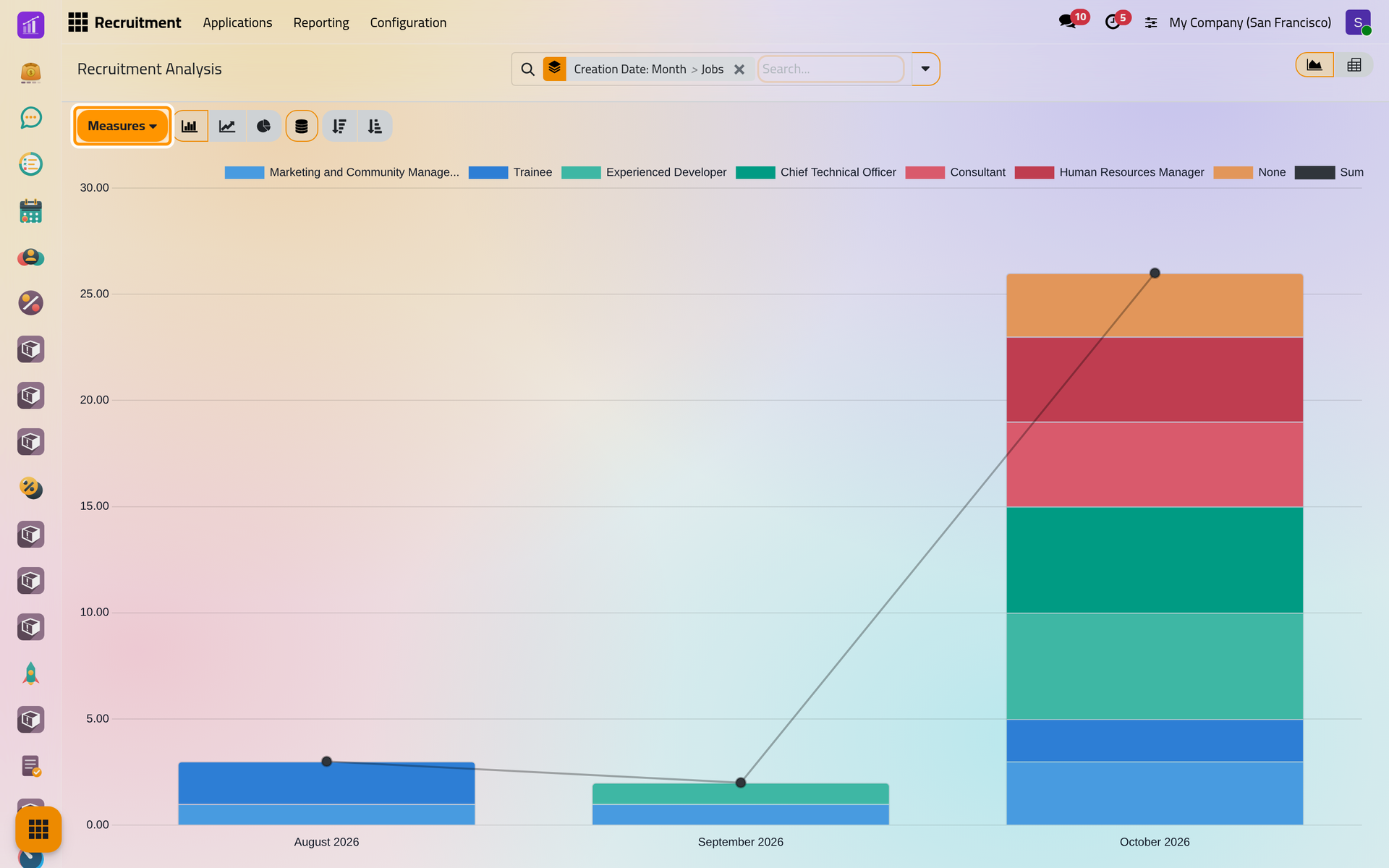
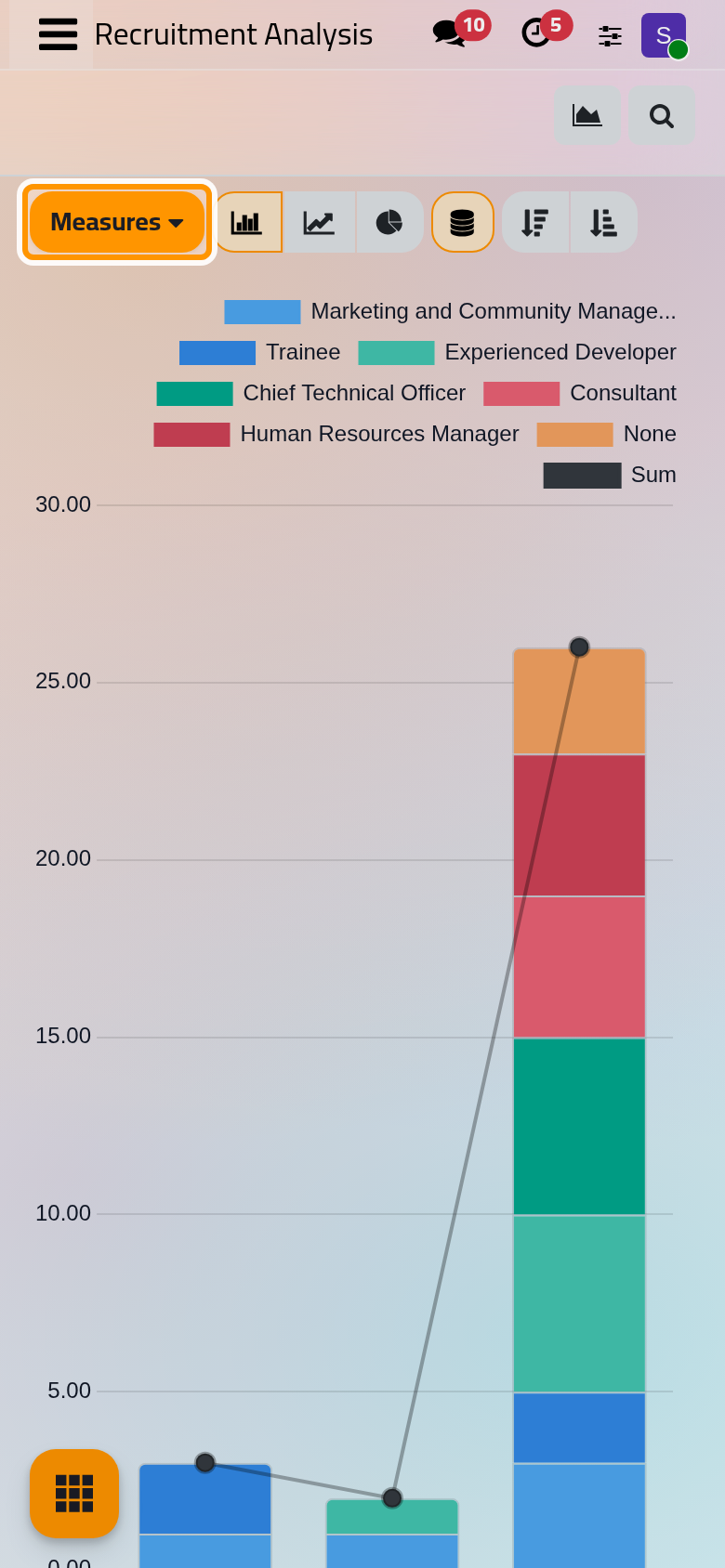
The Analysis app adds two ready-made dashboards, Recruitment Analysis and Online Jobs Analysis, whose tiles also show above the job positions and the applications: Ready-made dashboards.
What Recruitment does not do
- It never moves an application by itself: only a person changes its stage.
- It does not read résumés automatically, and its interview forms need the survey option of the settings: Recruitment settings.
- It runs no scheduled job and sends no reminder; its e-mails are those of the stages and of the refusals: Recruitment automations.
- It does not post offers on outside job sites; it only reads the e-mails they forward.
- It does not complete the employee: the department, the manager and the rest are filled in Employees.
Was this page helpful?
Thank you for your feedback.