Set up a job position
On this page
- Before you start
- Create the position
- Receive applications by e-mail
- Complete the position
- Track where applicants come from
- FAQ
- Why is a position missing from the Job Position field of an applicant?
- What happens to the applications when I archive a position?
- Can I change the recruiter during a search?
- Where do interviewers find their positions?
A job position is the same record in Employees and in Recruitment: the employees who hold it in one app, the people who apply for it in the other. Recruitment adds what a search needs: who runs it, who interviews, how many people to hire and where the applications come from. You create a position in two clicks and complete it from its Configure button.
Before you start
- Creating and changing positions needs the Officer: Manage all applicants access right on Recruitment. An interviewer sees the positions he is named on, without changing them.
Create the position
- Open and click New.
- Type the name of the position, here
Recruitment demo: Accounts assistant.
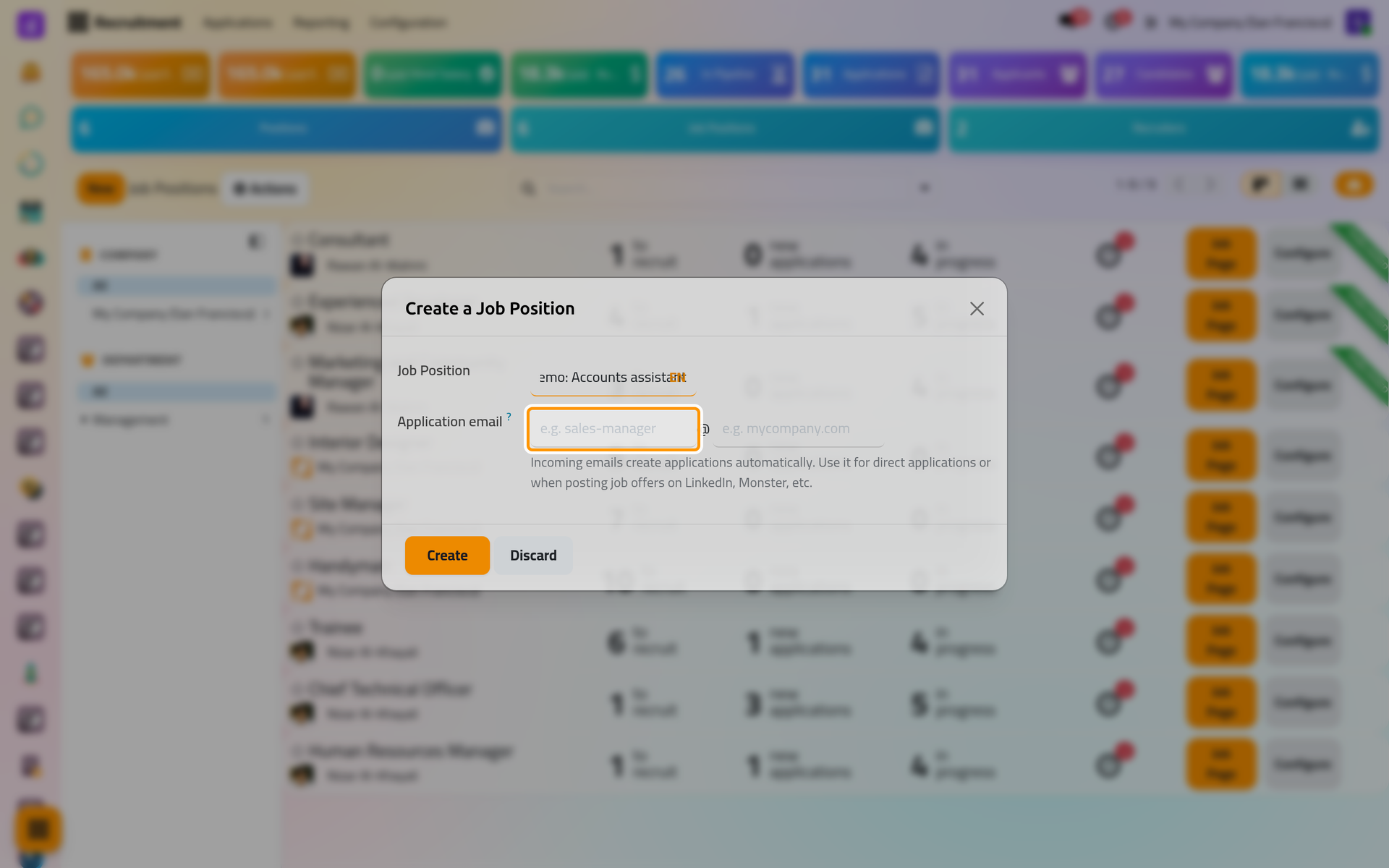
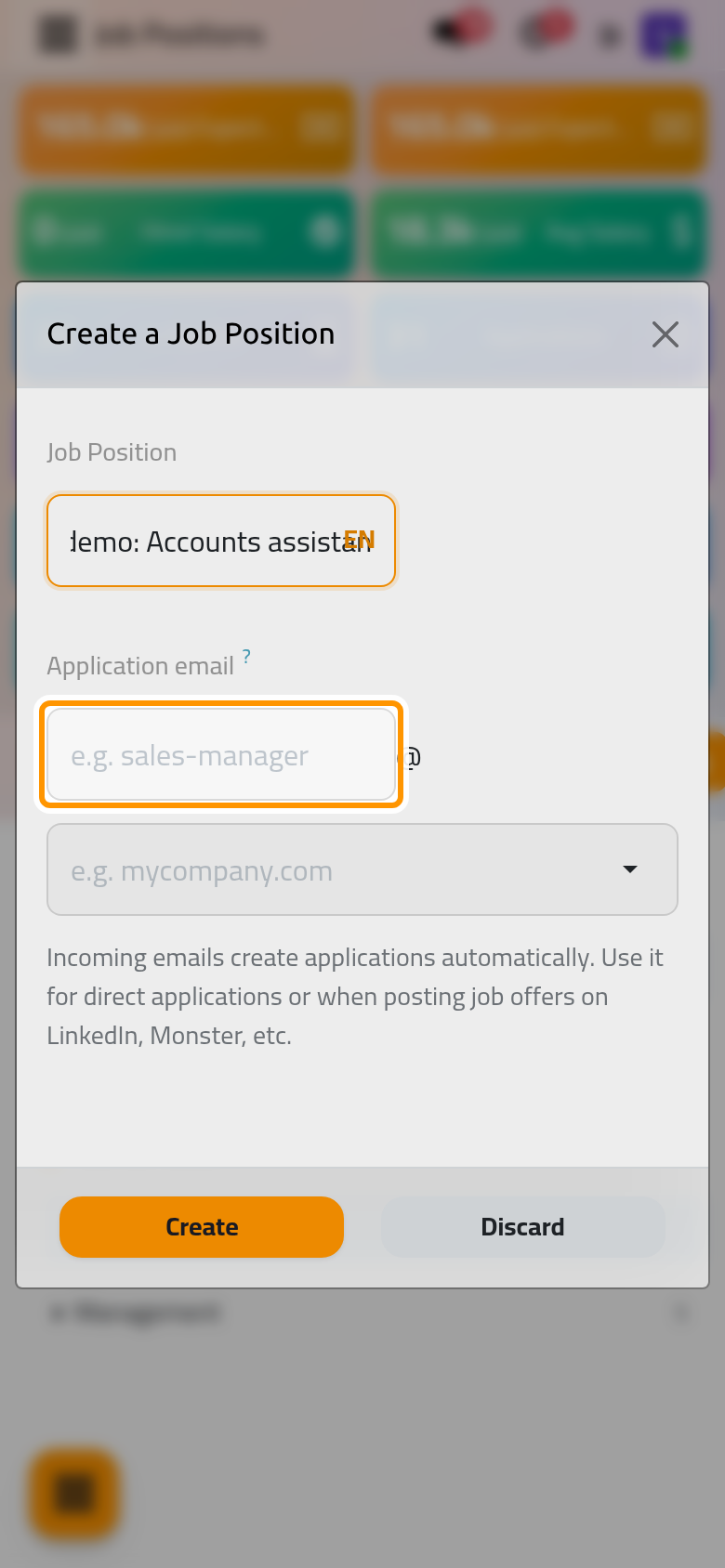
- Click Create. The position opens on its pipeline, empty until the first application arrives.
Receive applications by e-mail
Application email in the dialog, and Email Alias on the form, give the position its own address: the part you type before the @ and a domain. Every e-mail sent to that address becomes an application for the position, with the sender's name and address, and its attachments become the files of the application. The domains come from the Alias Domain of the general settings: General settings: emails, integrations and tools. When the database has none, the domain box offers nothing to choose.
Complete the position
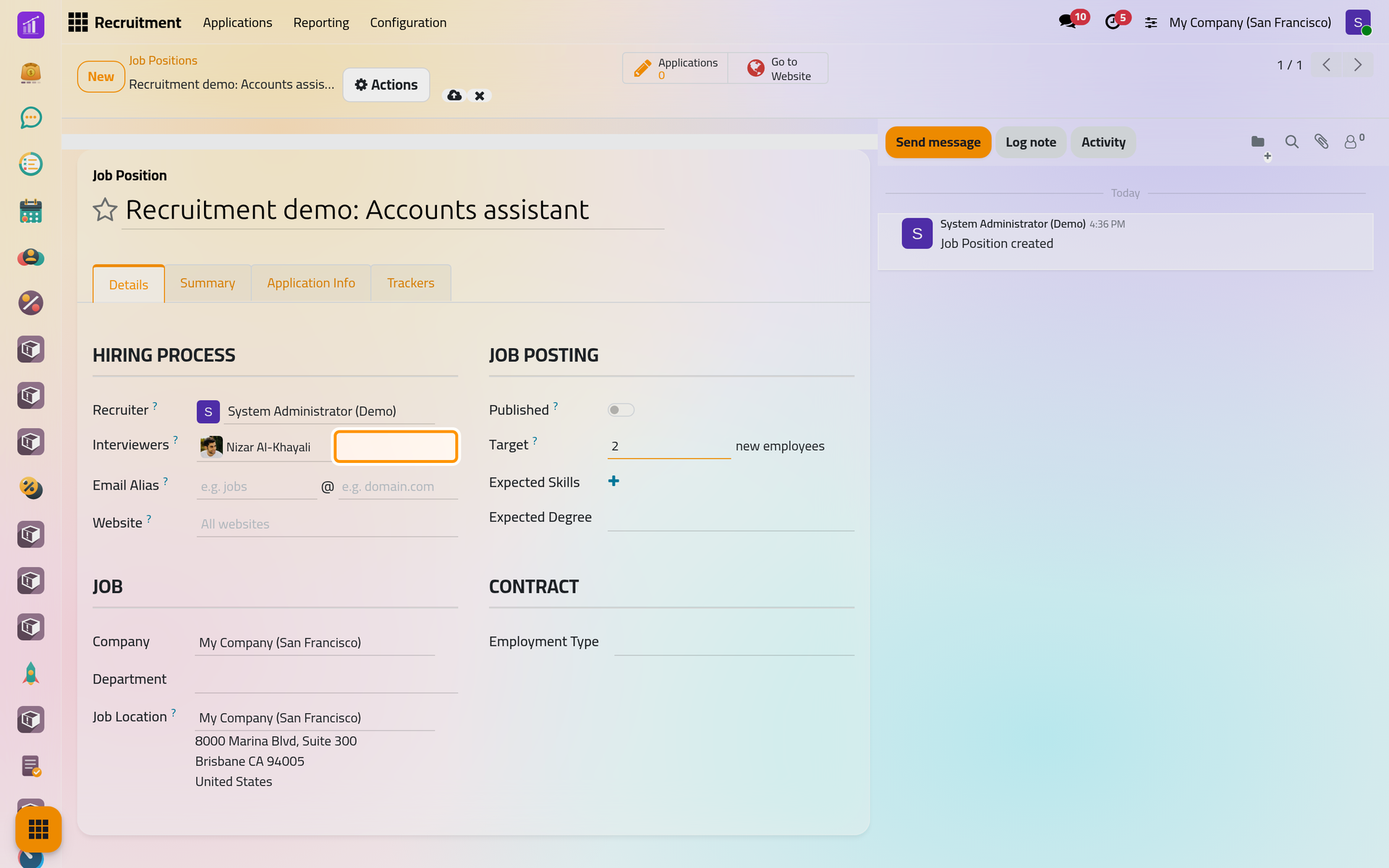
- Back on , find the position with the search bar and click Configure on its card.
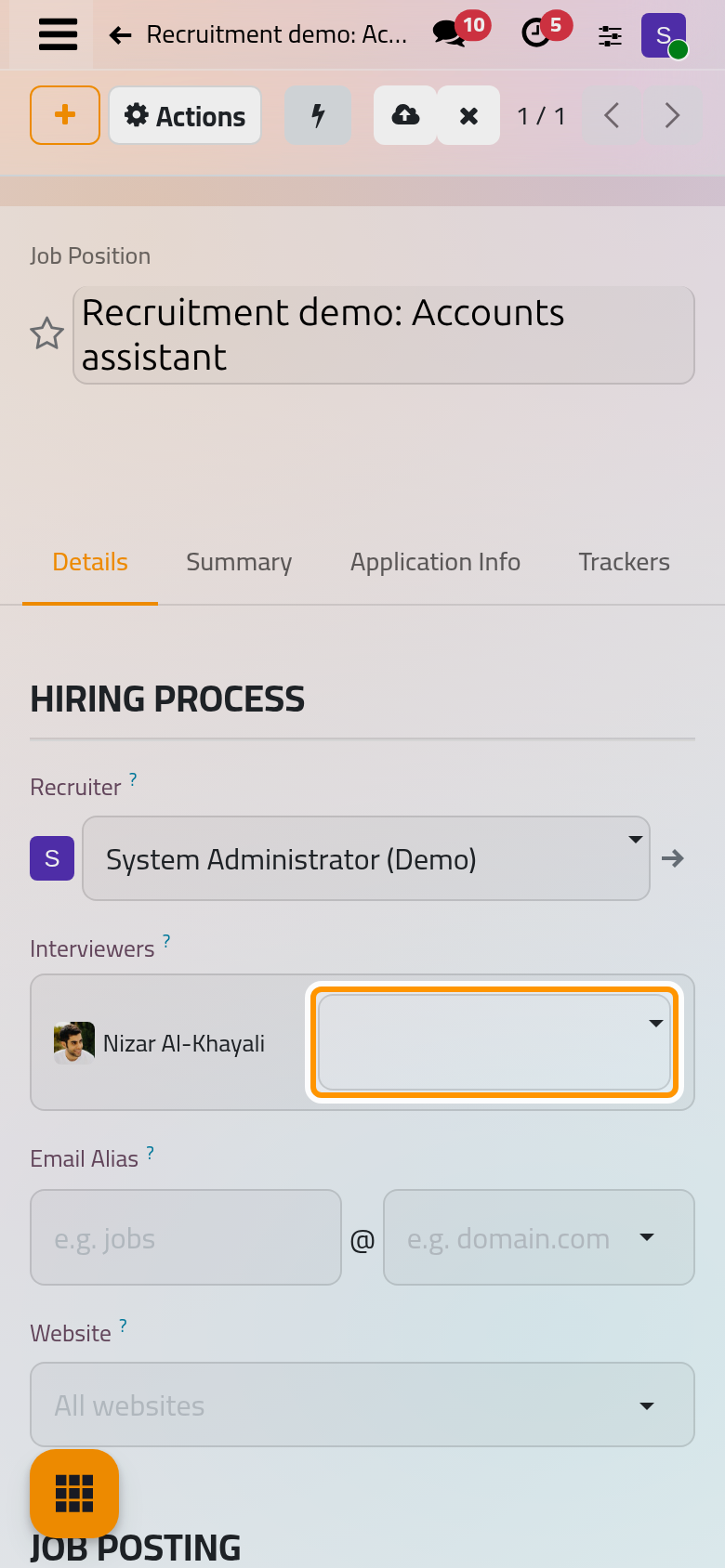
- On the Details tab:
- Recruiter is filled on every application of the position and invited to every meeting with its applicants.
- Interviewers see every applicant of the position, with the files and the meetings, and may refuse them, even without any other right on Recruitment: the Interviewer access right is given to them on save.
- Target is the number of new employees you expect. It drops by one each time an applicant reaches the hired stage.
- Expected Skills and Expected Degree describe the profile; Company, Department, Job Location and Employment Type say where the job sits.
- Published, Website and the Application Info tab belong to the job pages of the website, documented with the website.
- Write the description of the job on the Summary tab, then save.
Track where applicants come from
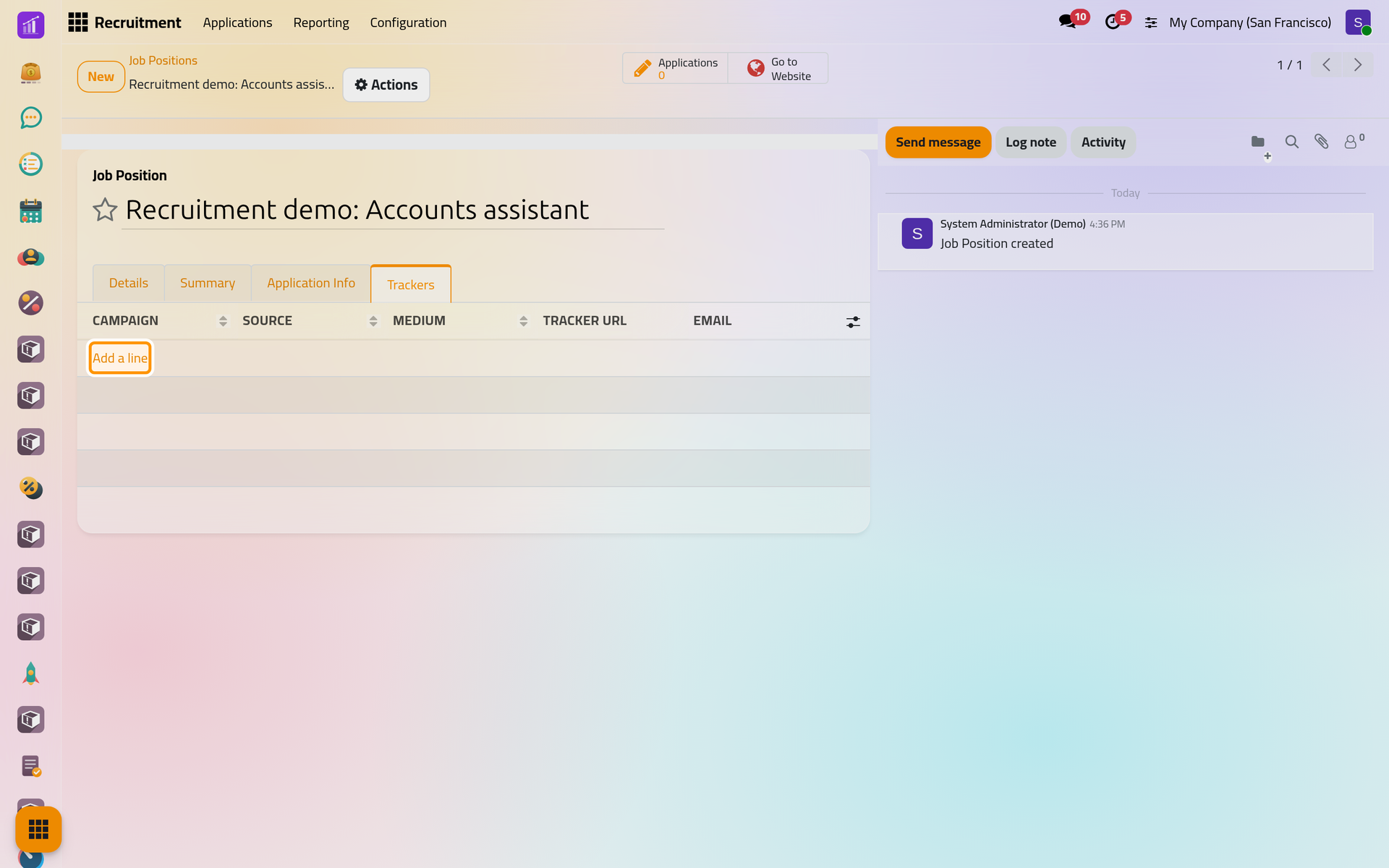
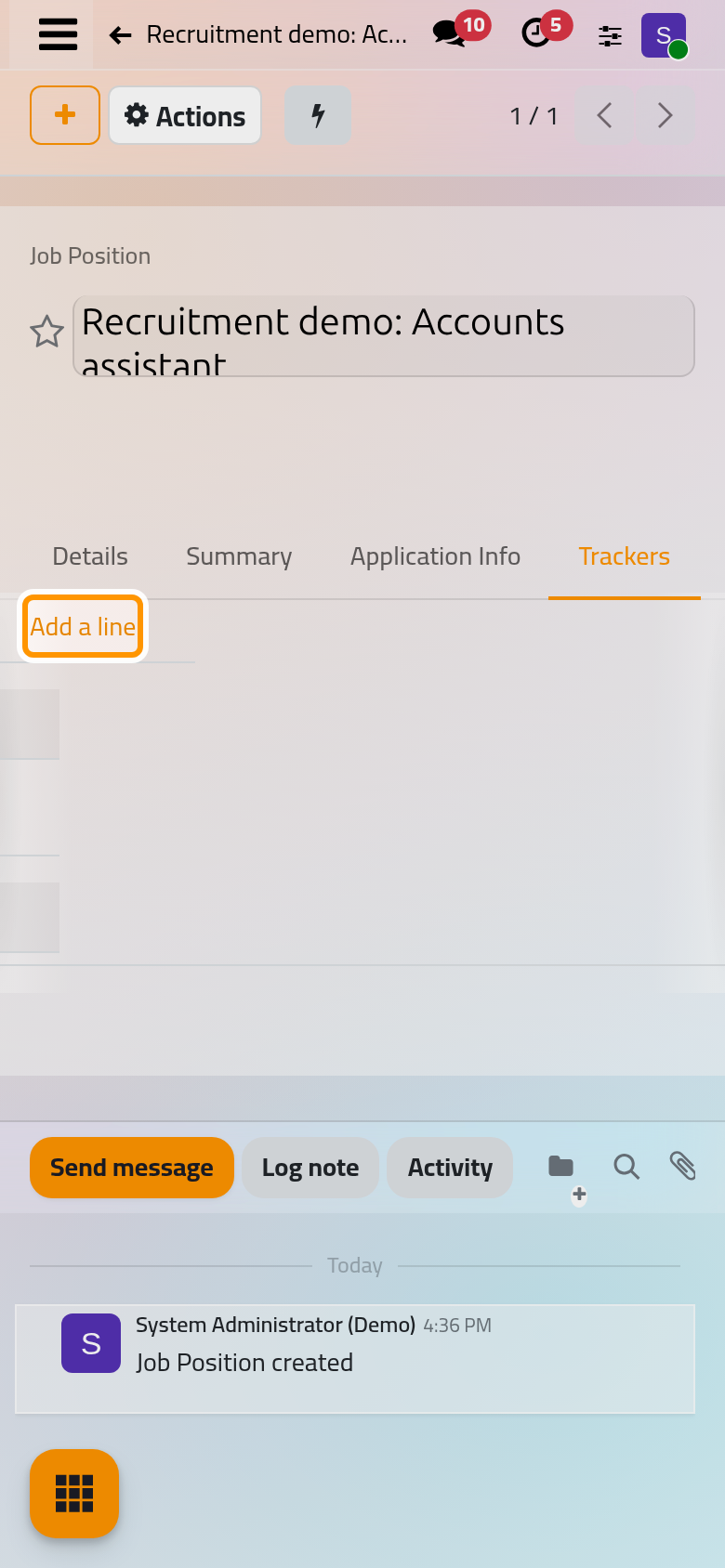
On the Trackers tab, click Add a line and choose a Source, such as a newspaper or a career fair, with a Medium and a Campaign if you use them. Each line gets a Tracker URL, a link to the job page that marks every application made through it with that source, and, when the database has an alias domain, an Email of its own. The Source, Medium and Campaign then show on the Details tab of each application.
FAQ
Why is a position missing from the Job Position field of an applicant?
The field offers only the positions of the applicant's company, and an applicant always has one. A position whose Company is empty is therefore not offered. Add the applicant from the pipeline of the position instead: New there fills the position for you.
What happens to the applications when I archive a position?
They are archived with it, and they stay archived if you restore the position later.
Can I change the recruiter during a search?
Yes. The ongoing applications that had the former recruiter move to the new one, and the former recruiter stops following the position.
Where do interviewers find their positions?
In : an interviewer sees there only the positions where he is named, on the position or on one of its applications.
Was this page helpful?
Thank you for your feedback.