Use talent pools
On this page
A talent pool keeps people worth contacting again, whatever position they first applied for. A talent is a copy of an applicant without a job position, kept in one or more pools; when a fitting position opens, the talent becomes a new application in one action. The demo holds one pool, Developer.
Before you start
- Pools, talents and the actions below need the Officer: Manage all applicants access right; the pools menu is not shown to interviewers.
The talent pools
- Open . Each card shows a pool, its manager and company, a New Talent button and the number of talents it holds. Clicking the card lists its talents.
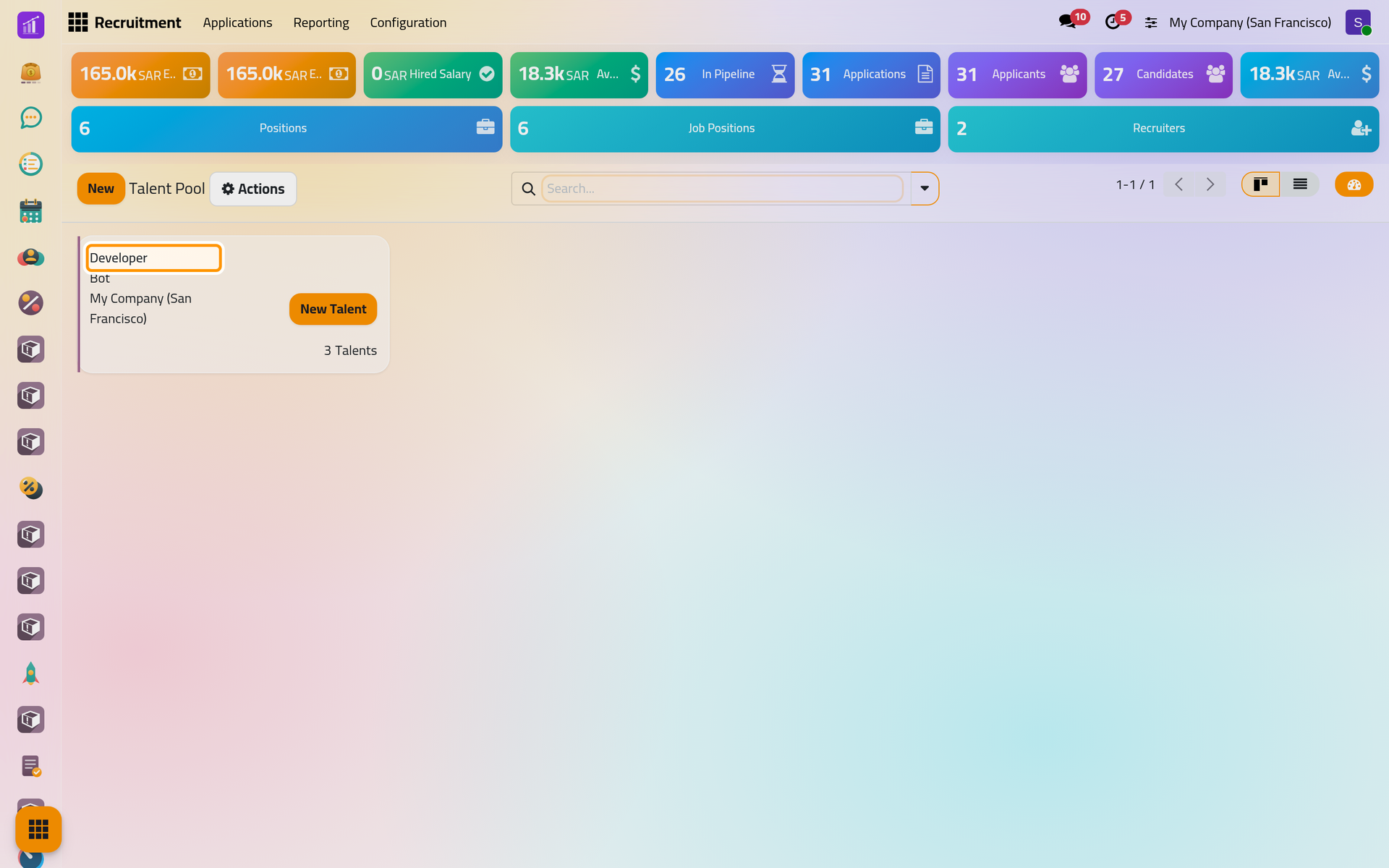
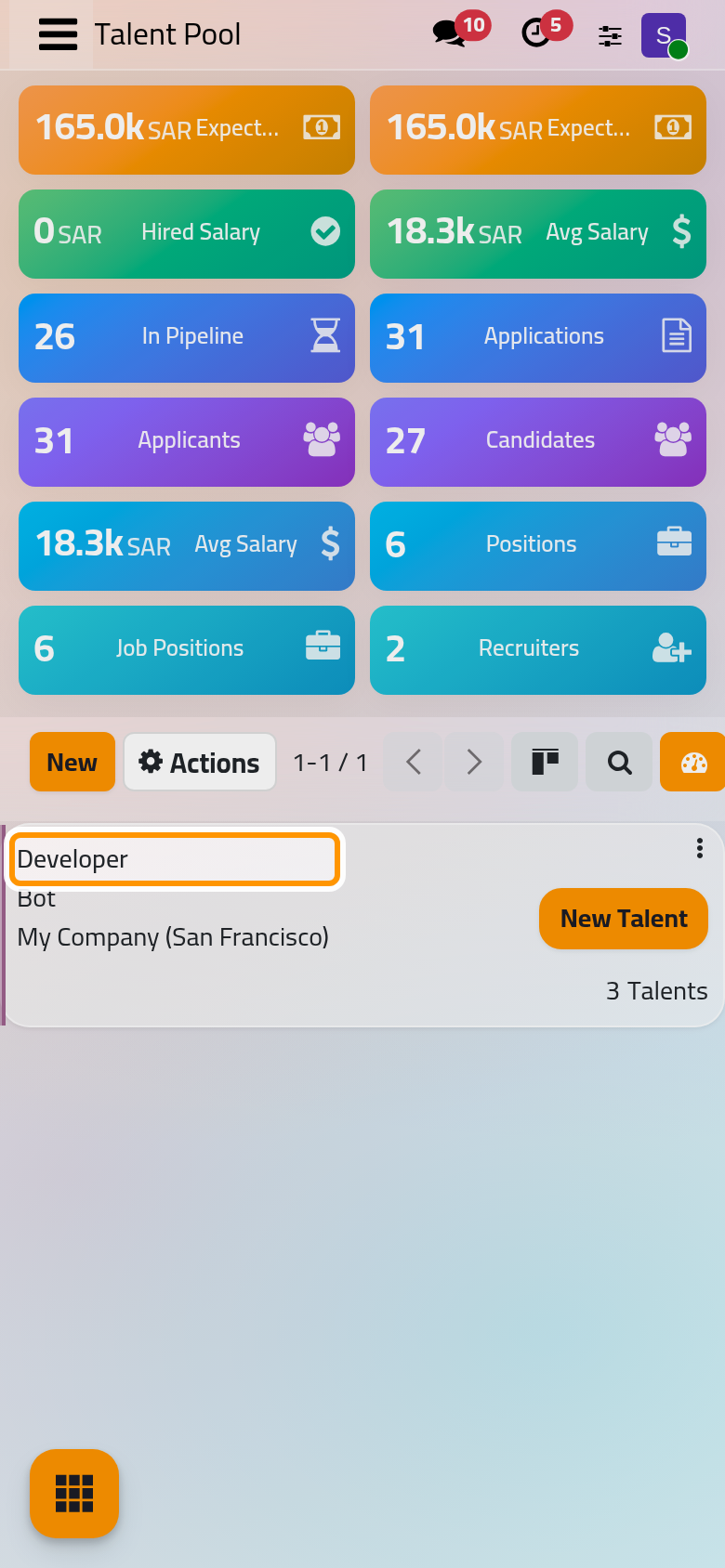
- New creates a pool: a Title, a Pool Manager (you by default), Tags that describe it, a Color, the Company and a description.
Add an applicant to a pool
- Open the applicant, here
Recruitment demo: Lama Al-Saeed, an applicant for Trainee. - Open Actions and choose Add to Pool.
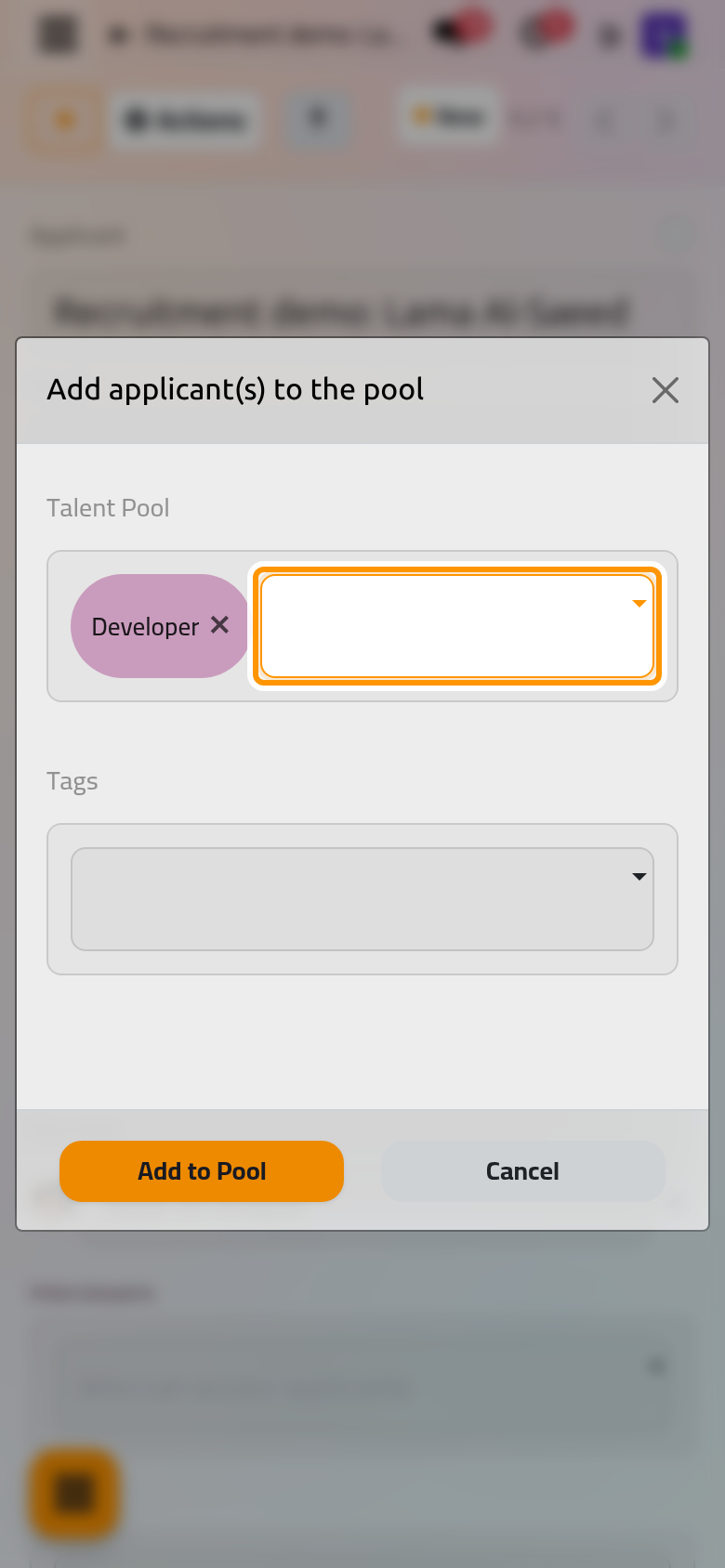
- Choose the Talent Pool, here Developer, and Tags if you want to add some, then click Add to Pool.
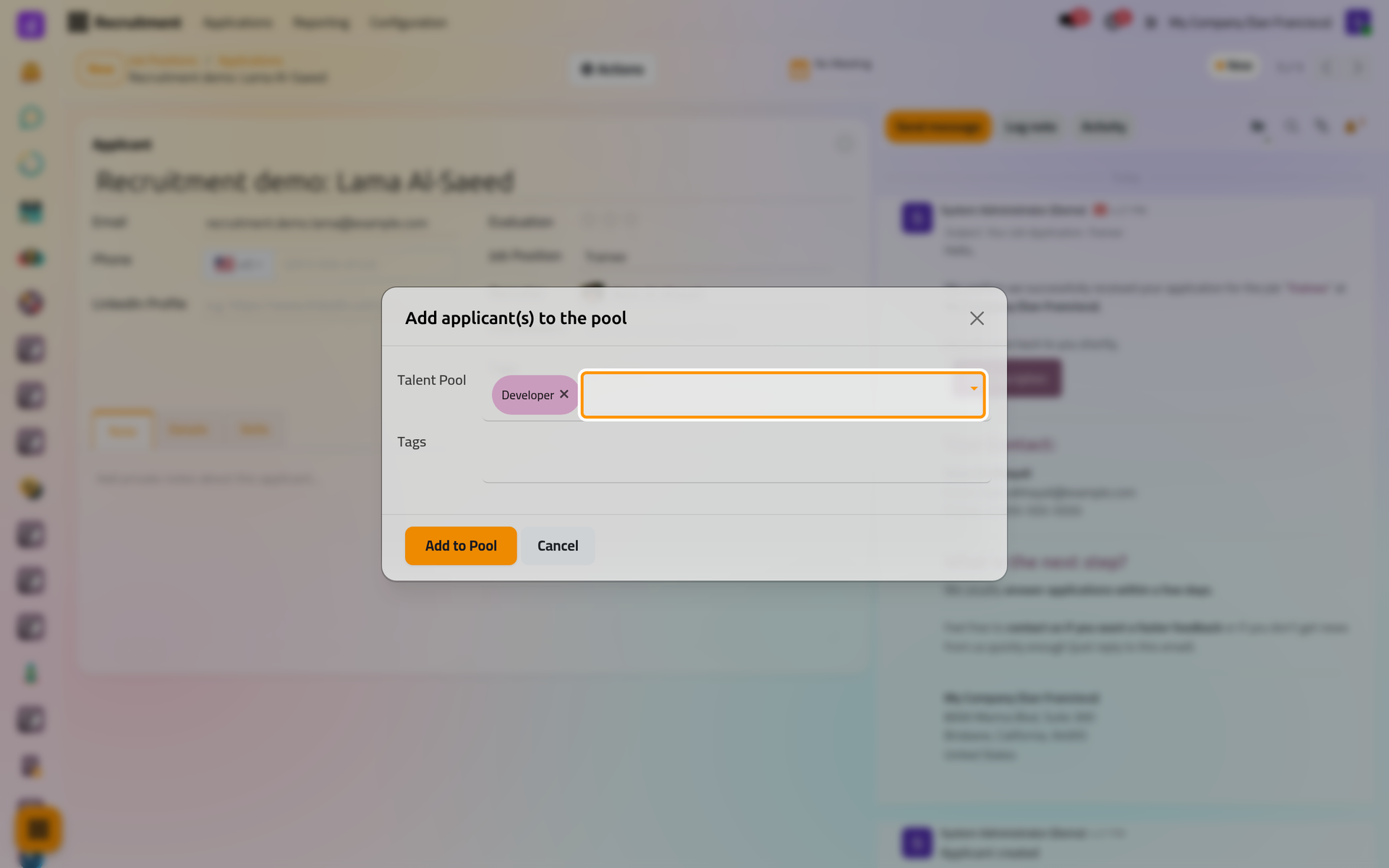
The talent opens: a copy of the applicant with its pool and without a job position, under the title Talent. The original application keeps its stage and gains a Talent Pools button that opens the talent.
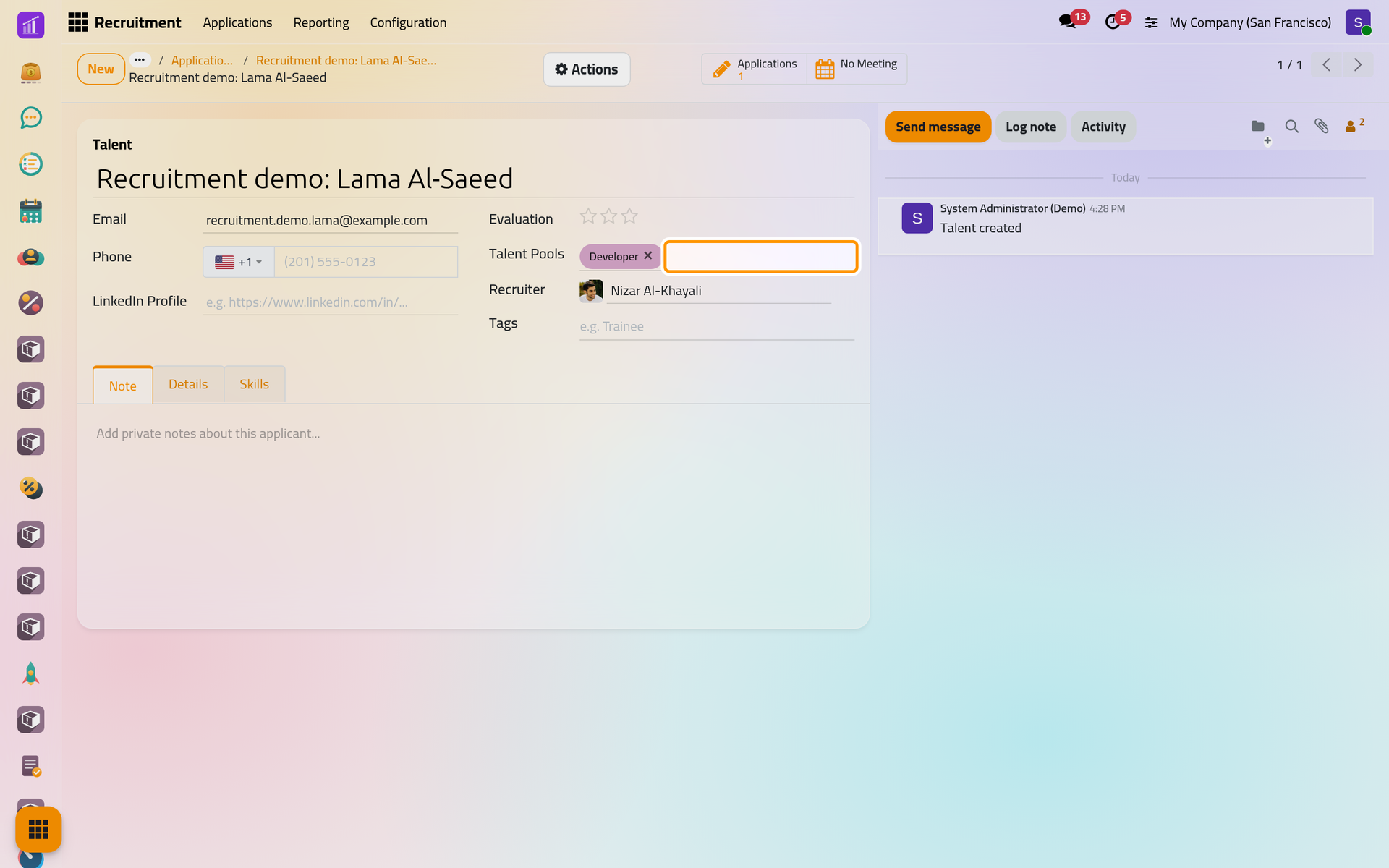
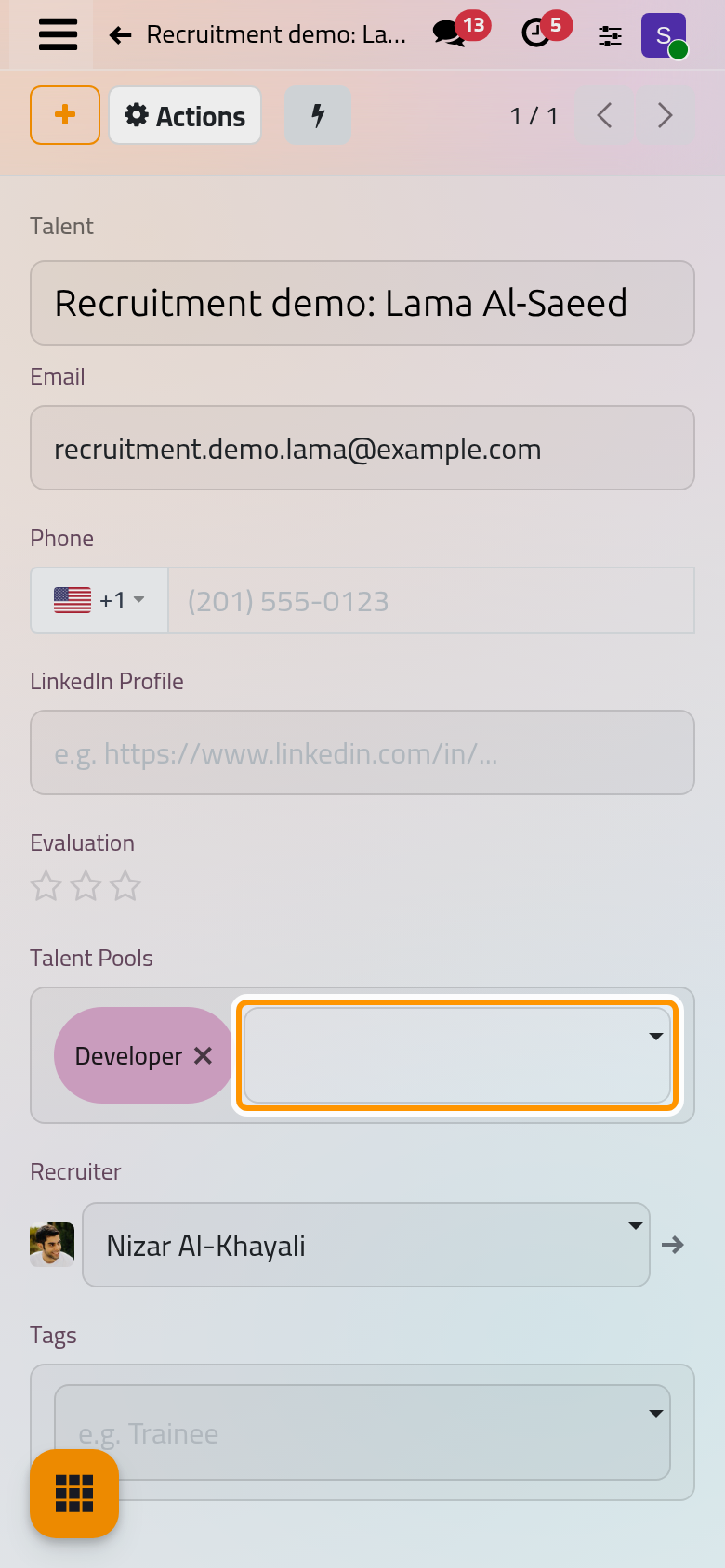
A talent has no stage and no Refuse action; it must stay in at least one pool, and it cannot be duplicated. Add other pools in its Talent Pools field.
Create applications from a talent
- On the talent, open Actions and choose Create Applications.
- Choose one or more Job Positions, here Consultant, then click Create Applications.
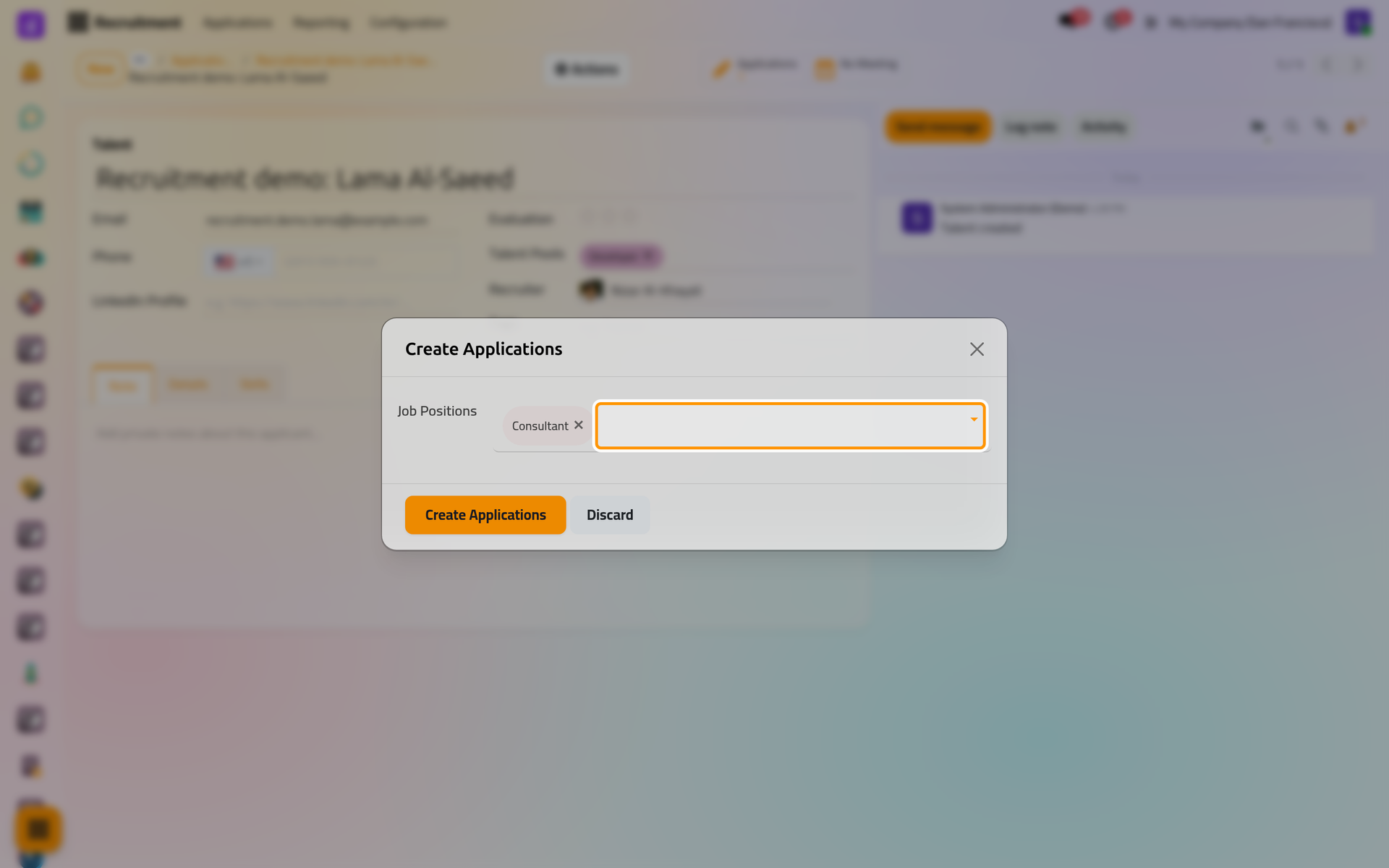
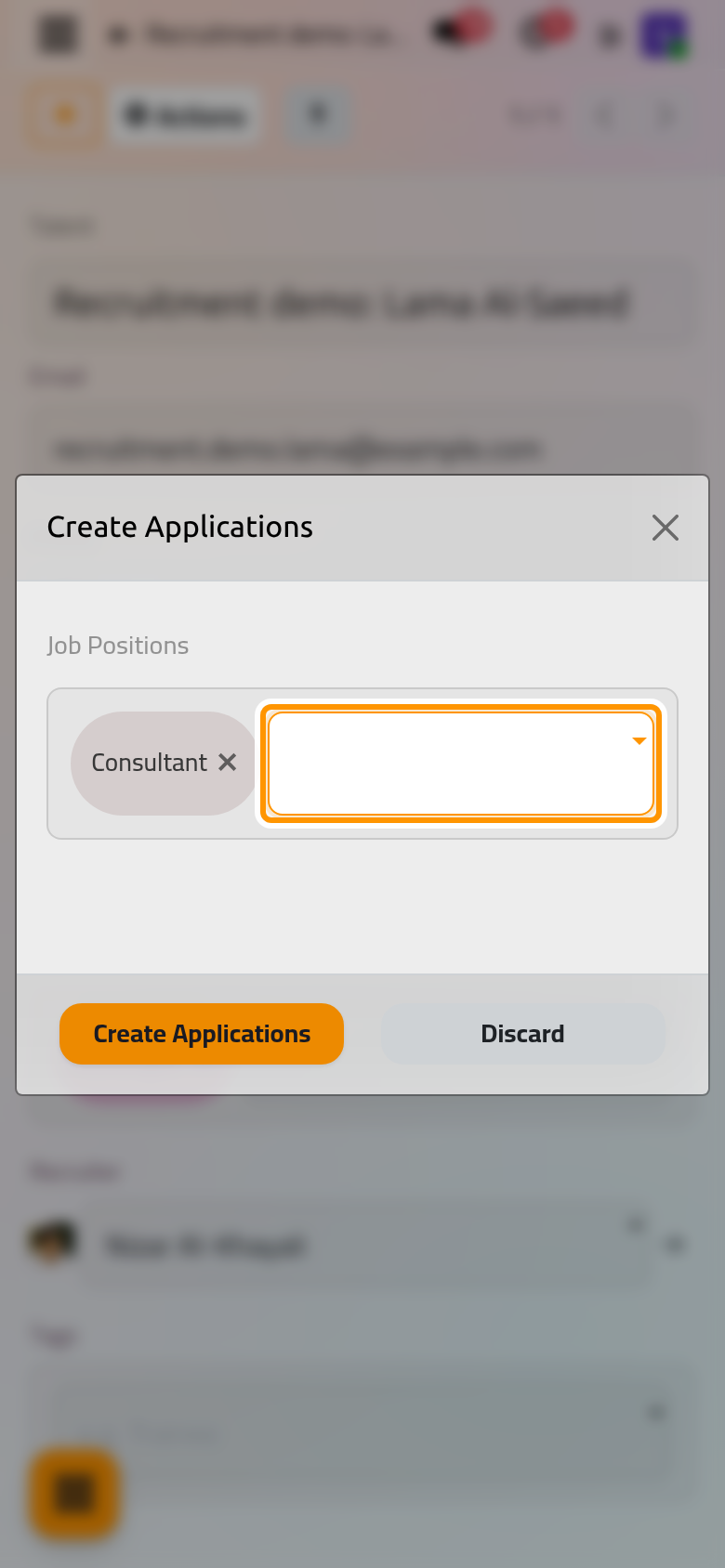
- With one position, the new application opens in the first stage of that position; with several, a message lists the applications created. Each one is linked to the talent through its Talent Pools button, and receives the acknowledgement e-mail like any new application.
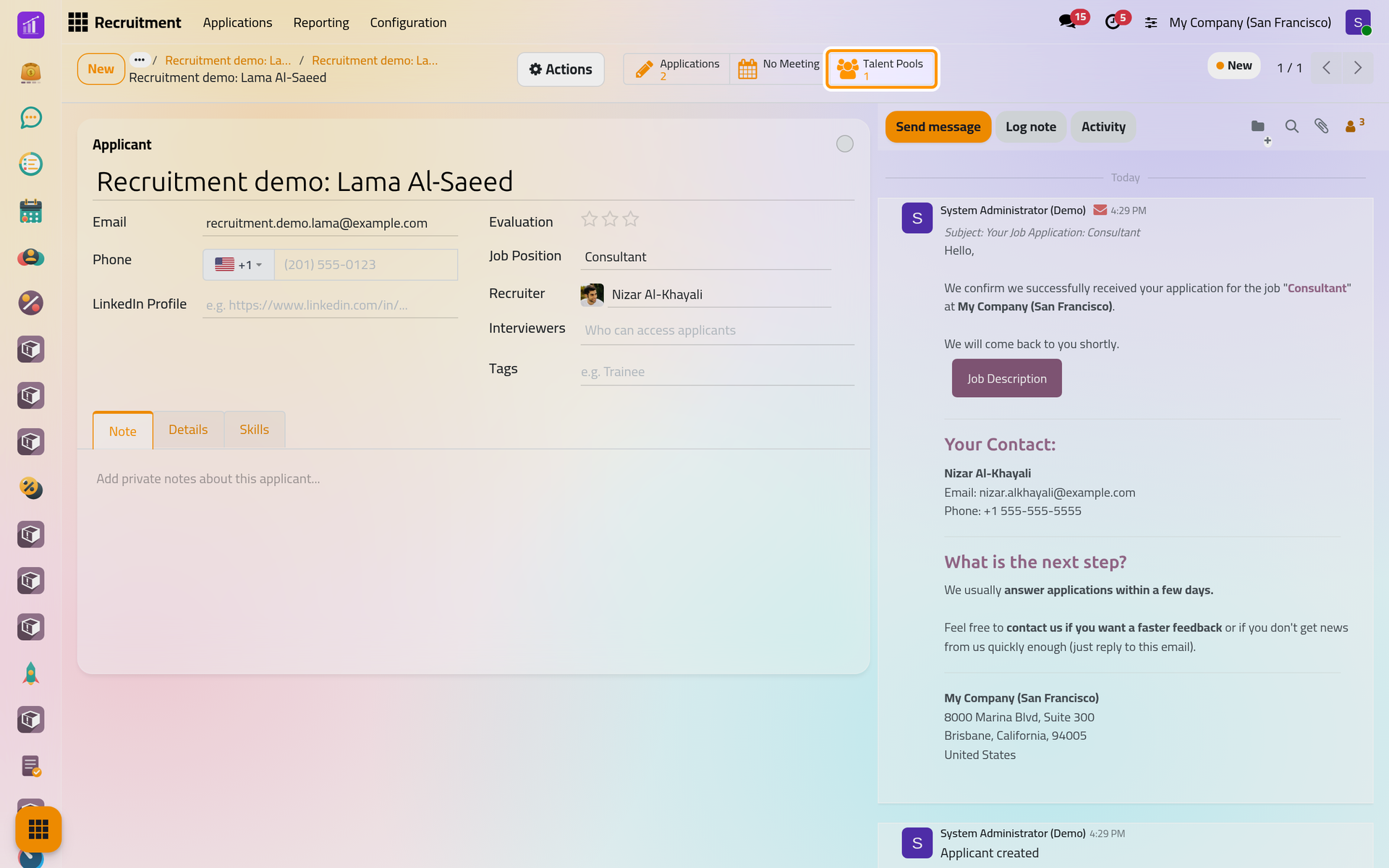
On a phone, the Talent Pools button sits behind the lightning button at the top of the form.
Inside a pool, New Talent on its card creates a talent from scratch, and Add Applicants in its list of talents adds several existing applicants at once.
FAQ
Why is Add to Pool missing from the Actions menu?
The applicant is already in a pool, either as a talent or through another application that shares the same e-mail, phone number or profile link.
Do talents appear in the pipelines?
No, a talent has no job position. In , replace the default Applicants filter with Talents to list them.
The applicant changed e-mail address. Is the talent updated?
Yes. A change of e-mail, phone number, profile link or degree on an application linked to a talent is copied to the talent.
Can a talent belong to several pools?
Yes: add them in the talent's Talent Pools field, or choose several pools in the Add to Pool dialog.
Was this page helpful?
Thank you for your feedback.