Consultations and executions
On this page
A consultation is a legal question the firm answers for you; an execution enforces a court decision in which you are the client. The portal shows both as the firm records them, like your cases.
Before you start
- You need a portal account, sent by the firm as Give a client portal access shows.
- A consultation reaches your list when the firm opens it to portal users, you follow it and you are its client; an execution, when you are its client. Choose what a client sees explains the rules.
Your consultations
On the portal home, click Consultations. The list gives each consultation's Sequence, Subject, Deadline, Lawyers and Status: Draft, Approved, Late, Done or Rejected.
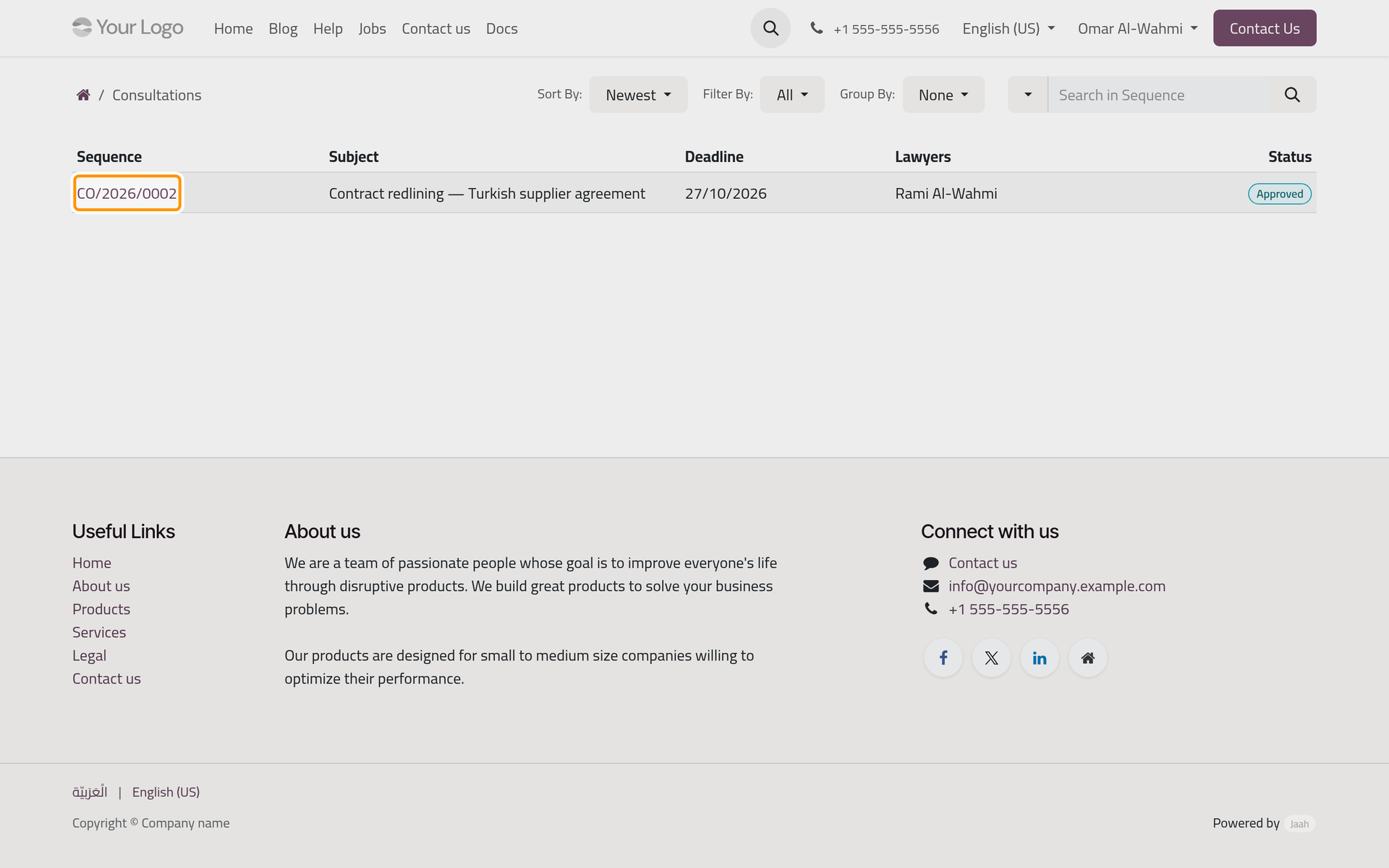
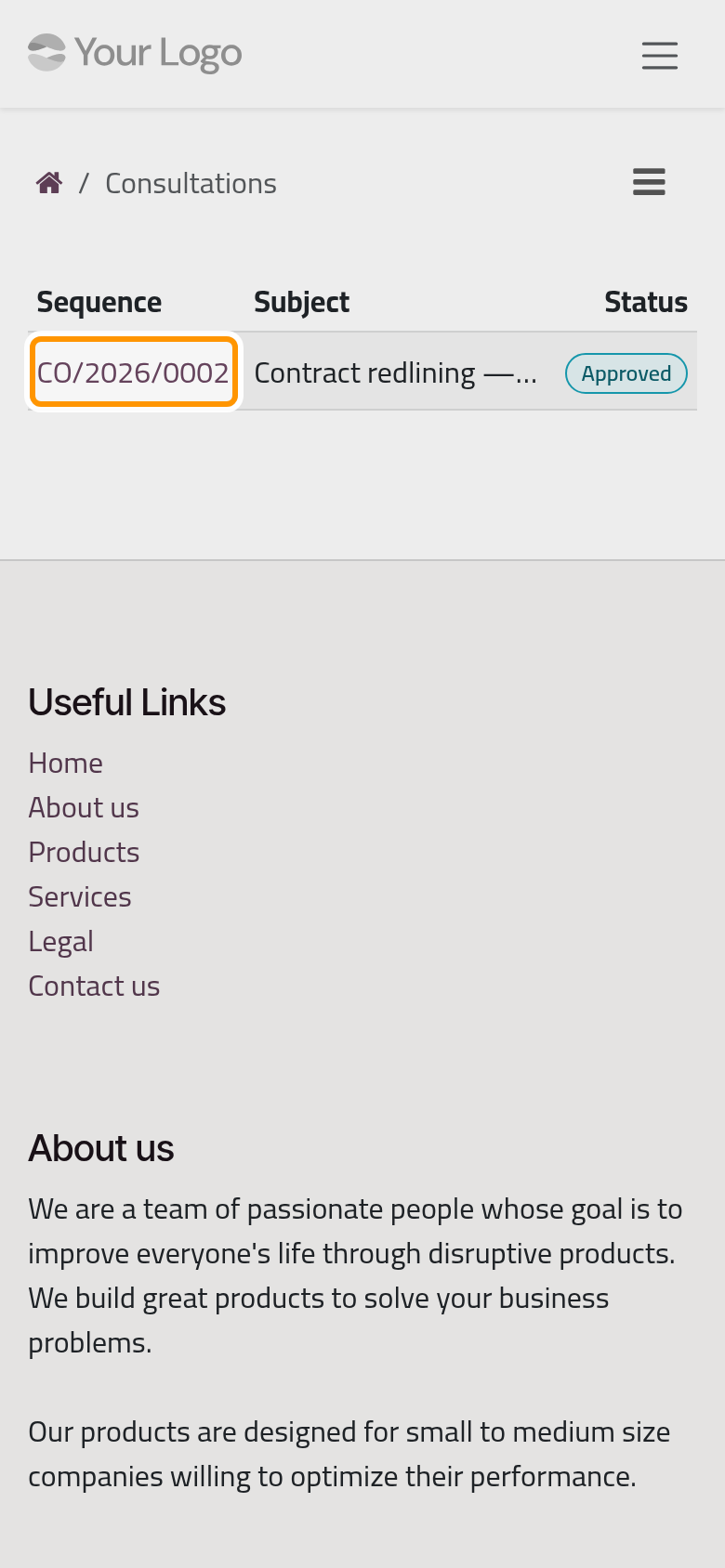
Sort By orders them by Newest, Deadline or Sequence, Filter By keeps one status, and Group By groups them by State. The search box looks in the sequence, the subject, the lawyers or all of them. On a phone, these controls sit behind the ☰ button above the list.
Read a consultation
Click a consultation's number. Beside its subject and status, the page gives the Deadline, and Approved On once approved. The tabs hold the substance:
- Inquiry: your question, as the firm recorded it;
- Advice: the firm's advice;
- Response: the firm's written reply;
- Oppositions, Third Parties and Lawyers: the parties and the firm's lawyers on the consultation.
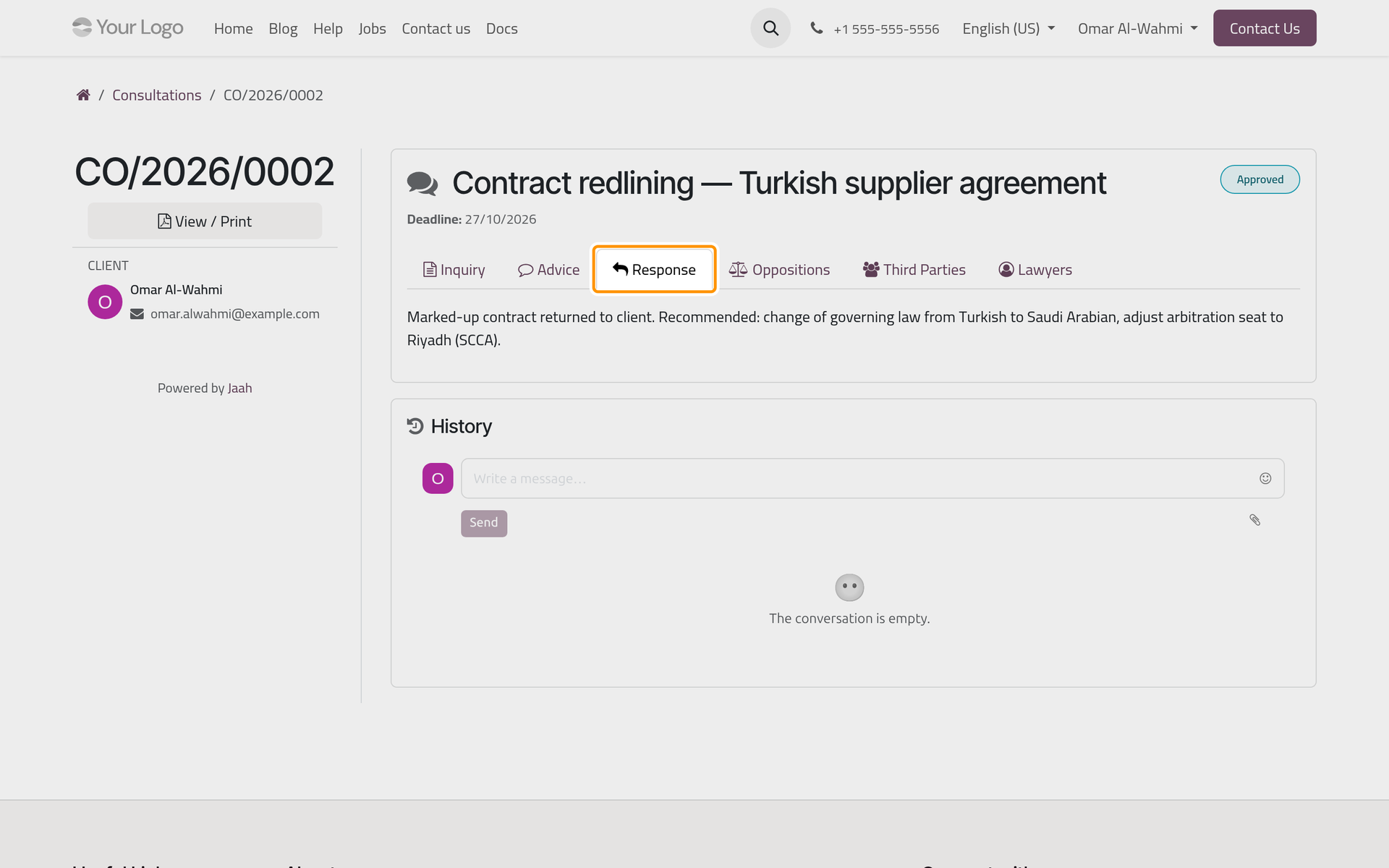
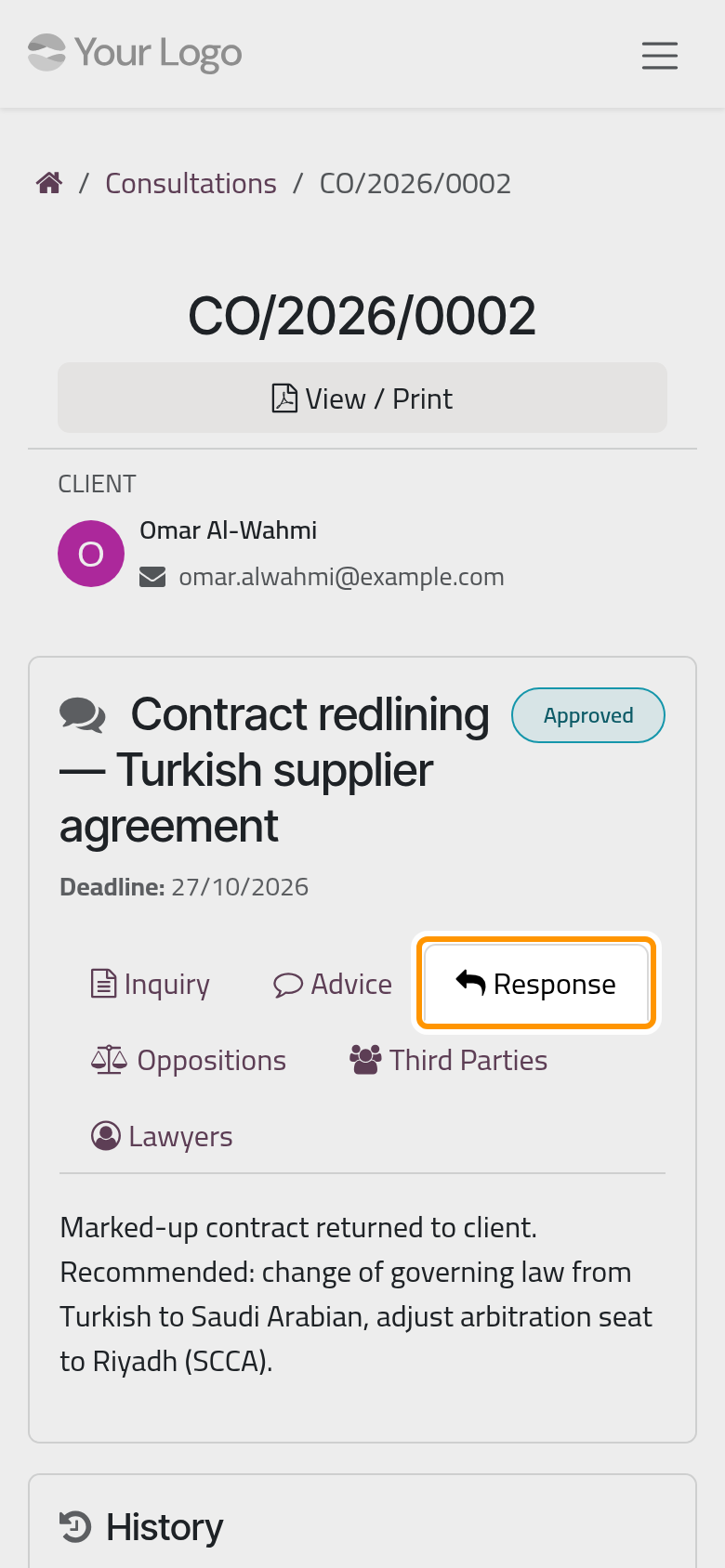
History holds the messages the firm shares on the consultation, with a box to write back. View / Print opens the consultation report as a PDF, in the language of your contact, like the case report. The firm's side: Print consultation reports.
Your executions
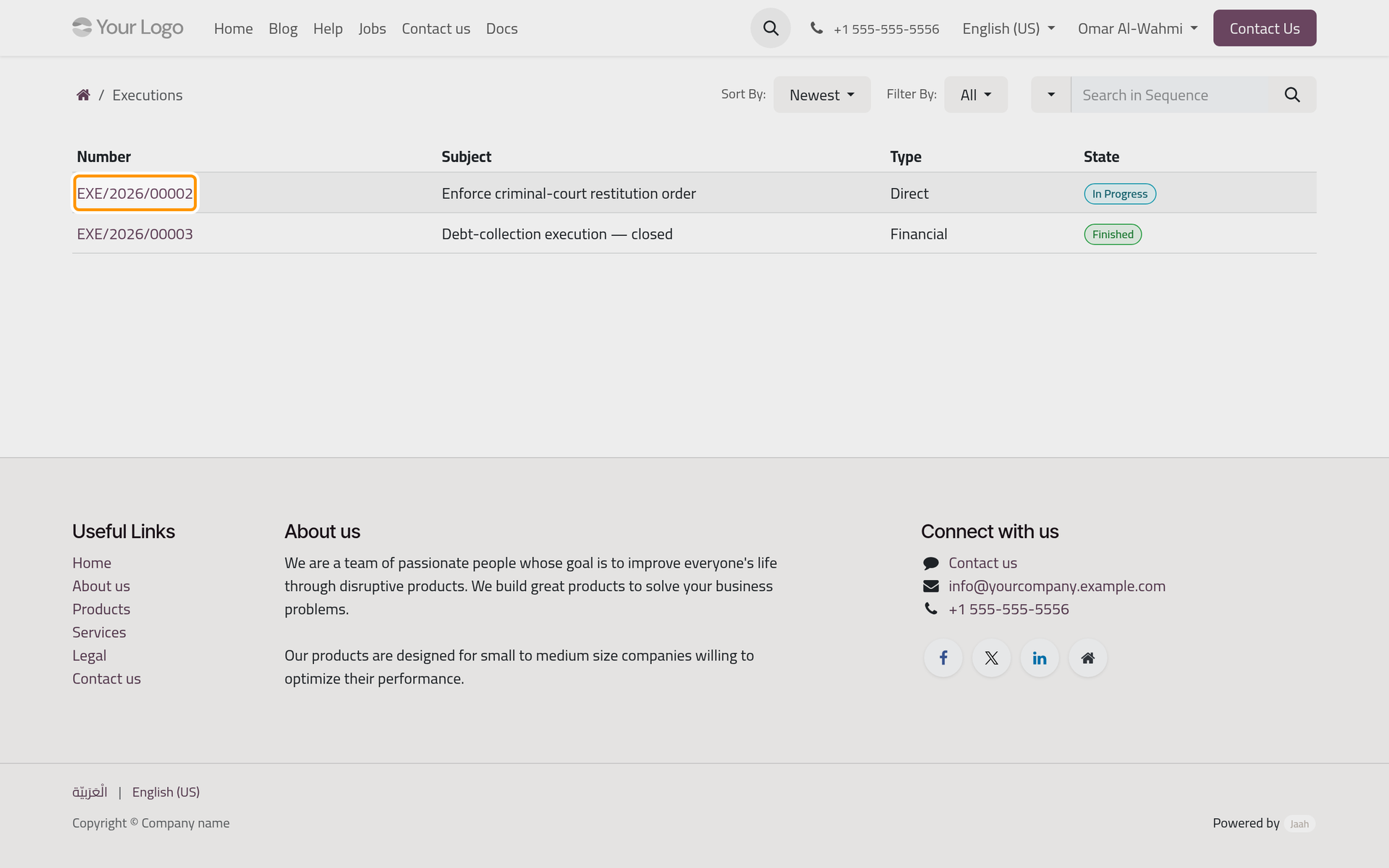
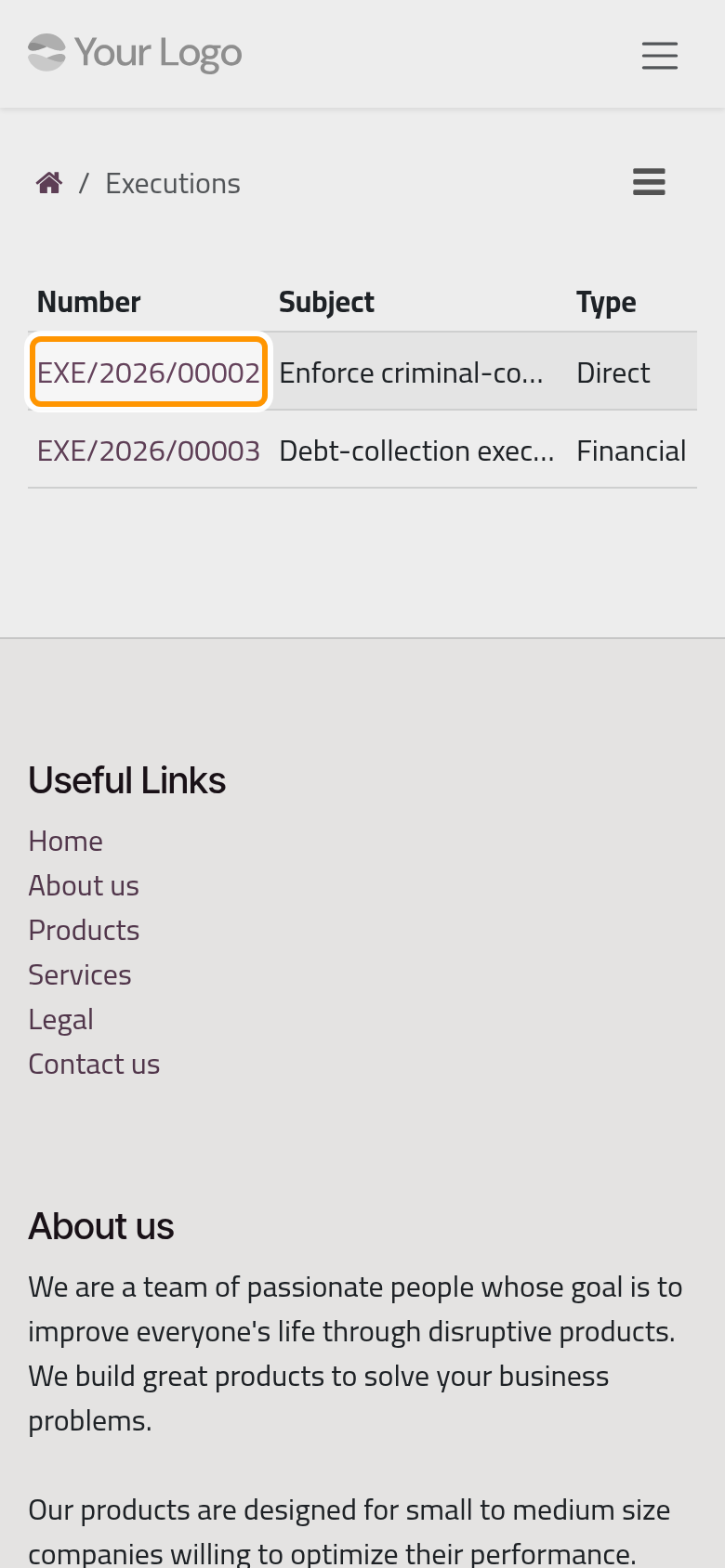
On the portal home, click Executions. The list gives each execution's Number, Subject, Type and State: Draft, In Progress, Finished, Suspended or Rejected. Sort By orders them by Newest or Sequence, Filter By keeps one state, and the search box looks in the sequence, the subject or both.
Read an execution
Click an execution's number. The page gives its Type, Direct or Financial, its Court, its Number at the court and its Case when there is one. Then the tabs:
- Financial, on a financial execution only: each amount paid by the debtor, with its Payer, Amount, Paid Date and Payment Method; the Total / Paid / Remaining line above the tabs gives what the decision awards, what has been paid and what is left;
- Procedures: the enforcement procedures the firm records, with their number, subject, date and state;
- Oppositions and Lawyers.
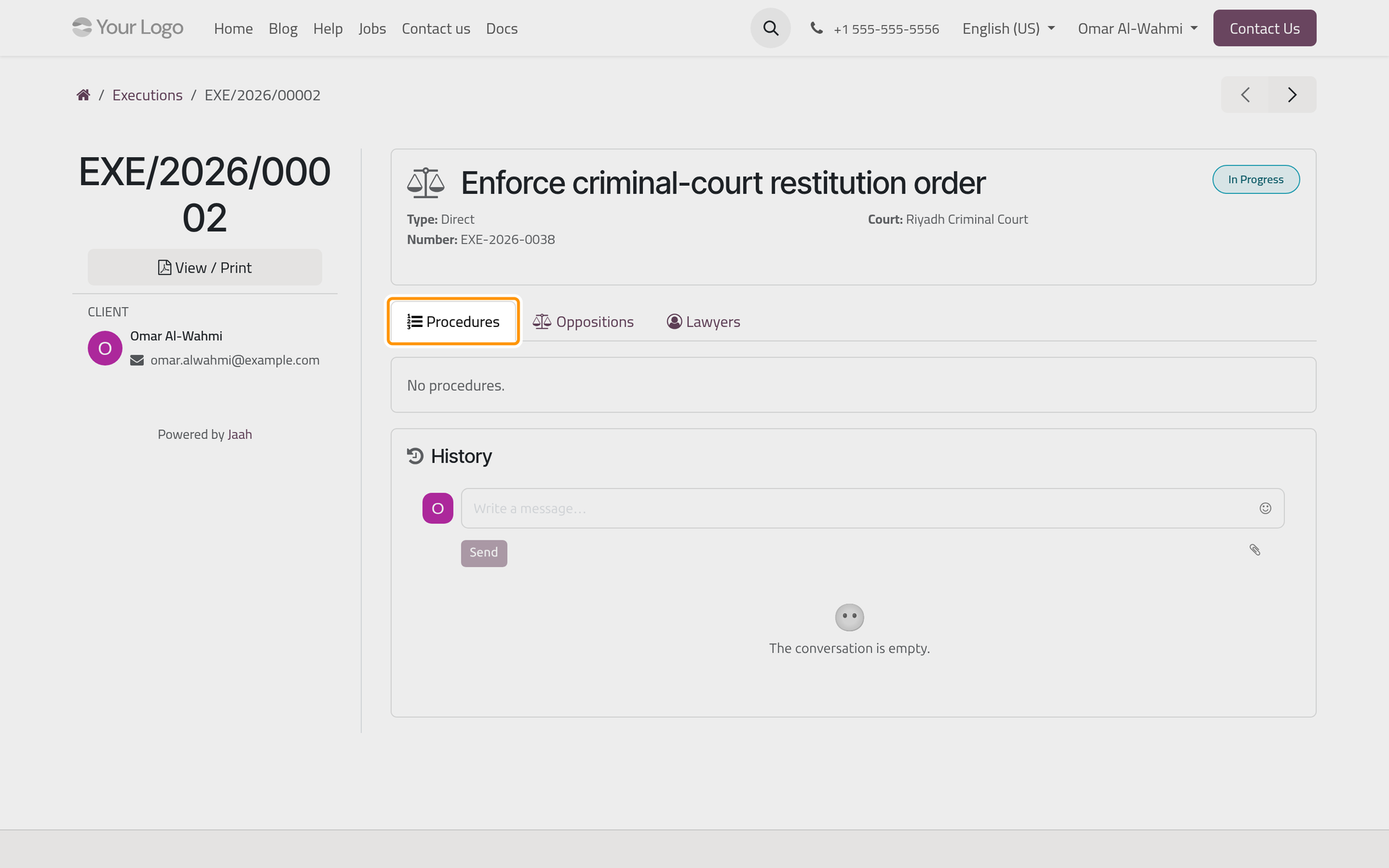
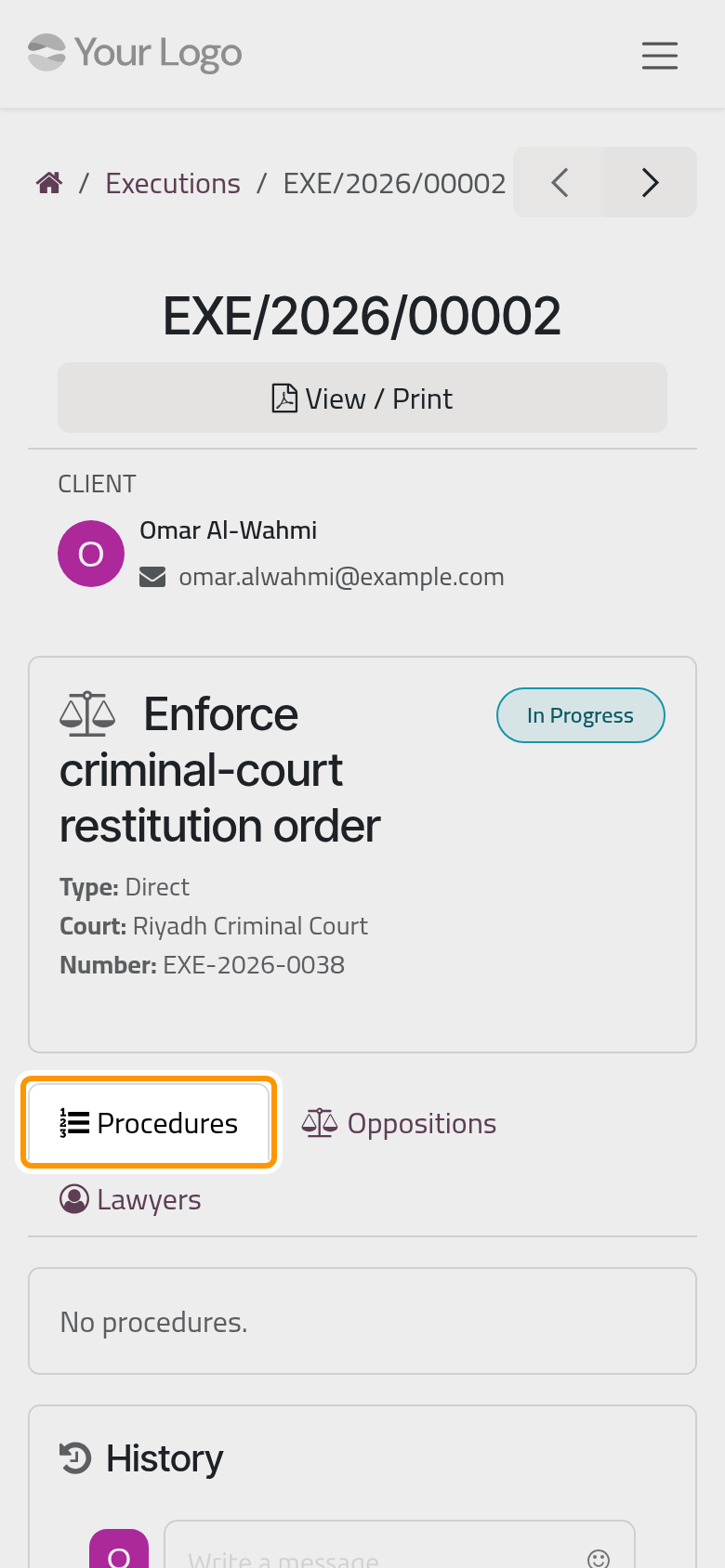
History follows, as on a consultation. On an execution, View / Print only opens the same page again in a new tab: to keep a copy, print that page from your browser, or ask the firm for its execution report (Print execution reports).
FAQ
Where do I send a new legal question?
From Create Legal Request on the portal home. The firm reviews the request and registers it as a consultation or a case; Send a new request shows the form.
The consultation says Late. What does it mean?
The firm approved it and has not finished it by its Deadline. The firm sees the same state and follows it up; write under History if you need an answer by a given date.
A consultation or an execution of my company is missing. Why?
Both lists show the records whose client is you, as a contact; a record whose client is your company does not show. Ask the firm to record you as the client, or to send you the details.
Can I pay the remaining amount of an execution here?
No. The Financial tab follows what the debtor pays in the execution. The firm's own fees reach you as invoices, which Invoices, quotations and payments covers.
Was this page helpful?
Thank you for your feedback.