Invoices, quotations and payments
On this page
Once signed in, a client sees the invoices and quotations the firm has issued to them, opens each one, downloads it and pays it online. The demo client Omar Al-Wahmi has the invoice INV/2026/00012 and the quotation S00033.
Before you start
- The client needs a portal account: Give a client portal access.
- The lists show every document of the client's company: an invoice once it is posted, a quotation once it has been sent. Choose what a client sees explains the rules.
Your invoices
On the home page of the portal, open Your Invoices. Each row gives the Invoice #, the Invoice Date, the Due Date, the Amount Due and the Status, such as Waiting for Payment. When the firm lets its clients pay online, an unpaid invoice carries a Pay Now button at the end of its row.
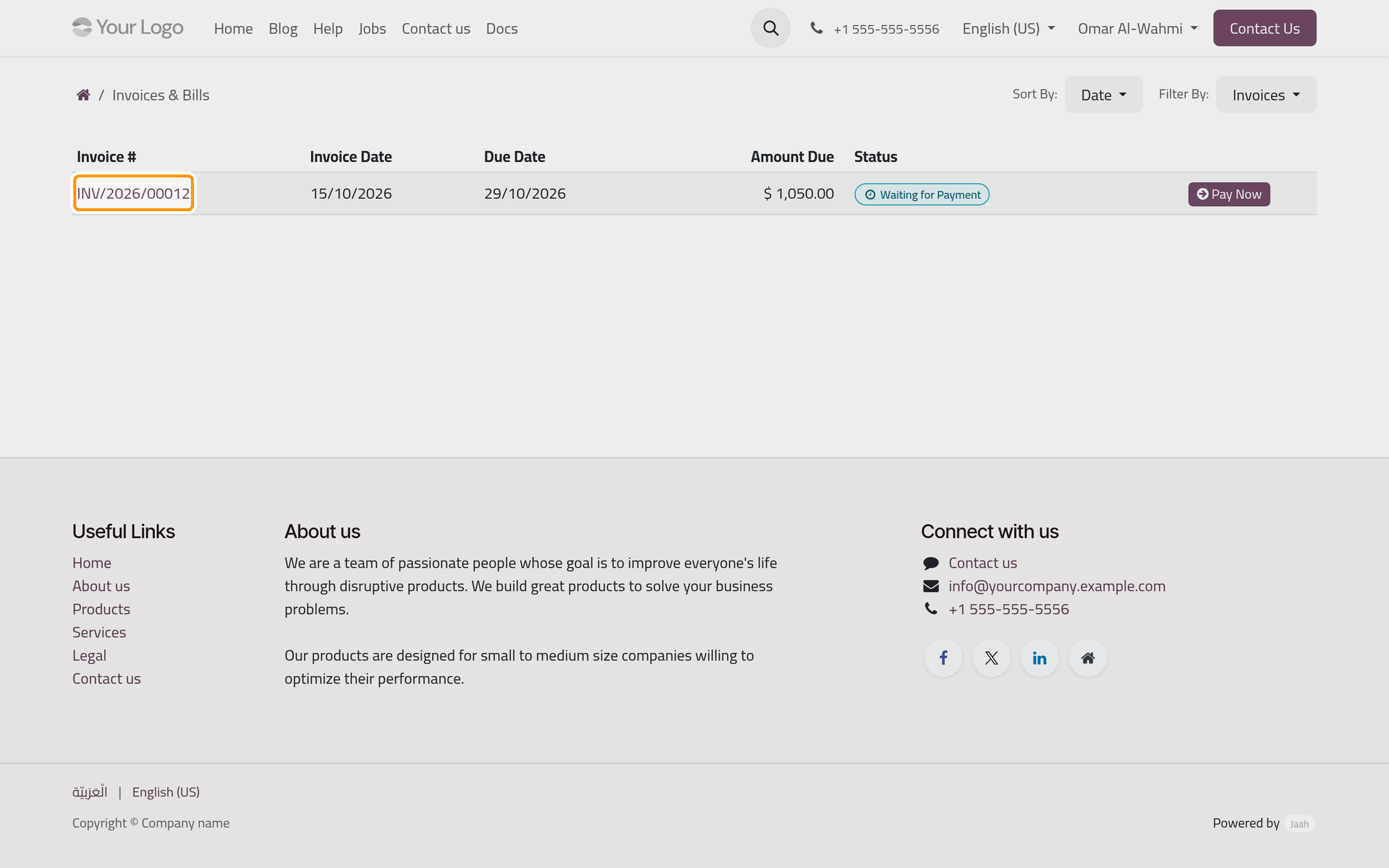
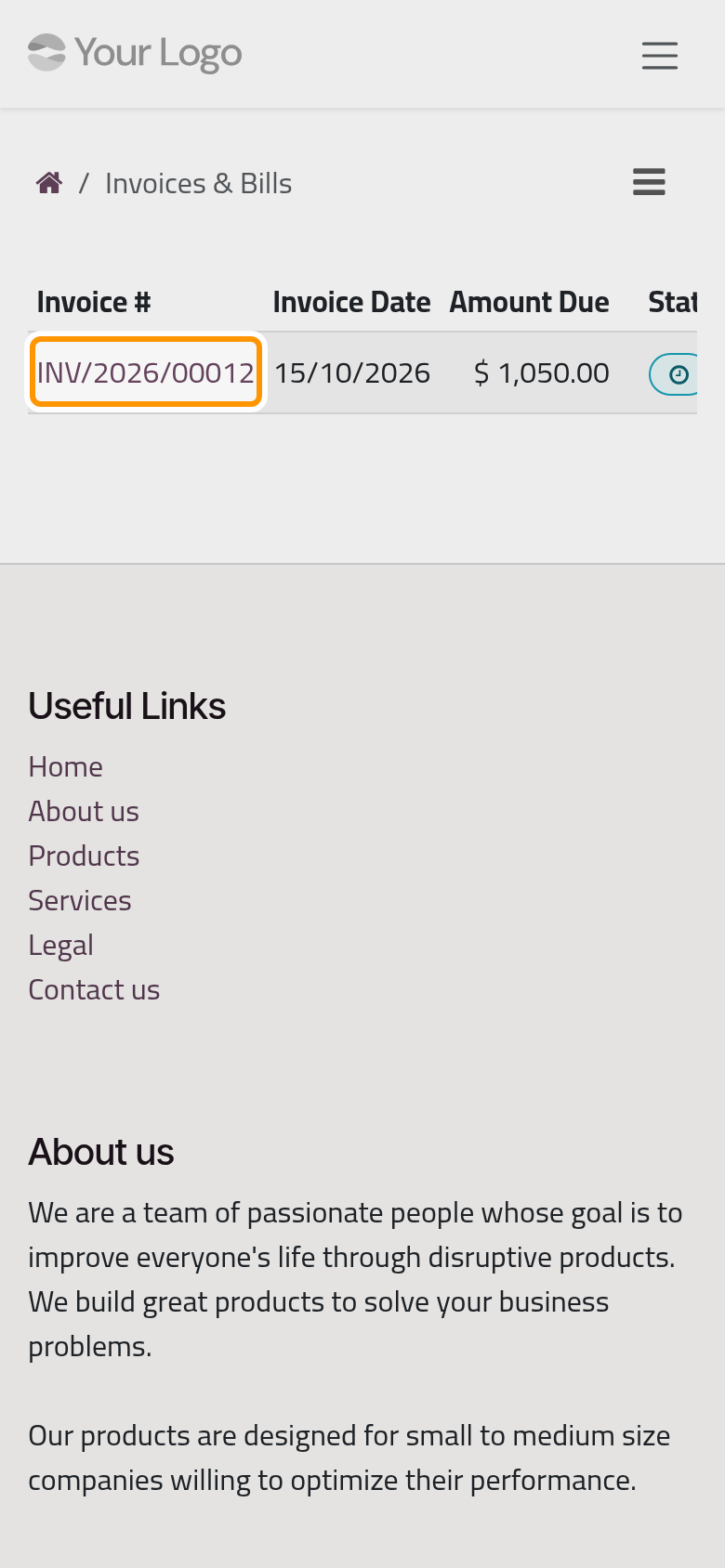
Filter By switches between Invoices, Bills, Overdue invoices and All, and Sort By orders the list by date, due date, reference or status.
Open an invoice
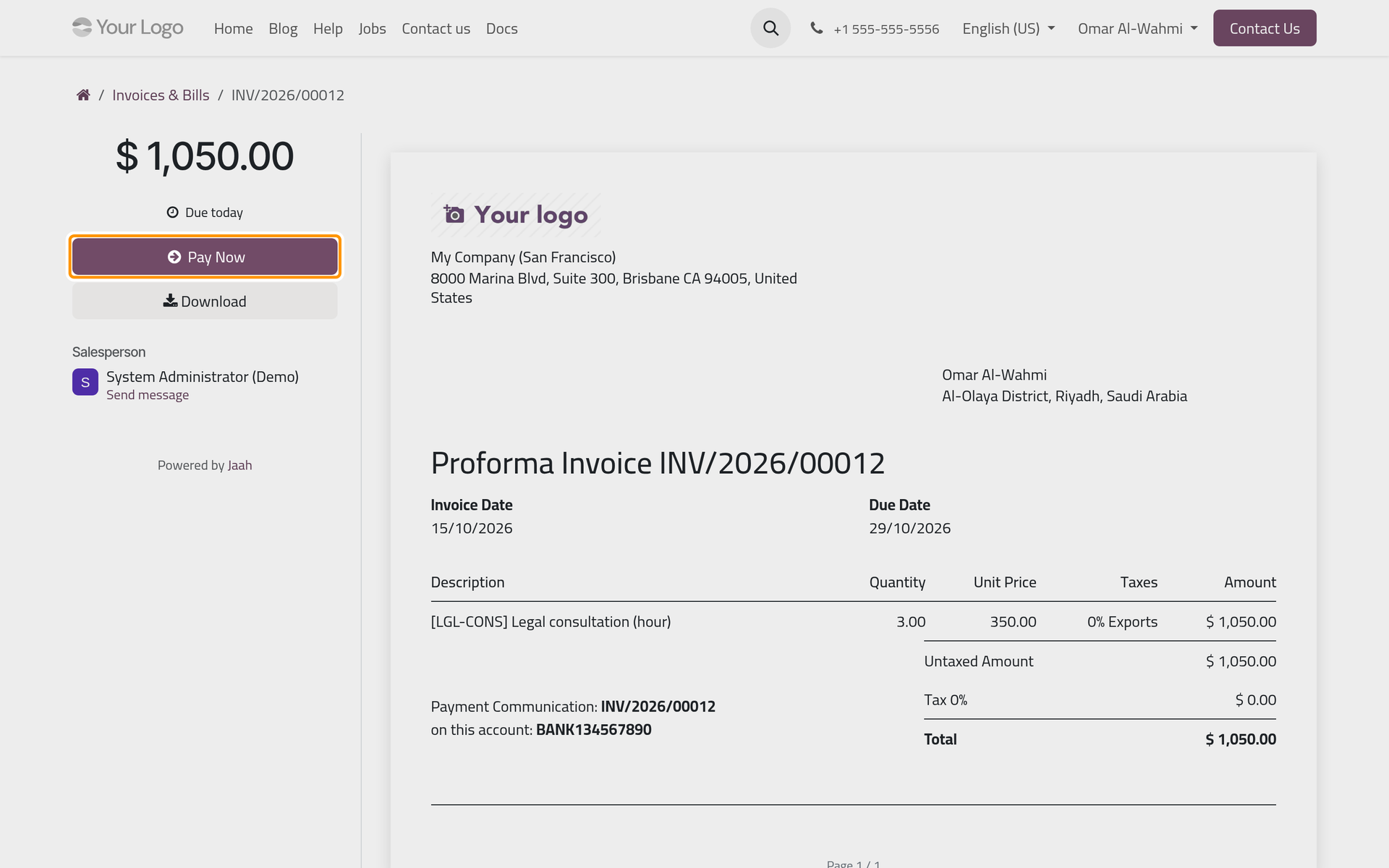
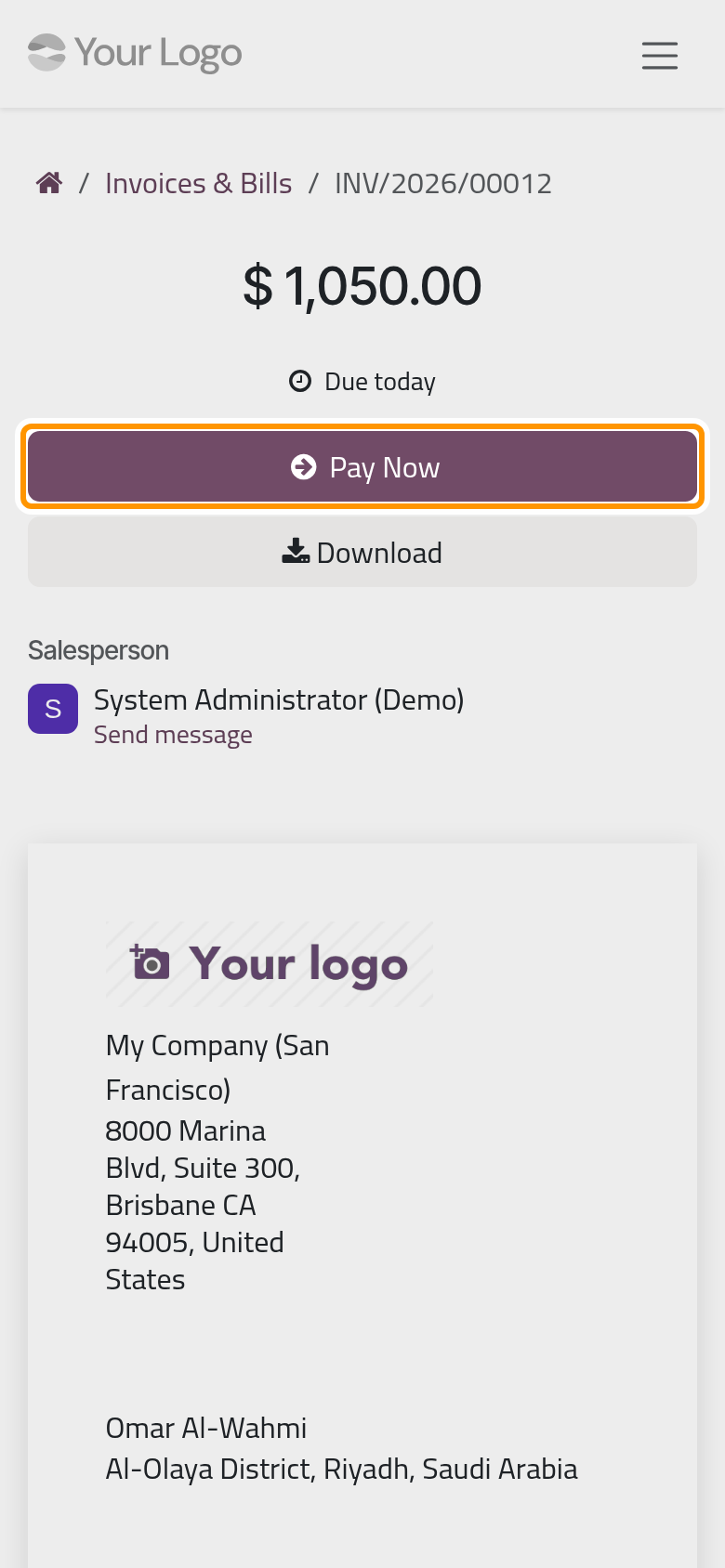
Click the invoice's number. The side column shows the amount, the time left before the due date or the delay, then two buttons:
- Pay Now opens the payment window;
- Download saves the invoice as a PDF.
Under them, Salesperson names the firm's contact; Send message leads to Communication history at the bottom, where a message reaches the firm on the invoice itself. The invoice fills the rest of the page; when the client's language is Arabic, it is drawn in Arabic.
Pay an invoice
Pay Now opens the Pay window with the Amount and the Reference, then the payment methods the firm offers online, such as a card, an instalment plan or a bank transfer. The client chooses one and confirms, and the payment is recorded on the invoice. How the firm switches these methods on is explained in Your first online payment, and what a client sees when choosing a bank transfer in Set up bank transfer.
The invoice also prints the payment reference and, when set, the firm's bank account, for a transfer outside the portal.
Your quotations and orders
When a quotation waits for an answer, the home page shows a Quotations to review card with their number. The list gives the Quotation #, the Quotation Date, Valid Until, the last day it can be accepted, and the Total.
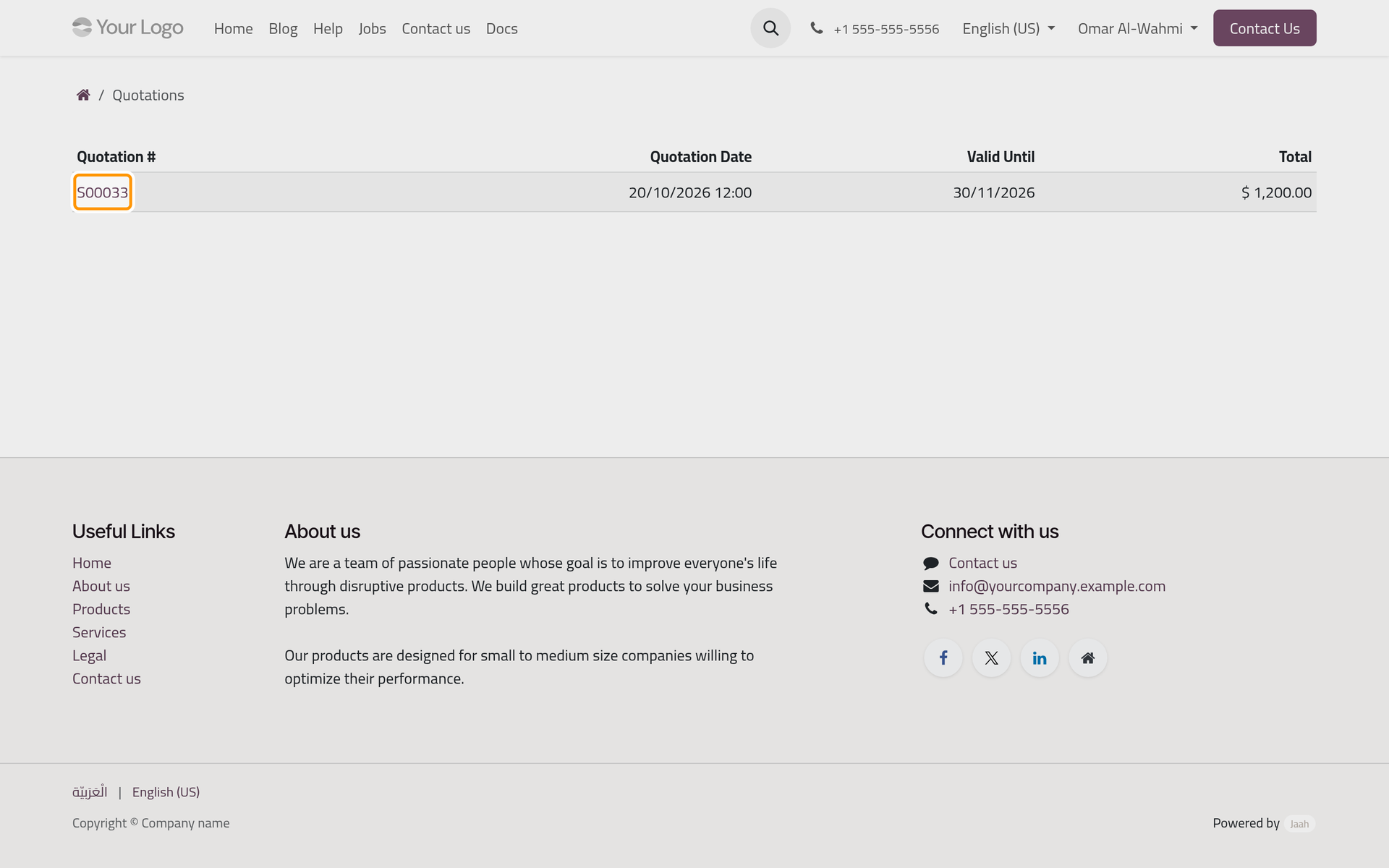
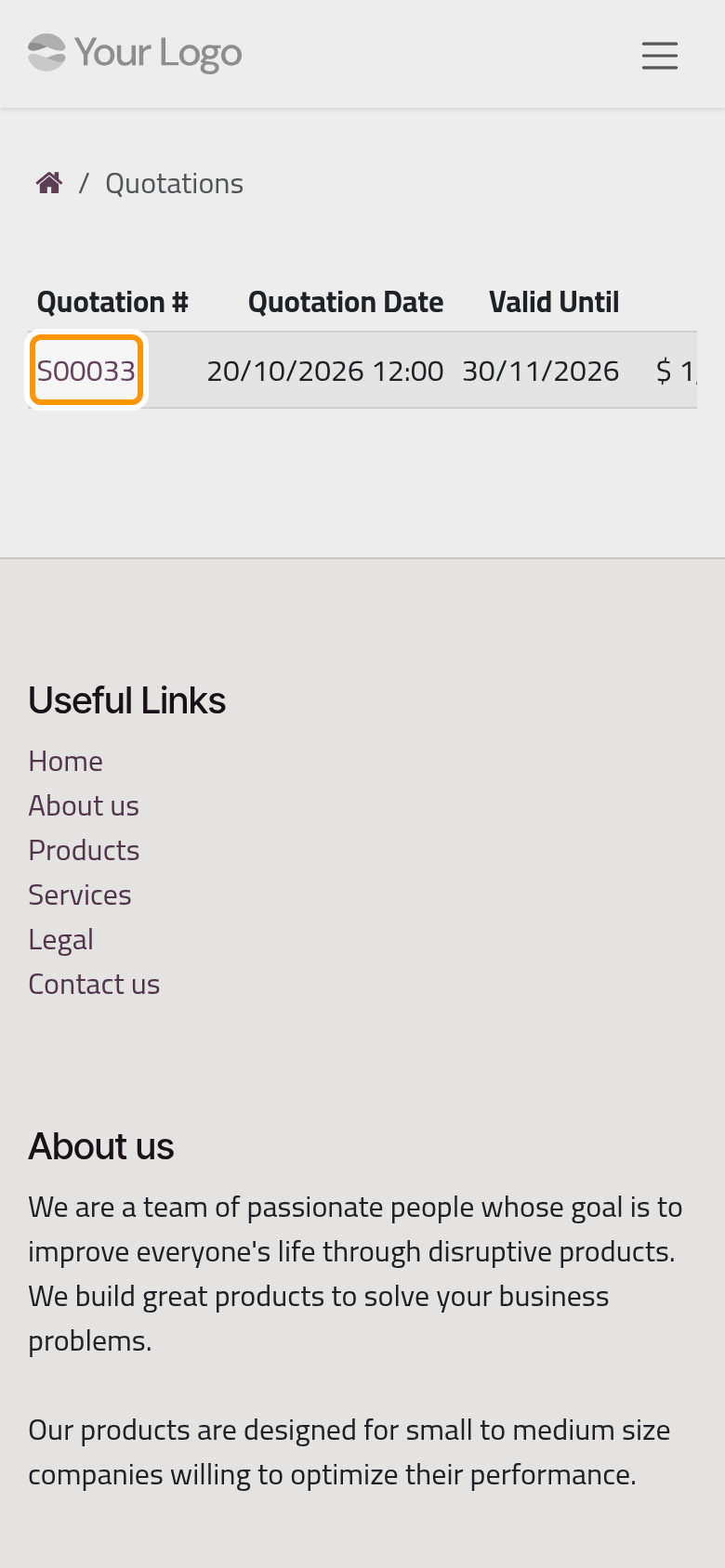
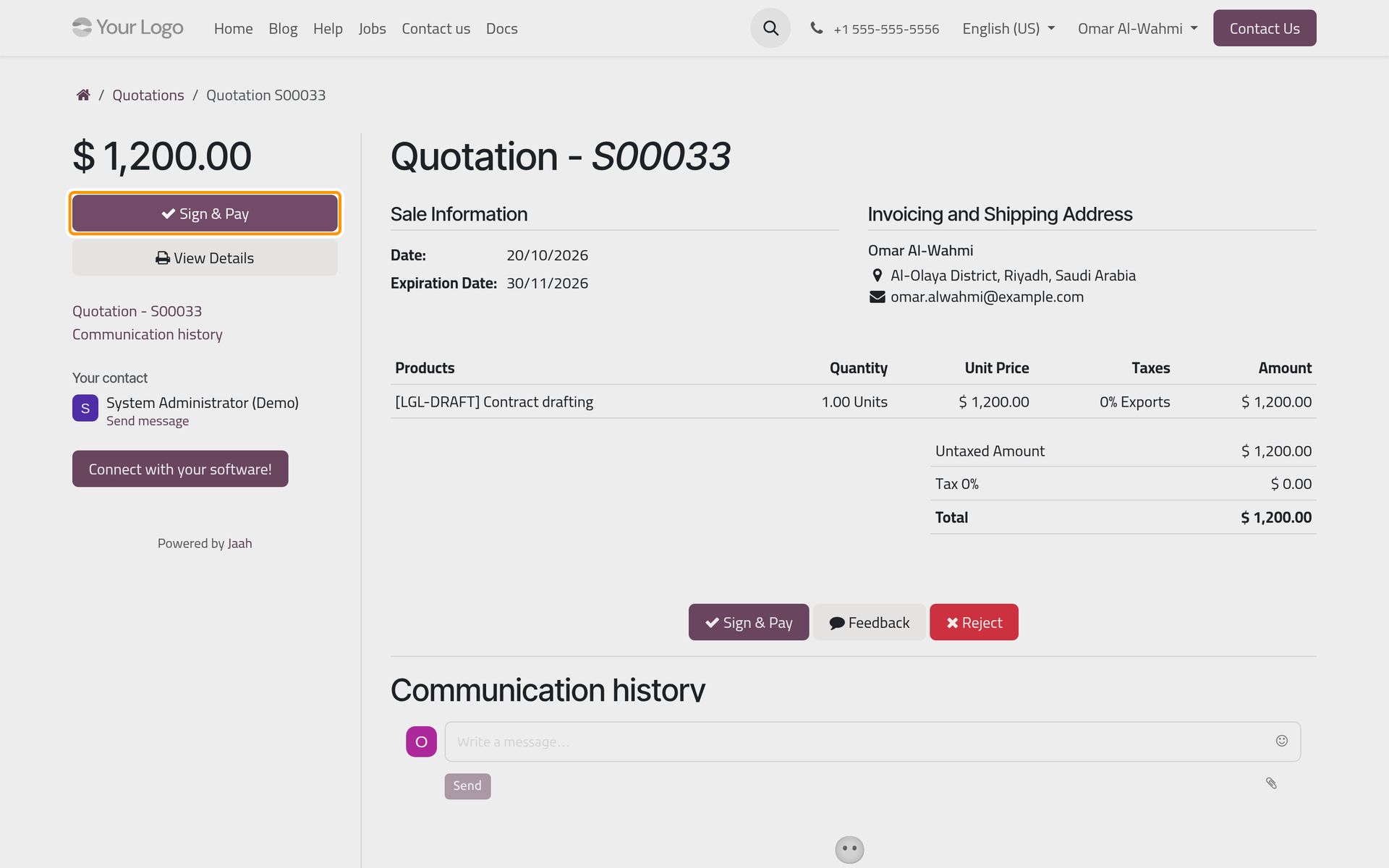
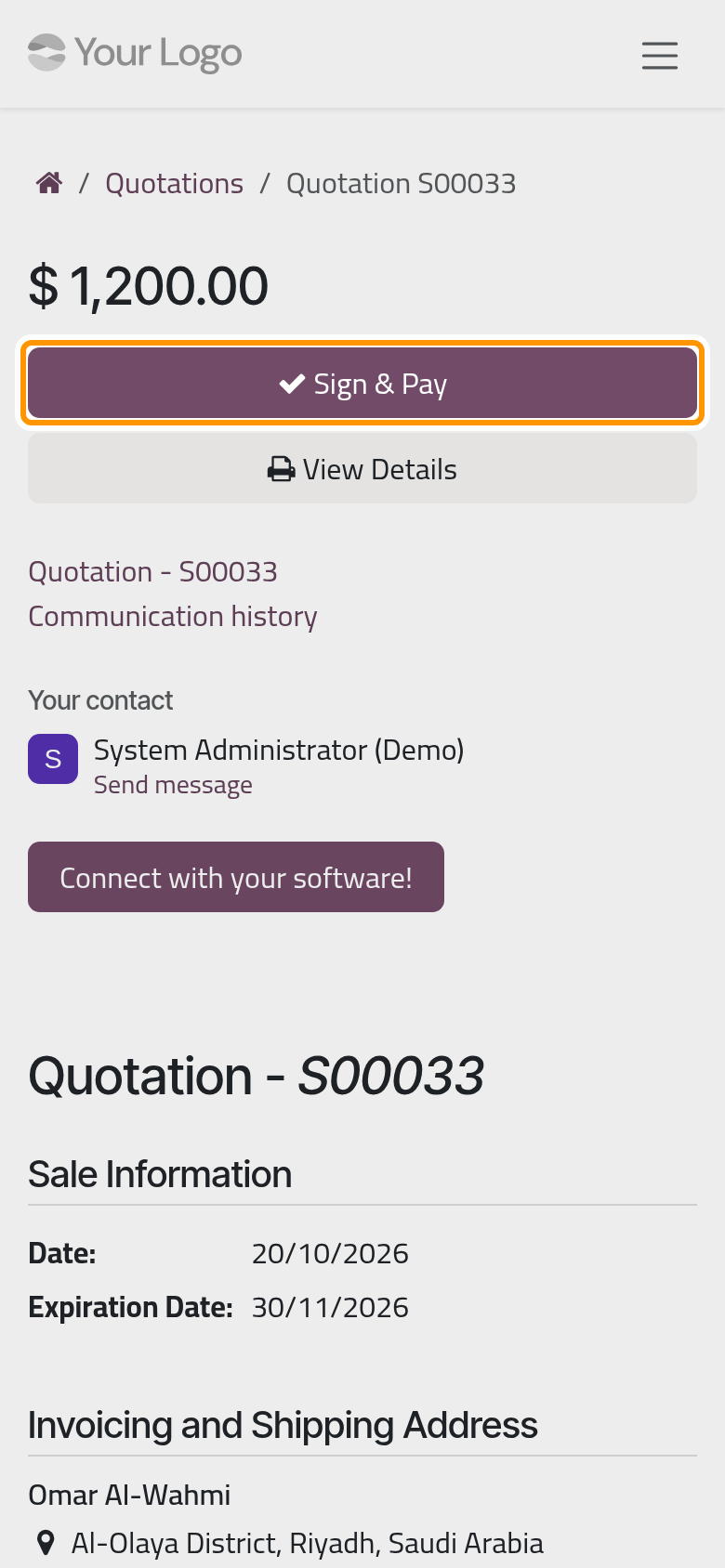
Open a quotation to read it. The main button depends on what the firm asks: Accept & Sign for a signature, Sign & Pay for a signature and an online payment, Accept & Pay for a payment alone. When a payment is asked, the order is confirmed once it goes through. View Details opens the quotation as a PDF. At the end of the page, Feedback writes to the firm and Reject refuses the quotation with a reason. Signing is explained step by step in Get the client's signature.
A confirmed quotation becomes an order and moves to Your Orders. The demo client has no order yet, so that list says so.
FAQ
Why does my invoice say Proforma Invoice?
The firm has posted the invoice but not sent it yet. Once the firm sends it, the page and the download show the invoice itself.
The Pay window says No payment method available.
The firm has not published any online payment method yet. Pay with the reference and the bank account printed on the invoice, or write to the firm with Send message.
An invoice the firm mentioned is missing from my list.
A draft or cancelled invoice never shows. If a posted one is missing, ask the firm to check the customer on it.
Can I accept a quotation after its Valid Until date?
No. The page then says that the offer has expired; ask the firm to extend it and send it again.
Was this page helpful?
Thank you for your feedback.