Edit, publish or delete a post
On this page
Once written, a post is kept up to date from the site and from its form: you change it, put it online or take it down, date it later, and archive or delete it. Writing one is explained in Write a blog post.
Before you start
You need the Editor and Designer access right on Website.
Find a post
Open . The list shows the posts of the current website, with their address, Author and Is Published; remove the website filter in the search bar to see those of every website. The search groups them by Blog, Author or Last Contributor, and the Archived filter finds archived posts. The kanban view shows each post's date with a publish switch.
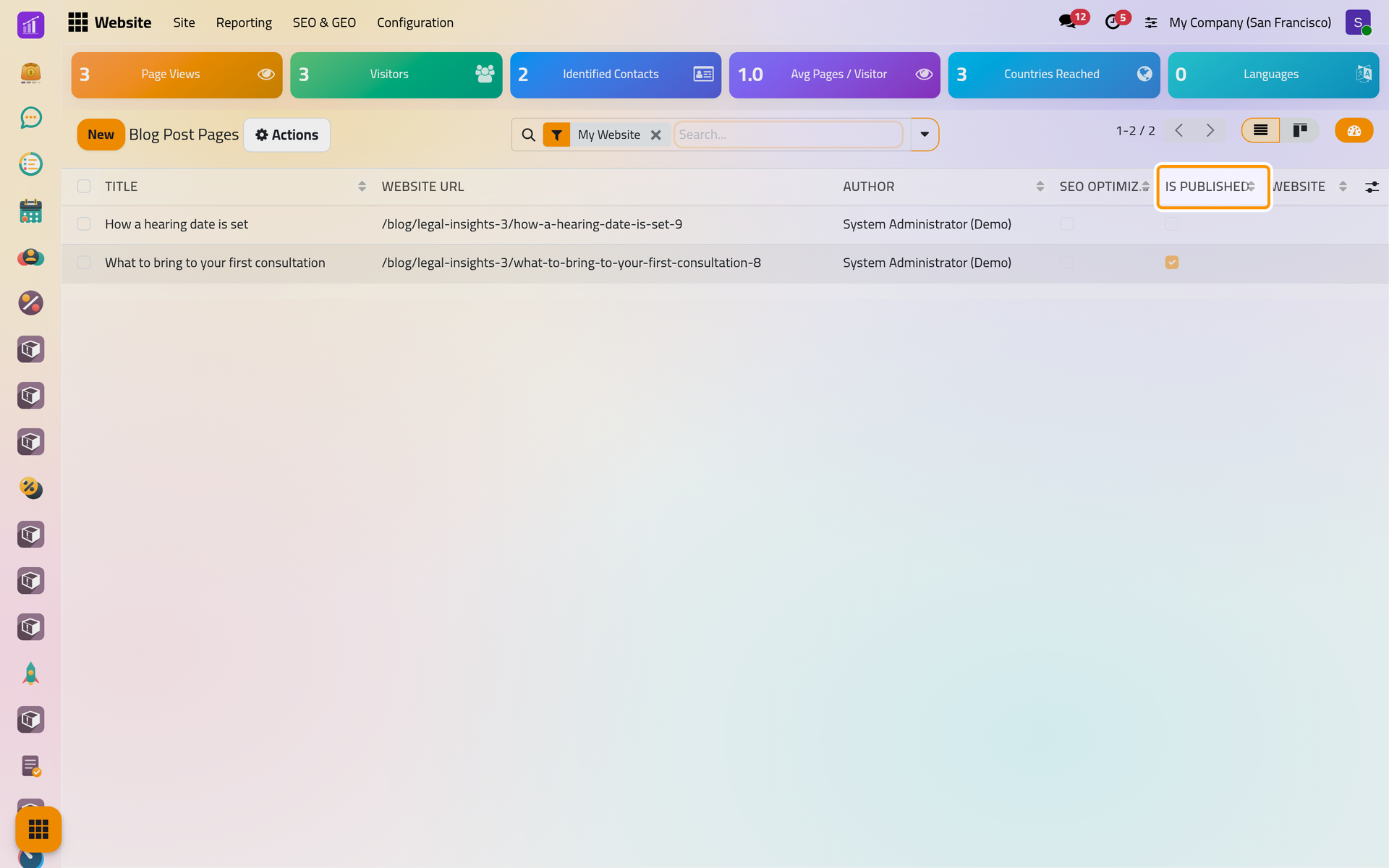
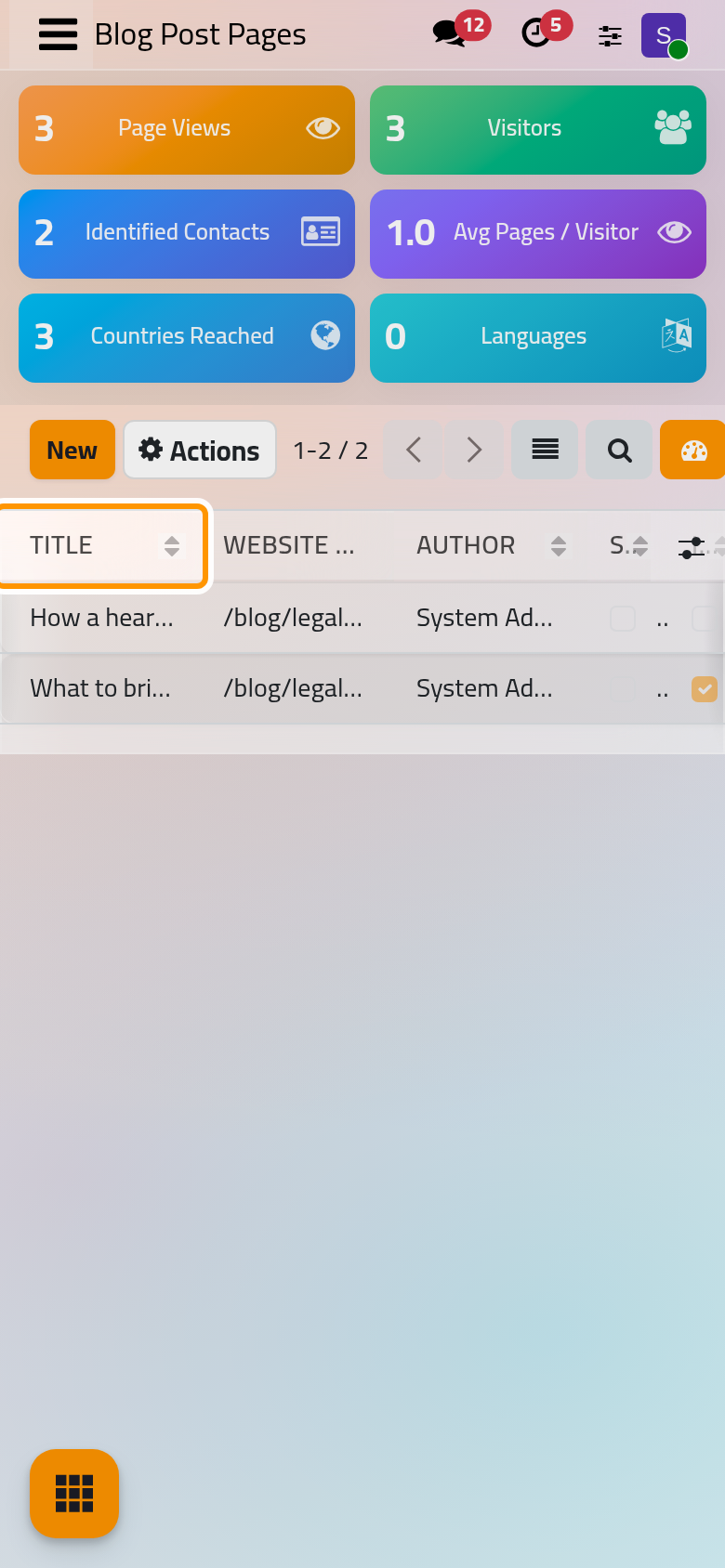
Clicking a row opens the post on the site.
Edit a post
On the post's page, click Edit, change the text or the cover, then click Save. For the title, subtitle, tags, author or date, click Blog Post at the top to open its form (the cog on a phone). A new title changes the post's address, and the old address sends visitors to the new one.
Publish or unpublish
The switch at the top of the post's page shows its state. On a phone, the switch sits at the top without its label.
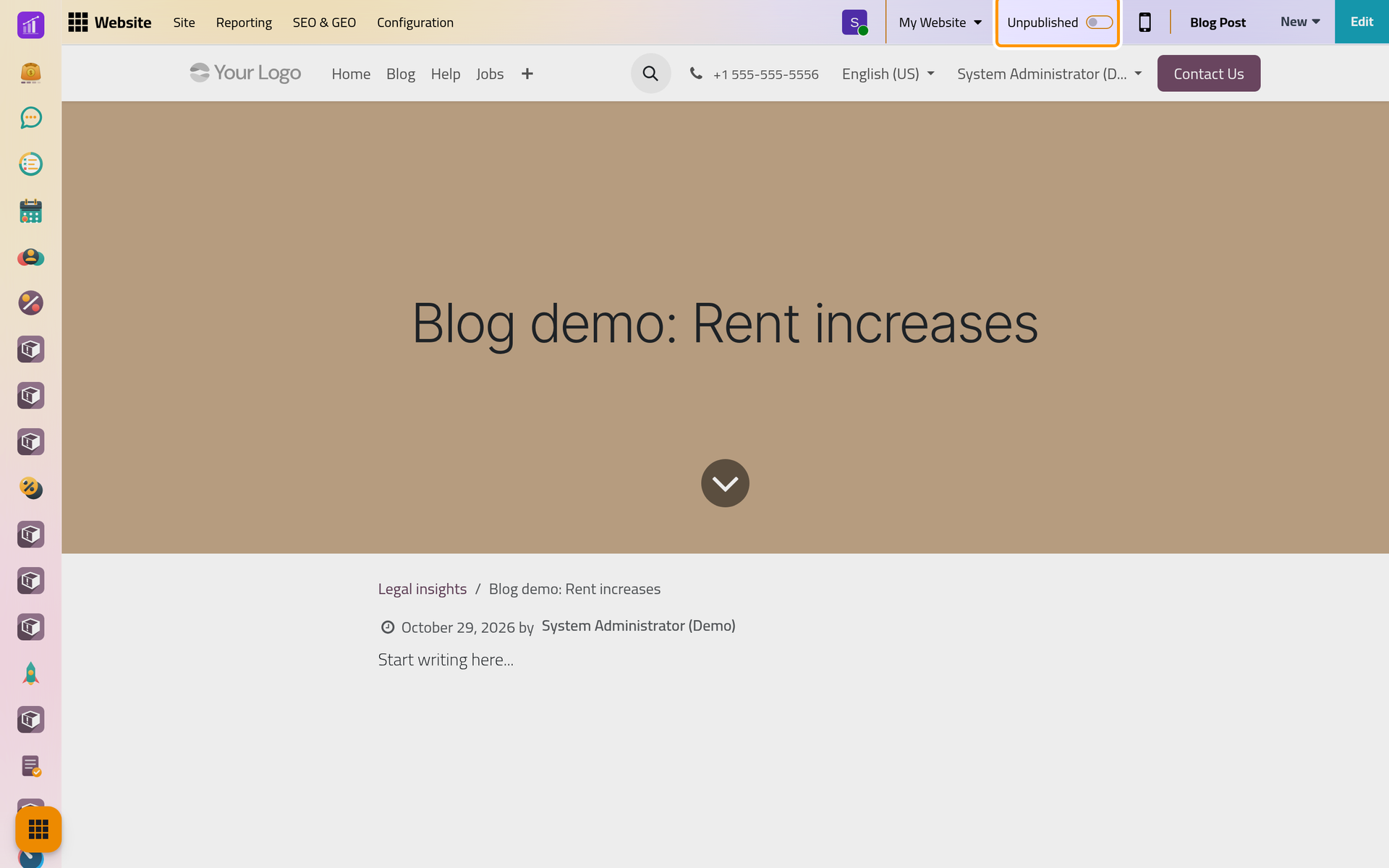
Click Unpublished: it turns to Published, and visitors find the post on its blog.
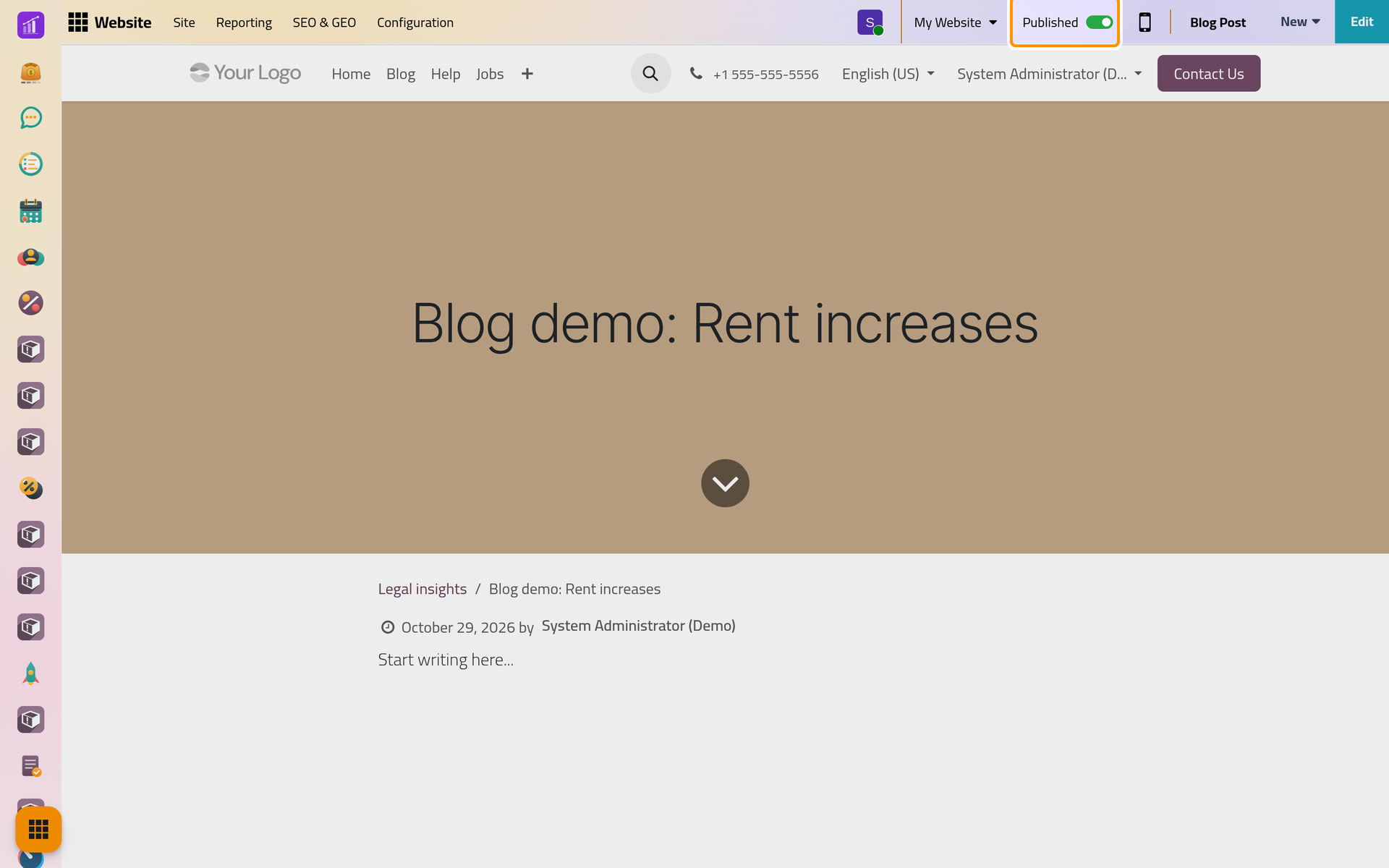
When a post is published:
- without a publishing date, or with a date already past, it is dated the moment you publish it;
- the followers of its blog receive a message announcing it, at once, even when its date is later.
Unpublished takes the post back to editors only; its link then shows visitors a page that is not found. A past publishing date is cleared: the post shows its creation date until it is published again, then the day of that new publication.
To publish several posts, tick them in the list and choose Actions, Publish, then Ok in Publish Website Content. Unpublish works the same way, without a confirmation.
Schedule a post
- Publish the post.
- Click Blog Post at the top, set the Publishing date to a later day, such as 15/11/2026 09:00, and click Save.
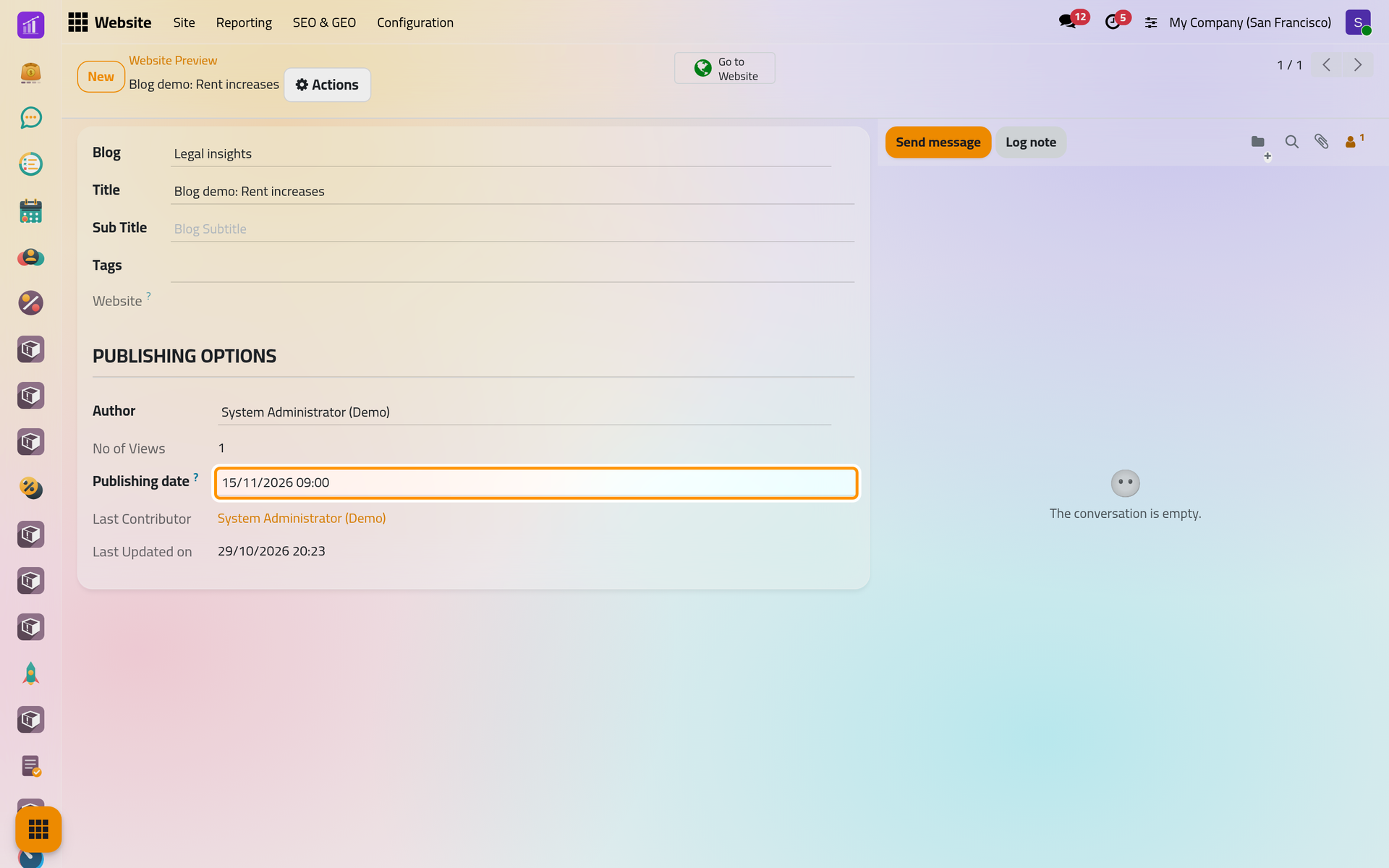
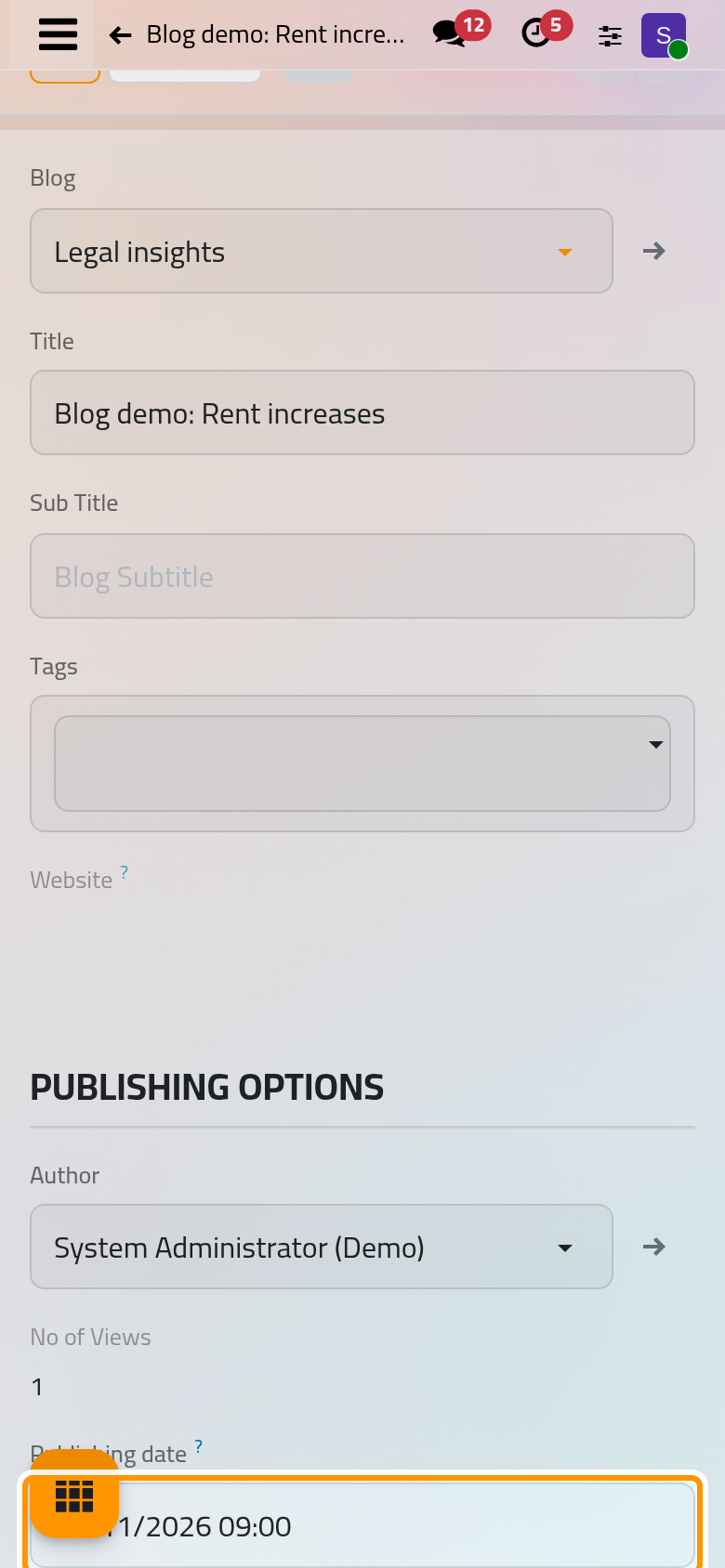
Until that date, visitors do not see the post on its blog, and its link takes them to the blog's page. Editors see it with its later date. Nothing needs to run on the day: the date is checked at each visit. A later date set before publishing is kept when you publish.
Archive or delete
In the list, tick the posts and open Actions.
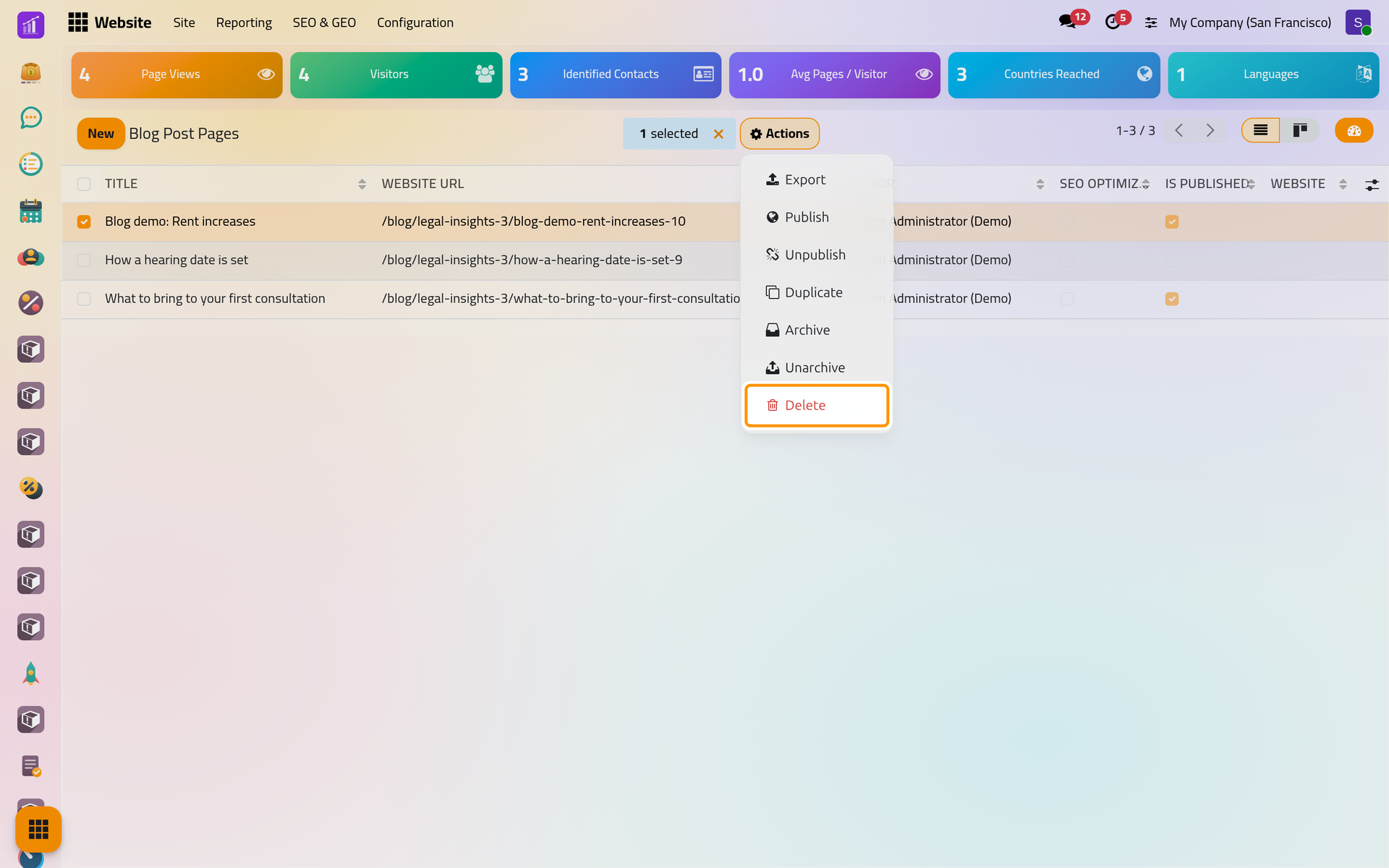
- Archive, after a confirmation, unpublishes the posts and hides them from the list; Unarchive brings them back unpublished.
- Delete opens Delete Page: tick I am sure about this., then click Delete. No, keep it cancels.
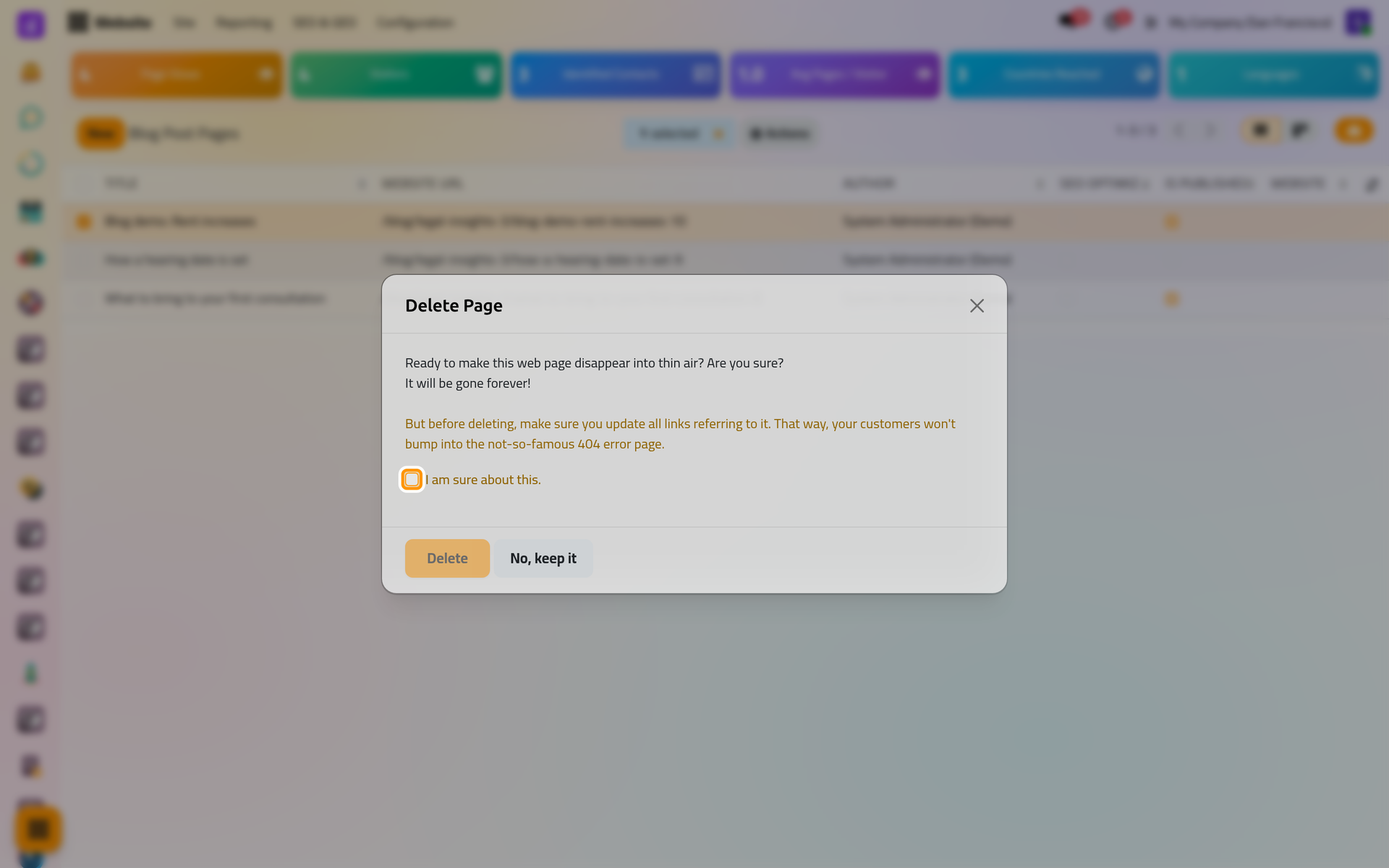
Archive and Delete are also in the Actions menu of a post's form. A deleted post leaves an entry in the recycle bin, which Find a deleted record explains.
FAQ
Visitors still do not see my published post.
Check its Publishing date: a later date hides it until that day. Check also its blog's Website and that the blog is not archived.
Why did the date of my post change?
Unpublishing clears a date already past, and publishing again dates the post on that day. Set the Publishing date back in the form if needed.
Can I get a deleted post back?
Its entry in the recycle bin keeps the values it held. What a restore brings back is explained in Restore a record and check the result.
Does publishing send anything to clients?
Only the followers of the blog receive a message: the person who created the blog, the people added to its followers in its form, and visitors who subscribed with Follow Us. The demo blog has no followers.
Was this page helpful?
Thank you for your feedback.